2017 AUDI Q7 lock
[x] Cancel search: lockPage 201 of 402
u co ...... N r-... N ...... 0
0
:E: '
Introduction
A ppl ies to veh icles with A ud i co nn ect vehicle cont rol
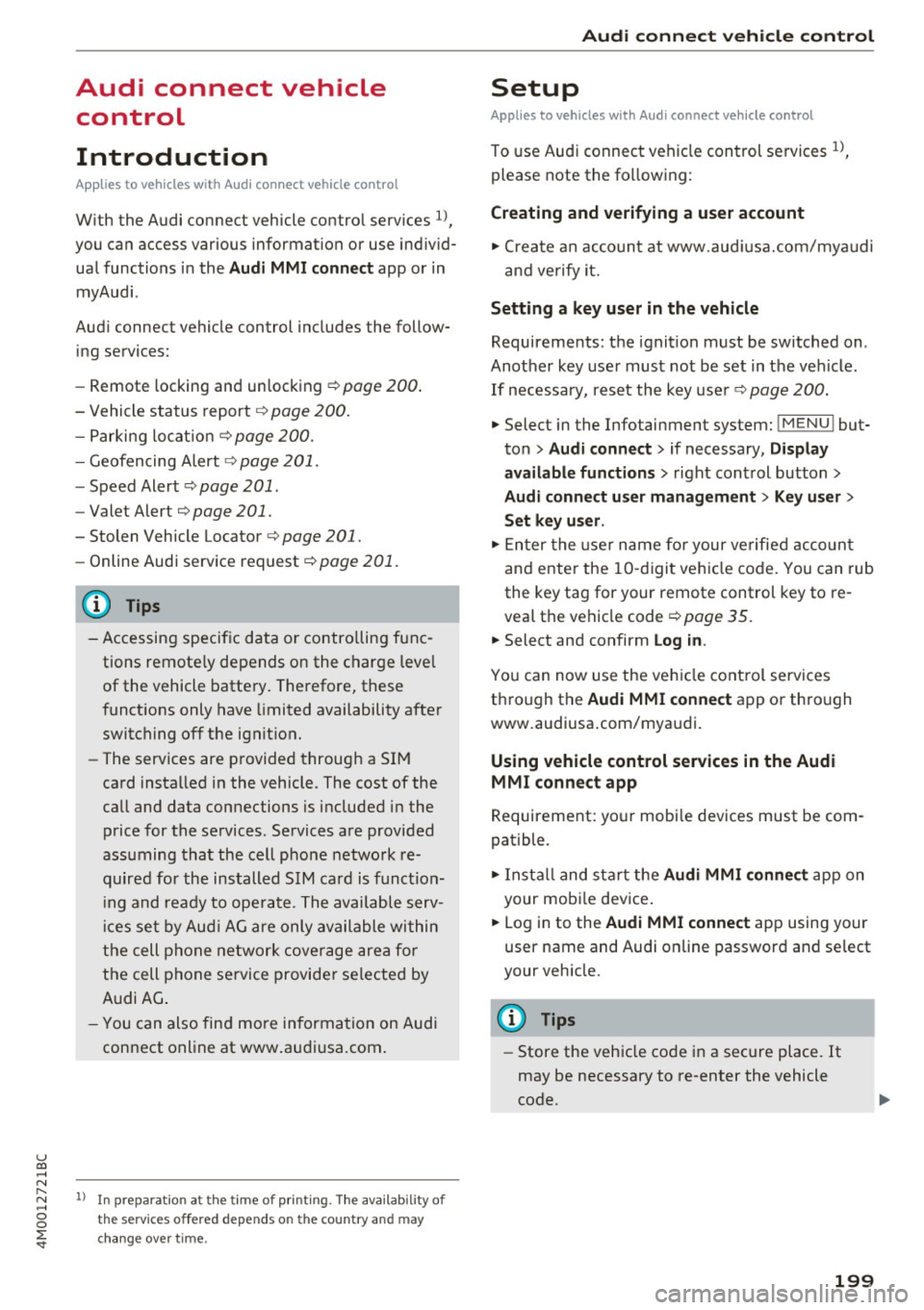
With the Audi connect vehicle control services l) ,
you can access various information or use individ
ual functions in the
Audi MMI connect app or in
myAudi .
Audi connect vehicle control includes the follow
ing services:
- Remote locking and unlocking ¢
page 200.
-Vehicle status report¢ page 200.
-Parking location ¢ page 200.
-Geofencing Alert ¢ page 201.
-Speed Alert ¢ page 201.
-Valet Alert¢ page 201 .
- Stolen Vehicle Locator ¢ page 201.
-Online Audi service request ¢ page 201.
(D Tips
-Accessing specific data or controlling func
tions remote ly depends on the charge level
of the vehicle battery. Therefore, these
functions only have limited availability after
switching off the ignition.
- The services are provided through a SIM
card installed in the vehicle . The cost of the
call and data connections is included in the
price for the services. Services are provided
assuming that the cell phone network re
quired for the installed S IM card is funct ion
i ng and ready to operate. The available serv
ic es set by Audi AG are only available within
the cell phone network coverage area for
the cell phone service provider selected by
Audi AG .
- You can also find more information on Audi
connect on line at www.audiusa.com.
l) In pre parat io n at the time of pri nting. T he ava ilab ilit y of
the services offe red depends on th e co untry an d may
c hang e over tim e.
Audi connect vehicle control
Setup
Applies to vehicles w it h Au di connec t ve hicle co ntr o l
To use Audi connect vehicle control services 1l,
please note the following:
Creating and verifying a user account
"'Create an account at www.audiusa.com/myaudi
and verify it.
Setting a key user in the vehicle
Requirements: the ignition must be switched on .
Another key user must not be set in the vehicle .
If necessary, reset the key user¢
page 200.
"'Select in the Infotainment system: I MENU ! but-
ton >
Audi connect > if necessary, Display
available functions >
right control button>
Audi connect user management > Key user >
Set key u ser.
"' Enter the user name for your ve rified account
and enter the 10-digit vehicle code. You can rub
the key tag for your remote control key to re
veal the vehicle code ¢
page 35.
"'Select and confirm Log in.
You can now use the vehicle control services
through the
Audi MMI connect app or thro ugh
www.audiusa.com/myaudi.
Using vehicle control services in the Audi
MMI connect app
Requirement: your mobile devices must be com
patible.
"' Install and start the
Audi MMI connect app on
your mobi le device .
"' Log in to the
Audi MMI connect app using your
user name and Audi online password and select
your vehicle.
(D Tips
- Store the vehicle code in a secure place. It
may be necessary to re-enter the vehicle
code.
199
Page 202 of 402
Audi connect vehicle control
-Pay attention to upper- and lower-case let
ters when entering the vehicle code.
- If you do not have the 10-digit vehicle code,
contact an authorized Audi dealer or author
ized Audi Service Facility.
Additional options
Applies to vehicles with Audi connect vehicle control
License subscription
The validity and expirat ion date of you r subscrip
tions are displayed. When
Warning before sub
scription expires
is activated, a message wi ll be
d isp layed warning you that your license is about
to expire.
Select:
! MENU ! button> Audi connect > Display
available functions >
right control button> Li
cense subscription.
Resetting the primary user
F or examp le, you ca n reset the key user when
selling your vehicle in order to deactivate these
services .
Requirement: the ignition must be switched on.
Select :
!MENU ! button> Audi connect > right
control button
> Audi connect user management
> Key user> Reset key user .
Warning levels
Requirement: the primary user must have set one
or more warning levels. Secondary users can only
see if a warning level is act ive or not .
Select:
! MENU ! button> Audi connect > right
control button
> Alerts.
Remote locking and
unlocking
Applies to vehicles with Audi connect vehicle control
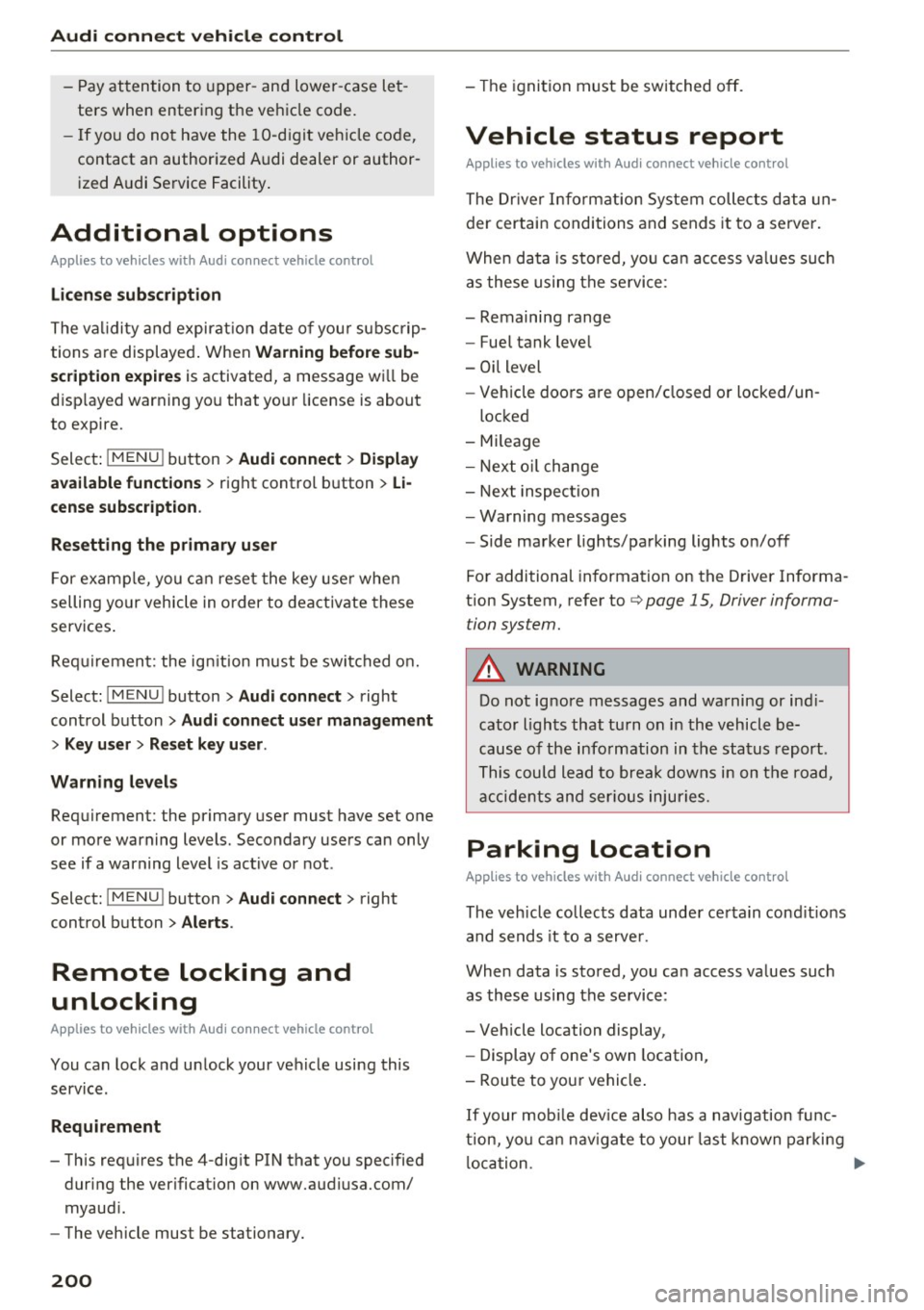
You can lock and unlock your veh icle using this
service.
Requirement
- This requires the 4-dig it PIN that you specified
during the verification on www.audiusa.com/
myaudi.
- The vehicle must be stationary.
200
- The ignition must be switched off.
Vehicle status report
Applies to vehicles w ith Audi connect vehicle control
The Driver Information System collects data un
der certain conditions and sends it to a server.
When data is stored, yo u can access va lues such
as these using the service:
- Remaining range
- Fue l tank level
- Oil level
- Vehicle doors are open/closed or locked/un-
locked
- Mi leage
- Next oil change
- Next inspection
- Warning messages
- Side marker lights/parking lights on/off
For additional information on the Driver Informa
tion System, refer to
c:> page 15, Driver informa
tion system.
A WARNING
Do not ignore messages and warning or ind i
cator lights that turn on in the vehicle be
cause of the information in the status report .
This could lead to break downs in on the road,
accidents and serious injuries.
Parking location
Applies to vehicles with Audi connect vehicle control
The vehicle collects data under certain cond it ions
and sends it to a serve r.
When data is stored, you can access values such
as these using the service :
- Vehicle location display,
- Display of one's own location,
- Route to you r vehicle .
If your mobile device also has a navigation func
tion, you ca n navigate to your last kno wn parking
lo ca tion .
Page 244 of 402
Media
Show DVD menu
The DVD main menu opens in the Info tainmen t
sys tem display.
-Selecting a menu item : select and confirm a
menu i tem.
Or : move yo ur finger on the M MI
t ouch contro l pa d* and press the contro l kno b.
Audio trackll
You can manually set the a udio track (language
and aud io format). The language and aud io for
mat op tions depend on t he v ideo DVD.
Subtitles1l
You can set subt itles for playback manua lly. The
languages available depend on t he DVD.
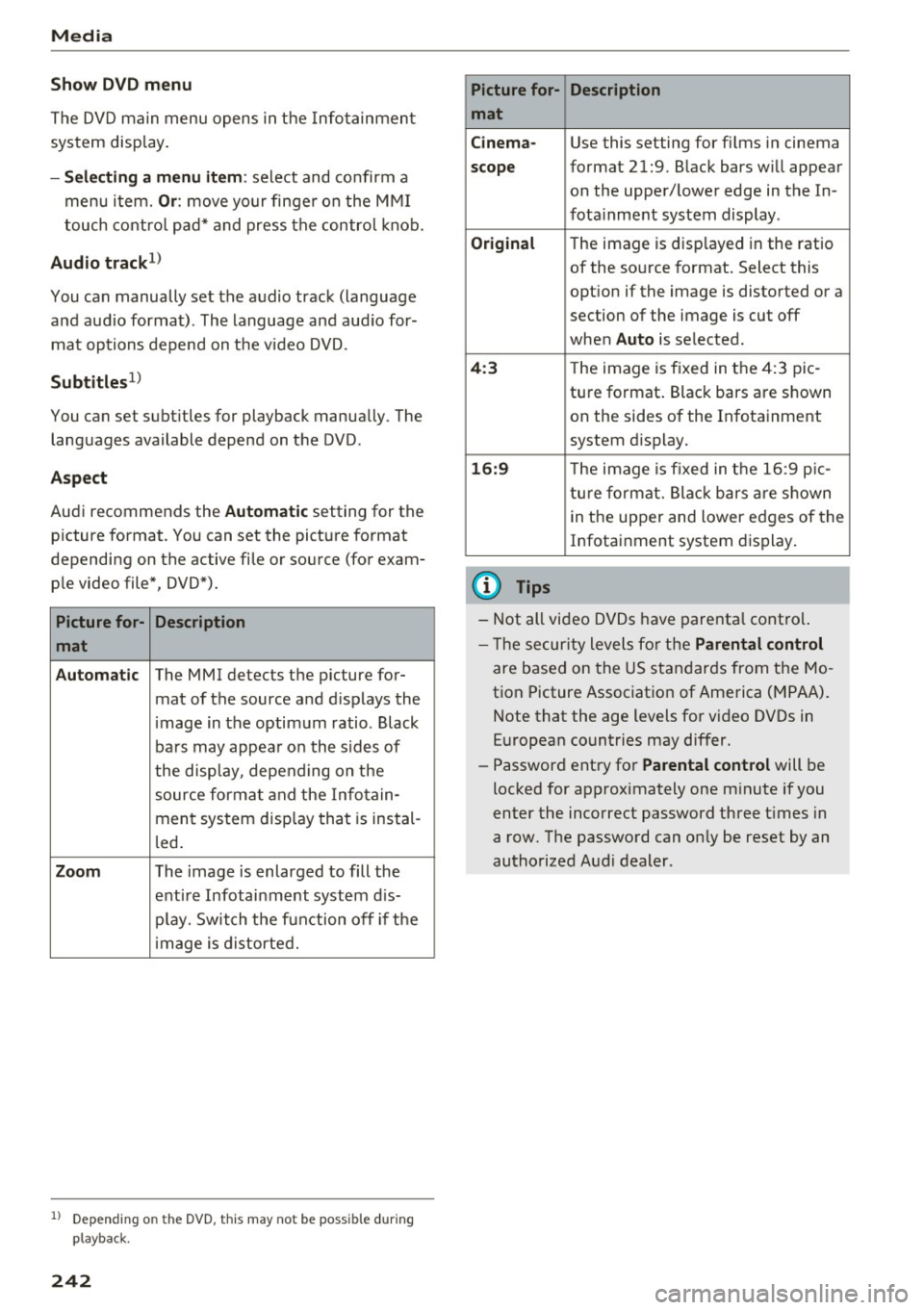
A spect
Aud i recommends the Automatic setting for the
p icture format. You can set the pict ure format
depending on the active fi le or source (for exam
p le video file*, DVD*).
Picture for- Description
mat
Automatic
The MMI detects the p icture for-
mat of the source and d isp lays the
i mage in the optim um ratio. Black
ba rs may appea r on the s id es of
the disp lay, depe nding on the
source forma t and the Infotain -
ment sys tem disp lay tha t is instal-
l ed .
Zoom The image is enlarged to fill the
enti re Infotai nment system d is-
pl ay. Switch the f un ction off i f th e
i mage is distorte d.
l) Depend ing o n the DVD, this may not be possib le during
playback.
242
Picture for- Description
mat
Cinema -
Use this setting for fi lms in cinema
scope format 21:9. B lack bars w ill appear
on the upper/ lower edge in the In-
fota inment system display .
Original The image is displayed in the rat io
of the so urce format . Select this
opt ion if the image is disto rted or a
section of the image is cut off
when
Auto is selected.
4 :3 Th e image is f ixed in the 4:3 pie -
tu re format . Black bars are s hown
on the sides of the In fota inment
system display.
16:9 Th e image is fixed in the 1 6:9 pie -
t u re fo rmat. Bla ck bars a re s hown
in t he upper and lower e dges of the
Infotai nment system display .
(D Tips
-Not all video D VDs have parenta l cont rol.
- T he secur ity leve ls fo r the
Parental control
are based on the US standar ds from the Mo
t ion Picture Associat ion of Ame rica (MPAA).
N ote that the a ge levels fo r video DVDs in
E uropean countries may differ.
- Password ent ry fo r
Parental control will be
locked for approximately one m inute if you
enter the inco rrect password three t imes in
a row. The passwo rd can on ly be reset by an
authorized Audi dealer.
Page 251 of 402
u co ...... N r-... N ...... 0
0
:E: '
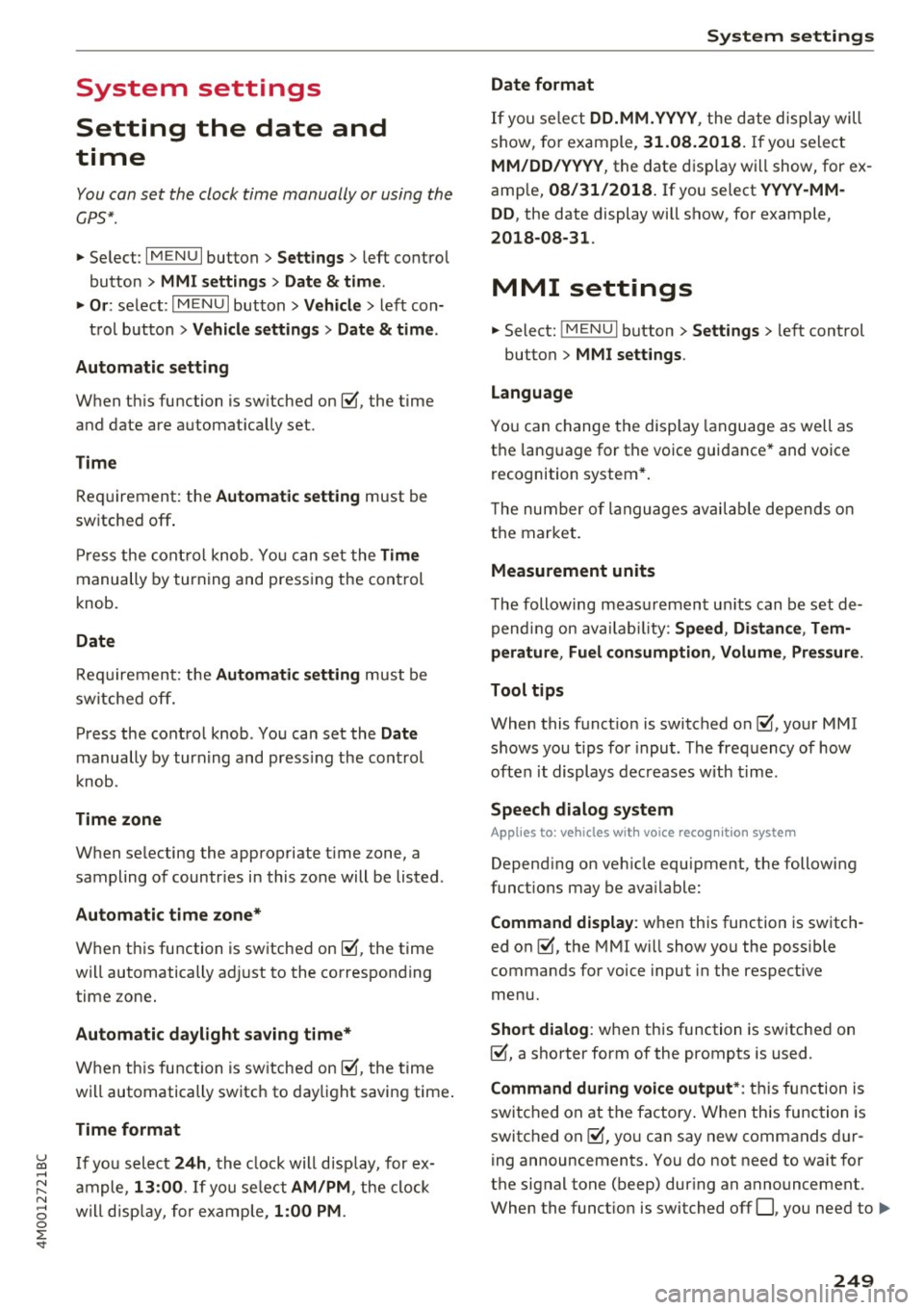
Setting the date and
time
You can set the clock time manually or using the
CPS*.
.,. Select : I MENU I button> Settings> left control
button >
MMI settings> Date & t ime .
.,. Or:
select : IMENUI button> Vehicle > left con-
trol button >
Vehicle settings> Date & time.
Automatic setting
When this function is switched on~. the time
and date are automatically set.
Time
Requirement: the Automatic setting must be
switched
off .
Press the control knob. You can set the Time
manually by turning and pressing the control
knob.
Date
Requirement: the Automatic setting must be
switched
off.
Press the control knob . You can set the Date
manually by turning and press ing the cont rol
knob.
Time zone
When selecting the appropriate time zone, a
sampling of countr ies in this zone will be listed .
Automatic time zone*
When this function is switched on~. the time
will automatically adjust to the corresponding
time zone.
Automatic daylight saving time*
When this function is switched on~. the time
will automatically switch to daylight saving time .
Time format
If you select 24h, the clock will disp lay, for ex
ample ,
13:00 . If you se lect AM/PM , the clock
will disp lay, for example,
1:00 PM .
System settings
Date format
If you select DD.MM .YYYY , the date display will
show, for example,
31.08.2018. If you select
MM/DD/YYYY , the date display will show, for ex
ample,
08/31/2018. If you select YYYY-MM
DD ,
the date display will show, for example,
2018-08-31 .
MMI settings
.,. Select: !MENUI button> Settings> left control
button >
MMI settings .
Language
You can change the display language as well as
the language for the voice guidance* and voice
recognition system*.
T he number of languages available depends on
the market.
Measurement units
The following measurement units can be set de
pending on availab ility:
Speed , Distance , Tem
perature , Fuel consumption , Volume , Pressure.
Tool tips
When this function is switched on~' your MMI
shows you tips for input . The frequency of how
often it displays decreases with time.
Speech dialog system
Applies to: vehicles wit h voice recognition system
Depending on vehicle equipment, the following
functions may be available:
Command display : when this function is switch
ed on ~, the MMI will show you the possible
commands for voice input in the respective
menu.
Short dialog : when this function is switched on
~. a shorter form of the prompts is used .
Command during voice output*: this function is
switched on at the factory . When this function is
switched on~. you can say new commands dur-
ing announcements. You do not need to wait for
the signal tone (beep) during an announcement.
When the funct ion is switched off
0, you need to .,,.
249
Page 259 of 402

u (0 ...... N r--. N ...... 0
0
:E
weather conditions .
.. Take frequent breaks on long trips. Do not drive
for more than two hours at a stretch.
.. Do NOT drive when you are tired, under pres
sure or when you are stressed .
A WARNING
Impaired driving safety increases the risk of
ser ious personal inj ury and death whenever a
vehicle is being used .
Correct passenger
seating positions
Proper seating position for the driver
The proper driver seating position is important
for safe, relaxed driving .
Fig . 2 24 Co rrec t seating position
F or your own safety and to reduce the risk of in
jury in the event of an accident,
we recommend
that you adjust the driver 's seat to the following
position:
.. Adjust the dr iver's seat so that you can easily
push the pedals all the way to the f loor wh ile
keeping your knee(s) s lightly bent~
_A.
.. Adjust the ang le of the seatback so that it is in
an upright position so that your back comes in
full contact w ith it when you drive.
.. Adjust the steering wheel so that there is a dis
tance of at least 10 inches (25 cm) between the
steering wheel and you r breast bone~
fig. 224 .
If not possib le, see your autho rized Aud i dea le r
abo ut adapt ive eq uipment.
Dr iving safety
.. Adjust the steering wheel so that the steering
wheel and airbag cover points at your chest and
not at your face.
.. Grasp the top of the steering wheel with your
elbow(s) slightly bent .
.,. Adjust the head restra int so the upper edge is
as even as possible w ith the top of your head . If
that is not possible, t ry to adjust the head re
straint so that it is as close to this posit ion as
possible .
.. Fasten and wear safety belts correctly
~page 268 .
.. Always keep both feet in the footwell so that
you are in control of the veh icle at a ll times.
For detailed information on how to adj ust the
driver's seat, see
~page 59.
A WARNING
-
Drivers who are unbelted, out of position or
too close to the airbag can be seriously in
jured by an airbag as it unfolds. To help re d uce the risk of serious personal injury:
- Always ad just the driver's seat and the
steer ing wheel so that there are at least
10 inc hes (25 cm) between you r breastbone
and the steering wheel.
- Always hold the steering wheel on the out
side of the steering wheel r im with your
hands at the 9 o'clock and 3 o'clock posi
tions to help reduce the risk of personal in
jury if the driver's airbag inflates.
- Never ho ld the stee ring wheel at the
12 o'clock position o r with yo ur hands at
o ther posi tions ins ide the s teer ing whee l
rim or on the steering wheel hub. Holding
the steering wheel the wrong way can cause
serio us injuries to the hands, arms and head
if the dr iver's airbag dep loys .
- Pointing the steering wheel toward your
face decreases the ability of the supplemen tal driver's airbag to protect you in a colli
sion.
- Always sit in an upright position and never
lean aga inst or place any part of your body
too close to the area where the airbags are located .
.,
257
Page 264 of 402

Driving sa fe ty
Loose items in the luggage compartment can
shift s udden ly, changing vehicle handling charac
ter istics . Loose items can also increase the risk of
serious personal in jury in a sudden vehicle ma
neuver or in a coll is ion.
.,. Distribute the load evenly in the luggage com
partment .
.,. Always place and properly secure heavy items in
the luggage compartment as low and as far for
ward as possible
c> fig . 226 .
.,. Secure luggage us ing the tie-downs provided
¢ page 69 .
.,. Make su re that the rea r seatbac k is securely
latched in place .
A WARNING
Improperly stored luggage or othe r items can
fly through the vehicle causing serious per
sonal injury in the event of hard braking or an
accident . To help reduce the risk of serious
personal injury :
- Always put objects, for example, luggage or
other heavy items in the luggage compart
ment.
- Always sec ure objects in the luggage com
partment using the tie-down eyelets and
s u itable straps.
A WARNING
Heavy loads will influence the way your vehi
cle handles . To he lp reduce the r isk of a loss
of contro l leading to serious pe rsonal i njury:
- Always keep in mind when transporting heavy objects, that a change i n the center of
grav ity can also cause changes in vehicle
hand ling:
- Always distr ibute the load as even ly as
possible.
- Place heavy objects as far forward in the
luggage compartment as poss ible.
- Never exceed the Gross Axle Weight Rating
o r the Gross Vehicle Weight Rating specified
on the safety compliance sticker on the driv
er's side B-pillar. Exceeding permiss ible
weight standards can cause the vehicle to
s lide and handle differently .
262
-Please observe info rmation on safe driving
¢page 256 .
A WARNING
To he lp prevent po isonous exhaust gas from
being drawn into the vehicle, always keep the
rear lid closed while driving.
- Never transport objects larger than those
fitting completely into the luggage area be
cause the rear lid cannot be fully closed .
- If you absolutely must dr ive with the rear lid
open, observe the following notes to reduce
the risk of poisoning :
- C lose all windows,
- Close the s unroof*,
- Open all a ir outlets in the instrument pan-
el,
- Switc h off the air reci rculat ion,
- Set the fresh air fan to the highest speed .
A WARNING
-
Always make sure that the doo rs, all win
dows, the sunroof * an d the rear lid are se
curely closed and locked to red uce the risk of
i n jury when the veh icle is not being used.
- After closing the rear lid, always make sure
that it is properly closed and locked .
- Never leave your ve hicle unattended espe
cially with the rear lid left open. A child
co uld crawl into the vehicle th rough the lug
g age com partment an d close the rea r lid be
comi ng tr apped and unab le to ge t out . Be
ing trapped in a vehicle can lead to ser ious
pe rsonal i nju ry.
- Never let c hild ren p lay in or around the vehi
cle.
- Never let passengers ride in the luggage
compa rtment. Vehicle occupants mus t al
ways be p roperly restrained in one of the ve
hicle's seat ing pos itions.
(D Tips
- Air circul ation helps to reduce w indow fog
ging . Stale ai r escapes to the o uts ide
t h roug h vents in the trim panel. Be sure to
keep these slots free and open.
Page 271 of 402

u (0 ...... N r--. N ...... 0
0
:E
is in an upright position and securely latched in
place before using the belt¢.&_ .
.. Pull the safety belt evenly across the chest and
pelvis ¢
fig. 233, ¢ .&_ .
.. Insert the tongue into the correct buckle of
your seat until you hear it latch securely.
.. Pull on the belt to make sure that it is securely
latched in the buckle.
Automatic safety belt retractors
Every safety belt is equipped with an automatic
belt retractor on the shoulder belt. This feature
locks the belt when the belt is pulled out fast,
during hard braking and in an accident . The belt
may also lock when you drive up or down a steep
hill or through a sharp curve. During normal driv
ing the belt lets you move freely.
Safety belt pretensioners
The safety belts are equipped with a belt preten
sioner that helps to tighten the safety belt and
remove slack when the pretensioner is activated
¢
page 2 71 . The function of the pretensioner is
monitored by a warning light
q page 29.
Convertible locking retractor
Every safety belt except the one on the driver
seat is equipped with a convertible locking retrac
tor that
must be used when the safety belt is
used to attach a child safety seat. Be sure to read
the important information about this feature
¢page 306.
.&._ WARNING
Improperly positioned safety belts can cause
serious injury in an accident
q page 269,
Safety belt position.
- Safety belts offer optimum protection only
when the seatback is upright and belts are
properly positioned on the body.
-Always make sure that the rear seat back rest to which the center rear safety belt is
attached is securely latched whenever the
rear center safety belt is being used .
If the
backrest is not securely latched, the passen
ger will move forward with the backrest dur-
Safety belts
ing sudden braking, in a sudden maneuver
and especially in a crash.
- Never attach the safety belt to the buckle
for another seat. Attaching the belt to the
wrong buckle will reduce safety belt effec
tiveness and can cause serious personal in
jury .
- A passenger who is not properly restrained
can be seriously injured by the safety belt it
self when it moves from the stronger parts
of the body into critical areas like the abdo
men .
- Always lock the convertible locking retractor
when you are securing a child safety seat in
the vehicle
¢ page 308.
Safety belt position
Correct belt position is the key to getting maxi
mum protection from safety belts .
Fig. 234 Safety belt position
Standard features on your vehicle help you adjust
the position of the safety belt to match your body
size .
- belt height adjustment for the front seats,
- height-adjustable front seats.
.&_ WARNING
Improperly positioned safety belts can cause
serious personal injury in an accident.
- The shoulder belt should lie as close to the
center of the collar bone as possible and
should fit well on the body. Hold the belt
above the latch tongue and pull it evenly
across the chest so that it sits as low as pos-
sible on the pelvis and there is no pressure
~
269
Page 279 of 402

u (0 .... N r--. N .... 0
0
:E
reduce their effect iveness or even prevent
them from providing any protection.
- An improper ly installed ch ild restraint can
interfere w ith the airbag as it deploys and
seriously injure or even kill the child -even
with an Advanced Airbag System .
- Always carefu lly follow the manufacturer's
instructions provided with the child safety
seat or carrier.
- Always make sure that there is nothing on
the front passenger seat that will cause the
capacit ive passenger detection system in
the seat to signa l to the Airbag System that
the seat is occupied by a person when it is
not, or to signa l tha t it is occ upied by some
one who is heavier than the person actua lly
sitting on the seat. The p resence of addi
t ional objects could cause the passenge r
front airbag to be turned on when it shou ld
be off, or could cause the airbag to work in a
way that is different from the way it would have worked without the object on the seat .
Front airbags
Description of front airbags
The airbag system can provide supplemental
protection to properly restrained front seat occu
pants.
F ig. 238 Location of driver airbag: in steering whee l
Airb ag sys tem
Fig. 239 Location of front passenger's airbag: in the in·
st rument pane l
Your vehicle is equipped with an "Advanced Air
bag System" in compliance with United States
Federal Motor Vehicle Safety Standard
(FMVSS) 208, as well as Canada Motor Veh icle
Safety Standard (CMVSS) 208 as applicable at
the time your veh icle was manufactured.
The airbag for the driver is in the steering wheel
hub
¢ fig. 238 and the airbag for the front pas
senger is in the instrument panel
~ fig . 239. The
general locat ion of the airbags is marked ''AIR·
BAG".
There is a lot you need to know about the airbags
i n your vehicle. We urge you to read the deta iled
information abo ut airbags, safety belts and child
safe ty in this and the othe r chapte rs that make
u p the owner's li terature . Please be sure to heed
the WARNINGS -they are ex tremely important
for your sa fety and the safety of your passengers,
especially infants and small children.
A WARNING
-
Never rely on ai rbags alone for protection .
- Even w hen they deploy, airbags provide only
supp lemental protection .
- Airbag wor k most effec tively when used
with p roper ly worn safety be lts.
- Therefo re, always wea r you r safety be lts and
make sure that everybody in your ve hicl e is
p roper ly restrained.
- Always hold the steering w heel with both
hands on the outside of the steering wheel
rim at the 9:00 o'clock and 3:00 o'clock po
sitions to help reduce the risk of personal in-
jury if the driver's a irbag inflates.
~
277