Page 380 of 688
3803-2. Using the audio system (Entune Audio)
VENZA_OM_OM73030U_(U) ■ Telephone switch ( P. 396)
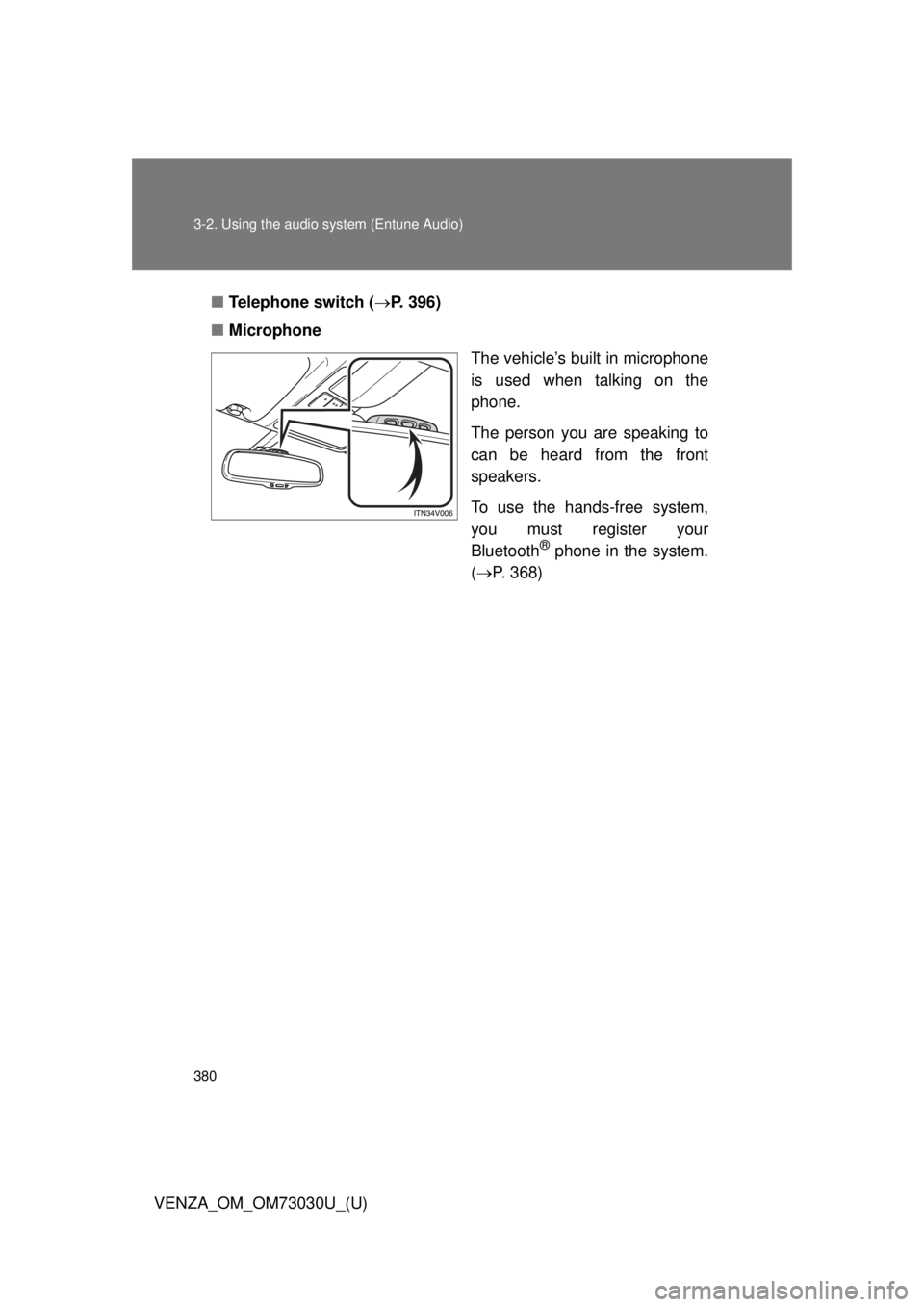
■ Microphone
The vehicle’s built in microphone
is used when talking on the
phone.
The person you are speaking to
can be heard from the front
speakers.
To use the hands-free system,
you must register your
Bluetooth ®
phone in the system.
( P. 368)
Page 381 of 688
3813-2. Using the audio system (Entune Audio)
VENZA_OM_OM73030U_(U) 3
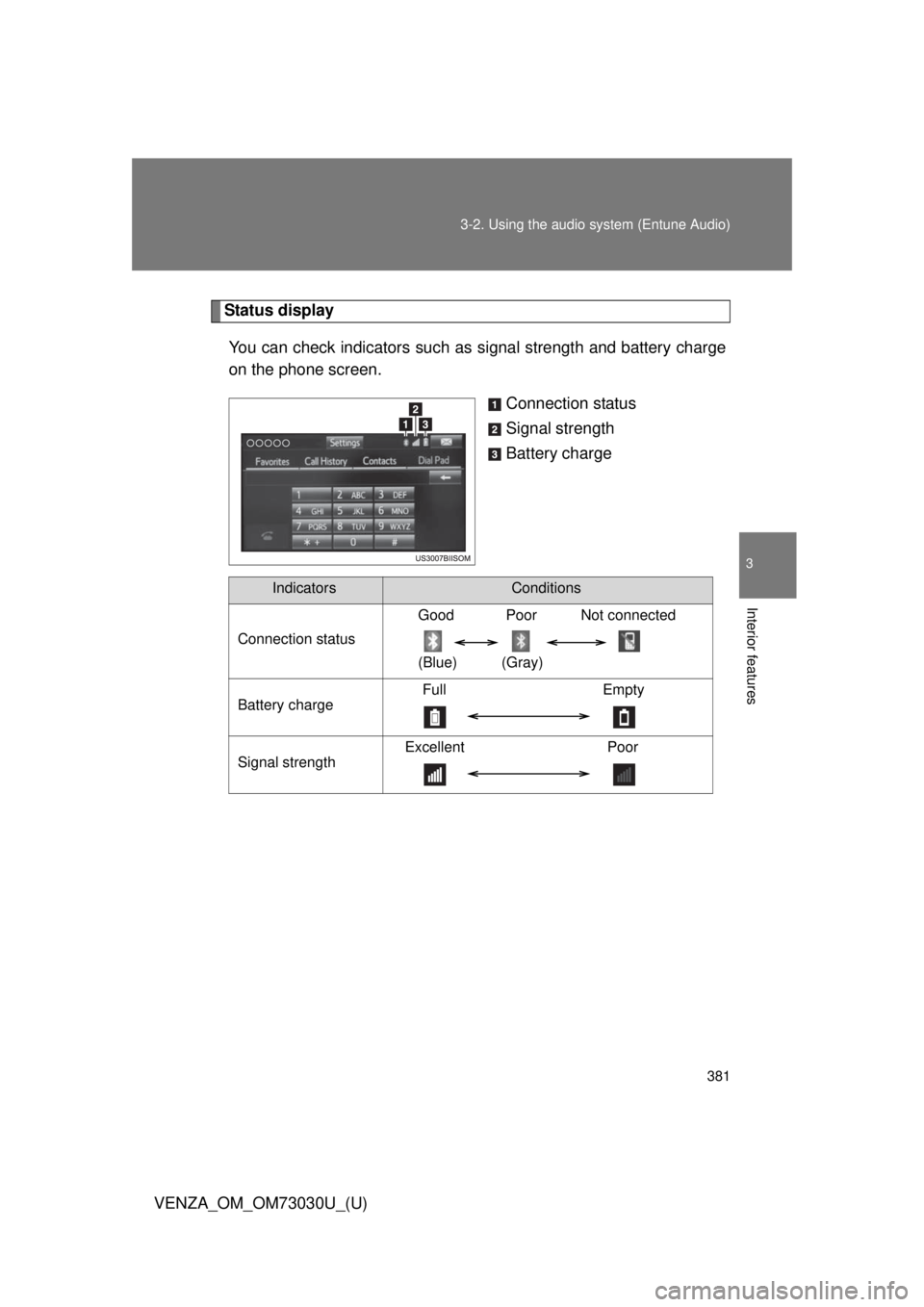
Interior features Status display
You can check indicators such as signal strength and battery charge
on the phone screen.
Connection status
Signal strength
Battery charge
Indicators Conditions
Connection status Good Poor Not connected
(Blue) (Gray)
Battery charge Full Empty
Signal strength Excellent Poor
Page 382 of 688
3823-2. Using the audio system (Entune Audio)
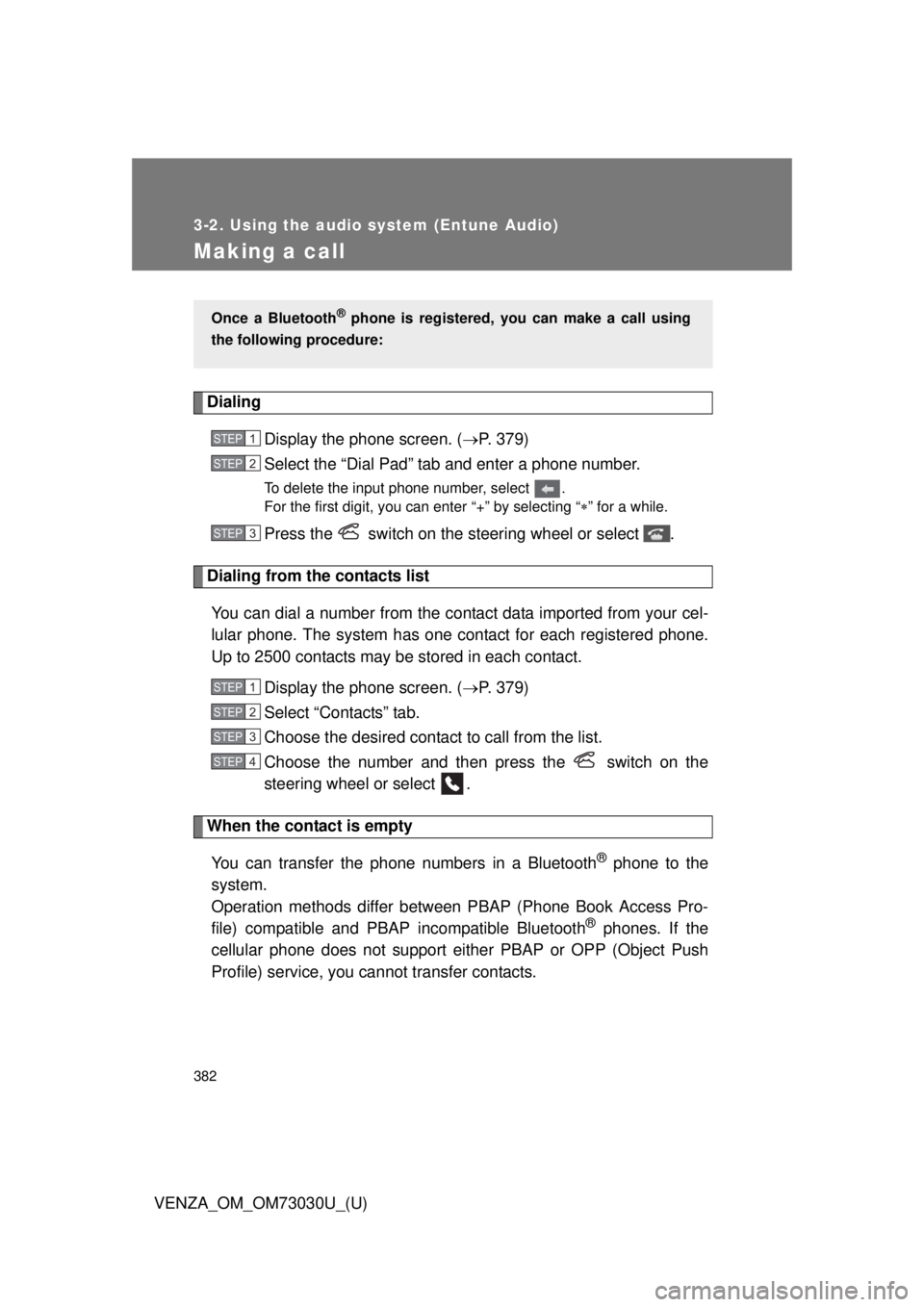
VENZA_OM_OM73030U_(U)Making a call Dialing
Display the phone screen. ( P. 379)
Select the “Dial Pad” tab and enter a phone number. To delete the input phone number, select .
For the first digit, you can enter “+” by selecting “ ” for a while.
Press the switch on the steering wheel or select .
Dialing from the contacts list
You can dial a number from the c ontact data imported from your cel-
lular phone. The system has one contact for each registered phone.
Up to 2500 contacts may be stored in each contact.
Display the phone screen. ( P. 379)
Select “Contacts” tab.
Choose the desired contact to call from the list.
Choose the number and then press the switch on the
steering wheel or select .
When the contact is empty
You can transfer the phone numbers in a Bluetooth ®
phone to the
system.
Operation methods differ between PBAP (Phone Book Access Pro-
file) compatible and PBA P incompatible Bluetooth ®
phones. If the
cellular phone does not support either PBAP or OPP (Object Push
Profile) service, you ca nnot transfer contacts.Once a Bluetooth ®
phone is registered, you can make a call using
the following procedure: STEP 1
STEP 2
STEP 3
STEP 1
STEP 2
STEP 3
STEP 4
Page 383 of 688
3833-2. Using the audio system (Entune Audio)
VENZA_OM_OM73030U_(U) 3
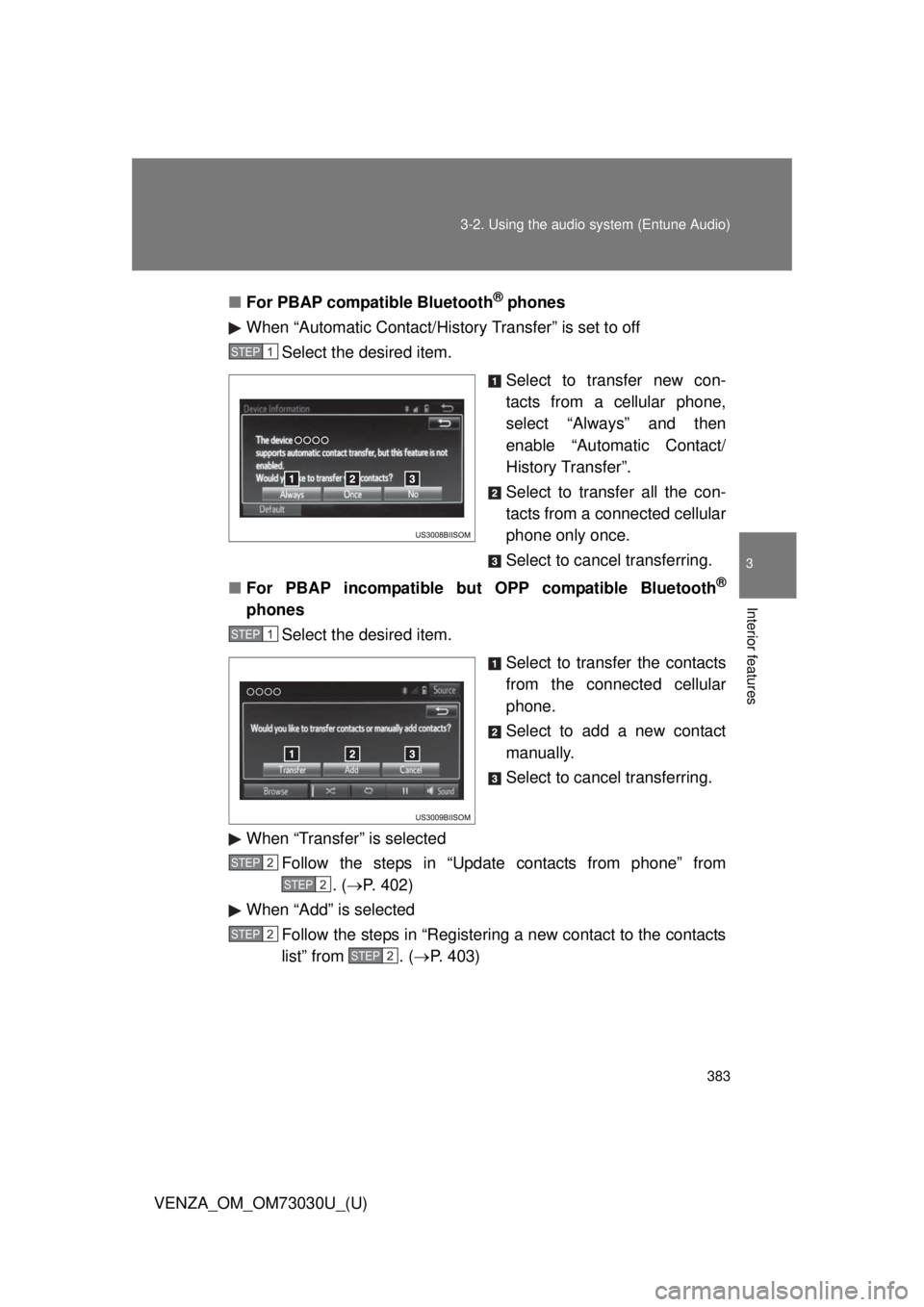
Interior features ■ For PBAP compatible Bluetooth ®
phones
When “Automatic Contact/History Transfer” is set to off
Select the desired item.
Select to transfer new con-
tacts from a cellular phone,
select “Always” and then
enable “Automatic Contact/
History Transfer”.
Select to transfer all the con-
tacts from a connected cellular
phone only once.
Select to cancel transferring.
■ For PBAP incompatible but OPP compatible Bluetooth ®
phones
Select the desired item.
Select to transfer the contacts
from the connected cellular
phone.
Select to add a new contact
manually.
Select to cancel transferring.
When “Transfer” is selected
Follow the steps in “Update contacts from phone” from
. ( P. 402)
When “Add” is selected
Follow the steps in “Registering a new contact to the contacts
list” from . ( P. 403)STEP 1
STEP 1
STEP 2
STEP 2
STEP 2
STEP2
Page 391 of 688
3913-2. Using the audio system (Entune Audio)
VENZA_OM_OM73030U_(U) 3
Interior features
Bluetooth ®
phone message function
Displaying “Messa ge Inbox” screen
Press the button.
Select .
Receiving a message
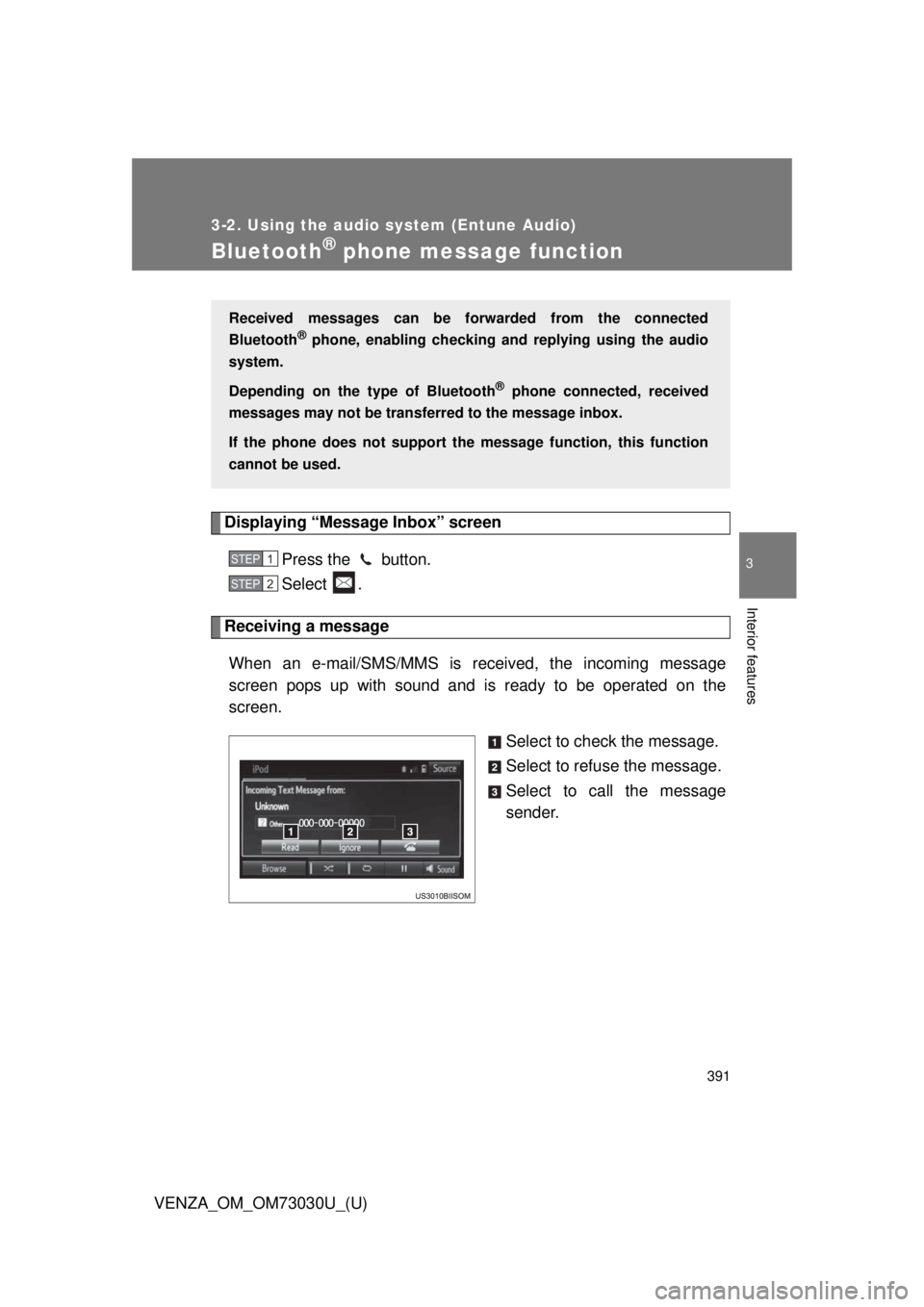
When an e-mail/SMS/MMS is received, the incoming message
screen pops up with sound and is ready to be operated on the
screen.
Select to check the message.
Select to refuse the message.
Select to call the message
sender.Received messages can be forwarded from the connected
Bluetooth ®
phone, enabling checking and replying using the audio
system.
Depending on the type of Bluetooth ®
phone connected, received
messages may not be transfer red to the message inbox.
If the phone does not support the message function, this function
cannot be used. STEP 1
STEP 2
Page 394 of 688
3943-2. Using the audio system (Entune Audio)
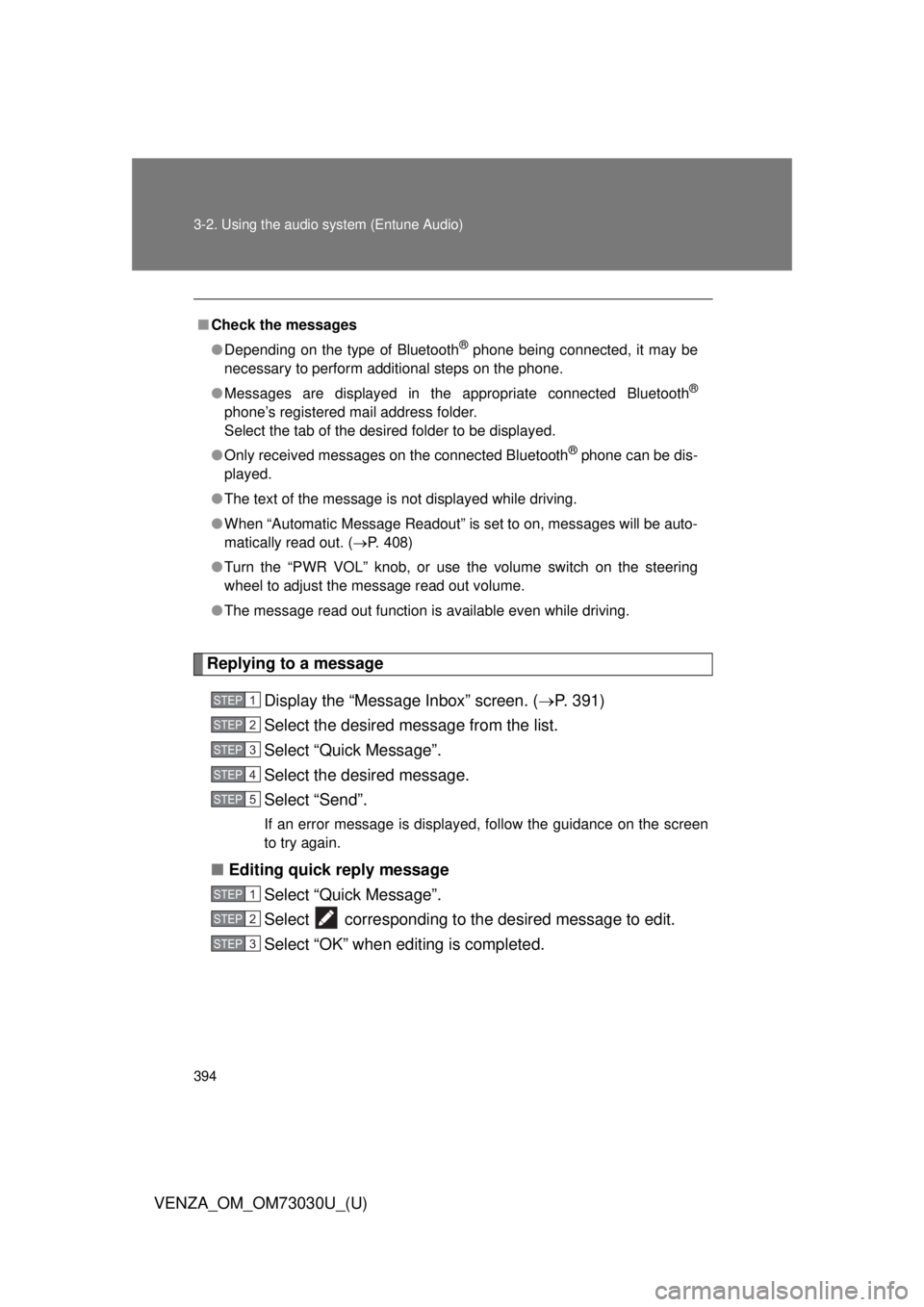
VENZA_OM_OM73030U_(U) Replying to a message
Display the “Messa ge Inbox” screen. ( P. 391)
Select the desired message from the list.
Select “Quick Message”.
Select the desired message.
Select “Send”. If an error message is displayed, follow the guidance on the screen
to try again.
■ Editing quick reply message
Select “Quick Message”.
Select corresponding to the desired message to edit.
Select “OK” when editing is completed.■ Check the messages
● Depending on the type of Bluetooth ®
phone being connected, it may be
necessary to perform additional steps on the phone.
● Messages are displayed in the appropriate connected Bluetooth ®
phone’s registered mail address folder.
Select the tab of the desired folder to be displayed.
● Only received messages on the connected Bluetooth ®
phone can be dis-
played.
● The text of the message is not displayed while driving.
● When “Automatic Message Readout” is set to on, messages will be auto-
matically read out. ( P. 408)
● Turn the “PWR VOL” knob, or use the volume switch on the steering
wheel to adjust the message read out volume.
● The message read out function is available even while driving. STEP 1
STEP 2
STEP 3
STEP 4
STEP 5
STEP 1
STEP 2
STEP 3
Page 397 of 688
3973-2. Using the audio system (Entune Audio)
VENZA_OM_OM73030U_(U) 3
Interior features
Bluetooth ®
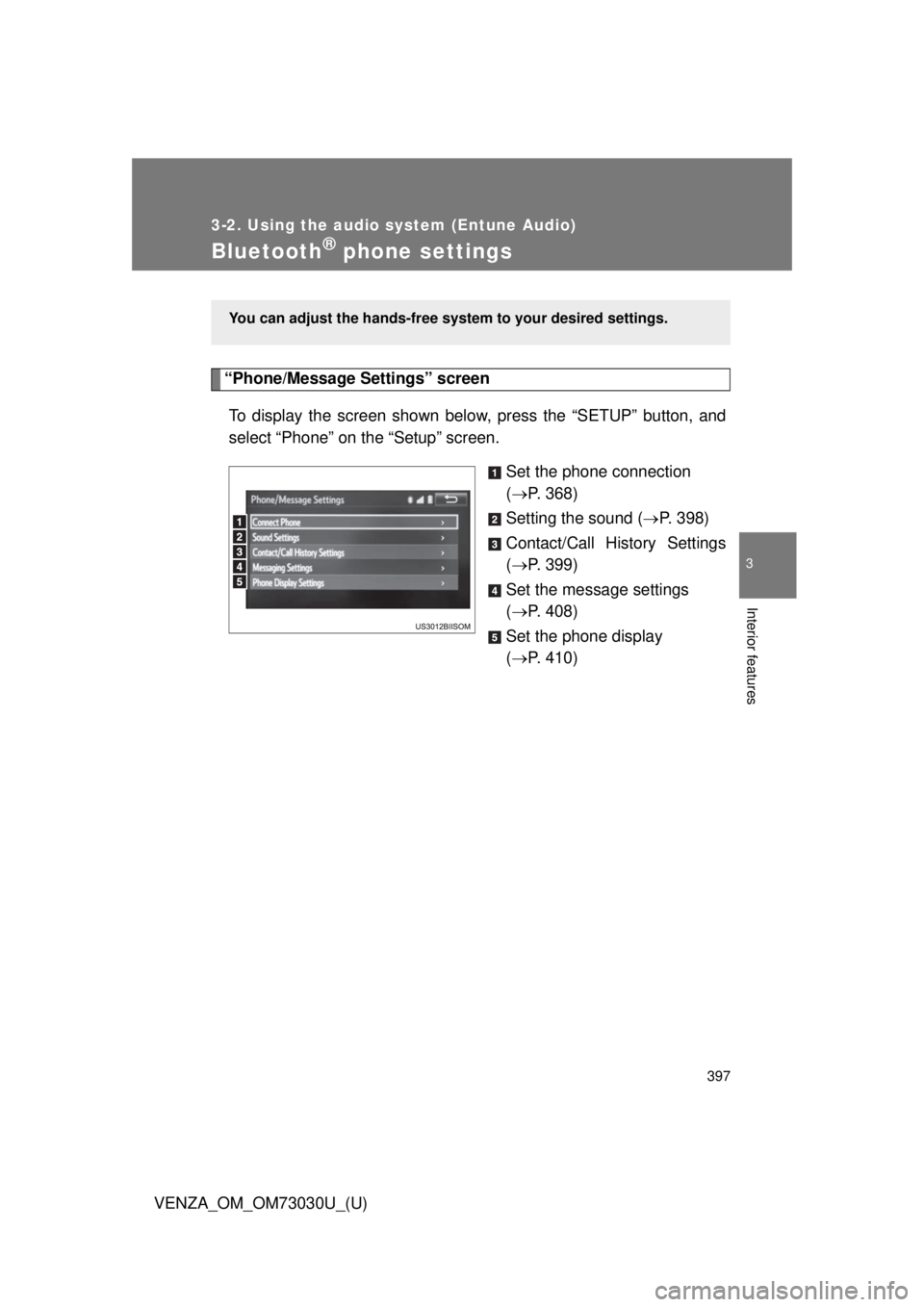
phone settings“Phone/Message Settings” screen
To display the screen shown belo w, press the “S ETUP” button, and
select “Phone” on the “Setup” screen.
Set the phone connection
( P. 368)
Setting the sound ( P. 398)
Contact/Call History Settings
( P. 399)
Set the message settings
( P. 408)
Set the phone display
( P. 410)You can adjust the hands-free syst em to your desired settings.
Page 399 of 688
3993-2. Using the audio system (Entune Audio)
VENZA_OM_OM73030U_(U) 3
Interior features
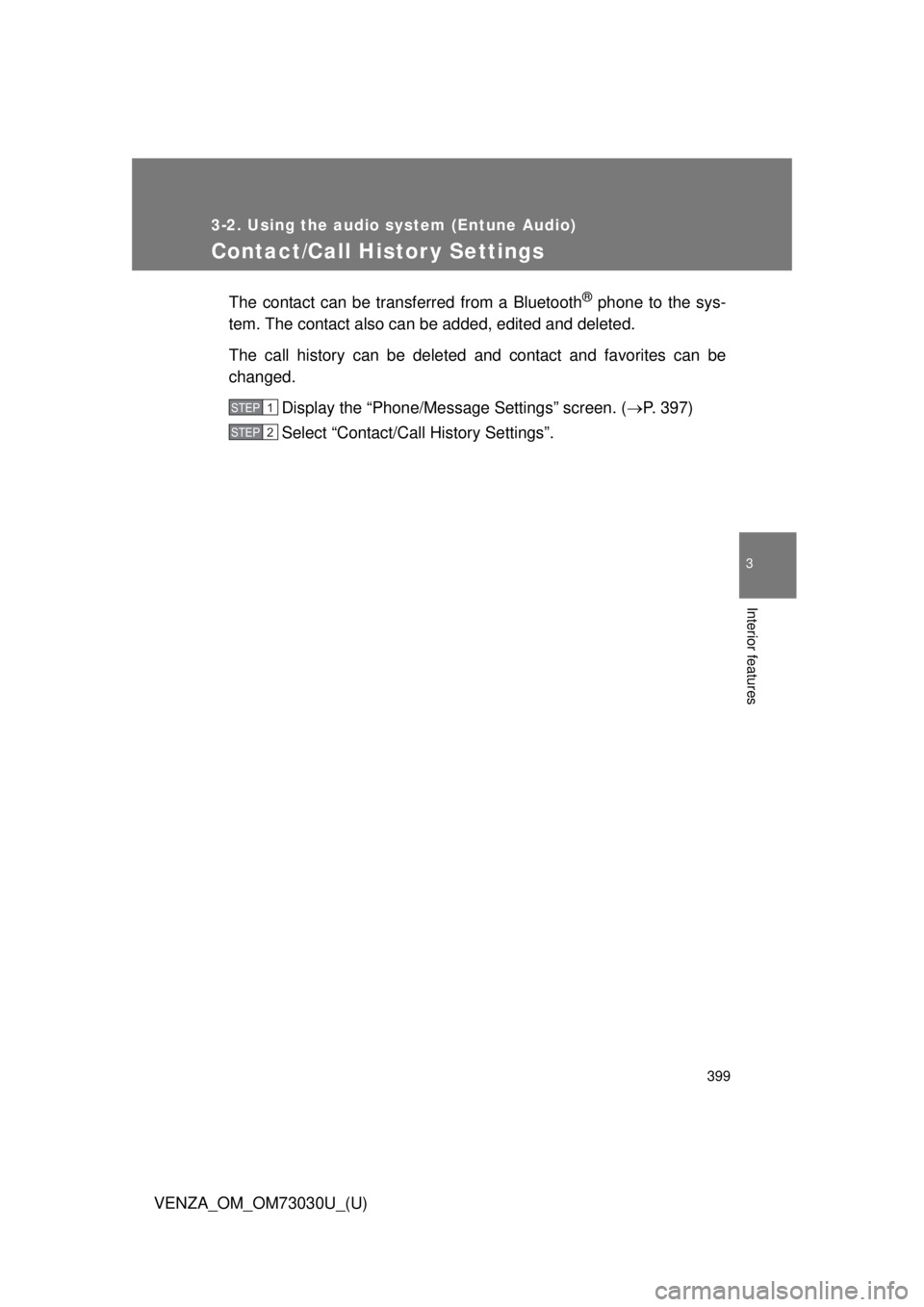
Contact/Call Histor y Settings The contact can be transferred from a Bluetooth ®
phone to the sys-
tem. The contact also can be added, edited and deleted.
The call history can be deleted and contact and favorites can be
changed.
Display the “Phone/Message Settings” screen. ( P. 397)
Select “Contact/Ca ll History Settings”.STEP 1
STEP 2