Page 409 of 688
4093-2. Using the audio system (Entune Audio)
VENZA_OM_OM73030U_(U) 3
Interior features Change the incoming SMS/
MMS display. “Full Screen”: When an SMS/
MMS message is received, the
incoming SMS/MMS display
screen is displayed and can be
operated on the screen.
“Drop-Down”: When an SMS/
MMS message is received, a
message is displayed on the
upper side of the screen.
Change the incoming e-mail
display. “Full Screen”: When an e-mail is
received, the incoming e-mail dis-
play screen is the displayed and
can be operated on the screen.
“Drop-Down”: When an e-mail is
received, a message is displayed
on the upper side of the screen.
Set display of messaging
account names on the inbox
tab on/off. When set to on, messaging
account names used on the cellu-
lar phone will be displayed.
■ To return to the default settings
Select “Default”, and then “Yes”.
Page 410 of 688
4103-2. Using the audio system (Entune Audio)
VENZA_OM_OM73030U_(U) ■ Displaying the “Messaging Settings ” screen in a different way
Display the phone screen. ( P. 379)
Select .
Select “Settings”.
Select “Message Settings”.
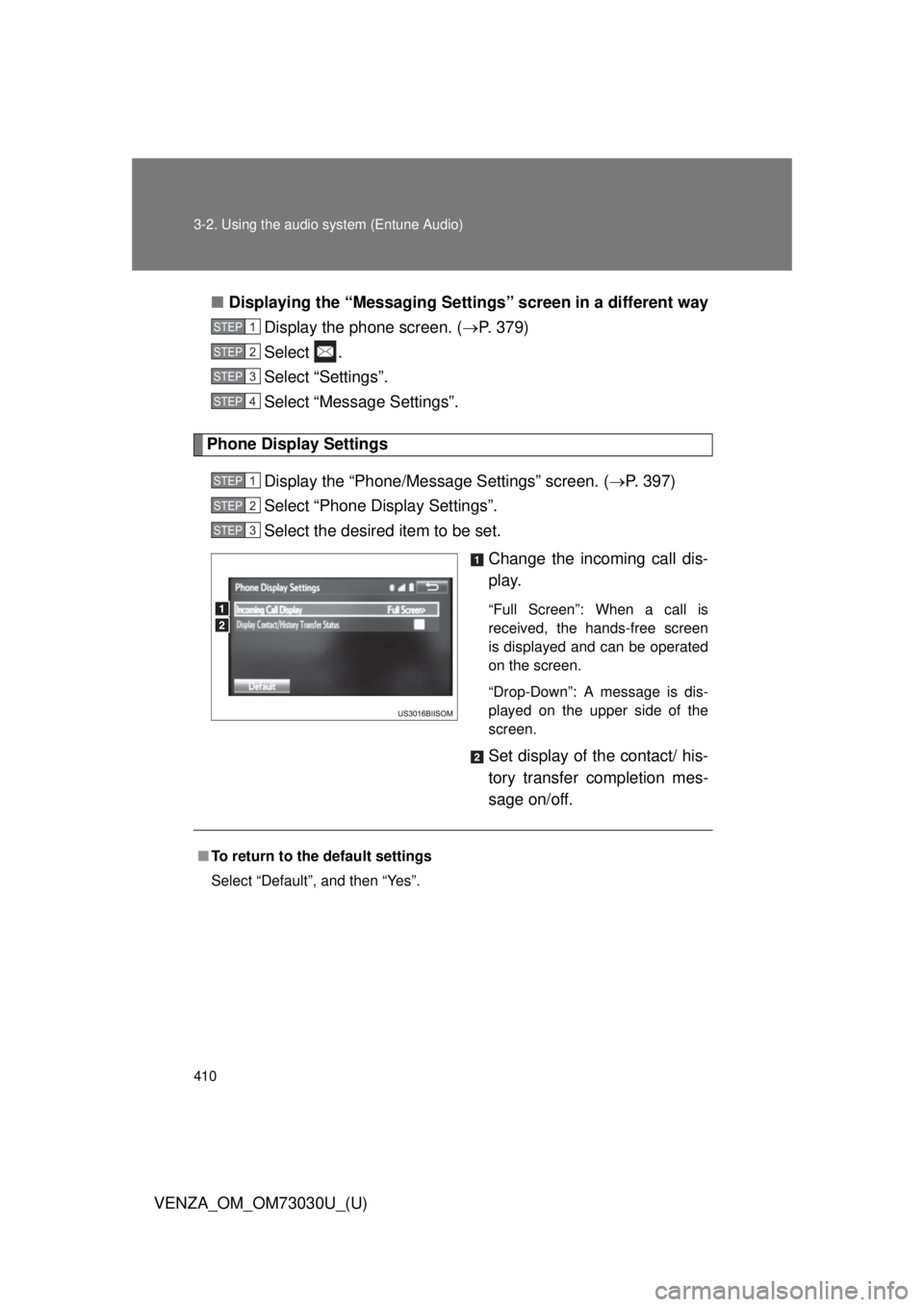
Phone Display Settings
Display the “Phone/Message Settings” screen. ( P. 397)
Select “Phone Display Settings”.
Select the desired item to be set.
Change the incoming call dis-
play. “Full Screen”: When a call is
received, the hands-free screen
is displayed and can be operated
on the screen.
“Drop-Down”: A message is dis-
played on the upper side of the
screen.
Set display of the contact/ his-
tory transfer completion mes-
sage on/off.STEP 1
STEP 2
STEP 3
STEP 4
STEP 1
STEP 2
STEP 3
■ To return to the default settings
Select “Default”, and then “Yes”.
Page 414 of 688
4143-2. Using the audio system (Entune Audio)
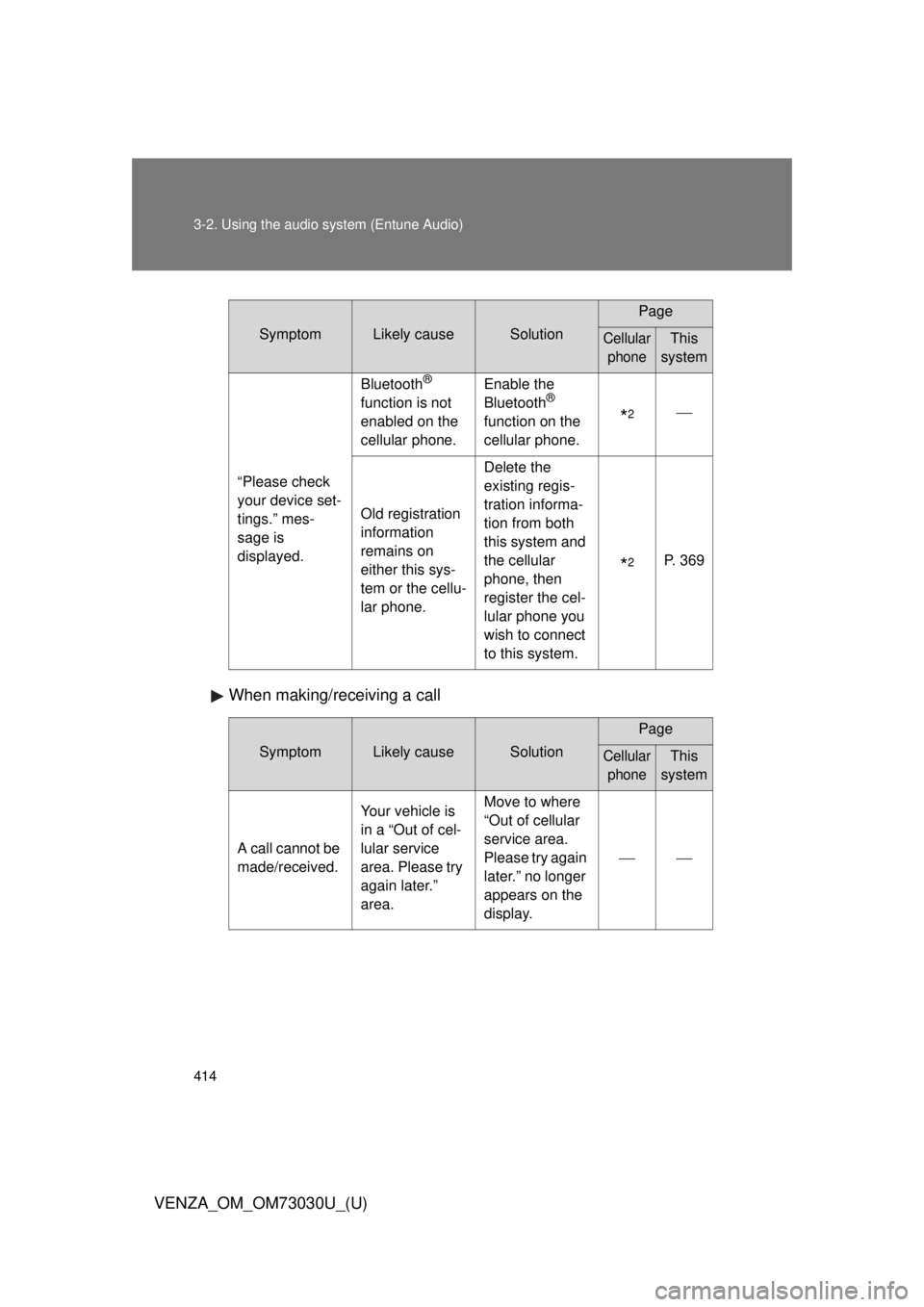
VENZA_OM_OM73030U_(U) When making/receiving a call Symptom Likely cause Solution Page
Cellular
phone This
system
“Please check
your device set-
tings.” mes-
sage is
displayed. Bluetooth ®
function is not
enabled on the
cellular phone. Enable the
Bluetooth ®
function on the
cellular phone.
* 2
Old registration
information
remains on
either this sys-
tem or the cellu-
lar phone. Delete the
existing regis-
tration informa-
tion from both
this system and
the cellular
phone, then
register the cel-
lular phone you
wish to connect
to this system.
* 2
P. 369
Symptom Likely cause Solution Page
Cellular
phone This
system
A call cannot be
made/received. Your vehicle is
in a “Out of cel-
lular service
area. Please try
again later.”
area. Move to where
“Out of cellular
service area.
Please try again
later.” no longer
appears on the
display.
Page 416 of 688
4163-2. Using the audio system (Entune Audio)
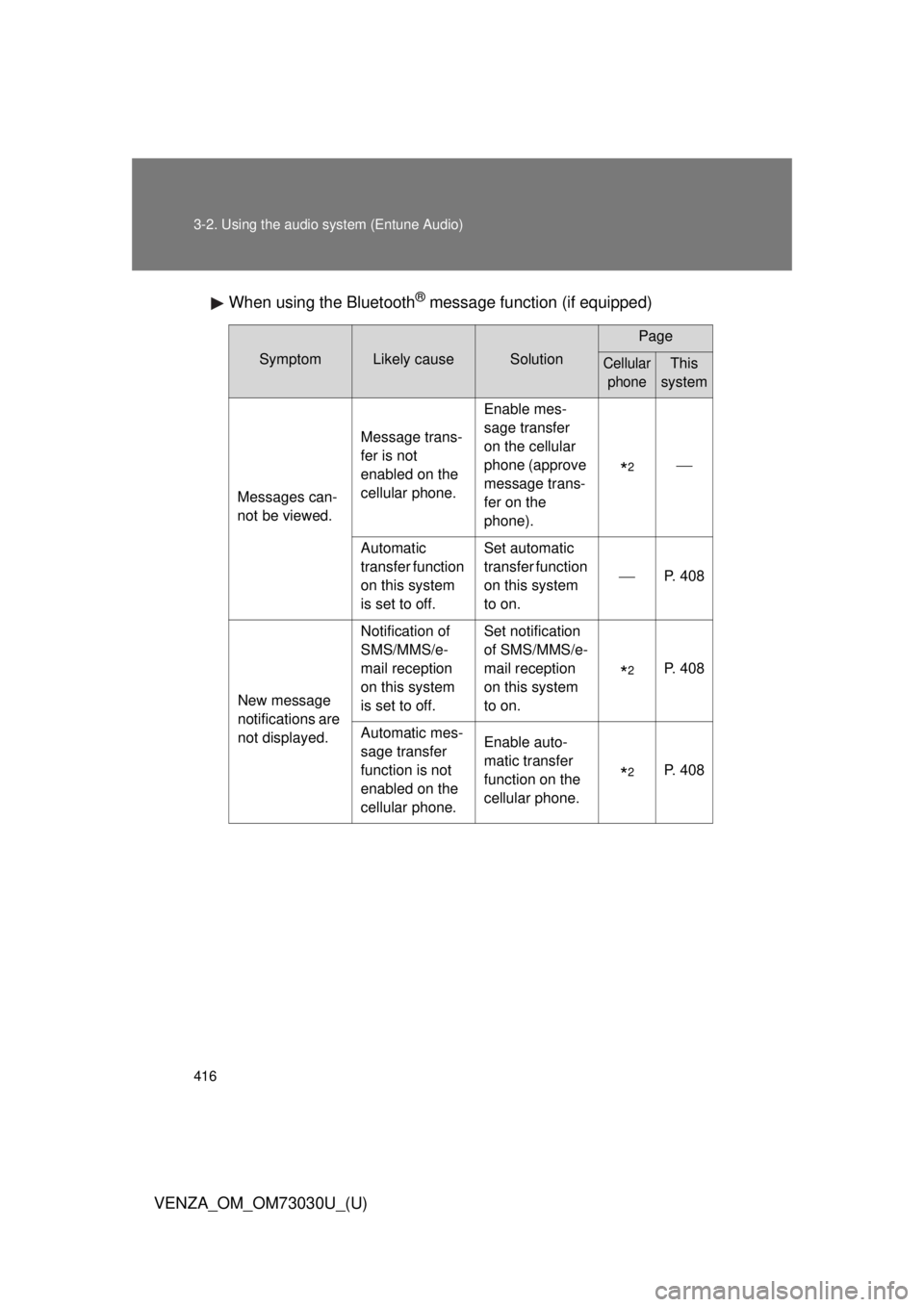
VENZA_OM_OM73030U_(U) When using the Bluetooth ®
message function (if equipped)Symptom Likely cause Solution Page
Cellular
phone This
system
Messages can-
not be viewed. Message trans-
fer is not
enabled on the
cellular phone. Enable mes-
sage transfer
on the cellular
phone (approve
message trans-
fer on the
phone).
* 2
Automatic
transfer function
on this system
is set to off. Set automatic
transfer function
on this system
to on. P. 408
New message
notifications are
not displayed. Notification of
SMS/MMS/e-
mail reception
on this system
is set to off. Set notification
of SMS/MMS/e-
mail reception
on this system
to on.
* 2
P. 408
Automatic mes-
sage transfer
function is not
enabled on the
cellular phone. Enable auto-
matic transfer
function on the
cellular phone.
* 2
P. 408
Page 417 of 688
4173-2. Using the audio system (Entune Audio)
VENZA_OM_OM73030U_(U) 3
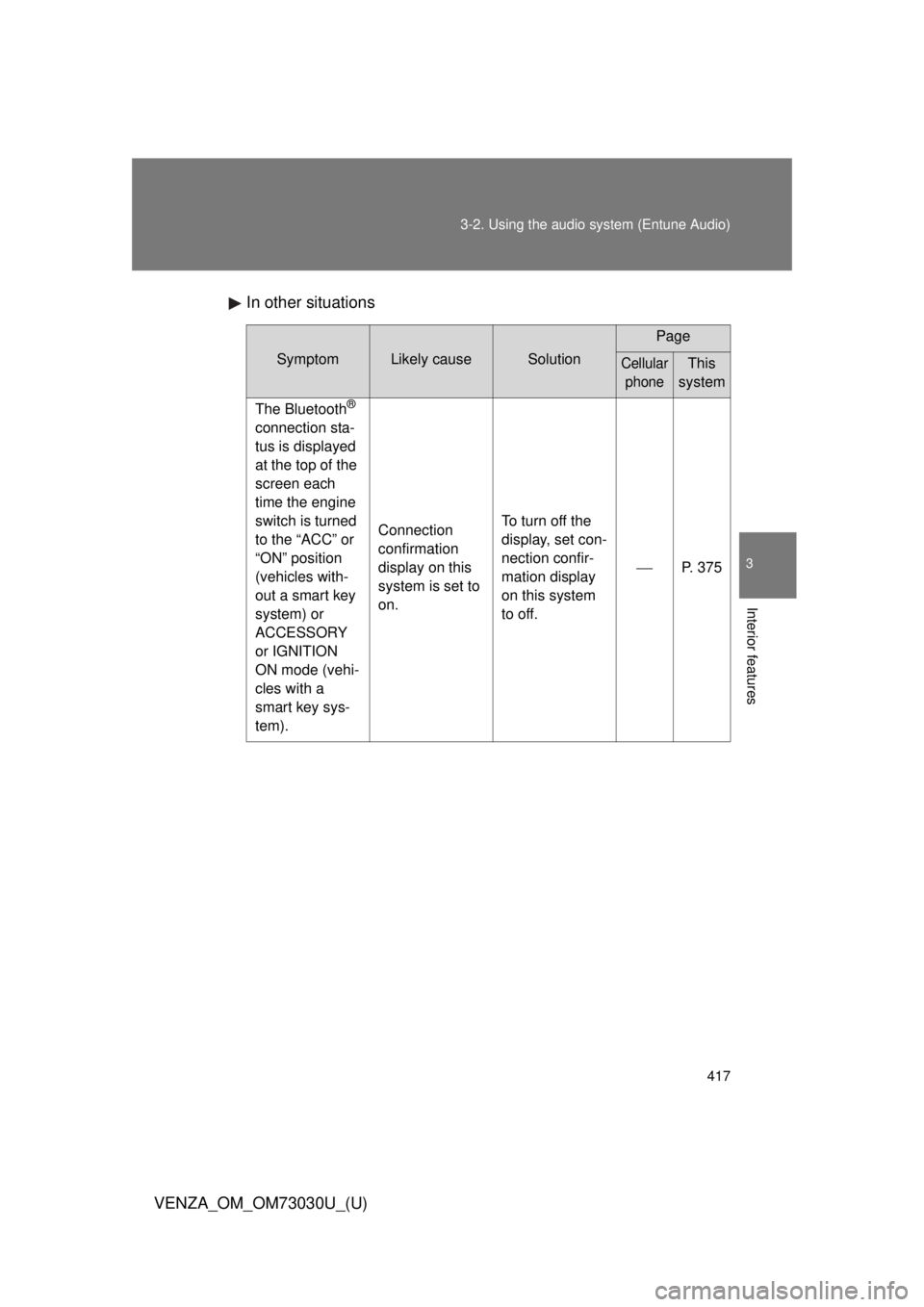
Interior features In other situations Symptom Likely cause Solution Page
Cellular
phone This
system
The Bluetooth ®
connection sta-
tus is displayed
at the top of the
screen each
time the engine
switch is turned
to the “ACC” or
“ON” position
(vehicles with-
out a smart key
system) or
ACCESSORY
or IGNITION
ON mode (vehi-
cles with a
smart key sys-
tem). Connection
confirmation
display on this
system is set to
on. To turn off the
display, set con-
nection confir-
mation display
on this system
to off. P. 375
Page 420 of 688
4203-2. Using the audio system (Entune Audio)
VENZA_OM_OM73030U_(U) ■ Conditions under which th e system will not operate
● If using a cellular phone that does not support Bluetooth ®
● If the cellular phone is turned off
● If you are outside of cellular phone service coverage
● If the cellular phone is not connected
● If the cellular phone’s battery is low
● When outgoing calls are controlled, due to heavy traffic on telephone
lines, etc.
● When the cellular phone itself cannot be used
● When transferring contact data from the cellular phone
■ Bluetooth ®
antenna
The antenna is built into the display.
If the portable audio player is behind the seat or in the glove box or console
box, or is touching or covered by metal objects, the connection status may
deteriorate.
If the cellular phone is behind the seat or in the console box, or touching or
covered by metal objects, the connection status may deteriorate.
■ Battery charge/signal status
● This display may not correspond exactly with the portable audio player or
cellular phone itself.
● This system does not have a charging function.
● The portable audio player or cellular phone battery will be depleted
quickly when the device is connected to Bluetooth ®
.
Page 428 of 688
4283-2. Using the audio system (Entune Audio)
VENZA_OM_OM73030U_(U) Casual speech recognization
Due to natural language speech re cognition technology, this system
enables recognition of a command when spoken naturally. However,
the system cannot recognize ev ery variation of each command.
In some situations, it is possible to omit the command for the proce-
dure and directly state the desired operation.
Not all voice commands are displayed in the shortcut menu.
This function is available in English, Spanish and French.
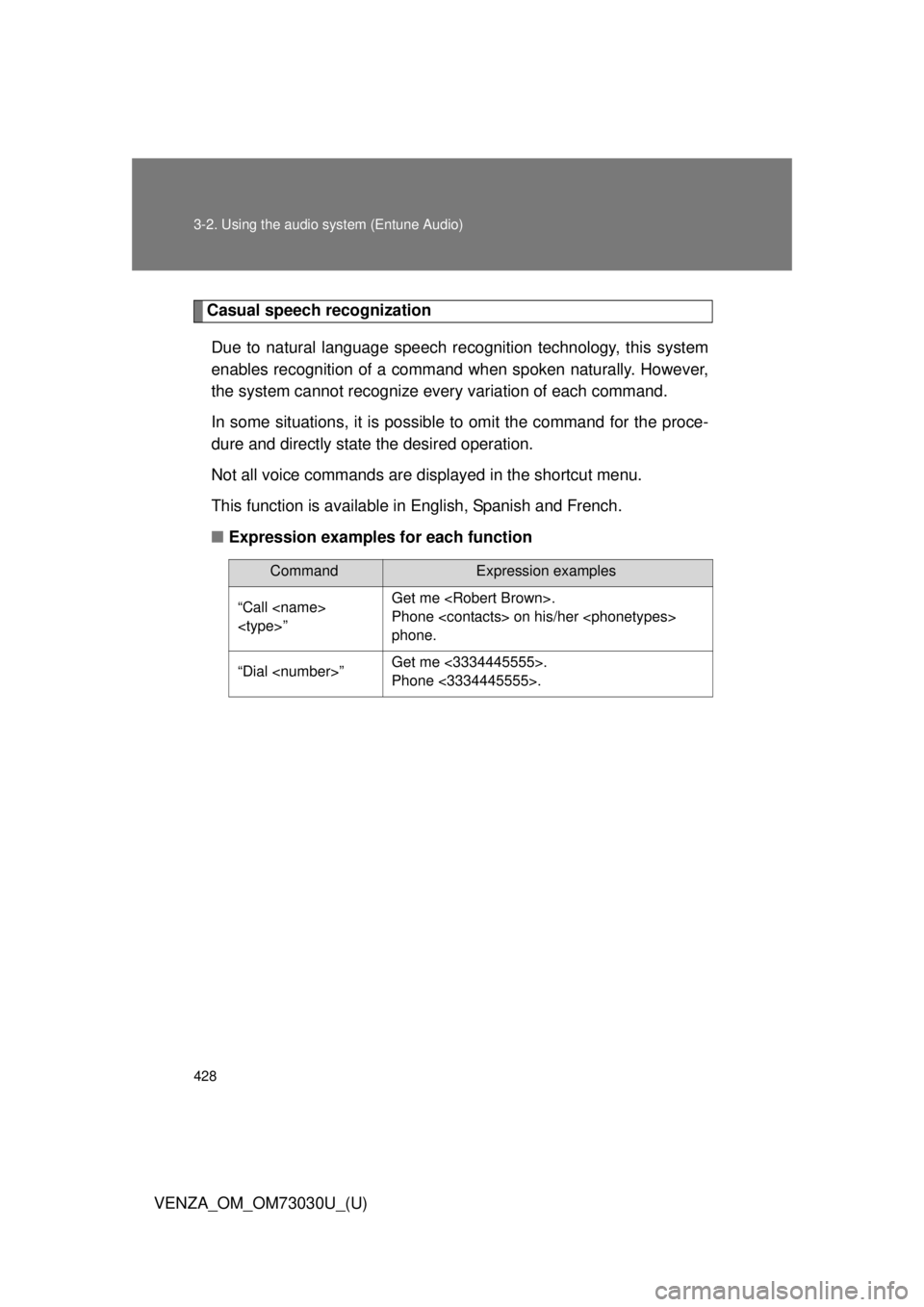
■ Expression examples for each function Command Expression examples
“Call
” Get me .
Phone on his/her
phone.
“Dial ” Get me <3334445555>.
Phone <3334445555>.
Page 429 of 688
4293-2. Using the audio system (Entune Audio)
VENZA_OM_OM73030U_(U) 3
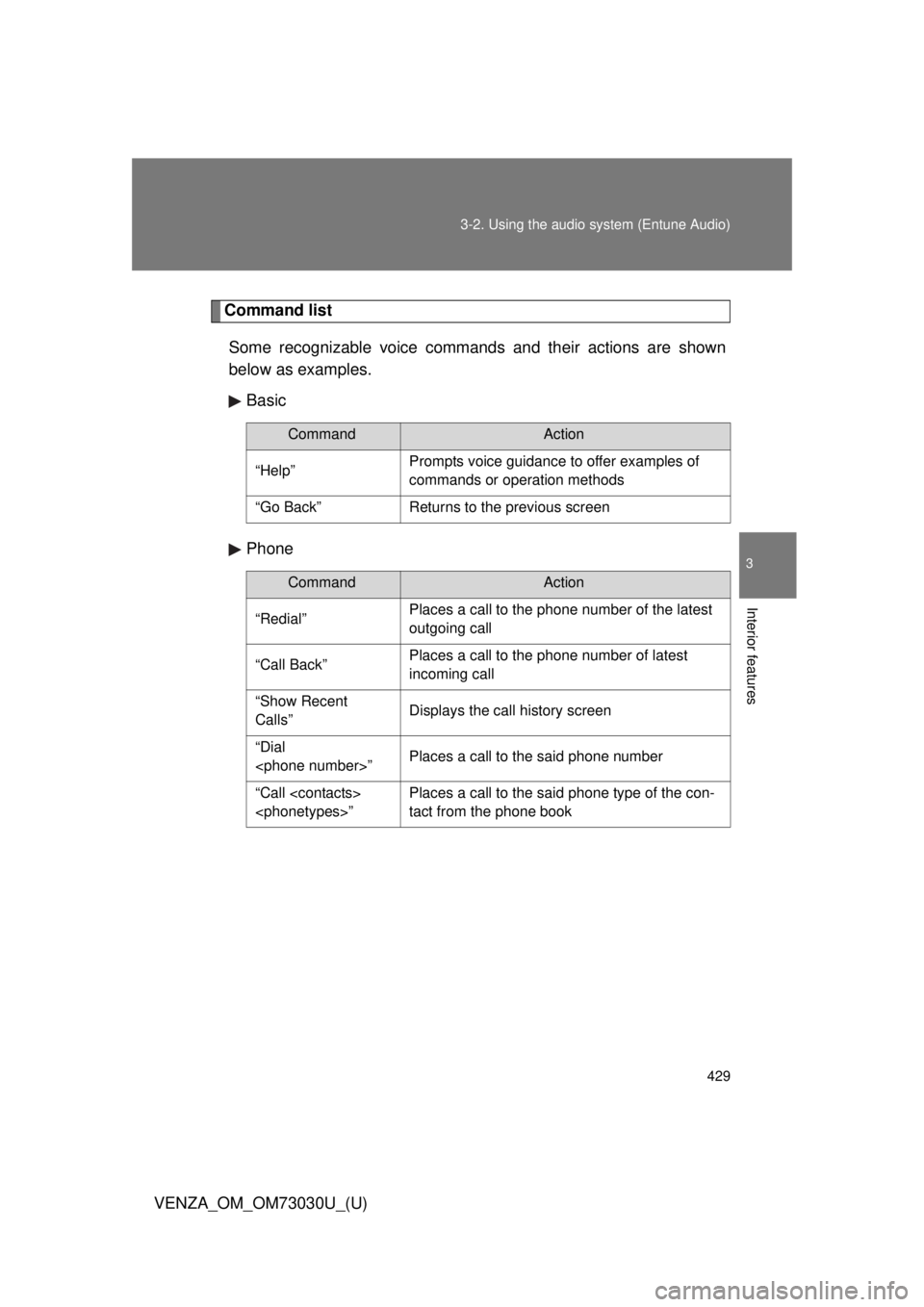
Interior features Command list
Some recognizable voice commands and their actions are shown
below as examples.
Basic
Phone Command Action
“Help” Prompts voice guidance to offer examples of
commands or operation methods
“Go Back” Returns to the previous screen
Command Action
“Redial” Places a call to the phone number of the latest
outgoing call
“Call Back” Places a call to the phone number of latest
incoming call
“Show Recent
Calls” Displays the call history screen
“Dial
” Places a call to the said phone number
“Call
” Places a call to the said phone type of the con-
tact from the phone book