2016 TOYOTA TUNDRA radio
[x] Cancel search: radioPage 137 of 284

137
1. INFORMATION
INFORMATION
5
2. RECEIVING TRAFFIC MAP INFORMATION*
1Press the “APPS” button.
2Select “Traffic” .
3Check that the tr affic map screen is
displayed.Traffic map information can be re-
ceived via the HD Radio.
DISPLAYING TRAFFIC MAP
INFORMATION
*: Entune Audio Plus only (Available in the 48 states, D.C. and Alaska)
No.Function
Current position of your car
Traffic information line
The line color means the following:
Red: Heavy congestion
Yellow: Moderate traffic
Green: Freely flowing traffic
Page 138 of 284

138
1. INFORMATION
3. DATA SERVICES SETTINGS*
1Press the “APPS” button.
2Select “Setup” .
3Select “HD Data” .
4Select the desired item to be set.
Select a checkbox on the right to set.
SETTING DOWNLOAD
METHODS
Data service information, which is
comprised of traffic information and
weather information, can be received
via the HD Radio and by the Entune
App Suite application on a Bluetooth
®
phone. The receiving method can be
set to both or only via the HD Radio.
For details about the Entune App Suite
application: P.259
*: Entune Premium Audio only (Available in the 48 states, D.C. and Alaska)
No.Function
Select to receive data service infor-
mation via both the HD Radio and
the Entune App Suite application on
a Bluetooth
® phone. When both
methods are available, the HD Ra-
dio will be selected.
Select to receive data only via the
HD Radio.
Page 151 of 284

151
1. PHONE OPERATION (HANDS-FREE SYSTEM FOR CELLULAR PHONES)
PHONE
7
2. SOME BASICS
The hands-free system enables calls
to be made and received without hav-
ing to take your hands off the steering
wheel.
This system supports Bluetooth
®.
Bluetooth® is a wireless data system
that enables cellular phones to be used
without being connected by a cable or
placed in a cradle.
The operating procedure of the phone
is explained here.
CAUTION
● While driving, do not use a cellular
phone or connect the Bluetooth® phone.
● Your audio unit is fitted with Bluetooth
®
antennas. People with implantable car-
diac pacemakers, cardiac resynchroni-
zation therapy-pacemakers or
implantable cardioverter defibrillators
should maintain a reasonable distance
between themselves and the Bluetooth
®
antennas. The radio waves may affect
the operation of such devices.
● Before using Bluetooth
® devices, users
of any electrical medical device other
than implantable cardiac pacemakers,
cardiac resynchronization therapy-pace-
makers or implantable cardioverter
defibrillators should consult the manu-
facturer of the device for information
about its operation under the influence
of radio waves. Radio waves could have
unexpected effects on the operation of
such medical devices.
NOTICE
● Do not leave your cellular phone in the
vehicle. The temperature inside may rise
to a level that could damage the phone.
INFORMATION
●If your cellular phone does not support
Bluetooth®, this system cannot function.
● In the following conditions, the system
may not function:
• The cellular phone is turned off.
• The current position is outside the
communication area.
• The cellular phone is not connected.
• The cellular phone has a low battery.
● When using Bluetooth
® audio and
hands-free at the same time, the follow-
ing problems may occur:
• The Bluetooth
® connection may be
cut.
• Noise may be heard on the Bluetooth
®
audio playback.
REGISTERING/CONNECTING
A Bluetooth® PHONE
To use the hands-free system for cellu-
lar phones, it is necessary to register a
cellular phone with the system.
( P.41)
Bluetooth® PHONE CONDITION
DISPLAY
The condition of the Bluetooth
® phone
appears on the upper right side of the
screen. ( P.18)
Page 202 of 284

202
1. BASIC OPERATION
4. TRAFFIC INFORMATION
1Press the “APPS” button.
2Select “Traffic”.
3Select the desired item.
1Display the “Traffic Information”
screen. ( P.202)
2Select “Traffic Event List”.
3Select the desired traffic information.
“On Current Road” : Selec
t to display traf-
fic information for the current road.
“On Current Route” : Select to display
traffic information for the set route.
When set to on, the indicator will illumi -
nate.
4Check that the traffic information is dis -
played.
“Detail” : Select to display detailed traffic
information.
Traffic data can be received via HD
Radio or Entune App Suite to display
traffic information on the map screen.
No.FunctionPage
Select to display a list of
current traffic information.202
Select to display a map
with predictive traffic data.203
Select to display traffic
along the saved routes.203
DISPLAYING TRAFFIC
INFORMATION
A list of current traffic information can
be displayed along with information on
the incident’s distance and position rel-
ative to the vehicle.
Page 271 of 284

271
F
FM radio................................................... 77
G
General settings....................................... 56
GPS (Global Positioning System) .......... 251
H
Hands-free system.................................. 150
HOME button ........................................... 12
“Home” screen ......................................... 16
Home screen operation ........................... 34
I
Incoming calls ......................................... 160
Initial screen............................................. 30
Internet radio............................................ 93
iPod........................................................ 101
K
Keyboard ................................................. 36
M
Maintenance ............................................ 64
Map database version and
covered area ...................................... 253
Map screen information ......................... 198
Displaying information about
the icon where the cursor is set ...... 200
Standard map icons ........................... 201
Map screen operation ............................ 193
Adjusting location in small
increments ...................................... 197
Current position display ...................... 193
Map scale ........................................... 193
Orientation of the map ........................ 194
Screen scroll operation....................... 196
Switching the map mode .................... 194
Memory points settings .......................... 232
Deleting previous destinations ........... 240
Setting up address book..................... 236
Setting up areas to avoid.................... 238
Setting up home ................................. 233
Setting up preset destinations ............ 234
Message ................................................. 164
Microphone ............................................ 124
MP3.......................................................... 94
Page 272 of 284

272
ALPHABETICAL INDEX
N
Navigation .............................................. 189
Navigation option screen ........................ 192
P
Phone/message settings........................ 169“Contact/Call History Settings”
screen ............................................. 171
“Messaging Settings” screen .............. 179
“Phone Display Settings” screen ........ 180
“Sound Settings” screen ..................... 170
PWR·VOL button ..................................... 12
R
Radio............................................. 77, 87, 93
Rear view monitor system ...................... 140
Registering home ..................................... 22
Registering preset destinations................ 24
Registering/connecting Bluetooth
®
device ................................................... 41
Certification .......................................... 45
Profiles ................................................. 43
Registering a Bluetooth
® audio player
for the first time ................................. 42
Registering a Bluetooth
® phone
for the first time ................................. 41
Route guidance screen .......................... 222
During freeway driving........................ 224
Route overview................................... 223
Screen for route guidance .................. 222
Turn list screen ................................... 226
Turn-by-turn arrow screen .................. 226
When approaching intersection .......... 225
Route trace ............................................ 200
S
Satellite Radio .......................................... 87
Screen adjustment ................................... 39
SD card ...................................................254
Search operation .................................... 207
Searching by address ......................... 209
Searching by address book ................ 214
Searching by coordinates ................... 217
Searching by emergency .................... 215
Searching by intersection and
freeway ........................................... 215
Searching by map............................... 217
Searching by point of interest ............. 210
Searching from previous
destinations ..................................... 214
Selecting search area ......................... 208
Setting home as destination ............... 208
Setting preset destinations
as destination .................................. 208
Setting Bluetooth
® details ........................ 49
“Bluetooth Setup” screen ...................... 49
Connecting a Bluetooth
® device........... 51
Deleting a Bluetooth® device................ 51
Editing the Bluetooth® device
information ........................................ 53
Registering a Bluetooth
® device........... 50
“System Settings” screen ..................... 54
Setting home as the destination ............... 26
“Setup” screen.......................................... 20
Sound setting ............................................56
Starting route guidance .......................... 218
Steering switches ................................... 111
Page 273 of 284
273
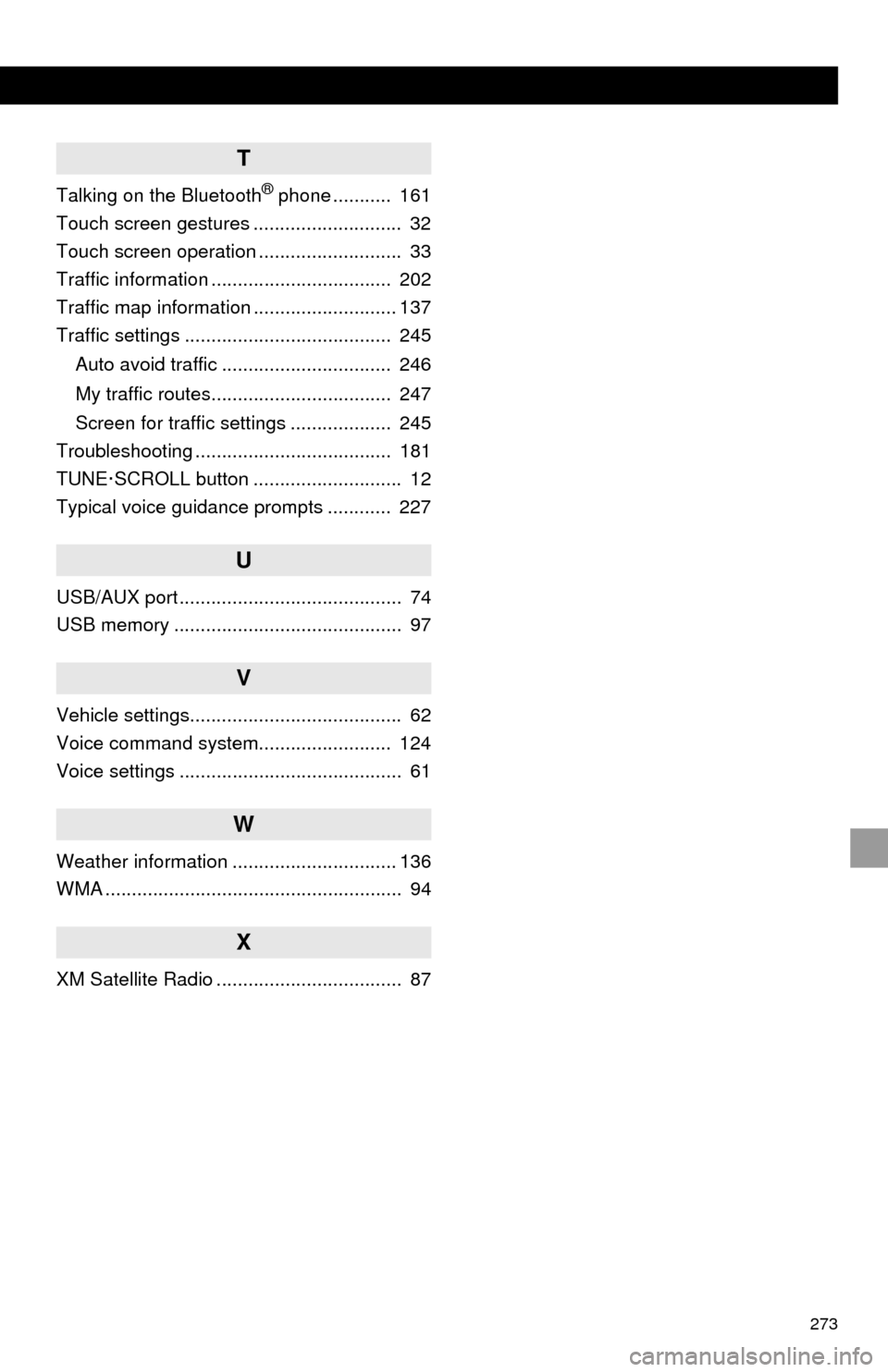
T
Talking on the Bluetooth® phone ........... 161
Touch screen gestures ............................ 32
Touch screen operation ........................... 33
Traffic information .................................. 202
Traffic map information ........................... 137
Traffic settings ....................................... 245
Auto avoid traffic ................................ 246
My traffic routes.................................. 247
Screen for traffic settings ................... 245
Troubleshooting ..................................... 181
TUNE·SCROLL button ............................ 12
Typical voice guidance prompts ............ 227
U
USB/AUX port .......................................... 74
USB memory ........................................... 97
V
Vehicle settings........................................ 62
Voice command system......................... 124
Voice settings .......................................... 61
W
Weather information ............................... 136
WMA ........................................................ 94
X
XM Satellite Radio ................................... 87