2016 NISSAN NOTE reset
[x] Cancel search: resetPage 3100 of 3641
B00A0 OCS SYSTEMSRC-83
< DTC/CIRCUIT DIAGNOSIS >
C
DE
F
G
I
J
K L
M A
B
SRC
N
O P
B00A0 OCS SYSTEM
DescriptionINFOID:0000000012430661
DTC B00A0 OCCUPANT CLASSIFICATION SYSTEM (OCS)
The OCS control unit is wired to the air bag diagnosis s ensor unit. The air bag diagnosis sensor unit will mon-
itor the OCS for failures and interruptions in co mmunication between the OCS control unit and the air bag
diagnosis sensor unit.
PA R T L O C AT I O N
Refer to SRC-5, "Component Parts Location".
DTC LogicINFOID:0000000012430662
DTC DETECTION LOGIC
With CONSULT
DTC CONFIRMATION PROCEDURE (With CONSULT)
1.CHECK SELF-DIAG RESULT
1. Turn ignition switch ON.
2. Check for DTC using CONSULT.
Is the DTC detected?
YES (Current DTC)>>Refer to SRC-84, "Diagnosis Procedure".
YES (Past DTC)>>GO TO 2.
NO >> Inspection End.
2.ERASE SELF-DIAG RESULT
Erase the DTC using CONSULT.
Can the DTC be erased?
YES >> Inspection End.
NO >> Refer to SRC-84, "
Diagnosis Procedure".
DTC CONFIRMATION PROCEDURE (Without CONSULT)
1.CHECK SELF-DIAG RESULT
1. Turn ignition switch ON.
2. Check the air bag warning lamp status. Refer to SRC-14, "
On Board Diagnosis Function".
NOTE:
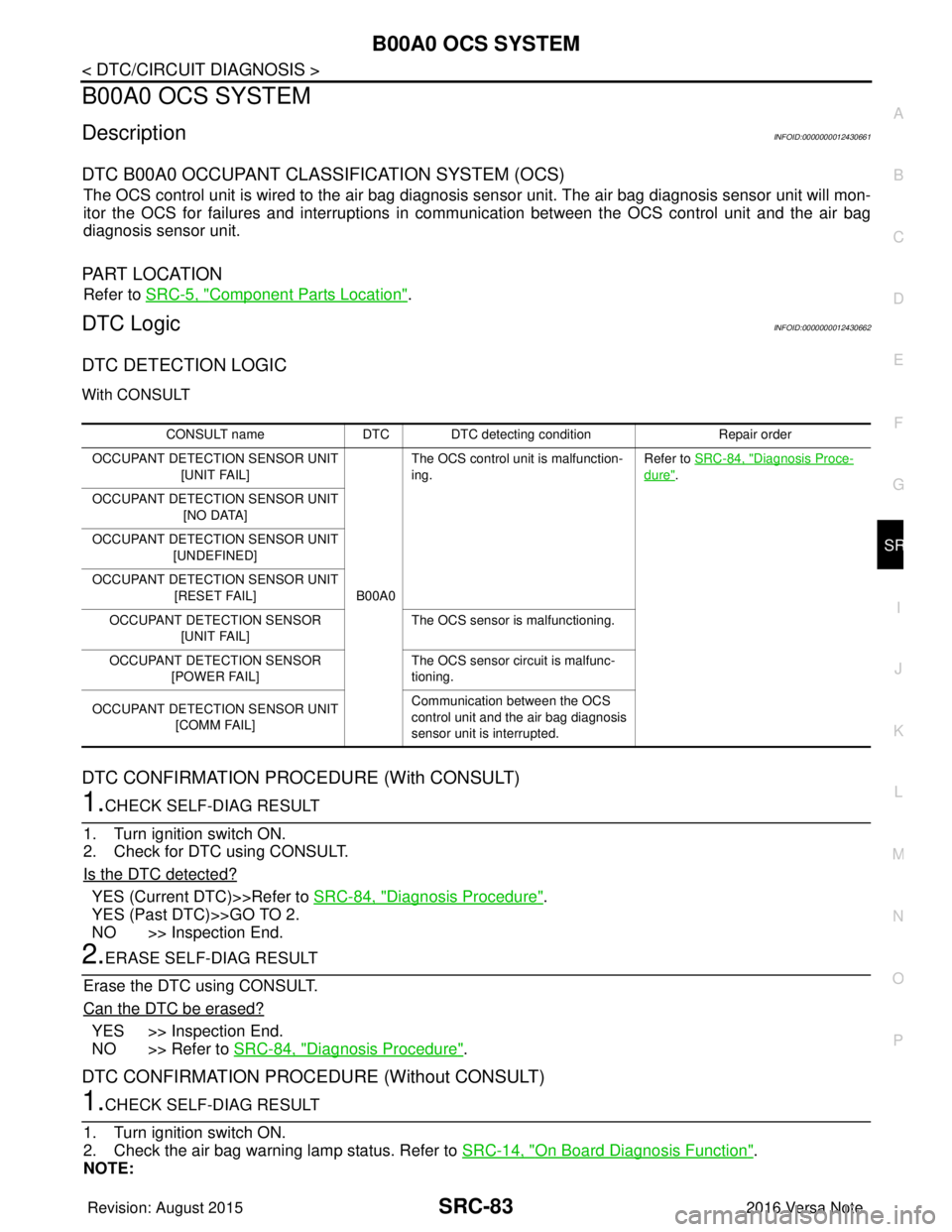
CONSULT name DTC DTC detecting condition Repair order
OCCUPANT DETECTION SENSOR UNIT [UNIT FAIL]
B00A0The OCS control unit is malfunction-
ing.
Refer to SRC-84, "
Diagnosis Proce-
dure".
OCCUPANT DETECTION SENSOR UNIT [NO DATA]
OCCUPANT DETECTION SENSOR UNIT [UNDEFINED]
OCCUPANT DETECTION SENSOR UNIT [RESET FAIL]
OCCUPANT DETECTION SENSOR [UNIT FAIL] The OCS sensor is malfunctioning.
OCCUPANT DETECTION SENSOR [POWER FAIL] The OCS sensor circuit is malfunc-
tioning.
OCCUPANT DETECTION SENSOR UNIT [COMM FAIL] Communication between the OCS
control unit and the air bag diagnosis
sensor unit is interrupted.
Revision: August 2015
2016 Versa Note
cardiagn.com
Page 3122 of 3641

SR-6
< BASIC INSPECTION >
COLLISION DIAGNOSIS
FOR FRONTAL COLLISION: When SRS is not activated in a collision
CAUTION:
Due to varying models and option levels, not all parts listed in the chart below apply to all vehicles.
WORK PROCEDURE
1. Before performing any of the following steps, ensure that all vehicle body and structural repairs have been
completed.
2. Check the SRS components using the table below: Replace any SRS components showing visible signs of damage. (dents, cracks and deformation, etc.)
3. Perform self-diagnosis using CONSULT or air bag warning lamp. Refer to SRC-14, "
Description" for
details.
Ensure entire SRS operates properly.
4. After the work is completed, perform self-diagnosis to check that no malfunction is detected. Refer to
SRC-14, "
Description".
SRS INSPECTION (FOR FRONTAL COLLISION)
Occupant classification system
(Passenger seat) 1. Remove passenger seat assembly.
2. Check control unit case for dents, cracks of deformities.
3. Check connectors for damage and terminals for deformities.
4. Check seat frame and cushion pan for dents or deformities.
5. If no damage is found, reinstall seat with new fasteners.
6. If damaged — REPLACE seat cushion assembly with new fasteners.
7. Perform zero point reset function after front passenger seat is installed in the vehicle and all
bolts are tightened to specification. Refer to SRC-39, "
ZERO POINT RESET : Special Repair
Requirement".
Harness and connectors 1. Check connectors for poor connection, damage, and terminals for deformities. 2. Check harness for binding, chafing, cuts, or deformities.
3. If no damage is found, reinstall the harness and connectors.
4. If damaged — REPLACE the damaged harness. Do not attempt to repair, splice or modify any SRS harness.
Instrument panel assembly If the passenger front air bag has deployed: REPLACE the instrument panel assembly. (integrated type)
Part
Inspection
Part Inspection
Driver air bag module If the driver air bag has NOT been activated:
1. Remove driver air bag module. Check harness cover and connectors for damage, terminals for deformities, and harness for binding.
2. Install driver air bag module into the steering wheel to check fit and alignment with the wheel.
3. If no damage is found, reinstall with new fasteners.
4. If damaged — REPLACE. Install driver air bag modules with new fasteners.
Front passenger air bag module
(if equipped) If the front passenger air bag has NOT been activated:
1. Remove front passenger air bag module. Check harness cover and connectors for damage,
terminals for deformities, and harness for binding.
2. Install front passenger air bag module into the instrument panel to check fit with the instrument panel.
3. If no damage is found, reinstall with new fasteners.
4. If damaged — REPLACE. Install front passenger air bag modules with new fasteners.
Crash zone sensor If the front air bags or seat belt pre-tensioners have NOT been activated:
1. Remove the crash zone sensor. Check harness connectors for damage, terminals for defor-
mities, and harness for binding.
2. Check for visible signs of damage (dents, cracks, deformation) of the crash zone sensor and bracket.
3. Install the crash zone sensor to check fit.
4. If no damage is found, reinstall with new fasteners.
5. If damaged — REPLACE the crash zone sensor and bracket with new fasteners.
Revision: August 2015 2016 Versa Note
cardiagn.com
Page 3123 of 3641
COLLISION DIAGNOSISSR-7
< BASIC INSPECTION >
C
DE
F
G
I
J
K L
M A
B
SR
N
O P
For Side and Rollover CollisionINFOID:0000000012430565
FOR SIDE AND ROLLOVER COLLISION: When SRS is activated in a collision
CAUTION:
Due to varying models and option levels, not all parts listed in the chart below apply to all vehicles.
WORK PROCEDURE
1. Before performing any of the following steps, ensur e that all vehicle body and structural repairs have been
completed.
2. Replace the following components:
- Front seat back assembly (on the side on which side air bag is activated).
- Door finisher (on the side on which door-mounted curtain air bag is activated).
- Pop-up roll bar assemblies and pop-up roll bar covers.
- Side air bag (satellite) sensor LH/RH (on the side on which side air bag is activated).
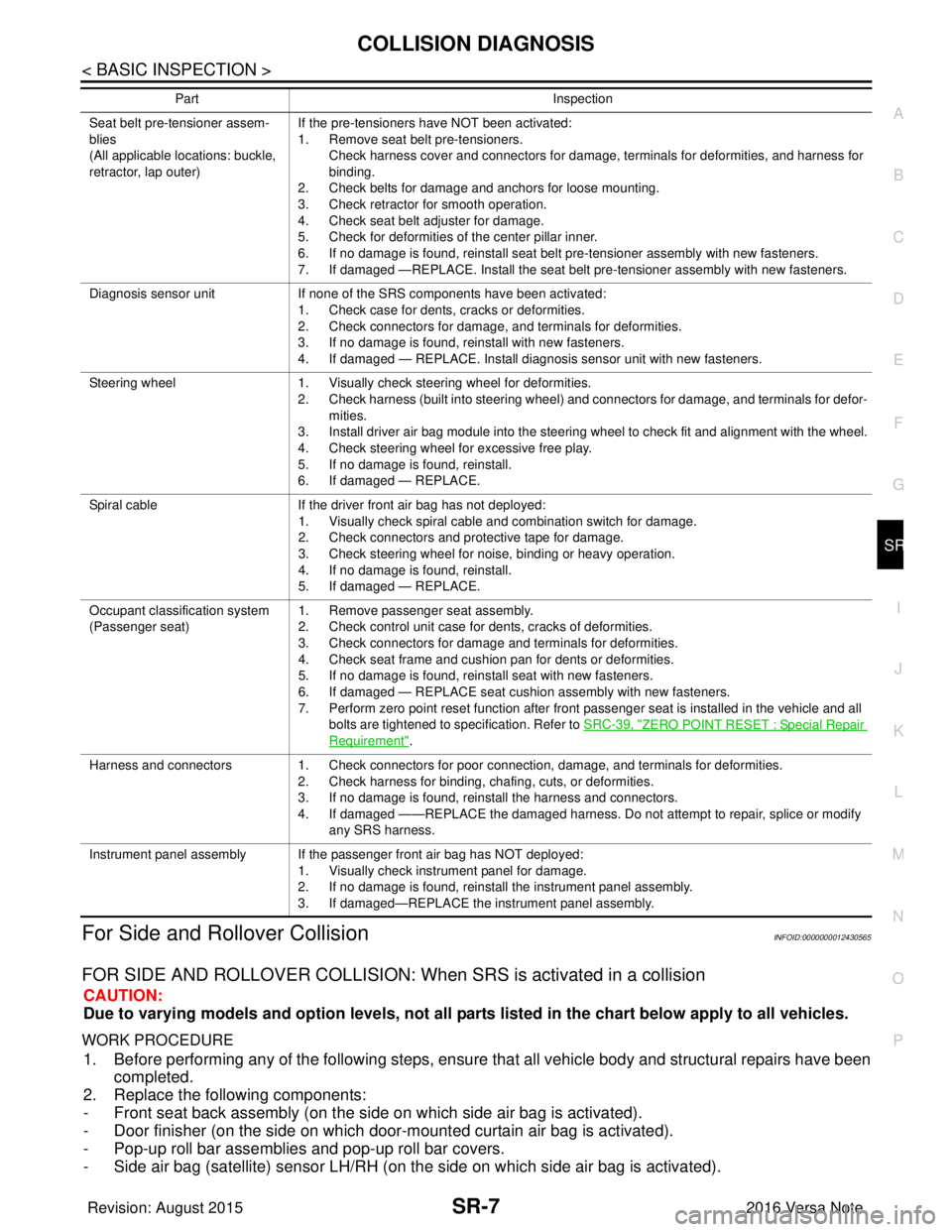
Seat belt pre-tensioner assem-
blies
(All applicable locations: buckle,
retractor, lap outer)If the pre-tensioners have NOT been activated:
1. Remove seat belt pre-tensioners.
Check harness cover and connectors for damage, terminals for deformities, and harness for
binding.
2. Check belts for damage and anchors for loose mounting.
3. Check retractor for smooth operation.
4. Check seat belt adjuster for damage.
5. Check for deformities of the center pillar inner.
6. If no damage is found, reinstall seat belt pre-tensioner assembly with new fasteners.
7. If damaged —REPLACE. Install the seat belt pre-tensioner assembly with new fasteners.
Diagnosis sensor unit If none of the SRS components have been activated:
1. Check case for dents, cracks or deformities.
2. Check connectors for damage, and terminals for deformities.
3. If no damage is found, reinstall with new fasteners.
4. If damaged — REPLACE. Install diagnosis sensor unit with new fasteners.
Steering wheel 1. Visually check steering wheel for deformities.
2. Check harness (built into steering wheel) and connectors for damage, and terminals for defor-
mities.
3. Install driver air bag module into the steering wheel to check fit and alignment with the wheel.
4. Check steering wheel for excessive free play.
5. If no damage is found, reinstall.
6. If damaged — REPLACE.
Spiral cable If the driver front air bag has not deployed:
1. Visually check spiral cable and combination switch for damage.
2. Check connectors and protective tape for damage.
3. Check steering wheel for noise, binding or heavy operation.
4. If no damage is found, reinstall.
5. If damaged — REPLACE.
Occupant classification system
(Passenger seat) 1. Remove passenger seat assembly.
2. Check control unit case for dents, cracks of deformities.
3. Check connectors for damage and terminals for deformities.
4. Check seat frame and cushion pan for dents or deformities.
5. If no damage is found, reinstall seat with new fasteners.
6. If damaged — REPLACE seat cushion assembly with new fasteners.
7. Perform zero point reset function after front passenger seat is installed in the vehicle and all
bolts are tightened to specification. Refer to SRC-39, "
ZERO POINT RESET : Special Repair
Requirement".
Harness and connectors 1. Check connectors for poor connection, damage, and terminals for deformities.
2. Check harness for binding, chafing, cuts, or deformities.
3. If no damage is found, reinstall the harness and connectors.
4. If damaged ——REPLACE the damaged harness. Do not attempt to repair, splice or modify
any SRS harness.
Instrument panel assembly If the passenger front air bag has NOT deployed: 1. Visually check instrument panel for damage.
2. If no damage is found, reinstall the instrument panel assembly.
3. If damaged—REPLACE the instrument panel assembly.
Part
Inspection
Revision: August 2015 2016 Versa Note
cardiagn.com
Page 3124 of 3641

SR-8
< BASIC INSPECTION >
COLLISION DIAGNOSIS
- Diagnosis sensor unit.
- Seat belt pre-tensioner assemblies.
3. Check the SRS components and the related parts using the following table.Replace any SRS components and the related parts showing visible signs of damage (dents, cracks,
deformation, etc.).
4. Perform self-diagnosis using CONSULT and “AIR BAG” warning lamp. Refer to SRC-14, "
Description" for
details. Make sure entire SRS operates properly.
5. After the work is completed, perform self-diagnosis to check that no malfunction is detected. Refer to
SRC-14, "
Description".
SRS INSPECTION (FOR SIDE AND ROLLOVER COLLISION)
Part Inspection
Side curtain air bag module LH If the side curtain air bag LH has deployed: REPLACE the side curtain air bag module LH.
Install with new fasteners.
Side curtain air bag module RH If the side curtain air bag RH has deployed: REPLACE the side curtain air bag module RH.
Install with new fasteners.
Front side air bag module LH If the front side air bag LH has deployed: REPLACE front seatback assembly LH.
Front side air bag module RH If the front side air bag RH has deployed: REPLACE front seatback assembly RH.
Side air bag (satellite) sensor (LH
or RH) If any of the SRS components have deployed:
REPLACE the side air bag (satellite) sensor on the collision side with new fasteners.
Door (satellite) sensor (LH or RH) If any of the SRS components have deployed: REPLACE the door (satellite) sensor on the collision side with new fasteners.
Diagnosis sensor unit If any of the SRS components have deployed:
REPLACE the diagnosis sensor unit with new fasteners.
Seat belt pre-tensioner assem-
blies
(All applicable locations: buckle,
retractor, lap outer) If either the driver or passenger seat belt pre-tensioner* has been activated:
REPLACE all seat belt pre-tensioner assemblies with new fasteners.
*: Confirm seat belt pre-tensioner activation using CONSULT only.
Center inner pillar 1. Check the center inner pillar on the collision side for damage (dents, cracks, deformation).
2. If damaged —REPAIR the center inner pillar.
Seat (if equipped with front side
air bag) If either the front LH or front RH side air bag modules has been deployed:
REPLACE front seatback assembly on the deployed side.
Trim/headlining 1. Check for visible signs of damage (dents, cracks, deformation) of the interior trim on the colli-
sion side.
2. If damaged — REPLACE the damaged trim parts.
Door-mounted curtain air bag
module LH If the door-mounted curtain air bag module LH has been deployed:
REPLACE the door finisher LH and door-mounted curtain air bag module.
Install with new fasteners.
Door-mounted curtain air bag
module RH If the door-mounted curtain air bag module RH has been deployed:
REPLACE the door finisher RH and door-mounted curtain air bag module.
Install with new fasteners.
Occupant classification system
(Passenger seat) 1. Remove passenger seat assembly.
2. Check control unit case for dents, cracks of deformities.
3. Check connectors for damage and terminals for deformities.
4. Check seat frame and cushion pan for dents or deformities.
5. If no damage is found, reinstall seat with new fasteners.
6. If damaged — REPLACE seat cushion assembly with new fasteners.
7. Perform zero point reset function after front passenger seat is installed in the vehicle and all
bolts are tightened to specification. Refer to SRC-39, "
ZERO POINT RESET : Special Repair
Requirement".
Pop-up roll bar assemblies If the pop-up roll bar has deployed: REPLACE pop-up roll bar assemblies and pop-up roll bar covers.
Install with new fasteners.
Revision: August 2015 2016 Versa Note
cardiagn.com
Page 3127 of 3641
COLLISION DIAGNOSISSR-11
< BASIC INSPECTION >
C
DE
F
G
I
J
K L
M A
B
SR
N
O P
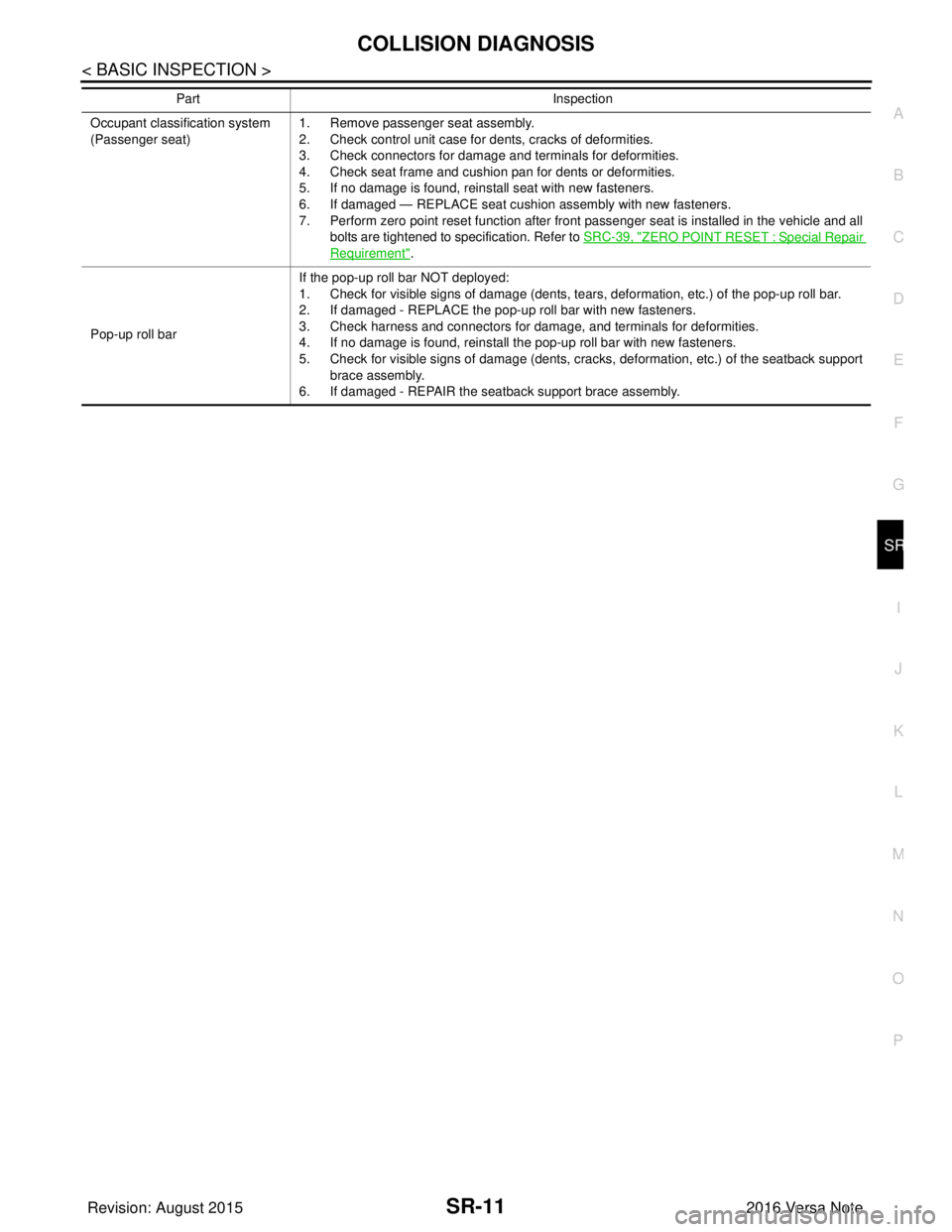
Occupant classification system
(Passenger seat) 1. Remove passenger seat assembly.
2. Check control unit case for dents, cracks of deformities.
3. Check connectors for damage and terminals for deformities.
4. Check seat frame and cushion pan for dents or deformities.
5. If no damage is found, reinstall seat with new fasteners.
6. If damaged — REPLACE seat cushion assembly with new fasteners.
7. Perform zero point reset function after front passenger seat is installed in the vehicle and all
bolts are tightened to specification. Refer to SRC-39, "
ZERO POINT RESET : Special Repair
Requirement".
Pop-up roll bar If the pop-up roll bar NOT deployed:
1. Check for visible signs of damage (dents, tears, deformation, etc.) of the pop-up roll bar.
2. If damaged - REPLACE the pop-up roll bar with new fasteners.
3. Check harness and connectors for damage, and terminals for deformities.
4. If no damage is found, reinstall the pop-up roll bar with new fasteners.
5. Check for visible signs of damage (dents, cracks, deformation, etc.) of the seatback support
brace assembly.
6. If damaged - REPAIR the seatback support brace assembly.
Part
Inspection
Revision: August 2015 2016 Versa Note
cardiagn.com
Page 3148 of 3641
SR-32
< REMOVAL AND INSTALLATION >
OCCUPANT CLASSIFICATION SYSTEM CONTROL UNIT
OCCUPANT CLASSIFICATION SYSTEM CONTROL UNIT
Removal and InstallationINFOID:0000000012430583
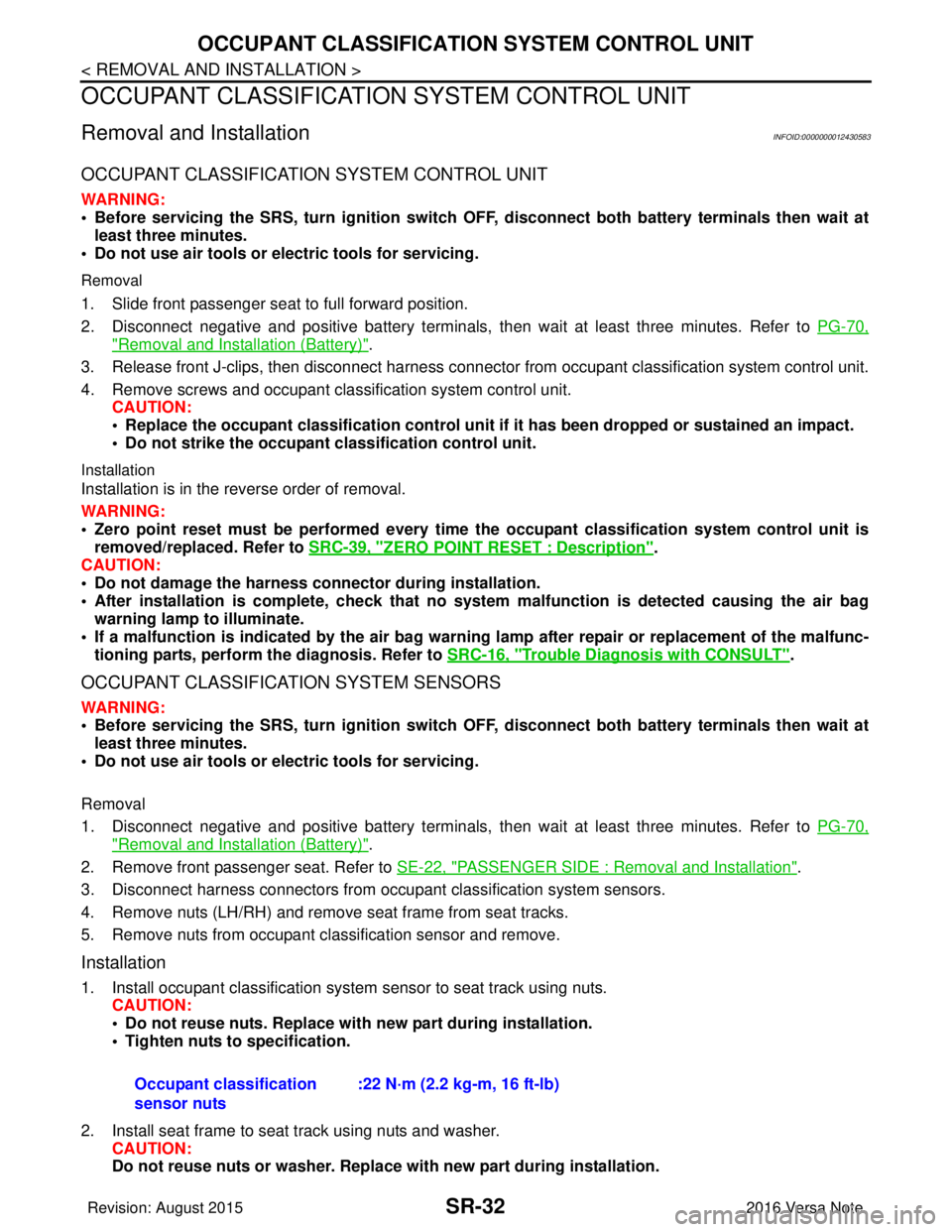
OCCUPANT CLASSIFICATION SYSTEM CONTROL UNIT
WARNING:
• Before servicing the SRS, turn ignition switch OFF, disconnect bot h battery terminals then wait at
least three minutes.
• Do not use air tools or el ectric tools for servicing.
Removal
1. Slide front passenger seat to full forward position.
2. Disconnect negative and positive battery terminals, then wait at least three minutes. Refer to PG-70,
"Removal and Installation (Battery)".
3. Release front J-clips, then disconnect harness connector from occupant classification system control unit.
4. Remove screws and occupant classification system control unit. CAUTION:
• Replace the occupant classification control unit if it has been dropped or sustained an impact.
• Do not strike the occupant classification control unit.
Installation
Installation is in the reverse order of removal.
WARNING:
• Zero point reset must be performed every time the occupant classification system control unit is
removed/replaced. Refer to SRC-39, "
ZERO POINT RESET : Description".
CAUTION:
• Do not damage the harness connector during installation.
• After installation is complete, check that no syst em malfunction is detected causing the air bag
warning lamp to illuminate.
• If a malfunction is indicated by the air bag warnin g lamp after repair or replacement of the malfunc-
tioning parts, perform the diagnosis. Refer to SRC-16, "
Trouble Diagnosis with CONSULT".
OCCUPANT CLASSIFICATION SYSTEM SENSORS
WARNING:
• Before servicing the SRS, turn ignition switch OFF, disconnect bot h battery terminals then wait at
least three minutes.
• Do not use air tools or el ectric tools for servicing.
Removal
1. Disconnect negative and positive battery terminals, then wait at least three minutes. Refer to PG-70,
"Removal and Installation (Battery)".
2. Remove front passenger seat. Refer to SE-22, "
PASSENGER SIDE : Removal and Installation".
3. Disconnect harness connectors from occu pant classification system sensors.
4. Remove nuts (LH/RH) and remove seat frame from seat tracks.
5. Remove nuts from occupant classification sensor and remove.
Installation
1. Install occupant classification system sensor to seat track using nuts. CAUTION:
• Do not reuse nuts. Replace with new part during installation.
• Tighten nuts to specification.
2. Install seat frame to seat track using nuts and washer. CAUTION:
Do not reuse nuts or washer. Replace with new part during installation.
Occupant classification
sensor nuts
:22 N·m (2.2 kg-m, 16 ft-lb)
Revision: August 2015
2016 Versa Note
cardiagn.com
Page 3333 of 3641
![NISSAN NOTE 2016 Service Repair Manual TM-92
< SYSTEM DESCRIPTION >[CVT: RE0F11A]
DIAGNOSIS SYSTEM (TCM)
• When the self-diagnosis result is acceptable at the 2nd
trip (conforming to driving condition B), DTC of the
1st trip is erased.](/manual-img/5/57363/w960_57363-3332.png "NISSAN NOTE 2016 Service Repair Manual TM-92
< SYSTEM DESCRIPTION >[CVT: RE0F11A]
DIAGNOSIS SYSTEM (TCM)
• When the self-diagnosis result is acceptable at the 2nd
trip (conforming to driving condition B), DTC of the
1st trip is erased.")
TM-92
< SYSTEM DESCRIPTION >[CVT: RE0F11A]
DIAGNOSIS SYSTEM (TCM)
• When the self-diagnosis result is acceptable at the 2nd
trip (conforming to driving condition B), DTC of the
1st trip is erased.
COUNTER SYSTEM LIST
DRIVING CONDITION
Driving condition A
Driving condition A is the driving condition that provides warm-up.
In specific, count-up is performed when all of the following conditions are satisfied.
• Engine speed is 400 rpm or more.
• After start of the engine, the water temperature increased by 20 °C (36 °F) or more.
• Water temperature was 70 °C (158 °F) or more.
• The ignition switch was changed from ON to OFF.
NOTE:
• If the same malfunction is detected regardless of the driving condition, reset the A counter.
• When the above is satisfied without detecting t he same malfunction, count up the A counter.
• When MIL goes off due to the malfunction and the A counter reaches 40, the DTC is erased.
Driving condition B
Driving condition B is the driving c ondition that performs all diagnoses once.
In specific, count-up is performed when all of the following conditions are satisfied.
• Engine speed is 400 rpm or more.
• Water temperature was 70 °C (158 °F) or more.
• In closed loop control, vehicle speed of 70 – 120 km/h (43 – 75 MPH) continued for 60 seconds or more.
• In closed loop control, vehicle speed of 30 – 60 km/h (19 – 37 MPH) continued for 10 seconds or more.
• In closed loop control, vehicle speed of 4 km/h (2 MPH) or less and idle determination ON continued for 12 seconds or more.
• After start of the engine, 22 minutes or more have passed.
• The condition that the vehicle speed is 10km/h (6 MPH) or more continued for 10 seconds or more in total.
• The ignition switch was changed from ON to OFF.
NOTE:
• If the same malfunction is detected regardless of the driving condition, reset the B counter.
• When the above is satisfied without detecting t he same malfunction, count up the B counter.
• When the B counter reaches 3 wit hout malfunction, MIL goes off.
• When the B counter is counted once without detecting the same malfunction after TCM memorizes DTC of
the 1st trip, DTC of the 1st trip is erased.
Item Driving conditionTrip
MIL (OFF) B3
DTC (clear) A40
DTC at 1st trip (clear) B1
Revision: August 2015 2016 Versa Note
cardiagn.com
Page 3531 of 3641
WCS-16
< SYSTEM DESCRIPTION >
DIAGNOSIS SYSTEM (COMBINATION METER)
WARNING HISTORY
W/L ON HISTORY
• Stores histories when warning/indicator lamp is turned on.
• “W/L ON HISTORY” indicates the “TIME” when the warning/ indicator lamp is turned on.
• The “TIME” above is:
- 0: The condition that the warning/indicator lamp has been turned on 1 or more times after starting the engine and waiting for 30 seconds.
- 1 - 39: The number of times the engine was restarted after the 0 condition.
- NO W/L ON HISTORY: Stores NO (0) turning on history of warning/indicator lamp.
NOTE:
• W/L ON HISTORY is not stored for approximately 30 seconds after the engine starts.
• Brake warning lamp does not store any history when the parking brake is applied or the brake fluid level gets low.
TYPE B
TYPE B : On Board Diagnosis FunctionINFOID:0000000012542984
ON BOARD DIAGNOSIS
The following meter functions can be checked during Combination Meter Self-Diagnosis Mode:
• Pointer sweep of speedometer, tachometer and gauges.
• Illumination of all lamps/LEDs that are controlled by the combination meter (regardless of switch status).
• Error code
STARTING COMBINATION ME TER SELF-DIAGNOSIS MODE
NOTE:
• Check combination meter power supply and ground circuits if self-diagnosis mode does not start. Refer to
MWI-98, "
COMBINATION METER : Diagnosis Procedure". Replace combination meter if power supply and
ground circuits are found to be normal and self-diagnosis mode does not start. Refer to MWI-115, "
Removal
and Installation".
• Combination meter self-diagnosis mode will function with the ignition switch in ON. Combination meter self- diagnosis mode will exit upon turning the ignition switch to OFF.
METHOD OF STARTING
1. Turn ignition switch to OFF.
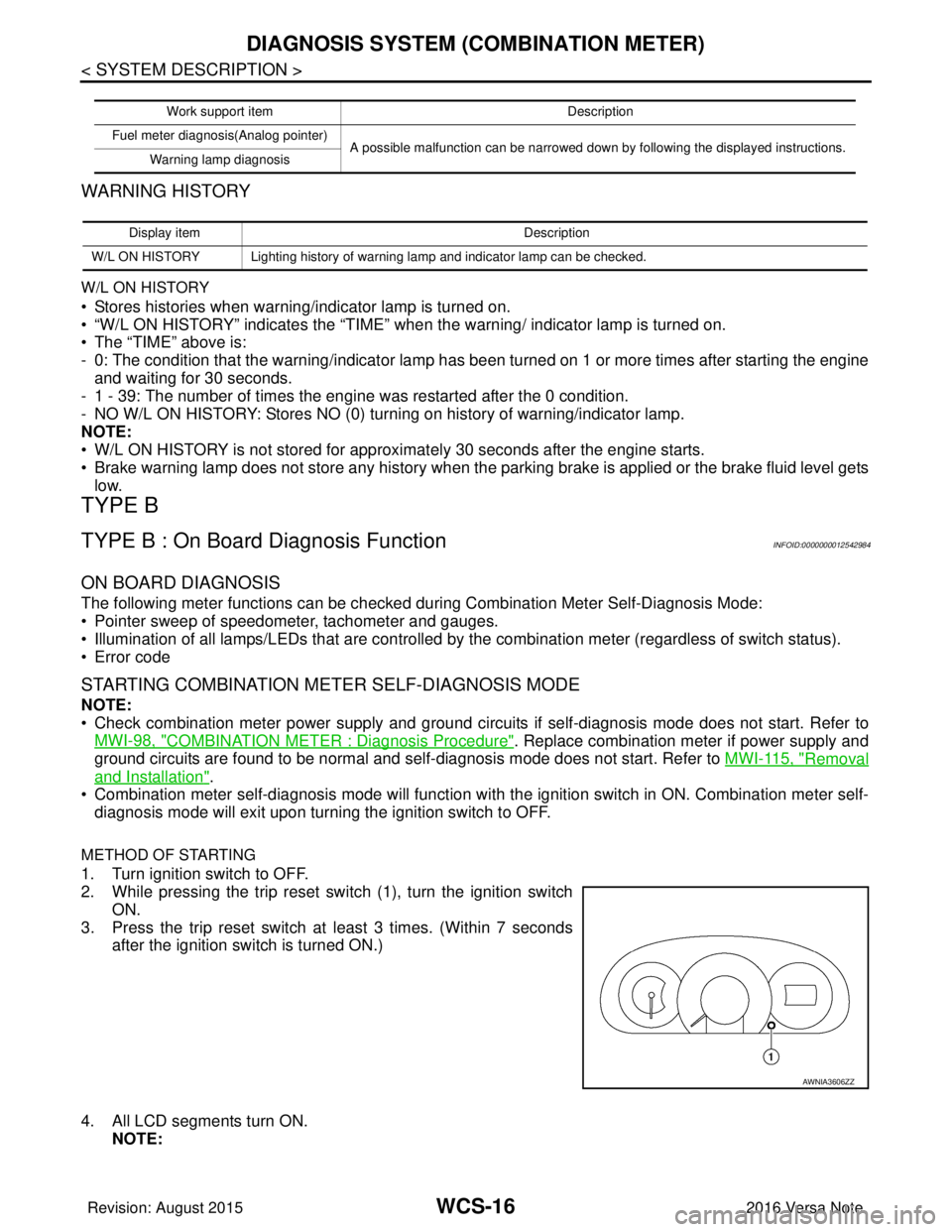
2. While pressing the trip reset switch (1), turn the ignition switch
ON.
3. Press the trip reset switch at least 3 times. (Within 7 seconds
after the ignition switch is turned ON.)
4. All LCD segments turn ON. NOTE:
Work support item Description
Fuel meter diagnosis(Analog pointer) A possible malfunction can be narrowed down by following the displayed instructions.
Warning lamp diagnosis
Display item Description
W/L ON HISTORY Lighting history of warning lamp and indicator lamp can be checked.
AWNIA3606ZZ
Revision: August 2015 2016 Versa Note
cardiagn.com