Page 115 of 473
3-53
Convenient features of your vehicle
3
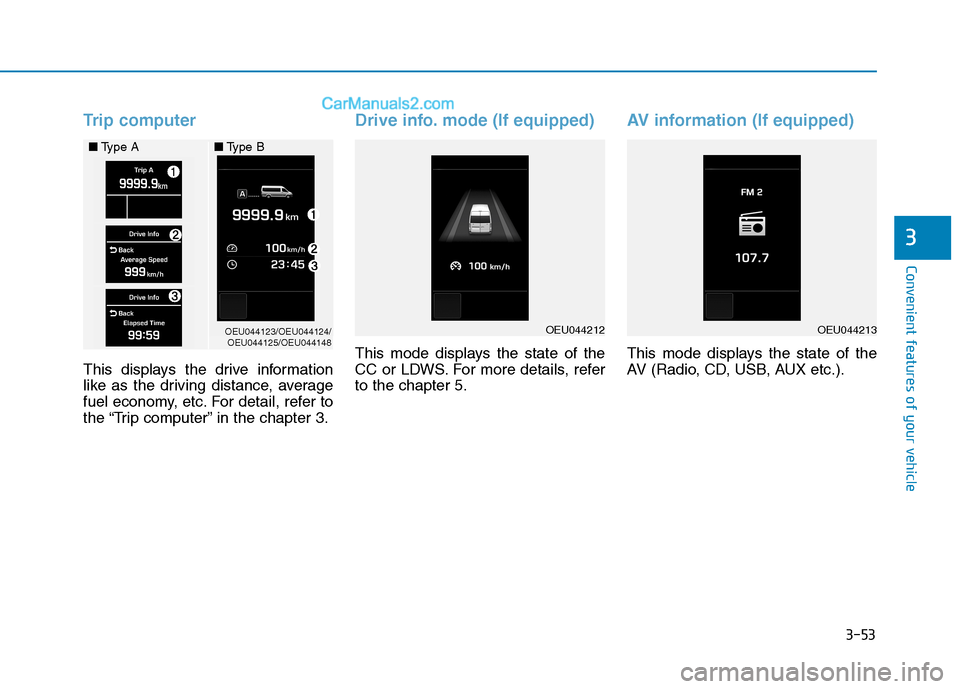
Trip computer
This displays the drive information
like as the driving distance, average
fuel economy, etc. For detail, refer to
the “Trip computer” in the chapter 3.
Drive info. mode (If equipped)
This mode displays the state of the
CC or LDWS. For more details, referto the chapter 5.
AV information (If equipped)
This mode displays the state of the
AV (Radio, CD, USB, AUX etc.).
OEU044123/OEU044124/OEU044125/OEU044148
■
Type A ■Type BOEU044212OEU044213
Page 116 of 473
3-54
Convenient features of your vehicle
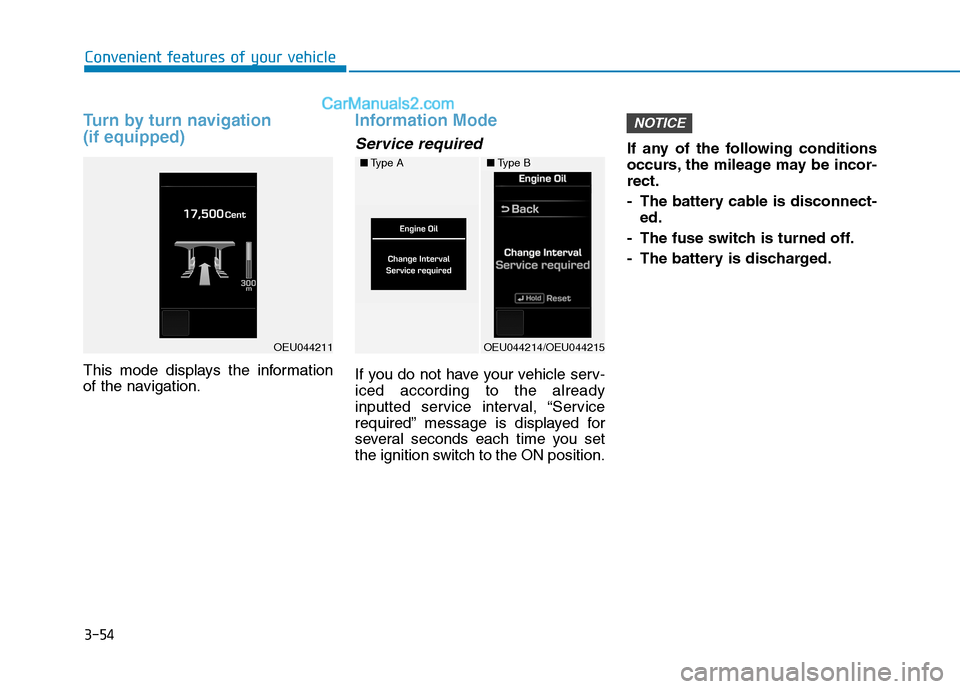
Turn by turn navigation (if equipped)
This mode displays the information
of the navigation.
Information Mode
Service required
If you do not have your vehicle serv- iced according to the already
inputted service interval, “Service
required” message is displayed for
several seconds each time you set
the ignition switch to the ON position.If any of the following conditions
occurs, the mileage may be incor-rect.
- The battery cable is disconnect-
ed.
- The fuse switch is turned off.
- The battery is discharged.
NOTICE
■ Type A
OEU044214/OEU044215
■Type B
OEU044211
Page 117 of 473
3-55
Convenient features of your vehicle
3
Drive Info
It indicates the accumulated fuel
consumption amounts as well as the
accumulated engine-idling hours.
Diagnostics
It monitors and diagnoses failures of
each vehicle unit, displaying the
information, such as the number of
failures the failure code.
User Settings Mode
Description
On this mode, you can change set-
ting of the doors, lamps, and so on.
■Type A
OEU044216/OEU044217/OEU044218/OEU044219
■Type B
■Type A
OEU044220/OEU044221
■Type B
■Type A
OEU044222/OEU044223
■Type B
Page 119 of 473
3-57
Convenient features of your vehicle
3
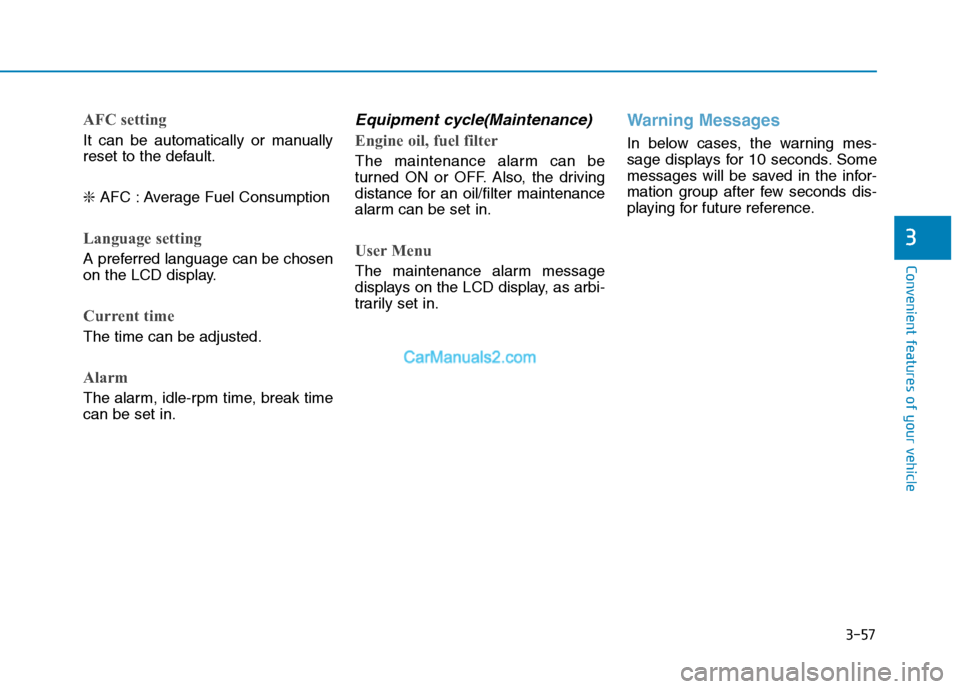
AFC setting
It can be automatically or manually
reset to the default. ❇AFC : Average Fuel Consumption
Language setting
A preferred language can be chosen
on the LCD display.
Current time
The time can be adjusted.
Alarm
The alarm, idle-rpm time, break time can be set in.
Equipment cycle(Maintenance)
Engine oil, fuel filter
The maintenance alarm can be
turned ON or OFF. Also, the driving
distance for an oil/filter maintenance
alarm can be set in.
User Menu
The maintenance alarm message
displays on the LCD display, as arbi-
trarily set in.
Warning Messages
In below cases, the warning mes-
sage displays for 10 seconds. Some
messages will be saved in the infor-
mation group after few seconds dis-
playing for future reference.
Page 120 of 473
3-58
Convenient features of your vehicle
Lamp disconnection (CHECK LAMP)
This indicator displays which lamp is disconnected.
Doors open
This indicator displays which doorsare opened.
Parking Assist System (PAS) (if equipped)
When the engine is turned ON, and
when the PAS sensor detects an
obstacle, while driving either for-
wards or backwards, the PAS
informs the driver of a location and a
distance of/with the obstacle.
For further information, refer to the
Parking Assist System in the chapter3.
■ Type A
OEU044118/OEU044143
■Type B
■Type A
OEU044114/OEU044139
■Type B
OEU044141
■Type B
Page 121 of 473
3-59
Convenient features of your vehicle
3
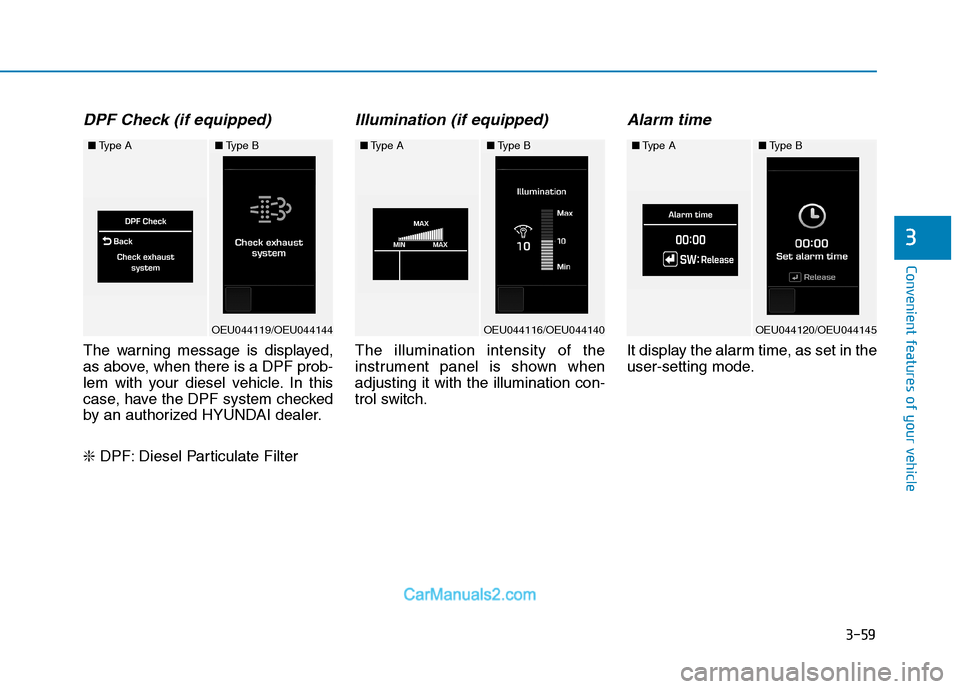
DPF Check (if equipped)
The warning message is displayed,
as above, when there is a DPF prob-
lem with your diesel vehicle. In this
case, have the DPF system checked
by an authorized HYUNDAI dealer. ❇DPF: Diesel Particulate Filter
Illumination (if equipped)
The illumination intensity of the
instrument panel is shown whenadjusting it with the illumination con-
trol switch.
Alarm time
It display the alarm time, as set in the
user-setting mode.
■Type A
OEU044119/OEU044144
■Type B■Type A
OEU044116/OEU044140
■Type B■Type A
OEU044120/OEU044145
■Type B
Page 122 of 473
3-60
Convenient features of your vehicle
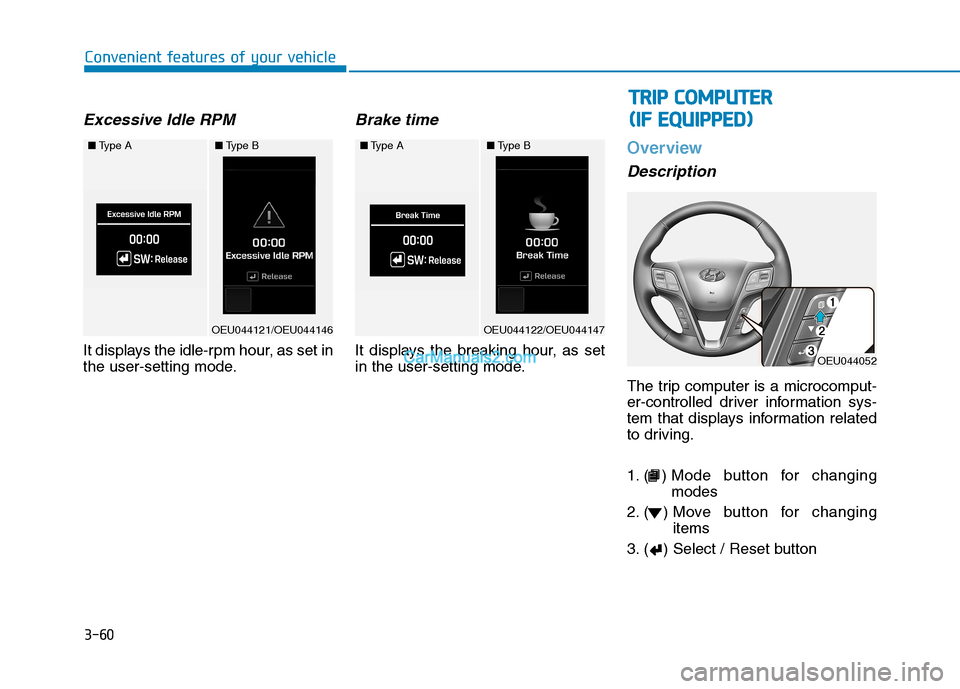
Excessive Idle RPM
It displays the idle-rpm hour, as set in
the user-setting mode.
Brake time
It displays the breaking hour, as set
in the user-setting mode.
Overview
Description
The trip computer is a microcomput-
er-controlled driver information sys-
tem that displays information related
to driving.
1. ( ) Mode button for changingmodes
2. ( ) Move button for changing items
3. ( ) Select / Reset button
■ Type A
OEU044121/OEU044146
■Type B■Type A
OEU044122/OEU044147
■Type B
OEU044052
TT RR IIPP CC OO MM PPUU TTEERR
(
( IIFF EE QQ UUIIPP PPEEDD ))
Page 124 of 473
3-62
Convenient features of your vehicle
In the trip computer mode on the
LCD display, the trip mode can be
adjusted by pressing the ( ) button.
By pressing the button ( ), you can
select the desired trip mode. ❈For controlling the LCD modes,
refer to "LCD Display Control" in
this chapter.Driving distance / Average
vehicle speed / Elapsed time
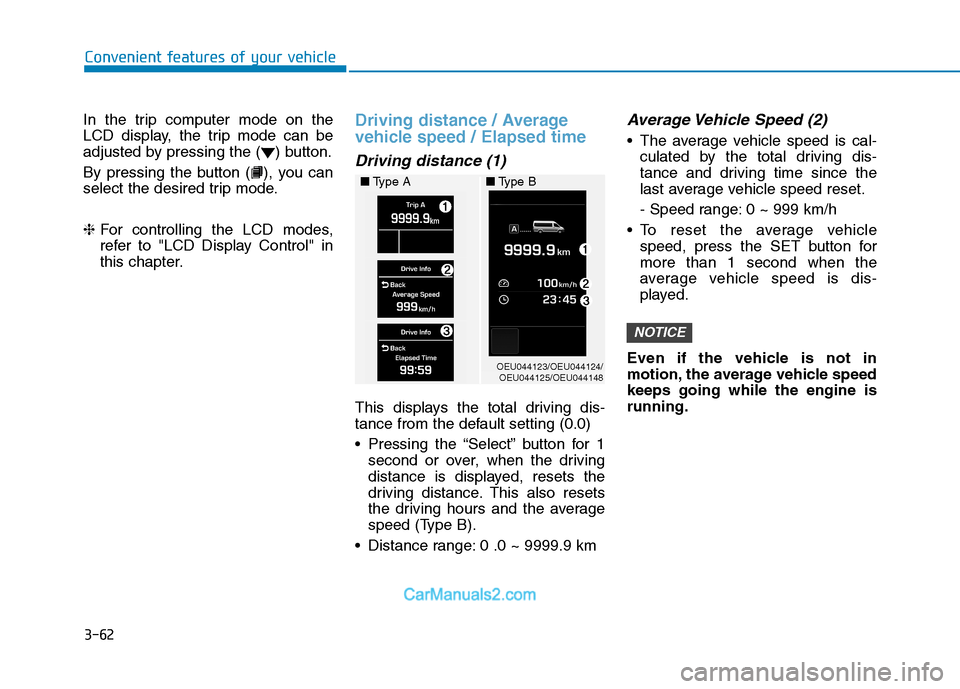
Driving distance (1)
This displays the total driving dis-
tance from the default setting (0.0)
Pressing the “Select” button for 1
second or over, when the driving
distance is displayed, resets the
driving distance. This also resets
the driving hours and the average
speed (Type B).
Distance range: 0 .0 ~ 9999.9 km
Average Vehicle Speed (2)
The average vehicle speed is cal- culated by the total driving dis-
tance and driving time since the
last average vehicle speed reset.
- Speed range: 0 ~ 999 km/h
To reset the average vehicle speed, press the SET button for more than 1 second when the
average vehicle speed is dis-
played.
Even if the vehicle is not in
motion, the average vehicle speedkeeps going while the engine isrunning.
NOTICE
OEU044123/OEU044124/ OEU044125/OEU044148
■
Type A ■Type B