Page 78 of 661
77
Instrument Panel
This chapter describes the buttons, indicators, and gauges that are used while driving.
Indicators............................................ 78
Multi-Information Display (MID) Warning and Information Messages ............... 97
Gauges and Multi-Information Display (MID)Gauges ............................................ 113
MID ................................................. 114
16 PILOT-31TG76000.book 77 ページ 2015年6月15日 月曜日 午前11時30分
Page 82 of 661

81
uuIndicators u
Continued
Instrument Panel
IndicatorNameOn/BlinkingExplanationMessage
Transmission
Indicator
●The indicated current gear selection
blinks if there is a problem with the
transmission system.
●Avoid sudden start and acceleration, and
stop in a safe place immediately.
Have your vehicle checked by a dealer.
●All the gear positions may light for
several seconds, and go off.
●When all the gear positions light,
immediately stop your vehicle in a safe
place.
●Indicators go off if there is no problem.
However, even if they go off, take your
vehicle to a dealer for inspection.
●The indicated current gear selection
or all the gear positions blink if there
is a problem with the transmission
system, and the vehicle no longer
moves.
●Immediately stop in a safe place.
2Emergency Towing P. 633●Have your vehicle checked by a dealer.
●The indicated current gear selection
or all the gear positions blink if you
cannot select
(P due to the
transmission system failure.
●The engine can be activated as a
temporary measure.
2 If the Transmission Indicator Blinks
along with the Warning Message*
P. 627
●Set the parking brake when parking.●Have your vehicle checked by a dealer
immediately.
Automatic transmission models with
electronic gear selector
Automatic transmission models with
electronic gear selector
Automatic transmission models with
electronic gear selector
Automatic transmission models with
electronic gear selector
* Not available on all models
16 PILOT-31TG76000.book 81 ページ 2015年6月15日 月曜日 午前11時30分
Page 87 of 661

86
uuIndicators u
Instrument Panel
IndicatorNameOn/BlinkingExplanationMessage
Electric Power
Steering (EPS)
System Indicator
●Comes on when you set the
power mode to ON, and goes off
when the engine starts.
●Comes on if there is a problem
with the EPS system.
●Stays on constantly or does not come on
at all - Have your vehicle checked by a
dealer.
2 If the Electric Power Steering (EPS)
System Indicator Comes On P. 626
Low Tire Pressure/
TPMS Indicator
●Comes on for a few seconds
when you set the power mode to
ON, then goes off.
●Comes on if the tire pressure of
any of the tires becomes
significantly low.
●Blinks for about one minute, and
then stays on if there is a problem
with the TPMS with Tire Fill
Assist, or when a compact spare
tire
* is temporarily installed.
●Comes on while driving - Stop in a safe
place, check tire pres sures, and inflate the
tire(s) if necessary.
●Blinks and remains on - Have your vehicle
checked by a dealer. If the vehicle is fitted
with a compact spare, get your regular tire
repaired or replaced and put back on your
vehicle as soon as you can.
Turn Signal and
Hazard Warning
Indicators
●Blinks when you operate the turn
signal lever.
●Blinks along with all turn signals if
you press the hazard warning
button.
●Does not blink or blinks rapidly - A turn
signal light bulb has blown. Change the
bulb immediately.
2 Front Turn Signal/Parking* and Fog*
Light Bulbs P. 578
—
High Beam
Indicator●Comes on when the high beam
headlights are on.——
* Not available on all models
16 PILOT-31TG76000.book 86 ページ 2015年6月15日 月曜日 午前11時30分
Page 89 of 661
88
uuIndicators u
Instrument Panel
IndicatorNameOn/BlinkingExplanationMessage
Security System
Alarm Indicator●Blinks when the security system
alarm has been set.
2Security System Alarm P. 144—
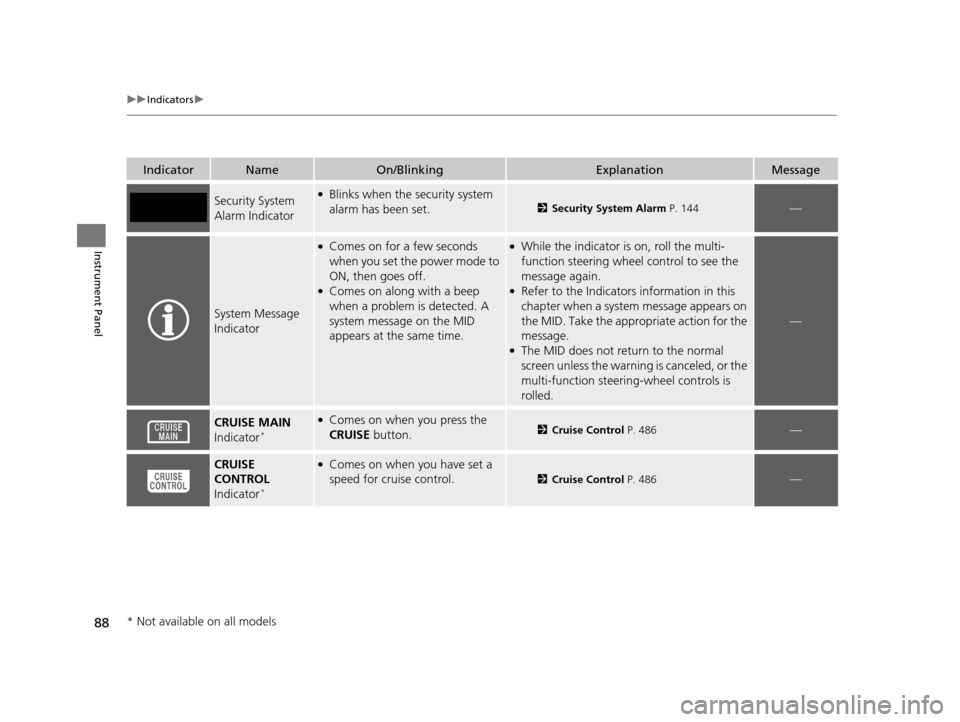
System Message
Indicator
●Comes on for a few seconds
when you set the power mode to
ON, then goes off.
●Comes on along with a beep
when a problem is detected. A
system message on the MID
appears at the same time.
●While the indicator is on, roll the multi-
function steering wheel control to see the
message again.
●Refer to the Indicators information in this
chapter when a system message appears on
the MID. Take the appropriate action for the
message.
●The MID does not return to the normal
screen unless the warning is canceled, or the
multi-function steering-wheel controls is
rolled.
—
CRUISE MAIN
Indicator*
●Comes on when you press the
CRUISE button.2Cruise Control P. 486—
CRUISE
CONTROL
Indicator
*
●Comes on when you have set a
speed for cruise control.
2 Cruise Control P. 486—
* Not available on all models
16 PILOT-31TG76000.book 88 ページ 2015年6月15日 月曜日 午前11時30分
Page 98 of 661
97
uuIndicators uMulti-Information Display (MID) Warning and Information Messages
Continued
Instrument Panel
Multi-Information Display (MID) Wa rning and Information Messages
The following messages appear only on th e MID. Press the (information) button to see the message again with the system
message indicator on.
MessageConditionExplanation
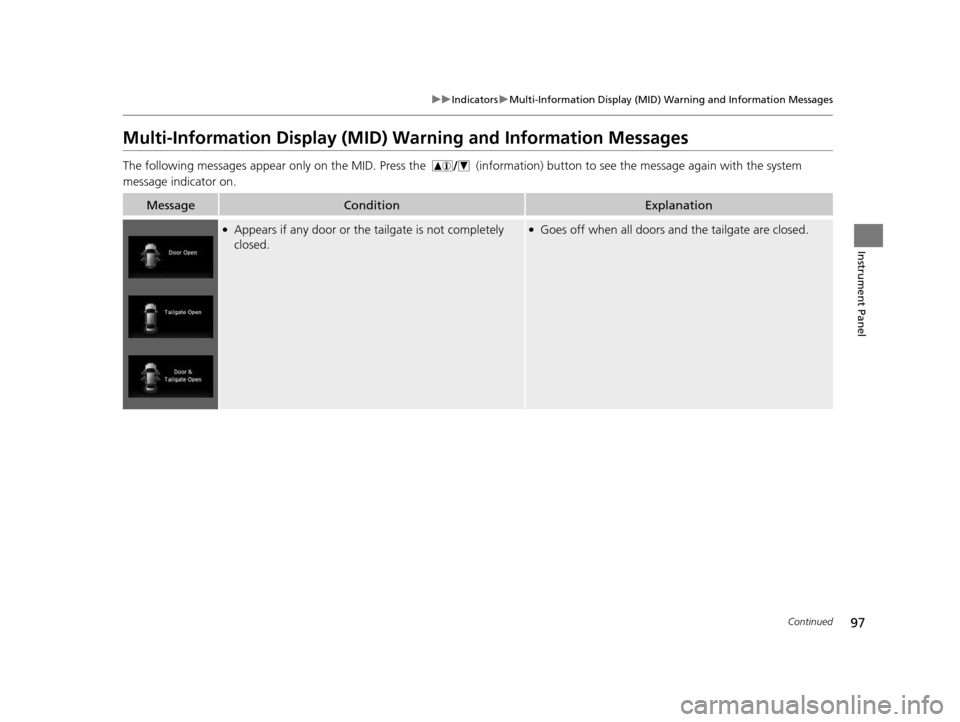
●Appears if any door or the tailgate is not completely
closed.●Goes off when all doors and the tailgate are closed.
16 PILOT-31TG76000.book 97 ページ 2015年6月15日 月曜日 午前11時30分
Page 99 of 661
98
uuIndicators uMulti-Information Display (MID) Warning and Information Messages
Instrument Panel
MessageConditionExplanation
●Appears when the washer fluid is low.*●Refill washer fluid.
2 Refilling Window Washer Fluid P. 574
●Appears when there is a problem with the sensor on the
battery.●Have your vehicle ch ecked by a dealer.
2Checking the Battery P. 594
●Appears along with the battery charging system
indicator when the battery is not charging.●Turn off the climate control sy stem and rear defogger to
reduce electricity consumption.
2 If the Charging System Indicator Comes On P. 624
●Appears when the scheduled maintenance is due soon.●Consequently, Maintenance Due Now and
Maintenance Past Due follow.2Maintenance Minder Messages on the Multi-
Information Display (MID) P. 560
●Appears when the engine coolant temperature gets
abnormally high.
2Overheating P. 622
* Not available on all models
16 PILOT-31TG76000.book 98 ページ 2015年6月15日 月曜日 午前11時30分
Page 100 of 661
99
uuIndicators uMulti-Information Display (MID) Warning and Information Messages
Continued
Instrument Panel
MessageConditionExplanation
●Appears when there is a problem with the power
tailgate system.●Manually open or close the power tailgate.●Have your vehicle checked by a dealer.
●Appears if there is a problem with the starter system.●Hold the ENGINE START/STOP button up to 15
seconds to start the engine.
2 Starting the Engine P. 461
Have your vehicle checked by a dealer.
U.S.
Canada
U.S.
Canada
16 PILOT-31TG76000.book 99 ページ 2015年6月15日 月曜日 午前11時30分
Page 101 of 661
100
uuIndicators uMulti-Information Display (MID) Warning and Information Messages
Instrument Panel
MessageConditionExplanation
●Appears when the steering wheel is locked.●Move the steering wheel left and right while pressing
the ENGINE START/STOP button.
●Appears when the power mode is in ACCESSORY.
—
●Appears after the driver’s door is opened when the
power mode is in ACCESSORY.●Press the ENGINE START/STOP button twice with your
foot off the brake pedal to change the power mode to
VEHICLE OFF (LOCK).
●Appears when you close the door with the power mode
is in ON without the smart entry remote inside the
vehicle.●Disappears when you bring the smart entry remote back
inside the vehicle and close the door.
2 Smart Entry Remote Reminder P. 153
●Appears when the smart entry remote battery becomes
weak.●Replace the battery as soon as possible.
2Replacing the Button Battery P. 596
Canadian models
16 PILOT-31TG76000.book 100 ページ 2015年6月15日 月曜日 午前11時30分