Page 181 of 661
uuAdjusting the Seats uAdjusting the Seat Positions
180
Controls
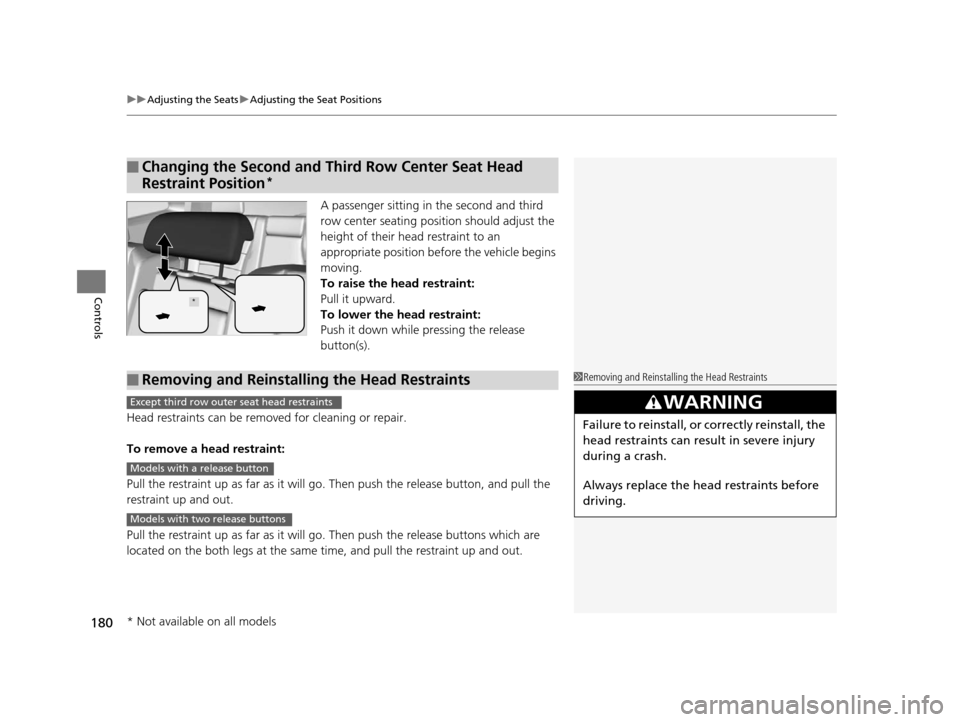
A passenger sitting in the second and third
row center seating position should adjust the
height of their head restraint to an
appropriate position befo re the vehicle begins
moving.
To raise the head restraint:
Pull it upward.
To lower the head restraint:
Push it down while pressing the release
button(s).
Head restraints can be removed for cleaning or repair.
To remove a head restraint:
Pull the restraint up as far as it will go. Then push the release button, and pull the
restraint up and out.
Pull the restraint up as far as it will go. Then push the releas e buttons which are
located on the both legs at the same time, and pull the restraint up and out.
■Changing the Second and Third Row Center Seat Head
Restraint Position
*
*
■Removing and Reinstalling the Head Restraints1 Removing and Reinstalling the Head Restraints
3WARNING
Failure to reinstall, or correctly reinstall, the
head restraints can result in severe injury
during a crash.
Always replace the he ad restraints before
driving.
Except third row outer seat head restraints
Models with a release button
Models with two release buttons
* Not available on all models
16 PILOT-31TG76000.book 180 ページ 2015年6月15日 月曜日 午前11時30分
Page 183 of 661
uuAdjusting the Seats uAdjusting the Seat Positions
182
Controls
After all occupants have adjusted their seats and head restraints, and put on their
seat belts, it is very important that they continue to sit upright, well back in their
seats, with their feet on the floor until the vehicle is safely park ed and the engine is
off.
Sitting improperly can increase the chance of injury during a crash. For example, if
an occupant slouches, lies down, turns si deways, sits forward, leans forward or
sideways, or puts one or both feet up, the chance of injury during a crash is greatly
increased.
In addition, an occupant who is out of position in the front seat can be seriously or
fatally injured in a crash by striking interior parts of the vehicle or being struck by an
inflating front airbag.
■Maintain a Proper Sitting Position1 Maintain a Proper Sitting Position
3WARNING
Sitting improperly or out of position can
result in serious injury or death in a crash.
Always sit upright, well back in the seat,
with your feet on the floor.
16 PILOT-31TG76000.book 182 ページ 2015年6月15日 月曜日 午前11時30分
Page 192 of 661
191
uuInterior Lights/Interior Convenience Items uInterior Convenience Items
Continued
Controls
Interior Convenience Items
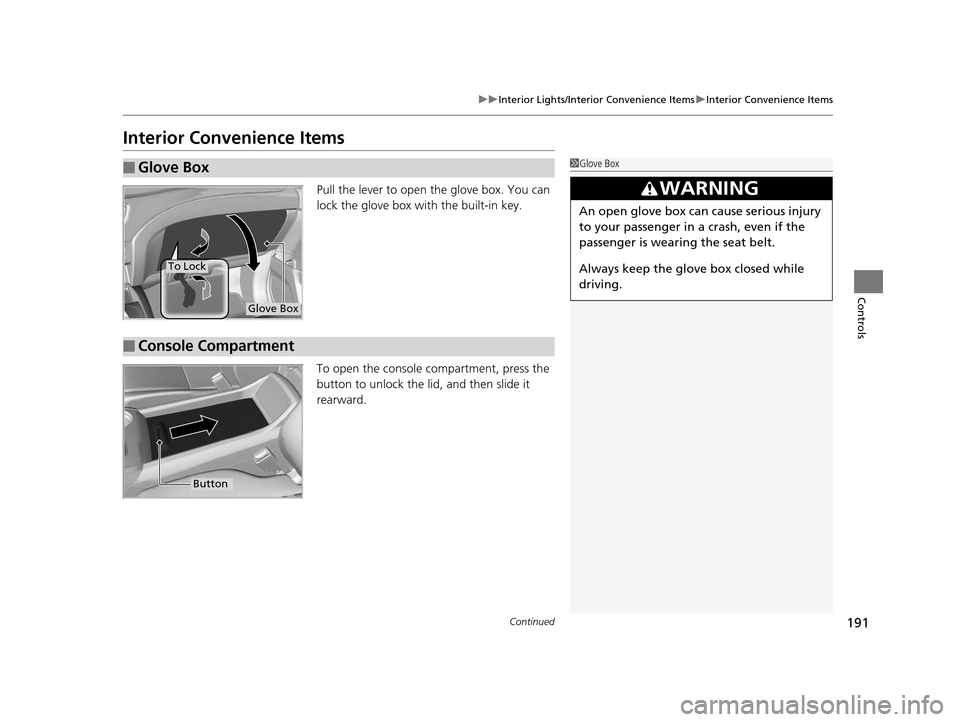
Pull the lever to open the glove box. You can
lock the glove box with the built-in key.
To open the console co mpartment, press the
button to unlock the lid, and then slide it
rearward.
■Glove Box1 Glove Box
3WARNING
An open glove box can cause serious injury
to your passenger in a crash, even if the
passenger is wearing the seat belt.
Always keep the glove box closed while
driving.
Glove Box
To Lock
■Console Compartment
Button
16 PILOT-31TG76000.book 191 ページ 2015年6月15日 月曜日 午前11時30分
Page 202 of 661
Continued201
uuInterior Lights/Interior Convenience Items uInterior Convenience Items
Controls
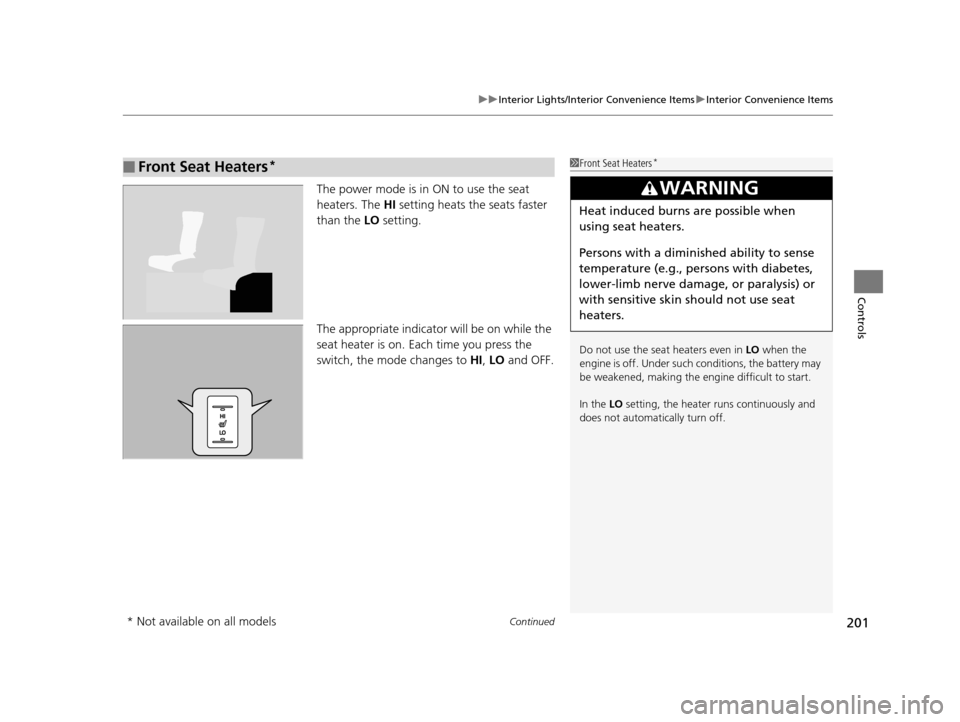
The power mode is in ON to use the seat
heaters. The HI setting heats the seats faster
than the LO setting.
The appropriate indicato r will be on while the
seat heater is on. Each time you press the
switch, the mode changes to HI, LO and OFF.
■Front Seat Heaters*1Front Seat Heaters*
Do not use the seat heaters even in LO when the
engine is off. Under such conditions, the battery may
be weakened, making the engine difficult to start.
In the LO setting, the heater runs continuously and
does not automatically turn off.
3WARNING
Heat induced burns are possible when
using seat heaters.
Persons with a diminished ability to sense
temperature (e.g., persons with diabetes,
lower-limb nerve damage, or paralysis) or
with sensitive skin should not use seat
heaters.
* Not available on all models
16 PILOT-31TG76000.book 201 ページ 2015年6月15日 月曜日 午前11時30分
Page 203 of 661
uuInterior Lights/Interior Convenience Items uInterior Convenience Items
202
Controls
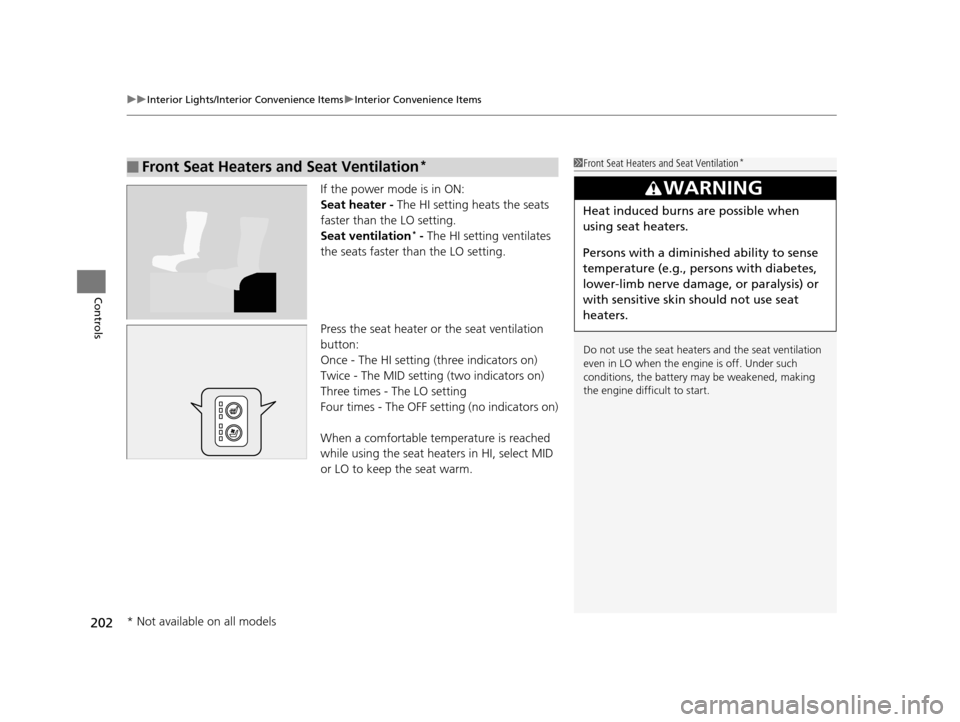
If the power mode is in ON:
Seat heater - The HI setting heats the seats
faster than the LO setting.
Seat ventilation
* - The HI setting ventilates
the seats faster than the LO setting.
Press the seat heater or the seat ventilation
button:
Once - The HI setting (three indicators on)
Twice - The MID setting (two indicators on)
Three times - The LO setting
Four times - The OFF setting (no indicators on)
When a comfortable temperature is reached
while using the seat heaters in HI, select MID
or LO to keep the seat warm.
■Front Seat Heaters and Seat Ventilation*1 Front Seat Heaters and Seat Ventilation*
Do not use the seat heater s and the seat ventilation
even in LO when the engine is off. Under such
conditions, the battery ma y be weakened, making
the engine difficult to start.
3WARNING
Heat induced burns are possible when
using seat heaters.
Persons with a diminished ability to sense
temperature (e.g., persons with diabetes,
lower-limb nerve damage, or paralysis) or
with sensitive skin should not use seat
heaters.
* Not available on all models
16 PILOT-31TG76000.book 202 ページ 2015年6月15日 月曜日 午前11時30分
Page 204 of 661
Continued203
uuInterior Lights/Interior Convenience Items uInterior Convenience Items
Controls
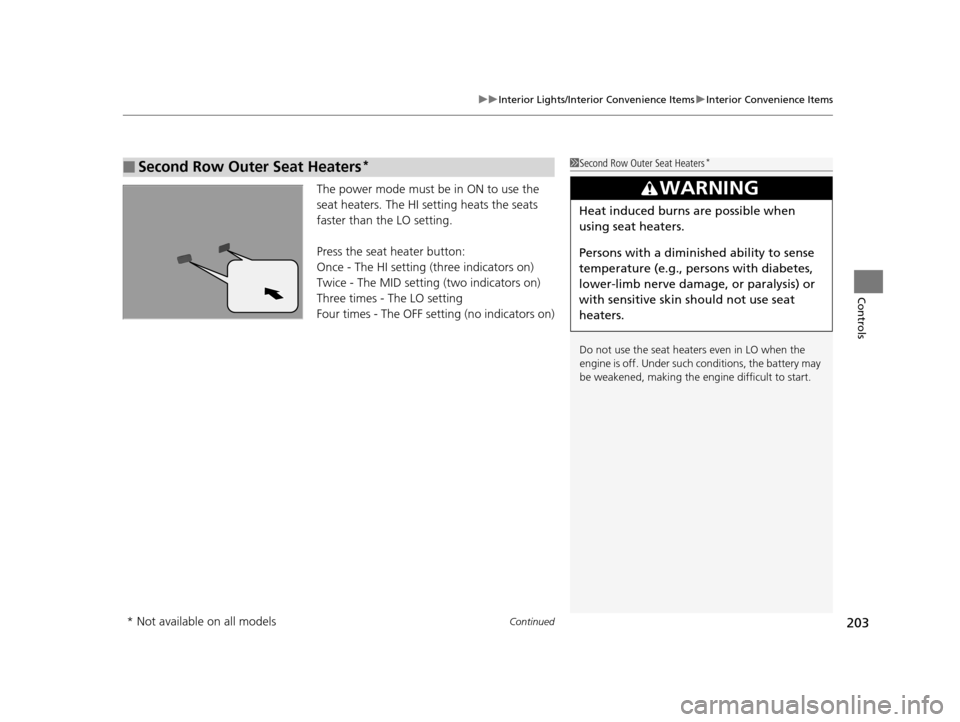
The power mode must be in ON to use the
seat heaters. The HI setting heats the seats
faster than the LO setting.
Press the seat heater button:
Once - The HI setting (three indicators on)
Twice - The MID setting (two indicators on)
Three times - The LO setting
Four times - The OFF setting (no indicators on)
■Second Row Outer Seat Heaters*1Second Row Outer Seat Heaters*
Do not use the seat heaters even in LO when the
engine is off. Under such conditions, the battery may
be weakened, making the engine difficult to start.
3WARNING
Heat induced burns are possible when
using seat heaters.
Persons with a diminished ability to sense
temperature (e.g., persons with diabetes,
lower-limb nerve damage, or paralysis) or
with sensitive skin should not use seat
heaters.
* Not available on all models
16 PILOT-31TG76000.book 203 ページ 2015年6月15日 月曜日 午前11時30分
Page 353 of 661
352
uuCustomized Features u
Features
Vehicle
Driver Assist
System Setup*Forward Collision Warning Distance*
ACC Forward Vehicle Detect Beep*
Road Departure Mitigation Setting*
Lane Keeping Assist Suspend Beep*
Blind Spot Info*
Meter SetupLanguage Selection
Adjust Outside Temp Display
"Trip A" Reset Timing
"Trip B" Reset Timing
Reverse Alert Tone*
Auto Engine Idle Stop Guidance Screen*
Adjust Alarm Volume
Turn by Turn Display*
Display km/Miles
* Not available on all models
16 PILOT-31TG76000.book 352 ページ 2015年6月15日 月曜日 午前11時30分
Page 364 of 661
363
uuCustomized Features u
Continued
Features
*1:Default SettingSetup
Group Customizable Features Description Selectable Settings
Vehicle Driver
Assist
System
Setup
*
Forward Collision Warning
Distance*Changes distance CMBSTM alerts.
Long/Normal*1/Short
ACC Forward Vehicle
Detect Beep
*
Causes the system to beep when the system
detects a vehicle, or when the vehicle goes out of
the ACC range. On
/Off*1
Road Departure Mitigation
Setting*Changes the setting for the road departure
mitigation system. Normal*1/
Wide /
Warning Only
Lane Keeping Assist
Suspend Beep
*Causes the system to be ep when the LKAS is
suspended. On
/Off*1
Blind Spot Info*Changes the setting for the blind spot
information. Audible And Visual
Alert*1/
Visual Alert /
Off
* Not available on all models
16 PILOT-31TG76000.book 363 ページ 2015年6月15日 月曜日 午前11時30分