Page 174 of 587

•Auto Wipers: Enabling/disabling the automatic opera-
tion of wipers in the event of rain
• LaneSense Warning: A selection of the �readiness�of
intervention of LaneSense
• Warning Buzzer Volume: Increase or decrease the
volume of the buzzer.
• Maintenance Brakes — If Equipped: Activation of the
procedure to carry out braking system maintenance
• Auto Park Brake — If Equipped: Enable/disable auto-
insertion of the Electric Parking Brake
Lights
By selecting the item �Lights,�you can make the follow-
ing adjustments:
• Headlight Off Delay: Set the delay for headlight shut-
off after engine shutoff •
Headlight Sensor: Adjust the sensitivity of headlight
brightness
• Interior Ambient Lights: Increase of decrease the
brightness of the Interior Ambient Lights
• Greeting Lights: Enable/disable the vehicle’s Greeting
Lights
• Auto. High Beam: Activate/deactivate the automatic
main beam headlights — If Equipped
• Daytime Lights: Activate/deactivate the daytime run-
ning lights
• Cornering Lights: activate/deactivate the cornering
lights — If Equipped
172 GETTING TO KNOW YOUR INSTRUMENT CLUSTER
Page 186 of 587
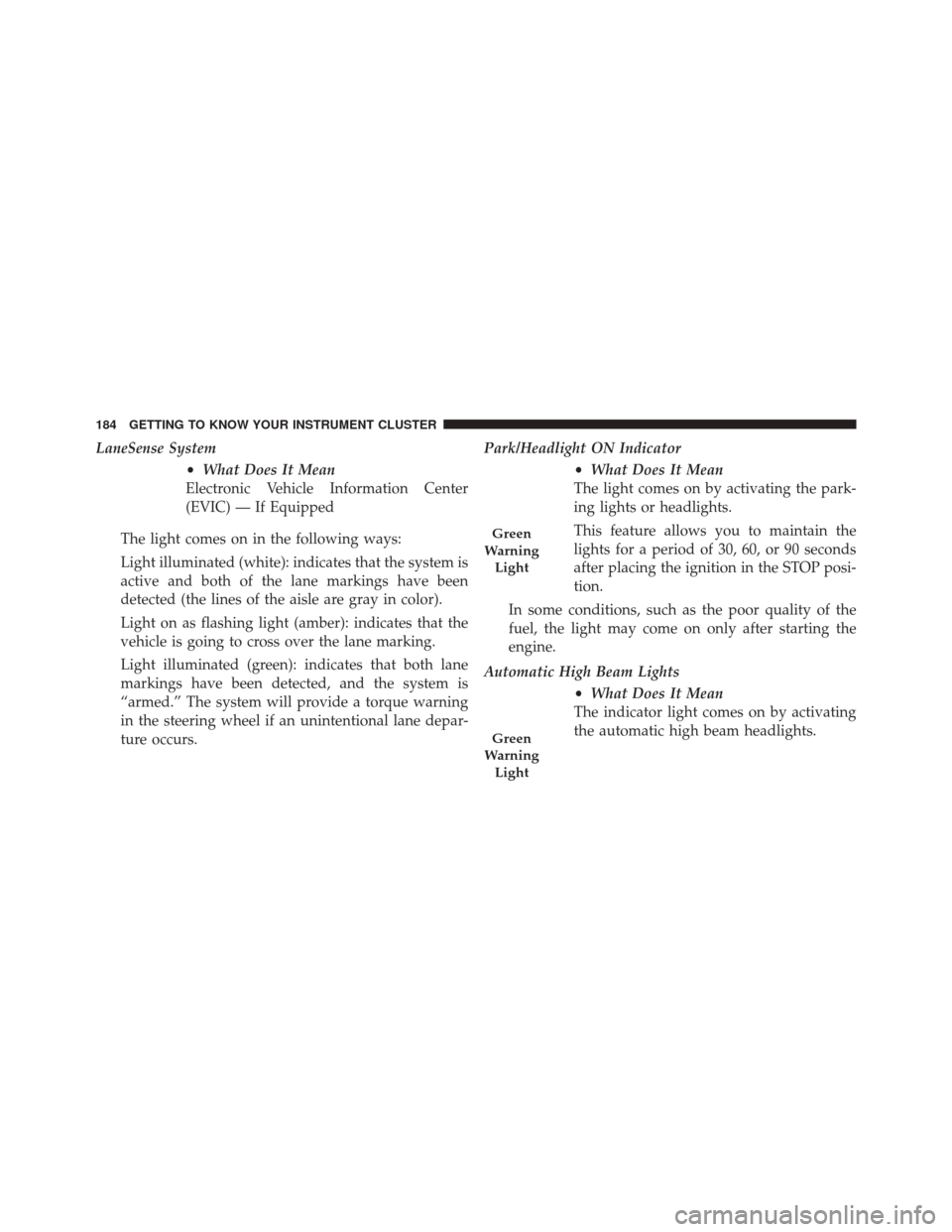
LaneSense System•What Does It Mean
Electronic Vehicle Information Center
(EVIC) — If Equipped
The light comes on in the following ways:
Light illuminated (white): indicates that the system is
active and both of the lane markings have been
detected (the lines of the aisle are gray in color).
Light on as flashing light (amber): indicates that the
vehicle is going to cross over the lane marking.
Light illuminated (green): indicates that both lane
markings have been detected, and the system is
“armed.” The system will provide a torque warning
in the steering wheel if an unintentional lane depar-
ture occurs. Park/Headlight ON Indicator
•What Does It Mean
The light comes on by activating the park-
ing lights or headlights.
This feature allows you to maintain the
lights for a period of 30, 60, or 90 seconds
after placing the ignition in the STOP posi-
tion.
In some conditions, such as the poor quality of the
fuel, the light may come on only after starting the
engine.
Automatic High Beam Lights •What Does It Mean
The indicator light comes on by activating
the automatic high beam headlights.
Green
Warning Light
Green
Warning Light
184 GETTING TO KNOW YOUR INSTRUMENT CLUSTER
Page 187 of 587
Front Fog Lights•What Does It Mean
The light comes on by activating the fog
lights.
Left/Right Turn Signals •What Does It Mean
The indicator lights flash when the multi-
function lever is moved up/down to
show proper operation of the front and
rear turn signal lights (down (left signal)
up (right signal). It is also used along with
the right arrow when the Hazard Warning
flashers are turned on. Headlights On
•What Does It Mean
The indicator light comes on by turning on
the headlights.
Cruise SET Indicator — If Equipped •What Does It Mean
This light will turn on when the electronic
speed control is SET.
Glow Plug Icon •What Does It Mean
This icon blinking indicates that the engine
cranking is inhibited in order to prevent
possible engine damage while starting at
low temperatures.
Green
Warning Light
Green
Direction
Indicators
Blue
Warning Light
5
GETTING TO KNOW YOUR INSTRUMENT CLUSTER 185
Page 194 of 587
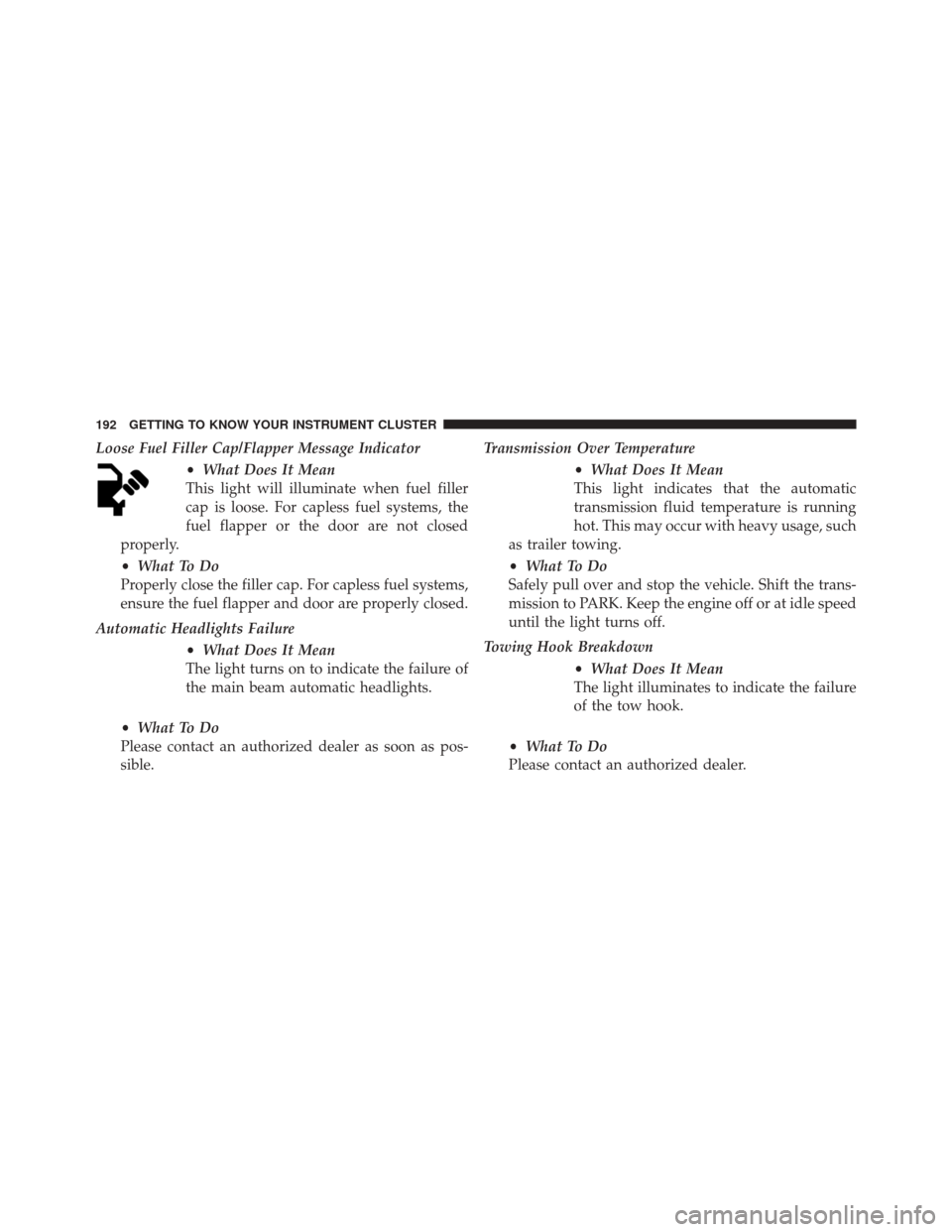
Loose Fuel Filler Cap/Flapper Message Indicator•What Does It Mean
This light will illuminate when fuel filler
cap is loose. For capless fuel systems, the
fuel flapper or the door are not closed
properly.
• What To Do
Properly close the filler cap. For capless fuel systems,
ensure the fuel flapper and door are properly closed.
Automatic Headlights Failure •What Does It Mean
The light turns on to indicate the failure of
the main beam automatic headlights.
• What To Do
Please contact an authorized dealer as soon as pos-
sible. Transmission Over Temperature
•What Does It Mean
This light indicates that the automatic
transmission fluid temperature is running
hot. This may occur with heavy usage, such
as trailer towing.
• What To Do
Safely pull over and stop the vehicle. Shift the trans-
mission to PARK. Keep the engine off or at idle speed
until the light turns off.
Towing Hook Breakdown •What Does It Mean
The light illuminates to indicate the failure
of the tow hook.
• What To Do
Please contact an authorized dealer.
192 GETTING TO KNOW YOUR INSTRUMENT CLUSTER
Page 476 of 587
CAUTION!
Do not use Alcohol and Alcohol-based and/or Keton
based cleaning products to clean leather seats, as
damage to the seat may result.
Cleaning Headlights
Your vehicle has plastic headlights that are lighter and
less susceptible to stone breakage than glass headlights.
Plastic is not as scratch resistant as glass and therefore
different lens cleaning procedures must be followed.
To minimize the possibility of scratching the lenses and
reducing light output, avoid wiping with a dry cloth. To
remove road dirt, wash with a mild soap solution fol-
lowed by rinsing.
Do not use abrasive cleaning components, solvents, steel
wool or other aggressive material to clean the lenses.
Glass Surfaces
All glass surfaces should be cleaned on a regular basis
with MOPAR Glass Cleaner, or any commercial
household-type glass cleaner. Never use an abrasive type
cleaner. Use caution when cleaning the inside rear win-
dow equipped with electric defrosters or windows
equipped with radio antennas. Do not use scrapers or
other sharp instrument that may scratch the elements.
When cleaning the rear view mirror, spray cleaner on the
towel or cloth that you are using. Do not spray cleaner
directly on the mirror.
Instrument Panel Cover
The instrument panel cover has a low glare surface which
minimizes reflections on the windshield. Do not use
protectants or other products which may cause undesir-
able reflections. Use soap and warm water to restore the
low glare surface.
474 MAINTAINING AND CARING FOR YOUR VEHICLE
Page 520 of 587
•Brightness
When in this display, you may select the overall screen
brightness with the headlights on or off. Adjust the
brightness with the “+” and “–” setting buttons on the
touchscreen or by selecting any point on the scale be-
tween the “+” and “–” buttons on the touchscreen.
• Language
When in this display, you may select one of multiple
languages (Deutsche/English/Español/Français/
Italiano/Nederlands/Polski/Português/Türkçe) for all
display nomenclature, including the trip functions and
the navigation system (if equipped). Press the “Lan-
guage” button on the touchscreen, then press the desired
language button on the touchscreen.
• Touchscreen Beep
When in this display, you may turn on or shut off the
sound heard when a touchscreen button is pressed. Press the “Touchscreen Beep” button on the touchscreen until a
check-mark appears next to the setting, showing that
setting has been selected.
Units
After pressing the “Units” button on the touchscreen you
may select each unit of measure independently displayed
in the Electronic Vehicle Information System (EVIC) or
Driver Information Display (DID). The following select-
able units of measure are listed below:
•
US
Changes the EVIC/DID to US units of measure.
• Metric
Changes the EVIC/DID to Metric units of measure.
• Custom
• Fuel Consumption
Select from: “MPG” (US), “MPG” (UK), “L/100 km”
or “km/L.”
518 MULTIMEDIA
Page 526 of 587
Lights
After pressing the “Lights” button on the touchscreen the
following settings will be available.
•Headlight Sensitivity
When this feature is selected, it allows the Headlight
Sensitivity to be adjusted according to three levels:
Level 1 = minimum sensitivity
Level 2 = medium sensitivity
Level 3 = maximum sensitivity
NOTE: The greater the sensitivity set, the less the exter-
nal light variation required to turn on the lights (e.g. with
a setting on level 3 at sunset the headlights turn on earlier
than in levels 1 and 2). To change the Headlight Sensi-
tivity setting, press the “1,” “2” or “3” button on the
touchscreen to select your desired Headlight Sensitivity
level. •
Headlight Off Delay
When this feature is selected, it allows the adjustment of
the amount of time the headlights remain on after the
engine is shut off. To change the Headlights Off Delay
setting, press the Headlights Off Delay button on the
touchscreen, and choose either 0 sec, 30 sec, 60 sec or 90
seconds. The selected button will highlight indicating
that the setting has been selected.
• Greeting Lights
When this feature is selected, it allows the greeting lights
to be turned On or Off. To change the Greeting Lights
setting, press the “On” or “Off” button on the touch-
screen to select your desired Greeting Light setting.
524 MULTIMEDIA
Page 527 of 587
•Auto High Beams — If Equipped
When this feature is selected, the high beam headlights
will activate/deactivate automatically under certain con-
ditions. To make your selection, press the “Auto High
Beams” button on the touchscreen, then select from “On”
or “Off.”
• Daytime Running Lights
When this feature is selected, the headlights will turn on
while the engine is running. To make your selection,
press the “Daytime Running Lights” button on the touch-
screen, then choose “Yes” or “No.” The button will
highlight indicating that the setting has been selected.
• Cornering Lights
When this feature is selected, if the steering wheel
rotation angle is large or the turn signal indicators are on,
a light (incorporated in the fog light) will turn on, on the
relevant side to improve visibility at night. To change the Cornering Lights setting, press the “On” or “Off” button
on the touchscreen to select your desired Cornering
Lights setting.
•
Flash Lights With Lock — If Equipped
When this feature is selected, the exterior lights will flash
when the doors are locked or unlocked with the Remote
Keyless Entry (RKE) transmitter. This feature may be
selected with or without the Sound Horn on Lock feature
selected. To make your selection, press the “Flash Lights
w/Lock” button on the touchscreen, then choose “On” or
“Off.”
Doors & Locks
After pressing the “Doors & Locks” button on the touch-
screen the following settings will be available.
• Auto Door Locks
When this feature is selected, all doors will lock auto-
matically when the vehicle reaches a speed of 12 mph
11
MULTIMEDIA 525