Page 135 of 634
2. The device must accept any interference received,including interference that may cause undesired op-
eration of the device.
Changes or modifications to any of these systems by
other than an authorized service facility could void
authorization to use this equipment.
SEATS
Seats are a part of the Occupant Restraint System of the
vehicle.
WARNING!
• It is dangerous to ride in a cargo area, inside or
outside of a vehicle. In a collision, people riding in
these areas are more likely to be seriously injured
or killed.
• Do not allow people to ride in any area of your
vehicle that is not equipped with seats and seat
belts. In a collision, people riding in these areas are
more likely to be seriously injured or killed.
• Be sure everyone in your vehicle is in a seat and
using a seat belt properly.
3
UNDERSTANDING THE FEATURES OF YOUR VEHICLE 133
Page 145 of 634
Rear Head Restraints
The center head restraint has two adjustable positions, up
or down. When the center seat is being occupied the head
restraint should be in the raised position. When there are
no occupants in the center seat the head restraint can be
lowered for maximum visibility for the driver.
To raise the head restraint, pull upward on the head
restraint. To lower the head restraint, push the adjust-
ment button located at the base of the head restraint and
push downward on the head restraint.NOTE:
•The head restraint should only be removed by quali-
fied technicians, for service purposes only. If the center
rear head restraints requires removal, see your autho-
rized dealer.
• The outboard head restraints are not adjustable.
Adjustment Button
3
UNDERSTANDING THE FEATURES OF YOUR VEHICLE 143
Page 192 of 634

This most often occurs at times of poor visibility, such as
in snow or heavy rain. The ACC system may also become
temporarily blinded due to obstructions, such as mud,
dirt or ice. In these cases, the DID will display “ACC/
FCW Unavailable Wipe Front Radar Sensor” and the
system will deactivate.
The “ACC/FCW Unavailable Wipe Front Radar Sensor”
message can sometimes be displayed while driving in
highly reflective areas (i.e. tunnels with reflective tiles, or
ice and snow). The ACC system will recover after the
vehicle has left these areas. Under rare conditions, when
the radar is not tracking any vehicles or objects in its path
this warning may temporarily occur.
NOTE:If the “ACC/FCW Unavailable Wipe Front Radar
Sensor” warning is active Normal (Fixed Speed) Cruise
Control is still available. For additional information refer
to “Normal (Fixed Speed) Cruise Control Mode” in this
section. If weather conditions are not a factor, the driver should
examine the sensor. It may require cleaning or removal of
an obstruction. The sensor is located in the center of the
vehicle behind the lower grille.
To keep the ACC System operating properly, it is impor-
tant to note the following maintenance items:
•
Always keep the sensor clean. Carefully wipe the
sensor lens with a soft cloth. Be cautious not to damage
the sensor lens.
• Do not remove any screws from the sensor. Doing so
could cause an ACC system malfunction or failure and
require a sensor realignment.
• If the sensor or front end of the vehicle is damaged due
to a collision, see your authorized dealer for service.
190 UNDERSTANDING THE FEATURES OF YOUR VEHICLE
Page 194 of 634

driving in adverse weather conditions. The ACC/FCW
system will recover after the vehicle has left these areas.
Under rare conditions, when the camera is not tracking
any vehicles or objects in its path this warning may
temporarily occur.
If weather conditions are not a factor, the driver should
examine the windshield and the camera located on the
back side of the inside rear view mirror. They may
require cleaning or removal of an obstruction.
When the condition that created limited functionality is
no longer present, the system will return to full function-
ality.
NOTE:If the “ACC/FCW Limited Functionality Clean
Front Windshield” message occurs frequently (e.g. more
than once on every trip) without any snow, rain, mud, or
other obstruction, have the windshield and forward
facing camera inspected at your authorized dealer.Service ACC/FCW Warning
If the system turns off, and the DID displays “ACC/FCW
Unavailable Service Required” or “Cruise/FCW Unavail-
able Service Required”, there may be an internal system
fault or a temporary malfunction that limits ACC func-
tionality. Although the vehicle is still drivable under
normal conditions, ACC will be temporarily unavailable.
If this occurs, try activating ACC again later, following an
ignition cycle. If the problem persists, see your autho-
rized dealer.
Precautions While Driving With ACC
In certain driving situations, ACC may have detection
issues. In these cases, ACC may brake late or unexpect-
edly. The driver needs to stay alert and may need to
intervene.
Towing A Trailer
Towing a trailer is not advised when using ACC.
192 UNDERSTANDING THE FEATURES OF YOUR VEHICLE
Page 199 of 634
General Information
This vehicle has systems that operate on radio frequency
that comply with Part 15 of the Federal Communications
Commission (FCC) rules and with Industry Canada
Standards RSS- GEN/210/220/310.
Operation is subject to the following two conditions:
1. The device may not cause harmful interference.
2. The device must accept any interference received,including interference that may cause undesired op-
eration of the device.
Changes or modifications to any of these systems by
other than an authorized service facility could void
authorization to use this equipment.
Normal (Fixed Speed) Electronic Speed Control
Mode
In addition to Adaptive Cruise Control mode, a Normal
(Fixed Speed) Electronic Speed Control mode is available
for cruising at fixed speeds. The Normal (Fixed Speed)
Electronic Speed Control mode is designed to maintain a
set cruising speed without requiring the driver to operate
the accelerator. Electronic Speed Control can only be
operated if the vehicle speed is above 20 mph (32 km/h).
To change between the different control modes, push the
ADAPTIVE CRUISE CONTROL (ACC) ON/OFF button
which turns the ACC and the NORMAL (Fixed Speed)
ELECTRONIC SPEED CONTROL OFF. Pushing of the
NORMAL (Fixed Speed) ELECTRONIC SPEED CON-
TROL ON/OFF button will result in turning ON (chang-
ing to) the Normal (Fixed Speed) Electronic Speed Con-
trol mode.
3
UNDERSTANDING THE FEATURES OF YOUR VEHICLE 197
Page 207 of 634

fully available. Once the condition that limited the sys-
tem performance is no longer present, the system will
return to its full performance state. If the problem per-
sists, see your authorized dealer.
Service FCW Warning
If the system turns off, and the DID displays:
•ACC/FCW Unavailable Service Required
• Cruise/FCW Unavailable Service Required
This indicates there is an internal system fault. Although
the vehicle is still drivable under normal conditions, have
the system checked by an authorized dealer.
LANESENSE — IF EQUIPPED
LaneSense Operation
The LaneSense system is operational at speeds above
37 mph (60 km/h) and below 112 mph (180 km/h). The LaneSense system uses a forward looking camera to
detect lane markings and measure vehicle position
within the lane boundaries.
When both lane markings are detected and the driver
unintentionally drifts out of the lane (no turn signal
applied), the LaneSense system provides a haptic warn-
ing in the form of torque applied to the steering wheel to
prompt the driver to remain within the lane boundaries.
If the driver continues to unintentionally drift out of the
lane, the LaneSense system provides a visual warning
through the Driver Information Display (DID) to prompt
the driver to remain within the lane boundaries.
The driver may manually override the haptic warning by
applying torque into the steering wheel at any time.
When only a single lane marking is detected and the
driver unintentionally drifts across the lane marking (no
turn signal applied), the LaneSense system provides a
visual warning through the DID to prompt the driver to
3
UNDERSTANDING THE FEATURES OF YOUR VEHICLE 205
Page 218 of 634
Enabling And Disabling ParkSense
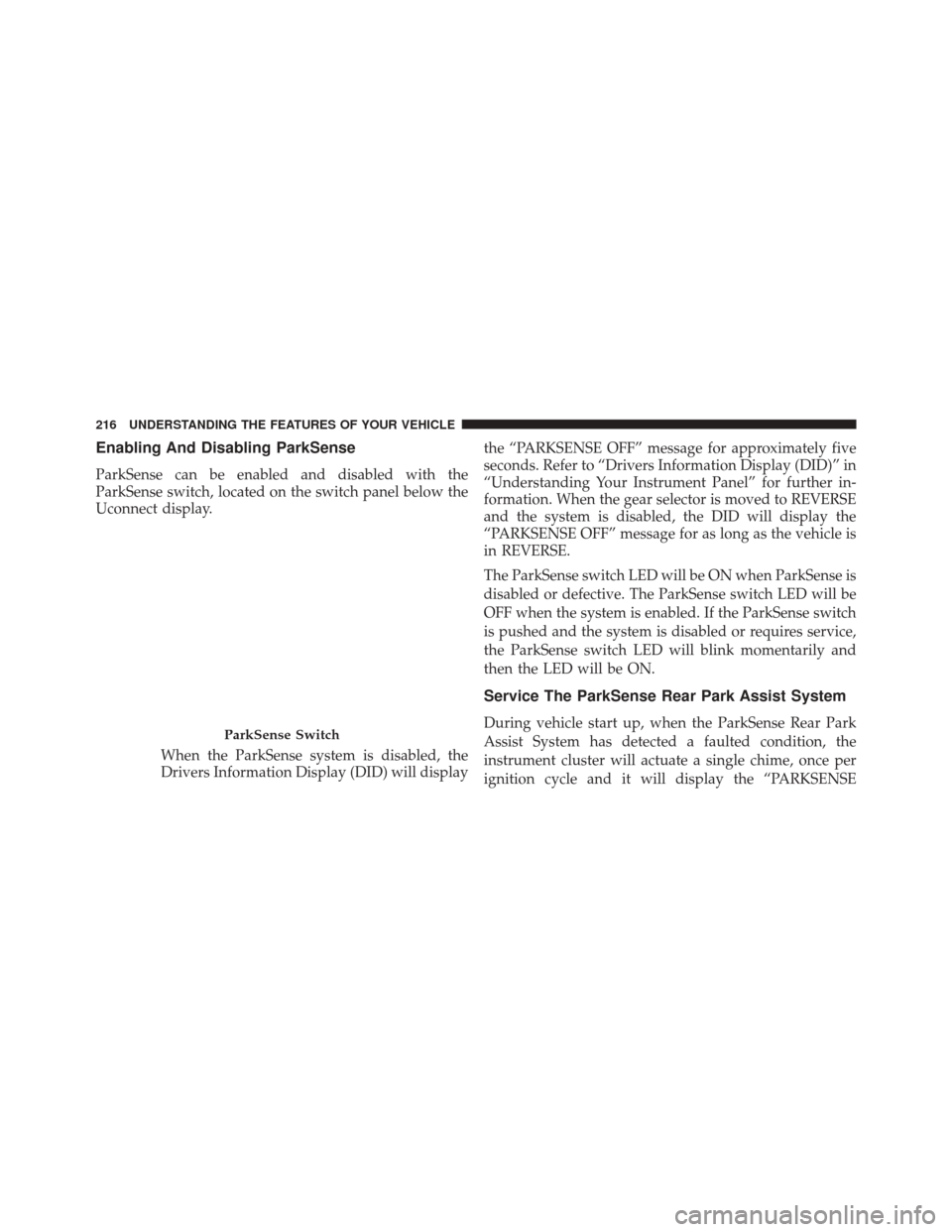
ParkSense can be enabled and disabled with the
ParkSense switch, located on the switch panel below the
Uconnect display.When the ParkSense system is disabled, the
Drivers Information Display (DID) will display the “PARKSENSE OFF” message for approximately five
seconds. Refer to “Drivers Information Display (DID)” in
“Understanding Your Instrument Panel” for further in-
formation. When the gear selector is moved to REVERSE
and the system is disabled, the DID will display the
“PARKSENSE OFF” message for as long as the vehicle is
in REVERSE.
The ParkSense switch LED will be ON when ParkSense is
disabled or defective. The ParkSense switch LED will be
OFF when the system is enabled. If the ParkSense switch
is pushed and the system is disabled or requires service,
the ParkSense switch LED will blink momentarily and
then the LED will be ON.
Service The ParkSense Rear Park Assist System
During vehicle start up, when the ParkSense Rear Park
Assist System has detected a faulted condition, the
instrument cluster will actuate a single chime, once per
ignition cycle and it will display the “PARKSENSEParkSense Switch
216 UNDERSTANDING THE FEATURES OF YOUR VEHICLE
Page 219 of 634

UNAVAILABLE WIPE REAR SENSORS” or
“PARKSENSE UNAVAILABLE SERVICE REQUIRED”
message for five seconds. Refer to “Driver Information
Display (DID)” in “Understanding Your Instrument
Panel” for further information.
When the gear selector is moved to REVERSE and the
system has detected a faulted condition, the Driver
Information Display (DID) will display the
“PARKSENSE UNAVAILABLE WIPE REAR SENSORS”
or “PARKSENSE UNAVAILABLE SERVICE REQUIRED”
message for as long as the vehicle is in REVERSE. Under
this condition, ParkSense will not operate.
If “PARKSENSE UNAVAILABLE WIPE REAR SEN-
SORS” appears in the Driver Information Display (DID),
make sure the outer surface and the inside of the rear
fascia/bumper is clean and clear of snow, ice, mud, dirt
or other obstruction, and then cycle the ignition. If the
message continues to appear see an authorized dealer.If “PARKSENSE UNAVAILABLE SERVICE REQUIRED”
appears in the DID, see an authorized dealer.
Cleaning The ParkSense System
Clean the ParkSense sensors with water, car wash soap
and a soft cloth. Do not use rough or hard cloths. Do not
scratch or poke the sensors. Otherwise, you could dam-
age the sensors.
ParkSense System Usage Precautions
NOTE:
•
Ensure that the rear bumper is free of snow, ice, mud,
dirt and debris to keep the ParkSense system operating
properly.
• Jackhammers, large trucks, and other vibrations could
affect the performance of ParkSense or render the
system temporarily unavailable.
3
UNDERSTANDING THE FEATURES OF YOUR VEHICLE 217