Page 273 of 620

CAUTION!(Continued)
remains on the “H”, turn the engine off immediately
and call an authorized dealer for service.
WARNING!
A hot engine cooling system is dangerous. You or
others could be badly burned by steam or boiling
coolant. You may want to call an authorized dealer
for service if your vehicle overheats. If you decide to
look under the hood yourself, see “Maintaining Your
Vehicle”. Follow the warnings under the Cooling
System Pressure Cap paragraph.
WARNING AND INDICATOR LIGHTS
IMPORTANT: The warning / indicator lights switch on
in the instrument panel together with a dedicated mes-
sage and/or acoustic signal when applicable. These
indications are indicative and precautionary and as such
must not be considered as exhaustive and/or alternative
to the information contained in the Owner Manual,
which you are advised to read carefully in all cases.
Always refer to the information in this chapter in the
event of a failure indication.
All active telltales will display first if applicable. The
system check menu may appear different based upon
equipment options and current vehicle status. Some
telltales are optional and may not appear.
4
UNDERSTANDING YOUR INSTRUMENT PANEL 271
Page 290 of 620
Tire Pressure Monitoring Indicator Light
Yellow TelltaleLight What It Means
Tire Pressure Monitoring Indicator Light
The warning light switches on and a message is displayed to indicate that the tire pressure
is lower than the recommended value and/or that slow pressure loss is occurring. In these
cases, optimal tire duration and fuel consumption may not be guaranteed.
Should one or more tires be in the condition mentioned above, the display will show the
indications corresponding to each tire in sequence.
IMPORTANT: Do not continue driving with one or more
flat tires as handling may be compromised. Stop the
vehicle, avoiding sharp braking and steering. Repair
immediately using the dedicated tire repair kit and
contact your authorized dealership as soon as possible.
Each tire, including the spare (if provided), should be
checked monthly when cold and inflated to the inflation
pressure recommended by the vehicle manufacturer on the vehicle placard or tire inflation pressure label. If your
vehicle has tires of a different size than the size indicated
on the vehicle placard or tire inflation pressure label, you
should determine the proper tire inflation pressure for
those tires.
As an added safety feature, your vehicle has been
equipped with a Tire Pressure Monitoring System
(TPMS) that illuminates a low tire pressure telltale when
288 UNDERSTANDING YOUR INSTRUMENT PANEL
Page 301 of 620
Adaptive Cruise Control (ACC) Distance Setting Display Light — If Equipped
White TelltaleLight What It Means
Adaptive Cruise Control (ACC) Distance Setting Display Light — If Equipped
This will display the distance setting for the ACC system. Refer to “Adaptive Cruise Control
(ACC)” in “Understanding The Features Of Your Vehicle” for further information.
Adaptive Cruise Control (ACC) On Light — If Equipped
White Telltale
Light What It Means
Adaptive Cruise Control (ACC) On Light — If Equipped
This light will turn on when the Adaptive Cruise Control is ON. Refer to “Adaptive Cruise
Control (ACC)” in “Understanding The Features Of Your Vehicle” for further information.
4
UNDERSTANDING YOUR INSTRUMENT PANEL 299
Page 303 of 620
Blue Telltale Indicator Lights
High Beam Indicator Light
Blue TelltaleLight What It Means
High Beam Indicator Light
This indicator shows that the high beam headlights are on. Push the multifunction control
lever away from you to switch the headlights to high beam. Pull the lever toward you to
switch the headlights back to low beam. Pull the lever toward you for a temporary high
beam on,
�flash to pass� scenario.
DRIVER INFORMATION DISPLAY (DID)
The Driver Information Display (DID) features an inter-
active display which is located in the instrument cluster.
This system conveniently allows the driver to select a
variety of useful information by pushing the arrow
buttons located on the left side of the steering wheel. The
DID Menu Items consists of the following: •
Speedometer
• Vehicle Info
• Driver Assist — If Equipped
• Fuel Economy
• Trip
• Audio
4
UNDERSTANDING YOUR INSTRUMENT PANEL 301
Page 305 of 620
NOTE:
•Holding the UP/DOWNorLEFT/RIGHT arrow but-
tons will loop the user through the currently selected
menu or options presented on the screen.
• Main menu and submenu’s wrap for continuous
scrolling.
• Upon returning to a main menu, the last submenu
screen viewed within that main menu will be dis-
played.
OK Button:
For Digital Speedometer
• Pushing the OKbutton changes units (MPH or km/h).
For Screen Setup and Vehicle Settings:
• OK button allows user to enter menu and submenus. •
Within each submenu layer, the up/down arrows will
allow the user to select the item of interest.
• Pushing the OKbutton makes the selection and a
confirmation screen will appear (returning the user to
the 1st page of the submenu).
• Pushing the LEFTarrow button will exit each sub-
menu layer and return to the main menu.
For the Trip and Fuel Economy menus (and new Perfor-
mance Timers):
• Information is reset by pushing and holding the OK
button.
Engine Oil Life Reset
Oil Change Required
Your vehicle is equipped with an engine oil change
indicator system. The “Oil Change Required” message
will display in the DID for five seconds after a single
4
UNDERSTANDING YOUR INSTRUMENT PANEL 303
Page 306 of 620
chime has sounded, to indicate the next scheduled oil
change interval. The engine oil change indicator system
is duty cycle based, which means the engine oil change
interval may fluctuate, dependent upon your personal
driving style.
Unless reset, this message will continue to display each
time you place the ignition in the ON/RUN position. To
turn off the message temporarily, push and release the
OKor arrow buttons. To reset the oil change indicator
system (after performing the scheduled maintenance),
refer to the following procedure.
Vehicles Equipped With Keyless Enter-N-Go
Your vehicle is equipped with an engine oil change
indicator system. The “Oil Change Required” message
will display in the DID for five seconds after a single
chime has sounded to indicate the next scheduled oil
change interval. The engine oil change indicator system is duty cycle based, which means the engine oil change
interval may fluctuate, dependent upon your personal
driving style.
Use the steering wheel DID controls for the following
procedure(s):
1. Without pushing the brake pedal, push the ENGINE
START/STOP button and place the ignition in the
ON/RUN position (do not start the engine).
2. Push and release the DOWN
arrow button to
scroll downward through the main menu to “Ve-
hicle Info.”
3. Push and release the RIGHTarrow button to
access the ”Oil Life” screen.
304 UNDERSTANDING YOUR INSTRUMENT PANEL
Page 307 of 620
4. Push and hold theOKbutton to rest oil life. If
conditions are met, the gauge and numeric display
will update to show 100%. If conditions are not met a
popup message of �To reset oil life engine must be off
with ignition in run� will be displayed (for 5 seconds),
and the user will remain at the Oil Life screen.
5. Push and release the UP
orDOWNarrow
button to exit the submenu screen.
NOTE: If the indicator message illuminates when you
start the vehicle, the oil change indicator system did not
reset. If necessary, repeat this procedure. Secondary Method Of Resetting Engine Oil Life
1. Without pushing the brake pedal, push the ENGINE
START/STOP button and place the ignition to the
ON/RUN position (do not start the engine).
2. Fully push the accelerator pedal, slowly, three times within 10 seconds.
3. Without pushing the brake pedal, push the ENGINE START/STOP button once to return the ignition to the
OFF/LOCK position.
NOTE: If the indicator message illuminates when you
start the vehicle, the oil change indicator system did not
reset. If necessary, repeat this procedure.
4
UNDERSTANDING YOUR INSTRUMENT PANEL 305
Page 308 of 620
Gear Shift Indicator (GSI) — If Equipped
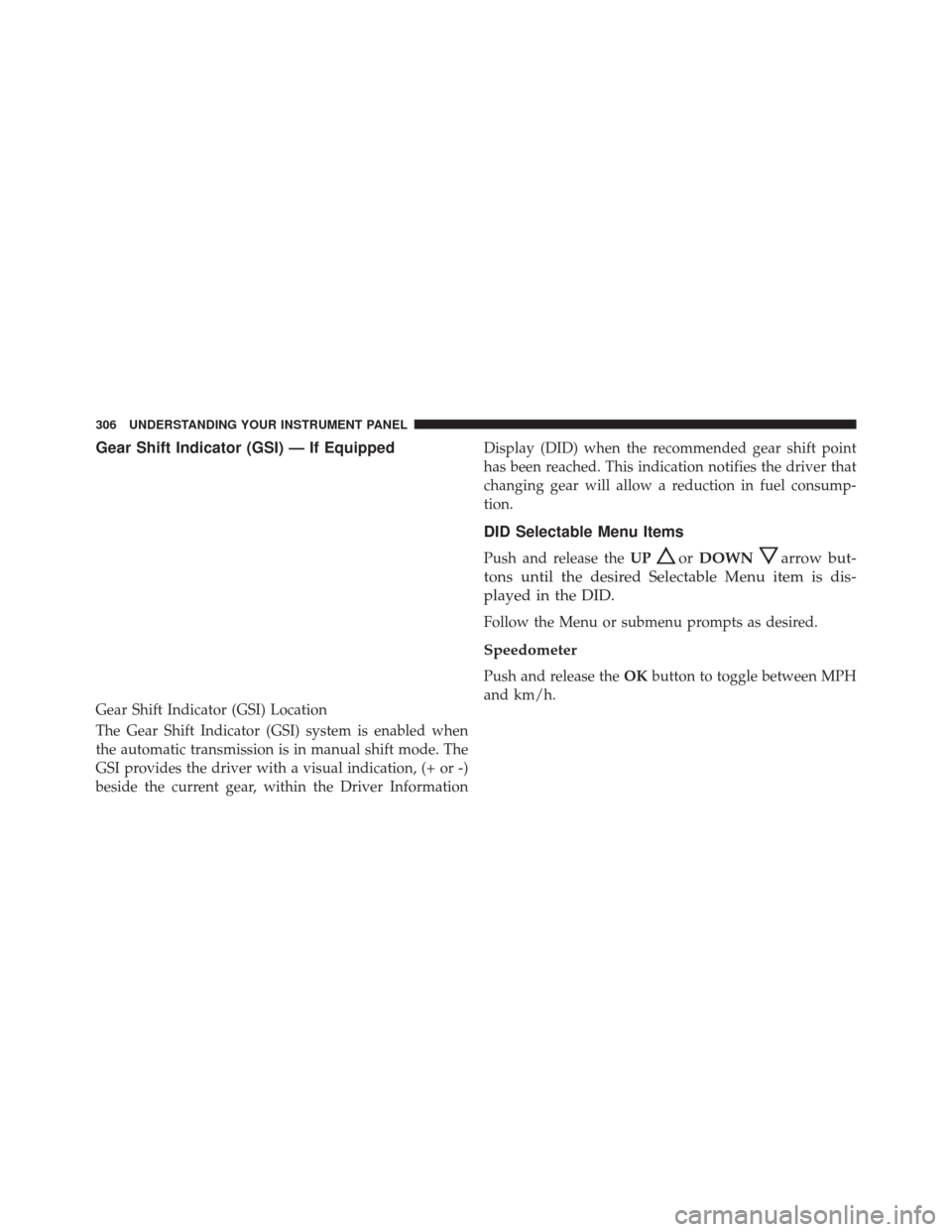
The Gear Shift Indicator (GSI) system is enabled when
the automatic transmission is in manual shift mode. The
GSI provides the driver with a visual indication, (+ or -)
beside the current gear, within the Driver InformationDisplay (DID) when the recommended gear shift point
has been reached. This indication notifies the driver that
changing gear will allow a reduction in fuel consump-
tion.
DID Selectable Menu Items
Push and release the
UPorDOWNarrow but-
tons until the desired Selectable Menu item is dis-
played in the DID.
Follow the Menu or submenu prompts as desired.
Speedometer
Push and release the OKbutton to toggle between MPH
and km/h.
Gear Shift Indicator (GSI) Location
306 UNDERSTANDING YOUR INSTRUMENT PANEL