Page 252 of 620
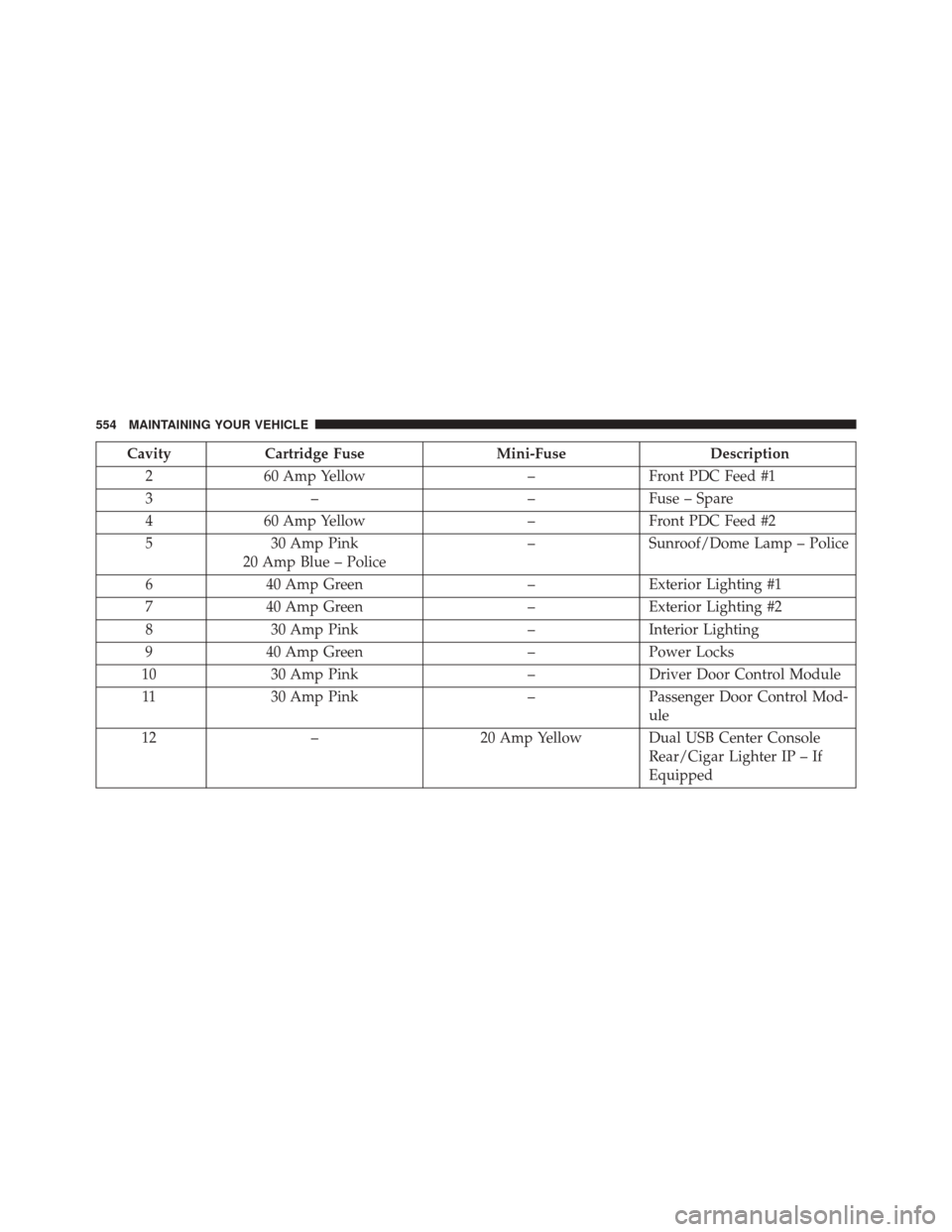
NOTE:The instrument panel power outlet and dual rear
console USB ports can be changed to “battery” powered
all the time by moving the #12 20 Amp fuse from “IGN”
to “B+”. Refer to “Rear Power Distribution Center
Cover” in “Rear Power Distribution Center (Fuses)”.
WARNING!
To avoid serious injury or death:
• Only devices designed for use in this type of outlet
should be inserted into any 12 Volt outlet.
• Do not touch with wet hands.
• Close the lid when not in use and while driving the
vehicle.
• If this outlet is mishandled, it may cause an electric
shock and failure.
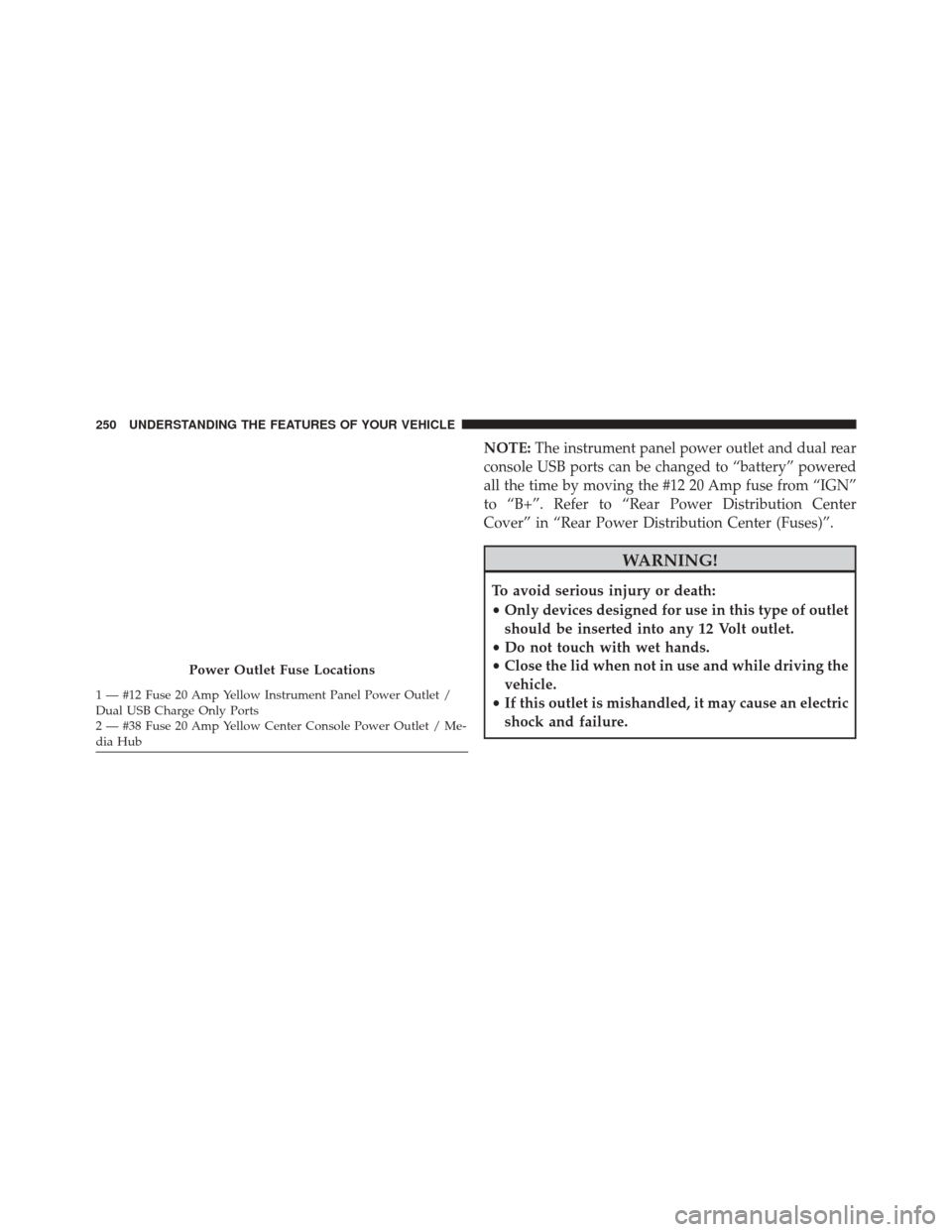
Power Outlet Fuse Locations
1 — #12 Fuse 20 Amp Yellow Instrument Panel Power Outlet /
Dual USB Charge Only Ports
2 — #38 Fuse 20 Amp Yellow Center Console Power Outlet / Me-
dia Hub 250 UNDERSTANDING THE FEATURES OF YOUR VEHICLE
Page 258 of 620
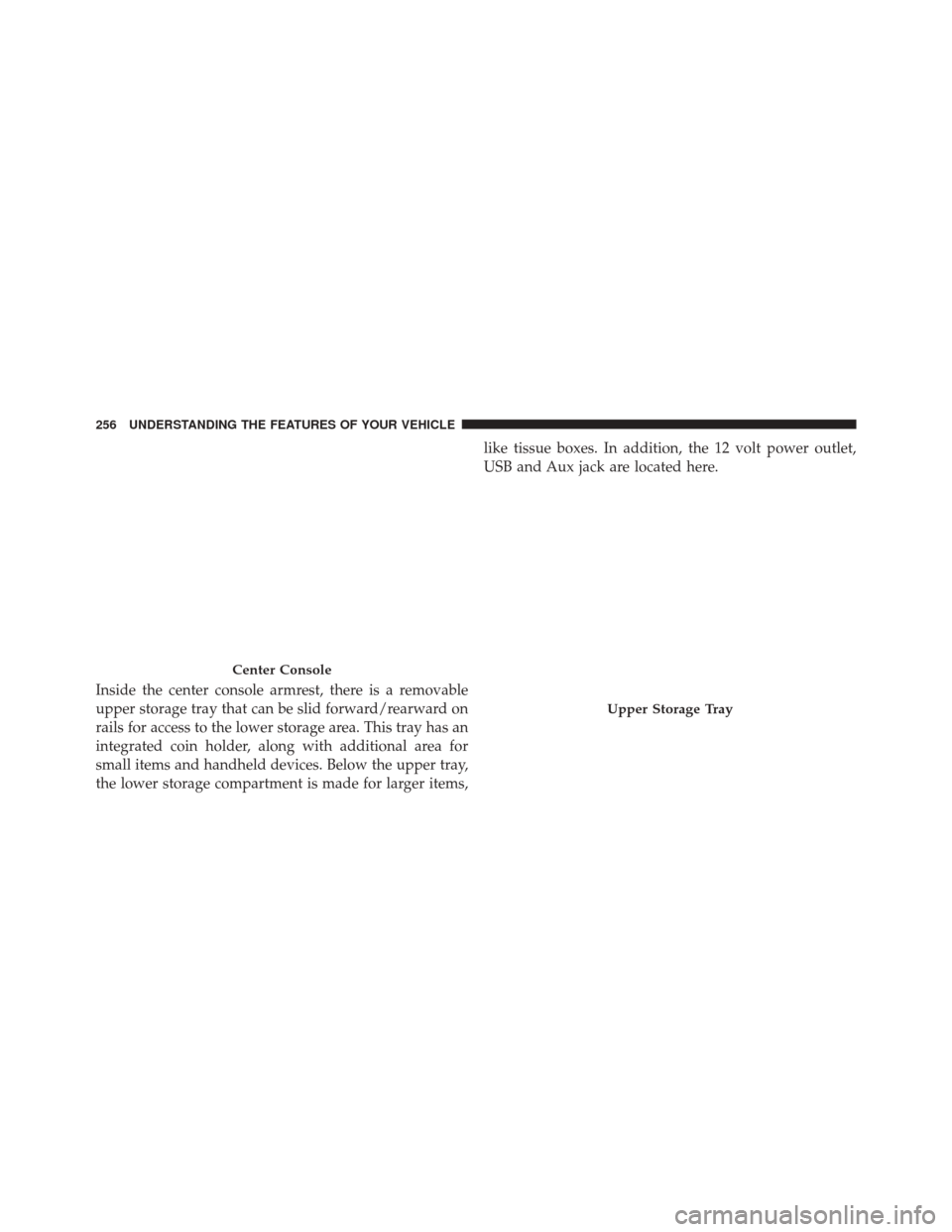
Inside the center console armrest, there is a removable
upper storage tray that can be slid forward/rearward on
rails for access to the lower storage area. This tray has an
integrated coin holder, along with additional area for
small items and handheld devices. Below the upper tray,
the lower storage compartment is made for larger items,like tissue boxes. In addition, the 12 volt power outlet,
USB and Aux jack are located here.
Center Console
Upper Storage Tray
256 UNDERSTANDING THE FEATURES OF YOUR VEHICLE
Page 268 of 620

�AUX/USB/MP3 CONTROL ...............334
� STEERING WHEEL AUDIO CONTROLS ......336
▫ Radio Operation ..................... .336
� CD/DVD DISC MAINTENANCE — IF
EQUIPPED .......................... .337
� RADIO OPERATION AND MOBILE DEVICES . .337
� CLIMATE CONTROLS ...................338
▫ Dual Zone Automatic Climate Controls With
Touchscreen ........................ .338
▫ Climate Control Functions ...............344
▫ Automatic Temperature Control (ATC) ......345
▫ Operating Tips ...................... .347
� PERSONALIZED MENU BAR ..............350�
UCONNECT VOICE RECOGNITION QUICK
TIPS ............................... .350
▫ Introducing Uconnect ...................350
▫ Get Started ......................... .351
▫ Basic Voice Commands ..................353
▫ Radio ............................. .354
▫ Media ............................. .355
▫ Phone ............................. .356
▫ Voice Text Reply ..................... .357
▫ Climate (8.4A/8.4AN) ..................359
▫ Navigation (8.4A/8.4AN) ................360
▫ Uconnect Access (8.4A/8.4AN) ............361
▫ Vehicle Health Alert ...................362
266 UNDERSTANDING YOUR INSTRUMENT PANEL
Page 315 of 620
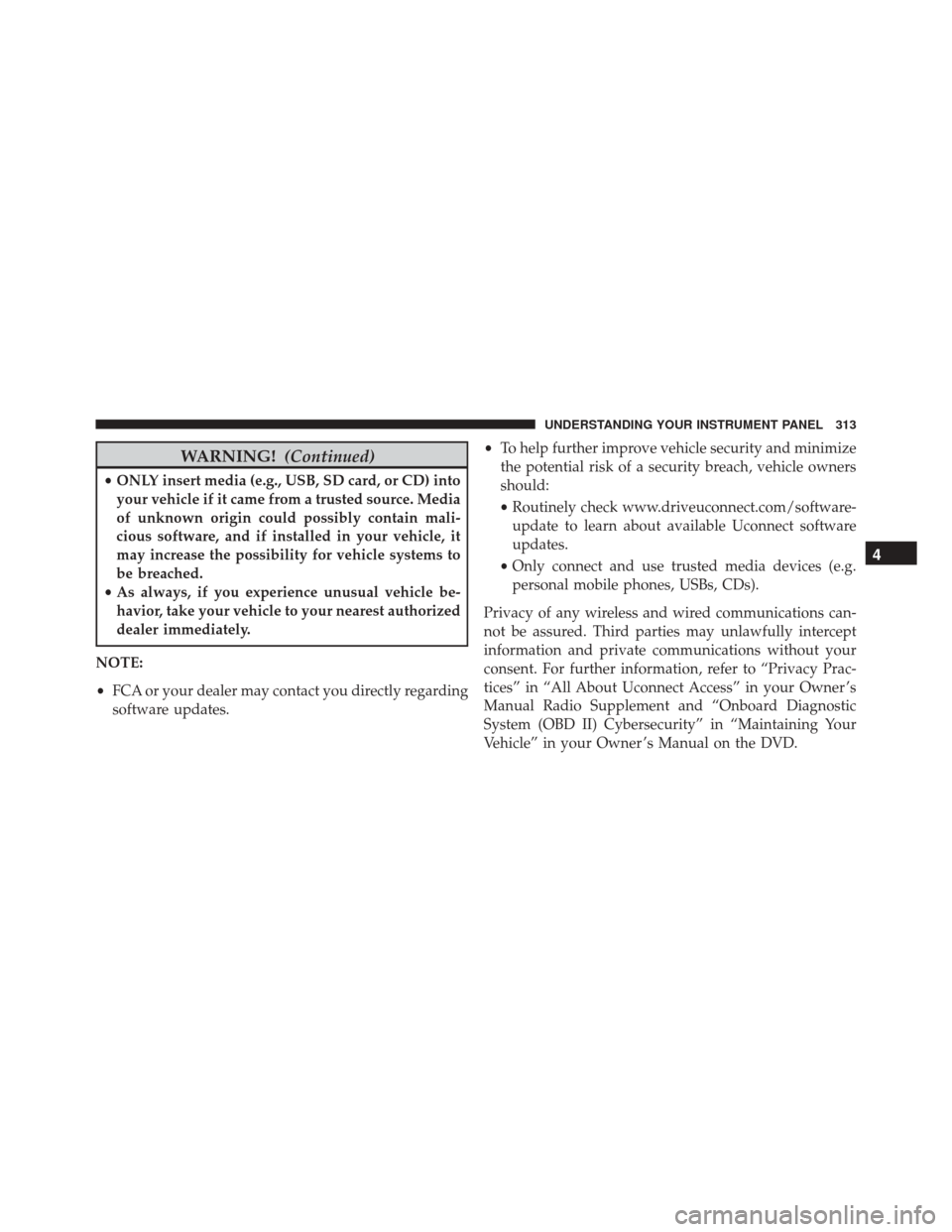
WARNING!(Continued)
•ONLY insert media (e.g., USB, SD card, or CD) into
your vehicle if it came from a trusted source. Media
of unknown origin could possibly contain mali-
cious software, and if installed in your vehicle, it
may increase the possibility for vehicle systems to
be breached.
• As always, if you experience unusual vehicle be-
havior, take your vehicle to your nearest authorized
dealer immediately.
NOTE:
• FCA or your dealer may contact you directly regarding
software updates. •
To help further improve vehicle security and minimize
the potential risk of a security breach, vehicle owners
should:
• Routinely check www.driveuconnect.com/software-
update to learn about available Uconnect software
updates.
• Only connect and use trusted media devices (e.g.
personal mobile phones, USBs, CDs).
Privacy of any wireless and wired communications can-
not be assured. Third parties may unlawfully intercept
information and private communications without your
consent. For further information, refer to “Privacy Prac-
tices” in “All About Uconnect Access” in your Owner ’s
Manual Radio Supplement and “Onboard Diagnostic
System (OBD II) Cybersecurity” in “Maintaining Your
Vehicle” in your Owner ’s Manual on the DVD.
4
UNDERSTANDING YOUR INSTRUMENT PANEL 313
Page 336 of 620
“Cancel” or “X” to exit without making changes. Once
the settings are restored, a pop up appears stating
�Settings reset to default.�
Clear Personal Data
After pressing the “Clear Personal Data Settings” button
on the touchscreen the following settings will be avail-
able:
•Clear Personal Data
When this feature is selected it will remove all personal
data including Bluetooth devices and presets. To remove
personal information, press the “Clear Personal Data”
button and a pop-up will appear asking �Are you sure
you want to clear all personal data?” select “OK” to clear,
“Cancel” or “X” to exit without making changes. Once
the data has been cleared, a pop up appears stating
�Personal data cleared”.
System Information
After pressing the “System Information” button on the
touchscreen the following information will be available:
• System Information
When System Information is selected, a System Informa-
tion screen will appear displaying the system software
version.
UCONNECT RADIOS — IF EQUIPPED
For detailed information about your Uconnect radio,
refer to your Uconnect Supplement Manual.
AUX/USB/MP3 CONTROL
This feature allows an external USB device to be plugged
into the USB port.
334 UNDERSTANDING YOUR INSTRUMENT PANEL
Page 337 of 620
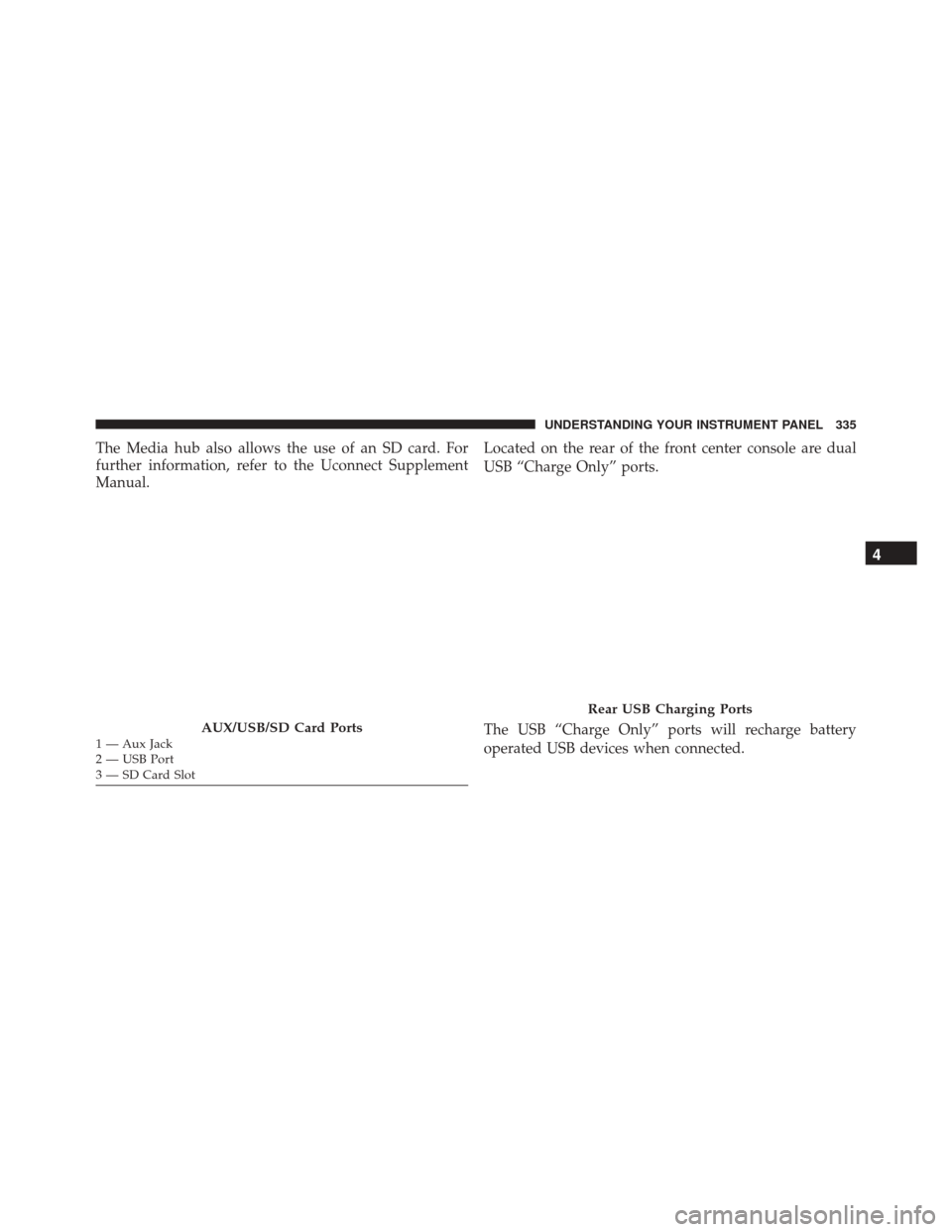
The Media hub also allows the use of an SD card. For
further information, refer to the Uconnect Supplement
Manual.Located on the rear of the front center console are dual
USB “Charge Only” ports.
The USB “Charge Only” ports will recharge battery
operated USB devices when connected.
AUX/USB/SD Card Ports1 — Aux Jack
2 — USB Port
3 — SD Card Slot
Rear USB Charging Ports
4
UNDERSTANDING YOUR INSTRUMENT PANEL 335
Page 357 of 620
Media
Uconnect offers connections via USB, SD, Bluetooth and
auxiliary ports (If Equipped). Voice operation is only
available for connected USB and iPod devices. (Remote
CD player optional and not available on all vehicles.)
Push the VR button
. After the beep, say one of the
following commands and follow the prompts to
switch your media source or choose an artist.
• Change source to Bluetooth
• Change source to iPod
• Change source to USB
• Play artist Beethoven; Play album Greatest Hits; Play
song Moonlight Sonata; Play genreClassical TIP:
Press the “browse” button on the touchscreen to see
all of the music on your iPod or USB device. Your Voice
Command must match exactlyhow the artist, album,
song and genre information is displayed.
Uconnect 8.4A/8.4AN Media
4
UNDERSTANDING YOUR INSTRUMENT PANEL 355
Page 556 of 620
CavityCartridge Fuse Mini-FuseDescription
2 60 Amp Yellow –Front PDC Feed #1
3 – –Fuse – Spare
4 60 Amp Yellow –Front PDC Feed #2
5 30 Amp Pink
20 Amp Blue – Police –
Sunroof/Dome Lamp – Police
6 40 Amp Green –Exterior Lighting #1
7 40 Amp Green –Exterior Lighting #2
8 30 Amp Pink –Interior Lighting
9 40 Amp Green –Power Locks
10 30 Amp Pink –Driver Door Control Module
11 30 Amp Pink –Passenger Door Control Mod-
ule
12 – 20 Amp Yellow Dual USB Center Console
Rear/Cigar Lighter IP – If
Equipped
554 MAINTAINING YOUR VEHICLE