Page 75 of 228
Activating1.Engage a drive position.2.Briefly tap on the accelerator pedal.
The vehicle rolls at minimum speed.
This is possible in 1st and 2nd gear and in re‐
verse.
Deactivating
Brake the vehicle until it comes to a stop.
Flashing display on selector lever of
double clutch transmission
In some situations, the actually engaged gear‐
box setting may be different from the selector
lever position, and the display in the selector
lever flashes.
In these cases, refer to the display in the in‐
strument cluster, see page 75.
D Drive mode
In drive mode, all forward gears are automati‐ cally changed.
Kick-down: for maximum acceleration, for ex‐
ample, when overtaking. To do that, depress
the accelerator pedal beyond the resistance
point.
Change to sequential mode: shift using the
shift paddles or push the selector lever in the
D/S direction.
S sequential mode Change up or change down using the shift
paddle or selector lever without coming off the
gas.
▷Shortly before a minimum speed depend‐
ing on the gear, it automatically down‐
shifts.▷The gears are only shifted up or down with
the appropriate engine speed and road
speed.
For example, there is no downshift at too
high an engine speed.▷Kick-down: by operating the kick-down
and the left shift paddle or selector lever at
the same time, you can change down to
the lowest possible gear.▷Driving off is possible even in 2nd gear on a
level carriageway, for example, when it is
smooth.
To change to Drive mode: press selector lever
in the D/S direction.
R Reverse Engage this position only when the vehicle is
stationary.
For rocking out, even up to 10 km/h, approxi‐
mately 6 mph is possible. To do that, shift be‐
tween forward and reverse gear without apply‐
ing the brakes.
N Neutral, idling Select this in a car wash, for example. The ve‐
hicle will then be able to move, see page 208.
P Park The driven wheels are locked.
Transmission position P is engaged automati‐
cally:
▷After stopping the engine in the radio
ready state, see page 65, or ignition off,
see page 65, when position R or D is en‐
gaged.▷Position N is engaged and ignition is off.
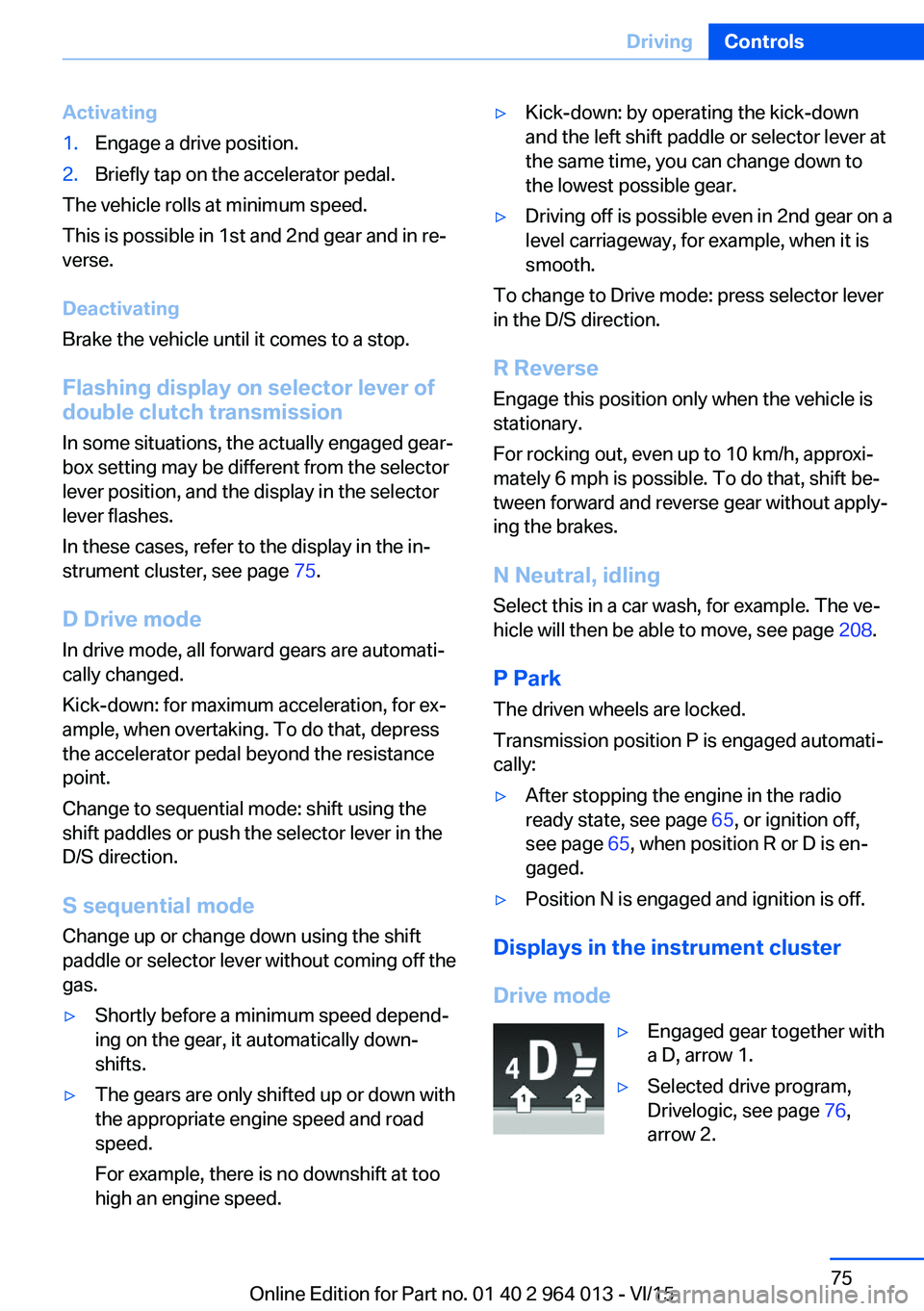
Displays in the instrument cluster
Drive mode
▷Engaged gear together with
a D, arrow 1.▷Selected drive program,
Drivelogic, see page 76,
arrow 2.Seite 75DrivingControls75
Online Edition for Part no. 01 40 2 964 013 - VI/15
Page 99 of 228
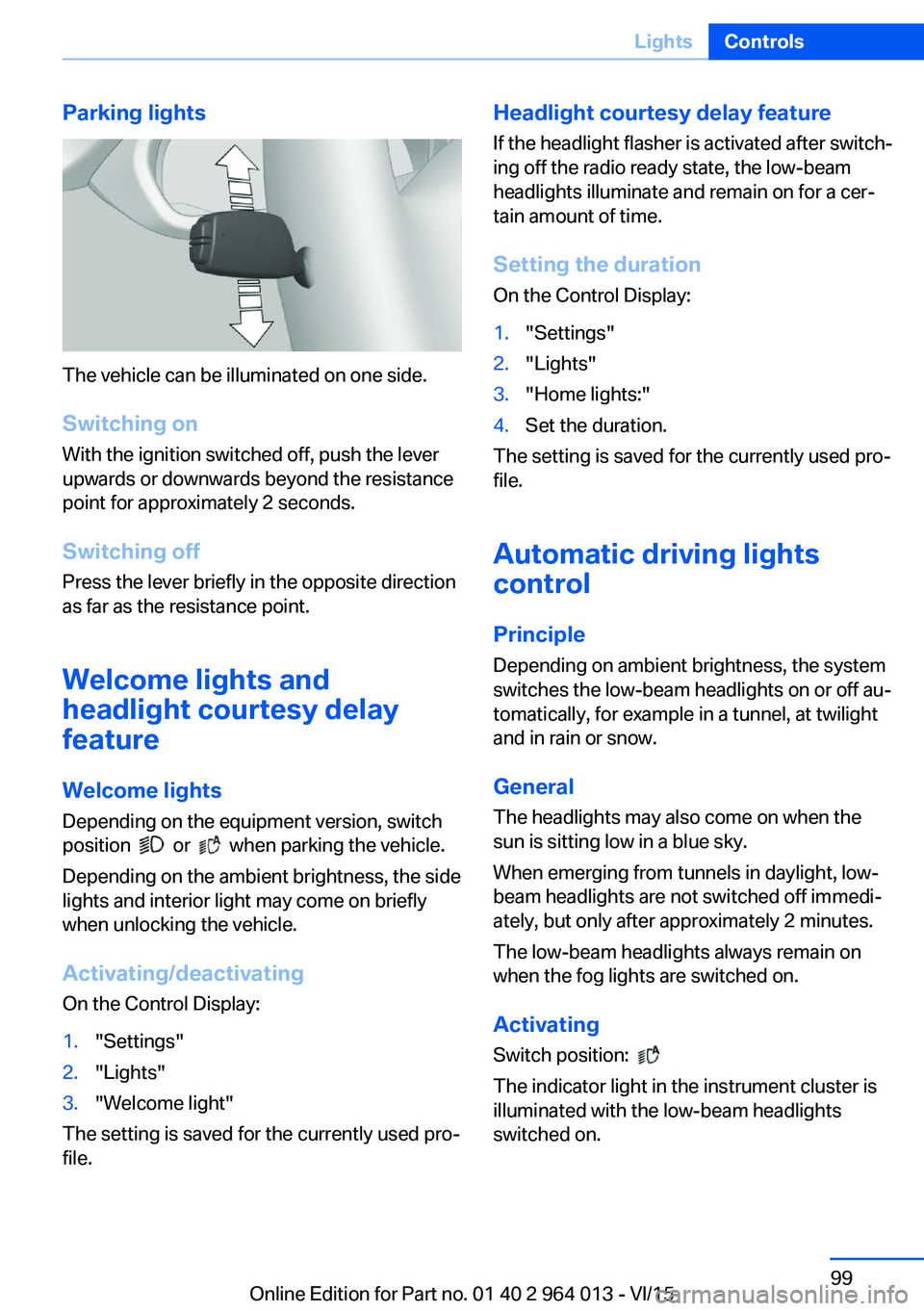
Parking lights
The vehicle can be illuminated on one side.
Switching on With the ignition switched off, push the lever
upwards or downwards beyond the resistance
point for approximately 2 seconds.
Switching off Press the lever briefly in the opposite direction
as far as the resistance point.
Welcome lights and
headlight courtesy delay
feature
Welcome lights Depending on the equipment version, switch
position
or when parking the vehicle.
Depending on the ambient brightness, the side
lights and interior light may come on briefly
when unlocking the vehicle.
Activating/deactivating
On the Control Display:
1."Settings"2."Lights"3."Welcome light"
The setting is saved for the currently used pro‐
file.
Headlight courtesy delay feature
If the headlight flasher is activated after switch‐
ing off the radio ready state, the low-beam
headlights illuminate and remain on for a cer‐
tain amount of time.
Setting the duration
On the Control Display:1."Settings"2."Lights"3."Home lights:"4.Set the duration.
The setting is saved for the currently used pro‐
file.
Automatic driving lightscontrol
Principle Depending on ambient brightness, the system
switches the low-beam headlights on or off au‐
tomatically, for example in a tunnel, at twilight
and in rain or snow.
General The headlights may also come on when the
sun is sitting low in a blue sky.
When emerging from tunnels in daylight, low-
beam headlights are not switched off immedi‐
ately, but only after approximately 2 minutes.
The low-beam headlights always remain on
when the fog lights are switched on.
Activating Switch position:
The indicator light in the instrument cluster is
illuminated with the low-beam headlights
switched on.
Seite 99LightsControls99
Online Edition for Part no. 01 40 2 964 013 - VI/15
Page 132 of 228

Functional requirements
To ensure correct functionality:▷Do not cover sensors, for example by stick‐
ers, bicycle rack.▷Keep sensors clean and free from ice.
For cleaning: do not spray the sensors with
high-pressure cleaners for an extended period
of time and maintain a distance of at least
30 cm, 12 in.
Switching on/off
Automatic switching on While the engine is running, engage selector
lever position R.
Automatic switching off when moving forwards
The system switches off when a certain dis‐
tance or speed is exceeded.
Switch the system back on if necessary.
With front PDC: switching on/off
manually
Press the button.
▷On: LED is illuminated.▷Off: LED turns off.
Display
Audible warning signals An intermittent sound indicates position of an
object as the vehicle approaches it. For in‐
stance, if an object is identified to the rear left of the vehicle, the warning signal sounds from
the rear left loudspeaker.
The shorter the distance to an object be‐
comes, the shorter the intervals become.
If the distance to a detected object is less than
approximately 25 cm, 10 in, a continuous tone
sounds.
With front PDC: if there are objects in front of
and behind the vehicle, an alternating continu‐
ous tone sounds.
Volume control It is possible to set the ratio between the vol‐
ume of the PDC acoustic signal and the vol‐
ume of the Entertainment.1."Multimedia", "Radio" or "Settings"2."Sound"3."Volume settings"4."PDC"5.Turn the Controller until the desired set‐
ting is reached.6.Press the Controller.
The setting is saved for the currently used pro‐
file.
Visual warning
When the vehicle is approaching an object it
will be shown on the Control Display. Objects
that are further away from the vehicle will ap‐
pear on the Control Display before an acoustic
signal is given.
A display is superimposed as soon as PDC is
activated.
Recording range of sensors is shown in col‐
ours green, yellow and red.
If the reversing camera image is displayed, it is
possible to change over to PDC:
"Rear view camera"
System limits
Limits of the ultrasound measurement
Detection of objects might not be possible if
the limits of the physical ultrasound measure‐
ment are exceeded, such as for instance at the
following times:
▷With small children and animals.Seite 132ControlsDriving comfort132
Online Edition for Part no. 01 40 2 964 013 - VI/15