2015 MITSUBISHI OUTLANDER III change
[x] Cancel search: changePage 178 of 446

Adaptive Cruise Control System (ACC) (if so equipped)
Features and controls 5-101
5
WA R N I N G When the ACC is not being used, turn off the system to avoid unexpected ACC acti-vation. Never operate the AC
C from outside the
vehicle. The ACC will not decelerate your vehicle and/or give the approach alarm in the fol-lowing cases.• When an object other than a vehicle,such as a pedestri
an, is in front.
• When a malfunction is detected in the system.
The ACC will not decelerate your vehicle in the following cases, but will give the approach alarm.• When the front vehicle is stationary ormoving at an extremely slow speed.• When your brake system has a problem,such as overheating.
The ACC may not be able to maintain the set speed or the dist
ance to a vehicle in
front and may not alert the driver, if thesystem cannot detect the front vehicle properly. Typical situations include: • When a vehicle cuts
into your path at a
close distance.• When a vehicle in front is not completelyin your path.• When a vehicle in front is towing atrailer.• When a motorcycle or a bicycle is infront.
• When a vehicle in front is a truck loaded with freight that protrudes rearwardfrom the cargo bed.• When the height of a vehicle in front isextremely low or the road clearance ofthe vehicle is extremely high.• When driving on a r
oad with alternating
up and down surfaces.• When driving on a curve.• When driving on a bumpy or rough road.• When driving in a tunnel.• When driving in construction zones.• When the rear of you
r vehicle is weighed
down with the weight of passengers andluggage• For up to two minute
s after starting driv-
ing.• When driving in curved sections of roadincluding their entrance/outlet or run- ning beside a closed lane in a traffic work or similar zone.• When the surface of th
e sensor is covered
with dirt, snow, ice, etc.• When a front vehicl
e or an oncoming
vehicle is splashing wa
ter, snow or dirt.
WA R N I N G
• When driving on
a winding road.
Never use the ACC in the following situa- tions:• In heavy traffic.• On winding roads.• On slippery roads, such as icy, snow-cov-ered or dirt roads.• In adverse weather conditions, such asrain, snow or sand storms, etc.• On steep downslopes.• When the inclination of a road fre-quently changes.• When the approach alarm frequentlysounds.• When your vehicle is
towed or is towing
another vehicle.• When your vehicle is on a chassis dyna-mometer or free rollers.• When tire inflation pressures are notadequate.• When the temporary sp
are tire is being
used.• When the radar sensor and/or its sur-rounding area are da
maged or deformed.
WA R N I N G
BK0211800US.book 101 ページ 2014年3月12日 水曜日 午後2時42分
Page 179 of 446
Adaptive Cruise Control System (ACC) (if so equipped) 5-102 Features and controls
5
N00581500027
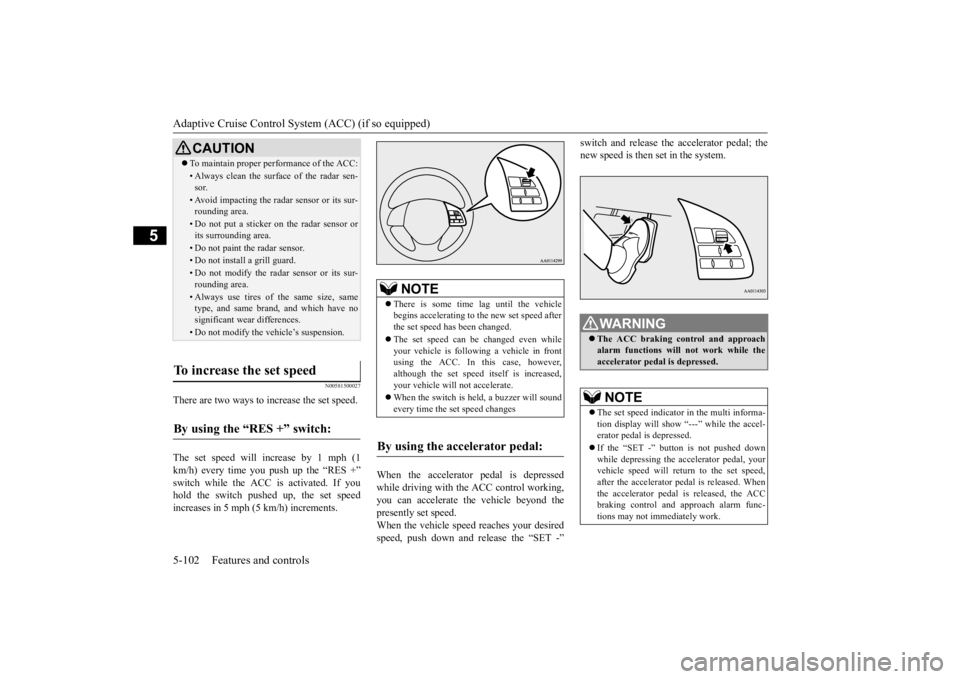
There are two ways to increase the set speed. The set speed will increase by 1 mph (1 km/h) every time you push up the “RES +” switch while the ACC is activated. If youhold the switch pushed up, the set speed increases in 5 mph (5 km/h) increments.
When the accelerator
pedal is depressed
while driving with the ACC control working, you can accelerate the vehicle beyond thepresently set speed. When the vehicle spee
d reaches your desired
speed, push down and release the “SET -”
switch and release the accelerator pedal; the new speed is then set in the system.
CAUTION To maintain proper performance of the ACC:• Always clean the surface of the radar sen- sor.• Avoid impacting the radar sensor or its sur-rounding area.• Do not put a sticker on the radar sensor orits surrounding area.• Do not paint the radar sensor.• Do not install a grill guard.• Do not modify the radar sensor or its sur- rounding area.• Always use tires of the same size, sametype, and same brand, and which have no significant wear differences.• Do not modify the vehicle’s suspension.
To increase the set speed
By using the “RES +” switch:
NOTE
There is some time
lag until the vehicle
begins accelerating to
the new set speed after
the set speed has been changed. The set speed can be changed even while your vehicle is followi
ng a vehicle in front
using the ACC. In this case, however, although the set speed itself is increased,your vehicle will
not accelerate.
When the switch is he
ld, a buzzer will sound
every time the set speed changes
By using the accelerator pedal:
WA R N I N G The ACC braking control and approach alarm functions will
not work while the
accelerator pedal is depressed.NOTE
The set speed indicator in the multi informa- tion display will show
“---” while the accel-
erator pedal is depressed. If the “SET -” button is not pushed down while depressing the ac
celerator pedal, your
vehicle speed will return to the set speed, after the accelerator pedal is released. Whenthe accelerator pedal is released, the ACC braking control and approach alarm func- tions may not immediately work.
BK0211800US.book 102 ページ 2014年3月12日 水曜日 午後2時42分
Page 180 of 446
Adaptive Cruise Control System (ACC) (if so equipped)
Features and controls 5-103
5
N00581600028
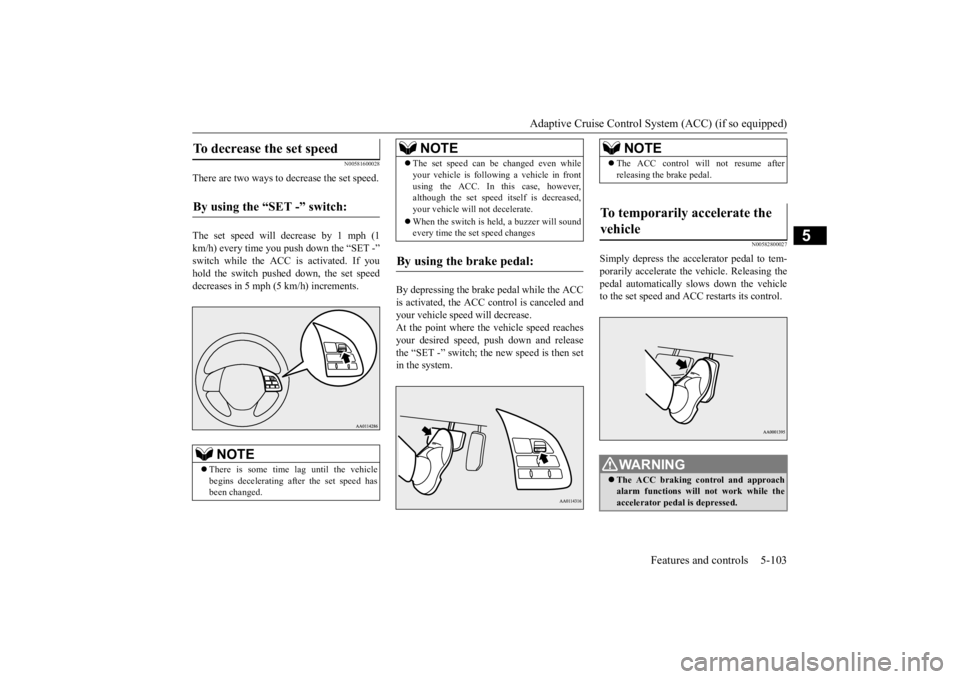
There are two ways to decrease the set speed. The set speed will decrease by 1 mph (1 km/h) every time you push down the “SET -” switch while the ACC is activated. If you hold the switch pushed down, the set speed decreases in 5 mph (5 km/h) increments.
By depressing the brake pedal while the ACC is activated, the ACC c
ontrol is canceled and
your vehicle speed will decrease.At the point where the vehicle speed reaches your desired speed,
push down and release
the “SET -” switch; the new speed is then setin the system.
N00582800027
Simply depress the accelerator pedal to tem-porarily accelerate the
vehicle. Releasing the
pedal automatically sl
ows down the vehicle
to the set speed and ACC restarts its control.
To decrease the set speed
By using the “SET -” switch:
NOTE
There is some time
lag until the vehicle
begins decelerating after the set speed has been changed.
The set speed can be changed even while your vehicle is follow
ing a vehicle in front
using the ACC. In this case, however,although the set speed it
self is decreased,
your vehicle will
not decelerate.
When the switch is held, a buzzer will sound every time the set speed changes
By using the brake pedal:
NOTE
NOTE
The ACC control will
not resume after
releasing the brake pedal.
To temporarily accelerate the vehicle
WA R N I N G The ACC braking co
ntrol and approach
alarm function
s will not work while the
accelerator pedal is depressed.
BK0211800US.book 103 ページ 2014年3月12日 水曜日 午後2時42分
Page 182 of 446
Adaptive Cruise Control System (ACC) (if so equipped)
Features and controls 5-105
5
If the display keeps showing the message, there is a possibility that the ACC has amalfunction. Contact your authorized Mitsubishi Motors dealer. When the ACC system detects an abnor- mality in the system, the ACC system will be turned off, a buzzer will sound and amessage will be displayed in the multi information display. If the message remains after the operation mode has beenturned to the “OFF” position and then turned back to the “ON” position, contact your authorized Mitsubi
shi Motors dealer.
N00581800020
After the ACC control has been canceled with the ACC turned on, the ACC control can be resumed by pushing down and releasing the“RES -” switch.
N00581900021
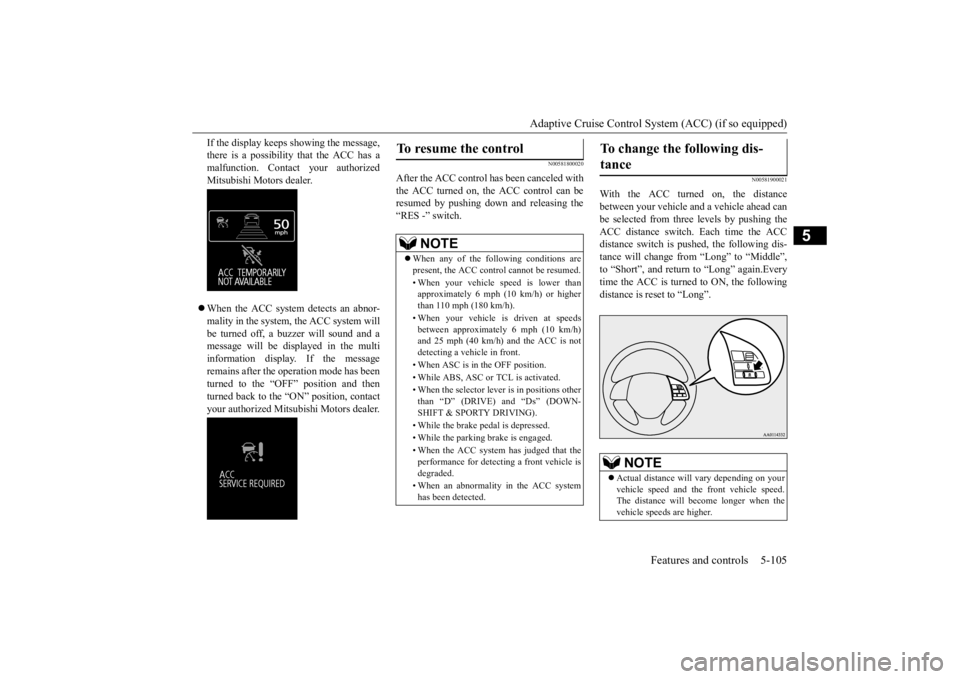
With the ACC turned on, the distancebetween your vehicle and a vehicle ahead canbe selected from thre
e levels by pushing the
ACC distance switch. Each time the ACC distance switch is pushed, the following dis-tance will change from “Long” to “Middle”, to “Short”, and return to “Long” again.Every time the ACC is turned to ON, the following distance is re
set to “Long”.
To resume the control
NOTE
When any of the following conditions are present, the ACC cont
rol cannot be resumed.
• When your vehicle speed is lower than approximately 6 mph (10 km/h) or higherthan 110 mph (180 km/h). • When your vehicle is driven at speeds between approximately 6 mph (10 km/h) and 25 mph (40 km/h) and the ACC is not detecting a vehi
cle in front.
• When ASC is in the OFF position. • While ABS, ASC or
TCL is activated.
• When the selector leve
r is in positions other
than “D” (DRIVE) and “Ds” (DOWN- SHIFT & SPORTY DRIVING). • While the brake pedal is depressed. • While the parking brake is engaged.• When the ACC system has judged that the performance for detect
ing a front vehicle is
degraded. • When an abnormality
in the ACC system
has been detected.
To change the following dis- tance
NOTE
Actual distance will
vary depending on your
vehicle speed and the
front vehicle speed.
The distance will be
come longer when the
vehicle speeds are higher.
BK0211800US.book 105 ページ 2014年3月12日 水曜日 午後2時42分
Page 183 of 446
Forward Collision Mitigation System (FCM) (if so equipped) 5-106 Features and controls
5
The following distance indicator shows the level of the following distance:“Long” “Middle” “Short”
N00582000029
Press and hold the “ACC ON/OFF” switch while the operation mode is in the “ON” posi-tion. A buzzer will s
ound and the multi infor-
mation display will show the following indicator. The conventional cruise control is turned off when the operation mode is tuned off.For operation of the cruise control, refer to “Cruise control” on page 5-92.
N00582100020
FCC ID:OAYARS3-B (for vehicles sold in the U.S.A)IC: 4135A-ARS3B (for vehicles sold in the Canada) This device complies with Part 15 of FCC Rules and Industry Ca
nada licence-exempt
RSS standard(s). Operation is subject to the following two con- ditions. this device may not
cause harmful inter-
ference. this device must ac
cept any interference
received, including interference that maycause undesired operation.
N00577300037
The Forward Collision Mitigation System(FCM) is designed to help reduce the risk of a collision with a vehicle straight ahead of your vehicle. The FCM uses
a radar sensor (A) to
determine the distance to a vehicle in front and relative speed to that vehicle. The FCM is not designed as an automatic driving systemor as a collision avoidance system. When your vehicle is approaching a vehicle straight ahead in your path and the FCM
To activate conventional cruise control
NOTE
The conventional crui
se control does not
sound or display the a
pproach alarm, will not
adjust your vehicle sp
eed, and does not con-
trol the distance betw
een your vehicle and a
vehicle in front.
General information
CAUTION Changes or modifica
tions not expressly
approved by the manufacturer for compli- ance could void the user’s authority to oper- ate the equipment.
Forward Collision Mitiga- tion System (FCM)
(if so
equipped)
BK0211800US.book 106 ページ 2014年3月12日 水曜日 午後2時42分
Page 186 of 446
Forward Collision Mitigation System (FCM) (if so equipped)
Features and controls 5-109
5
N00577800032
This switch is used to turn on or off the FCM and also to select the distance which will trig-ger the forward collision warning function.
• When a vehicle ahea
d or an oncoming
vehicle is splashing wa
ter, snow or dirt.
When the system recognizes driver’s steering or accelerati
ng actions as evasive
actions to avoid collision, FCM controland alarm functions
may be canceled.
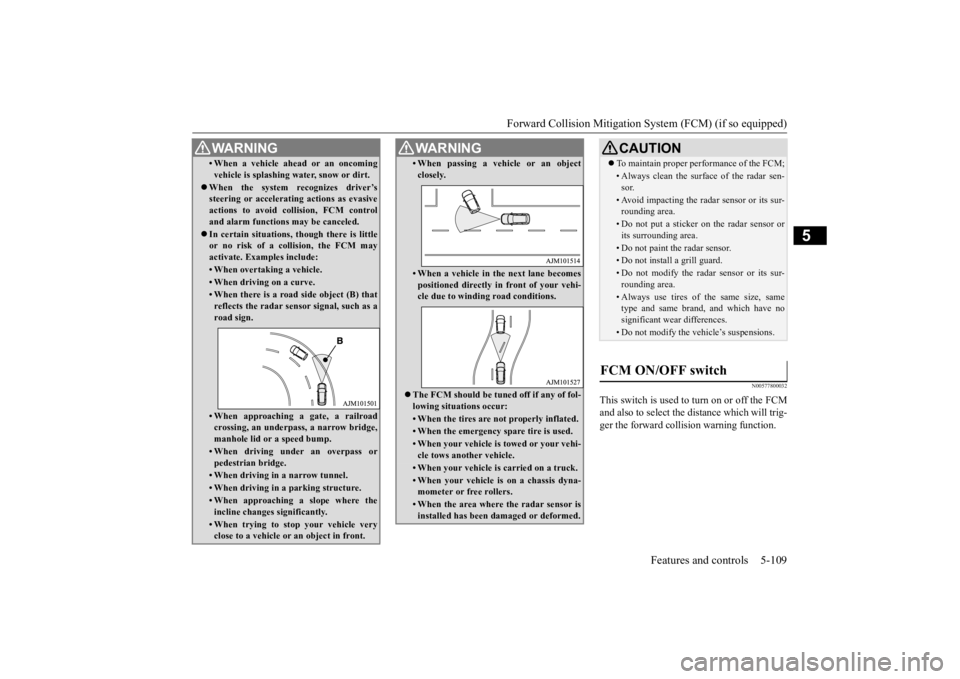
In certain situations,
though there is little
or no risk of a collision, the FCM may activate. Examples include: • When overtaking a vehicle.• When driving on a curve.• When there is a road
side object (B) that
reflects the radar sensor signal, such as aroad sign.• When approaching a gate, a railroadcrossing, an underpa
ss, a narrow bridge,
manhole lid or
a speed bump.
• When driving unde
r an overpass or
pedestrian bridge.• When driving in
a narrow tunnel.
• When driving in a parking structure.• When approaching a slope where the incline changes
significantly.
• When trying to stop your vehicle very close to a vehicle or
an object in front.
WA R N I N G
• When passing a vehicle or an object closely.• When a vehicle in the next lane becomespositioned directly in
front of your vehi-
cle due to winding road conditions.
The FCM should be tuned off if any of fol- lowing situations occur:• When the tires are not properly inflated. • When the emergency spare tire is used.• When your vehicle is
towed or your vehi-
cle tows another vehicle.• When your vehicle is carried on a truck.• When your vehicle is on a chassis dyna- mometer or free rollers.• When the area where the radar sensor isinstalled has been damaged or deformed.WA R N I N G
CAUTION To maintain proper performance of the FCM;• Always clean the surface of the radar sen- sor.• Avoid impacting the radar sensor or its sur-rounding area.• Do not put a sticker on the radar sensor orits surrounding area.• Do not paint the radar sensor.• Do not install a grill guard.• Do not modify the radar sensor or its sur- rounding area.• Always use tires of the same size, sametype and same brand,
and which have no
significant wear differences.• Do not modify the vehicle’s suspensions.
FCM ON/OFF switch
BK0211800US.book 109 ページ 2014年3月12日 水曜日 午後2時42分
Page 187 of 446
Forward Collision Mitigation System (FCM) (if so equipped) 5-110 Features and controls
5
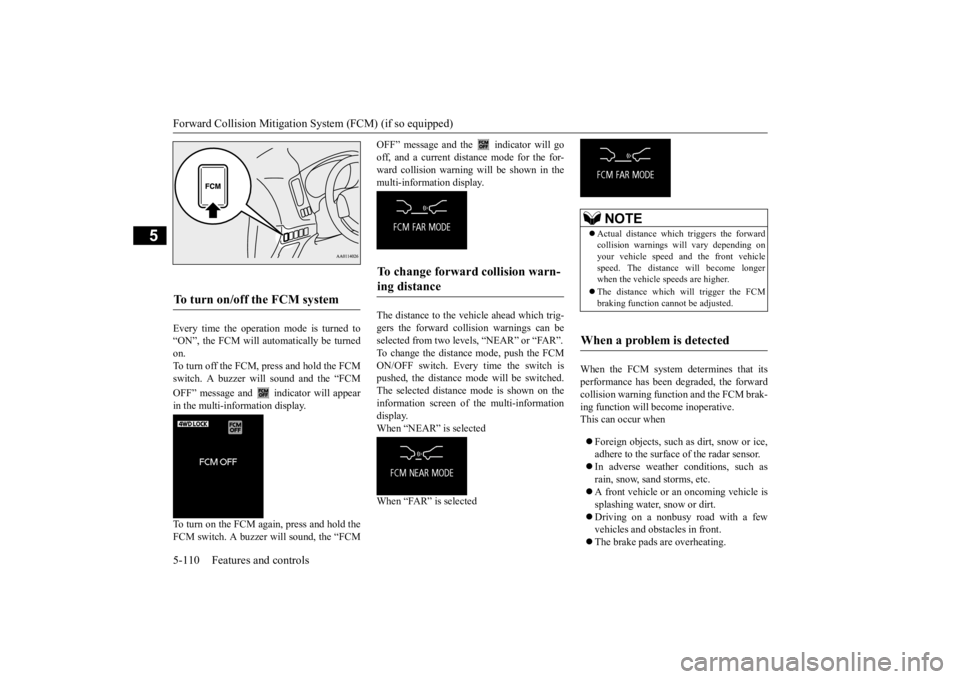
Every time the operation mode is turned to “ON”, the FCM will automatically be turned on. To turn off the FCM, press and hold the FCMswitch. A buzzer will sound and the “FCM OFF” message and
indicator will appear
in the multi-information display. To turn on the FCM again, press and hold the FCM switch. A buzzer w
ill sound, the “FCM
OFF” message and the indicator will go off, and a current distance mode for the for- ward collision warning w
ill be shown in the
multi-information display. The distance to the vehicle ahead which trig- gers the forward collision warnings can be selected from two levels, “NEAR” or “FAR”.To change the distan
ce mode, push the FCM
ON/OFF switch. Every time the switch is pushed, the distance
mode will be switched.
The selected distance
mode is shown on the
information screen of
the multi-information
display. When “NEAR” is selected When “FAR” is selected
When the FCM system determines that its performance has been degraded, the forwardcollision warning function and the FCM brak- ing function will become inoperative. This can occur when Foreign objects, such as
dirt, snow or ice,
adhere to the surface of the radar sensor. In adverse weather
conditions, such as
rain, snow, sand storms, etc. A front vehicle or an oncoming vehicle is splashing water, snow or dirt. Driving on a nonbusy road with a few vehicles and obstacles in front. The brake pads are overheating.
To turn on/off the FCM system
To change forward collision warn- ing distance
NOTE
Actual distance which
triggers the forward
collision warnings wi
ll vary depending on
your vehicle speed a
nd the front vehicle
speed. The distance
will become longer
when the vehicle speeds are higher. The distance which will trigger the FCM braking function cannot be adjusted.
When a problem is detected
BK0211800US.book 110 ページ 2014年3月12日 水曜日 午後2時42分
Page 188 of 446
Lane Departure Warning System (LDW) (if so equipped)
Features and controls 5-111
5
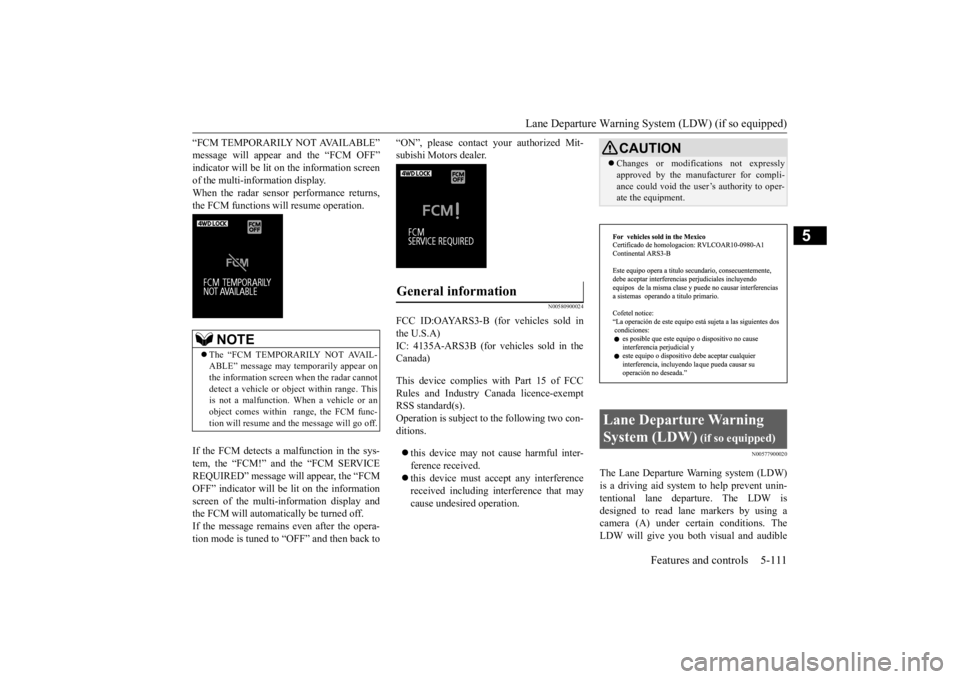
“FCM TEMPORARILY NOT AVAILABLE” message will appear and the “FCM OFF”indicator will be lit on the information screen of the multi-information display. When the radar sensor performance returns,the FCM functions will resume operation. If the FCM detects a malfunction in the sys- tem, the “FCM!” and the “FCM SERVICEREQUIRED” message wi
ll appear, the “FCM
OFF” indicator will be lit on the information screen of the multi-in
formation display and
the FCM will automatically be turned off. If the message remains even after the opera- tion mode is tuned to “OFF” and then back to
“ON”, please contact
your authorized Mit-
subishi Motors dealer.
N00580900024
FCC ID:OAYARS3-B (for vehicles sold in the U.S.A) IC: 4135A-ARS3B (for vehicles sold in theCanada) This device complies
with Part 15 of FCC
Rules and Industry Canada licence-exempt RSS standard(s).Operation is subject to
the following two con-
ditions. this device may not
cause harmful inter-
ference received. this device must ac
cept any interference
received including in
terference that may
cause undesired operation.
N00577900020
The Lane Departure Wa
rning system (LDW)
is a driving aid system to help prevent unin- tentional lane departure. The LDW is designed to read lane markers by using acamera (A) under certain conditions. The LDW will give you both
visual and audible
NOTE
The “FCM TEMPORARILY NOT AVAIL- ABLE” message may temporarily appear on the information screen when the radar cannotdetect a vehicle or object within range. This is not a malfunction.
When a vehicle or an
object comes within
range, the FCM func-
tion will resume and
the message will go off.
General information
CAUTIONChanges or modifica
tions not expressly
approved by the manufacturer for compli-ance could void the user
’s authority to oper-
ate the equipment.
Lane Departure Warning System (LDW)
(if so equipped)
BK0211800US.book 111 ページ 2014年3月12日 水曜日 午後2時42分