2015 MERCEDES-BENZ E-CLASS SALOON warning light
[x] Cancel search: warning lightPage 269 of 497
Activatin
gActive Lane Keeping Assist
X Activat eActiv eLaneK eepin gAssist using
th eo n-bo ard computer; to do so, select
Standard
Standard orAdaptive
Adaptive (Ypage 288).
If you driv eatspeeds abov e60km/ hand
lane markings are detected, th elines in the
assistance graphic display (Y page 286)
are shown in green .ActiveL aneK eeping
Assist is read yfor use.
If Standard
Standard is selected, no warning vibra-
tion occur sif:
R you have switched on th eturns ignals. In
this case, th ewarning sare suppressed
for acertai nperiod of time.
R ad riving safet ysystem intervenes, such
as ABS, BA SorESP®
.
When Adaptive
Adaptive is selected, no warning
vibration occur sif:
R you have switched on th eturns ignals. In
this case, th ewarning sare suppressed
for acertai nperiod of time.
R ad riving safet ysystem intervenes, such
as ABS, BA SorESP®
.
R you accelerate hard ,e.g.k ickdown.
R you brak ehard.
R you steer actively, e.g. swerve to avoi dan
obstacle or chang elane quickly.
R you cut th ecorner onashar pbend.
In order that you are warned only when nec-
essary and in good time if you cross th elane
marking, th esystem detect scertai ncondi-
tion sand warn syou accordingly.
The warning vibration occur searlier if:
R you approac hthe outer lane markin gona
bend
R ther oad has ver ywide lanes, e.g. amotor-
way
R thes ystem detect ssolid lane markings
The warning vibration occur slater if:
R ther oad has narrow lanes
R you cut th ecorner onabend Towing
atrailer
If you couple up atrailer ,makes ure that you
have correctly established th eelectrical con-
nection .This can be accomplished by check-
ing th etrailer lighting. Towin
gatrailer Important safety notes
G
WARNING
You could lose control of th evehicle/trailer
combination if it begins to swerve. The vehi-
cle/traile rcom bination could eve noverturn.
Ther eisar iskofana ccident.
On no accoun tshould you attemp tto
straighten out th evehicle/traile rcom bina-
tio nbyi ncreasing speed. Decrease your
spee dand do no tcountersteer. Brake if nec-
essary. G
WARNING
If th emaximum th epermissible load for acar-
rier system is exceeded, th ecarrier could
come loos efromt hevehicl eand endanger
other road users. Ther eisariskofana ccident
and injury.
Never excee dthe permissible noseweight
when usin gacarrier.
Exceedin gthe maximum permissible nose-
weigh tofthetrailer drawbar on th eball cou-
plin gm ay caus edamag etothefollowing:
R your vehicle
R thet railer
R theb all coupling
R trailer to whitch
The vehicle/traile rcom bination could
become unstable.
If th enoseweight used is lower than th emin-
imum permissible noseweight ,the vehicle/
trailer combination could also become unsta- ble. 266
Towin
gatrailerDriving and pa rking
Page 273 of 497
X
Pull the ball coupling in the direction of the
arrow until it engages in avertical position.
Indicator lamp =goes out. The trailer
power socket is integrated in the ball cou-
pling and swivels out with it.
Saloon: indicator lamp ?goes out.
Estate: indicator lamp =goes out.
The multifunction display shows the
Trailer Trailer hitch
hitch Check
Checklock
lockmech.
mech. mes-
sage until the ball coupling is engaged.
X Remove the protective coverin gfrom the
ball coupling and store it in asafe place.
X Make sure that the ball of the ball coupling
is clean and greased.
HYBRID vehicles :make sure that you read
the "HYBRID" Supplement included in the
vehicle literature. Otherwise, you may not
recognise dangers. Coupling up
atrailer
X Make sure that the transmission is in posi-
tion P.
X Apply the parking brake.
X Position the trailer horizontally behind the
vehicle.
X Couple up the trailer.
X Establish the electric connection between
the vehicle and the trailer.
X Check that the trailer lighting system is
working.
Ac onnected trailer is only recognised when
the electrical connection is established
correctly and when the lighting system is
working properly. The function of other sys-
tems, such as ESP ®
,P ARKTRONIC and
Active Parking Assist also depends on this. Uncoupling
atrailer G
WARNING
If you uncouple atrailer with an engaged over-
run brake, you could trap your hand between the vehicle and the trailer drawbar. This poses
ar isk of injury.
Do not uncouple atrailer with an engaged
overrun brake. G
WARNING
Vehicles with level control:
If you disconnect the trailer cable, the vehicle is lowered. This can cause you or others to
become trapped between the vehicle body
and tyres, or underneat hthe vehicle. This
poses arisk of injury.
Make sure that no-one is in the immediate
vicinit yofthe wheel arch or underneat hthe
vehicle when disconnectin gthe trailer cable.
! Do not disconnect
atrailer with an
engaged overrun brake. Otherwise, your
vehicle could be damaged by the rebound- ing of the overrun brake.
X Make sure that the transmission is in posi-
tion P.
X Apply the parking brake.
X Secure the trailer against rolling away.
X Remove the trailer cable and decouple the
trailer. Folding in the ball coupling
G
WARNING
If you release the ball coupling or it does not
engage correctly when folding in, it will swing out. Within pivoting range of the ball coupling,
there is an increased risk of an accident and
injury.
Only release the ball coupling if the pivoting
range is unobstructed. Always make sure that the ball coupling engages when folding in.
X Place the protective coverin gonthe ball
coupling. 270
Towing
atrailerDriving and parking
Page 290 of 497
X
Press a.
The curren tselection is displayed.
X To activat eordeactivate: pressa.
When the display is activated, detected
traffic signs are displaye dinthe multifunc-
tion display for five seconds.
Further information about Traffic Sign Assist
(Y page 255).
Deactivating/activating ESP ®i
Observe the importan
tsafety notes on
ESP ®
(Y page 83). G
WARNING
If you deactivat eESP®
,E SP ®
no longer sta-
bilises the vehicle. There is an increased risk
of skidding and an accident.
Only deactivate ESP ®
in the situations descri-
bed in the following.
It may be best to deactivate ESP ®
in the fol-
lowing situations:
R when using snow chains
R in deep snow
R on sand or gravel
Deactivating/activating ESP ®
on AMG vehi-
cles (Y page 85).
For further information about ESP ®
,s ee
(Y page 83).
X Start the engine.
X Press the =or; button on the steer-
ing wheel to select the Assist.
Assist.menu.
X Press 9or: to select ESP
ESP.
X Press the abutton.
The curren tselection appears.
X To activate/deactivate: press thea
button again.
ESP ®
is deactivated if the åwarning lamp
in the instrument cluster lights up continu-
ously when the engine is running.
If the ÷ warning lamp and the åwarn-
ing lamp are lit continuously, ESP ®
is not
availabl edue to amalfunction. Observe the information on warning lamps
(Y
page 333).
Observe the information on display messages (Y page 300).
Activating/deactivating PRE-SAFE ®
Brake PRE‑SAFE
®
Brake is only availabl einvehicles
with DISTRONIC PLUS.
X Press the =or; button on the steer-
ing wheel to select the Assist. Assist.menu.
X Press the 9or: button to select
PRE-SAFE Brake
PRE-SAFE Brake.
X Press the abutton.
The curren tselection is displayed.
X To activate/deactivate: press thea
button again.
When PRE-SAFE ®
Brake is deactivated, the
assistanc egraphic shows the æsymbol
in the multifunction display.
For more information on PRE‑SAFE ®
Brake,
see (Y page 87).
Activating/deactivating COLLISION
PREVENTION ASSIST PLUS X
Press the =or; button on the steer-
ing wheel to select the Assist. Assist.menu.
X Press the 9or: button to select
Collision Prevent.
Collision Prevent..
X Press the abutton.
The curren tselection is displayed.
X To activate/deactivate: press thea
button again.
If COLLISION PREVENTION ASSIST PLUS is deactivated, the assistanc egraphic shows
the æ symbol in the multifunction dis-
play.
For further information about COLLISION
PREVENTION ASSIST PLUS, see (Y page 80). Menus and submenus
287On-board computer and displays Z
Page 292 of 497
R
Callin gupd isplay message sinthemes-
sage memory (Y page 299)
R Restarting th etyrep ressur eloss warning
system (Y page 422)
R Checkin gthe tyrep ressur eelectronically
(Y page 423)
R Callin gupt heservic edue date
(Y page 384) Settings menu
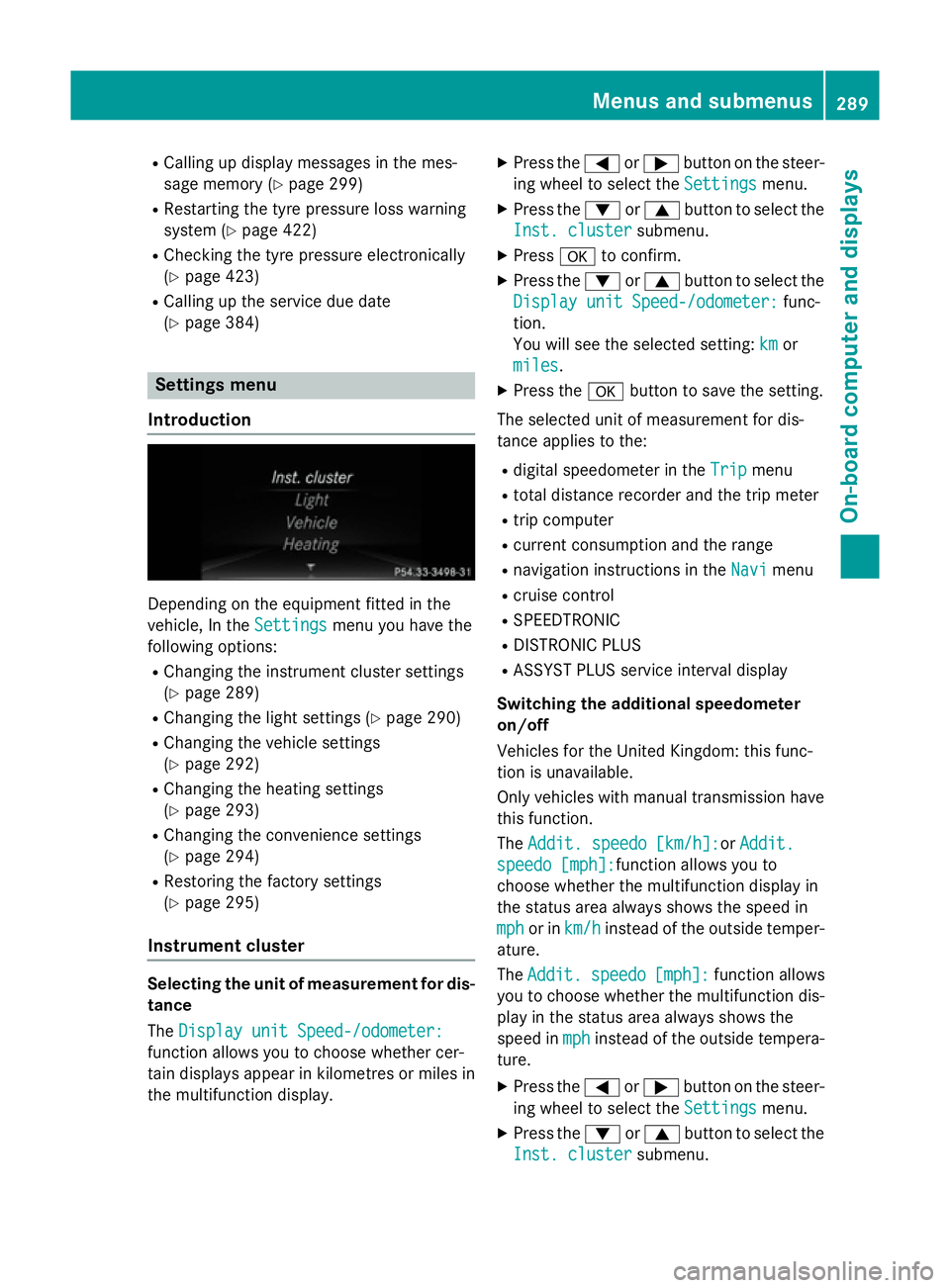
Introduction Dependin
gontheequipmen tfitte dint he
vehicle ,Int he Settings
Settings menuyou have the
followin goptions:
R Changin gthe instrumen tcluste rsettings
(Y page 289)
R Changin gthe light settings (Y page 290)
R Changin gthe vehicle settings
(Y page 292)
R Changin gthe heating settings
(Y page 293)
R Changin gthe convenience settings
(Y page 294)
R Restoring th efactory settings
(Y page 295)
Instrumen tcluster Selecting th
eunitofm easurement for dis-
tance
The Displa yunitS peed-/odometer:
Displa yunitS peed-/odometer:
function allows you to choos ewhether cer-
tai nd isplays appear in kilometres or mile sin
th em ultifunction display. X
Press the =or; buttononthesteer-
ing wheel to select the Settings Settingsmenu.
X Press the :or9 buttontoselect the
Inst. cluster Inst. cluster submenu.
X Press ato confirm.
X Press the :or9 buttontoselect the
Displa yunitS peed-/odometer:
Displa yunitS peed-/odometer: func-
tion.
You will see th eselected setting: km kmor
miles
miles.
X Press the abuttontos ave th esetting.
The selected unit of measuremen tfor dis-
tance applie stothe:
R digital speedometer in the Trip
Trip menu
R total distanc erecorder and th etripm eter
R trip computer
R curren tconsum ption and th erange
R navigation instruction sintheNavi
Navi menu
R cruise control
R SPEEDTRONIC
R DISTRONI CPLUS
R ASSYS TPLUSs ervic einterval display
Switchin gthe additiona lspe edometer
on/off
Vehicle sfor th eUnite dKingdom :thisf unc-
tion is unavailable.
Only vehicle swithm anual transmission have
this function.
The Addit. speedo [km/h]: Addit. speedo [km/h]:or Addit.
Addit.
speedo [mph]:
speedo [mph]: function allows you to
choos ewhether th emultifunction display in
th es tatus area always shows th espee din
mph
mph or in km/h
km/h instead of th eoutside temper-
ature.
The Addit. Addit. speedo
speedo[mph]:
[mph]:function allows
you to choos ewhether th emultifunction dis-
play in th estatus area always shows the
spee dinmph
mph instead of th eoutside tempera-
ture.
X Press the =or; buttononthesteer-
ing wheel to select the Settings
Settingsmenu.
X Press the :or9 buttontoselect the
Inst. cluster
Inst. cluster submenu. Menu
sand submenus
289On-boardcomputer and displays Z
Page 296 of 497
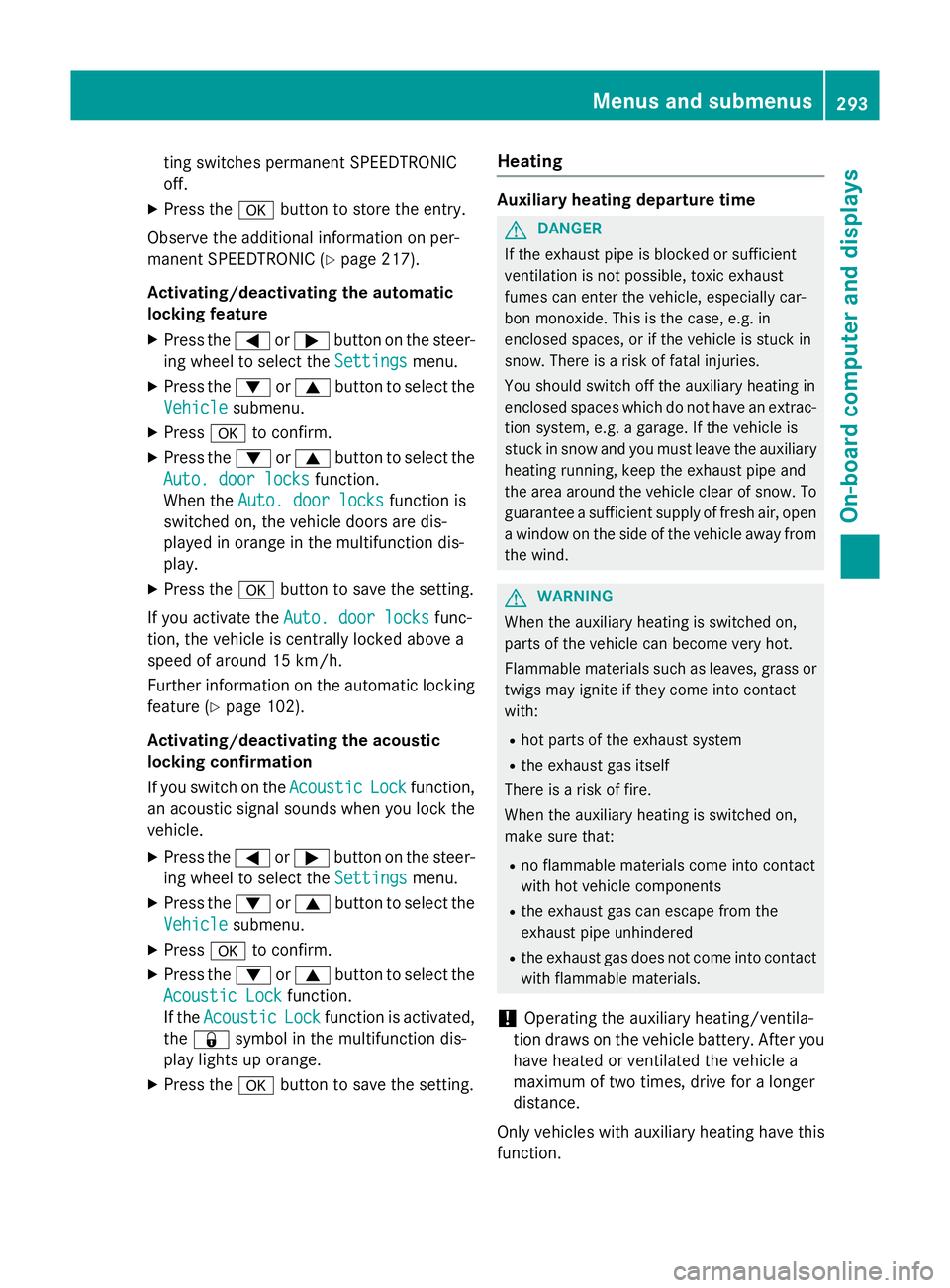
ting switches permanent SPEEDTRONIC
off.
X Press the abutton to store the entry.
Observe the additional information on per-
manent SPEEDTRONIC (Y page 217).
Activating/deactivating the automatic
lockin gfeature
X Press the =or; button on the steer-
ing whee ltoselect theSettings Settings menu.
X Press the :or9 button to select the
Vehicle
Vehicle submenu.
X Press ato confirm.
X Press the :or9 button to select the
Auto. doo rlocks
Auto. doo rlocks function.
When the Auto. doo rlocks
Auto. doo rlocks functio nis
switched on, the vehicl edoors ar edis-
played in orange in the multifunctio ndis-
play.
X Press the abutton to save the setting.
If yo uactivate the Auto. doorlocks
Auto. doo rlocks func-
tion, the vehicl eiscentrally locked above a
spee dofa round 15 km/h.
Furthe rinformation on the automatic locking
featur e(Ypage 102).
Activating/deactivating the acoustic
lockin gconfirmation
If yo uswitch on the Acoustic
Acoustic Lock Lockfunction,
an acoustic signa lsou nd sw heny ou lock the
vehicle.
X Press the =or; button on the steer-
ing whee ltoselect theSettings
Settings menu.
X Press the :or9 button to select the
Vehicle
Vehicle submenu.
X Press ato confirm.
X Press the :or9 button to select the
Acoustic Lock
Acoustic Lock function.
If the Acoustic
Acoustic Lock
Lockfunctio nisa ctivated,
the & symbo linthe multifunctio ndis-
play lights up orange.
X Press the abutton to save the setting. Heating Auxiliary heating departure time
G
DANGER
If the exhaust pipe is blocke dorsufficient
ventilation is not possible, toxi cexhaust
fumes can ente rthe vehicle, especiall ycar-
bo nm onoxide. This is the case, e.g .in
enclose dspaces, or if the vehicl eisstuck in
snow. There is ariskoff atal injuries.
Yo us houl dswitch off the auxiliary heating in
enclose dspacesw hich do not have an extrac-
tio ns ystem, e.g .agarage. If the vehicl eis
stuck in sno wand yo umustleave the auxiliary
heating running ,kee pt he exhaust pipe and
the area around the vehicl eclear of snow. To
guarante easufficient supply of fresh air, open
aw indo wont he side of the vehicl eawayfrom
the wind. G
WARNING
When the auxiliary heating is switched on,
parts of the vehicl ecan becom everyh ot.
Flammabl ematerial ssuchasl eaves, grass or
twigs ma yign ite if the ycom einto contact
with:
R ho tp arts of the exhaust system
R the exhaust ga sitself
There is ariskoff ire.
When the auxiliary heating is switched on,
make sure that:
R no flammabl ematerial scom einto contact
with ho tvehicl ecomponents
R the exhaust ga scan escap efromt he
exhaust pipe unhindered
R the exhaust ga sdoesn ot com einto contact
with flammabl ematerials.
! Operating the auxiliary heating/ventila-
tio nd raws on the vehicl ebattery .After you
have heate dorventilated the vehicl ea
maximum of two times ,drive for alon ger
distance.
Onl yvehicles with auxiliary heating have this
function. Menus and submenus
293On-board computer and displays Z
Page 297 of 497
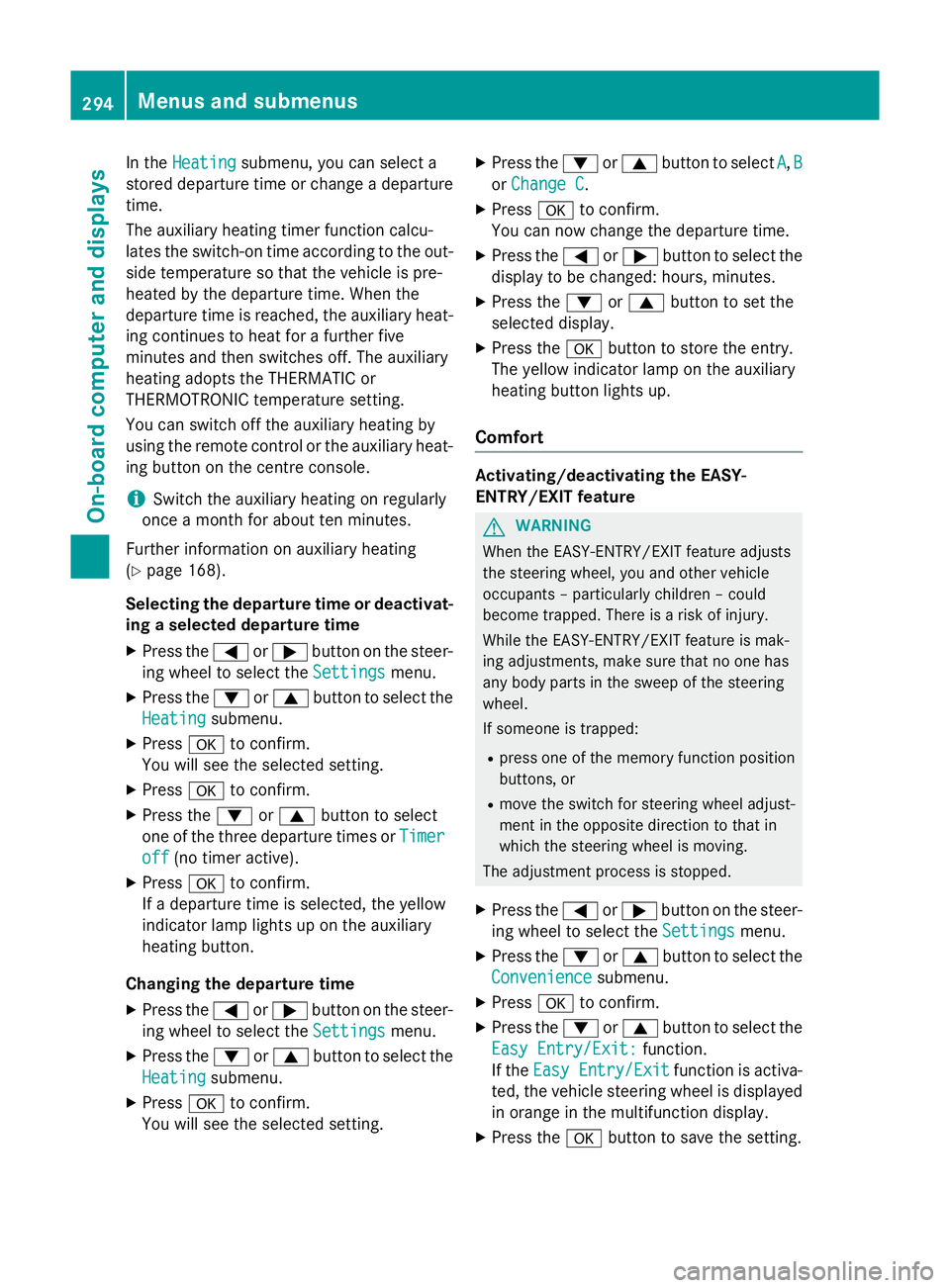
In the
Heating
Heating submenu, you can select a
stored departure time or change adeparture
time.
The auxiliary heating timer function calcu-
lates the switch-on time according to the out-
side temperature so that the vehicle is pre-
heated by the departure time. When the
departure time is reached ,the auxiliary heat-
ing continues to heat for afurther five
minutes and then switches off. The auxiliary
heating adopts the THERMATIC or
THERMOTRONIC temperature setting.
You can switch off the auxiliary heating by
using the remote control or the auxiliary heat- ing button on the centre console.
i Switch the auxiliary heating on regularly
once amonth for aboutt en minutes.
Further information on auxiliary heating
(Y page 168).
Selecting the departur etime or deactivat-
ing aselected departur etime
X Press the =or; button on the steer-
ing wheeltos elect theSettings
Settings menu.
X Press the :or9 button to select the
Heating
Heating submenu.
X Press ato confirm.
You wills ee the selected setting.
X Press ato confirm.
X Press the :or9 button to select
one of the three departure times or Timer Timer
off
off (no timer active).
X Press ato confirm.
If ad eparture time is selected, the yellow
indicator lamp lights up on the auxiliary
heating button.
Changing the departur etime
X Press the =or; button on the steer-
ing wheeltos elect theSettings Settings menu.
X Press the :or9 button to select the
Heating
Heating submenu.
X Press ato confirm.
You wills ee the selected setting. X
Press the :or9 button to select A A,B B
or Change C
Change C.
X Press ato confirm.
You can now change the departure time.
X Press the =or; button to select the
display to be changed: hours, minutes.
X Press the :or9 button to set the
selected display.
X Press the abutton to store the entry.
The yellow indicator lamp on the auxiliary
heating button lights up.
Comfort Activating/deactivating the EASY-
ENTRY/EXIT feature
G
WARNING
When the EASY-ENTRY/EXIT feature adjusts
the steering wheel, you and other vehicle
occupants –particularly childre n–could
become trapped .There is arisk of injury.
Whilet he EASY-ENTRY/EXIT feature is mak-
ing adjustments, make sure that no one has
any body parts in the sweep of the steering
wheel.
If someone is trapped:
R press one of the memory function position
buttons, or
R move the switch for steering wheela djust-
ment in the opposite direction to that in
which the steering wheelism oving.
The adjustment process is stopped.
X Press the =or; button on the steer-
ing wheeltos elect theSettings Settings menu.
X Press the :or9 button to select the
Convenience
Convenience submenu.
X Press ato confirm.
X Press the :or9 button to select the
Easy Entry/Exit:
Easy Entry/Exit: function.
If the Easy Entry/Exit
Easy Entry/Exit function is activa-
ted, the vehicle steering wheelisd isplayed
in orange in the multifunction display.
X Press the abutton to save the setting. 294
Menus and submenusOn-board computer and displays
Page 303 of 497

Safety systems
Display messages
Possible causes/consequences and
M
MSolutions !÷
currently unavail‐ currently unavail‐
able See Owner's able See Owner's
Manual Manual ABS (Anti-lock Braking System), ESP
®
(Electronic Stability Pro-
gram), BAS (Brake Assist System), the HOLD function, PRE-SAFE ®
,
hill start assist and ESP ®
trailer stabilisation are temporarily
unavailable.
The adaptive brake lights, BAS PLUS with Cross-Traffic Assist,
COLLISION PREVENTION ASSIST PLUS, PRE ‑SAFE®
PLUS and
PRE‑SAFE ®
Brake may also have failed.
In addition, the ÷,åand! warning lamps light up in the
instrumen tcluster.
ATTENTION ASSIST is deactivated.
For example, the on-board voltage may be insufficient.
G WARNING
The brake system continues to function normally, but without the functions listed above. The wheels could therefore lock if you
brake hard, for example.
The steerability and braking characteristics may be severely affec-ted. The braking distance may increase in an emergency braking
situation.
If ESP ®
is not operational, ESP ®
is unable to stabilise the vehicle.
There is an increased danger of skidding and risk of an accident.
X Drive on carefully.
If the display message disappears, the functions mentioned
above are available again.
If the multifunction display still shows the display message: X Drive on carefully.
X Consult aqualified specialist workshop. !÷
inoperative See inoperative See
Owner's Manual Owner's Manual ABS,E
SP®
,B AS ,the HOLD function, PRE-SAFE ®
,h ill start assist
and ESP ®
trailer stabilisation are not available due to amalfunc-
tion.
The adaptive brake lights, BAS PLUS with Cross-Traffic Assist,
COLLISION PREVENTION ASSIST PLUS, PRE ‑SAFE®
PLUS and
PRE‑SAFE ®
Brake may also have failed.
In addition, the J,÷,åand! warning lamps light up
in the instrumen tcluster.
ATTENTION ASSIST is deactivated.
G WARNING 300
Display messagesOn-board computer and displays
Page 304 of 497

Display messages
Possible causes/consequences and
M
MSolutions The brak
esystem continues to function normally, but without the
function slisted above. The wheels could therefore loc kifyou
brak ehard, fo rexample.
The steerabilit yand brakin gcharacteristics may be severely affec-
ted. The brakin gdistanc emay increase in an emergenc ybraking
situation.
If ESP ®
is no toperational, ESP ®
is unable to stabilis ethe vehicle.
There is an increase ddanger of skiddin gand ris kofana ccident.
X Drive on carefully.
X Consult aqualified specialist workshop immediately. ÷
inoperative See inoperative See
Owner'
sManual
Owner' sManual ESP
®
,B AS ,the HOLD function ,PRE-SAFE ®
,h ill start assist and
ESP ®
trailer stabilisation are no tavailable due to amalfunction.
The adaptive brak elights ,BAS PLU SwithC ross-Traffic Assist,
COLLISION PREVENTION ASSIST PLUS, PRE ‑SAFE®
PLU Sand
PRE ‑SAFE ®
Brake may also hav efailed.
In addition ,the ÷ andå warnin glamp sligh tupint he
instrumen tcluster.
The self-diagnosi sfunction ,for example, may no tbecomplete.
ATTENTION ASSIST is deactivated.
G WARNING
The brak esystem continues to function normally, but without the
function slisted above.
The brakin gdistanc emay thus increase in an emergenc ybraking
situation.
If ESP ®
is no toperational, ESP ®
is unable to stabilis ethe vehicle.
There is an increase ddanger of skiddin gand ris kofana ccident.
X Drive on carefully.
X Consult aqualified specialist workshop. Display
messages
301On-boardcomputer an ddisplays Z