2015 MERCEDES-BENZ B-Class ELECTRIC comand
[x] Cancel search: comandPage 2 of 338

Publication details
Internet
Further information about Mercedes-Benz
vehicles and about Daimler AG can be found
on the following websites:
http://www.mbusa.com (USA only)
http://www.mercedes-benz.ca (Canada
only)
http://www.mercedes-benz.ca Editorial office
© Daimler AG: Not to be reprinted, translated
or otherwise reproduced, in whole or in part,
without written permission from Daimler AG. Vehicle manufacturer
Daimler AG
Mercedesstraße 137
70327 Stuttgart
Germany
Symbols
Registered trademarks:
R Bluetooth ®
is a registered trademark of
Bluetooth SIG Inc.
R DTS is a registered trademark of DTS, Inc.
R Dolby and MLP are registered trademarks
of DOLBY Laboratories.
R BabySmart™, ESP ®
and PRE-SAFE ®
are
registered trademarks of Daimler AG.
R HomeLink ®
is a registered trademark of
Johnson Controls.
R iPod ®
and iTunes ®
are registered trade-
marks of Apple Inc.
R Microsoft ®
and Windows media ®
are reg-
istered trademarks of Microsoft Corpora-
tion.
R SIRIUS is a registered trademark of Sirius
XM Radio Inc.
R HD Radio is a registered trademark of iBiq-
uity Digital Corporation.
R Gracenote ®
is a registered trademark of
Gracenote, Inc.
R ZAGATSurvey ®
and related brands are reg-
istered trademarks of ZagatSurvey, LLC.
In this Operator's Manual you will find the fol-
lowing symbols: G
WARNING
Warning notes make you aware of dangers
which could pose a threat to your health or
life, or to the health and life of others. H
Environmental note
Environmental notes provide you with infor-
mation on environmentally aware actions or
disposal.
! Notes on material damage alert you to
dangers that could lead to damage to your
vehicle.
i Practical tips or further information that
could be helpful to you. X
This symbol indicates an instruction
that must be followed.
X Several of these symbols in succes-
sion indicate an instruction with sev-
eral steps.
(Y
page) This symbol tells you where you can
find more information about a topic.
YY This symbol indicates a warning or an
instruction that is continued on the
next page.
Dis‐
Dis‐
play play This font indicates a display in the
multifunction display/COMAND dis-
play.
Parts of the software in the vehicle are pro-
tected by copyright ©
2005
The FreeType Project
http://www.freetype.org. All rights
reserved.
As at 09.05.2014
Page 9 of 338
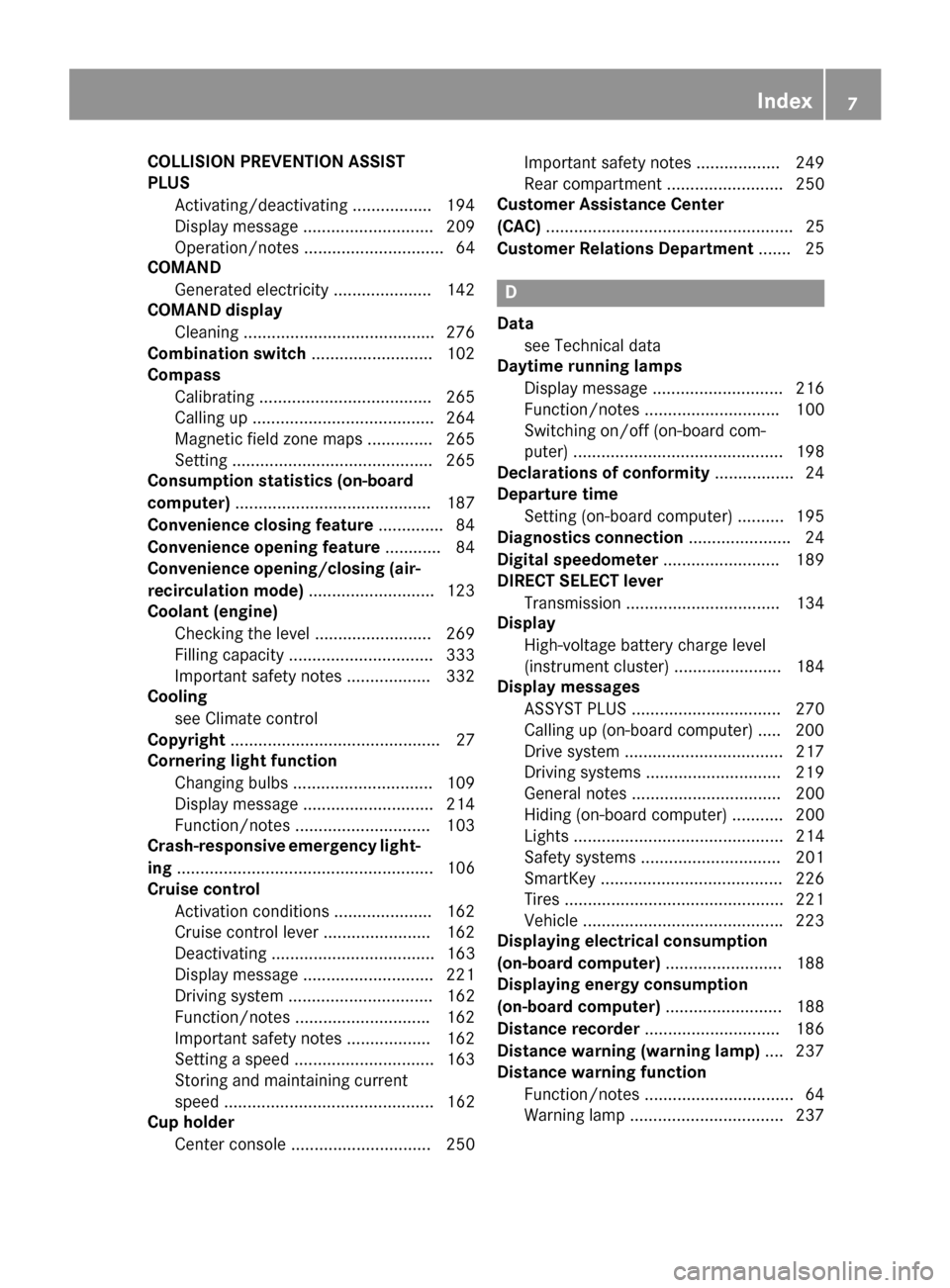
COLLISION PREVENTION ASSIST
PLUS
Activating/deactivating ................ .194
Display message ............................ 209
Operation/notes .............................. 64
COMAND
Generated electricity ..................... 142
COMAND display
Cleaning ......................................... 276
Combination switch .......................... 102
Compass
Calibrating ..................................... 265
Calling up ....................................... 264
Magnetic field zone maps .............. 265
Setting .......................................... .265
Consumption statistics (on-board
computer) .......................................... 187
Convenience closing feature .............. 84
Convenience opening feature ............ 84
Convenience opening/closing (air-
recirculation mode) ........................... 123
Coolant (engine)
Checking the level ......................... 269
Filling capacity ............................... 333
Important safety notes .................. 332
Cooling
see Climate control
Copyright ............................................. 27
Cornering light function
Changing bulbs .............................. 109
Display message ............................ 214
Function/notes ............................ .103
Crash-responsive emergency light-
ing ....................................................... 106
Cruise control
Activation conditions ..................... 162
Cruise control lever ....................... 162
Deactivating ................................... 163
Display message ............................ 221
Driving system ............................... 162
Function/notes ............................ .162
Important safety notes .................. 162
Setting a speed .............................. 163
Storing and maintaining current
speed ............................................. 162
Cup holder
Center console .............................. 250 Important safety notes .................. 249
Rear compartment ......................... 250
Customer Assistance Center
(CAC) ..................................................... 25
Customer Relations Department ....... 25 D
Data see Technical data
Daytime running lamps
Display message ............................ 216
Function/notes ............................ .100
Switching on/off (on-board com-
puter) ............................................. 198
Declarations of conformity ................. 24
Departure time
Setting (on-board computer) .......... 195
Diagnostics connection ......................24
Digital speedometer .........................189
DIRECT SELECT lever
Transmission ................................. 134
Display
High-voltage battery charge level
(instrument cluster) ....................... 184
Display messages
ASSYST PLUS ................................ 270
Calling up (on-board computer) ..... 200
Drive system .................................. 217
Driving systems ............................ .219
General notes ................................ 200
Hiding (on-board computer) ........... 200
Lights ............................................. 214
Safety systems .............................. 201
SmartKey ....................................... 226
Tires ............................................... 221
Vehicle .......................................... .223
Displaying electrical consumption
(on-board computer) ......................... 188
Displaying energy consumption
(on-board computer) ......................... 188
Distance recorder .............................186
Distance warning (warning lamp) .... 237
Distance warning function
Function/notes ................................ 64
Warning lamp ................................. 237 Index
7
Page 10 of 338
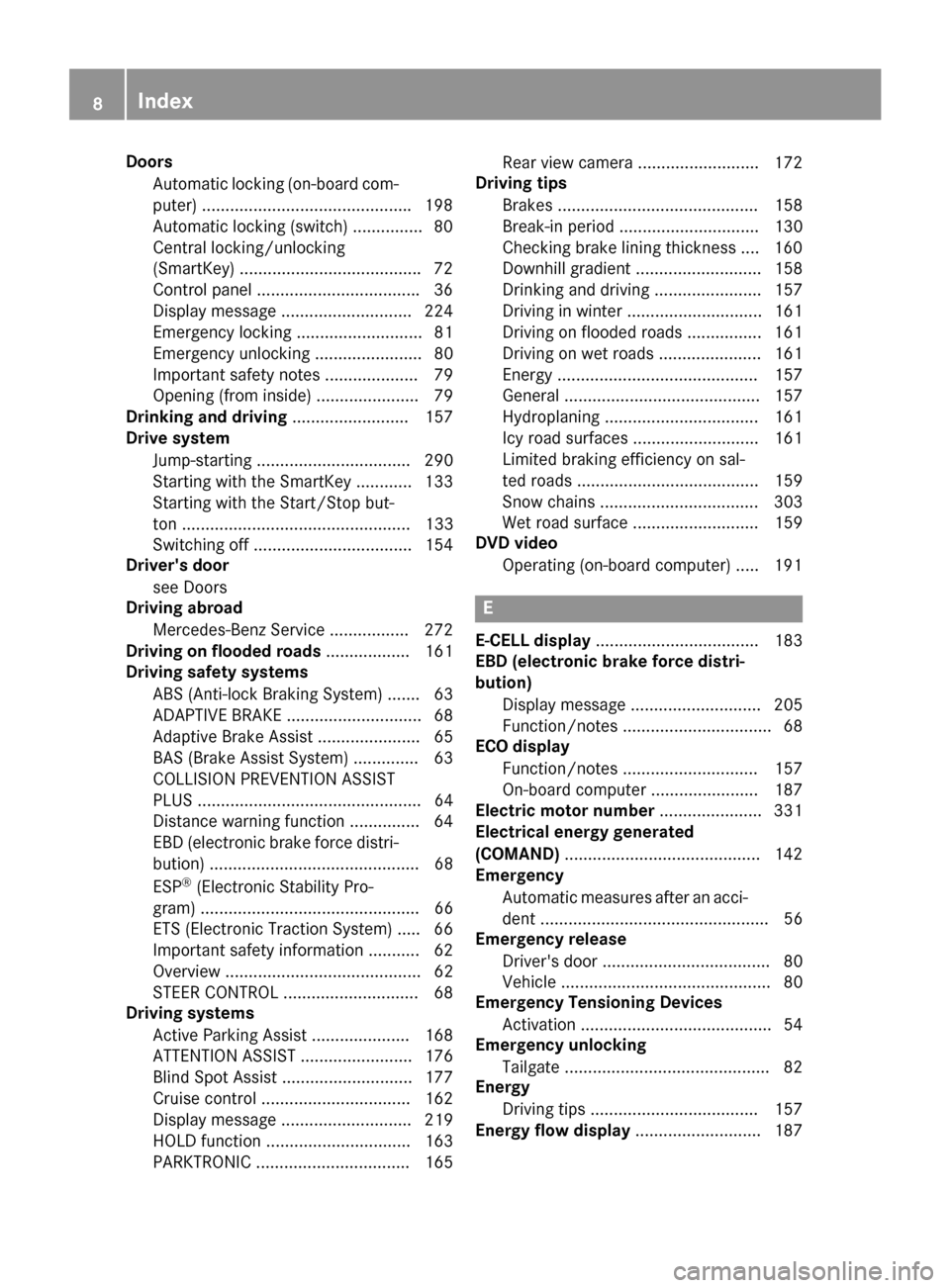
Doors
Automatic locking (on-board com-
puter) ............................................ .198
Automatic locking (switch) .............. .80
Central locking/unlocking
(SmartKey) ...................................... .72
Control panel .................................. .36
Display message ............................ 224
Emergency locking ........................... 81
Emergency unlocking ....................... 80
Important safety note s.................... 79
Opening (from inside) ...................... 79
Drinking and driving ......................... 157
Drive system
Jump-starting ................................. 290
Starting with the SmartKey ............ 133
Starting with the Start/Stop but-
ton ................................................. 133
Switching off .................................. 154
Driver's door
see Doors
Driving abroad
Mercedes-Benz Service ................. 272
Driving on flooded roads .................. 161
Driving safety systems
ABS (Anti-lock Braking System) ....... 63
ADAPTIVE BRAK E............................. 68
Adaptive Brake Assist ...................... 65
BAS (Brake Assist System) .............. 63
COLLISION PREVENTION ASSIST
PLUS ................................................ 64
Distance warning function ............... 64
EBD (electronic brake force distri- bution) ............................................. 68
ESP ®
(Electronic Stability Pro-
gram) ............................................... 66
ETS (Electronic Traction System) ..... 66
Important safety information ........... 62
Overview .......................................... 62
STEER CONTROL ............................. 68
Driving systems
Active Parking Assist ..................... 168
ATTENTION ASSIST ........................ 176
Blind Spot Assist ............................ 177
Cruise control ................................ 162
Display message ............................ 219
HOLD function ............................... 163
PARKTRONIC ................................. 165 Rear view camera .......................... 172
Driving tips
Brakes ........................................... 158
Break-in perio d.............................. 130
Checking brake lining thickness .... 160
Downhill gradient ........................... 158
Drinking and driving ....................... 157
Driving in winter ............................. 161
Driving on flooded roads ................ 161
Driving on wet roads ...................... 161
Energ y........................................... 157
General .......................................... 157
Hydroplaning ................................. 161
Icy road surfaces ........................... 161
Limited braking efficiency on sal-
ted roads ....................................... 159
Snow chains .................................. 303
Wet road surface ........................... 159
DVD video
Operating (on-board computer) ..... 191 E
E‑CELL display ................................... 183
EBD (electronic brake force distri-
bution)
Display message ............................ 205
Function/note s................................ 68
ECO display
Function/note s............................. 157
On-board compute r....................... 187
Electric motor number ...................... 331
Electrical energy generated
(COMAND) .......................................... 142
Emergency
Automatic measures after an acci-
dent ................................................. 56
Emergency release
Driver's door .................................... 80
Vehicle ............................................. 80
Emergency Tensioning Devices
Activation ......................................... 54
Emergency unlocking
Tailgate ............................................ 82
Energy
Driving tip s.................................... 157
Energy flow display ........................... 1878
Index
Page 13 of 338
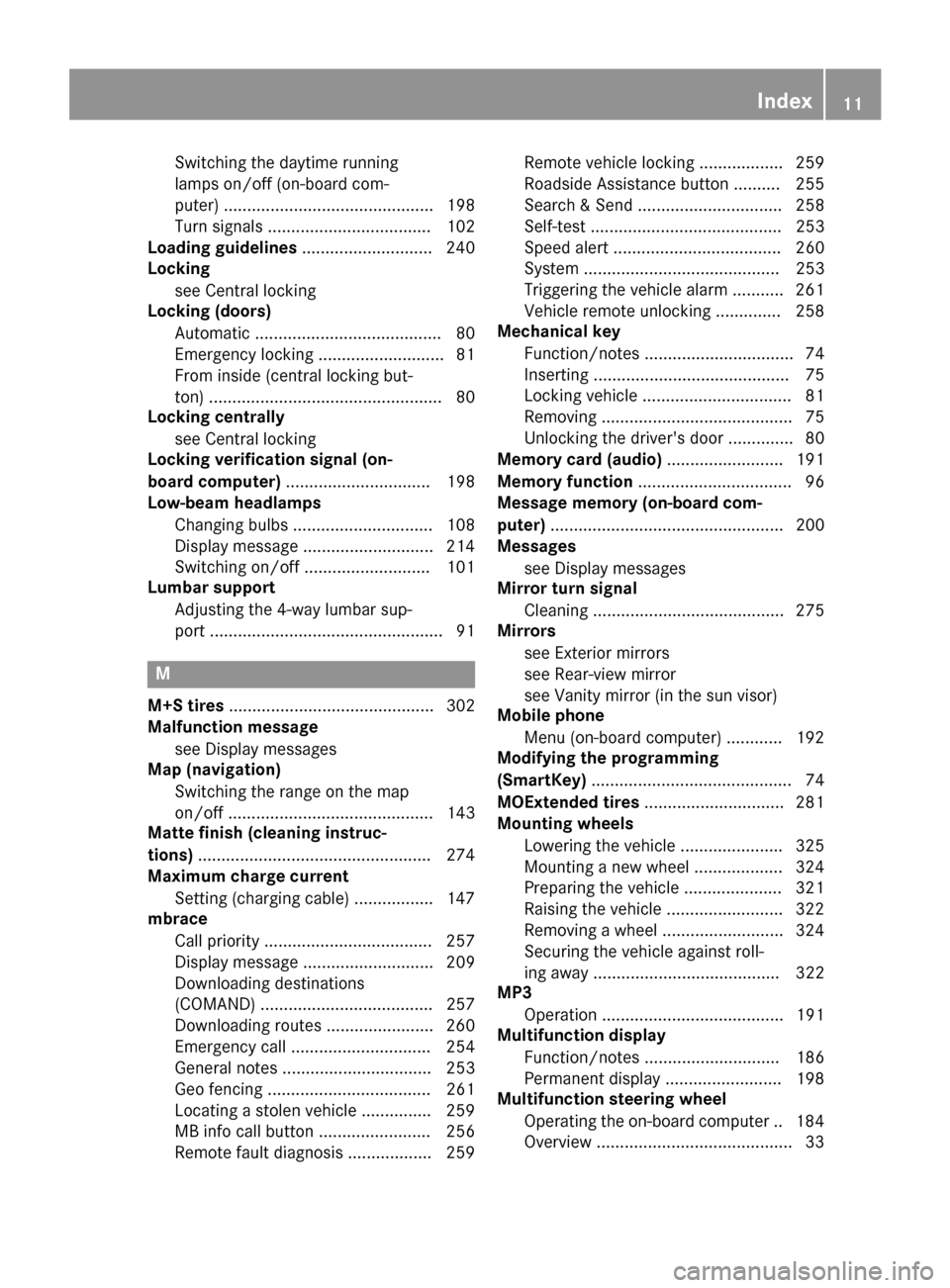
Switching the daytime running
lamps on/off (on-board com-
puter) ............................................. 198
Turn signals ................................... 102
Loading guidelines ............................ 240
Locking
see Central locking
Locking (doors)
Automatic ........................................ 80
Emergency locking ........................... 81
From inside (central locking but-
ton) .................................................. 80
Locking centrally
see Central locking
Locking verification signal (on-
board computer) ............................... 198
Low-beam headlamps
Changing bulb s.............................. 108
Display message ............................ 214
Switching on/of f........................... 101
Lumbar support
Adjusting the 4-way lumbar sup-
port .................................................. 91 M
M+S tires ............................................ 302
Malfunction message
see Display messages
Map (navigation)
Switching the range on the map
on/off ............................................ 143
Matte finish (cleaning instruc-
tions) .................................................. 274
Maximum charge current
Setting (charging cable) ................. 147
mbrace
Call priority .................................... 257
Display message ............................ 209
Downloading destinations
(COMAND) ..................................... 257
Downloading routes ....................... 260
Emergency call .............................. 254
General notes ................................ 253
Geo fencing ................................... 261
Locating a stolen vehicle ............... 259
MB info call button ........................ 256
Remote fault diagnosi s.................. 259 Remote vehicle locking .................. 259
Roadside Assistance button .......... 255
Search & Send ............................... 258
Self-test ......................................... 253
Speed alert .................................... 260
System .......................................... 253
Triggering the vehicle alarm ........... 261
Vehicle remote unlocking .............. 258
Mechanical key
Function/note s................................ 74
Inserting .......................................... 75
Locking vehicle ................................ 81
Removing ......................................... 75
Unlocking the driver's door .............. 80
Memory card (audio) ......................... 191
Memory function ................................. 96
Message memory (on-board com-
puter) .................................................. 200
Messages
see Display messages
Mirror turn signal
Cleaning ......................................... 275
Mirrors
see Exterior mirrors
see Rear-view mirror
see Vanity mirror (in the sun visor)
Mobile phone
Menu (on-board computer) ............ 192
Modifying the programming
(SmartKey) ........................................... 74
MOExtended tires .............................. 281
Mounting wheels
Lowering the vehicle ...................... 325
Mounting a new whee l................... 324
Preparing the vehicle ..................... 321
Raising the vehicl e......................... 322
Removing a whee l.......................... 324
Securing the vehicle against roll-
ing away ........................................ 322
MP3
Operation ....................................... 191
Multifunction display
Function/note s............................. 186
Permanent display ......................... 198
Multifunction steering wheel
Operating the on-board compute r..1 84
Overview .......................................... 33 Index
11
Page 15 of 338
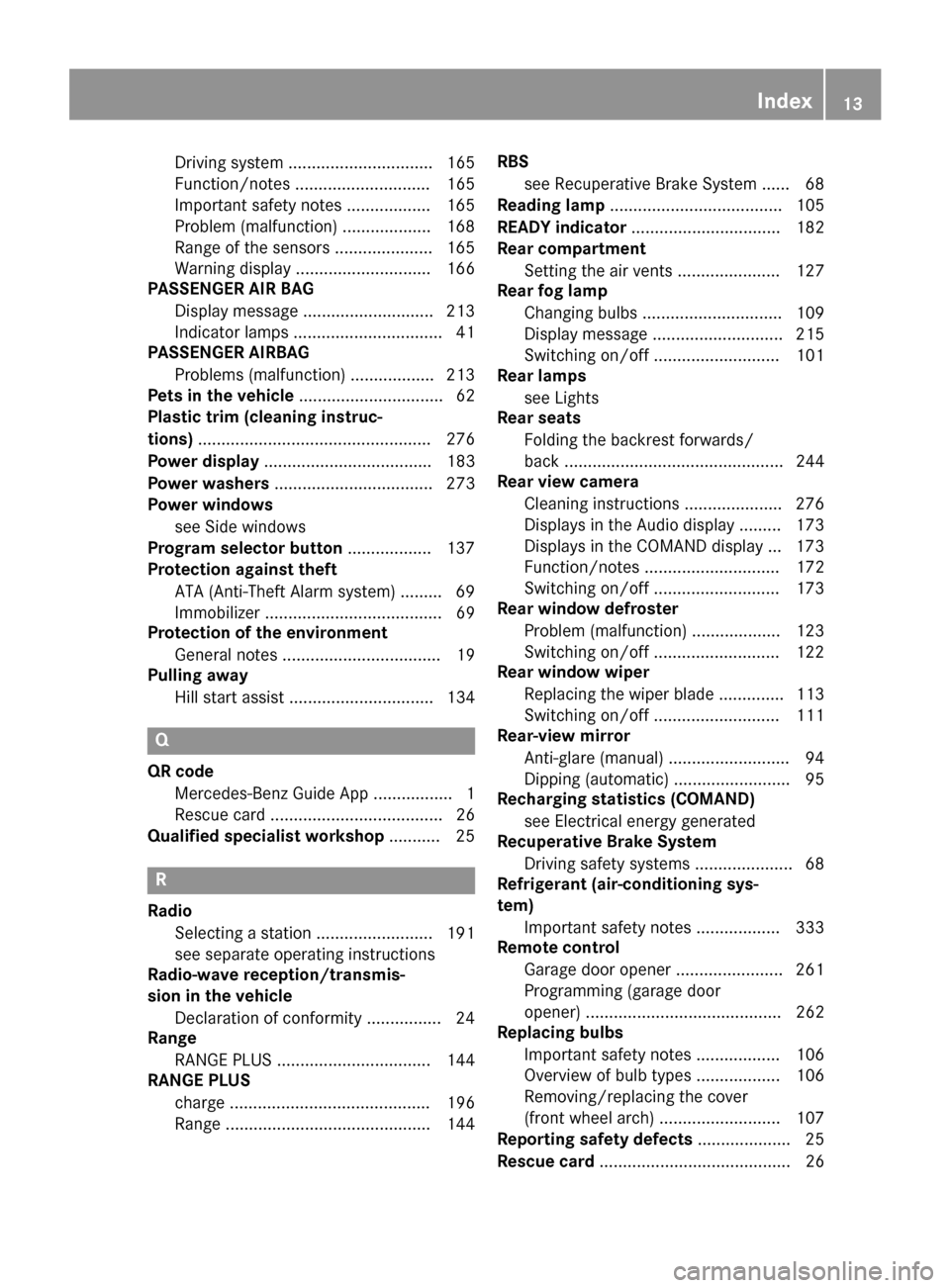
Driving system ............................... 165
Function/note
s............................. 165
Important safety notes .................. 165
Problem (malfunction) ................... 168
Range of the sensors ..................... 165
Warning display ............................. 166
PASSENGER AIR BAG
Display message ............................ 213
Indicator lamps ................................ 41
PASSENGER AIRBAG
Problems (malfunction) .................. 213
Pets in the vehicle ............................... 62
Plastic trim (cleaning instruc-
tions) .................................................. 276
Power display .................................... 183
Power washers .................................. 273
Power windows
see Side windows
Program selector button .................. 137
Protection against theft
ATA (Anti-Theft Alarm system) ......... 69
Immobilizer ...................................... 69
Protection of the environment
General notes .................................. 19
Pulling away
Hill start assist ............................... 134 Q
QR code Mercedes-Benz Guide App ................. 1
Rescue card ..................................... 26
Qualified specialist workshop ........... 25R
Radio Selecting a station ......................... 191
see separate operating instructions
Radio-wave reception/transmis-
sion in the vehicle
Declaration of conformity ................ 24
Range
RANGE PLUS ................................. 144
RANGE PLUS
charge ........................................... 196
Range ............................................ 144 RBS
see Recuperative Brake System ...... 68
Reading lamp ..................................... 105
READY indicator ................................ 182
Rear compartment
Setting the air vents ...................... 127
Rear fog lamp
Changing bulbs .............................. 109
Display message ............................ 215
Switching on/of f........................... 101
Rear lamps
see Lights
Rear seats
Folding the backrest forwards/
back ............................................... 244
Rear view camera
Cleaning instructions ..................... 276
Displays in the Audio display ......... 173
Displays in the COMAND display ... 173
Function/note s............................. 172
Switching on/of f........................... 173
Rear window defroster
Problem (malfunction) ................... 123
Switching on/of f........................... 122
Rear window wiper
Replacing the wiper blad e.............. 113
Switching on/of f........................... 111
Rear-view mirror
Anti-glare (manual) .......................... 94
Dipping (automatic) ......................... 95
Recharging statistics (COMAND)
see Electrical energy generated
Recuperative Brake System
Driving safety systems ..................... 68
Refrigerant (air-conditioning sys-
tem)
Important safety notes .................. 333
Remote control
Garage door opener ....................... 261
Programming (garage door
opener) .......................................... 262
Replacing bulbs
Important safety notes .................. 106
Overview of bulb types .................. 106
Removing/replacing the cover
(front wheel arch) .......................... 107
Reporting safety defects .................... 25
Rescue card ......................................... 26 Index
13
Page 28 of 338
1-888-327-4236(TTY: 1-800-424-9153); go
to http://www.safercar.gov ; or write to:
Administrator, NHTSA, 400 Seventh Street,
SW., Washington, DC 20590.
You can also obtain other information about
motor vehicle safety from
http://www.safercar.gov Limited Warranty
! Follow the instructions in this manual
about the proper operation of your vehicle
as well as about possible vehicle damage.
Damage to your vehicle that arises from
culpable contraventions against these
instructions is not covered either by the
Mercedes-Benz Limited Warranty or by the New or Used-Vehicle Warranty. QR codes for the rescue card
The QR codes are secured in the fuel filler flap
and on the opposite side on the B-pillar. In the event of an accident, rescue services can use
the QR code to quickly find the appropriate
rescue card for your vehicle. The current res- cue card contains the most important infor-
mation about your vehicle in a compact form, e.g. the routing of the electric cables.
You can find more information under https://
portal.aftersales.i.daimler.com/public/
content/asportal/en/communication/
informationen_fuer/QRCode.html. Data stored in the vehicle
Data recording
This vehicle is capable of recording diagnostic information relating to vehicle operation, mal-functions, and user settings. This may include
information about the performance or status
of various systems, including but not limited
to, engine, throttle, steering or brake sys-
tems, that is stored and can be read out with
suitable devices, particularly when the vehi- cle is serviced. The data obtained is used to
properly diagnose and service your vehicle or
to further optimize and develop vehicle func-
tions. COMAND/mbrace
If the vehicle is equipped with COMAND or
mbrace, additional data about the vehicle’s
operation, the use of the vehicle in certain
situations, and the location of the vehicle may be compiled through COMAND or the mbrace
system.
For additional information please refer to the
COMAND User Manual and/or the mbrace
Terms and Conditions. Event data recorders
This vehicle is equipped with an event data
recorder (EDR). The main purpose of an EDR
is to record data that will assist in under-
standing how a vehicle’s systems performed
in certain crash or near crash-like situations,
such as during air bag deployment or when
hitting a road obstacle. The EDR is designed
to record data related to vehicle dynamics
and safety systems for a short period of time, typically 30 seconds or less.
The EDR in this vehicle is designed to record
such data as:
R how various systems in your vehicle are
operating
R whether or not the driver and passenger
seat belts are fastened
R how far (if at all) the driver is depressing the
accelerator and/or brake pedal and
R how fast the vehicle is traveling
This data can help provide a better under-
standing of the circumstances in which
crashes and injuries occur. NOTE: EDR data is recorded by your vehicle only if a non-trivial
crash situation occurs; no data is recorded by
the EDR under normal driving conditions and no personal data (e.g., name, gender, age, 26
Introduction
Page 35 of 338
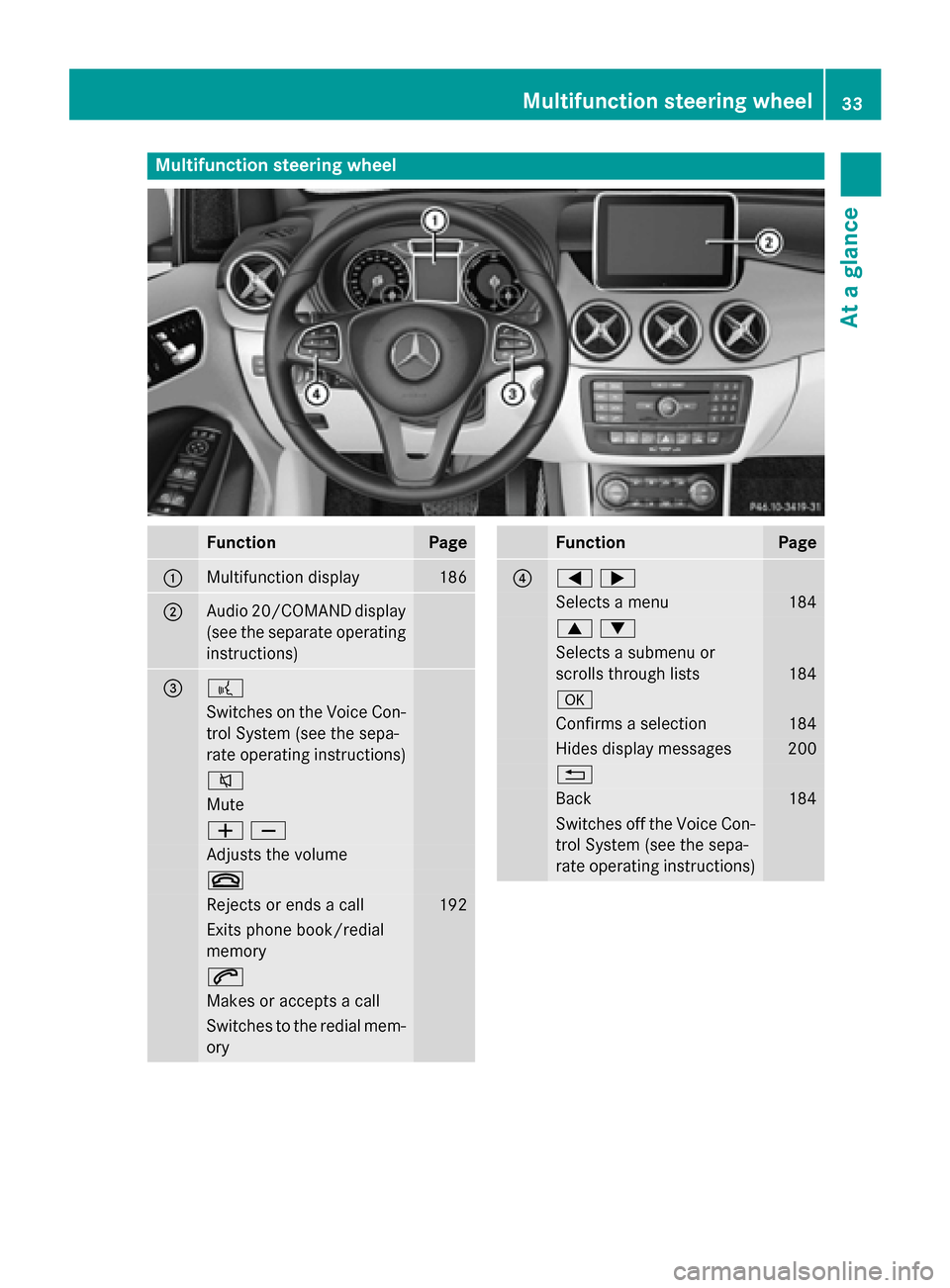
Multifunction steering wheel
Function Page
:
Multifunction display 186
;
Audio 20/COMAND display
(see the separate operating
instructions) = ?
Switches on the Voice Con-
trol System (see the sepa-
rate operating instructions) 8
Mute
WX
Adjusts the volume
~
Rejects or ends a call 192
Exits phone book/redial
memory 6
Makes or accepts a call
Switches to the redial mem-
ory Function Page
?
=;
Selects a menu 184
9:
Selects a submenu or
scrolls through lists
184
a
Confirms a selection 184
Hides display messages 200
%
Back 184
Switches off the Voice Con-
trol System (see the sepa-
rate operating instructions) Multifunction steering wheel
33At a glance
Page 36 of 338
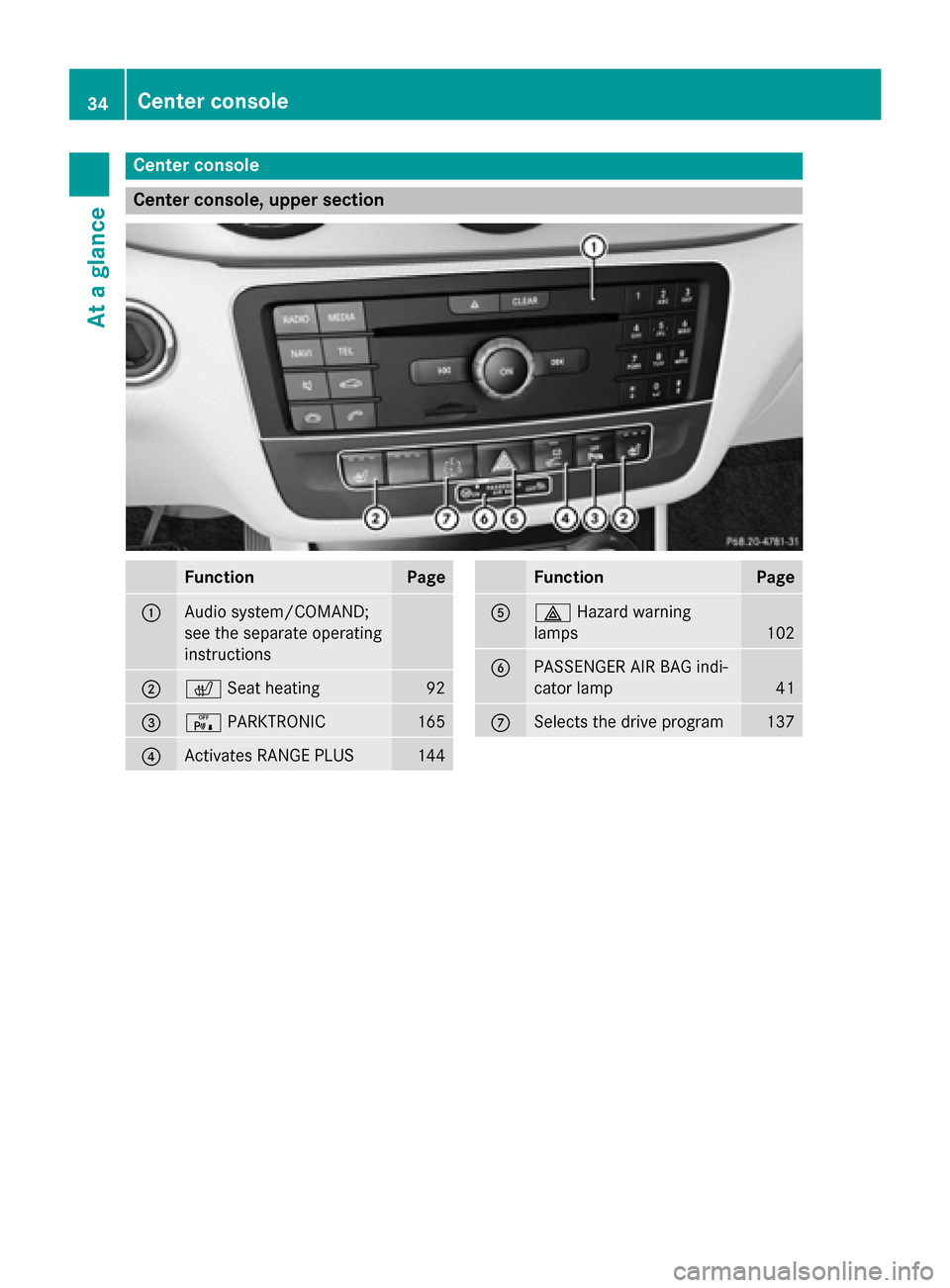
Center console
Center console, upper section
Function Page
:
Audio system/COMAND;
see the separate operating
instructions
;
c
Seat heating 92
=
c
PARKTRONIC 165
?
Activates RANGE PLUS 144 Function Page
A
£
Hazard warning
lamps 102
B
PASSENGER AIR BAG indi-
cator lamp
41
C
Selects the drive program 13734
Center consoleAt a glance