Page 518 of 886
5183-4. Using the audio system
■
Compatible models
The following iPod
, iPod nano
, iPod classic
, iPod touch
and iPhone
devices
can be used with this system. ●
Made for
• iPod touch (4th generation)
• iPod touch (3rd generation)
• iPod touch (2nd generation)
• iPod touch (1st generation)
•iPod classic
•iPod with video
• iPod nano (6th generation)
• iPod nano (5th generation)
• iPod nano (4th generation)
• iPod nano (3rd generation)
• iPod nano (2nd generation)
• iPod nano (1st generation)
•iPhone 4
•iPhone 3GS
•iPhone 3G
•iPhone
Depending on differences between models or software versions etc., some models
might be incompatible with this system.
Items related to standards an d limitations are as follows:●
Maximum number of lists in device: 9999●
Maximum number of songs in device: 65535●
Maximum number of songs per list: 65535
CAUTION
■
Caution while driving
Do not connect iPod or operate the controls.
Page 538 of 886
5383-4. Using the audio system
Guidance for registration completion is heard.
If the portable pl ayer has a Bluetooth ®
phone, the phone can be regis-
tered at the same time. A voice guidance instruction to register a
Bluetooth ®
phone is heard.
Select “Yes” or “No” using a voice command or .
(Bluetooth ®
phone P. 562)
Menu list of the Bluetooth ®
audio system
First menu Second
menu Third menu Operation detail
“Setup” “BT •
A
Setup” “Pair Audio” Registering a portable player
“Connect” Selecting a portable player to
be used
“Change Name” Changing the registered name
of a portable player
“List Audios” Listing the registered portable
players
“Set Passkey” Changing the passkey
“Delete Audio” Deleting a registered portable
player
“System
Setup” “Guidance Vol” Setting voice guidance volume
“Device Name” Displaying the Bluetooth ®
device address and name
“Initialize” Initializing the systemSTEP 7
Page 539 of 886
5393-4. Using the audio system
3
Interior features ■
When using a voice command
For numbers, say a combination of si ngle digits from zero to nine.
Say the command correctly and clearly.■
Situations in which the system may not recognize your voice ●
When driving on rough roads●
When driving at high speeds●
When air is blowing out of the vents onto the microphone●
When the air conditioning fan emits a loud noise■
Operations that cannot be performed while driving●
Operating the system using ●
Registering a portable player to the system■
Changing the passkey
P. 5 4 9
Page 550 of 886
5503-4. Using the audio system
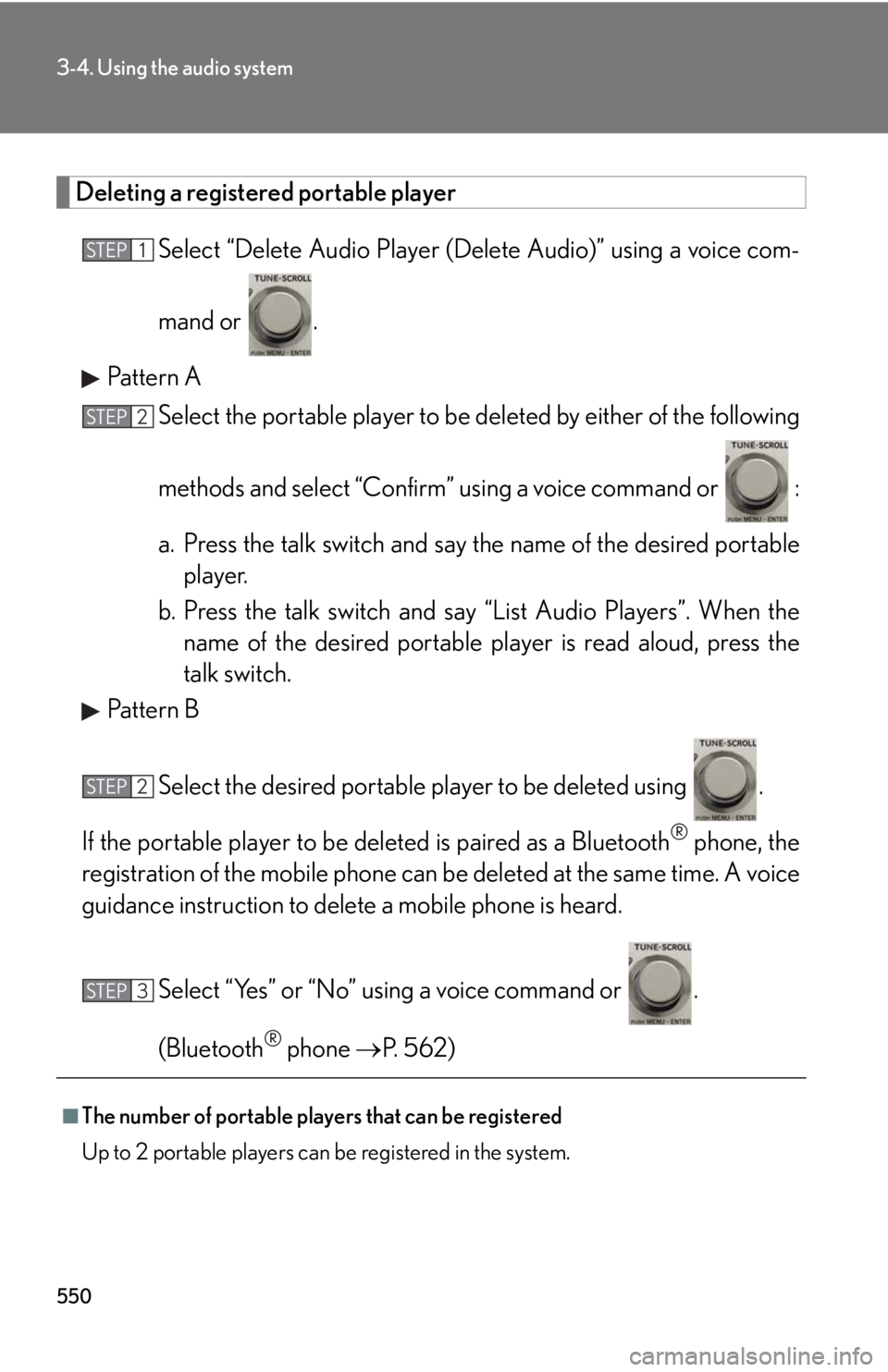
Deleting a registered portable player
Select “Delete Audio Player (D elete Audio)” using a voice com-
mand or .
Pattern A
Select the portable player to be deleted by either of the following
methods and select “Confirm” u sing a voice command or :
a. Press the talk switch and say the name of the desired portable
player.
b. Press the talk switch and sa y “List Audio Players”. When the
name of the desired portable pl ayer is read aloud, press the
talk switch.
Pattern B
Select the desired portable player to be deleted using .
If the portable player to be deleted is pa ired as a Bluetooth ®
phone, the
registration of the mobile phone can be deleted at the same time. A voice
guidance instruction to delete a mobile phone is heard.
Select “Yes” or “No” using a voice command or .
(Bluetooth ®
phone P. 562)
■
The number of portable players that can be registered
Up to 2 portable players can be registered in the system. STEP 1
STEP 2
STEP 2
STEP 3
Page 560 of 886
5603-4. Using the audio system
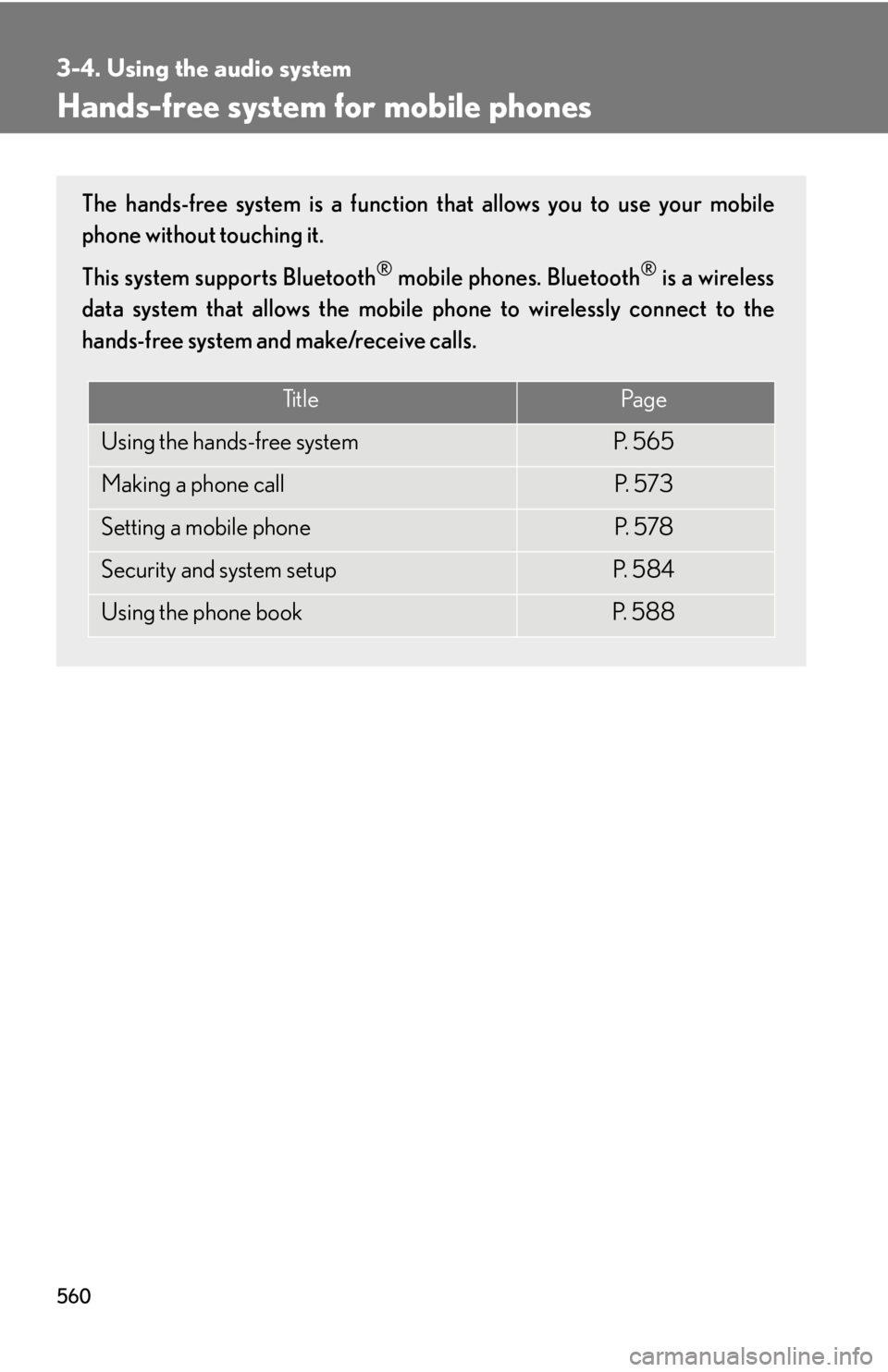
Hands-free system for mobile phones The hands-free system is a function that allows you to use your mobile
phone without touching it.
This system supports Bluetooth ®
mobile phones. Bluetooth ®
is a wireless
data system that allows the mobile phone to wirelessly connect to the
hands-free system and make/receive calls.
Ti t l e Pa g e
Using the hands-free system P. 5 6 5
Making a phone call P. 5 7 3
Setting a mobile phone P. 5 7 8
Security and system setup P. 5 8 4
Using the phone book P. 5 8 8
Page 561 of 886
5613-4. Using the audio system
3
Interior features ■
Conditions under which the system will not operate ●
If using a mobile phone that does not support Bluetooth ®
●
If the mobile phone is switched off●
If you are outside service range●
If the mobile phon e is not connected●
If the mobile phon e's battery is low●
If the mobile phone is be hind the seat or in the glove box or console box●
If metal is covering or touching the phone■
When using the hands-free system ●
The audio system and voice guidance are muted when making a call.●
If both parties speak at the same time, it may be difficult to hear.●
If the incoming call volume is overly loud, an echo may be heard.●
Try to face toward the microphone as much as possible when speaking.●
In the following circumstances, it may be difficult to hear the other party:
• When driving on unpaved roads
• When driving at high speeds
• When a window is open
• When the air conditioning is blowing directly on the microphone
• When the air conditioning is set to high■
When transferring ownership of the vehicle
Be sure to initialize the system to prevent personal data from being improperly
accessed. ( P. 5 8 7 )■
About Bluetooth ®
Bluetooth is a registered trademark of
Bluetooth SIG. Inc.
Page 562 of 886

5623-4. Using the audio system
■
Compatible models
Compatible with HFP (Hands Free Profile) Ver. 1.0 or higher (Conformed: Ver. 1.5)
and OPP (Object Push Profile) Ver. 1.1.
If your mobile phone does not support HFP, you cannot enter the Bluetooth ®
phone. If your mobile phone supports OPP alone, you cannot use the Bluetooth ®
phone.■
Certification for the hands-free system
FCC ID: AJDK018
IC ID: 775E-K018
This device complies with Part 15 of FCC Rules and Industry Canada licence-
exempt RSS standard(s). Operation is subject to the following two conditions: (1)
this device may not cause interference, and (2) this device must accept any inter-
ference, including interference that may cause undesired operation of this device.
Le présent appareil est conforme aux la partie 15 des règles de la FCC et CNR
d’Industrie Canada applicables aux appareils radio exempts de licence. L’exploita-
tion est autorisée aux deux conditions suivantes : (1) l’appareil ne doit pas produire
de brouillage, et (2) l’utilisateur de l’appareil doit accepter tout brouillage
radioélectrique subi, même si le brouilla ge est susceptible d’en compromettre le
fonctionnement.
Page 564 of 886
5643-4. Using the audio system
CAUTION■
Caution while driving
Do not use a mobile phone or connect the Bluetooth ®
phone.■
Caution regarding interference with electronic devices ●
Your audio unit is fi tted with Bluetooth ®
antennas. People with implantable car-
diac pacemakers, cardiac resynchronization therapy-pacemakers or implantable
cardioverter defibrillators should maintain a reasonable distance between them-
selves and the Bluetooth ®
antennas. The radio waves may affect the operation of
such devices.●
Before using Bluetooth ®
devices, users of any electrical medical device other
than implantable cardiac pacemakers, cardiac resynchronization therapy-pace-
makers or implantable cardioverter defibrillators should consult the manufac-
turer of the device for information about its operation under the influence of radio
waves. Radio waves could have unexpected effects on the operation of such
medical devices.
NOTICE■
To prevent damage to mobile phones
Do not leave mobile phones in the vehicle. The temperature inside the vehicle may
become high, resulting in damage to the phone.