Page 185 of 886
1852-1. Driving procedures
2
When driving ■
Downshift restrictions warning buzzer
To help ensure safety and driving perfor mance, downshifting operation may some-
times be restricted. In some circumstances, downshifting may not be possible even
when the shift lever or paddle shift switch is operated. (A buzzer will sound twice.)■
When driving with cruise control activated
Even when performing the following acti ons with the intent of enabling engine
braking, engine braking will not activate while driving in M mode and downshifting
to 7, 6, 5 or 4 because cruise control will not be canceled. ( P. 2 2 7 )■
Automatic deactivation of snow mode
If the “ENGINE START STOP” switch is turn ed off after driving in snow mode, the
mode is automatically deactivated.■
If the shift lever cannot be shifted from P
P. 7 9 1■
Automatic gear selection when the vehicle is stopped
When the vehicle comes to a stop, the tran smission will automatically downshift to
allow you to start off in 1 st
gear.■
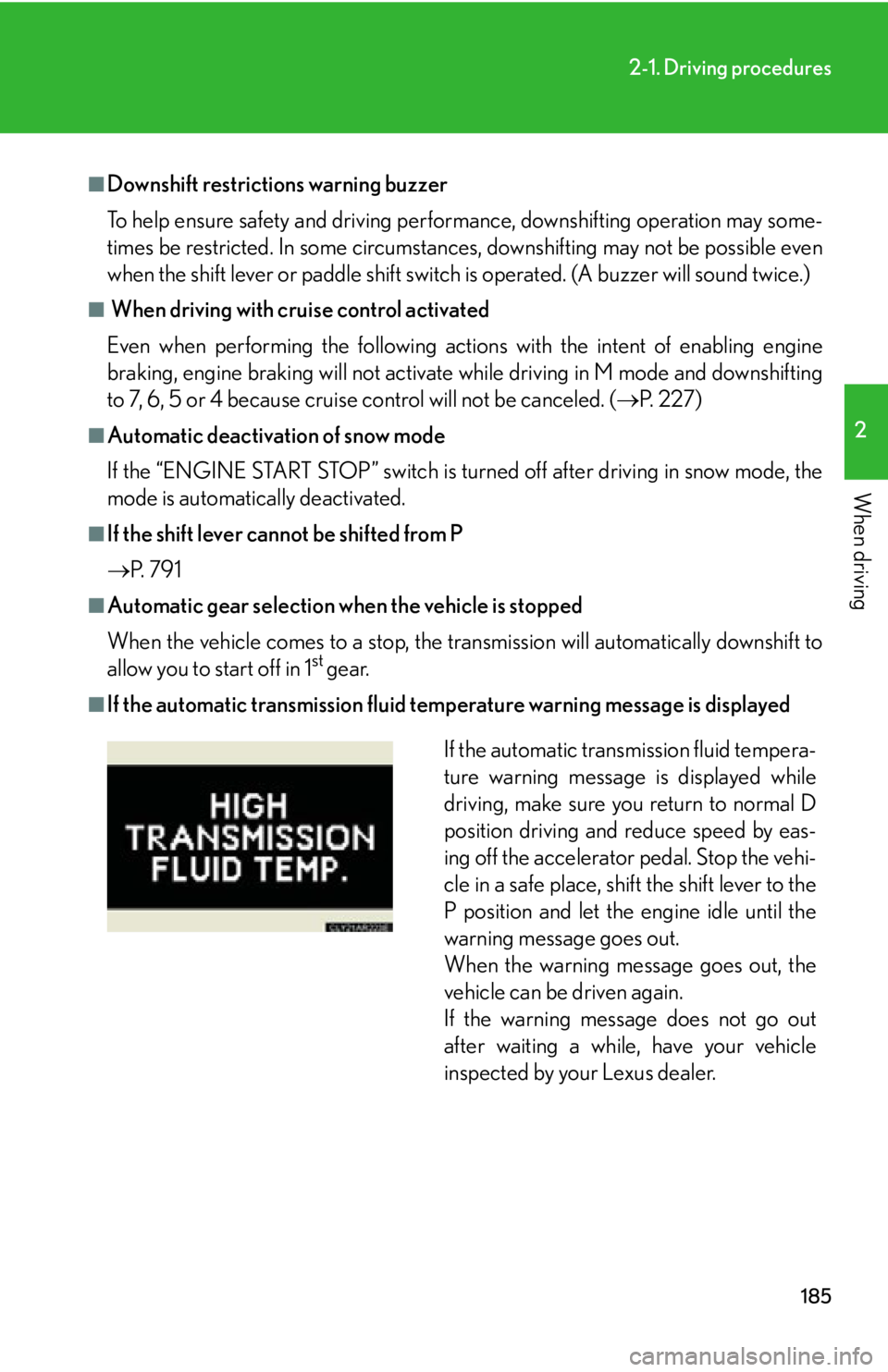
If the automatic transmissi on fluid temperature warn ing message is displayed
If the automatic transmission fluid tempera-
ture warning message is displayed while
driving, make sure you return to normal D
position driving and reduce speed by eas-
ing off the accelerator pedal. Stop the vehi-
cle in a safe place, shift the shift lever to the
P position and let the engine idle until the
warning message goes out.
When the warning message goes out, the
vehicle can be driven again.
If the warning message does not go out
after waiting a while, have your vehicle
inspected by your Lexus dealer.
Page 191 of 886
1912
When driving 2-2. Instrument cluster
Gauges and meters
Tachometer Displays the engine speed in revolutions per minute
Multi-information display Presents the driver with a variety of driving-related data ( P. 200)
Speedometer Displays the vehicle speed
Fuel gauge Displays the quantity of fuel remaining in the tank
Odometer and trip meter Odometer: Displays the total distance the vehicle has been driven
Trip meter: Displays the distance the vehicle has been driven since the
meter was last reset. Trip meters “A” and “B” can be used to
record and display different distances independently.
Shift position and shift range display
Displays the selected shift position or selected shift range ( P. 171, 178)
Engine coolant temperature gauge
Displays the engine coolant temperature
Page 192 of 886
1922-2. Instrument cluster
Changing the display
Switches between odometer and
trip meter displays. When the trip
meter is displayed, pressing and
holding the button will reset the
trip meter.
Instrument panel light control
The brightness of the instrument panel lights can be adjusted.
Darker
Brighter
■
The meters and displa y illuminate when
The “ENGINE START STOP” switch is in IGNITION ON mode.
Page 194 of 886
1942-2. Instrument cluster
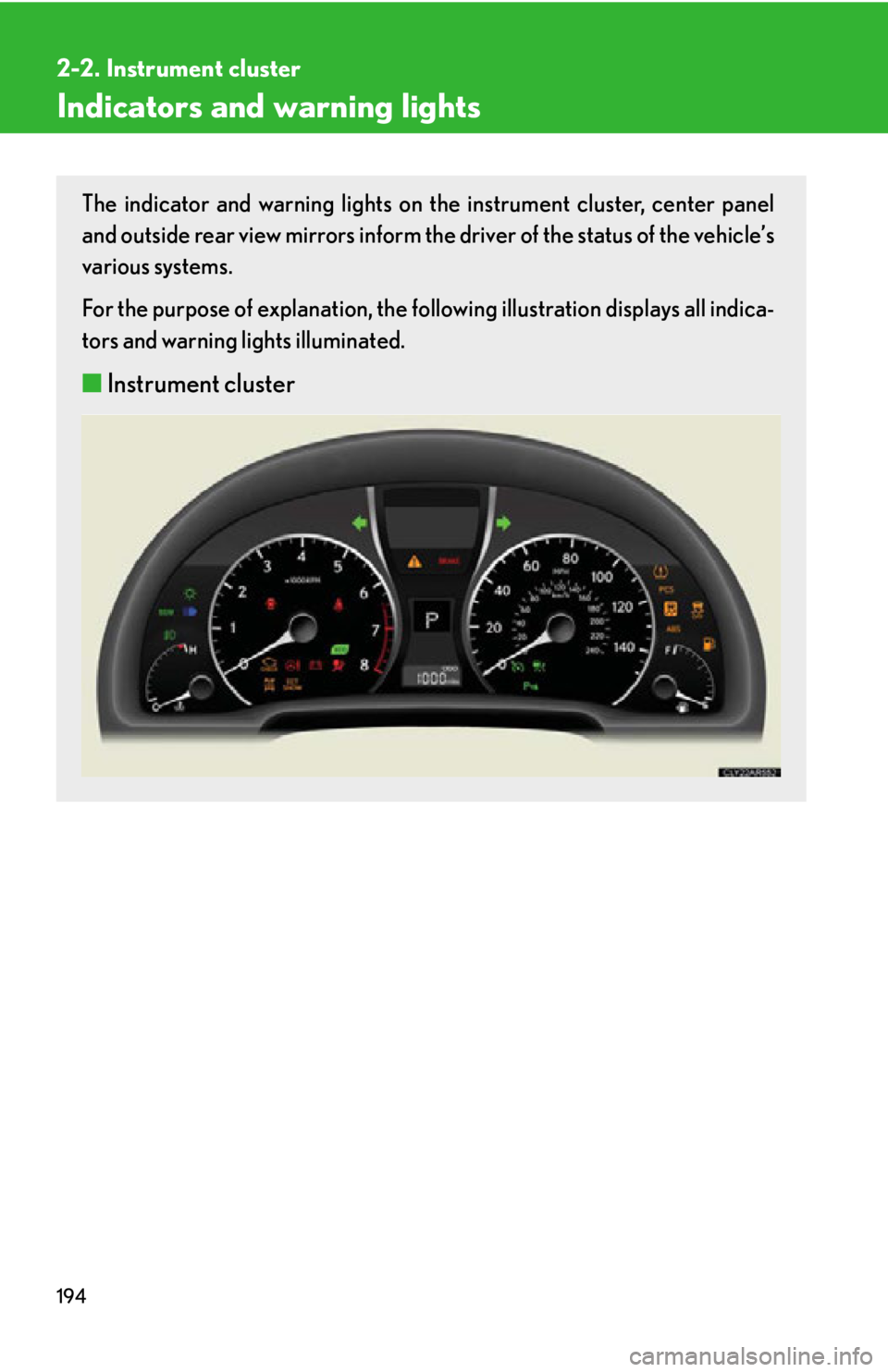
Indicators and warning lights The indicator and warning lights on th e instrument cluster, center panel
and outside rear view mirrors inform the driver of the status of the vehicle’s
various systems.
For the purpose of explanation, the following illustration displays all indica-
tors and warning lights illuminated.
■ Instrument cluster
Page 195 of 886
1952-2. Instrument cluster
2
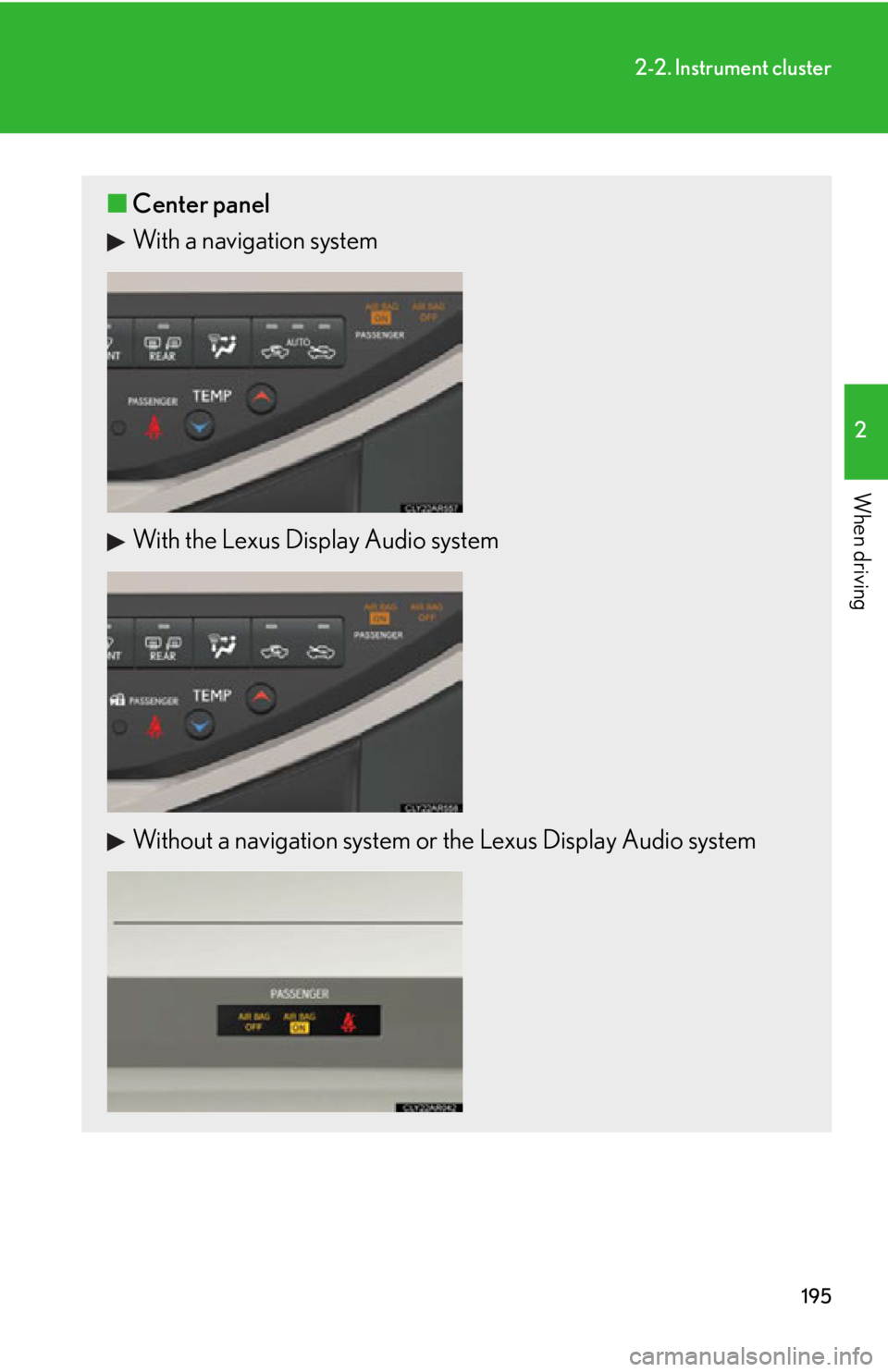
When driving ■ Center panel
With a navigation system
With the Lexus Display Audio system
Without a navigation system or the Lexus Display Audio system
Page 200 of 886
2002-2. Instrument cluster
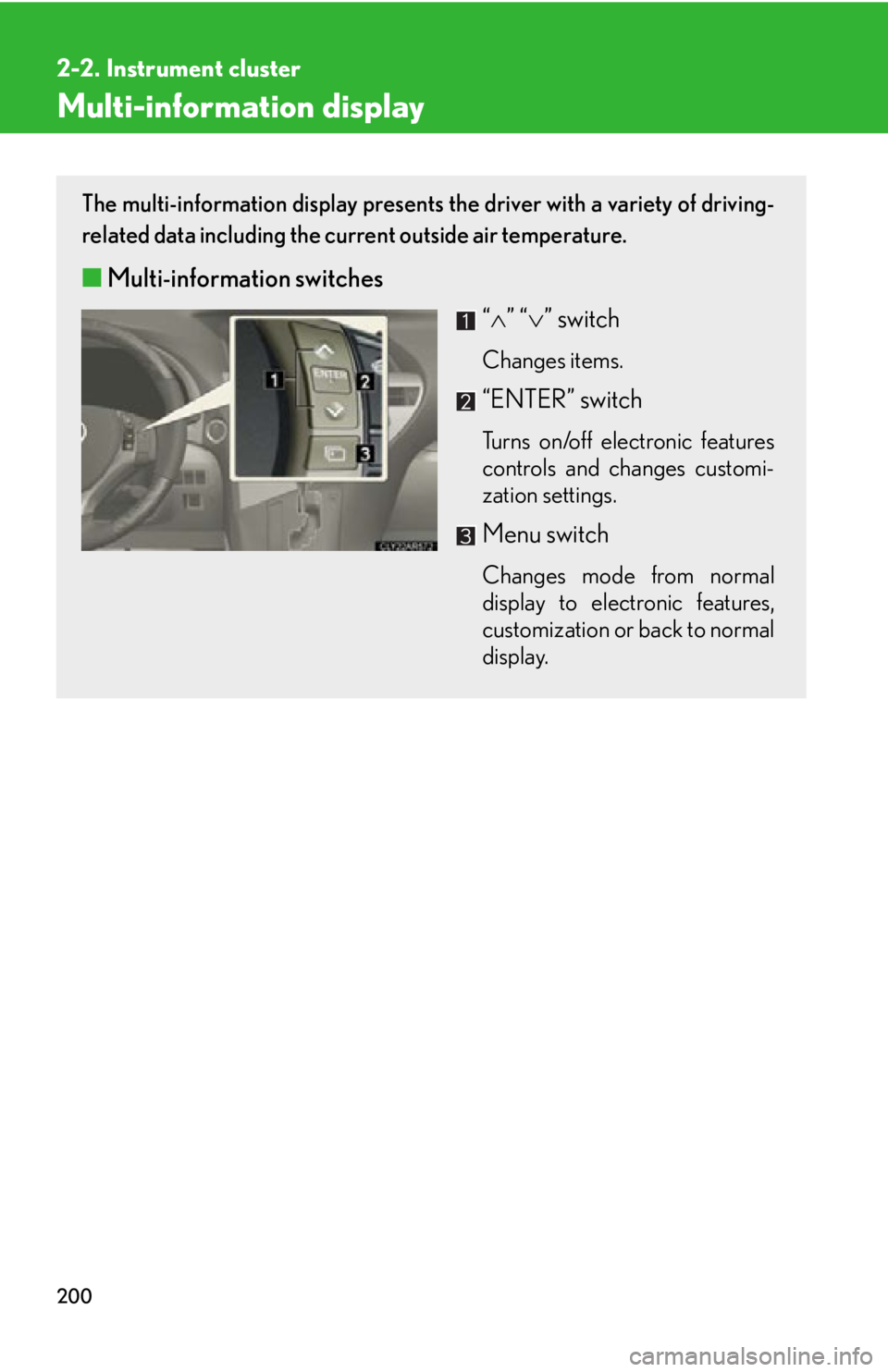
Multi-information display The multi-information display presents the driver with a variety of driving-
related data including the current outside air temperature.
■ Multi-information switches
“ ” “ ” switchChanges items.
“ENTER” switch Turns on/off electronic features
controls and changes customi-
zation settings.
Menu switch Changes mode from normal
display to electronic features,
customization or back to normal
display.
Page 201 of 886
2012-2. Instrument cluster
2
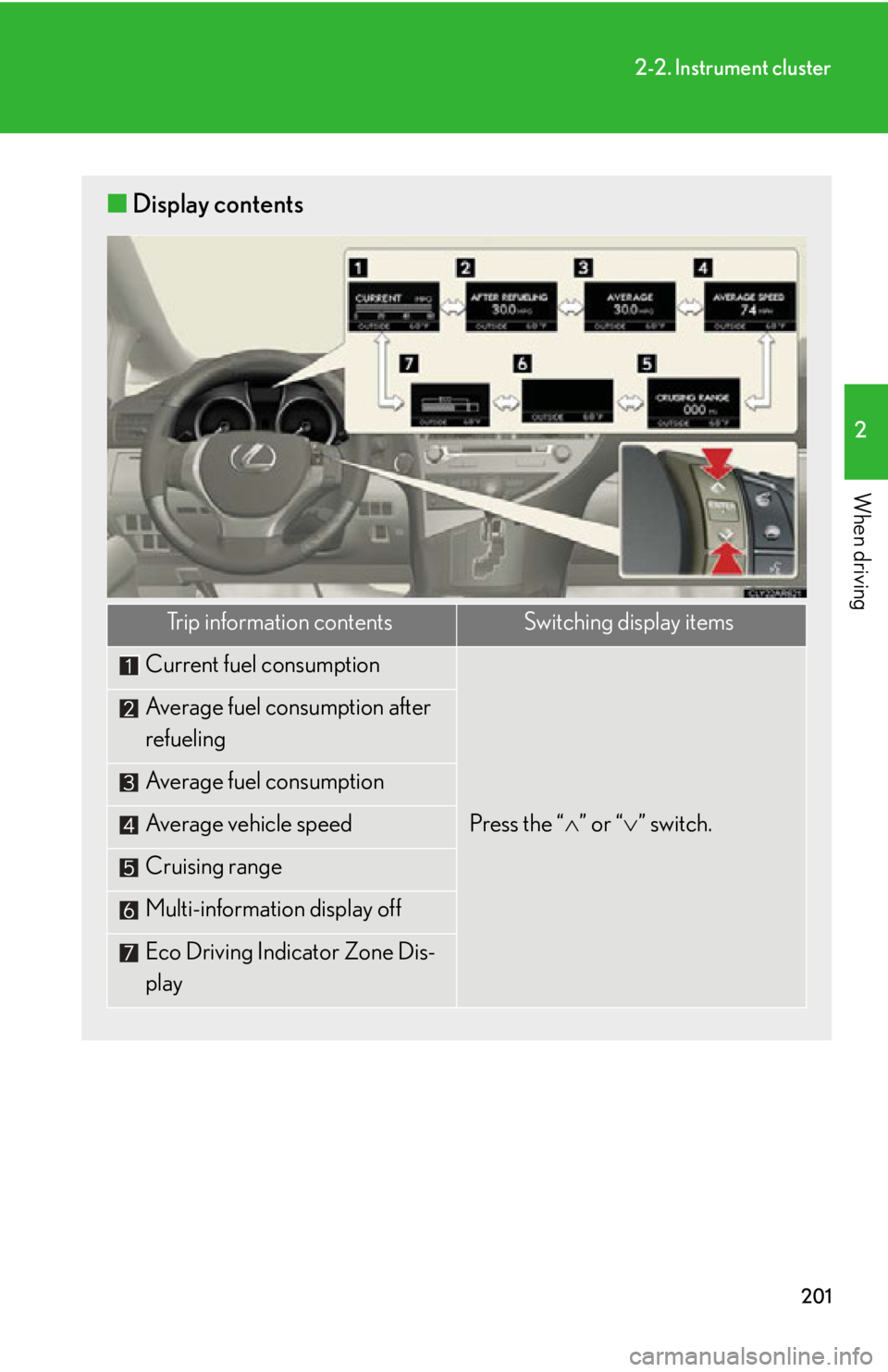
When driving ■ Display contents
Trip information contents Switching display items
Current fuel consumption
Press the “ ” or “ ” switch.Average fuel consumption after
refueling
Average fuel consumption
Average vehicle speed
Cruising range
Multi-information display off
Eco Driving Indicator Zone Dis-
play
Page 202 of 886
2022-2. Instrument cluster
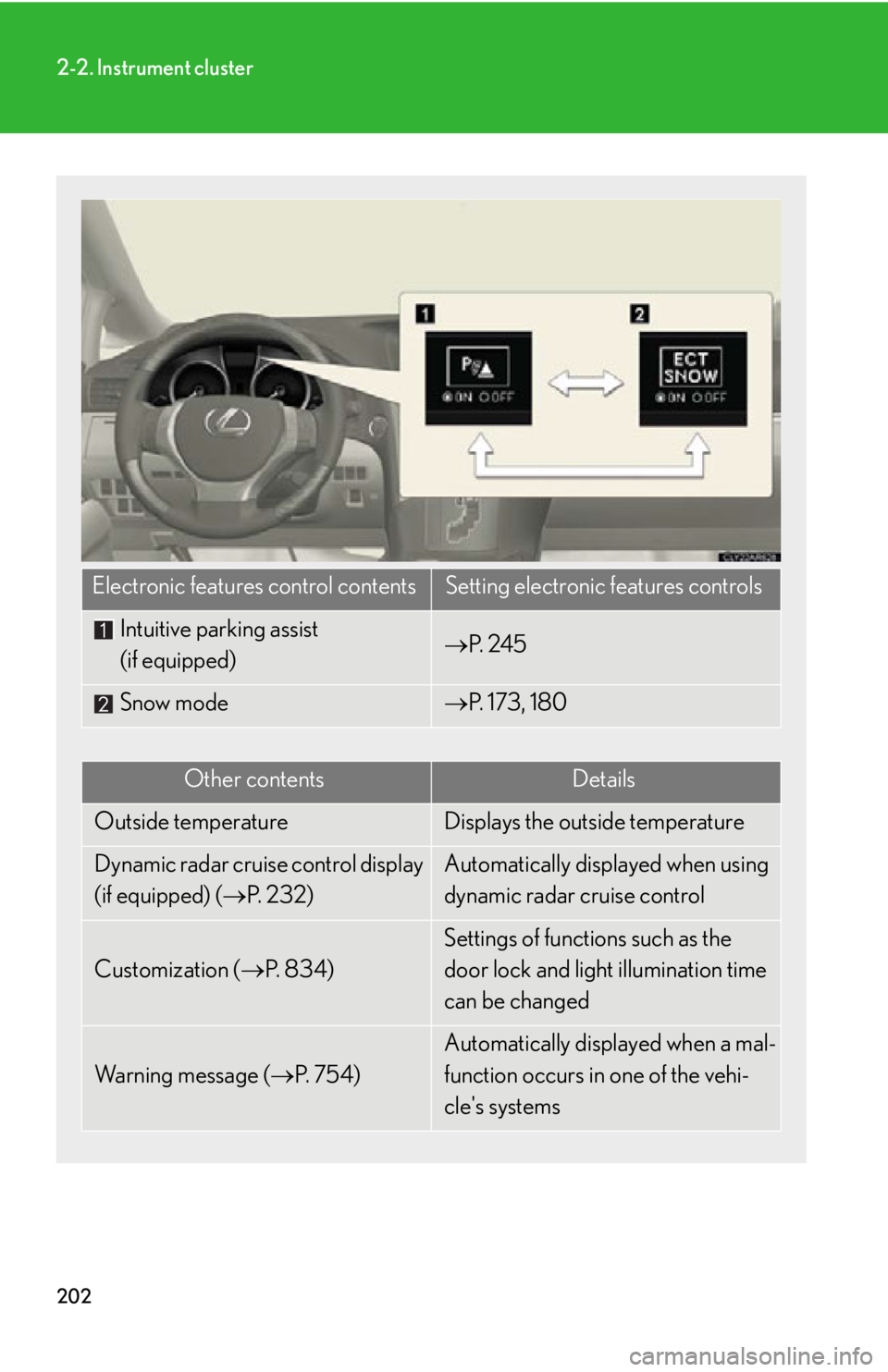
Electronic features control contents Setting electronic features controls
Intuitive parking assist
(if equipped) P. 2 4 5
Snow mode P. 173, 180
Other contents Details
Outside temperature Displays the outside temperature
Dynamic radar cruise control display
(if equipped) ( P. 232) Automatically displayed when using
dynamic radar cruise control
Customization ( P. 8 3 4 ) Settings of functions such as the
door lock and light illumination time
can be changed
Wa r n i n g m e s s a g e ( P. 7 5 4 ) Automatically displayed when a mal-
function occurs in one of the vehi-
cle's systems