Press the RADIO button on the touchscreen, bottom left
corner, to enter the Radio Mode. The different tuner
modes; AM, FM, and SXM, can then, be selected by
pressing the corresponding buttons in the Radio mode.
VOLUME/MUTE Control
Push the VOLUME/MUTE control knob to mute the
radio. Push the VOLUME/MUTE control knob a second
time to unmute the radio.
The electronic volume control turns continuously (360
degrees) in either direction, without stopping. Turning
the VOLUME/MUTE control knob clockwise increases
the volume, and counterclockwise decreases it.
TUNE/SCROLL Control
When the audio system is turned on, the sound will be
set at the same volume level as last played.
Turn the rotary TUNE/SCROLL control knob clockwise
to increase or counterclockwise to decrease the radio
station frequency. Push the ENTER/BROWSE button to
choose a selection.
Screen Close
The X button on the touchscreen at the top right, provides
a means to close the Direct Tune Screen. The Direct Tune
Screen also auto closes if no activity occurs within 10
seconds.
HD Radio
HD Radio technology (available on Uconnect 8.4AN in
the U.S. market) works similar to conventional radio
except it allows broadcasters to transmit a high-quality
digital signal. With an HD radio receiver, the listener is
provided with a clear sound that enhances the listening
experience. HD radio can also transmit data such as song
title or artist.
4
Uconnect® 8.4AN — If Equipped 293
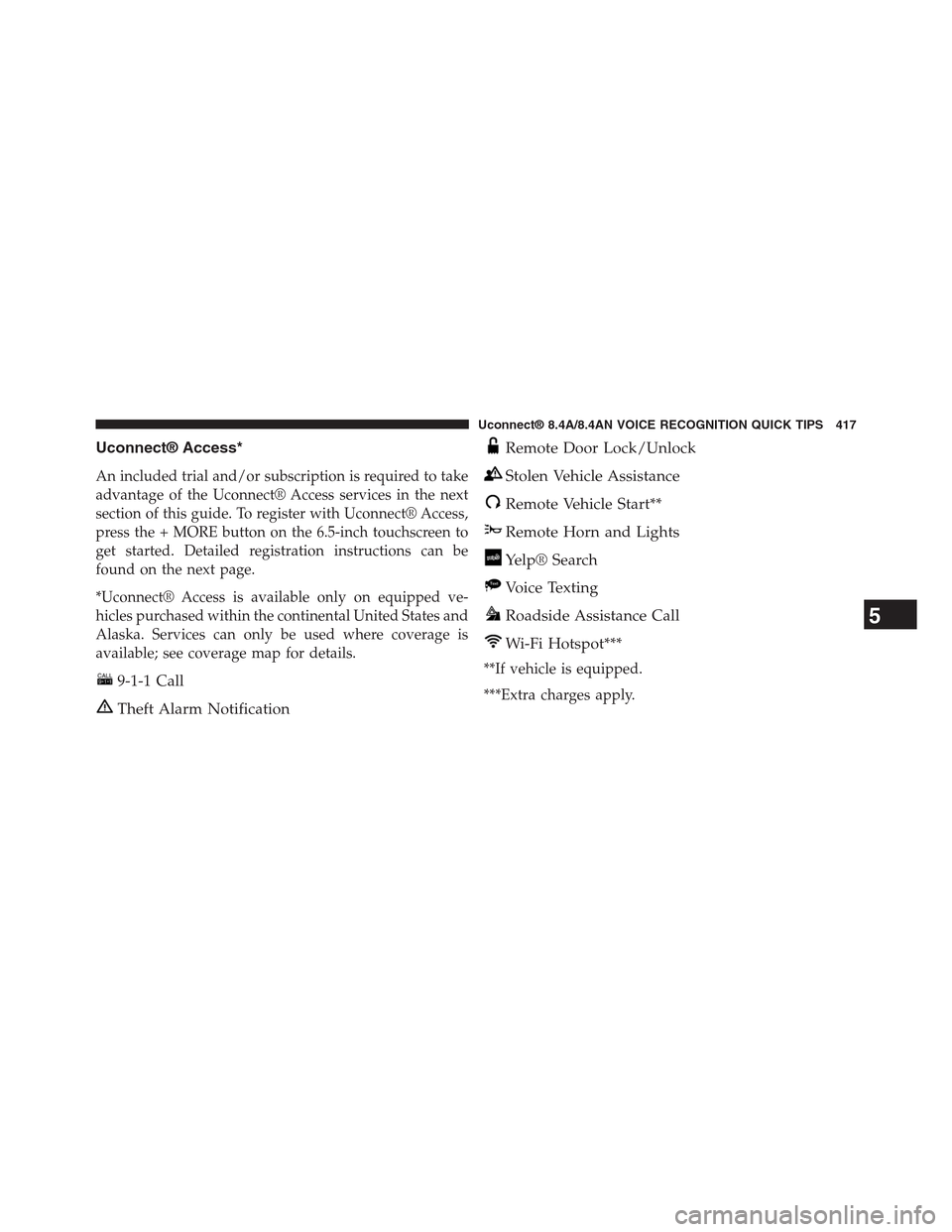
Uconnect® Access*
An included trial and/or subscription is required to take
advantage of the Uconnect® Access services in the next
section of this guide. To register with Uconnect® Access,
press the + MORE button on the 6.5-inch touchscreen to
get started. Detailed registration instructions can be
found on the next page.
*Uconnect® Access is available only on equipped ve-
hicles purchased within the continental United States and
Alaska. Services can only be used where coverage is
available; see coverage map for details.
9-1-1 Call
Theft Alarm Notification
Remote Door Lock/Unlock
Stolen Vehicle Assistance
Remote Vehicle Start**
Remote Horn and Lights
Yelp® Search
Voice Texting
Roadside Assistance Call
Wi-Fi Hotspot***
**If vehicle is equipped.
***Extra charges apply.
5
Uconnect® 8.4A/8.4AN VOICE RECOGNITION QUICK TIPS 417
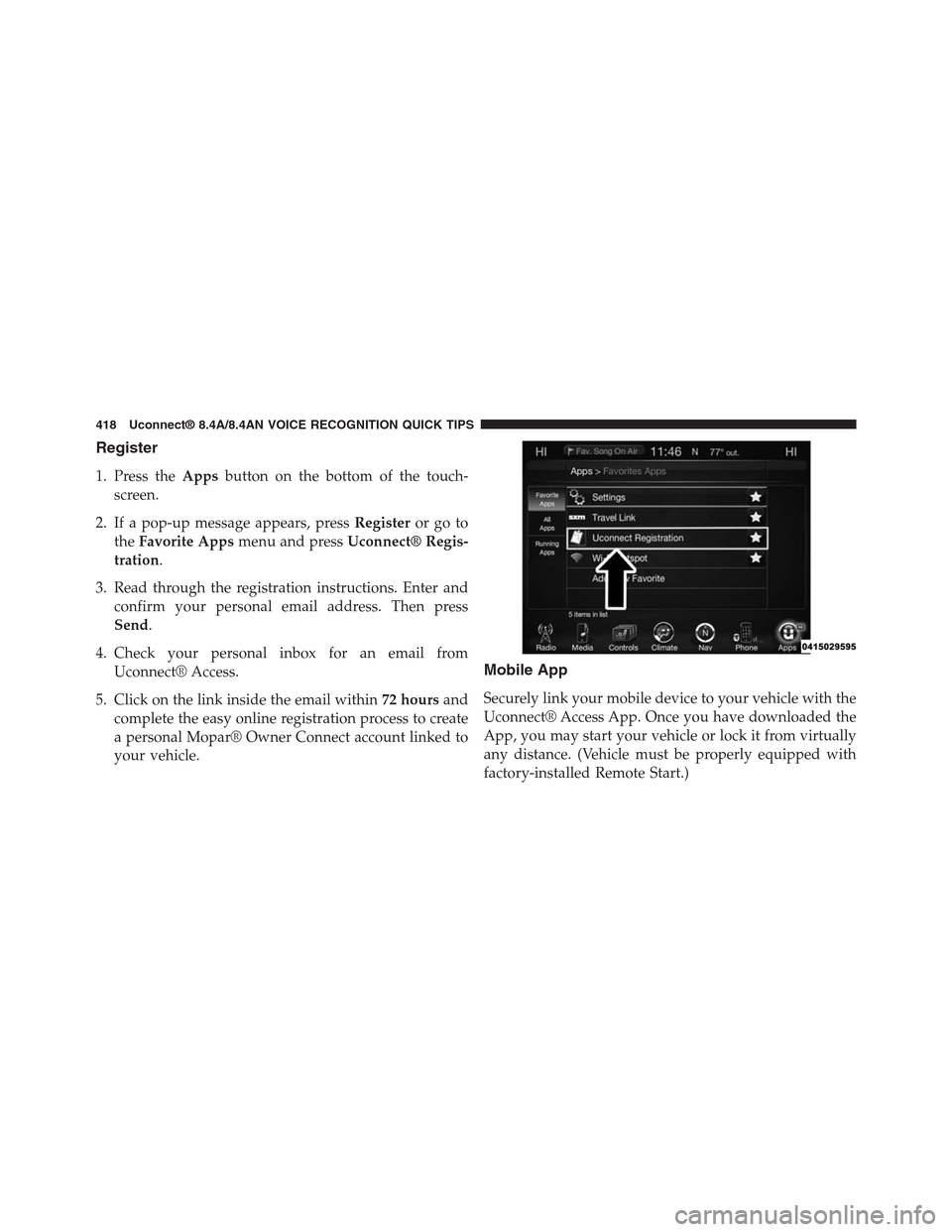
Register
1. Press theAppsbutton on the bottom of the touch-
screen.
2. If a pop-up message appears, pressRegisteror go to
theFavorite Appsmenu and pressUconnect® Regis-
tration.
3. Read through the registration instructions. Enter and
confirm your personal email address. Then press
Send.
4. Check your personal inbox for an email from
Uconnect® Access.
5. Click on the link inside the email within72 hoursand
complete the easy online registration process to create
a personal Mopar® Owner Connect account linked to
your vehicle.
Mobile App
Securely link your mobile device to your vehicle with the
Uconnect® Access App. Once you have downloaded the
App, you may start your vehicle or lock it from virtually
any distance. (Vehicle must be properly equipped with
factory-installed Remote Start.)
418 Uconnect® 8.4A/8.4AN VOICE RECOGNITION QUICK TIPS