2015 AUDI S3 transmission
[x] Cancel search: transmissionPage 4 of 310

2 Table of contents Vehicle literature .. .. .. .. .. ... .
About this Owner's Manual ...
Operation .............. .... ... .
Cockpit ... ............. .... .. . .
Ove rv iew ... ... .. ..... ... .. .. ... .
Instruments and indicator
lamps ..... ............. .. .. .. . .
Ins truments . .. .. ..... ... .. .. ... .
Indicator lights ....... ... .. .. ... .
Driver information system .. .
Overview ... ... .. ..... ... .. .. ... .
Operation . .... .. ..... ... .. .. ... .
Boost indicator ........... .... ... .
Efficiency program ........ .. .. .. . .
On-Board Diagnostic system (OBD) . . .
Lap timer and engine oil temperature
indicator ............. ........ .. .
Opening and closing .. .. .. .. . .
Ce ntra l locking ................ .. .
L uggage compartmen t lid ... ... .. . .
C hil d safety lo ck ........ .. .. .. .. . .
P owe r wi ndows .......... .. .. .. . .
5
6
8
8
8
10
1 0
1 4
27
2 7
28
29
29
30
32
35
35
4 2
42
43
P anorama s unroof . . . . . . . . . . . . . . . . 4 4
Lights and Vision ............. .
Exte rior ligh ting ....... ... .. .. ... .
I nter ior light ing .. ..... ... .. .. ... .
V1s 1on ..... ... .. ..... ... .. .. ... .
W indshie ld wipers ........ .. .. ... .
O utside mirror ............... ... .
Dig ita l compass .......... .... ... .
Seats and storage ....... .. ... .
General i nformat ion ............. .
F ront seats ........... .... .... .. .
H eadrests .. ................ ... . .
Socket ... .. ... .... ...... .. .. .. . .
S to rage .... ... .......... .. .. .. . .
Ro of r ack .. ............. ....... .
L uggage compartmen t .. .. .. .. .. . .
46
46
4 9
so
so
52
54
56
56
57
59
60
6 1
6 2
6 4
Warm and cold . . . . . . . . . . . . . . . . 68
C lima te control sys tem . . . . . . . . . . . .
6 8
Driving ... .... .. ... .. ..... .... . .
Stee ring .. .... .. .. ... ..... ... .. .
Starting and stopp ing t he engine
(ve hicles with an ign ition lock) ... .. .
Starting and stopp ing th e engine
(ve hicles w ith a convenience key) ... .
Drive r m essages .. ... .. ....... ... .
El ectromechanical pa rking brak e ... .
Hill ho ld .. .. .. . .............. .. .
S peed w arning system .......... .. .
C ruise con tro l system .. ..... ... .. . 74
74
74
77
79
80
82
83
8 3
Audi adaptive cruise control .. 86
In troduc tion ..... ............... .
Genera l Info rmation . .. ..... ... .. .
Adaptive cruise contro l ...... .... . .
Drive r messages . .... .. ..... ... .. .
Audi pre sense .. .... .... ... .. .
Introduction ..... ... .. ..... .... . .
Genera l information ........... .. .
Audi pre sense basic .............. .
Audi pre sense front .............. .
Driver messages ................. .
Audi active lane ass ist ..... .. .
Lane assist .. .. ............ ..... . 86
8
6
87
92
94
94
94
94
94
96
98
98
Audi side assist . . . . . . . . . . . . . . . 102
Side assist ...... ............... .
Audi drive select ............. .
Driving settings ................. .
Automatic transmission ..... .
S tronic-transmiss ion ........... .. .
Parking systems
General information ........... .. .
Rea r parki ng system ............. .
Pa rking sys tem plus .............. .
Rea rv iew camera .... .. ....... ... .
Adju sting t he d isplay a nd the wa rning
tones . .... .... ................. .
Er ror messages . ... ... ..... ... .. .
102
106
106
109
109
118
118
119
119
120
124
124
Page 11 of 310

M N
0 > co ...... \!) ..,.,
M ..,., ......
CD
@
®
©
®
®
(J)
®
Power windows
Door handle
Aud i side assist
........ .... .
Centra l locking switch ... .. .. .
Powe r exter ior mirror adjust
ment
.. ... .............. ..
Light switch
Vents
L ever fo r:
- Turn signals and high beams
- Audi active lane assist ... .. .
® Steer ing wheel w ith horn and
- Drive r's airbag ....... .. .. .
- On-board computer controls
- MMI, telephone, nav igat ion
and voice recogn it ion system
controls
- tiptron ic shift paddles (auto-
matic transmission) ....... .
@ Instrument cluster .. ... .. .. .
@ W indshield washer system
l ever
' .. ... .............. . .
@ S teer ing column with:
- Ignit ion emergency operation
(in vehicles with conven ience
key) . .. ................. .
- Ignit ion lock (in vehicles with
mechanical key) ...... .. .. .
@ Adjustable s teer ing column
@ Depending on equipment :
- Cruise contro l lever . ...... .
- adaptive cruise contro l ... .. . 4
3
10 2
39
52
46
68
48 98
148 28
1 14
1 0
so
79
74
74
83
86
@ D river's knee a irbag . . . . . . . . . 161
@ Instrument i llumination . . . . . . 50
@ H ood re lease . . . . . . . . . . . . . . . 219
@ Lugg age compartmen t release 42
@ Child safety lock button . . . . . . 43
@ MMI d isp lay (navigation , radio,
TV/video)
@ Glove compartment ( lockable)
@ Front passenger's airbag .. .. .
@ Treble speakers
@ Front passenger's knee airbag 61
148
161
Cockpi t 9
@) Depending on eq uipment, but
tons for:
- Aud i drive select
- Parking a id p lus (or w ith rear-
view camera) .. . ... ...... .
- Emergency flashers ....... .
- Electron ic Stabilization Con-
trol ( ESC) . .. .... ........ .
- MMI Display
- Airbag
Off indicator ..... .. .
@ Depend ing on equ ipment:
- Manual climate cont ro l
system
- Automatic climate contro l sys
t em
. . .. .. .. .... .........
@ Socket
@ S tronic se lector lever ....... .
@ Cup ho lder .. .. .. . ......... .
@ MMI On/Off button
@ MM I control panel
@ Parking brake ... . ... ...... .
@ I START ENGI NE STOPI button
(ve hicles w ith convenience key)
(D Tips
106
119
47
189
157
69
70
60
109
61
80
77
- Some the eq uipment listed here is only
installed in certain models or is available
as an option.
- Operat ion of the Multi Med ia Interface
(MMI) is described in a separate operat
ing instructions manual. You can a lso
find info rmation on A udi con nect ther e.
•
Page 17 of 310

M N
0 > co ,...., \!) 1.1'1
M 1.1'1 ,....,
or
or
or
or
USA models:
Electromechanical parking brake
i:::> page 19
Can ada mode ls:
E lectromechanical parking brake
c::> page 19
Cooling system
c::>page 20
Engine oil pressure
c::>page20
Alternator
~page 20
Front safety be lt
c::> page 21
Steering./
c::>page 193
Steering lock
c::>page 21
Engine start system
c::>page 21
Instrum ent s an d indicator lamp s 15
or
or
or
or E
ngine stops while driv ing
i:::>page 21
Transmission malfunction
c::> page 115
Adaptive cru ise control*./
c::>pageBB
USA mode ls: Speed warn ing
system
c::> page 83
C ana da m odel s: Speed warn ing
sys tem
i:::>page83
F ill Ad Blue*
c::> page 21 S
AdBlue malfunction*
c::> page 215
Yellow indi cato r light s
-------------
Centra l indicator light (pay at -
tention to the additional infor
mation in the instrument cluster
disp lay) ©
c::> page 14, fig. 8
Electronic Stabilization Control
(ESC) ./
c::> page 22
•
Page 19 of 310

M N
0 > co ,...., \!) 1.1'1
M 1.1'1 ,....,
or
or
or
or
or Battery charge level
¢
page 20
Tank system
¢page 24
Washer fluid level
¢ page 25
Windshield wipers
¢page 25
Steering .//steering lock
¢page 193
Steering lock
¢p age 21
Engine start system
¢page 21
Convenience key
¢page 79
Convenience key
¢page 79
Instruments and indicator lamps 17
or
or
or
or
/:
or Battery
in remote control key
¢page37
Defective light bulb warning
¢page25
Headlight range contro l system*
¢ page25
Adaptive light*
¢page 25
Light/rain sensor*
¢page25
Active lane assist*
¢page 99
Transmission
¢page 115
•
Page 20 of 310

18 Instruments and indicator lamps
Ad Blue -I"
or
Ad Blue/
~
AdBlue malfunction*
Qpage 215
Other indicator lights
-------------
Turn signals
Qpage26
USA models: Cruise control sys
tem*
Q page 83
Canada models: Cruise control
system*
Q page 83
Adaptive cruise control*
Qpage 88
Adaptive cruise control*
Qpage88
Adaptive cruise control*
Qpage 88
Active lane assist*
Qpage 99
High beams
Qpage48
Convenience key
Qpage 79
Electromechanical parking brake
Qpage 19
Adaptive cruise control*
Qpage88
Active lane assist*
Qpage 99
Audi side assist*
Qpage 104
Transmission
Qpage 115
USA models:
Electromechanical parking brake
Qpage 19
Canada models:
Electromechanical parking brake
c::>page 19
Fill Ad Blue*
r::!) page 215
BRAKE/C(D) Brake system
If this indicator light turns on, there is a mal
function in the brake system.
• (USA models) , • (Canada models)
Please stop vehicle and check brake fluid lev
el!
Stop the vehicle and check the brake fluid lev
el. See an authorized Audi dealer or author
ized Audi Service Facility for assistance if nec
essary.
• (USA models) , • (Canada models)
Warning! Brake servo inoperative!
If the brake assist (brake booster) is not work
ing, you must use press the brake pedal hard
er to brake . See an authorized Audi dealer or
authorized Audi Service Facility for assistance.
• (USA models) , • (Canada models)
Warning! Fault in brake system. Please con
tact Service
If the ABS indicator light (JD (USA models) /
II] (Canada models), the ESC indicator
light
G1 and the brake system indicator
light . (USA models)/ . (Canada models)
turn on and this message appears, the ABS,
ESC and braking distribution are malfunction
ing
r::!) & .
Drive to your authorized Audi dealer or au
thorized Audi Service Facility immediately to
have the malfunction corrected
i::::> A .
• (USA models) , • (Canada models)
Parking brake system fault! See owner's
manual
Page 108 of 310

106 Audi drive select
Audi drive select
Driving settings
Introduction
Applies to vehicles: with Audi drive select
Aud i d rive select makes it possibl e to expe ri
e nce diffe ren t types of vehi cle sett ings in o ne
ve hicl e. The dr ive r can se lect from three
c om
fort , auto and dynamic modes using the t.'i:.:1
button in the center conso le or the MM I to
switch between a sporty an d a comfortable
driving mode, for examp le. In the
individual *
mode, the sett ings can be ad justed to your
pe rsonal preferences. This makes it poss ib le
to comb ine settings such as a sporty eng ine
tuni ng with lig ht steer ing.
A WARNING ,_
Using Audi dr ive se lect i ncorrect ly can lead
t o co llisions, othe r accidents an d serio us
inju ries.
Description
Applies to vehicles: with Audi drive select
The vehicle setup in each mode depends on
the vehicle's features. However, t he engine
and steering are always affected .
Engine and automatic transmission
Depending on the m ode, the e ng ine and au to
ma tic transm iss ion * respond more quickly or
in a more ba la nce d manner to acce lerator
pedal movements.
Adaptive dampers (Audi magnetic ride)*
T he adaptive dampers use senso rs to reco rd
in fo rma tion rega rding s teering moveme nts,
b rak ing and a cce le ra ti on ope rat ions by t he
d river, road s urface, driving spee d, an d load.
W ith Aud i drive se lect yo u can adjust the
adaptive dampe rs sporty (dynamic), comfort
ab le (comfort) or balanced (auto).
Steering
T he stee ring ad apts in te rms o f stee ring assis
tance. There are different modes
~ page 10 7.
Indirect stee ring that moves eas ily as in com -f
ort mode is es pec ially suited to long drives
o n a hig hway. The dynam ic mode provi des
spo rty, direct steer ing.
F o r vehicles wi th progressive stee ring * the
stee ring pe rformance is mo re agile.
Cornering light*
T he co rne ring light adjusts when driv ing on
c u rves a t speeds between 6 mph ( 10 km/h)
and 68 mph (1 10 km/h). The pivo ting act io n
and the light ing a re a lso adapted to the
mode.
Adaptive cruise control*
T he be hav io r whe n accelerating can be adjust
ed from comfor tab le to spor ty, depend ing on
t h e Au di drive sele ct mo de. Ad aptive cr uise
control also responds to the driving behavior
of the vehicle ahead in a more co nservative or
spo rty manne r.
(D Tips
In some mo dels, the maxim um vehicle
sp eed can on ly be reache d in t he a uto and
d ynam ic modes.
Page 109 of 310

....,
N
0 > co
rl I.O
"' ....,
"' rl
Selecting the driving mode
Applies to vehicles: with Audi drive select
You can choose between comfort, auto, dy
namic and individual* .
Fig. 94 Center conso le : drive select button
Fig. 95 MMI: dr ive se lect
.. To set the mode, press the ~:/:a button
N
-N 0 ::> a, Q)
Q fig . 94 repeatedly until the desired mode
is d isplayed in the instrument cluster . Or
Adjusting the Individual mode Audi drive
select 107
.. Select in the MMI: the !MENU I button> Car
> Systems* contro l button > Comfort , Auto ,
Dynamic
or Individual*.
You can change the driving mode when the ve
hicle is stationary or while driving. If traffic
permits, after changing modes, briefly take
your foot off the acce lerator pedal so that the
recently selected mode is also activated for
the engine .
Comfort -provides a comfort-oriented vehicle
setup and is suited for long drives on high
ways.
Auto -provides an overall comfortable yet dy
namic driving feel and is suited for every day
use.
Dynamic -gives the driver a sporty driving
feel and is suited to a sporty driving style.
Individual* -Qpage 107.
The last chosen mode is retained when the ve
hicle is started aga in .
.&_ WARNING
Pay attention to traffic when operating the
drive select to prevent potential risk of an
accident.
You can adjust the vehicle settings to your personal preferences .
.. Select: I MENU I button >Car > Systems* con
trol button >
Set individual control button.
Once you select the menu, you will automat
ically drive in the
Individual* mode.
After you have closed the settings, you are au
tomatically driving in the
individual* driving
mode .
Systems comfort
engine
and transmission comfortable
Steering comfortable
Cornering light* comfortable
Audi adaptive cruise control* comfortable The
equipment in your vehicle will determine
which settings you can adjust . The following
table gives an overview of the characteristics .
auto dynamic
balanced sporty
ba lan ced sporty
ba lanced sporty
ba lanc ed sporty
Page 111 of 310
M N
0 > co ,...., \!) 1.1"1
M 1.1"1 ,....,
Automatic
transmission S tronic-transmission
Introduction
Applies to vehicles: with S tronic transmiss ion
Your vehicle is equipped with an electronical
l y -controlled DSG transmission called S tronic.
T wo independent clutches transfer the power
between the engine and transmission. It al
lows the vehicle to accelerate without a no
ticeable interruption in traction .
T he transmission upshifts or downshifts auto
matically. The driving style continuously influ
ences the selection of the driving program .
When a
moderate driving style is used, the
transmission selects the most econom ica l
driving mode. The transmission upshifts at a
lower RPM and downshifts at a higher RPM to
improve fuel effic iency .
T he transmission switches to a sporty mode
after a kick-down or when the driver uses a
sporty driving style characterized by quick ac
celerator pedal movements, heavy accelera
tion, frequent changes in speed and traveling
at the maximum speed.
If desired, the driver can also select the gears
manually (tiptronic mode) r=> page 114,
Shifting manually (tiptronic mode) .
Selector lever positions
Applies to vehicles: with S tro nic transmission
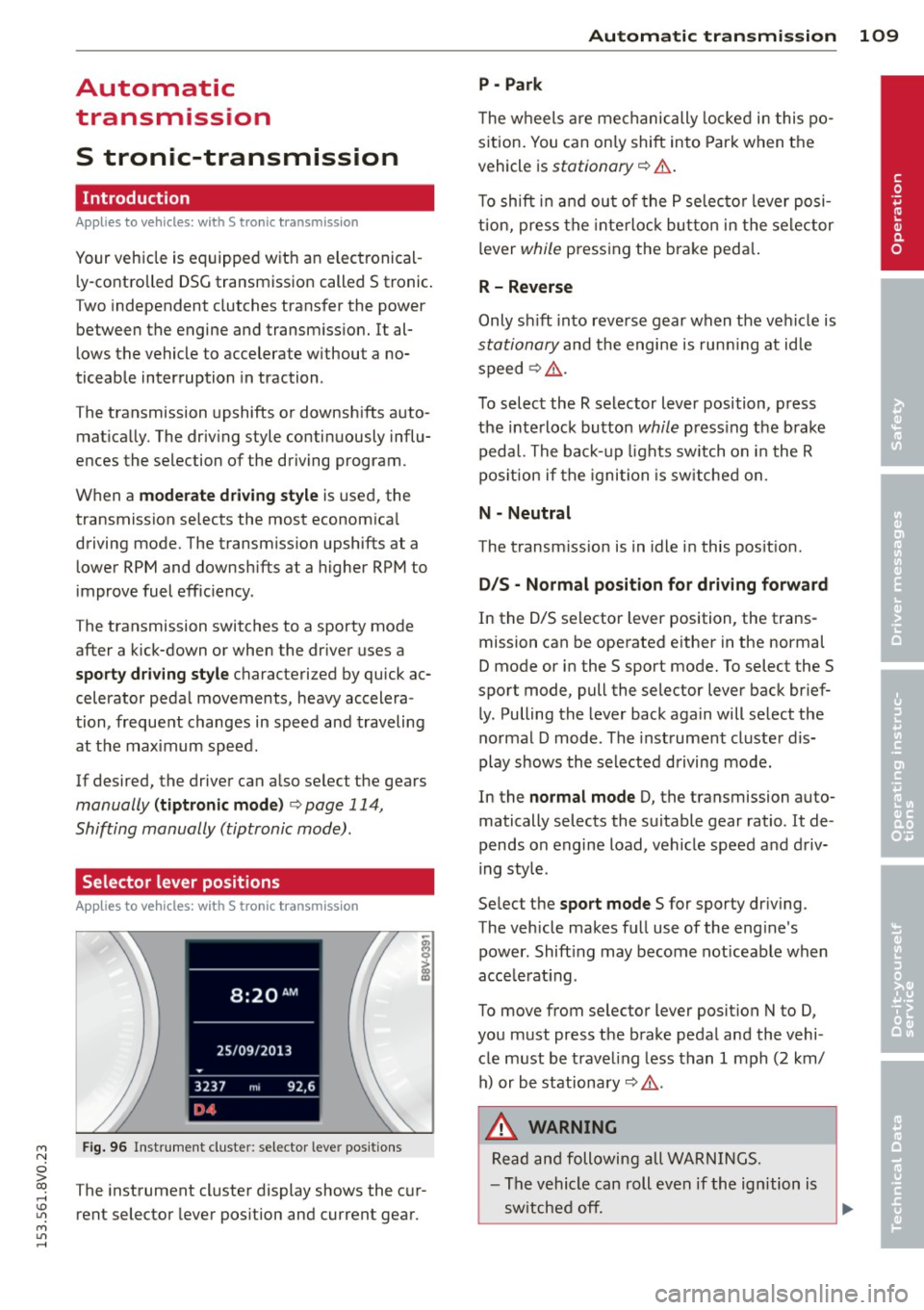
Fig. 96 Instrument cluster: selector leve r positions
The instrument cluster display shows the cur
rent selector lever position and current gear.
Automatic transmission 109
P -Park
The wheels are mechanically locked in this po
sition. You can only shift into Park when the
vehicle is
stationary r=> &..
To shift in and out of the P selector lever posi
tion, press the interlock button in the selector
lever
while pressing the brake peda l.
R- Reverse
Only shift into reverse gear when the vehicle is
stationary and the engine is running at idle
speed
r=> &. .
To select the R selector lever position, press
the interlock button
while press ing the brake
pedal. The back-up lights sw itch on in the R
pos ition if the ignition is switched on .
N -Neutral
The transm iss ion is in idle in this position .
DIS -Normal position for driving forward
In the D/S selector lever position , the trans
mission can be operated either in the normal
D mode or in the S sport mode. To select the S
spor t mode, pull the selector lever back brief
ly. Pulling the lever back again will select the
normal D mode . The instrument cluster dis
play shows the selected driving mode.
In the
normal mode D, the transmission auto
matically selects the suitable gear ratio . It de
pends on engine load, vehicle speed and driv
ing style .
Select the
sport mode S for sporty driving .
The vehicle makes full use of the eng ine's
power. Shift ing may become noticeable when
acce lerat ing.
To move from selector lever position N to D,
you must press the brake pedal and the vehi cle must be traveling less than 1 mph (2 km/
h) or be stationary~ &.-
.&_ WARNING
Read and following all WARNINGS.
- The vehicle can roll even if the ignition is
switched off.
~
•