Page 356 of 872
356 2-4. Using other driving systems
SIENNA_OM_OM45483U_(U)
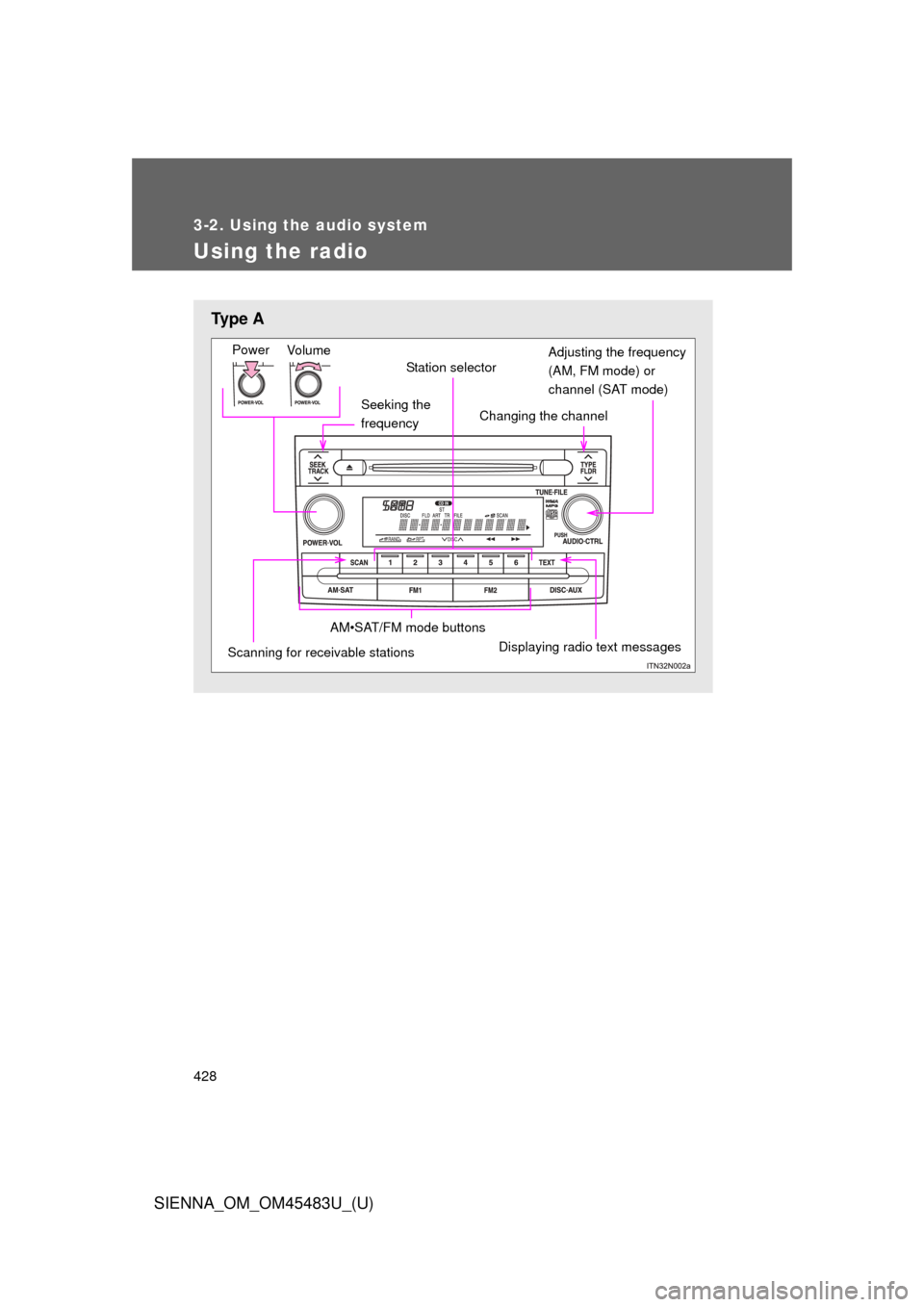
■Conditions under which the Rear Cross Traffic Alert function may not
function correctly
The Rear Cross Traffic Alert function may not detect vehicles correctly in the
following conditions:
●When ice or mud etc. is attached to the rear bumper
● During bad weather such as heavy rain, fog, snow etc.
● When multiple vehicles approach continuously
● Shallow angle parking
● When a vehicle is approaching at high speed
● When parking on a steep incline, such as hills, a dip in the road etc.
● Directly after the BSM main switch is set to on
● When towing a trailer
■ Rear Cross Traffic Alert buzzer hearing
Rear Cross Traffic Alert function may be difficult to hear over loud noises
such as high audio volume.
●Vehicles that the sensors cannot detect
because of obstacles
Page 394 of 872
394
SIENNA_OM_OM45483U_(U)
3-1. Using the air conditioning system and defogger
Front manual air conditioning system ....... 396
Front automatic air conditioning system ....... 404
Rear manual air conditioning system ....... 414
Rear automatic air conditioning system ....... 417
Rear window and outside rear view mirror defoggers,
and windshield wiper
de-icer ............................ 421
3-2. Using the audio system Audio system type............ 423
Using the radio ................. 428
Using the CD player ......... 438
Playing MP3 and WMA discs ..................... 447
Operating an iPod ............ 458
Operating a USB memory .......................... 465
Optimal use of the audio system ........................... 473
Using the AUX port .......... 478
Using the steering switches ......................... 479
Detachable pole antenna .......................... 483 3-3. Using the Bluetooth® audio
system
Bluetooth
®
audio system.................. 486
Using the Bluetooth
®
audio system.................. 490
Operating a Bluetooth
®
enabled portable
player ............................. 496
Setting up a Bluetooth
®
enabled portable
player ............................. 498
Bluetooth
® audio system
setup .............................. 503
3-4. Using the rear audio system Rear seat entertainment system features ............. 504
Using the DVD player (DVD video) ................... 515
Using the DVD player (video CD)...................... 525
Using the DVD player (audio CD/CD text) ........ 529
Using the DVD player (WMA/MP3 discs) .......... 530
Using the video mode ...... 532
Changing the DVD initial setting ............................ 534
Page 423 of 872
423
3
Interior features
SIENNA_OM_OM45483U_(U)
3-2. Using the audio system
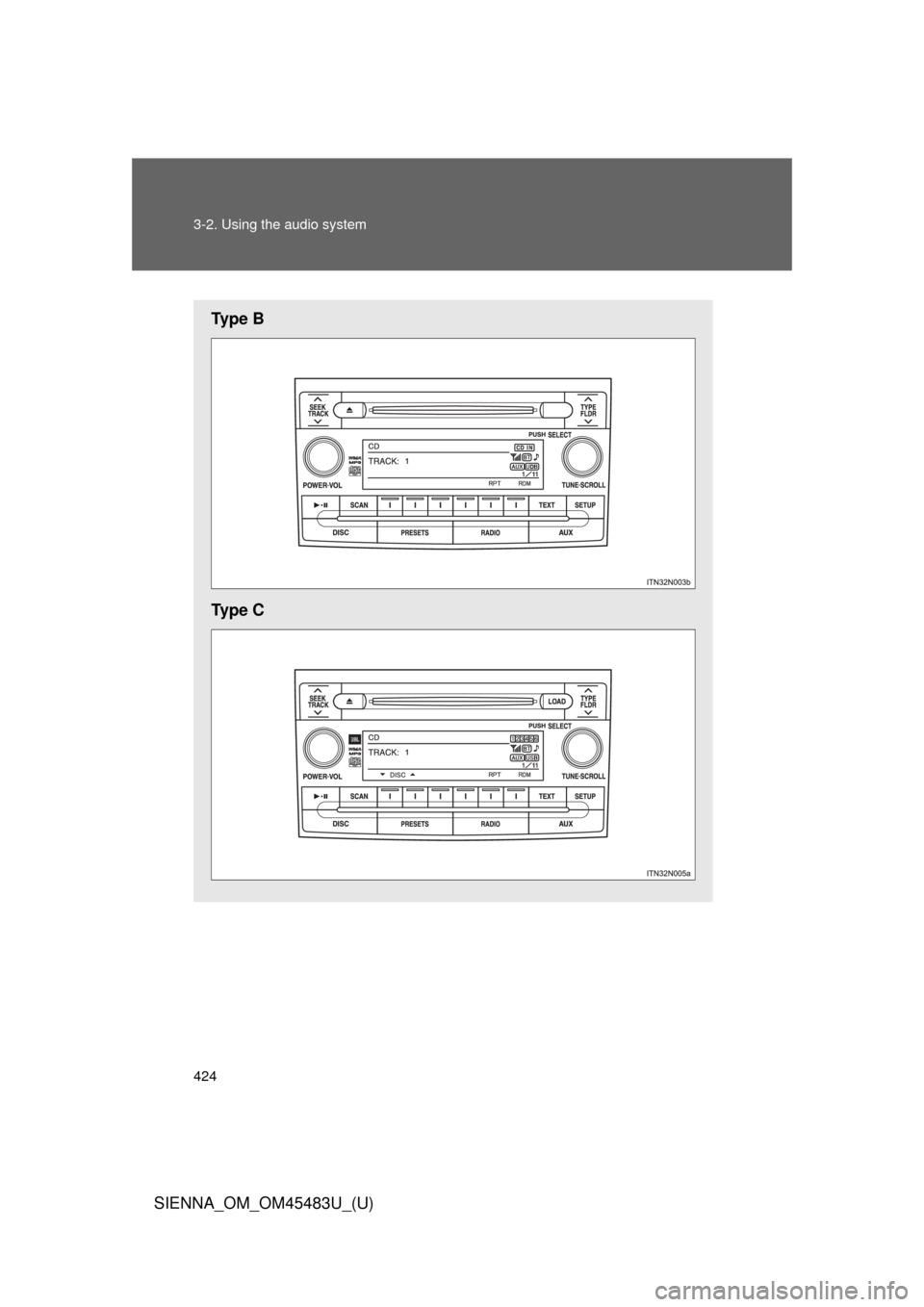
Audio system type
: If equipped
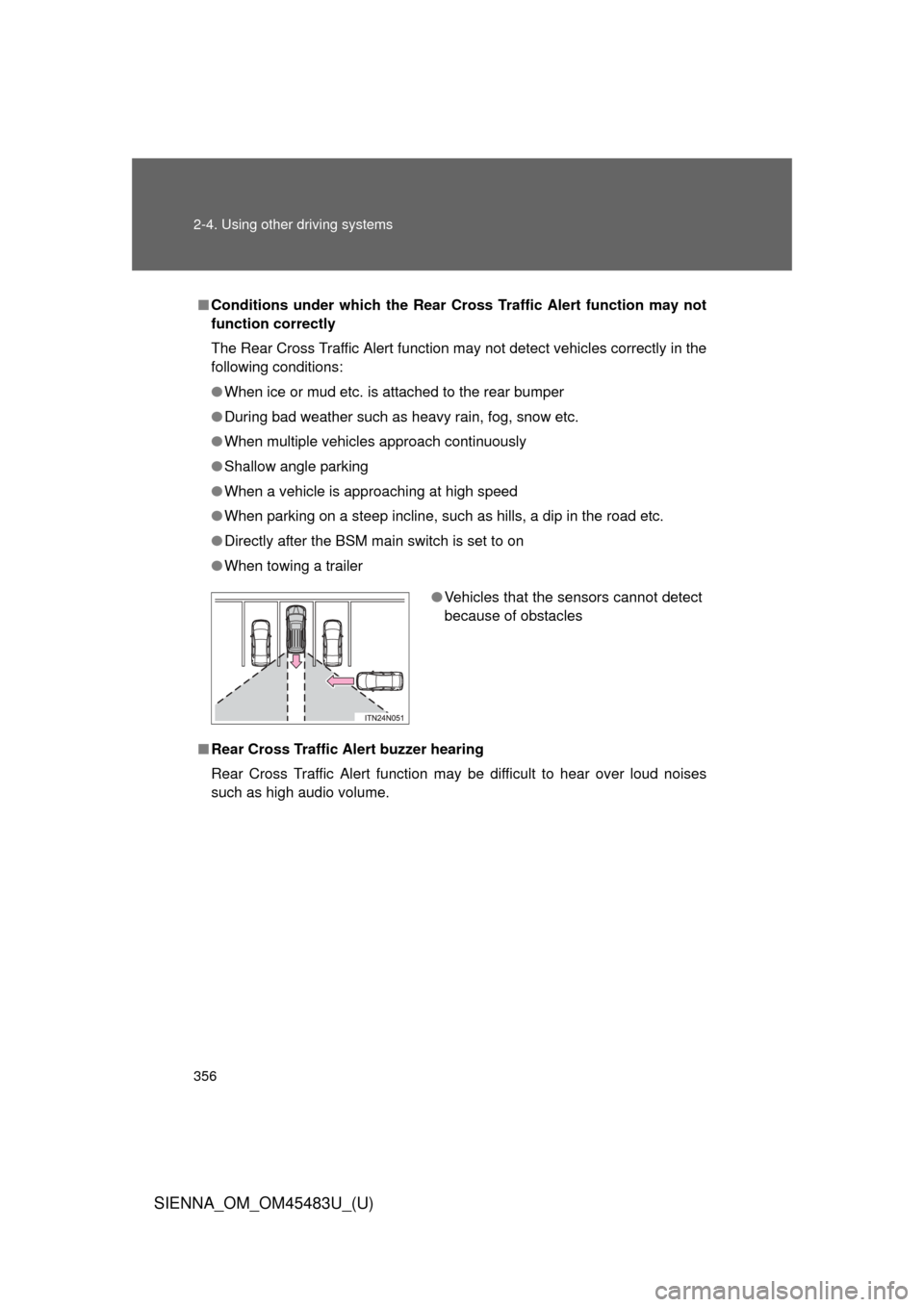
With navigation systemOwners of models equipped with a navigation system should
refer to the “NAVIGATION SYSTEM OWNER’S MANUAL”.
Without navigation system Type A and B: CD player with AM/FM radio
Type C: CD player with changer and AM/FM radio.
Ty p e A
Page 424 of 872
424 3-2. Using the audio system
SIENNA_OM_OM45483U_(U)
Ty p e B
Ty p e C
Page 425 of 872
425
3-2. Using the audio system
3
Interior features
SIENNA_OM_OM45483U_(U)
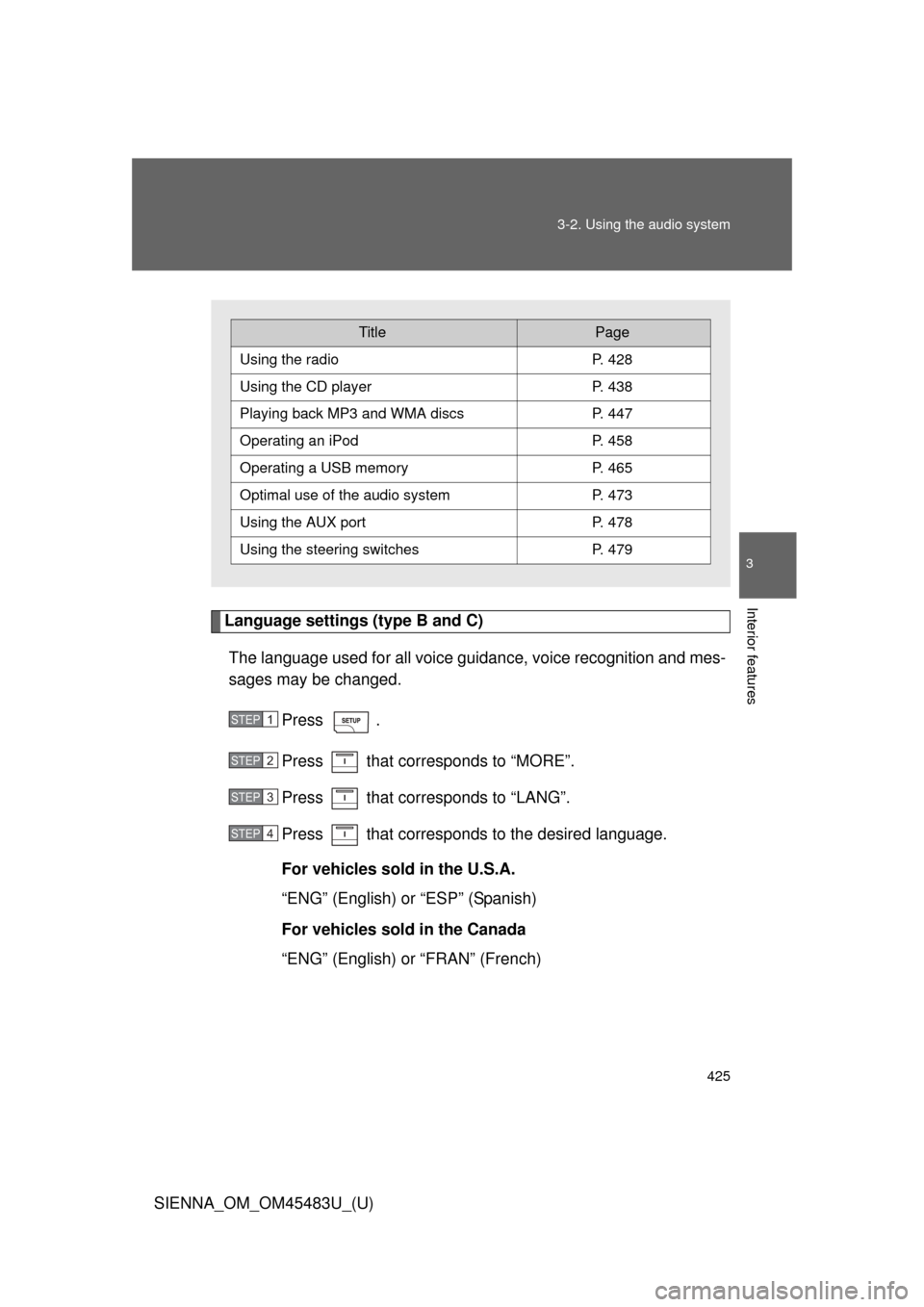
Language settings (type B and C)
The language used for all voice guidance, voice recognition and mes-
sages may be changed.
Press .
Press that corresponds to “MORE”.
Press that corresponds to “LANG”.
Press that corresponds to the desired language.
For vehicles sold in the U.S.A.
“ENG” (English) or “ESP” (Spanish)
For vehicles sold in the Canada
“ENG” (English) or “FRAN” (French)
TitlePage
Using the radioP. 428
Using the CD playerP. 438
Playing back MP3 and WMA discs P. 447
Operating an iPodP. 458
Operating a USB memoryP. 465
Optimal use of the audio systemP. 473
Using the AUX port P. 478
Using the steering switchesP. 479
STEP1
STEP2
STEP3
STEP4
Page 426 of 872

426 3-2. Using the audio system
SIENNA_OM_OM45483U_(U)
■Using cellular phones
Interference may be heard through the audio system’s speakers if a cellular
phone is being used inside or close to the vehicle while the audio syste\
m is
operating.
CAUTION
■For vehicles sold in the U.S.A.
●Part 15 of the FCC Rules
FCC Warning:
Any unauthorized changes or modifications to this equipment will void the
user’s authority to operate this device.
This device complies with part 15 of the FCC Rules. Operation is subject
to the following two conditions: (1) This device may not cause harmful
interference, and (2) this device must accept any interference received,
including interference that may cause undesired operation.
● Laser products
• Do not take this unit apart or attempt to make any changes yourself.
This is an intricate unit that uses a laser pickup to retrieve information
from the surface of compact discs. The laser is carefully shielded so
that its rays remain inside the cabinet. Therefore, never try to disas-
semble the player or alter any of its parts since you may be exposed to
laser rays and dangerous voltages.
• This product utilizes a laser. Use of controls or adjustments or performance of procedures other
than those specified herein may result in hazardous radiation expo-
sure.
The use of optical instruments with this product will increase eye haz-
ard.
Page 427 of 872
427
3-2. Using the audio system
3
Interior features
SIENNA_OM_OM45483U_(U)
NOTICE
■
To prevent battery discharge
Do not leave the audio system on longer than necessary with the engine o\
ff.
■ To avoid damaging the audio system
Take care not to spill drinks or other fluids over the audio system.
Page 428 of 872
428
3-2. Using the audio system
SIENNA_OM_OM45483U_(U)
Using the radio
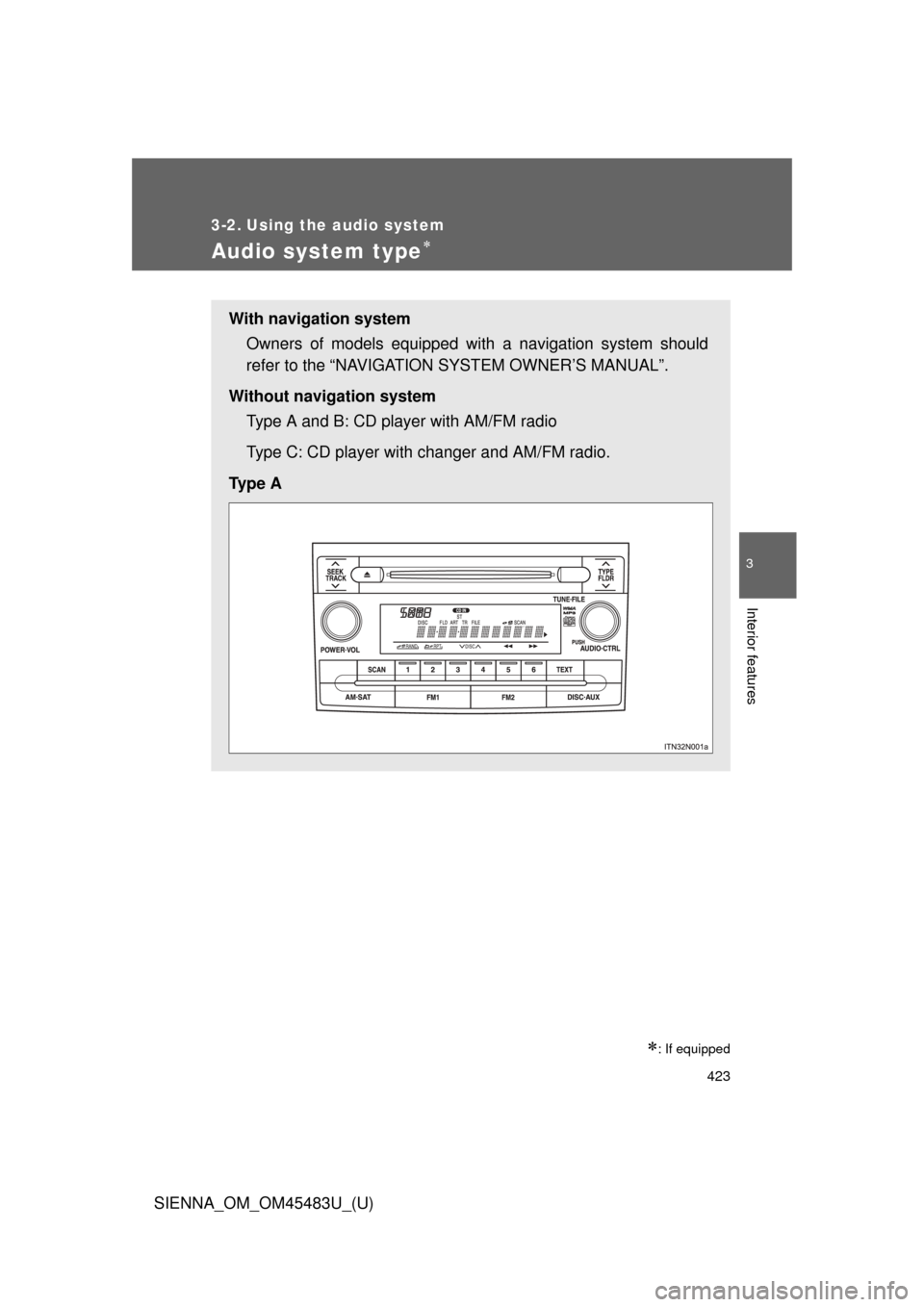
Ty p e A
Seeking the
frequency
Vo lu m e
Power
Station selector
Changing the channel
AM•SAT/FM mode buttons
Scanning for receivable stationsDisplaying radio text messages
Adjusting the frequency
(AM, FM mode) or
channel (SAT mode)

NOTICE
■
To prevent battery discharge
Do not leave the audio system on longer than necessary with the engine o\
ff.
■ To")