Page 410 of 724
410 3-3. Using the Bluetooth
® audio system
LC200_OM_OM60L09U_(U)
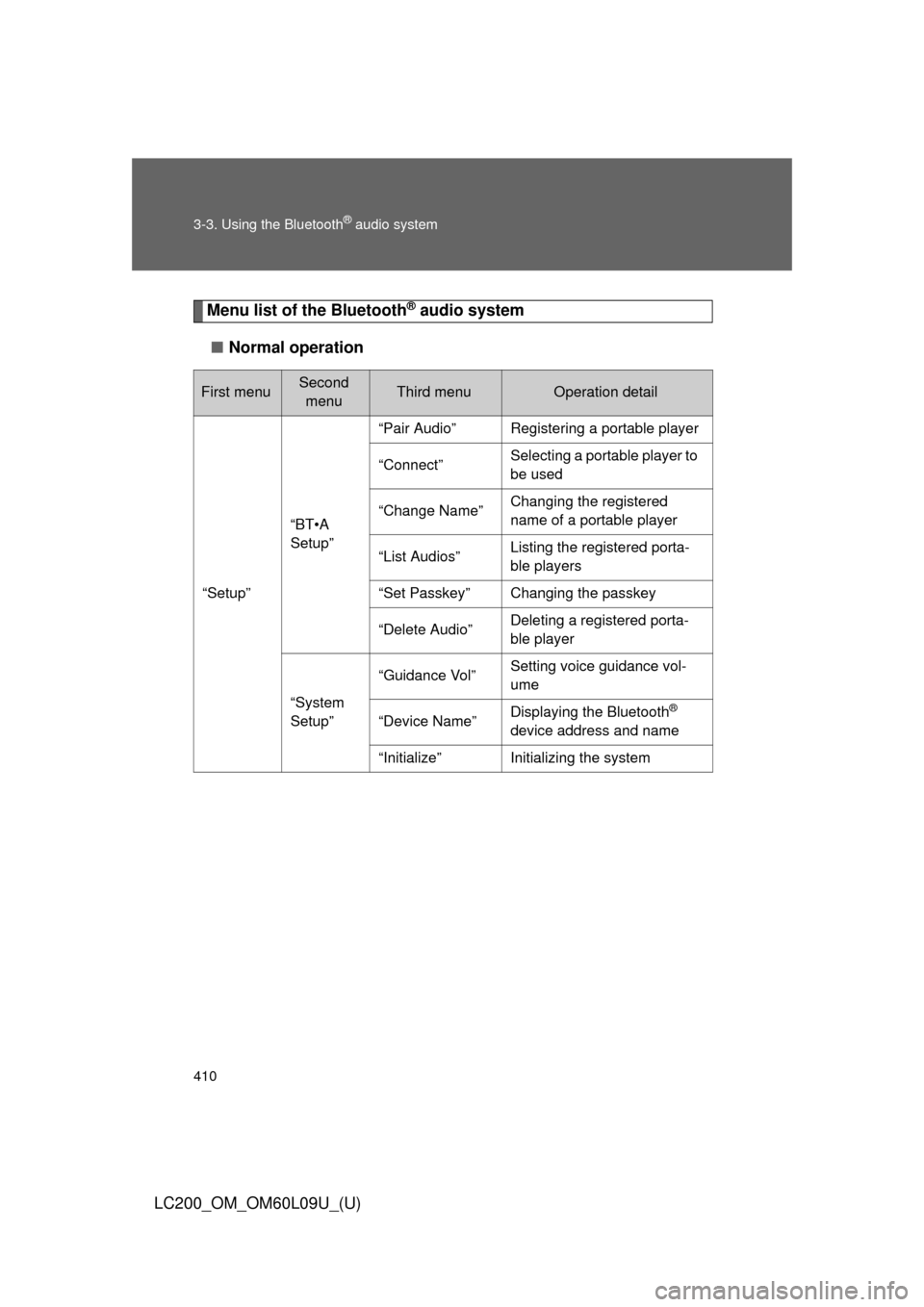
Menu list of the Bluetooth® audio system
■ Normal operation
First menuSecond
menuThird menuOperation detail
“Setup”
“BT•A
Setup”
“Pair Audio”Registering a portable player
“Connect”Selecting a portable player to
be used
“Change Name”Changing the registered
name of a portable player
“List Audios”Listing the registered porta-
ble players
“Set Passkey”Changing the passkey
“Delete Audio”Deleting a registered porta-
ble player
“System
Setup”
“Guidance Vol”Setting voice guidance vol-
ume
“Device Name”Displaying the Bluetooth®
device address and name
“Initialize”Initializing the system
Page 411 of 724
411
3-3. Using the Bluetooth
® audio system
3
Interior features
LC200_OM_OM60L09U_(U)
■
When using a voice command
For numbers, say a combination of single digits from zero to nine.
Say the command correctly and clearly.
■ Situations that the system ma y not recognize your voice
● When driving on rough roads
● When driving at high speeds
● When air is blowing out of the vents onto the microphone
● When the air conditioning fan emits a loud noise
■ Operations that cannot be performed while driving
●Operating the system with
● Registering a portable player to the system
■ Changing the passkey
P. 420
Page 412 of 724
412
3-3. Using the Bluetooth® audio system
LC200_OM_OM60L09U_(U)
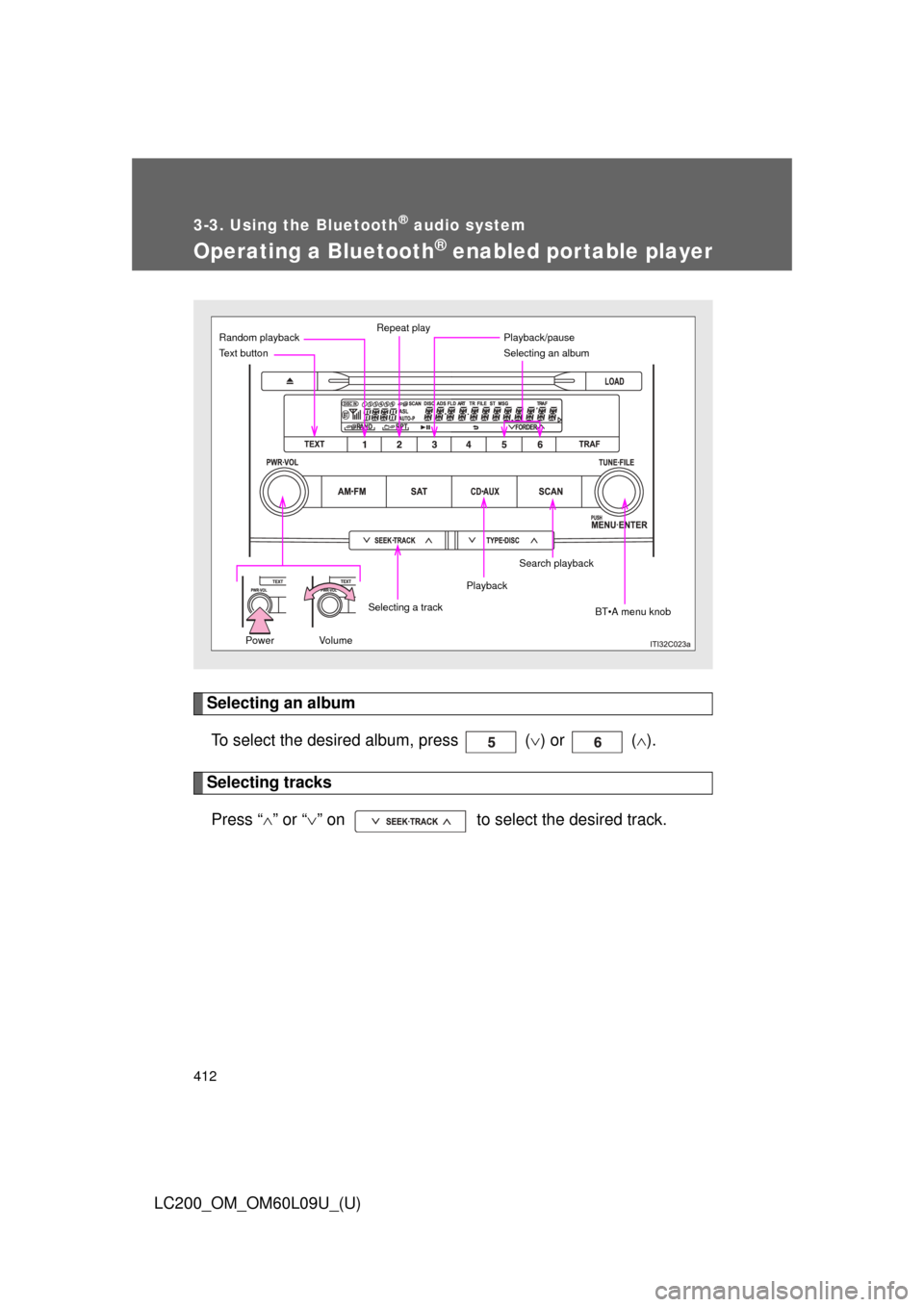
Operating a Bluetooth® enabled portable player
Selecting an albumTo select the desired album, press ( ) or ( ).
Selecting tracks
Press “ ” or “ ” on to select the desired track.
Power Volume
Random playback Repeat play
Selecting an album
BT•A menu knob
Text button
Playback
Selecting a trackPlayback/pause
Search playback
Page 413 of 724
413
3-3. Using the Bluetooth
® audio system
3
Interior features
LC200_OM_OM60L09U_(U)
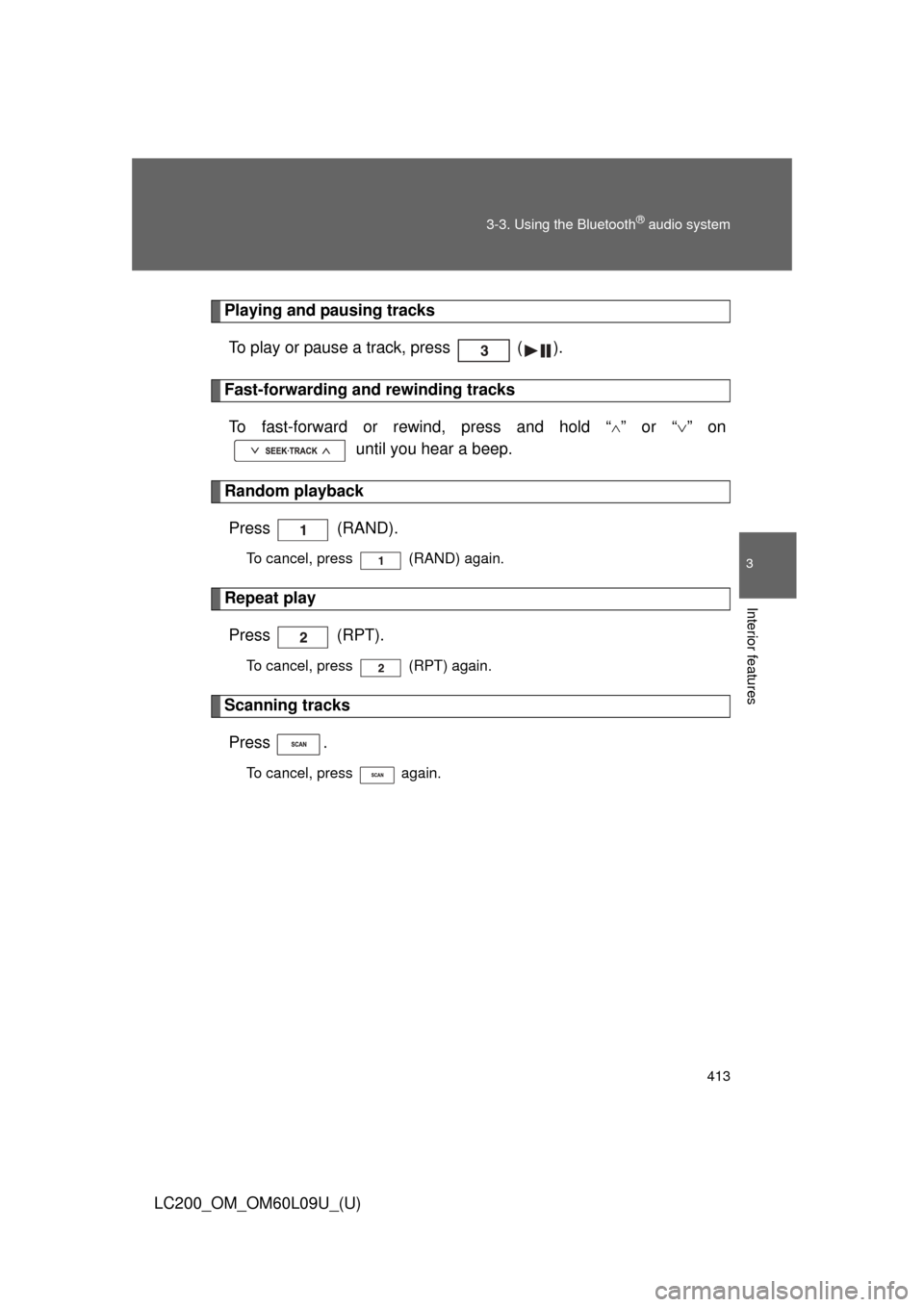
Playing and pausing tracks
To play or pause a track, press ( ).
Fast-forwarding and rewinding tracksTo fast-forward or rewind, press and hold “
” or “ ” on
until you hear a beep.
Random playback
Press (RAND).
To cancel, press (RAND) again.
Repeat playPress (RPT).
To cancel, press (RPT) again.
Scanning tracksPress .
To cancel, press again.
Page 414 of 724
414 3-3. Using the Bluetooth
® audio system
LC200_OM_OM60L09U_(U)
Switching the displayPress .
Each time the button is pressed, the display changes in the following
order: Elapsed time Album title Track title Artist name
Using the steering wheel audio switches
P. 3 9 8
■Bluetooth® audio system functions
Depending on the portable player that is connected to the system, certain
functions may not be available.
■ Display
P. 369
■ Error messages
“Memory Error”: This indicates a problem in the system.
Page 415 of 724
415
3-3. Using the Bluetooth® audio system
3
Interior features
LC200_OM_OM60L09U_(U)
Setting up a Bluetooth® enabled por table player
Registering a portable player in the Bluetooth® audio system allows
the system to function. The followin g functions can be used for reg-
istered portable players:
■ Functions and operation procedures
Pattern A
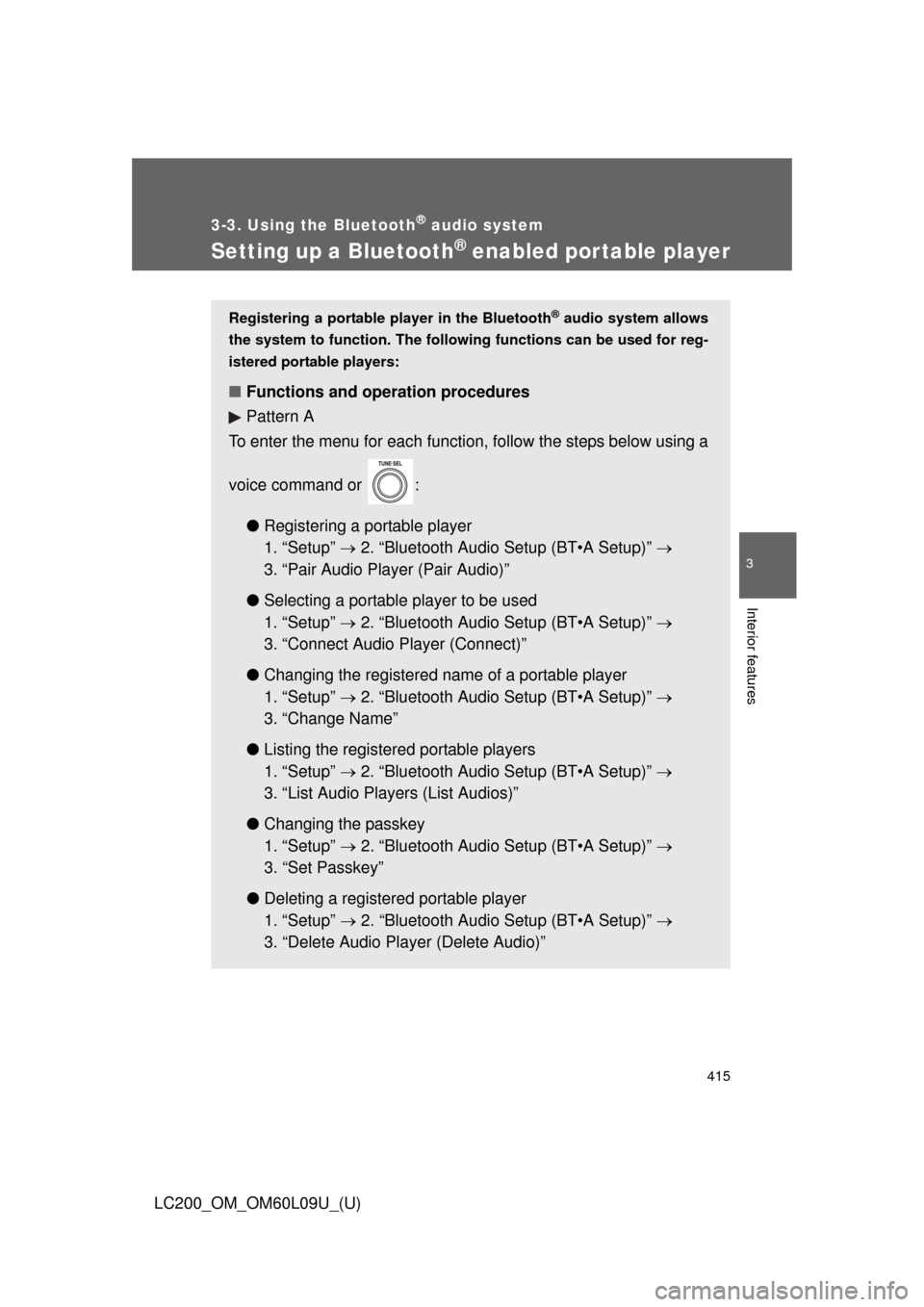
To enter the menu for each function, follow the steps below using a
voice command or :
●Registering a portable player
1. “Setup” 2. “Bluetooth Audio Setup (BT•A Setup)”
3. “Pair Audio Player (Pair Audio)”
● Selecting a portable player to be used
1. “Setup” 2. “Bluetooth Audio Setup (BT•A Setup)”
3. “Connect Audio Player (Connect)”
● Changing the registered nam e of a portable player
1. “Setup” 2. “Bluetooth Audio Setup (BT•A Setup)”
3. “Change Name”
● Listing the registered portable players
1. “Setup” 2. “Bluetooth Audio Setup (BT•A Setup)”
3. “List Audio Players (List Audios)”
● Changing the passkey
1. “Setup” 2. “Bluetooth Audio Setup (BT•A Setup)”
3. “Set Passkey”
● Deleting a registered portable player
1. “Setup” 2. “Bluetooth Audio Setup (BT•A Setup)”
3. “Delete Audio Play er (Delete Audio)”
Page 416 of 724
416 3-3. Using the Bluetooth
® audio system
LC200_OM_OM60L09U_(U)
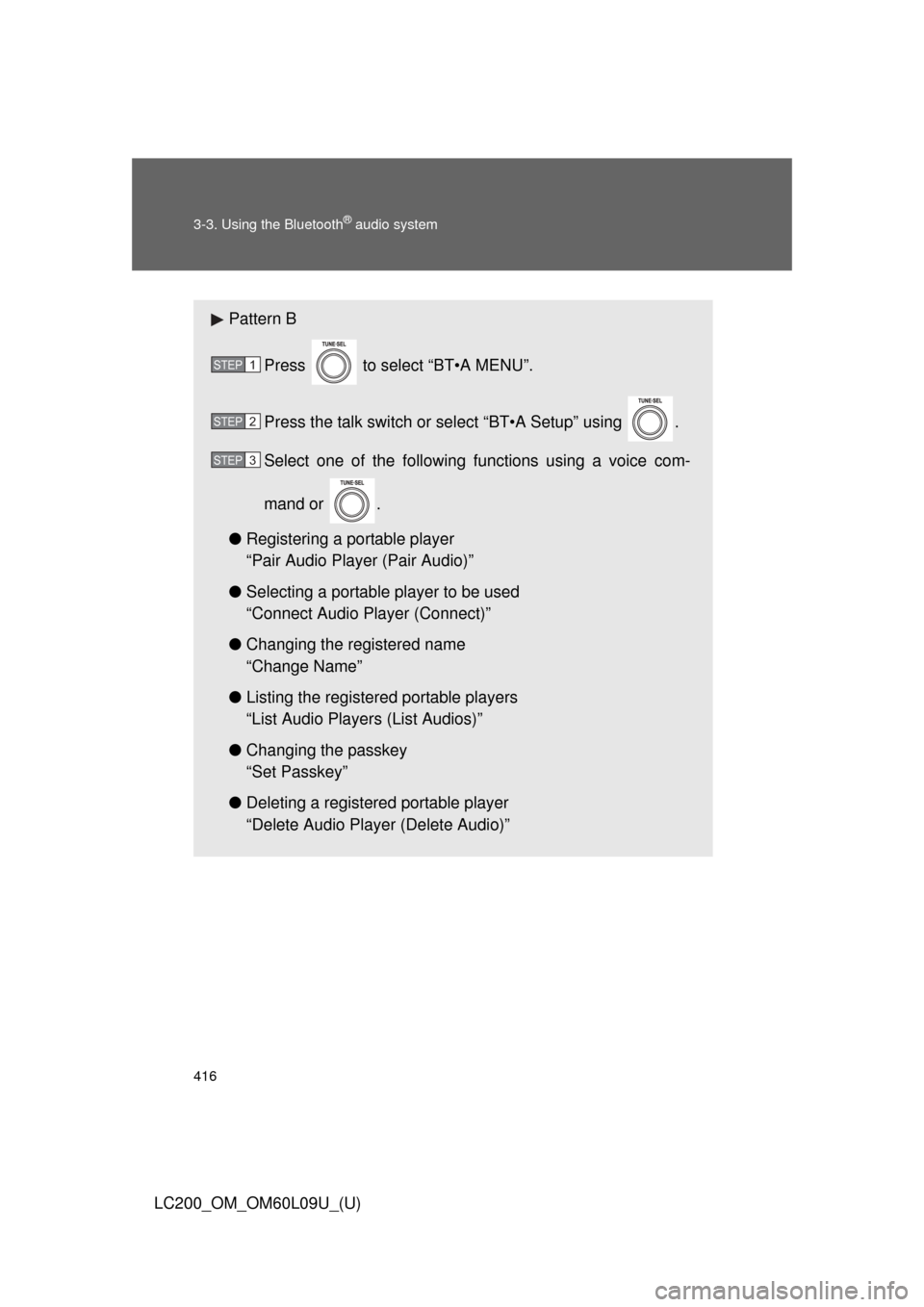
Pattern BPress to select “BT•A MENU”.
Press the talk switch or select “BT•A Setup” using .
Select one of the following functions using a voice com-
mand or .
● Registering a portable player
“Pair Audio Player (Pair Audio)”
● Selecting a portable player to be used
“Connect Audio Player (Connect)”
● Changing the registered name
“Change Name”
● Listing the registered portable players
“List Audio Players (List Audios)”
● Changing the passkey
“Set Passkey”
● Deleting a registered portable player
“Delete Audio Player (Delete Audio)”
STEP1
STEP2
STEP3
Page 417 of 724
417
3-3. Using the Bluetooth
® audio system
3
Interior features
LC200_OM_OM60L09U_(U)
Registering a portable player
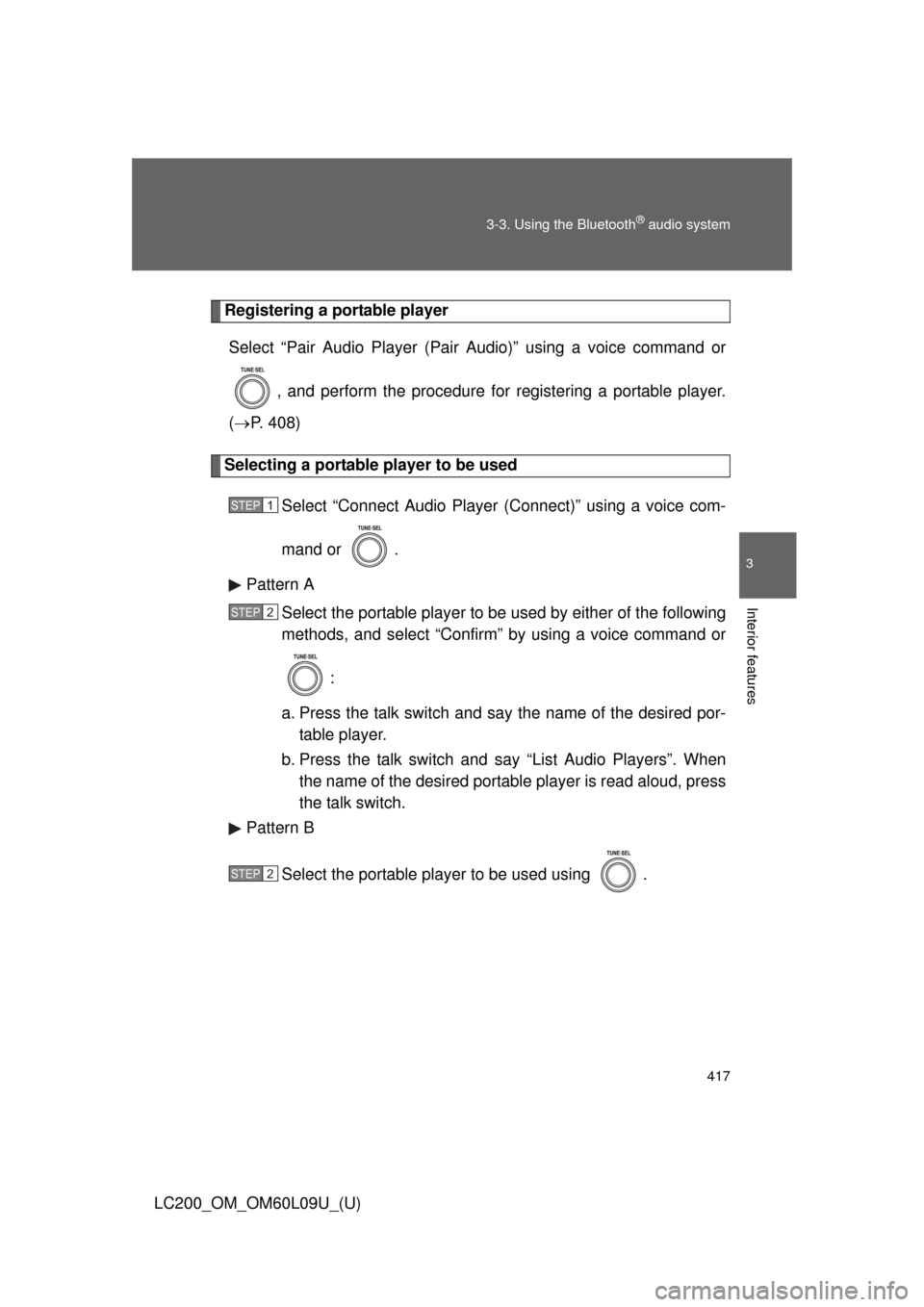
Select “Pair Audio Player (Pair Audio)” using a voice command or
, and perform the procedure for registering a portable player.
( P. 408)
Selecting a portable player to be used
Select “Connect Audio Player (Connect)” using a voice com-
mand or .
Pattern A Select the portable player to be used by either of the following
methods, and select “Confirm” by using a voice command or
:
a. Press the talk switch and say the name of the desired por- table player.
b. Press the talk switch and say “List Audio Players”. When
the name of the desired portable player is read aloud, press
the talk switch.
Pattern B
Select the portable player to be used using .
STEP1
STEP2
STEP2