2014 TOYOTA LAND CRUISER power steering
[x] Cancel search: power steeringPage 2 of 724

TABLE OF CONTENTSIndex
2
LC200_OM_OM60L09U_(U)
1-1. Key informationKeys ..................................... 30
1-2. Opening, closing and locking the doors
Smart key system................. 32
Wireless remote control ....... 44
Side doors ............................ 46
Back door ............................. 51
1-3. Adjustable components (seats, mirrors, steering
wheel)
Front seats ........................... 57
Rear seats ............................ 59
Driving position memory system ................................ 68
Head restraints ..................... 72
Seat belts ............................. 76
Steering wheel ..................... 86
Inside rear view mirror.......... 88
Outside rear view mirrors ..... 90 1-4. Opening and closing the
windows and moon roof
Power windows..................... 93
Moon roof ............................. 97
1-5. Refueling Opening the fuel tank cap .................................... 101
1-6. Theft deterrent system Engine immobilizer system .............................. 105
Alarm .................................. 107
1-7. Safety information Correct driving posture ....... 111
SRS airbags ....................... 113
Front passenger occupant classification system ......... 129
Child restraint systems ....... 135
Installing child restraints ..... 140
1Before driving
For vehicles with a navigation system, refer to the “Navigation System Owner’s
Manual” for information regarding the equipment listed below.
• Navigation system
• Air conditioning
• Climate control • Audio/video system
• Rear view monitor system
Page 5 of 724

1
2
3
4
5
6
7
5
LC200_OM_OM60L09U_(U)
3-6. Using the storage featuresList of storage features ....... 466
• Glove box.......................... 467
• Console box ...................... 468
• Overhead console............. 469
• Cup holders ...................... 470
• Bottle holders .................... 472
• Card holders ..................... 474
• Auxiliary boxes.................. 474
3-7. Other interior features Cool box .............................. 475
Sun visors ........................... 477
Vanity mirror........................ 478
Clock ................................... 479
Outside temperature display............................... 480
Ashtrays .............................. 482
Cigarette lighter................... 484
Power outlets ...................... 485
Heated steering wheel ........ 487
Seat heaters and ventilators ......................... 489
Armrest ............................... 491
Assist grips.......................... 492
Floor mats ........................... 493
Luggage compartment features ............................. 495
Garage door opener............ 497
Safety Connect ................... 504 4-1. Maintenance and care
Cleaning and protecting the vehicle exterior ........... 512
Cleaning and protecting the vehicle interior ............ 515
4-2. Maintenance Maintenance requirements .................... 518
General maintenance ......... 521
Emission inspection and maintenance (I/M)
programs .......................... 524
4-3. Do-it-yourself maintenance Do-it-yourself service precautions....................... 525
Hood ................................... 528
Engine compartment .......... 529
Tires ................................... 544
Tire inflation pressure ......... 553
Wheels ............................... 557
Air conditioning filter ........... 560
Electronic key battery ......... 563
Checking and replacing fuses................................. 566
Headlight aim ..................... 580
Light bulbs .......................... 582
4Maintenance and care
Page 29 of 724
Before driving1
29
LC200_OM_OM60L09U_(U)
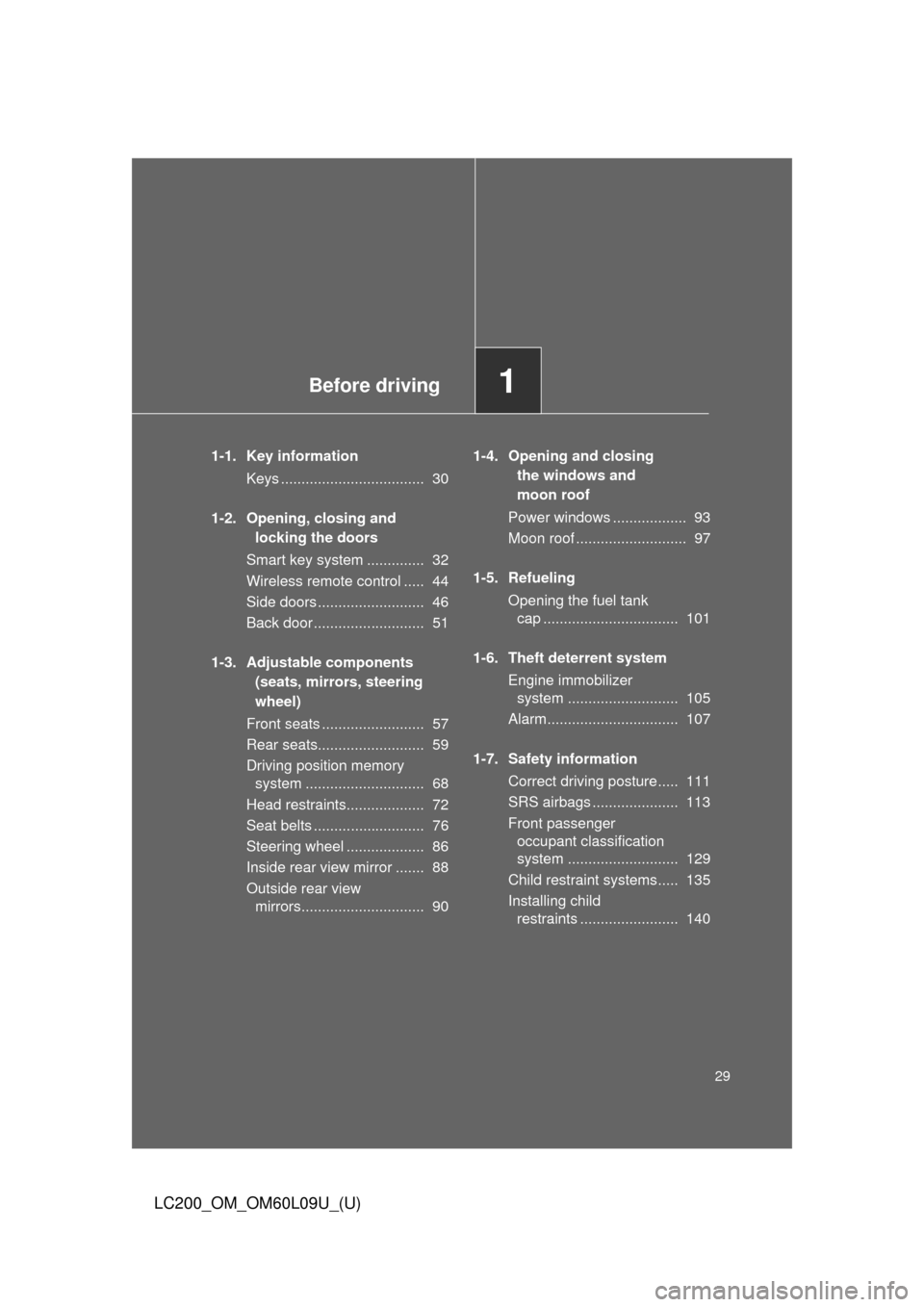
1-1. Key informationKeys ................................... 30
1-2. Opening, closing and locking the doors
Smart key system .............. 32
Wireless remote control ..... 44
Side doors .......................... 46
Back door ........................... 51
1-3. Adjustable components (seats, mirrors, steering
wheel)
Front seats ......................... 57
Rear seats.......................... 59
Driving position memory system ............................. 68
Head restraints................... 72
Seat belts ........................... 76
Steering wheel ................... 86
Inside rear view mirror ....... 88
Outside rear view mirrors.............................. 90 1-4. Opening and closing
the windows and
moon roof
Power windows .................. 93
Moon roof ........................... 97
1-5. Refueling Opening the fuel tank cap ................................. 101
1-6. Theft deterrent system Engine immobilizer system ........................... 105
Alarm................................ 107
1-7. Safety information Correct driving posture..... 111
SRS airbags ..................... 113
Front passenger occupant classification
system ........................... 129
Child restraint systems..... 135
Installing child restraints ........................ 140
Page 71 of 724
71
1-3. Adjustable components (s
eats, mirrors, steering wheel)
1
Before driving
LC200_OM_OM60L09U_(U)
■Canceling the linked door unlock operation
Turn the “ENGINE START STOP” switch to OFF after closing the
driver’s door.
Using the wireless remote control: While pressing “SET” button,
press button on the wireless remote control until the signal
beeps.
Using the door lock switch: While pressing “SET” button, press the
lock or unlock side on the door lock switch until the signal beeps.
■ Retained accessory power
●Each memorized position (except for the steering wheel position) can be
activated within 3 minutes after the driver’s door is opened, even if the
“ENGINE START STOP” switch is turned off.
● Each memorized position (except for the steering wheel position) can be
activated within 60 seconds after the driver’s door is closed, even if the
“ENGINE START STOP” switch is turned off.
■ To cancel seat position recall
Perform any one of the following operations.
●Press the “SET” button
● Press button “1”, “2” or “3”.
● Adjust the seat using the switches (only cancels seat position recall)
● Adjust the steering wheel using the tilt and telescopic steering control
switch (only cancels steering wheel position recall)
■ If the battery is disconnected
The memorized positions must be reset because the computer’s memory is
erased when the battery is disconnected.
CAUTION
■Seat adjustment caution
Take care during seat adjustment that the seat does not strike the rear pas-
senger or squeeze your body against the steering wheel.
STEP1
STEP2
Page 155 of 724
155
2-1. Driving procedures
2
When driving
LC200_OM_OM60L09U_(U)
■
Driving in the rain
●Drive carefully when it is raining, because visibility will be reduced, the
windows may become fogged-up, and the road will be slippery.
● Drive carefully when it starts to rain, because the road surface will be
especially slippery.
● Refrain from high speeds when driving on an expressway in the rain,
because there may be a layer of water between the tires and the road
surface, preventing the steering and brakes from operating properly.
■ Engine speed while driving
In the following conditions, the engine speed may become high while driving.
This is due to automatic up-shifting control or down-shifting implementation
to meet driving conditions. It does not indicate sudden acceleration.
●The vehicle is judged to be driving uphill or downhill
● When the accelerator pedal is released
● When the brake pedal is depressed while power mode is selected
( P. 172)
■ Breaking in your new Toyota
To extend the life of the vehicle, the following precautions are recommended
to observe:
●For the first 200 miles (300 km):
Avoid sudden stops.
● For the first 500 miles (800 km):
Do not tow a trailer.
● For the first 1000 miles (1600 km):
• Do not drive at extremely high speeds.
• Avoid sudden acceleration.
• Do not drive continuously in the low gears.
• Do not drive at a constant speed for extended periods.
Page 158 of 724

158 2-1. Driving procedures
LC200_OM_OM60L09U_(U)
CAUTION
●Do not shift the shift lever to “P” while the vehicle is moving.
Doing so can damage the transmission and may result in a loss of vehicle\
control.
● Do not shift the shift lever to “R” while the vehicle is moving forward.
Doing so can damage the transmission and may result in a loss of vehicle\
control.
● Do not shift the shift lever to “D” while the vehicle is moving backward.
Doing so can damage the transmission and may result in a loss of vehicle\
control.
● Moving the shift lever to “N” while the vehicle is moving will disengage the
engine from the transmission. Engine br aking is not available when “N” is
selected.
● During normal driving, do not turn off the engine. Turning the engine off
while driving will not cause loss of steering or braking control, but the
power assist to these systems will be lost. This will make it more difficult to
steer and brake, so you should pull over and stop the vehicle as soon as it
is safe to do so.
However, in the event of an emergency, such as if it becomes impossible
to stop the vehicle in the normal way: P. 664
● Use engine braking (downshift) to maintain a safe speed when driving
down a steep hill.
Using the brakes continuously may cause the brakes to overheat and lose
effectiveness. ( P. 171)
● When stopped on an inclined surface, use the brake pedal and parking
brake to prevent the vehicle from rolling backward or forward and causing
an accident.
● Do not adjust the position of the steering wheel, the seat, or the inside or
outside rear view mirrors while driving.
Doing so may result in a loss of vehicle control that can cause accidents
that may result in death or serious injury.
● Always check that all passengers’ arms, heads or other parts of their bod-
ies are not outside the vehicle, as this may result in death or serious injury.
Page 164 of 724

164 2-1. Driving procedures
LC200_OM_OM60L09U_(U)
NOTICE
■While driving the vehicle
●Do not depress the accelerator and brake pedals at the same time during
driving, as this may restrain driving torque.
● Do not use the accelerator pedal or depress accelerator and brake pedals
together to hold the vehicle on a hill.
■ When parking the vehicle
Always put the shift lever in “P”. Failure to do so may cause the vehicle to
move or the vehicle may accelerate suddenly if the accelerator pedal is acci-
dentally depressed.
■ Avoiding damage to vehicle parts
●Do not turn the steering wheel fully in either direction and hold it there for a
long time.
Doing so may damage the power steering pump.
● When driving over bumps in the road, drive as slowly as possible to avoid
damaging the wheels, underside of the vehicle, etc.
Page 170 of 724

170 2-1. Driving procedures
LC200_OM_OM60L09U_(U)
CAUTION
■When starting the engine
Always start the engine while sitting in the driver’s seat. Do not depress the
accelerator pedal while starting the engine under any circumstances.
Doing so may cause an accident resulting in death or serious injury.
■ Stopping the engine in an emergency
If you want to stop the engine in an emergency while driving the vehicle,
press and hold the “ENGINE START STOP” switch for more than 2 seconds,
or press it briefly 3 times or more in succession. ( P. 664)
However, do not touch the “ENGINE START STOP” switch while driving
except in an emergency. Turning the engine off while driving will not cause
loss of steering or braking control, but the power assist to these systems will
be lost. This will make it more difficult to steer and brake, so you should pull
over and stop the vehicle as soon as it is safe to do so.
NOTICE
■ To prevent battery discharge
Do not leave the “ENGINE START STOP” switch in ACCESSORY or IGNI-
TION ON mode for long periods without the engine running.
■ When starting the engine
●Do not race a cold engine.
● If the engine becomes difficult to start or stalls frequently, have your vehi-
cle checked by your Toyota dealer immediately.
■ Symptoms indicating a malfunction with the “ENGINE START STOP”
switch
If the “ENGINE START STOP” seems to be operating somewhat differently
than usual, such as the switch sticking slightly, there may be a malfunction.
Contact your Toyota dealer immediately.