Page 5 of 724

1
2
3
4
5
6
7
5
LC200_OM_OM60L09U_(U)
3-6. Using the storage featuresList of storage features ....... 466
• Glove box.......................... 467
• Console box ...................... 468
• Overhead console............. 469
• Cup holders ...................... 470
• Bottle holders .................... 472
• Card holders ..................... 474
• Auxiliary boxes.................. 474
3-7. Other interior features Cool box .............................. 475
Sun visors ........................... 477
Vanity mirror........................ 478
Clock ................................... 479
Outside temperature display............................... 480
Ashtrays .............................. 482
Cigarette lighter................... 484
Power outlets ...................... 485
Heated steering wheel ........ 487
Seat heaters and ventilators ......................... 489
Armrest ............................... 491
Assist grips.......................... 492
Floor mats ........................... 493
Luggage compartment features ............................. 495
Garage door opener............ 497
Safety Connect ................... 504 4-1. Maintenance and care
Cleaning and protecting the vehicle exterior ........... 512
Cleaning and protecting the vehicle interior ............ 515
4-2. Maintenance Maintenance requirements .................... 518
General maintenance ......... 521
Emission inspection and maintenance (I/M)
programs .......................... 524
4-3. Do-it-yourself maintenance Do-it-yourself service precautions....................... 525
Hood ................................... 528
Engine compartment .......... 529
Tires ................................... 544
Tire inflation pressure ......... 553
Wheels ............................... 557
Air conditioning filter ........... 560
Electronic key battery ......... 563
Checking and replacing fuses................................. 566
Headlight aim ..................... 580
Light bulbs .......................... 582
4Maintenance and care
Page 15 of 724
15
LC200_OM_OM60L09U_(U)
A
Windshield wiper
de-icer switch
P. 352
Clock P. 479
Security indicator
light
P. 105, 107
Audio system
P. 353
Front passenger AIR BAG
ON and AIR BAG OFF
indicator
P. 129
Front passenger’s seat belt
reminder light
P. 611
Air conditioning
system
P. 336
Rear air conditioning control
switch
P. 347
Emergency flasher
switch
P. 600
Rear window defogger
switch
P. 351
Without navigation system
: If equipped
Outside temperature
display
P. 480
Page 16 of 724
16
LC200_OM_OM60L09U_(U)
Pictorial indexInstrument panel
A
Audio system*
Front passenger’s seat belt reminder light
P. 611
Front passenger AIR BAG ON and
AIR BAG OFF indicator
P. 129
Clock* Outside temperature
display
P. 480
Air conditioning
system
*
Emergency flasher
switch
P. 600
Security indicator
light
P. 105, 107
With naviga tion system
Rear window
defogger switch
P. 351
Navigation system*
Page 241 of 724
241
2-4. Using other
driving systems
2
When driving
LC200_OM_OM60L09U_(U)
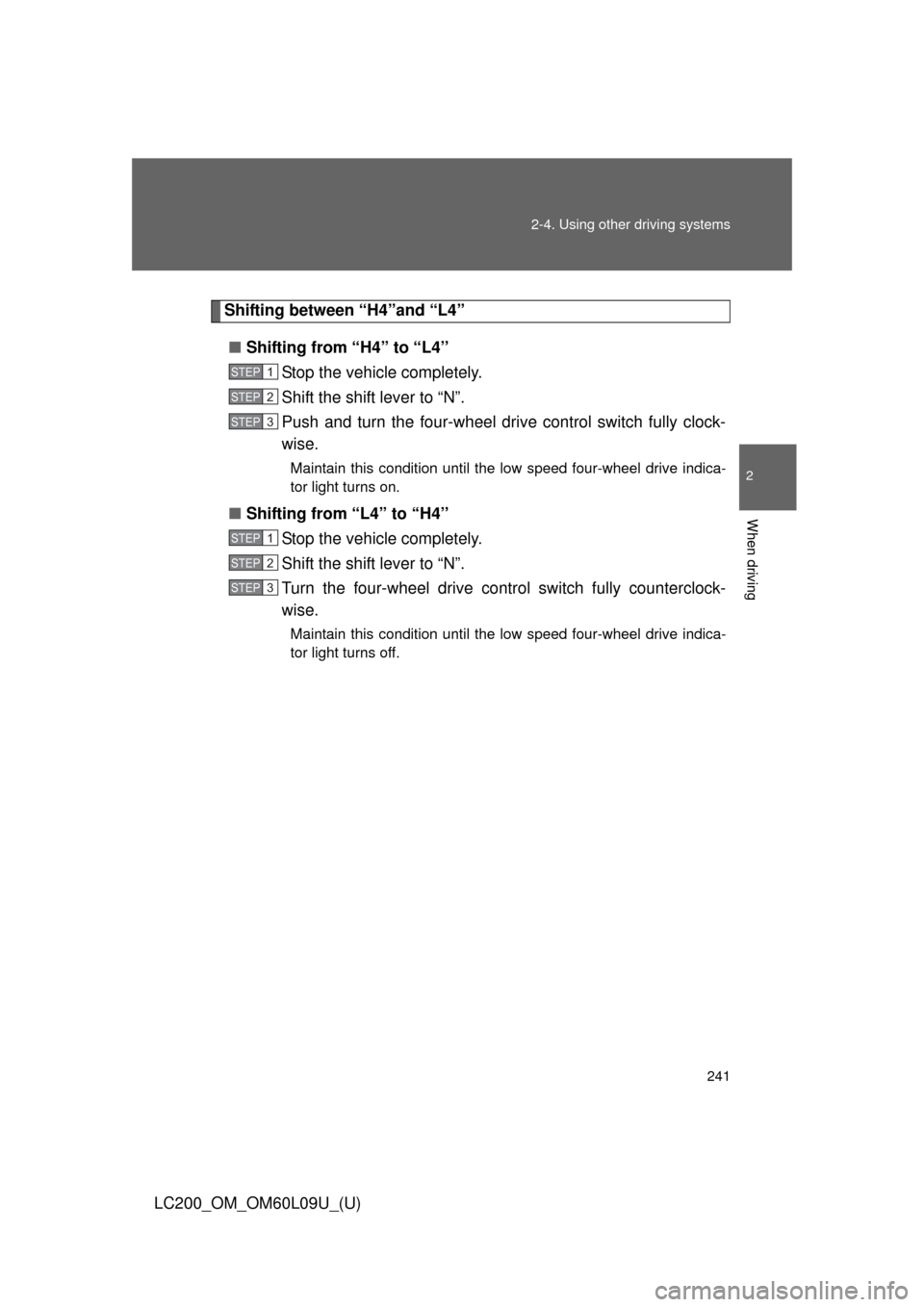
Shifting between “H4”and “L4”
■ Shifting from “H4” to “L4”
Stop the vehicle completely.
Shift the shift lever to “N”.
Push and turn the four-wheel drive control switch fully clock-
wise.
Maintain this condition until the low speed four-wheel drive indica-
tor light turns on.
■Shifting from “L4” to “H4”
Stop the vehicle completely.
Shift the shift lever to “N”.
Turn the four-wheel drive control switch fully counterclock-
wise.
Maintain this condition until the low speed four-wheel drive indica-
tor light turns off.
STEP1
STEP2
STEP3
STEP1
STEP2
STEP3
Page 302 of 724
302 2-5. Driving information
LC200_OM_OM60L09U_(U)
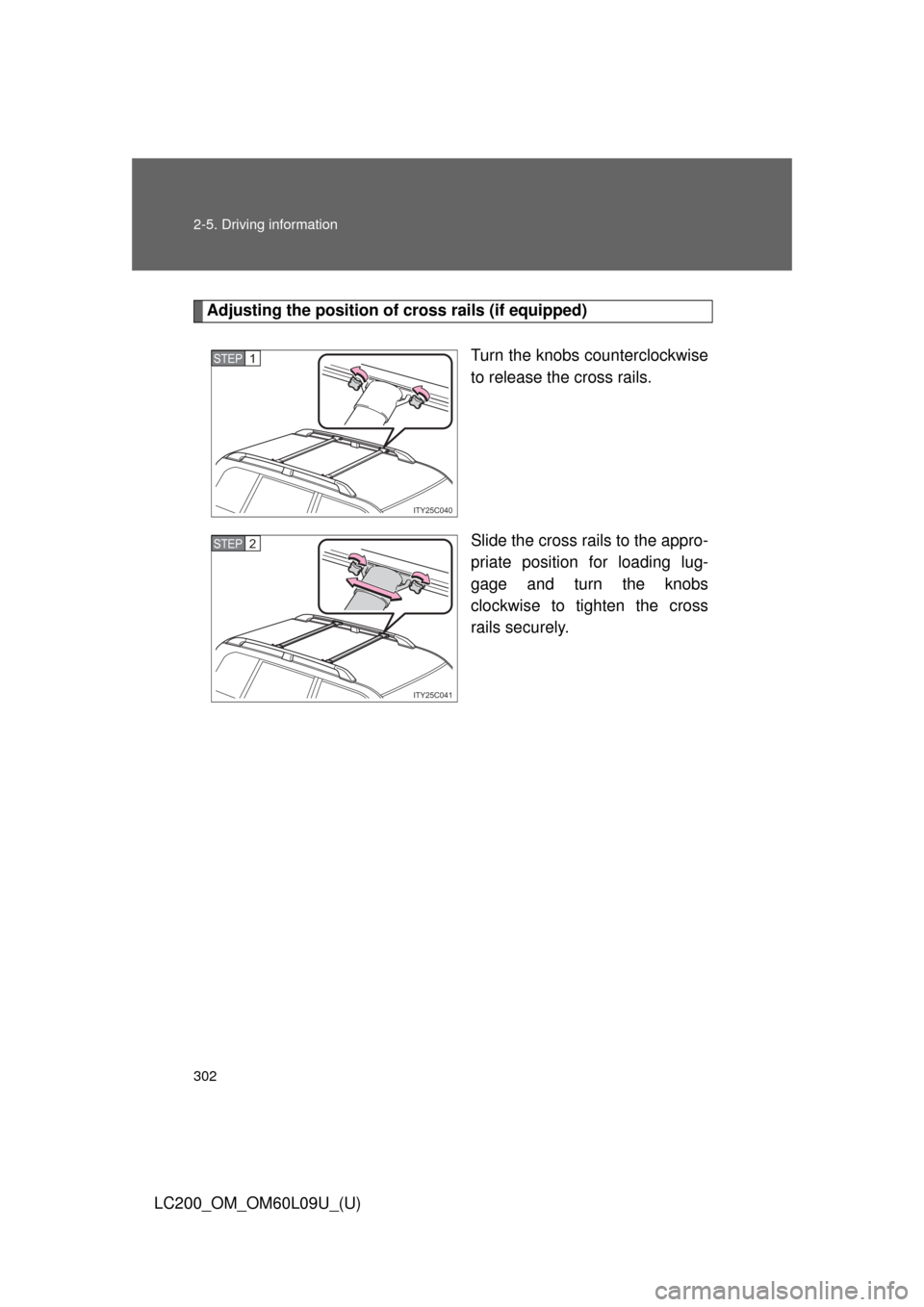
Adjusting the position of cross rails (if equipped)
Turn the knobs counterclockwise
to release the cross rails.
Slide the cross rails to the appro-
priate position for loading lug-
gage and turn the knobs
clockwise to tighten the cross
rails securely.
ITY25C040
STEP1
ITY25C041
STEP2
Page 335 of 724
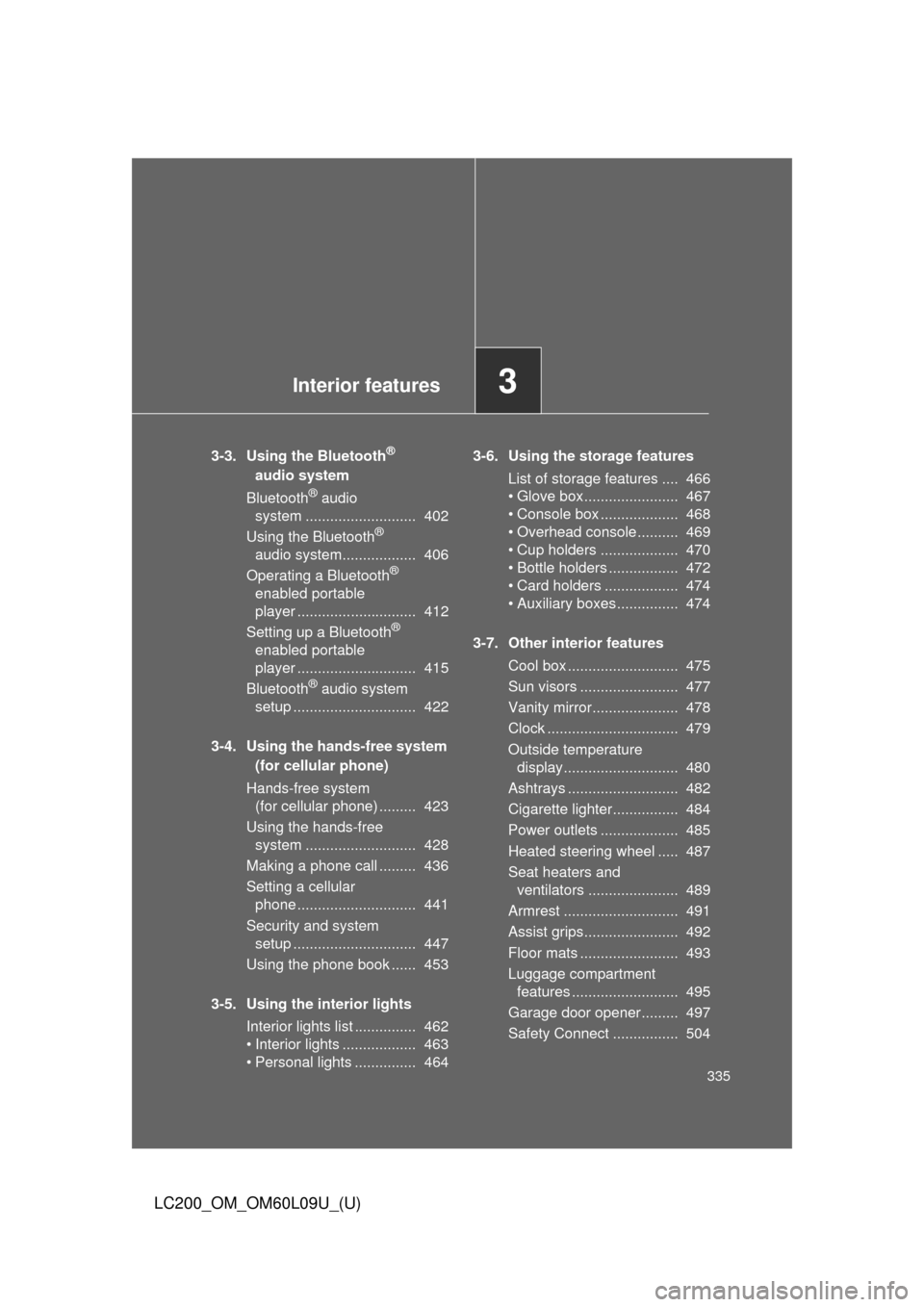
Interior features3
335
LC200_OM_OM60L09U_(U)
3-3. Using the Bluetooth®
audio system
Bluetooth
® audio
system ........................... 402
Using the Bluetooth
®
audio system.................. 406
Operating a Bluetooth
®
enabled portable
player ............................. 412
Setting up a Bluetooth
®
enabled portable
player ............................. 415
Bluetooth
® audio system
setup .............................. 422
3-4. Using the hands-free system (for cellular phone)
Hands-free system (for cellular phone) ......... 423
Using the hands-free system ........................... 428
Making a phone call ......... 436
Setting a cellular phone ............................. 441
Security and system setup .............................. 447
Using the phone book ...... 453
3-5. Using the interior lights Interior lights list ............... 462
• Interior lights .................. 463
• Personal lights ............... 464 3-6. Using the storage features
List of storage features .... 466
• Glove box....................... 467
• Console box ................... 468
• Overhead console .......... 469
• Cup holders ................... 470
• Bottle holders ................. 472
• Card holders .................. 474
• Auxiliary boxes ............... 474
3-7. Other interior features Cool box ........................... 475
Sun visors ........................ 477
Vanity mirror..................... 478
Clock ................................ 479
Outside temperature display............................ 480
Ashtrays ........................... 482
Cigarette lighter................ 484
Power outlets ................... 485
Heated steering wheel ..... 487
Seat heaters and ventilators ...................... 489
Armrest ............................ 491
Assist grips....................... 492
Floor mats ........................ 493
Luggage compartment features .......................... 495
Garage door opener......... 497
Safety Connect ................ 504
Page 396 of 724
396 3-2. Using the audio system
LC200_OM_OM60L09U_(U)■
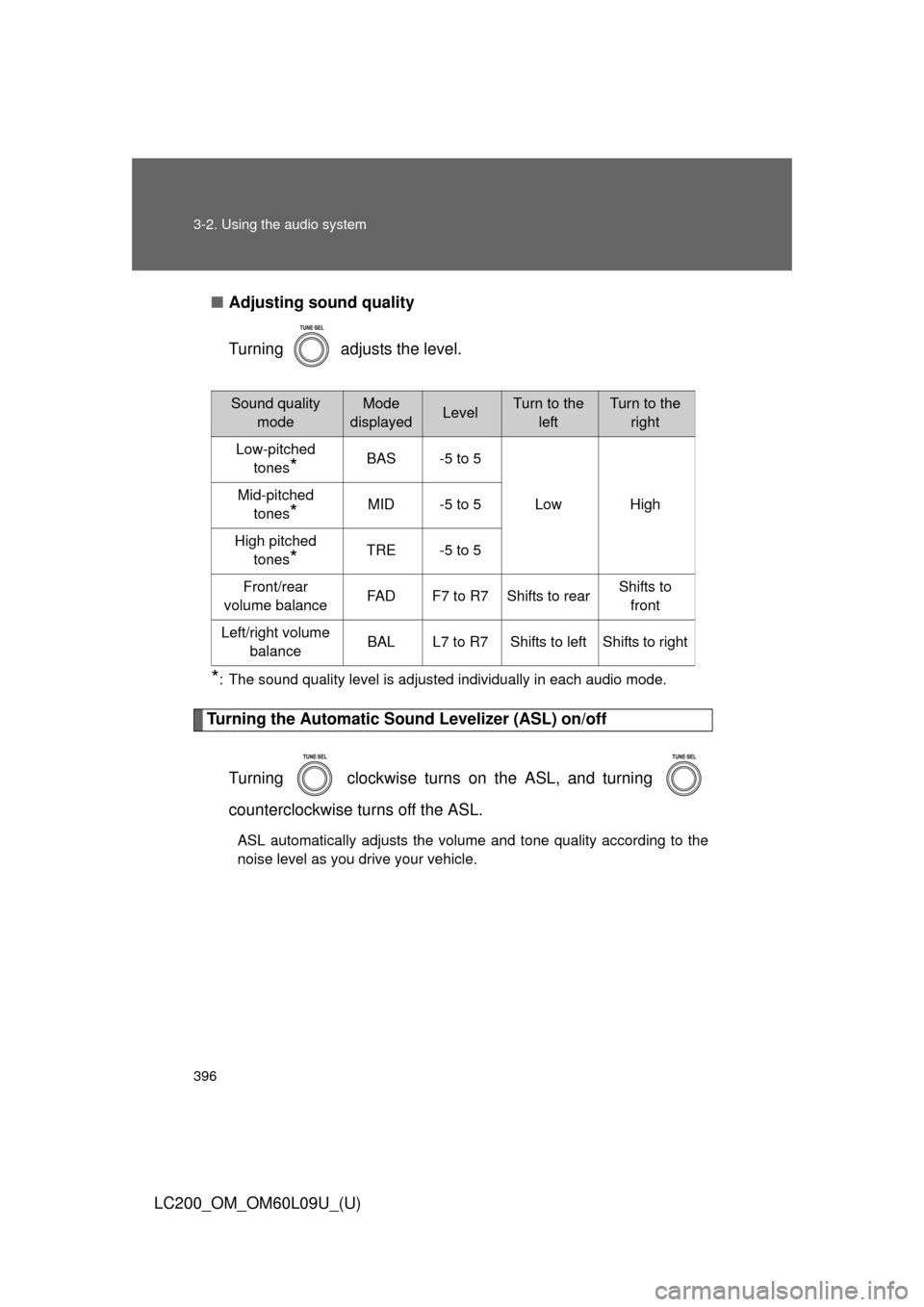
Adjusting sound quality
Turning adjusts the level.
*: The sound quality level is adjusted individually in each audio mode.
Turning the Automatic Sound Levelizer (ASL) on/off
Turning clockwise turns on the ASL, and turning
counterclockwise turns off the ASL.
ASL automatically adjusts the volume and tone quality according to the
noise level as you drive your vehicle.
Sound quality modeMode
displayedLevelTurn to the leftTurn to the right
Low-pitched tones
*BAS -5 to 5
Low High
Mid-pitched
tones
*MID -5 to 5
High pitched tones
*TRE -5 to 5
Front/rear
volume balance FAD F7 to R7 Shifts to rear Shifts to
front
Left/right volume balance BAL L7 to R7 Shifts to left Shifts to right
Page 450 of 724
450 3-4. Using the hands-free system (for cellular phone)
LC200_OM_OM60L09U_(U)
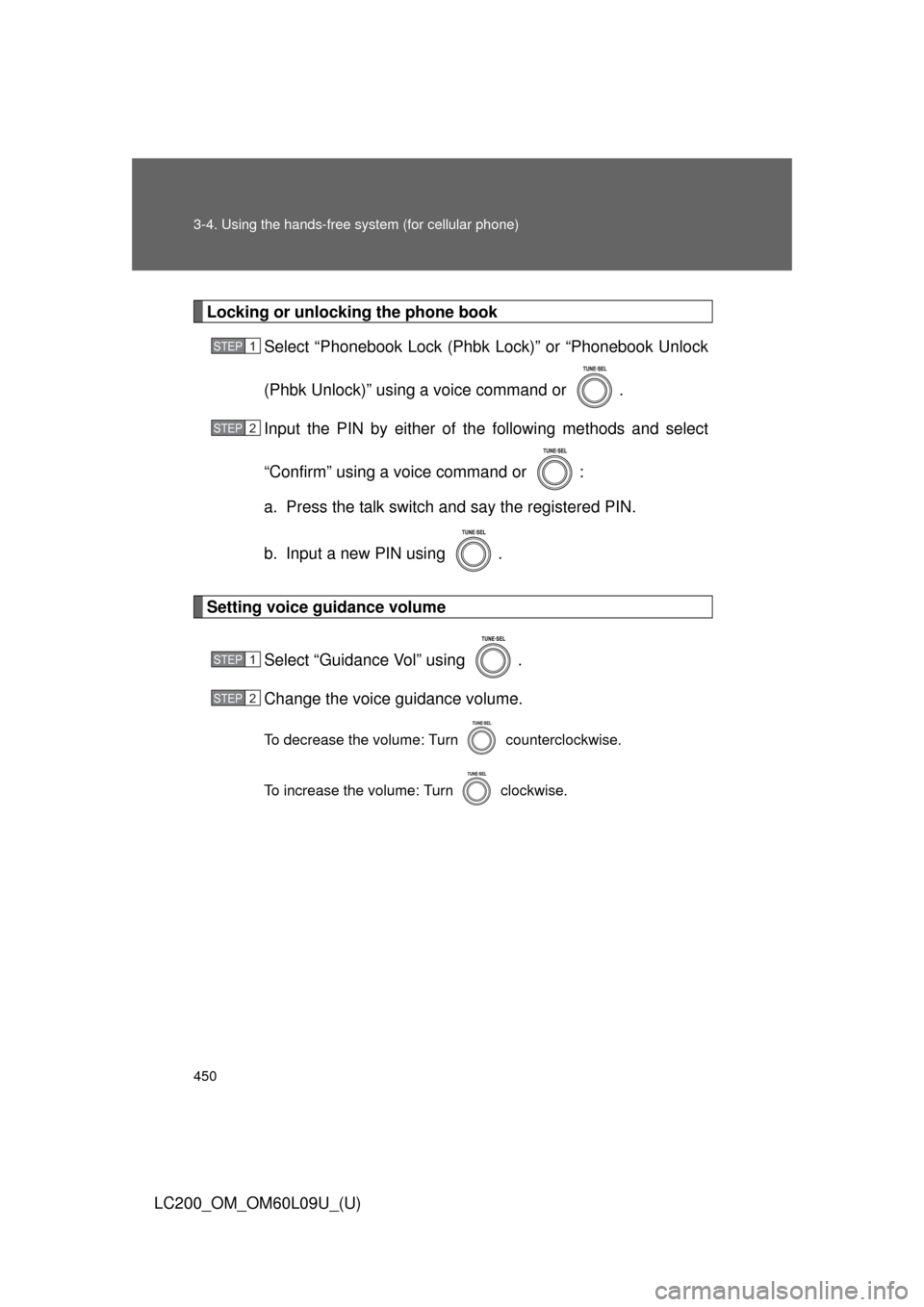
Locking or unlocking the phone bookSelect “Phonebook Lock (Phbk Lock)” or “Phonebook Unlock
(Phbk Unlock)” using a voice command or .
Input the PIN by either of the following methods and select
“Confirm” using a voice command or :
a. Press the talk switch and say the registered PIN.
b. Input a new PIN using .
Setting voice guidance volume
Select “Guidance Vol” using .
Change the voice guidance volume.
To decrease the volume: Turn counterclockwise.
To increase the volume: Turn clockwise.
STEP1
STEP2
STEP1
STEP2