Page 426 of 724
426 3-4. Using the hands-free system (for cellular phone)
LC200_OM_OM60L09U_(U)
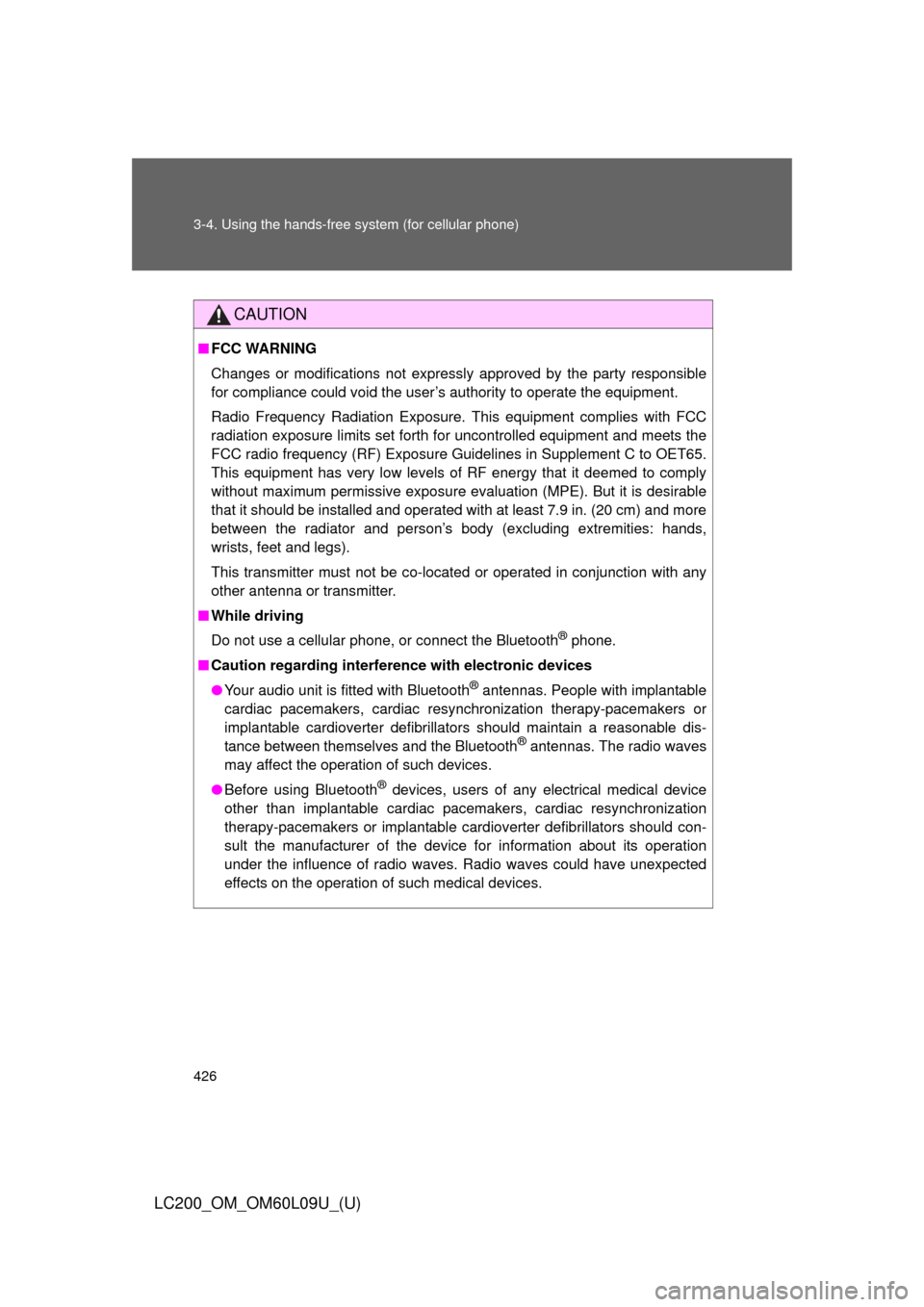
CAUTION
■FCC WARNING
Changes or modifications not expressly approved by the party responsible
for compliance could void the user’s authority to operate the equipment.
Radio Frequency Radiation Exposure. This equipment complies with FCC
radiation exposure limits set forth for uncontrolled equipment and meets the
FCC radio frequency (RF) Exposure Gui delines in Supplement C to OET65.
This equipment has very low levels of RF energy that it deemed to comply
without maximum permissive exposure evaluation (MPE). But it is desirable
that it should be installed and operated with at least 7.9 in. (20 cm) and more
between the radiator and person’s body (excluding extremities: hands,
wrists, feet and legs).
This transmitter must not be co-located or operated in conjunction with any
other antenna or transmitter.
■ While driving
Do not use a cellular phone, or connect the Bluetooth
® phone.
■ Caution regarding interfer ence with electronic devices
● Your audio unit is fitted with Bluetooth
® antennas. People with implantable
cardiac pacemakers, cardiac resynchronization therapy-pacemakers or
implantable cardioverter defibrillators should maintain a reasonable dis-
tance between themselves and the Bluetooth
® antennas. The radio waves
may affect the operation of such devices.
● Before using Bluetooth
® devices, users of any electrical medical device
other than implantable cardiac pacemakers, cardiac resynchronization
therapy-pacemakers or implantable cardioverter defibrillators should con-
sult the manufacturer of the device for information about its operation
under the influence of radio waves. Radio waves could have unexpected
effects on the operation of such medical devices.
Page 428 of 724
428
3-4. Using the hands-free system (for cellular phone)
LC200_OM_OM60L09U_(U)
Using the hands-free system
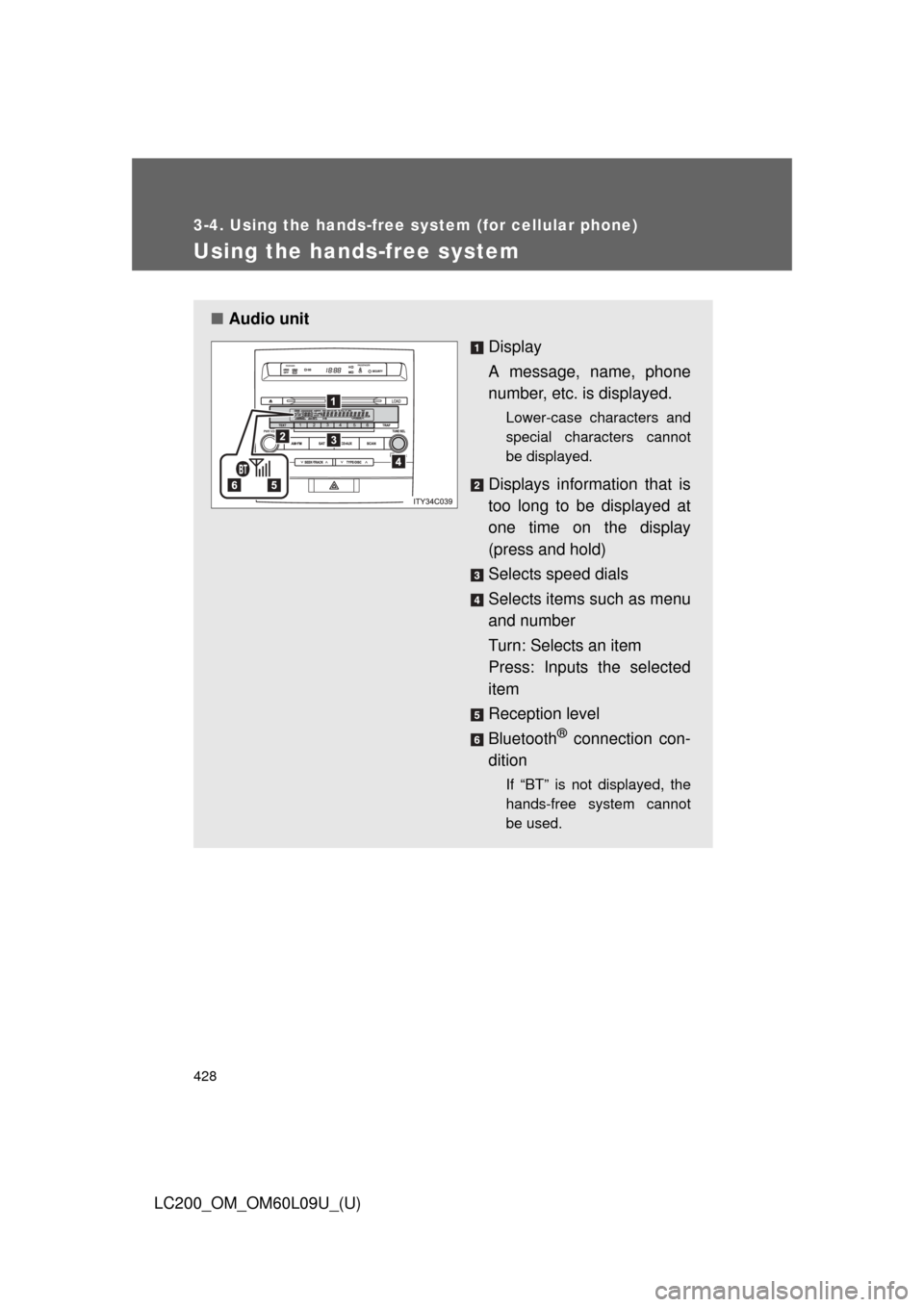
■Audio unit
Display
A message, name, phone
number, etc. is displayed.
Lower-case characters and
special characters cannot
be displayed.
Displays information that is
too long to be displayed at
one time on the display
(press and hold)
Selects speed dials
Selects items such as menu
and number
Turn: Selects an item
Press: Inputs the selected
item
Reception level
Bluetooth
® connection con-
dition
If “BT” is not displayed, the
hands-free system cannot
be used.
Page 431 of 724
431
3-4. Using the hands-free
system (for cellular phone)
3
Interior features
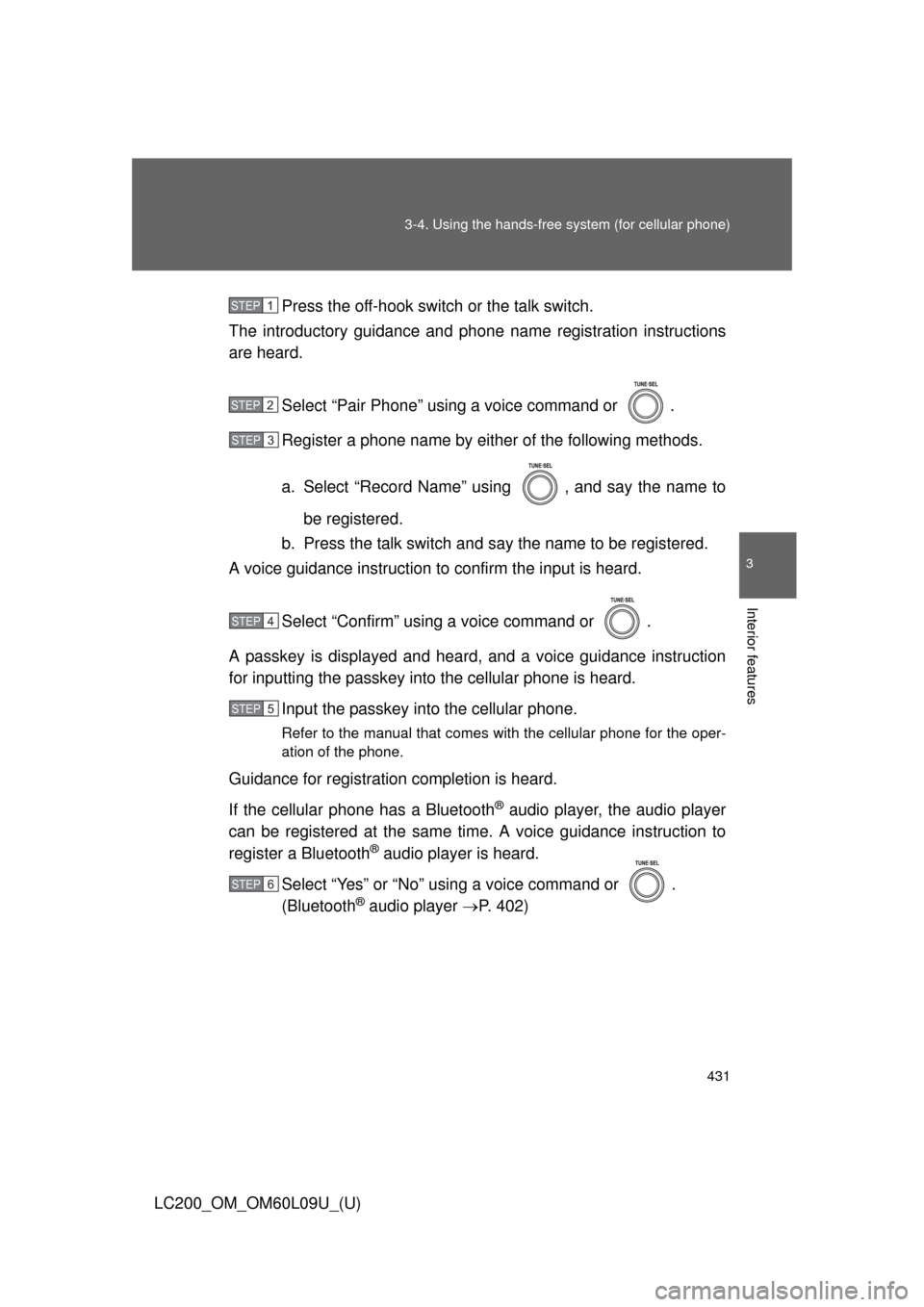
LC200_OM_OM60L09U_(U)Press the off-hook switch
or the talk switch.
The introductory guidance and phone name registration instructions
are heard.
Select “Pair Phone” using a voice command or .
Register a phone name by either of the following methods.
a. Select “Record Name” using , and say the name tobe registered.
b. Press the talk switch and say the name to be registered.
A voice guidance instruction to confirm the input is heard.
Select “Confirm” using a voice command or .
A passkey is displayed and heard, and a voice guidance instruction
for inputting the passkey into the cellular phone is heard. Input the passkey into the cellular phone.
Refer to the manual that comes with the cellular phone for the oper-
ation of the phone.
Guidance for registration completion is heard.
If the cellular phone has a Bluetooth
® audio player, the audio player
can be registered at the same time. A voice guidance instruction to
register a Bluetooth
® audio player is heard.
Select “Yes” or “No” using a voice command or .
(Bluetooth
® audio player P. 402)
STEP1
STEP2
STEP3
STEP4
STEP5
STEP6
Page 433 of 724
433
3-4. Using the hands-free
system (for cellular phone)
3
Interior features
LC200_OM_OM60L09U_(U)
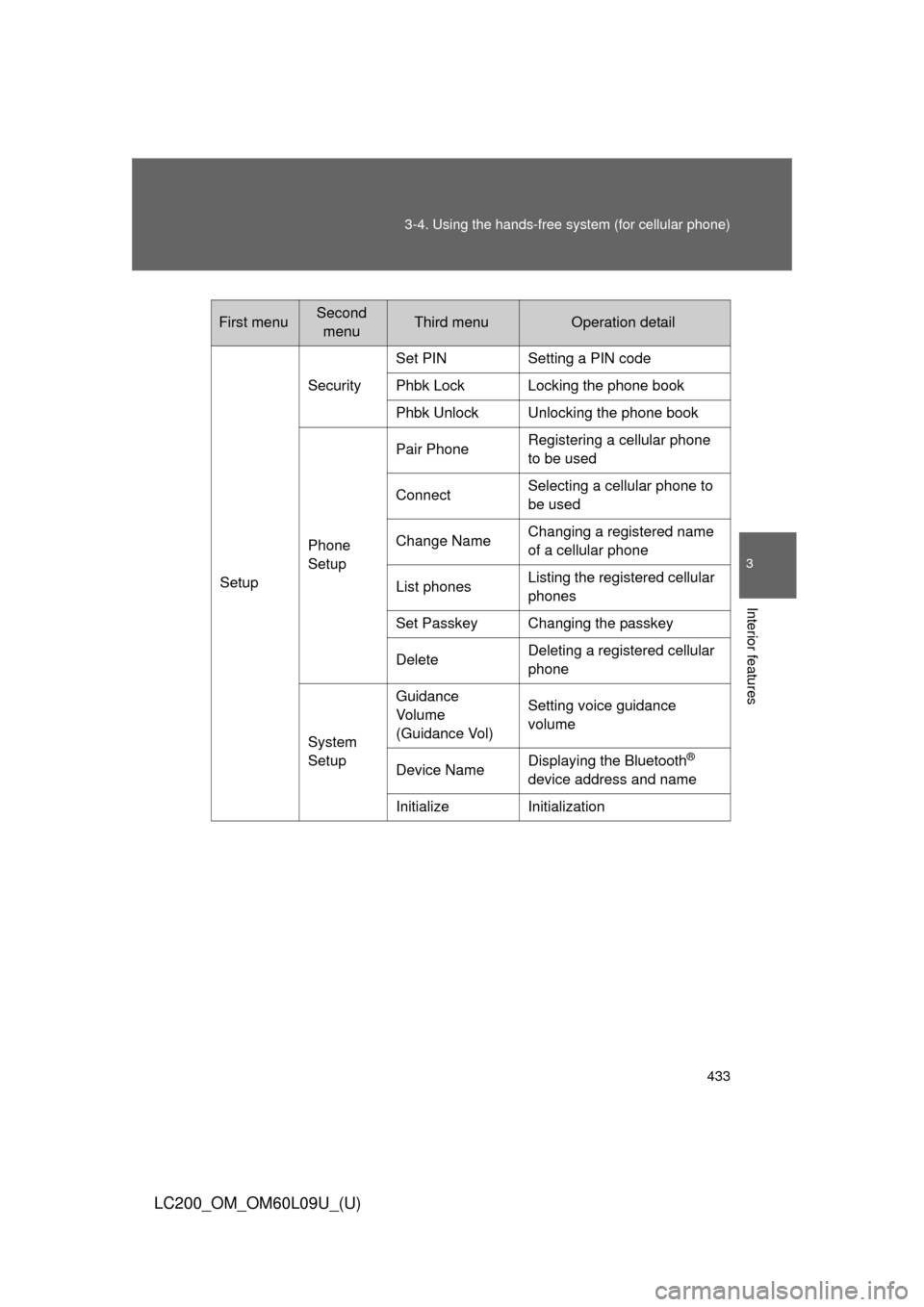
First menuSecond
menuThird menuOperation detail
Setup Security
Set PIN Setting a PIN code
Phbk Lock Locking the phone book
Phbk Unlock Unlocking the phone book
Phone
Setup Pair Phone
Registering a cellular phone
to be used
Connect Selecting a cellular phone to
be used
Change Name Changing a registered name
of a cellular phone
List phones Listing the registered cellular
phones
Set Passkey Changing the passkey
Delete Deleting a registered cellular
phone
System
Setup Guidance
Vo l u m e
(Guidance Vol)
Setting voice guidance
volume
Device Name Displaying the Bluetooth
®
device address and name
Initialize Initialization
Page 446 of 724
446 3-4. Using the hands-free system (for cellular phone)
LC200_OM_OM60L09U_(U)
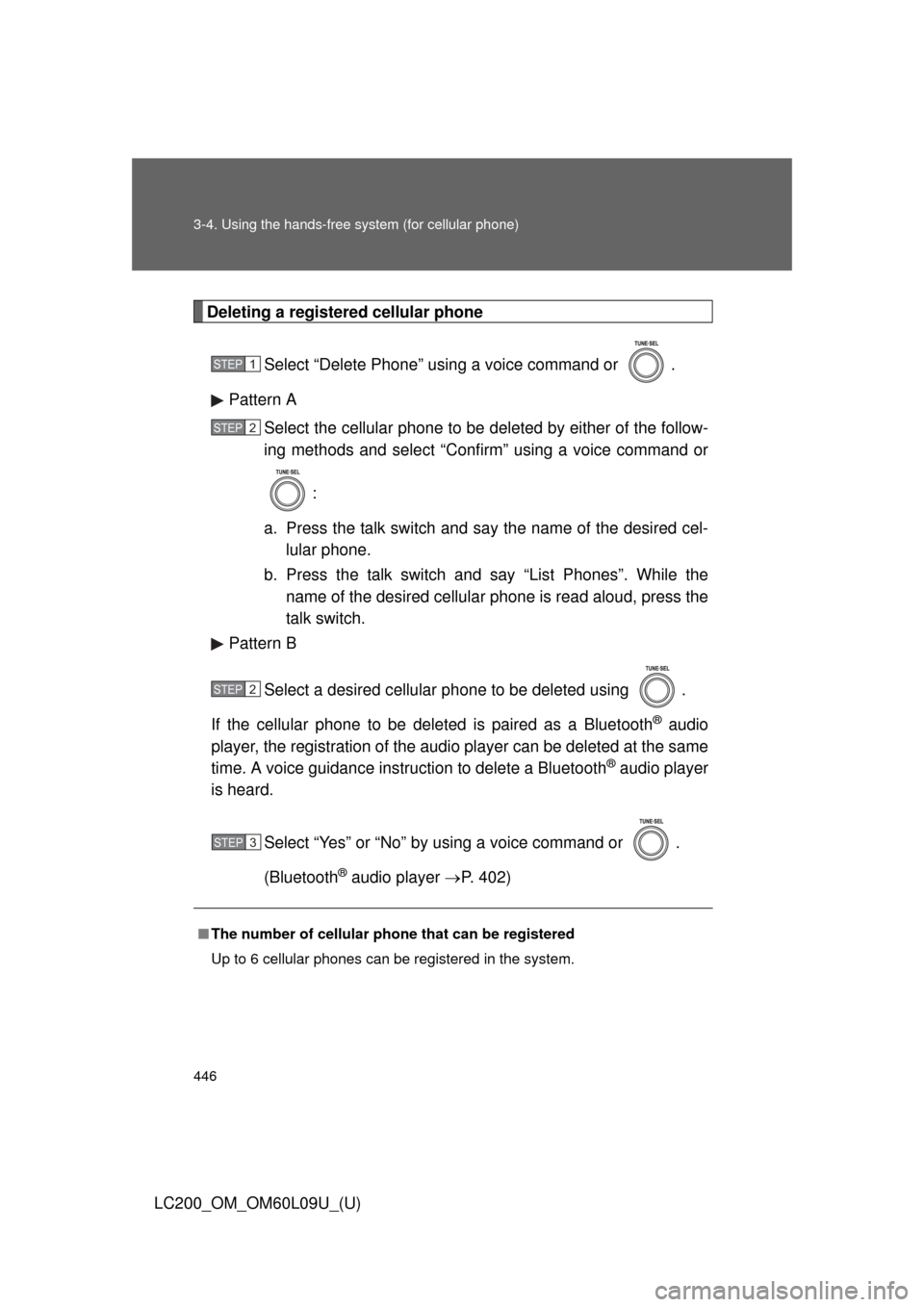
Deleting a registered cellular phoneSelect “Delete Phone” using a voice command or .
Pattern A Select the cellular phone to be deleted by either of the follow-
ing methods and select “Confirm” using a voice command or
:
a. Press the talk switch and say the name of the desired cel- lular phone.
b. Press the talk switch and say “List Phones”. While the name of the desired cellular phone is read aloud, press the
talk switch.
Pattern B
Select a desired cellular phone to be deleted using .
If the cellular phone to be deleted is paired as a Bluetooth
® audio
player, the registration of the audio player can be deleted at the same
time. A voice guidance instruction to delete a Bluetooth
® audio player
is heard.
Select “Yes” or “No” by using a voice command or .
(Bluetooth
® audio player P. 402)
■The number of cellular phone that can be registered
Up to 6 cellular phones can be registered in the system.
STEP1
STEP2
STEP2
STEP3
Page 448 of 724
448 3-4. Using the hands-free system (for cellular phone)
LC200_OM_OM60L09U_(U)
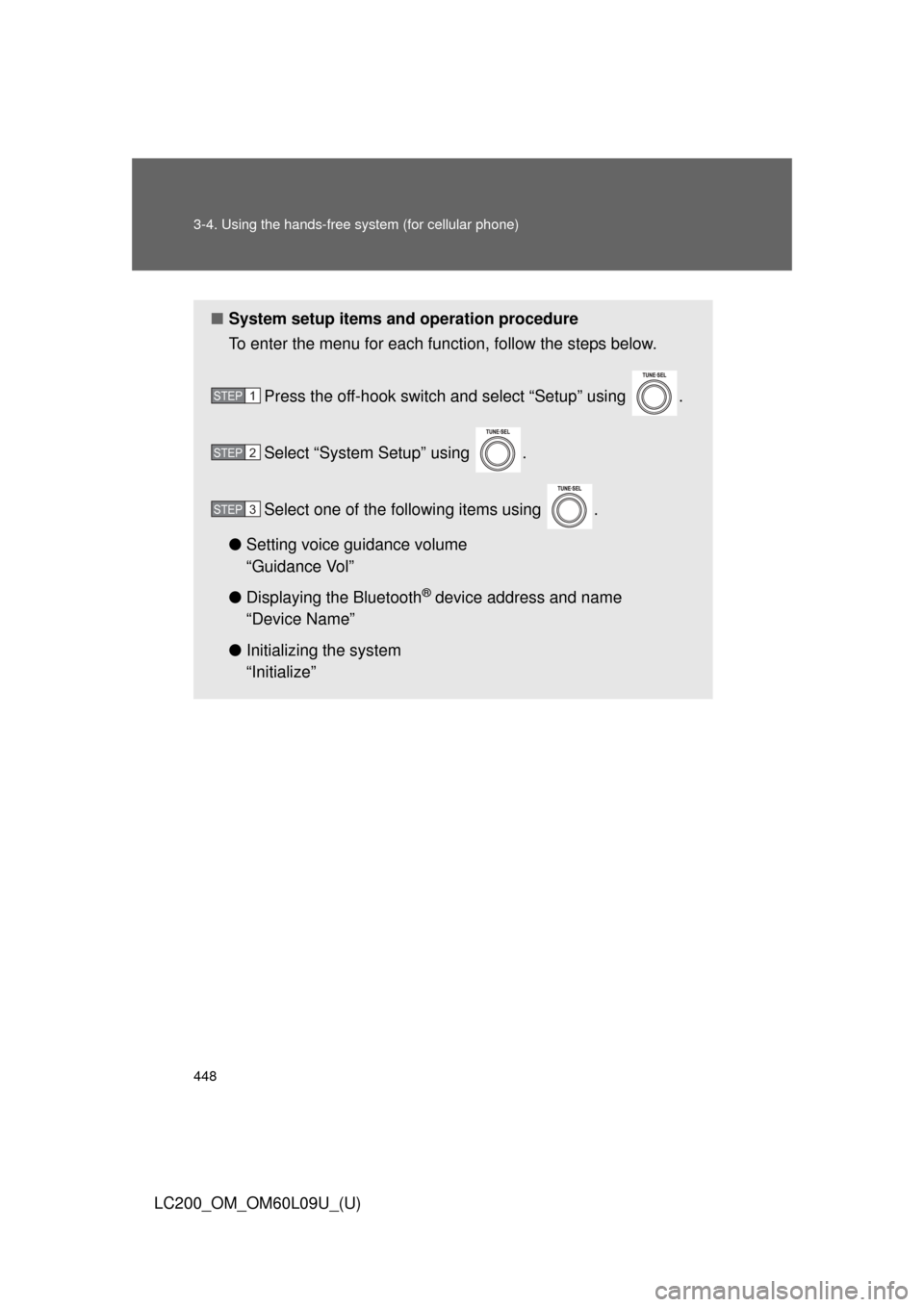
■System setup items and operation procedure
To enter the menu for each function, follow the steps below.
Press the off-hook switch and select “Setup” using .
Select “System Setup” using .
Select one of the following items using .
● Setting voice guidance volume
“Guidance Vol”
● Displaying the Bluetooth
® device address and name
“Device Name”
● Initializing the system
“Initialize”
STEP1
STEP2
STEP3
Page 451 of 724
451
3-4. Using the hands-free
system (for cellular phone)
3
Interior features
LC200_OM_OM60L09U_(U)
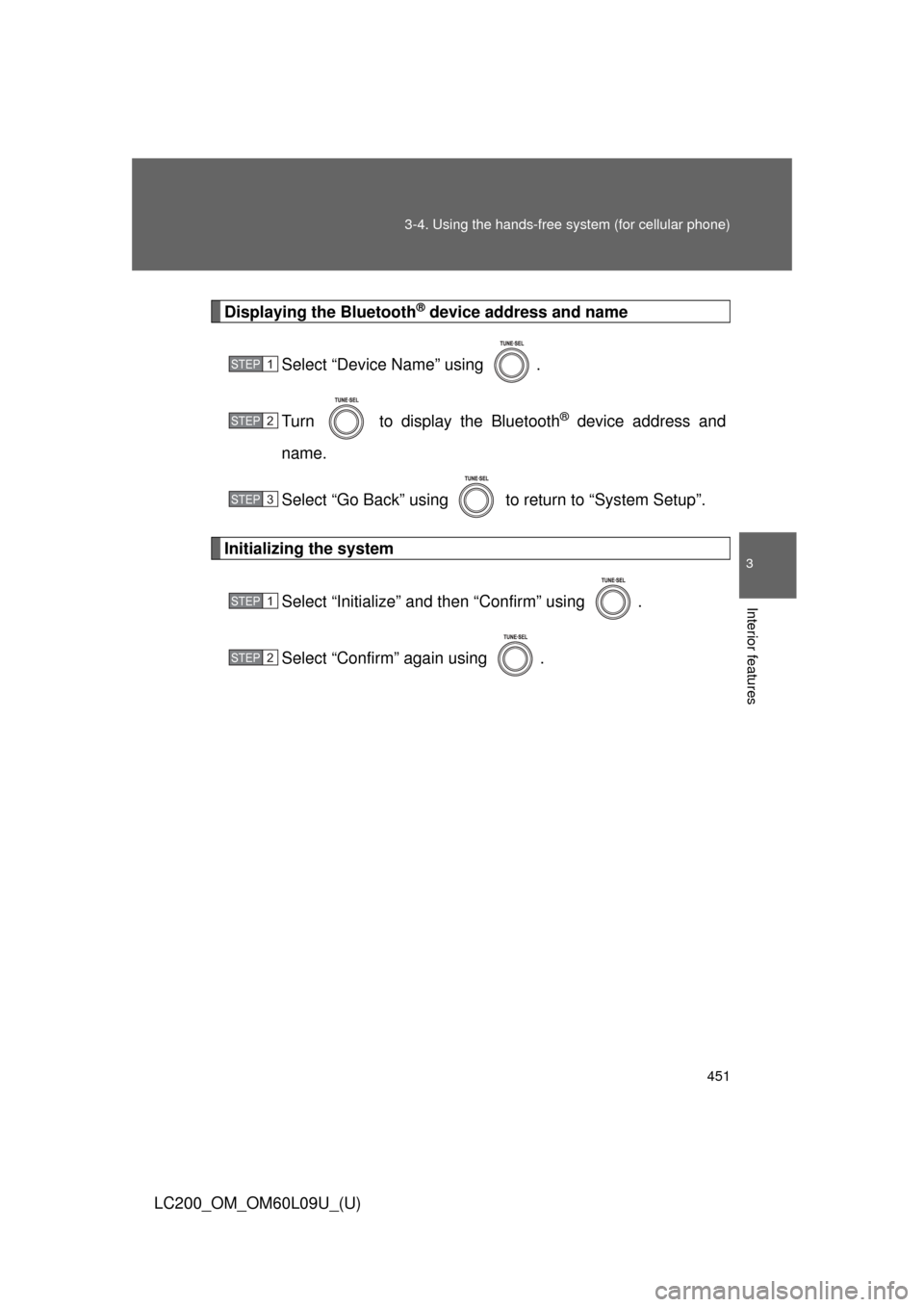
Displaying the Bluetooth® device address and name
Select “Device Name” using .
Turn to display the Bluetooth
® device address and
name.
Select “Go Back” using to return to “System Setup”.
Initializing the system
Select “Initialize” and then “Confirm” using .
Select “Confirm” again using .
STEP1
STEP2
STEP3
STEP1
STEP2
Page 452 of 724
452 3-4. Using the hands-free system (for cellular phone)
LC200_OM_OM60L09U_(U)
■Initialization
●The following data in the system can be initialized:
• Phone book
• Outgoing and incoming call history
• Speed dials
• Registered cellular phone data
• Security code
• Registered Bluetooth
® enabled portable player data
• Passkey for the cellular phone
• Passkey for the Bluetooth
® audio players
• Guidance volume
• Receiver volume
• Ring tone volume
● Once the initialization has been completed, the data cannot be restored
to its original state.
■ When the phone book is locked
The following functions cannot be used:
●Dialing by inputting a name
● Speed dialing
● Dialing a number stored in the call history memory
● Using the phone book