Page 220 of 338

USB input terminal
Features and controls 5-159
5
Refer to the following sections for details on how to play music files: Refer to the separate owner’s manual for a DISPLAY AUDIO.
N00566800074
1. Park your vehicle in a safe place and turn the ignition switch to the “LOCK” posi- tion.2. Open the USB input terminal cover (A) in the glove compartment.
3. Connect a commercially available USB connector cable (C)
to the USB memory
device (B). 4. Connect the USB connector cable (C) to the USB input terminal (D).
5. To remove the USB connector cable, turn the ignition switch to the “LOCK” posi- tion first and perform the installation steps in reverse.
N00566900046
1. Park your vehicle in a safe place and turnthe ignition switch to the “LOCK” posi- tion.
* : “iPod” is a registered trademark of Apple Inc. in the United States and other coun-tries.
How to connect a USB memory device
WA R N I N G An open glove compartment door can cause a serious injury or death to the front passenger in an accident, even if the pas- senger is wearing his/her seat belt. Always keep the glove compartment door closedwhen driving.NOTE
Do not connect the USB memory device to the USB input terminal directly.The USB memory device may be damaged. When closing the glove compartment, be careful not to trap the USB connector cable.
How to connect an iPod
BK0200800US.book
159 ページ 2013年2月14日 木曜日 午後2時28分
Page 221 of 338
USB input terminal 5-160 Features and controls
5
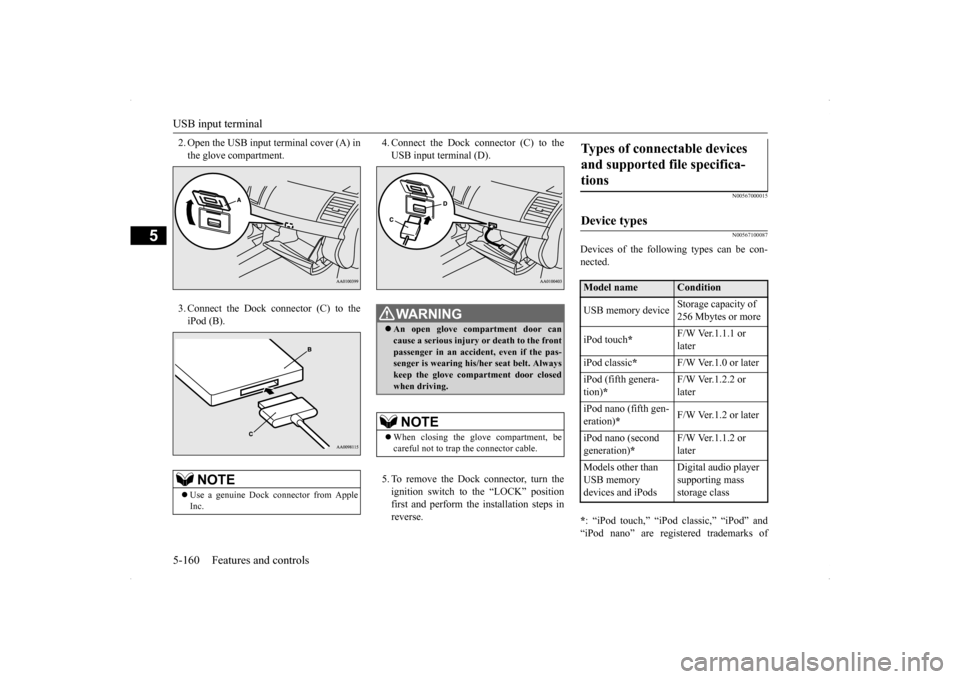
2. Open the USB input terminal cover (A) in the glove compartment. 3. Connect the Dock connector (C) to the iPod (B).
4. Connect the Dock connector (C) to the USB input terminal (D). 5. To remove the Dock connector, turn the ignition switch to the “LOCK” positionfirst and perform the installation steps in reverse.
N00567000015 N00567100087
Devices of the following types can be con- nected. * : “iPod touch,” “iPod classic,” “iPod” and “iPod nano” are registered trademarks of
NOTE
Use a genuine Dock connector from Apple Inc.
WA R N I N G An open glove compartment door can cause a serious injury
or death to the front
passenger in an accident, even if the pas-senger is wearing his/her seat belt. Always keep the glove compartment door closed when driving.NOTE
When closing the glove compartment, be careful not to trap the connector cable.
Types of connectable devices and supported file specifica- tions Device types Model name
Condition
USB memory device
Storage capacity of 256 Mbytes or more
iPod touch
*
F/W Ver.1.1.1 or later
iPod classic
*
F/W Ver.1.0 or later
iPod (fifth genera- tion)
*
F/W Ver.1.2.2 or later
iPod nano (fifth gen- eration)
*
F/W Ver.1.2 or later
iPod nano (second generation)
*
F/W Ver.1.1.2 or later
Models other than USB memory devices and iPods
Digital audio player supporting mass storage class
BK0200800US.book
160 ページ 2013年2月14日 木曜日 午後2時28分
Page 222 of 338

Sun visors
Features and controls 5-161
5
Apple Inc. in the United States and other countries.
N00567200017
You can play music files of the following specifications that are saved in a USB mem- ory device or other device supporting massstorage class.
N00524600281
Fold the sun visor downward (1) to reduce front glare while driving. To reduce side glare, turn the visor to the side (2).
The vanity mirrors are located on the back of the sun visors.
NOTE
Depending on the type of the USB memory device or other device connected, the con- nected device may not function properly orthe available functions may be limited. It is recommended to use an iPod with firm- ware updated to the latest version. You can charge your iPod by connecting it to the USB input terminal when the ignition switch is in the “ACC” or “ON” position. Do not keep your USB memory device or iPod in your vehicle. It is recommended that you back up the files in case of data damage. Do not connect to the USB input terminal any device (hard disk, card reader, memory reader, etc.) other than the connectabledevices specified in the previous section. The device and/or data may be damaged. If any of these devices
was connected by mis-
take, remove it after turning the ignition switch to the “LOCK” position.
File specifications
Item
Condition
File format
MP3, WMA, AAC, WAV
Maximum number of levels(including the root)
Level 8
Number of folders 700 Number of files 65,535Sun visors
Vanity mirror
BK0200800US.book
161 ページ 2013年2月14日 木曜日 午後2時28分
Page 223 of 338
12 V power outlet 5-162 Features and controls
5
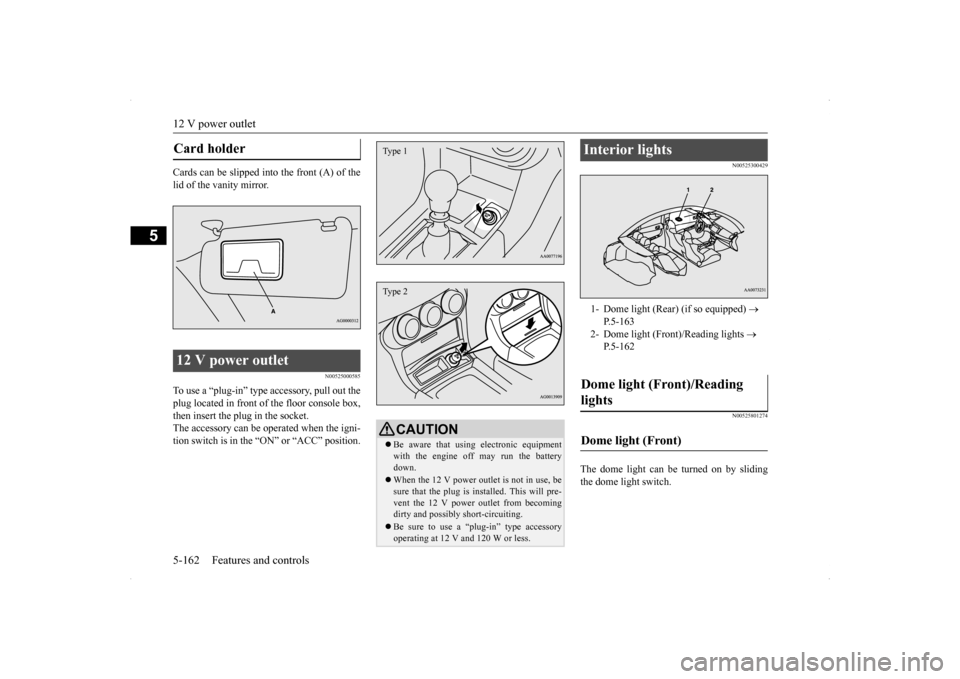
Cards can be slipped into the front (A) of the lid of the vanity mirror.
N00525000585
To use a “plug-in” type accessory, pull out the plug located in front of the floor console box,then insert the plug in the socket. The accessory can be operated when the igni- tion switch is in the “
ON” or “ACC” position.
N00525300429 N00525801274
The dome light can be turned on by sliding the dome light switch.
Card holder 12 V power outlet
CAUTION Be aware that using electronic equipment with the engine off may run the battery down. When the 12 V power outlet is not in use, be sure that the plug is installed. This will pre- vent the 12 V power outlet from becomingdirty and possibly short-circuiting. Be sure to use a “plug-in” type accessory operating at 12 V
and 120 W or less.
Type 1Type 2
Interior lights 1- Dome light (Rear) (if so equipped)
P.5-163
2- Dome light (Front)/Reading lights
P.5-162
Dome light (Front)/Reading lights Dome light (Front)
BK0200800US.book
162 ページ 2013年2月14日 木曜日 午後2時28分
Page 226 of 338
Storage spaces
Features and controls 5-165
5
N00551501285
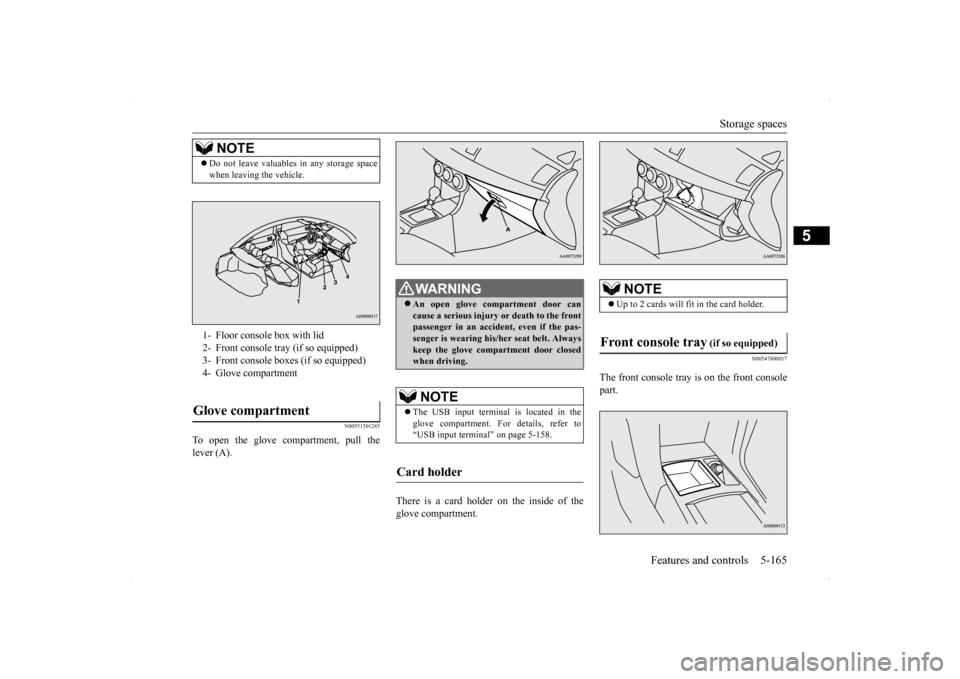
To open the glove compartment, pull the lever (A).
There is a card holder on the inside of the glove compartment.
N00547800017
The front console tray is on the front consolepart.
NOTE
Do not leave valuables in any storage space when leaving the vehicle.1- Floor console box with lid 2- Front console tray (if so equipped)3- Front console boxes (if so equipped)4- Glove compartmentGlove compartment
WA R N I N G An open glove compartment door can cause a serious injury or death to the front passenger in an accident, even if the pas-senger is wearing his/her seat belt. Always keep the glove compartment door closed when driving. NOTE
The USB input terminal is located in the glove compartment. For details, refer to “USB input terminal” on page 5-158.
Card holder
NOTE
Up to 2 cards will f
it in the card holder.
Front console tray
(if so equipped)
BK0200800US.book
165 ページ 2013年2月14日 木曜日 午後2時28分
Page 227 of 338
Storage spaces 5-166 Features and controls
5
N00546401084
To open, push the lid.
N00551600205
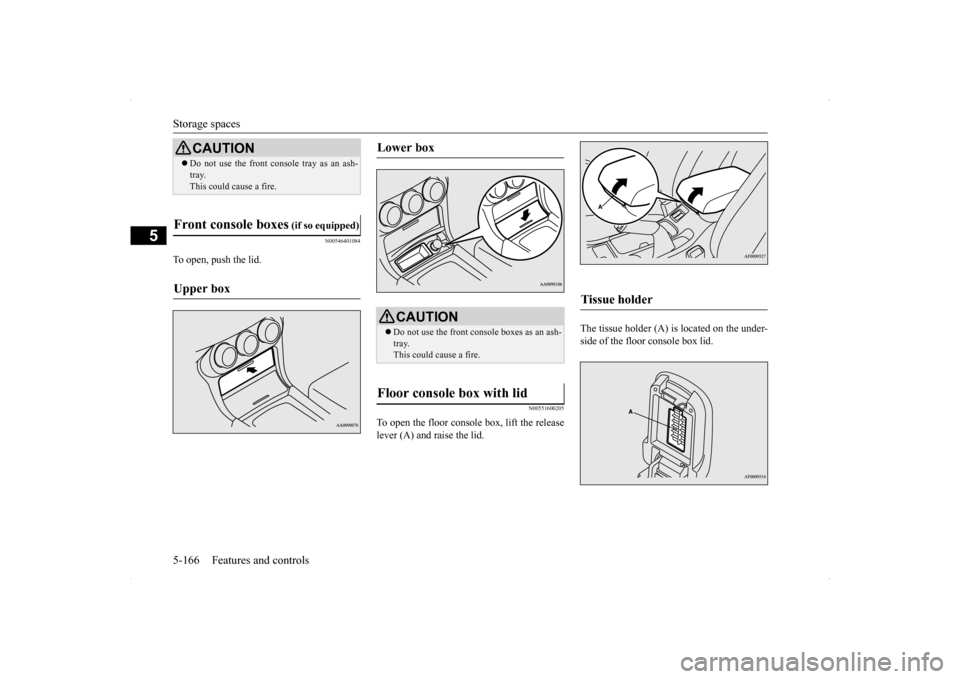
To open the floor console box, lift the release lever (A) and raise the lid.
The tissue holder (A) is located on the under- side of the floor console box lid.
CAUTION Do not use the front c
onsole tray as an ash-
tray. This could cause a fire.
Front console boxes
(if so equipped)
Upper box
Lower box
CAUTION Do not use the front console boxes as an ash- tray. This could cause a fire.
Floor console box with lid
Tissue holder
BK0200800US.book
166 ページ 2013年2月14日 木曜日 午後2時28分
Page 228 of 338
Cup holder
Features and controls 5-167
5
N00527300380
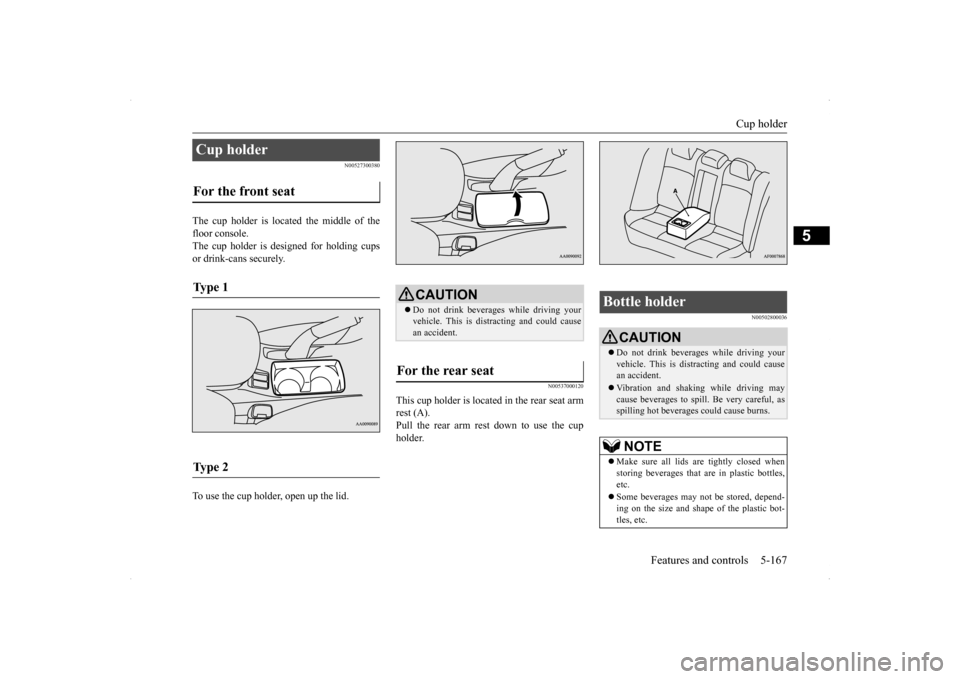
The cup holder is located the middle of the floor console.The cup holder is designed for holding cups or drink-cans securely. To use the cup holder, open up the lid.
N00537000120
This cup holder is located
in the rear seat arm
rest (A). Pull the rear arm rest down to use the cupholder.
N00502800036
Cup holder For the front seat Ty p e 1 Ty p e 2
CAUTION Do not drink beverages while driving your vehicle. This is distracting and could cause an accident.
For the rear seat
Bottle holder
CAUTION Do not drink beverages while driving your vehicle. This is distracting and could causean accident. Vibration and shaking while driving may cause beverages to spill. Be very careful, as spilling hot beverages could cause burns.NOTE
Make sure all lids ar
e tightly closed when
storing beverages that are in plastic bottles, etc. Some beverages may not be stored, depend- ing on the size and shape of the plastic bot- tles, etc.
BK0200800US.book
167 ページ 2013年2月14日 木曜日 午後2時28分
Page 229 of 338
Assist grip 5-168 Features and controls
5
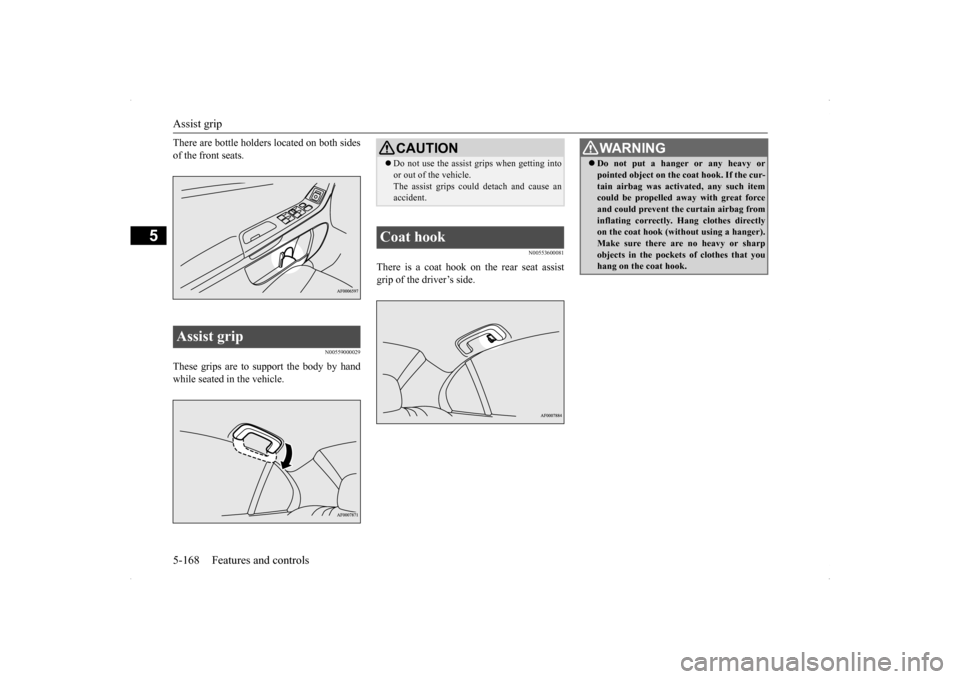
There are bottle holders located on both sides of the front seats.
N00559000029
These grips are to support the body by handwhile seated in the vehicle.
N00553600081
There is a coat hook on the rear seat assist grip of the driver’s side.
Assist grip
CAUTION Do not use the assist grips when getting into or out of the vehicle. The assist grips could detach and cause an accident.
Coat hook
WA R N I N G Do not put a hanger or any heavy or pointed object on the coat hook. If the cur- tain airbag was activated, any such item could be propelled away with great force and could prevent the curtain airbag frominflating correctly. Hang clothes directly on the coat hook (without using a hanger). Make sure there are no heavy or sharpobjects in the pockets of clothes that you hang on the coat hook.
BK0200800US.book
168 ページ 2013年2月14日 木曜日 午後2時28分