2014 MERCEDES-BENZ G-CLASS SUV lumbar support
[x] Cancel search: lumbar supportPage 14 of 272

LIM indicator lamp
Cruise control ................................ 110
DISTRONIC PLUS ........................... 116
Variable SPEEDTRONIC .................113
Limit speed
Variable SPEEDTRONIC .................112
Load anchorage ................................. 187
Loading guidelines ............................184
Locking From inside the vehicle (central
locking button) ................................. 69
see Central locking
Locking (doors)
Automatic ........................................ 69
Emergency locking ........................... 69
From inside (central locking
button) ............................................. 69
Locking centrally
see Central locking
Locking verification signal (on-
board computer) ............................... 144
Low-beam headlamps Display message ............................ 144
Setting for driving abroad
(symmetrical) ................................... 82
Switching on/off .............................. 83
LOW RANGE
Display message ............................ 144
LOW RANGE off-road gear ................130
Lumbar support Adjusting the 4-way lumbar
support ............................................ 78M
M+S tires ............................................ 230
Malfunction message see Display messages
Matte finish (cleaning
instructions) .............................. 206, 208
mbrace Call priority .................................... 193
Display message ............................ 144
Emergency call .............................. 190
Important safety notes ..................189
MB info call button ........................192
Roadside Assistance button ..........191 Self-test
......................................... 190
System .......................................... 190
Mechanical key
Function/notes ................................ 67
General notes .................................. 67
Locking vehicle ................................ 69
Removing ......................................... 67
Unlocking the driver's door ..............69
Memory card (audio) .........................144
Memory function ................................. 79
Message memory (on-board
computer) .................................. 144, 145
Messages see Display messages
Mirrors
see Exterior mirrors
see Rear-view mirror
Mounting wheels
Mounting a new wheel ...................252
Raising the vehicle .........................251
Removing a wheel ..........................252
Securing the vehicle against
rolling away ................................... 251
MP3
Operation ....................................... 144
see also Digital Operator's Manual 170
see separate operating instructions
Multicontour seat ................................ 78
Multifunction display Function/notes ............................. 142
Permanent displa y......................... 144
Multifunction steering wheel
Back button ................................... 144
Operating the on-board computer .143
Overview .......................................... 33
Music files
see also Digital Operator's Manual 170 N
Navigation Menu (on-board computer) ............144
see also Digital Operator's Manual 170
see separate operating instructions
Notes on breaking-in a new vehicle ..96 12
Index
Page 17 of 272

Display message
............................ 144
Emergency Tensioning Devices ....... .52
Fastening ......................................... 49
Fastening, front ............................... 50
Fastening in the rear, center ............50
Important safety guidelines .............47
Releasing ......................................... 51
Special seat belt retractor ...............55
Switching belt adjustment on/off
(on-board computer) ......................144
Warning lamp ................................. 158
Warning lamp (function) ................... 52
Seat heating
Indicator lamp (malfunction) ............79
Seats
Adjusting (electrically) .....................78
Adjusting the 4-way lumbar
support ............................................ 78
Adjusting the head restraint ............78
Cleaning the cover .........................210
Correct driver's seat position ........... 76
Important safety notes ....................76
Multicontour seat ............................ 78
Storing settings (memory function) .. 79
Switching seat heating on/off .........78
Switching seat ventilation on/off ....78
Sensors (cleaning instructions) 206, 209
Service interval display Displaying a service message (on-
board computer) ............................ 205
Service menu (on-board computer) .144
Service products Brake fluid ..................................... 261
Coolant (engine) ............................ 262
Engine oil ....................................... 261
Fuel ................................................ 258
Important safety notes ..................258
Notes ............................................. 258
Refrigerant (air-conditioning
system) .......................................... 261
Washer fluid .................................. .263
Setting a speed limit
see SPEEDTRONIC
Settings
Factory (on-board computer) .........144
Menu overview .............................. 174
On-board computer .......................144
Setting the air distribution .................94Setting the airflow
.............................. 94
Setting the date/time format see also Digital Operator's Manual 170
Setting the language
see also Digital Operator's Manual 170
Setting the time
see also Digital Operator's Manual 170
SETUP (on-board computer) .............144
Shift ranges ....................................... 101
Side marker lamp (display
message) ............................................ 144
Side marker lamps (changing bulbs) .86
Side windows Cleaning ......................................... 206
Important safety information ...........71
Opening/closing .............................. 71
Opening/closing (all) .......................71
Opening/closing (front) ...................71
Overview .......................................... 71
Troubleshooting ............................... 71
SIRIUS services
see also Digital Operator's Manual 170
Ski rack .............................................. 189
Sliding sunroof Important safety notes ....................71
Opening/closing .............................. 72
Operating manually ..........................72
SmartKey
Changing the battery .......................68
Changing the programming .............67
Checking the battery .......................68
Convenience opening feature ..........71
Display message ............................ 144
Door central locking/unlocking .......66
Important safety notes ....................66
Loss ................................................. 69
Malfunction ...................................... 69
Mechanical key ................................ 67
Overview .......................................... 66
Problem (malfunction) .....................69
Starting the engine ..........................98
SMS
see also Digital Operator's Manual 170
Snow chains ...................................... 230 Index
15
Page 80 of 272
the rear bench seat forwards) on
(Y
page 187). Information in the Digital Operator's
Manual
In the Digital Operator's Manual you will find
information on the following topics:
R Adjusting the seats
R Adjusting the head restraints
R installing/removing the rear head
restraints
R Adjusting the multicontour seat
R Adjusting the 4-way lumbar support
R Folding the front seats forward (EASY-
ENTRY G-Class Cabriolet)
R Switching the seat ventilation on/off Switching the seat heating on/off
General notes G
WARNING
Repeatedly setting the seat heating to level
3 may result in excessive seat temperatures.
The health of passengers that have limited
temperature sensitivity or a limited ability to
react to excessively high temperatures may
be affected or they may even suffer burn-like
injuries. Therefore, do not use seat heating
level 3repeatedly.
The red indicator lamps in the button indicate
the heating level you have selected.
X Make sure that the SmartKey is in position
2in the ignition lock.
i If the battery voltage is too low, the seat
heating may switch off.
One or more of the indicator lamps in the
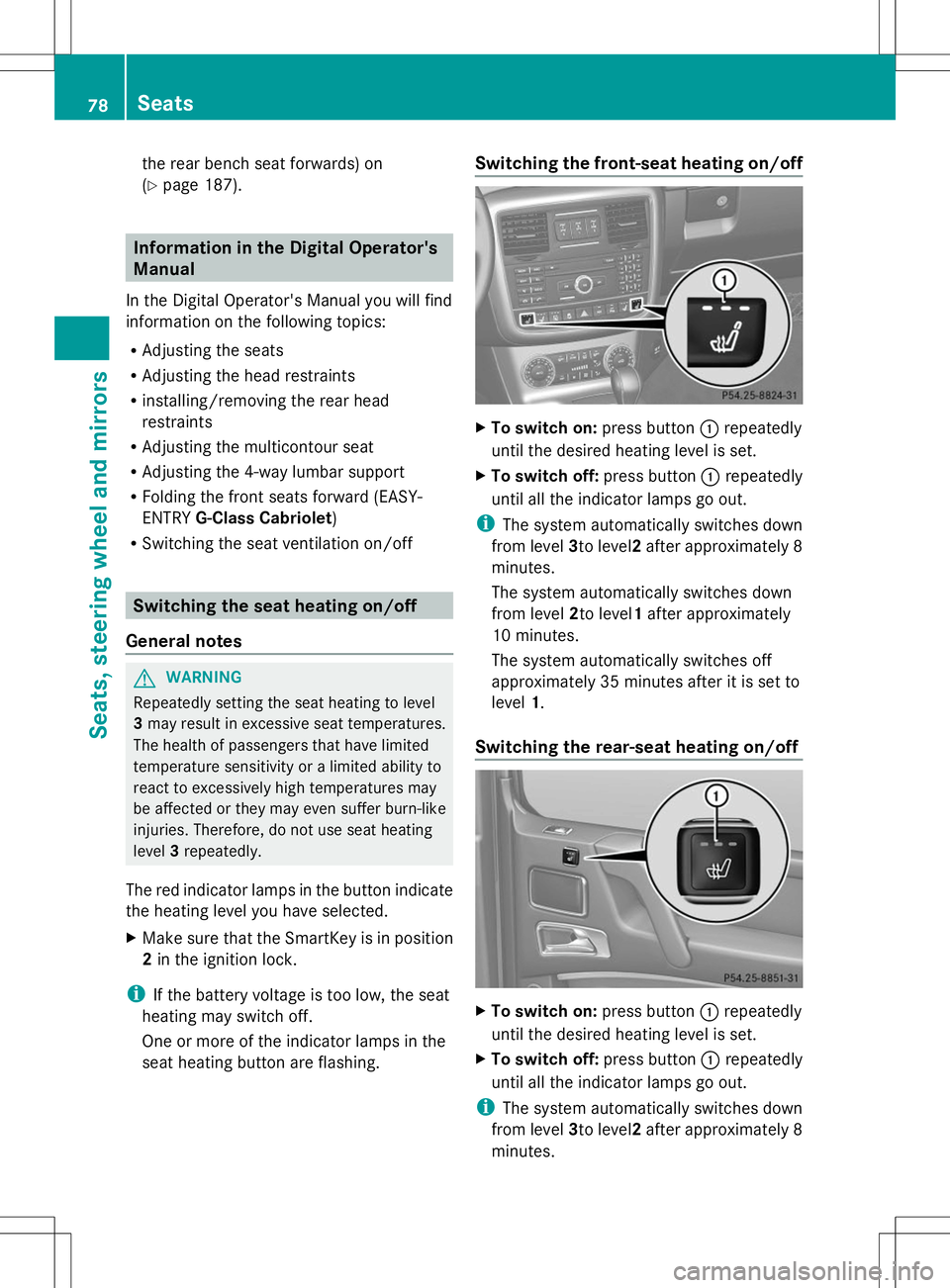
seat heating button are flashing. Switching the front-seat heating on/off
X
To switch on: press button:repeatedly
until the desired heating level is set.
X To switch off: press button:repeatedly
until all the indicator lamps go out.
i The system automatically switches down
from level 3to level2after approximately 8
minutes.
The system automatically switches down
from level 2to level1after approximately
10 minutes.
The system automatically switches off
approximately 35 minutes after it is set to
level 1.
Switching the rear-seat heating on/off X
To switch on: press button:repeatedly
until the desired heating level is set.
X To switch off: press button:repeatedly
until all the indicator lamps go out.
i The system automatically switches down
from level 3to level2after approximately 8
minutes. 78
SeatsSeats, steering
wheel and mirrors
Page 180 of 272
The COMAND controller can be:
R
pressed briefly or pressed and held W
R turned clockwise or counter-clockwise
cVd
R slid left or right XVY
R slid forwards or backwards ZVÆ
R slid diagonally aVb
Example of operation In the instructions, operating sequences are
described as follows:
X Press the $button.
Radio mode is activated.
X Select Radio
Radio by sliding VÆand turning
cVd the COMAND controller and press
W to confirm.
X Confirm Station List Station List by pressingW.
The station list appears. Buttons on the COMAND controller
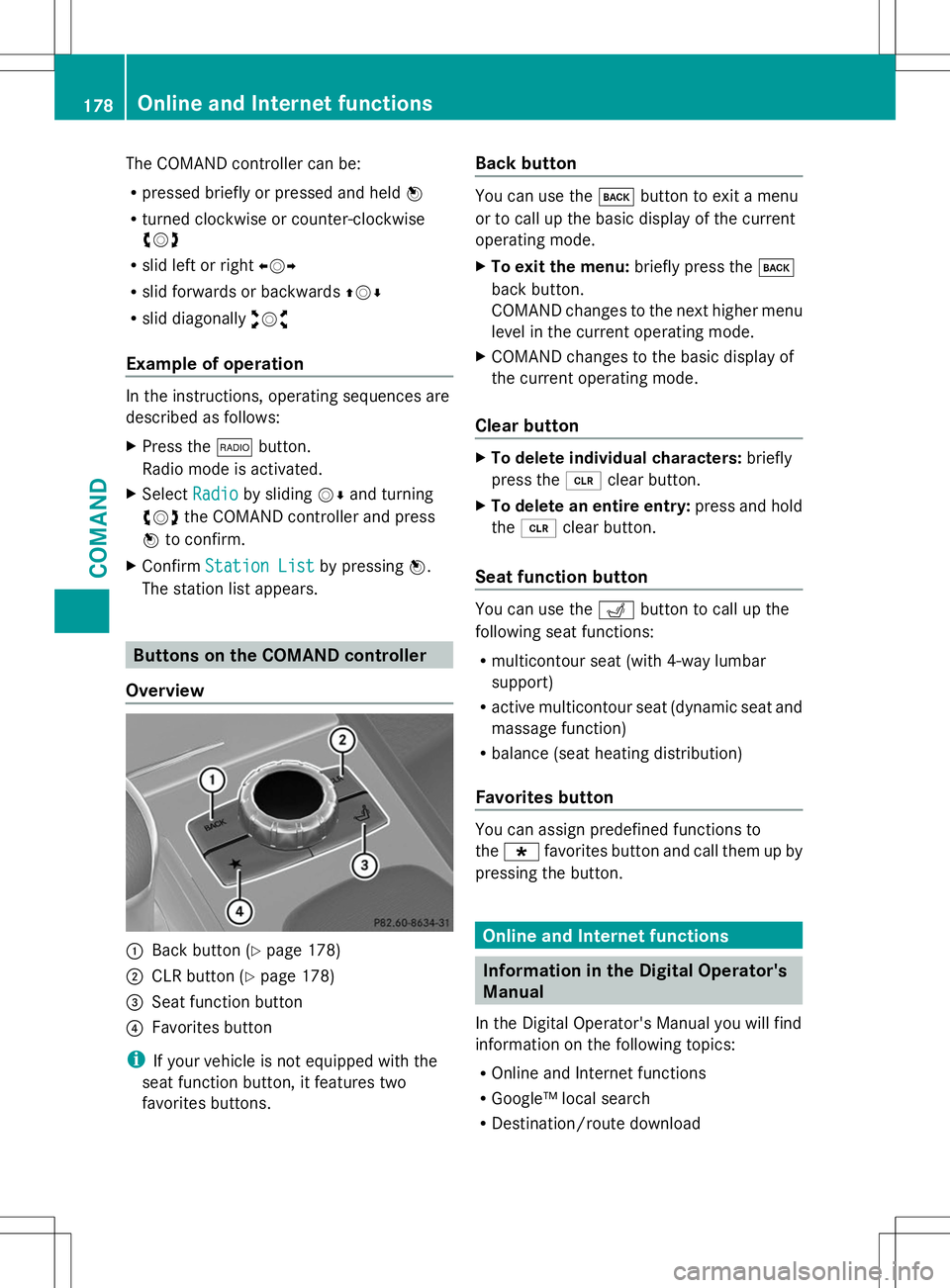
Overview :
Back button (Y page 178)
; CLR button (Y page 178)
= Seat function button
? Favorites button
i If your vehicle is not equipped with the
seat function button, it features two
favorites buttons. Back button You can use the
kbutton to exit a menu
or to call up the basic display of the current
operating mode.
X To exit the menu: briefly press thek
back button.
COMAND changes to the next higher menu
level in the current operating mode.
X COMAND changes to the basic display of
the current operating mode.
Clear button X
To delete individual characters: briefly
press the 2clear button.
X To delete an entire entry: press and hold
the 2 clear button.
Seat function button You can use the
Tbutton to call up the
following seat functions:
R multicontour seat (with 4-way lumbar
support)
R active multicontour seat (dynamic seat and
massage function)
R balance (seat heating distribution)
Favorites button You can assign predefined functions to
the
; favorites button and call them up by
pressing the button. Online and Internet functions
Information in the Digital Operator's
Manual
In the Digital Operator's Manual you will find
information on the following topics:
R Online and Internet functions
R Google™ local search
R Destination/route download 178
Online and Internet functionsCOMAND