Page 155 of 327
154
Playing XM® Radio
Audio Screen Control
Audio
Select b or n to display and select
an XM® Radio category.
Select c or x to the previous or
next channel.
In channel mode, select and hold to
change the channel rapidly.Select Presets to listen a preset
station.
Select and hold the preset number
you want to store that channel on
the preset screen.Select More to display the menu
item.2Audio Menu P. 149
Genre AAAGenre AAAGenre AAA
Channel AAAChannel AAAChannel AAA
001001001
Touchscreen
Page 156 of 327
155
Playing XM® Radio
Audio Menu
Audio
Audio MenuHMENU button (in XM mode)
Rotate i to select an item. Press u.
The following items are available:
•Scan: Scans for channels in the selected mode and plays a 10- second sample.
Select Cancel Scan to stop scanning and play the current selection.
•Save Preset: Stores the station into the preset memory.
•Change Source: Changes the audio source mode.
•Channel List: Displays the list of available channels. Rotate i to select a
channel.
•XM tune mode:
Channel Mode: Scans to select all available channels.
Category Mode: Scans to select a channel within a category (Jazz, Rock, Classic,
etc.).Interface Dial
Continued
Page 157 of 327
156
Playing XM® Radio
Audio Menu
Audio
1.Select More.
2.Select a setting item.
The following items are available:
•Sound Settings: Displays the sound preferences screen.
2
Adjusting the Sound
P. 145
•Save Preset: Stores the station into the preset memory.
•Screen Settings: Adjusts the screen’s preferences.
2
Changing the Screen Settings
P. 82
•Scan: Scans for channels with a strong signal in the selected mode and plays a 10-
second sample. Select Cancel Scan to stop scanning and play the current
selection.
•XM tune mode: Sets the scan mode.
Channel: Scans to select all available channels.
Category: Scans to select a channel within a category (Jazz, Rock, Classic, etc.).
Touchscreen
Page 158 of 327
157
Playing XM® Radio
XM® Radio Service
Audio
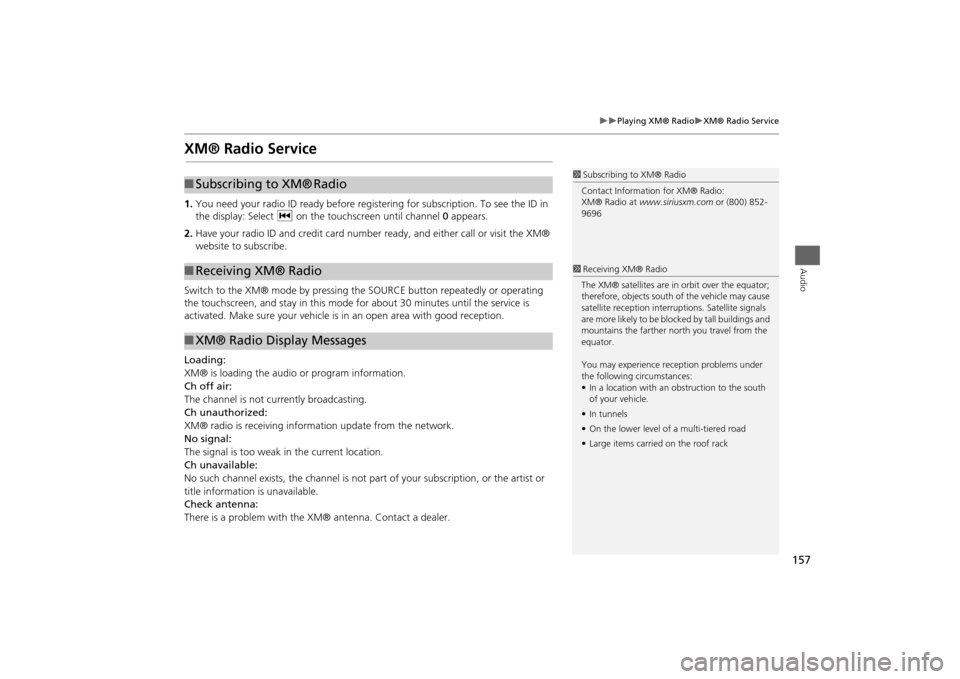
XM® Radio Service1.You need your radio ID ready before registering for subscription. To see the ID in
the display: Select c on the touchscreen until channel 0 appears.
2.Have your radio ID and credit card number ready, and either call or visit the XM®
website to subscribe.
Switch to the XM® mode by pressing the SOURCE button repeatedly or operating
the touchscreen, and stay in this mode for about 30 minutes until the service is
activated. Make sure your vehicle is in an open area with good reception.
Loading:
XM® is loading the audio or program information.
Ch off air:
The channel is not currently broadcasting.
Ch unauthorized:
XM® radio is receiving information update from the network.
No signal:
The signal is too weak in the current location.
Ch unavailable:
No such channel exists, the channel is not part of your subscription, or the artist or
title information is unavailable.
Check antenna:
There is a problem with the XM® antenna. Contact a dealer.
1Subscribing to XM® Radio
Contact Information for XM® Radio:
XM® Radio at www.siriusxm.com or (800) 852-
9696
■Subscribing to XM®
Radio
■Receiving XM® Radio■XM® Radio Display Messages
1Receiving XM® Radio
The XM® satellites are in orbit over the equator;
therefore, objects south of the vehicle may cause
satellite reception interruptions. Satellite signals
are more likely to be blocked by tall buildings and
mountains the farther north you travel from the
equator.
You may experience reception problems under
the following circumstances:
•In a location with an obstruction to the south
of your vehicle.
•In tunnels
•On the lower level of a multi-tiered road
•Large items carried on the roof rack
Page 190 of 327
189Audio
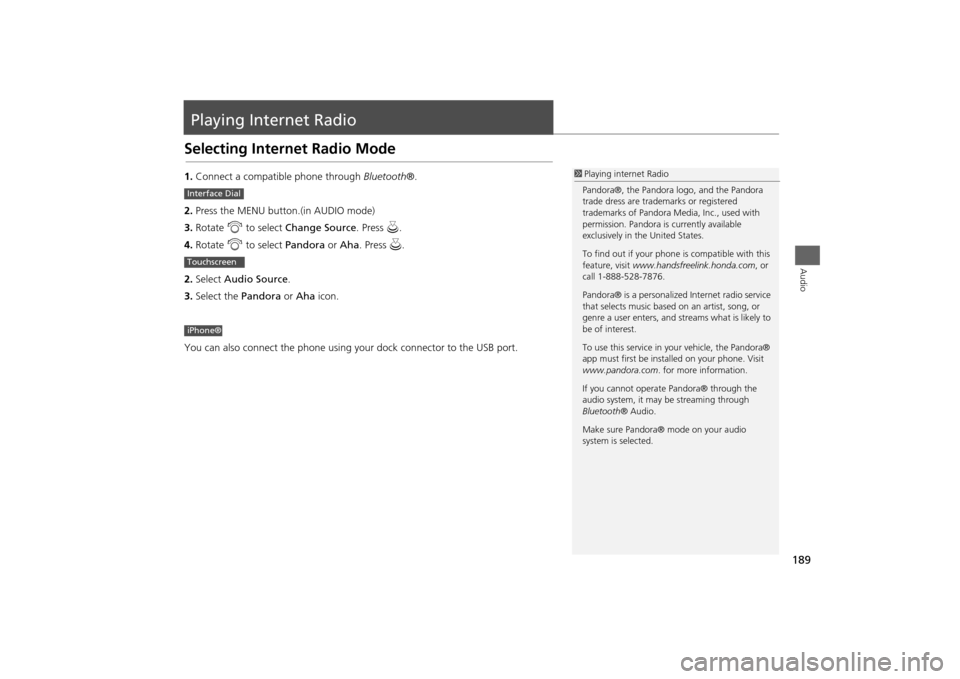
Playing Internet RadioSelecting Internet Radio Mode1.Connect a compatible phone through Bluetooth®.
2.Press the MENU button.(in AUDIO mode)
3.Rotate i to select Change Source. Press u.
4.Rotate i to select Pandora or Aha. Press u.
2.Select Audio Source.
3.Select the Pandora or Aha icon.
You can also connect the phone using your dock connector to the USB port.
1Playing internet Radio
Pandora®, the Pandora logo, and the Pandora
trade dress are trademarks or registered
trademarks of Pandora Media, Inc., used with
permission. Pandora is currently available
exclusively in the United States.
To find out if your phone is compatible with this
feature, visit www.handsfreelink.honda.com, or
call 1-888-528-7876.
Pandora® is a personalized Internet radio service
that selects music based on an artist, song, or
genre a user enters, and streams what is likely to
be of interest.
To use this service in your vehicle, the Pandora®
app must first be installed on your phone. Visit
www.pandora.com. for more information.
If you cannot operate Pandora® through the
audio system, it may be streaming through
Bluetooth® Audio.
Make sure Pandora® mode on your audio
system is selected.
Interface DialTouchscreeniPhone®
Page 191 of 327
190
Playing Internet Radio
Pandora® Menu
Audio
Pandora® Menu
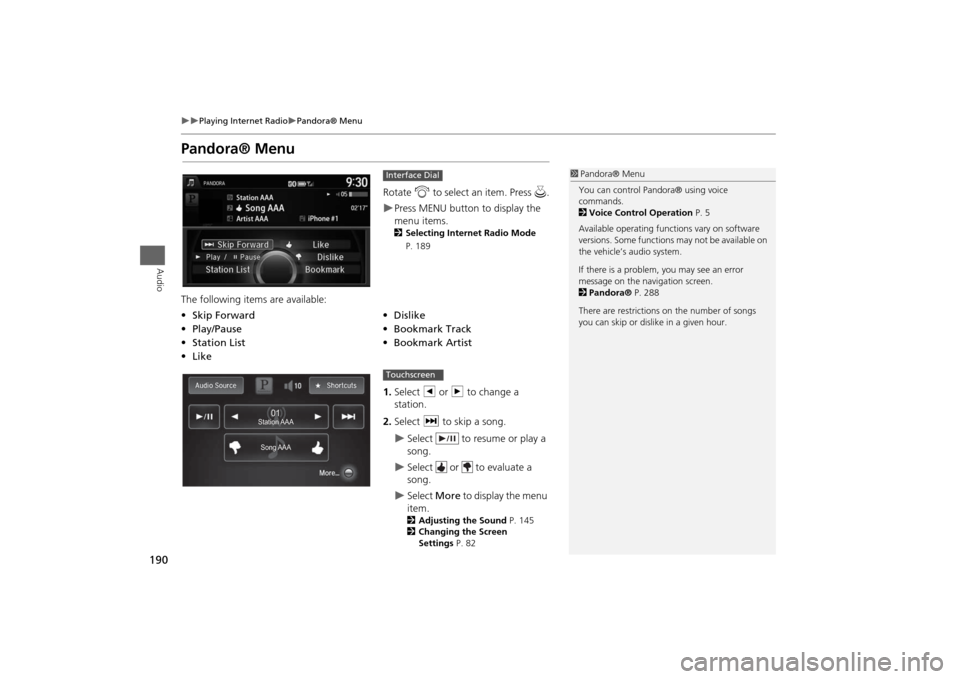
Rotate i to select an item. Press u.Press MENU button to display the
menu items. 2Selecting Internet Radio Mode
P. 189
The following items are available:
1.Select b or n to change a
station.
2.Select x to skip a song.
Select to resume or play a
song.
Select or to evaluate a
song.
Select More to display the menu
item. 2Adjusting the Sound P. 145
2Changing the Screen
Settings P. 82
Interface Dial
•Skip Forward
•Dislike
•Play/Pause
•Bookmark Track
•Station List•Bookmark Artist
•Like
1Pandora® Menu
You can control Pandora® using voice
commands.
2Voice Control Operation P. 5
Available operating functions vary on software
versions. Some functions may not be available on
the vehicle’s audio system.
If there is a problem, you may see an error
message on the navigation screen.
2Pandora® P. 288
There are restrictions on the number of songs
you can skip or dislike in a given hour.
Song AAASong AAASong AAA Station AAAStation AAAStation AAA
010101
Touchscreen
Page 192 of 327
191
Playing Internet Radio
Aha
TM Radio Menu
Audio
Aha
TM
Radio Menu
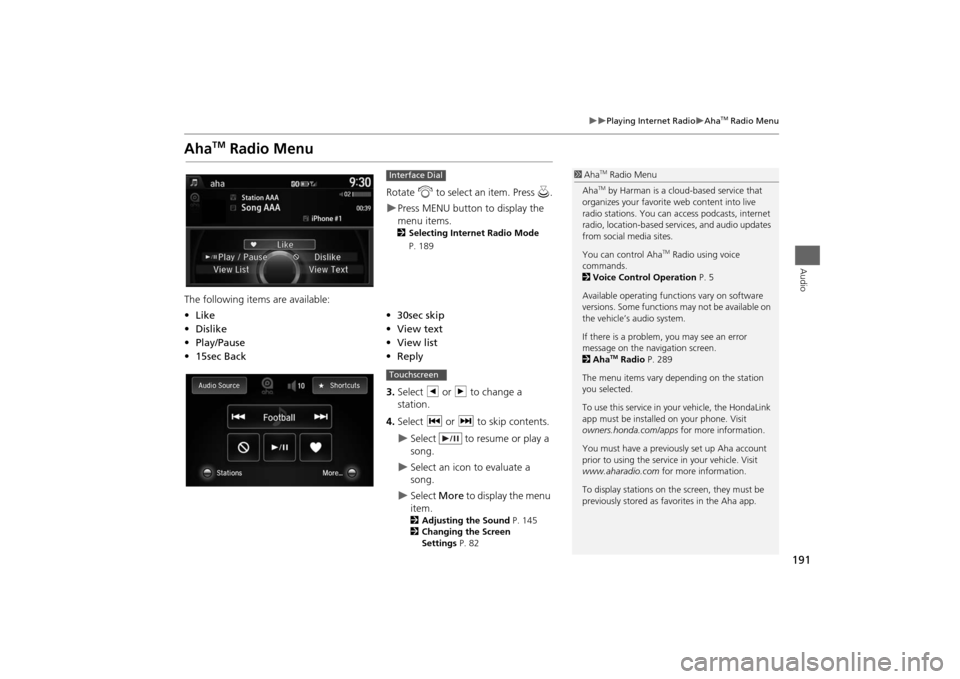
Rotate i to select an item. Press u.Press MENU button to display the
menu items. 2Selecting Internet Radio Mode
P. 189
The following items are available:
3.Select b or n to change a
station.
4.Select c or x to skip contents.
Select to resume or play a
song.
Select an icon to evaluate a
song.
Select More to display the menu
item.2Adjusting the Sound P. 145
2Changing the Screen
Settings P. 82
Interface Dial
•Like
•30sec skip
•Dislike
•View text
•Play/Pause•View list
•15sec Back•Reply
1Aha
TM Radio Menu
AhaTM by Harman is a cloud-based service that
organizes your favorite web content into live
radio stations. You can access podcasts, internet
radio, location-based services, and audio updates
from social media sites.
You can control Aha
TM Radio using voice
commands.
2Voice Control Operation P. 5
Available operating functions vary on software
versions. Some functions may not be available on
the vehicle’s audio system.
If there is a problem, you may see an error
message on the navigation screen.
2Aha
TM Radio P. 289
The menu items vary depending on the station
you selected.
To use this service in your vehicle, the HondaLink
app must be installed on your phone. Visit
owners.honda.com/apps for more information.
You must have a previously set up Aha account
prior to using the service in your vehicle. Visit
www.aharadio.com for more information.
To display stations on the screen, they must be
previously stored as favorites in the Aha app.
Touchscreen
Page 193 of 327
192
Playing Internet Radio
Aha
TM Radio Menu
Audio
HMENU button (in Aha
TM mode)
Stations
Rotate i to select a station form the
Station list. Press u.
■How to Select a Station from the Station List


