2014 FORD FOCUS ELECTRIC warning
[x] Cancel search: warningPage 158 of 403
PRINCIPLES OF OPERATION
WARNING:Vehicle modifications involving braking system,
aftermarket roof racks, suspension, steering system, tire
construction and wheel or tire size may change the handling
characteristics of your vehicle and may adversely affect the performance
of the AdvanceTrac® system. In addition, installing any stereo
loudspeakers may interfere with and adversely affect the AdvanceTrac®
system. Install any aftermarket stereo loudspeaker as far as possible from
the front center console, the tunnel, and the front seats in order to
minimize the risk of interfering with the AdvanceTrac® sensors. Reducing
the effectiveness of the AdvanceTrac® system could lead to an increased
risk of loss of vehicle control, vehicle rollover, personal injury and death.
WARNING:Remember that even advanced technology cannot
defy the laws of physics. It is always possible to lose control of a
vehicle due to inappropriate driver input for the conditions. Aggressive
driving on any road condition can cause you to lose control of your
vehicle increasing the risk of personal injury or property damage.
Activation of the AdvanceTrac® system is an indication that at least
some of the tires have exceeded their ability to grip the road; this could
reduce the operator’s ability to control the vehicle potentially resulting
in a loss of vehicle control, vehicle rollover, personal injury and death.
If your AdvanceTrac® system activates, SLOW DOWN.
The AdvanceTrac® system helps you keep control of your vehicle when
on a slippery surface. The electronic stability control portion of the
system helps avoid skids and lateral slides and the traction control
system helps avoid drive wheel spin and loss of traction. See the
Traction Controlchapter for details on traction control system
operation.
Stability Control157
2014 Focus Electric Vehicle(fob)
Owners Guide gf, 1st Printing, May 2013
USA(fus)
Page 160 of 403
SENSING SYSTEM (IF EQUIPPED)
WARNING:To help avoid personal injury, please read and
understand the limitations of the system as contained in this
section. Sensing is only an aid for some (generally large and fixed)
objects when moving in reverse on a flat surface at parking speeds.
Traffic control systems, inclement weather, air brakes, and external
motors and fans may also affect the function of the sensing system; this
may include reduced performance or a false activation.
WARNING:To help avoid personal injury, always use caution
when the transmission is inRand when using the sensing system.
WARNING:This system is not designed to prevent contact with
small or moving objects. The system is designed to provide a
warning to assist the driver in detecting large stationary objects to
avoid damaging the vehicle. The system may not detect smaller objects,
particularly those close to the ground.
WARNING:Certain add-on devices, such as large trailer hitches,
bike or surfboard racks and any device that may block the normal
detection zone of the system, may create false beeps.
Note:
Keep the sensors (located on the bumper/fascia) free from snow, ice
and large accumulations of dirt. If the sensors are covered, the system’s
accuracy can be affected. Do not clean the sensors with sharp objects.
Note:If your vehicle sustains damage to the bumper/fascia, leaving it
misaligned or bent, the sensing zone may be altered causing inaccurate
measurement of obstacles or false alarms.
The sensing system warns the driver of obstacles within a certain range
of the bumper area. The system turns on automatically whenever the
ignition is switched on.
When receiving a detection warning, the radio volume is reduced to a
predetermined level. After the warning goes away, the radio volume
returns to the previous level.
The system can be turned off using the information display control. See
theInformation Displaychapter. If a fault is present in the system, a
warning message appears in the information display and does not allow
the driver to switch the faulted system on.
Parking Aids159
2014 Focus Electric Vehicle(fob)
Owners Guide gf, 1st Printing, May 2013
USA(fus)
Page 161 of 403
Using the Rear Sensing System
The rear sensors are only active when the transmission is inR.Asthe
vehicle moves closer to the obstacle, the rate of the audible warning
increases. When the obstacle is fewer than 12 inches (30 centimeters)
away, the warning sounds continuously. If a stationary or receding object
is detected farther than 12 inches (30 centimeters) from the side of the
vehicle, the tone sounds for only three seconds. Once the system detects
an object approaching, the warning sounds again.
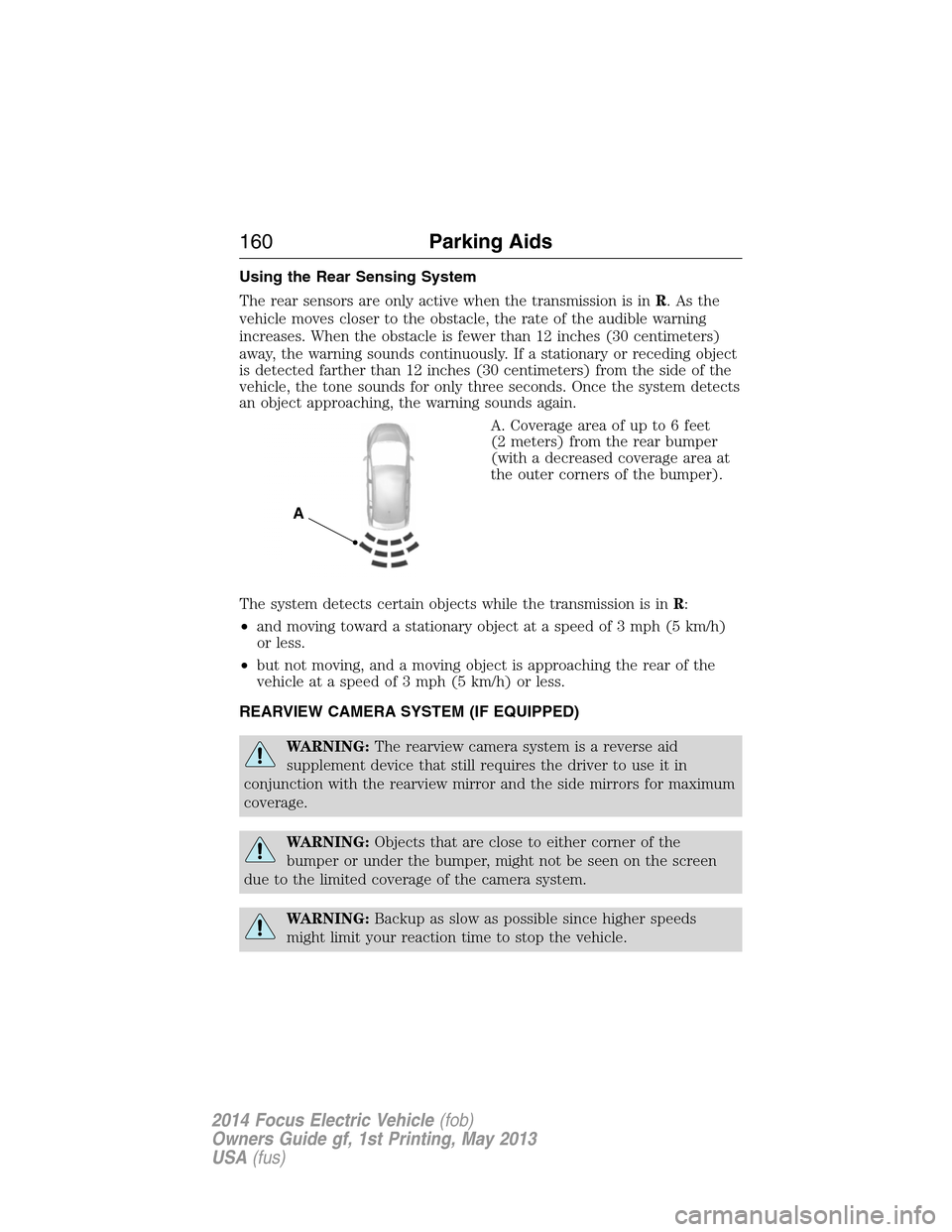
A. Coverage area of up to 6 feet
(2 meters) from the rear bumper
(with a decreased coverage area at
the outer corners of the bumper).
The system detects certain objects while the transmission is inR:
•and moving toward a stationary object at a speed of 3 mph (5 km/h)
or less.
•but not moving, and a moving object is approaching the rear of the
vehicle at a speed of 3 mph (5 km/h) or less.
REARVIEW CAMERA SYSTEM (IF EQUIPPED)
WARNING:The rearview camera system is a reverse aid
supplement device that still requires the driver to use it in
conjunction with the rearview mirror and the side mirrors for maximum
coverage.
WARNING:Objects that are close to either corner of the
bumper or under the bumper, might not be seen on the screen
due to the limited coverage of the camera system.
WARNING:Backup as slow as possible since higher speeds
might limit your reaction time to stop the vehicle.
A
160Parking Aids
2014 Focus Electric Vehicle(fob)
Owners Guide gf, 1st Printing, May 2013
USA(fus)
Page 162 of 403
WARNING:Use caution when using the rear video camera and
the liftgate is ajar. If the liftgate is ajar, the camera will be out of
position and the video image may be incorrect. All guidelines (if enabled)
have been removed when the liftgate is ajar.
WARNING:Use caution when turning ON or OFF camera features
while in R (Reverse). Make sure the vehicle is not moving.
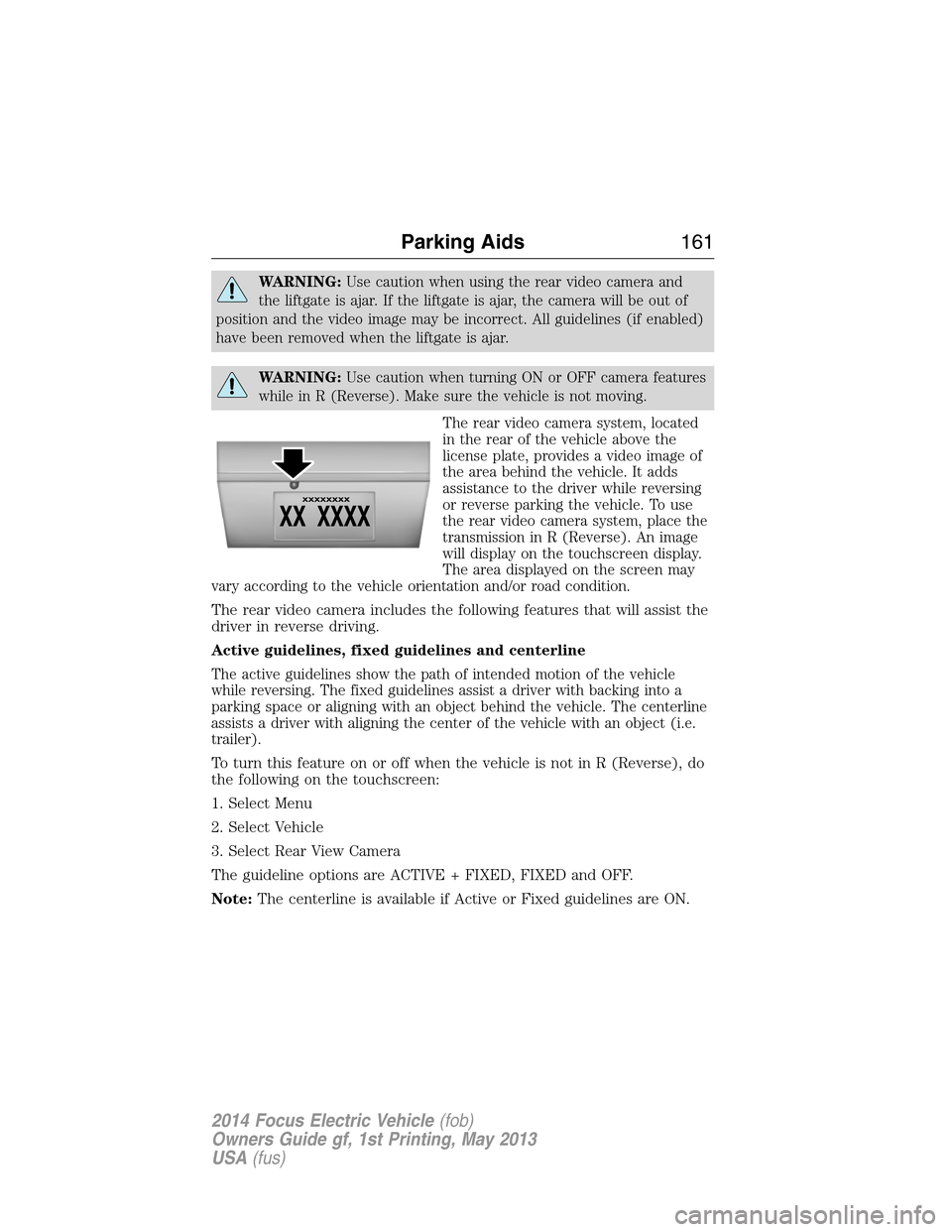
The rear video camera system, located
in the rear of the vehicle above the
license plate, provides a video image of
the area behind the vehicle. It adds
assistance to the driver while reversing
or reverse parking the vehicle. To use
the rear video camera system, place the
transmission in R (Reverse). An image
will display on the touchscreen display.
The area displayed on the screen may
vary according to the vehicle orientation and/or road condition.
The rear video camera includes the following features that will assist the
driver in reverse driving.
Active guidelines, fixed guidelines and centerline
The active guidelines show the path of intended motion of the vehicle
while reversing. The fixed guidelines assist a driver with backing into a
parking space or aligning with an object behind the vehicle. The centerline
assists a driver with aligning the center of the vehicle with an object (i.e.
trailer).
To turn this feature on or off when the vehicle is not in R (Reverse), do
the following on the touchscreen:
1. Select Menu
2. Select Vehicle
3. Select Rear View Camera
The guideline options are ACTIVE + FIXED, FIXED and OFF.
Note:The centerline is available if Active or Fixed guidelines are ON.
Parking Aids161
2014 Focus Electric Vehicle(fob)
Owners Guide gf, 1st Printing, May 2013
USA(fus)
Page 164 of 403
Visual park aid alert (if equipped)
Visual park aid alert allows the driver to see the area that is causing the
reverse sensing system to beep. The visual alerts are red, yellow or green
highlights which appear on top of the video image when an object is
detected by the reverse sensing system. The visual alert will highlight
the closest object detected by the reverse sensing system. The reverse
sensing alert can be disabled and if visual park aid alert is enabled,
highlighted areas will still be displayed.
To turn this feature on or off when the vehicle is not in R (Reverse), do
the following on the touchscreen:
1. Select Menu
2. Select Vehicle
3. Select Rear View Camera
The visual park aid alert options are ON and OFF.
Note:The reverse sensing system is not effective at speeds above 8 mph
(12 km/h) and may not detect certain angular or moving objects.
Manual zoom
WARNING:When manual zoom is on, the full area behind the
vehicle is not shown. Be aware of your surroundings when using
the manual zoom feature.
Note:Manual zoom is only available when the transmission is in R
(Reverse).
Note:When manual zoom is enabled, only the centerline is shown.
Allows the driver to get a closer view of an object behind the vehicle.
The zoomed image keeps the bumper in the image to provide a
reference. The zoom is only active while the transmission is in R
(Reverse), When the transmission is shifted out of R (Reverse), the
feature automatically turns off and must be reset when it is used again.
Selectable settings for this feature are (+) and (-). The default setting
for the manual zoom is OFF.
Parking Aids163
2014 Focus Electric Vehicle(fob)
Owners Guide gf, 1st Printing, May 2013
USA(fus)
Page 167 of 403
PRINCIPLES OF OPERATION
Cruise control lets you maintain a set speed without keeping your foot
on the accelerator pedal.
USING CRUISE CONTROL
WARNING:Do not use cruise control in heavy traffic, on
winding roads or when the road surface is slippery. This could
result in loss of vehicle control, serious injury or death.
WARNING:When you are going downhill, your vehicle speed
may increase above the set speed. The system will not apply the
brakes. Change down a gear to assist the system in maintaining the set
speed. Failure to do so could result in loss of vehicle control, serious
injury or death.
Note:Cruise control will disengage if your vehicle speed decreases more
than 10 mph (16 km/h) below your set speed while driving uphill.
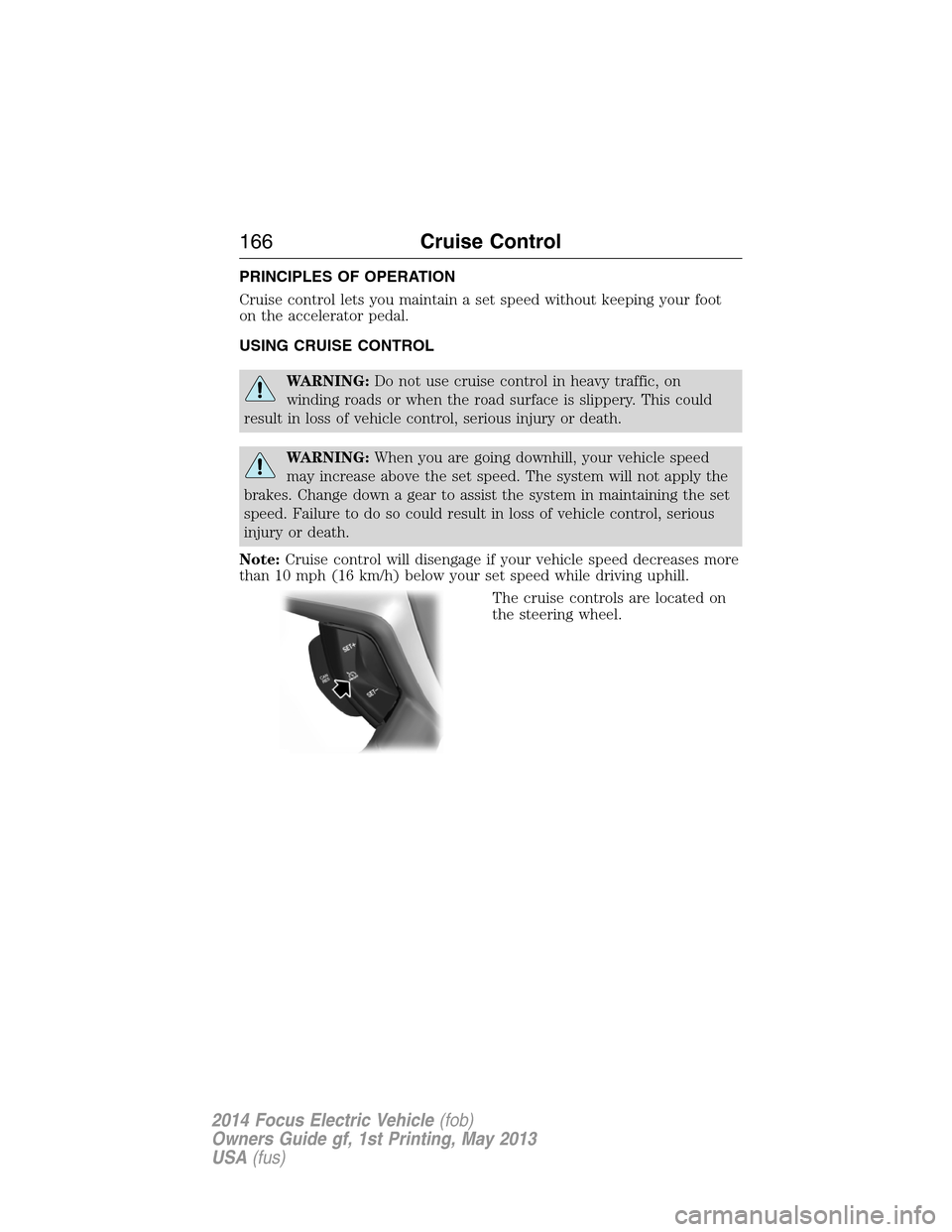
The cruise controls are located on
the steering wheel.
166Cruise Control
2014 Focus Electric Vehicle(fob)
Owners Guide gf, 1st Printing, May 2013
USA(fus)
Page 169 of 403
STEERING
Steering Tips
If the steering wanders or pulls, check for:
•an improperly inflated tire
•uneven tire wear
•loose or worn suspension components
•loose or worn steering components
•improper vehicle alignment
A high crown in the road or high crosswinds may also make the steering
seem to wander/pull.
Electric Power Steering
WARNING:The electric power steering system has diagnostic
checks that continuously monitor the system to ensure proper
operation. When a system error is detected a steering message will
appear in the information display.
WARNING:The electric power steering system has diagnostic
checks that continuously monitor the system to ensure proper
operation of the electronic system. When an electronic error is detected,
a message will be displayed in the information display. If this happens,
stop the vehicle in a safe place, and turn off the vehicle. After at least
10 seconds, reset the system by restarting the vehicle, and watch the
information display for a steering message. If a steering message returns,
or returns while driving, take the vehicle to your dealer to have it
checked.
WARNING:Obtain immediate service if a system error is
detected. You may not notice any difference in the feel of your
steering, but a serious condition may exist. Failure to do so may result
in loss of steering control.
168Driving Aids
2014 Focus Electric Vehicle(fob)
Owners Guide gf, 1st Printing, May 2013
USA(fus)
Page 172 of 403
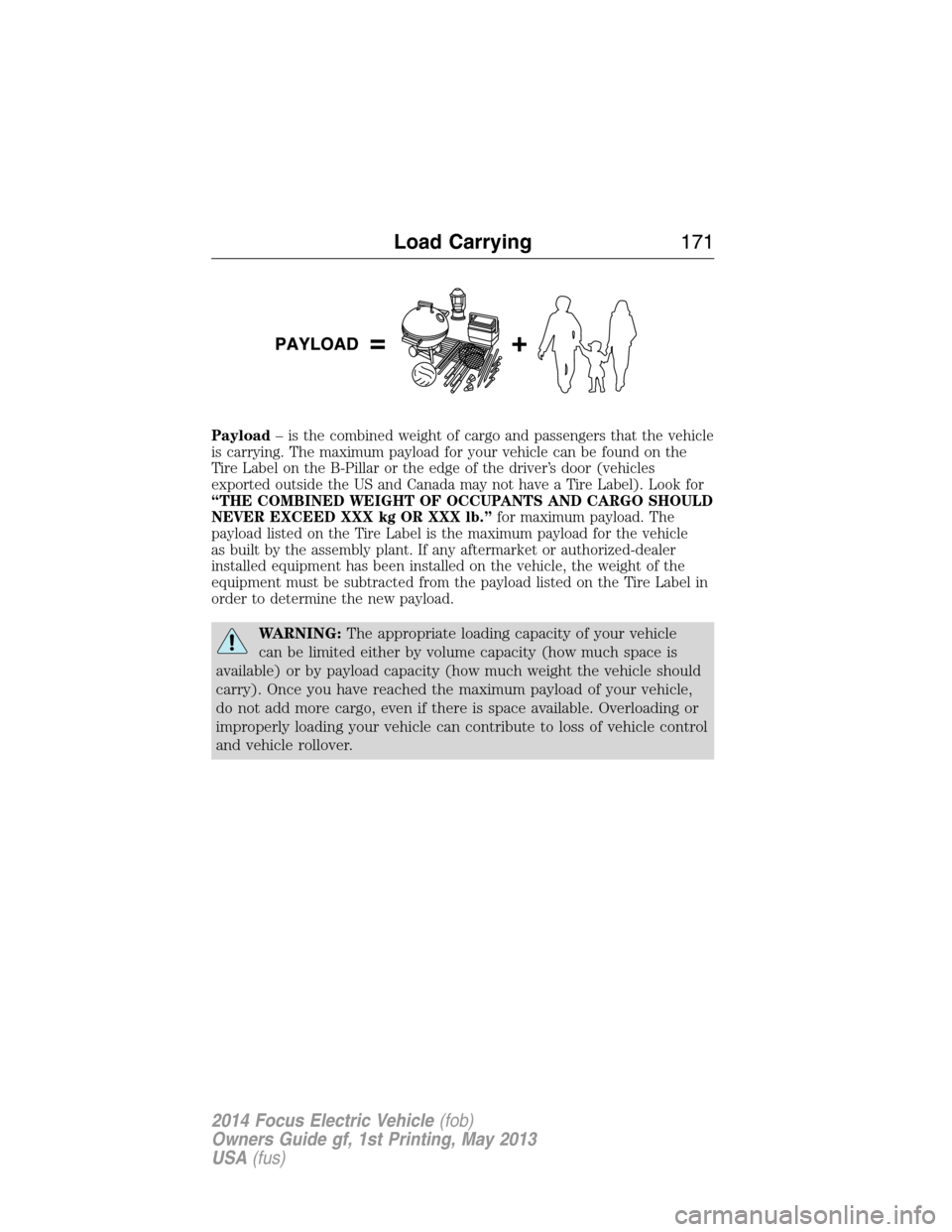
Payload– is the combined weight of cargo and passengers that the vehicle
is carrying. The maximum payload for your vehicle can be found on the
Tire Label on the B-Pillar or the edge of the driver’s door (vehicles
exported outside the US and Canada may not have a Tire Label). Look for
“THE COMBINED WEIGHT OF OCCUPANTS AND CARGO SHOULD
NEVER EXCEED XXX kg OR XXX lb.”for maximum payload. The
payload listed on the Tire Label is the maximum payload for the vehicle
as built by the assembly plant. If any aftermarket or authorized-dealer
installed equipment has been installed on the vehicle, the weight of the
equipment must be subtracted from the payload listed on the Tire Label in
order to determine the new payload.
WARNING:The appropriate loading capacity of your vehicle
can be limited either by volume capacity (how much space is
available) or by payload capacity (how much weight the vehicle should
carry). Once you have reached the maximum payload of your vehicle,
do not add more cargo, even if there is space available. Overloading or
improperly loading your vehicle can contribute to loss of vehicle control
and vehicle rollover.
Load Carrying171
2014 Focus Electric Vehicle(fob)
Owners Guide gf, 1st Printing, May 2013
USA(fus)