2014 FORD FOCUS ELECTRIC navigation update
[x] Cancel search: navigation updatePage 332 of 403
Connecting to SYNC Services Using the Touchscreen
If your vehicle is equipped with Navigation, touch the i
(Information) button to access these features. If your vehicle is
not equipped with Navigation, touch the corner of the
touchscreen with the green tab.
PressServices.
1. SelectConnect to Servicesto initiate an outgoing call to SYNC
Services using your paired and connected Bluetooth-enabled cellular
phone.
2. Once you connect to the service, follow the voice prompts to request
the desired service, such as “Traffic” or “Directions”. You can also
say, “What are my choices?” to receive a list of available services
from which to choose.
3. Say, “Services” to return to the Services main menu or for help, say,
“Help”.
Receiving Turn-by-Turn Directions
1. When connected to SYNC Services, say “Directions” or “Business
Search”. To find the closest business or type of business to your
current location, just say “Business Search” and then “Search Near
Me”. If you need further assistance in finding a location, you can say
“Operator” at any time within a Directions or Business search to
speak with a live operator. The system may prompt you to speak with
an operator when it has difficulty matching your voice request. The
live operator can assist you by searching for businesses by name or
by category, residential addresses by street address or by name or
specific street intersections. Operator Assist is a feature of your
SYNC Services subscription. For more information on Operator
Assist, visit www.SYNCMyRide.com/support.
2. Follow the voice prompts to select your Destination. After the route
download is finished, the phone call automatically ends.
If your vehicle is not equipped with Navigation:
•Turn-by-turn directions appear in the information display, in the
status bar of your touchscreen system and on the SYNC Services
screen. You also receive driving instructions from audible prompts.
•When on an active route, you can selectRoute SummaryorRoute
Statususing the touchscreen controls or voice commands to view
theRoute Summary Turn Listor theRoute Status ETA.You can
also turn voice guidance on or off, cancel the route or update the
route.
MyFord Touch®331
2014 Focus Electric Vehicle(fob)
Owners Guide gf, 1st Printing, May 2013
USA(fus)
Page 333 of 403
If you miss a turn, SYNC automatically asks if you want the route
updated. Just say, “Yes” when prompted and the system delivers a new
route to your vehicle.
If your vehicle is equipped with Navigation, SYNC Services downloads
your requested destination to the navigation system. The navigation
system then calculates the route and provides driving instructions.
See theNavigation systemsection for more information.
Disconnecting from SYNC Services
1. Press and hold the hang-up phone button on the steering wheel.
2. Say “Good-bye” from the SYNC Services main menu.
SYNC Services quick tips
PersonalizingYou can personalize your Services feature to
provide quicker access to your most used or
favorite information. You can save address
points, such as work or home. You can also
save favorite information like sports teams,
such as Detroit Lions, or a news category.
You can learn more about personalization by
logging onto www.SYNCMyRide.com.
Push to interruptPress the voice button at any time (while
connected to SYNC Services) to interrupt a
voice prompt or an audio clip (such as a
sports report) and say your voice command.
PortableYour subscription is associated with your
Bluetooth-enabled cellular phone number,
not your VIN (Vehicle Identification Number).
You can pair and connect your phone to any
vehicle equipped with SYNC Services and
continue enjoying your personalized services.
332MyFord Touch®
2014 Focus Electric Vehicle(fob)
Owners Guide gf, 1st Printing, May 2013
USA(fus)
Page 334 of 403
SYNC Services Voice Commands
When a route has been downloaded (non-navigation systems),
press the voice button on the steering wheel control. When
prompted, say any of the following commands:
“SERVICES”
“Cancel route”
“Navigation voice off”
“Navigation voice on”
“Next turn”
“Route status”
“Route summary”
“Services”
“Update route”
“Help”
Sirius Travel Link (If Equipped and If Activated)
WARNING:Driving while distracted can result in loss of vehicle
control, crash and injury. We strongly recommend that you use
extreme caution when using any device that may take your focus off
the road. Your primary responsibility is the safe operation of your
vehicle. We recommend against the use of any hand-held device while
driving and encourage the use of voice-operated systems when possible.
Make sure you are aware of all applicable local laws that may affect the
use of electronic devices while driving.
Note:In order to use Sirius Travel Link, your vehicle must be equipped
with navigation and your navigation SD card must be in the SD card slot.
Note:A paid subscription is required to access and use these features.
Go to www.siriusxm.com/travellink for more information.
Note:Visit www.siriusxm.com/traffic# and click on Coverage map and
details for a complete listing of all traffic areas covered by Sirius Travel
Link.
Note:Neither Sirius nor Ford is responsible for any errors or
inaccuracies in the Sirius Travel Link services or its use in vehicles.
When you subscribe to Sirius Travel Link, it can help you locate the best
gas prices, find movie listings, get current traffic alerts, view the current
weather map, get accurate ski conditions and see scores to current
sports games.
MyFord Touch®333
2014 Focus Electric Vehicle(fob)
Owners Guide gf, 1st Printing, May 2013
USA(fus)
Page 341 of 403
Note:In order to allow a break-in period for your vehicle, you may not
be able to create a Vehicle Health Report until your vehicle odometer has
reached 200 miles.
Note:Cellular phone and SMS charges may apply when making a report.
Register for Vehicle Health Report and set your report preferences at
www.SYNCMyRide.com. After registering, you can request a Vehicle
Health Report (inside your vehicle). Return to your account at
www.SYNCMyRide.com to view your report. You can also choose for
SYNC to remind you automatically to run reports at specific mileage
intervals. Cellular phone airtime usage may apply when reporting.
The system allows you to check your vehicle’s overall health in the form
of a diagnostic report card. The Vehicle Health Report contains valuable
information, such as:
•Vehicle Diagnostic Information
•Scheduled maintenance
•Open Recalls and Field Service Actions
•Items noted during vehicle inspections by your authorized dealer that
still need servicing.
Making a Report
If your vehicle is equipped with Navigation, touch the i
(Information) button to access these features. If your vehicle is
not equipped with Navigation, touch the corner of the
touchscreen with the green tab.
If you want to run a report by using the touchscreen, touchApps>
Vehicle Health Report.
To run a report by voice command, press the voice button on
the steering wheel and, when prompted, say “Vehicle health
report”.
Vehicle Health Report Privacy Notice
When you create a Vehicle Health Report, Ford Motor Company may
collect your cellular phone number (to process your report request) and
diagnostic information about your vehicle. Certain versions or updates to
Vehicle Health Report may also collect more vehicle information. Ford
may use your vehicle information it collects for any purpose. If you do
not want to disclose your cellular phone number or vehicle information,
do not run the feature or set up your Vehicle Health Report profile at
www.SYNCMyRide.com. See www.SYNCMyRide.com (Vehicle Health
Report Terms and Conditions, and Privacy Statement) for more
information.
340MyFord Touch®
2014 Focus Electric Vehicle(fob)
Owners Guide gf, 1st Printing, May 2013
USA(fus)
Page 357 of 403
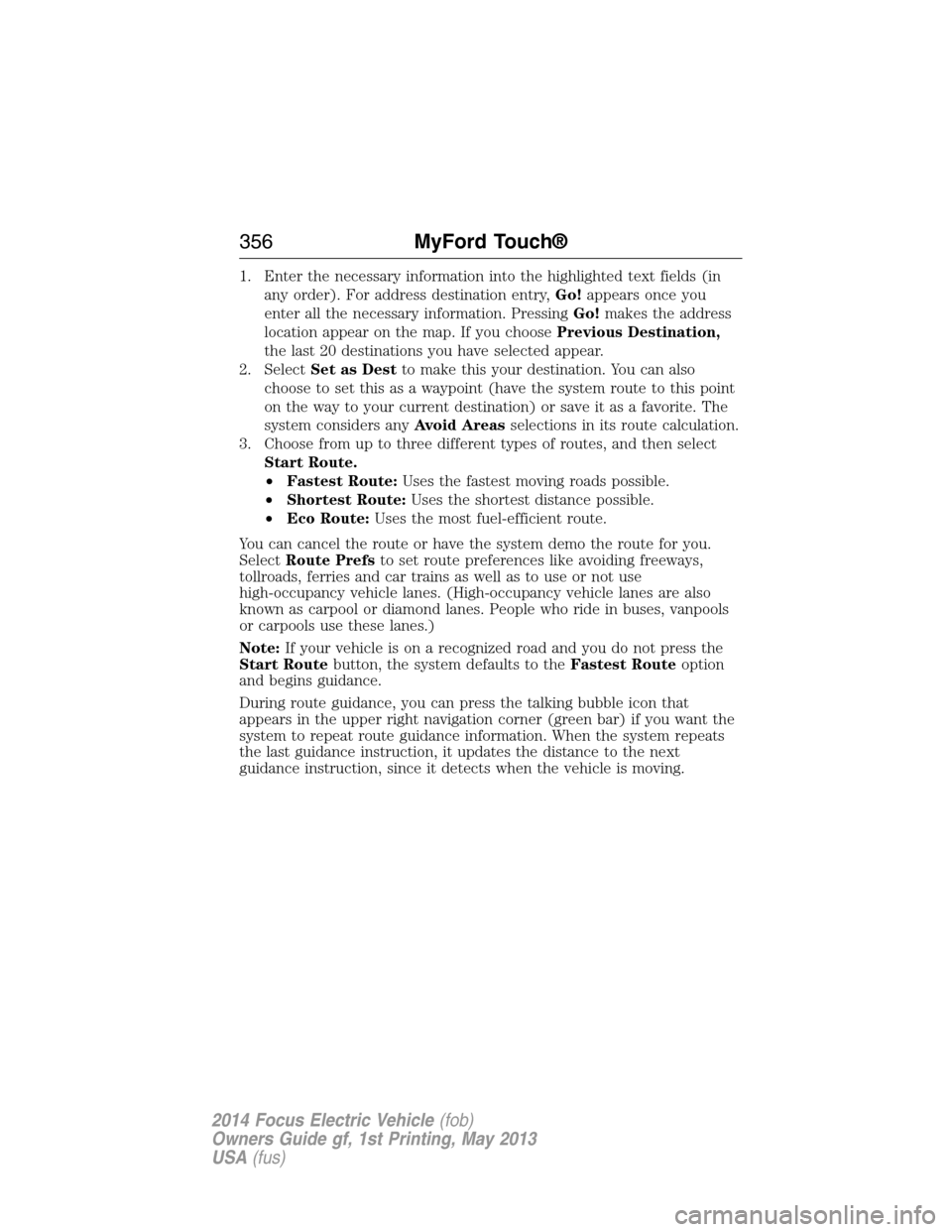
1. Enter the necessary information into the highlighted text fields (in
any order). For address destination entry,Go!appears once you
enter all the necessary information. PressingGo!makes the address
location appear on the map. If you choosePrevious Destination,
the last 20 destinations you have selected appear.
2. SelectSet as Destto make this your destination. You can also
choose to set this as a waypoint (have the system route to this point
on the way to your current destination) or save it as a favorite. The
system considers anyAvoid Areasselections in its route calculation.
3. Choose from up to three different types of routes, and then select
Start Route.
•Fastest Route:Uses the fastest moving roads possible.
•Shortest Route:Uses the shortest distance possible.
•Eco Route:Uses the most fuel-efficient route.
You can cancel the route or have the system demo the route for you.
SelectRoute Prefsto set route preferences like avoiding freeways,
tollroads, ferries and car trains as well as to use or not use
high-occupancy vehicle lanes. (High-occupancy vehicle lanes are also
known as carpool or diamond lanes. People who ride in buses, vanpools
or carpools use these lanes.)
Note:If your vehicle is on a recognized road and you do not press the
Start Routebutton, the system defaults to theFastest Routeoption
and begins guidance.
During route guidance, you can press the talking bubble icon that
appears in the upper right navigation corner (green bar) if you want the
system to repeat route guidance information. When the system repeats
the last guidance instruction, it updates the distance to the next
guidance instruction, since it detects when the vehicle is moving.
356MyFord Touch®
2014 Focus Electric Vehicle(fob)
Owners Guide gf, 1st Printing, May 2013
USA(fus)
Page 366 of 403
Quick-touch Buttons
When in map mode, touch anywhere on the map display to access more
features.
Set as Dest
Touch this button to select a scrolled location on the map as your
destination. You may scroll the map by pressing your index finger on the
map display. When you reach the desired location, simply let go and then
touchSet as Dest.
Set as Waypoint
Touch this button to set the current location as a waypoint.
Save to Favorites
Touch this button to save the current location to your favorites.
POI Icons
Touch this button to select icons to display on the map. You can select
up to three icons to display on the map at the same time. Turn theseON
orOFF.
Cancel Route
Touch this button to cancel the active route.
View/Edit Route
Access these features when a route is active:
•View Route
•Edit Destination/Waypoints
•Edit Turn List
•Detour
•Edit Route Preferences
•Edit Traffic Preferences
•Cancel Route.
Nokia is the digital map provider for the navigation application. If you
find map data errors, you may report them directly to Nokia by going to
http://mapreporter.navteq.com. Nokia evaluates all reported map errors
and responds with the result of their investigation by e-mail.
Navigation Map Updates
Annual navigation map updates are available for purchase through your
dealership, by calling 1-800-NAVMAPS (in Mexico, call 01–800–557–5539)
or going to www.navigation.com/ford. You need to specify the make and
model of your vehicle to determine if there is an update available.
MyFord Touch®365
2014 Focus Electric Vehicle(fob)
Owners Guide gf, 1st Printing, May 2013
USA(fus)
Page 401 of 403
M
Making and receiving calls .......314
MAP DVD - Loading and
Unloading ..................................314
Map icons ..................................364
Map mode ..................................362
Map preferences .......................360
Map updates ..............................365
Message center .........................102
warning messages ...................110
Mirrors ...................................91, 93
fold away ...................................92
side view mirrors (power) .......91
Motorcraft® parts .............227, 267
MyFord Touch™ system ..........279
MyKey ..........................................60
N
Navigation features ...................355
Navigation voice commands ....366
Notifications ..............................336
P
Pairing other phones ................313
Pairing your phone ...................313
Pairing your phone for the first
time ............................................313
Parental MyKey programming ...60
Parking brake ............................155
Parts
(see Motorcraft® parts) ..........267
Phone settings ..................317, 348
Phone voice commands ............318POI categories ...........................357
Point of Interest (POI) .............357
Power distribution box
(see Fuses) ...............................199
Power door locks ........................67
Power mirrors .............................91
Powerpoint ................................137
Power steering ..........................168
fluid, checking and adding ....215
Power Windows ...........................89
Privacy information ..................285
Push button start system .........139
Q
Quick touch buttons .................365
R
Radio ..........................................276
AM/FM .....................................293
Single CD ................................276
Radio reception .........................274
Radio voice commands .............298
Rear view camera display ........343
Rear-view camera system .........160
Receiving a text message .........317
Recommendations for
attaching safety restraints for
children ........................................22
Relays ................................198–199
Remote entry system
illuminated entry ......................71
locking/unlocking doors ...........67
opening the trunk .....................68
replacing the batteries .............56
400Index
2014 Focus Electric Vehicle(fob)
Owners Guide gf, 1st Printing, May 2013
USA(fus)