Page 129 of 476
•Trip B
– View and change Trip B distance (miles or km).
– View and change travel time B (hours/minutes/ seconds).
– View and change average consumption B (mpg, or l/ 100km or km/l).
– View and change average speed B (MPH or km/h).
Drive Mode Selector
This instrument cluster display menu/submenu items
allows you to view and select information about the
�Drive Mode�:
• Auto Mode
– Drive Style
– Instantaneous consumption
– Auto Mode Description
• Sport Mode
– Acceleration
– Turbo Boost or Engine Power
– Sport Mode Description
• Traction/All Weather Mode
– 4x4/4x2 Percentage of Traction – Traction Mode Description
– Temperature
– All Weather Mode Description
Vehicle Info
Push and release the
upordown arrow button until
�Vehicle Info� is highlighted in the instrument cluster
display. Push and release the rightarrow button and
Coolant Temp will be displayed. Push the rightorleft
arrow button to scroll through the following informa-
tion displays:
• Tire pressure
– View the information relating to the TPMS system (if equipped).
• Oil Temperature
– View the engine oil temperature.
• Battery Voltage
– View the voltage value (state of charge) of the battery.
Driver Assist
This menu item allows you to change the settings
(�Notice LaneSense� and�Intensity LaneSense�) relating
to the LaneSense system (if equipped).
5
GETTING TO KNOW YOUR INSTRUMENT PANEL 127
Page 132 of 476

Security
By selecting the item “Security,” you can make the
following adjustments:
•Speed Warning: Set the vehicle speed limit (MPH
or km/h), which the driver is notified through a
visual and acoustic signaling (display of a message
and a symbol on the display).
• Seat Belt Buzzer: This function is only viewable when
the Seat Belt Reminder (SBR) system is active.
• Hill Start Assist: Activation/Deactivation of the Hill
Start Assist system.
Safety And Assistance
By selecting the item �Safety & Assistance,� you can
make the following adjustments:
• FCW: A selection of operating modes of the system
Forward Collision Warning Plus.
• FCW Sensitivity: A selection of the �readiness�of
intervention of the Forward Collision Warning Plus
system, based on the distance to the obstacle.
• ParkSense: A selection of the type of information
provided by ParkSense. •
ParkSense Vol.: A selection of the volume of acoustic
signals provided by ParkSense.
• Auto Wipers: Enabling/disabling the automatic op-
eration of wipers in the event of rain.
• LaneSense Warning: A selection of the �readiness�of
intervention of LaneSense.
• Warning Buzzer Volume: Increase or decrease the
volume of the buzzerby selecting “Low”, “Medium”,
or “High”.
• Maintenance Brakes — If Equipped: Activation of the
procedure to carry out braking system maintenance.
• Auto Park Brake — If Equipped: Enable/disable
auto-insertion of the Electric Parking Brake.
Lights
By selecting the item �Lights,�you can make the follow-
ing adjustments:
• Headlight Off Delay: Set the delay for headlight
shutoff after engine shutoff.
• Headlight Sensor: Adjust the sensitivity of headlight
brightness.
130 GETTING TO KNOW YOUR INSTRUMENT PANEL
Page 133 of 476
•Interior Ambient Lights: Increase of decrease the
brightness of the Interior Ambient Lights.
• Greeting Lights: Enable/disable the vehicle’s Greet-
ing Lights.
• Auto High Beam: Activate/deactivate the automatic
main beam headlights — If Equipped.
• Daytime Lights: Activate/deactivate the daytime
running lights.
• Cornering Lights: activate/deactivate the cornering
lights — If Equipped.
Doors And Locks
By selecting the item �Doors & Locks,�you can make the
following adjustments:
• Auto Door Lock: Activate/deactivate the automatic
locking of the doors with the vehicle moving.
• Auto Unlock On Exit: Automatic unlocking of the
doors when exiting the vehicle.
• Flash Light With Lock: Activate the direction indica-
tors when closing the doors. •
Sound Horn With Lock: Activate/deactivate the horn
when pushing the lock button on the Remote Keyless
Entry. The options are �Off,��First Press,” and �Sec-
ond Press.�
• Horn With Remote Start: activate/deactivate the
horn at the Remote Starting of the engine with the
Remote Keyless Entry.
• Unlock On First Press Of Key Fob (vehicles without
Passive Entry): allows you to choose whether to
unlock all the doors or only the driver’s side door on
the first push of the unlock button on the Remote
Keyless Entry.
• Remote Door Unlock: Allows you to open the driver
door only on the first push of the unlock button on
the Remote Keyless Entry.
• Passive Entry — If Equipped: Activate the automatic
locking of the doors.
5
GETTING TO KNOW YOUR INSTRUMENT PANEL 131
Page 138 of 476
Coolant Temperature Warning Light
Red TelltaleLight What It Means
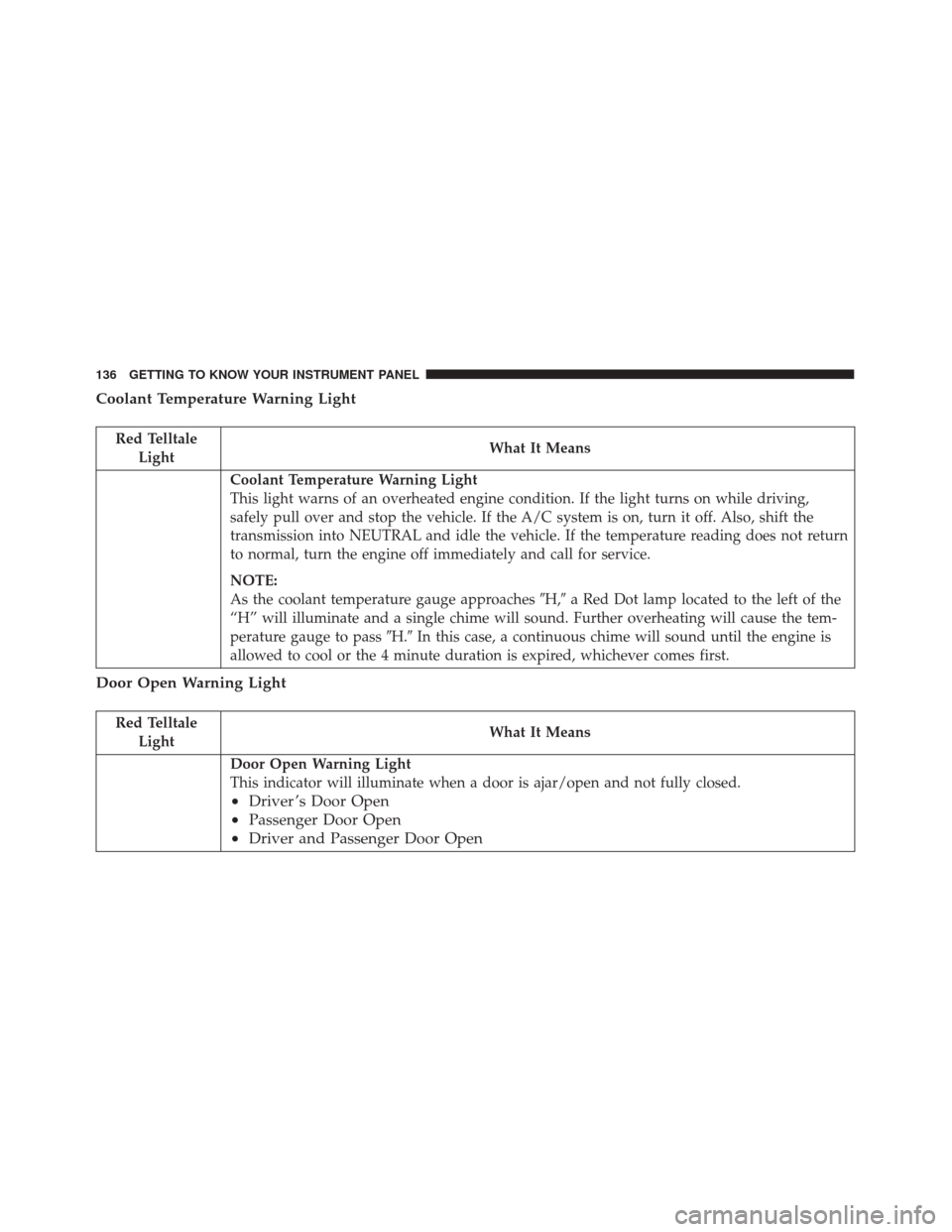
Coolant Temperature Warning Light
This light warns of an overheated engine condition. If the light turns on while driving,
safely pull over and stop the vehicle. If the A/C system is on, turn it off. Also, shift the
transmission into NEUTRAL and idle the vehicle. If the temperature reading does not return
to normal, turn the engine off immediately and call for service.
NOTE:
As the coolant temperature gauge approaches
�H,�a Red Dot lamp located to the left of the
“H” will illuminate and a single chime will sound. Further overheating will cause the tem-
perature gauge to pass �H.�In this case, a continuous chime will sound until the engine is
allowed to cool or the 4 minute duration is expired, whichever comes first.
Door Open Warning Light
Red Telltale Light What It Means
Door Open Warning Light
This indicator will illuminate when a door is ajar/open and not fully closed.
•
Driver ’s Door Open
• Passenger Door Open
• Driver and Passenger Door Open
136 GETTING TO KNOW YOUR INSTRUMENT PANEL
Page 139 of 476
Electric Power Steering Fail Warning Light — If Equipped
Red TelltaleLight What It Means
Electric Power Steering Fail Warning — If Equipped
This light is used to manage the electrical warning of the EPS (Electric Power Steering). Re-
fer to “Power Steering” in “Starting And Operating” for further information.
Hood Open Warning Light — If Equipped
Red Telltale
Light What It Means
Hood Open Warning Light
This indicator will illuminate when the hood is ajar/open and not fully closed.
Oil Pressure Warning Light
Red Telltale
Light What It Means
Oil Pressure Warning Light
This light indicates low engine oil pressure. If the light turns on while driving, stop the ve-
hicle and shut off the engine as soon as possible. A chime will sound when this light turns
on.
5
GETTING TO KNOW YOUR INSTRUMENT PANEL 137
Page 140 of 476
Red TelltaleLight What It Means
Do not operate the vehicle until the cause is corrected. This light does not indicate how
much oil is in the engine. The engine oil level must be checked under the hood.
Transmission Fault Warning Light
Red Telltale Light What It Means
Transmission Fault Warning Light
This light will illuminate (together with a message in the instrument cluster display and a
buzzer) to indicate a transmission fault. Contact your authorized dealer if the message re-
mains after restarting the engine.
WARNING!
If you continue operating the vehicle when the
Transmission Temperature Warning Light is illumi-
nated you could cause the fluid to boil over, come in
contact with hot engine or exhaust components and
cause a fire.
CAUTION!
Continuous driving with the Transmission Tem-
perature Warning Light illuminated will eventually
cause severe transmission damage or transmission
failure.
138 GETTING TO KNOW YOUR INSTRUMENT PANEL
Page 141 of 476

Vehicle Security Warning Light — If Equipped
Red TelltaleLight What It Means
Vehicle Security Warning Light — If Equipped
This light will flash at a fast rate for approximately 15 seconds when the vehicle security
alarm is arming, and then will flash slowly until the vehicle is disarmed.
Electronic Throttle Control (ETC) Warning Light
Red Telltale
Light What It Means
Electronic Throttle Control (ETC) Warning Light
This light informs you of a problem with the Electronic Throttle Control (ETC) system. If a
problem is detected while the engine is running, the light will either stay on or flash de-
pending on the nature of the problem. Cycle the ignition key when the vehicle is safely and
completely stopped and the transmission is placed in the PARK position. The light should
turn off. If the light remains on with the engine running, your vehicle will usually be driv-
able; however, see an authorized dealer for service as soon as possible.
If the light continues to flash when the engine is running, immediate service is required and
you may experience reduced performance, an elevated/rough idle, or engine stall and your
vehicle may require towing. The light will come on when the ignition is first placed in the
MAR (ACC/ON/RUN) position and remain on briefly as a bulb check. If the light does not
come on during starting, have the system checked by an authorized dealer.
5
GETTING TO KNOW YOUR INSTRUMENT PANEL 139
Page 142 of 476

Yellow Telltale Indicator Lights
Low Fuel Indicator Light
Yellow TelltaleLight What It Means
Low Fuel Indicator Light
When the fuel level reaches approximately 1.3–1.8 gal (5–7 L) this light will turn on, and
remain on until fuel is added.
Engine Check/Malfunction Indicator Light (MIL)
Yellow Telltale
Light What It Means
Engine Check/Malfunction Indicator Light (MIL)
The Engine Check/Malfunction Indicator Light (MIL) is a part of an Onboard Diagnostic
System called OBD II that monitors engine and automatic transmission control systems. The
light will illuminate when the ignition is in the MAR (ACC/ON/RUN) position before en-
gine start. If the bulb does not come on when turning the key from STOP (OFF/LOCK) to
MAR (ACC/ON/RUN), have the condition checked promptly.
Certain conditions, such as a loose or missing gas cap, poor quality fuel, etc., may illuminate
the light after engine start. The vehicle should be serviced if the light stays on through sev-
eral typical driving styles. In most situations, the vehicle will drive normally and will not
require towing.
140 GETTING TO KNOW YOUR INSTRUMENT PANEL