Page 425 of 541
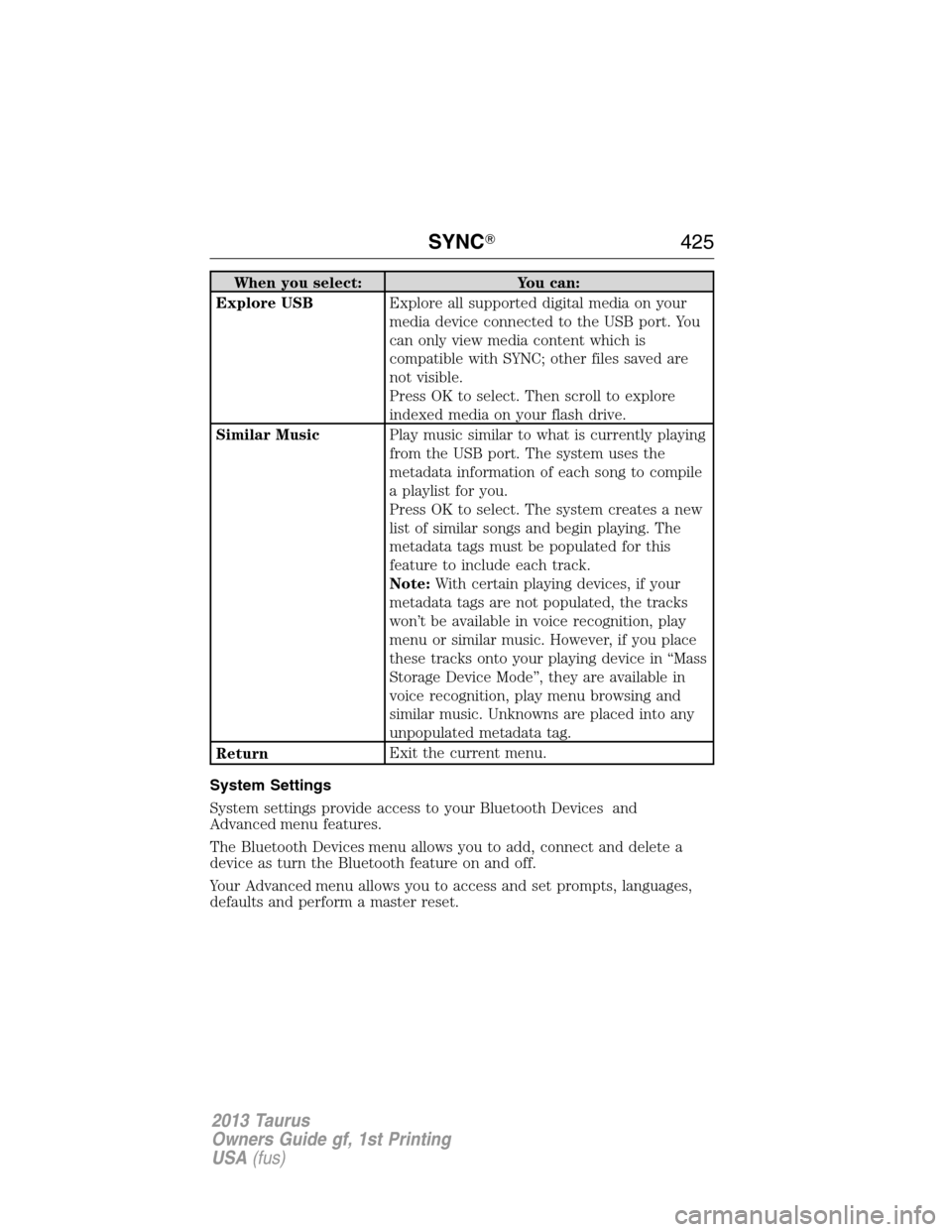
When you select: You can:
Explore USBExplore all supported digital media on your
media device connected to the USB port. You
can only view media content which is
compatible with SYNC; other files saved are
not visible.
Press OK to select. Then scroll to explore
indexed media on your flash drive.
Similar MusicPlay music similar to what is currently playing
from the USB port. The system uses the
metadata information of each song to compile
a playlist for you.
Press OK to select. The system creates a new
list of similar songs and begin playing. The
metadata tags must be populated for this
feature to include each track.
Note:With certain playing devices, if your
metadata tags are not populated, the tracks
won’t be available in voice recognition, play
menu or similar music. However, if you place
these tracks onto your playing device in “Mass
Storage Device Mode”, they are available in
voice recognition, play menu browsing and
similar music. Unknowns are placed into any
unpopulated metadata tag.
ReturnExit the current menu.
System Settings
System settings provide access to your Bluetooth Devices and
Advanced menu features.
The Bluetooth Devices menu allows you to add, connect and delete a
device as turn the Bluetooth feature on and off.
Your Advanced menu allows you to access and set prompts, languages,
defaults and perform a master reset.
SYNC�425
2013 Taurus
Owners Guide gf, 1st Printing
USA(fus)
Page 427 of 541
Advanced Menu Options
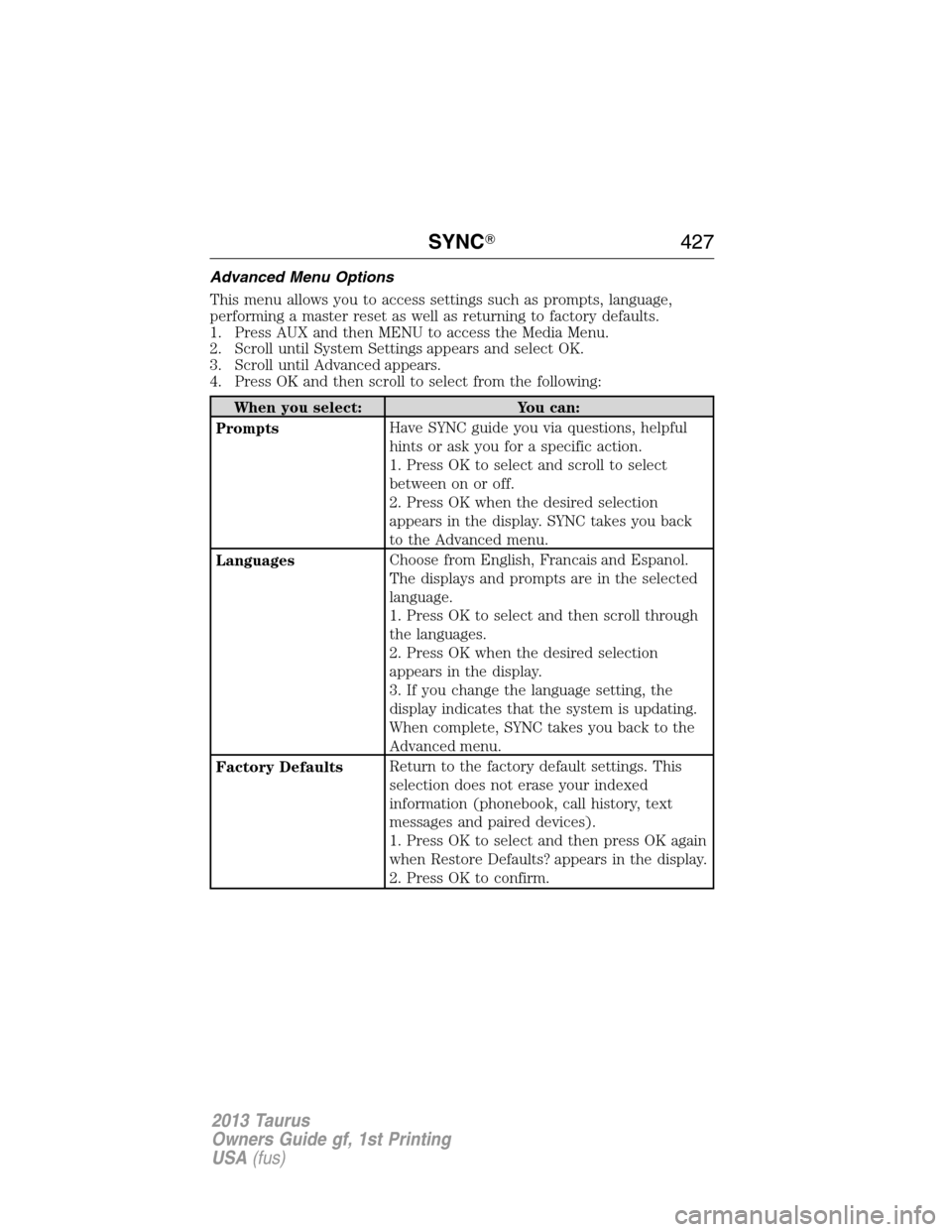
This menu allows you to access settings such as prompts, language,
performing a master reset as well as returning to factory defaults.
1. Press AUX and then MENU to access the Media Menu.
2. Scroll until System Settings appears and select OK.
3. Scroll until Advanced appears.
4. Press OK and then scroll to select from the following:
When you select: You can:
PromptsHave SYNC guide you via questions, helpful
hints or ask you for a specific action.
1. Press OK to select and scroll to select
between on or off.
2. Press OK when the desired selection
appears in the display. SYNC takes you back
to the Advanced menu.
LanguagesChoose from English, Francais and Espanol.
The displays and prompts are in the selected
language.
1. Press OK to select and then scroll through
the languages.
2. Press OK when the desired selection
appears in the display.
3. If you change the language setting, the
display indicates that the system is updating.
When complete, SYNC takes you back to the
Advanced menu.
Factory DefaultsReturn to the factory default settings. This
selection does not erase your indexed
information (phonebook, call history, text
messages and paired devices).
1. Press OK to select and then press OK again
when Restore Defaults? appears in the display.
2. Press OK to confirm.
SYNC�427
2013 Taurus
Owners Guide gf, 1st Printing
USA(fus)
Page 494 of 541
Valet Mode
Note:If you are locked out and need to reset the PIN, you can enter
3681 and the system unlocks.
Valet mode allows you to lock the system so that none of your
information on the system can be accessed until it is unlocked with the
correct PIN.
1. Press Menu > Vehicle > Valet Mode.
2. Select Enable Valet Mode.
3. When prompted, enter a four-digit PIN.
After you press Continue the system is locked until the correct PIN is
entered again.
Changing Your Door Keypad Code (If Equipped)
To change the keypad code for your keyless entry keypad system:
1. Press Menu > Vehicle > Edit Door Keypad Code.
2. Enter your current factory code, then, when prompted, enter your
new code.
Active Park Assist (If Equipped)
When activated, your system will display directions for you regarding the
active park assist process.
For complete information on this system, please refer toActive Park
Assistin theDrivingchapter of your Owner’s Guide.
Settings
Access and adjust system settings, voice features, as well as phone,
navigation and wireless settings. Some of these settings can also be
accessed with regard to their specific modes (i.e., phone and media).
System Settings
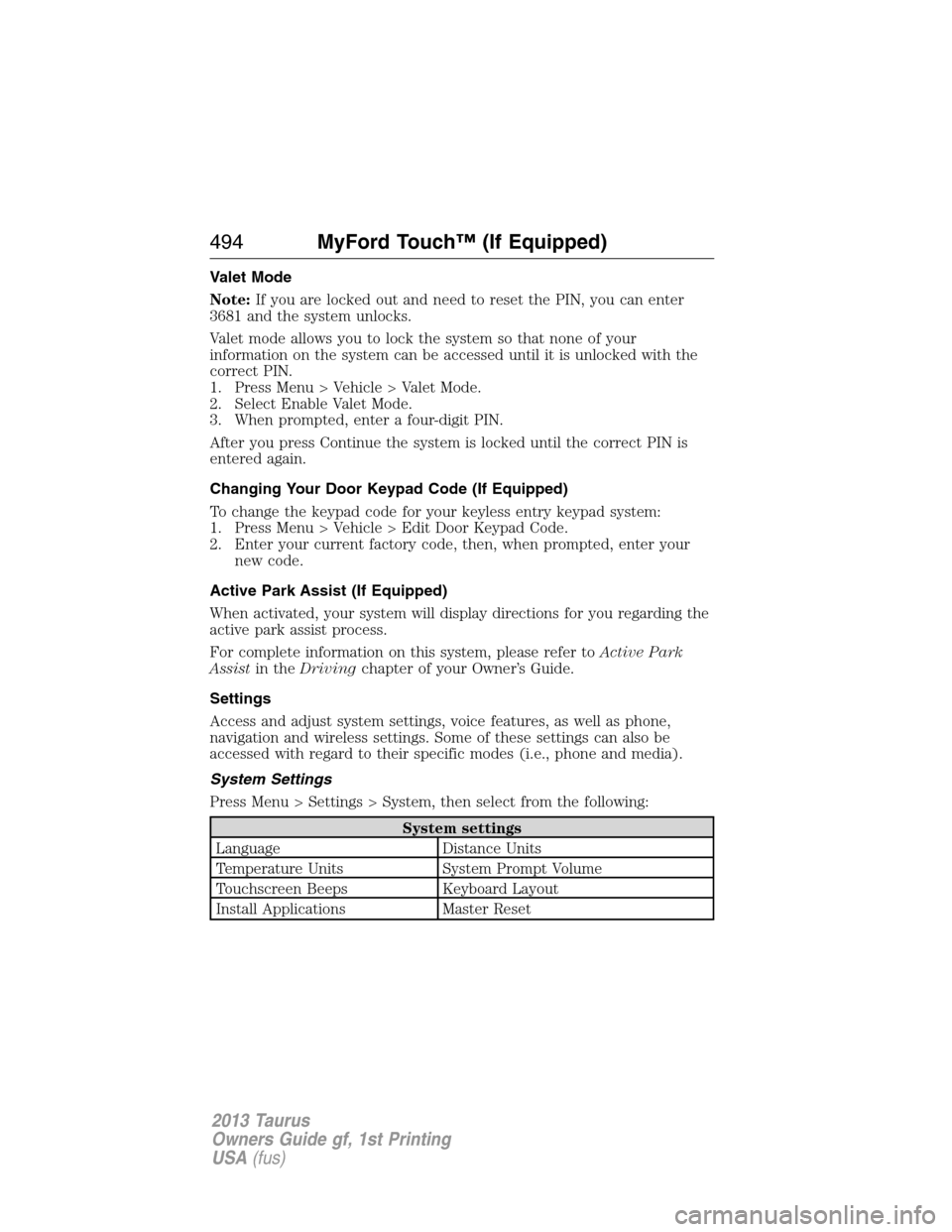
Press Menu > Settings > System, then select from the following:
System settings
Language Distance Units
Temperature Units System Prompt Volume
Touchscreen Beeps Keyboard Layout
Install Applications Master Reset
494MyFord Touch™ (If Equipped)
2013 Taurus
Owners Guide gf, 1st Printing
USA(fus)
Page 534 of 541
911 Assist™ ...................... 408, 488
A
ABS (see Brakes) ..................... 205
Accessing and using your
USB port .................................... 467
Accessing call history/phone
book during active call ............. 398
Accessing your calendar .......... 488
Accessing your media menu
features ...................................... 420
Accessing your phone menu
features ...................................... 399
Accessory delay .......................... 96
Active call menu options ......... 398
Active Park Assist ..................... 212
Adaptive Cruise Control ........... 221
Adding (pairing) a phone ........ 475
Advanced menu options ... 407, 427
Advanced menu options
(prompts, languages, defaults,
master reset, installing
applications) .............................. 407
Airbag supplemental restraint
system .......................................... 45
and child safety seats .............. 46
description ................................ 45
disposal ...................................... 54
driver airbag .............................. 45
passenger airbag ....................... 45
side airbag ........................... 45, 50
Air cleaner filter ....... 300–301, 360
Air conditioning ........................ 142
manual heating and air
conditioning system ............... 142All Wheel Drive (AWD),
driving off road ......................... 197
Ambient mood/lighting ............. 493
AM/FM ....................................... 450
Anti-lock brake system
(see Brakes) .............................. 205
Anti-theft system .................. 77, 80
arming the system .............. 77, 80
disarming a triggered system .. 80
Audio system
Single CD ................ 130, 134, 136
Audio system
(see Radio) ................ 130, 134, 136
Automatic transmission
driving an automatic
overdrive ................................. 192
fluid, adding ............................ 292
fluid, checking ........................ 292
fluid, refill capacities .............. 356
fluid, specification .................. 356
Selectshift (SST) .................... 193
Auxiliary Input Jack ................. 461
Auxiliary input jack (Line in) .. 137
Auxiliary powerpoint ................ 173
A/V inputs .......................... 139, 472
B
Battery ....................................... 298
acid, treating emergencies ..... 298
jumping a disabled battery .... 259
maintenance-free .................... 298
replacement, specifications ... 360
servicing .................................. 298
Blind Spot Information
System ....................................... 229
Booster seats ............................... 23
534Index
2013 Taurus
Owners Guide gf, 1st Printing
USA(fus)