Page 103 of 475
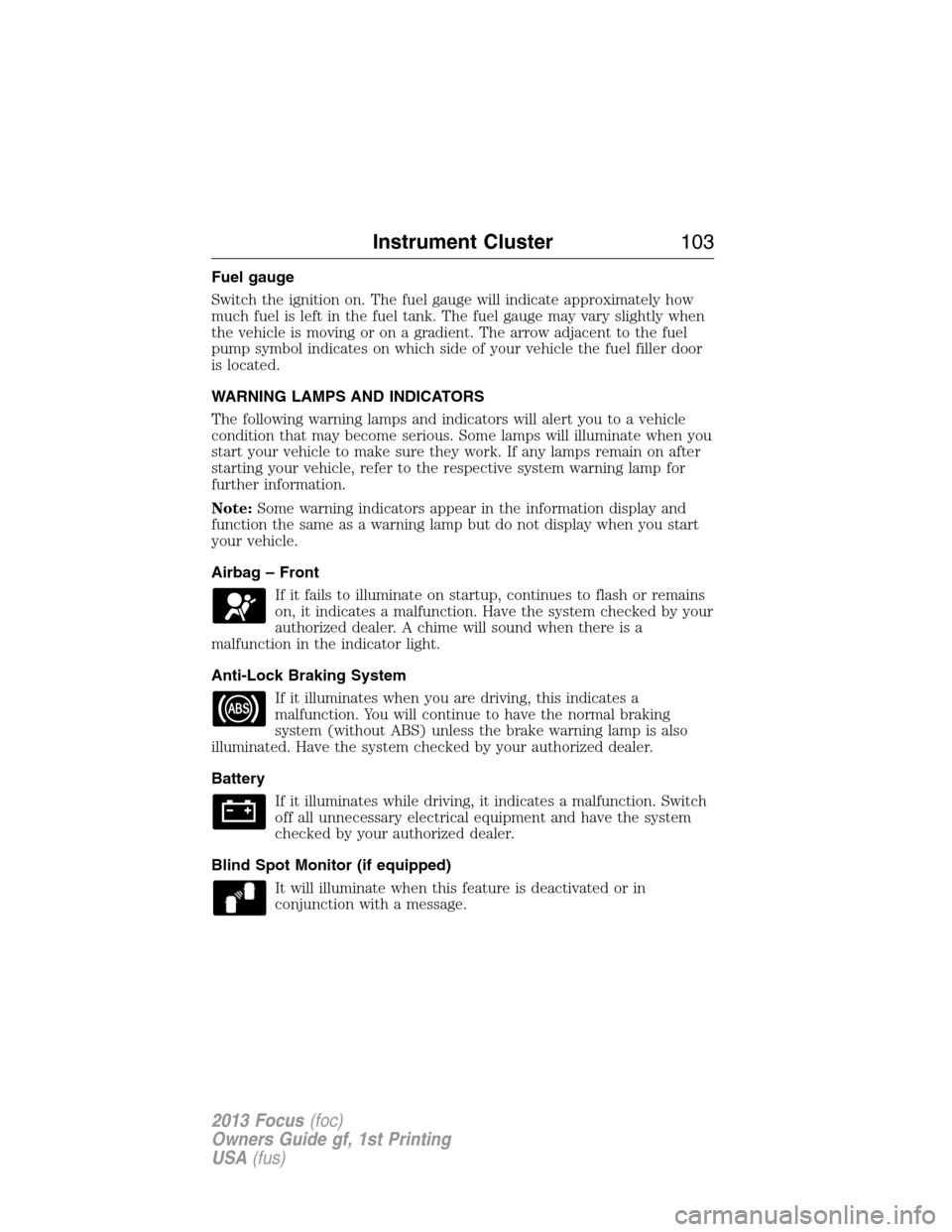
Fuel gauge
Switch the ignition on. The fuel gauge will indicate approximately how
much fuel is left in the fuel tank. The fuel gauge may vary slightly when
the vehicle is moving or on a gradient. The arrow adjacent to the fuel
pump symbol indicates on which side of your vehicle the fuel filler door
is located.
WARNING LAMPS AND INDICATORS
The following warning lamps and indicators will alert you to a vehicle
condition that may become serious. Some lamps will illuminate when you
start your vehicle to make sure they work. If any lamps remain on after
starting your vehicle, refer to the respective system warning lamp for
further information.
Note:Some warning indicators appear in the information display and
function the same as a warning lamp but do not display when you start
your vehicle.
Airbag – Front
If it fails to illuminate on startup, continues to flash or remains
on, it indicates a malfunction. Have the system checked by your
authorized dealer. A chime will sound when there is a
malfunction in the indicator light.
Anti-Lock Braking System
If it illuminates when you are driving, this indicates a
malfunction. You will continue to have the normal braking
system (without ABS) unless the brake warning lamp is also
illuminated. Have the system checked by your authorized dealer.
Battery
If it illuminates while driving, it indicates a malfunction. Switch
off all unnecessary electrical equipment and have the system
checked by your authorized dealer.
Blind Spot Monitor (if equipped)
It will illuminate when this feature is deactivated or in
conjunction with a message.
Instrument Cluster103
2013 Focus(foc)
Owners Guide gf, 1st Printing
USA(fus)
Page 104 of 475

Brake System
It will illuminate when the parking brake is engaged and the
ignition is on.
If it illuminates when you are driving, check that the parking
brake is not engaged. If the parking brake is not engaged, this indicates
low brake fluid level or a brake system malfunction. Have the system
checked immediately by your authorized dealer.
WARNING:Driving a vehicle with the brake system warning
light on is dangerous. A significant decrease in braking
performance may occur. It will take you longer to stop the vehicle.
Have the vehicle checked by your authorized dealer as soon as possible.
Driving extended distances with the parking brake engaged can cause
brake failure and the risk of personal injury.
Cruise Control (if equipped)
It will illuminate when you switch this feature on.
Direction Indicator
Illuminates when the left or right turn signal or the hazard
warning flasher is turned on. If the indicators flash faster, check
for a burned out bulb.
Engine Oil
If it illuminates with the engine running or when you are
driving, this indicates a malfunction. Stop your vehicle as soon
as it is safe to do so and switch the engine off. Check the
engine oil level.
Note:Do not resume your journey if it illuminates despite the level
being correct. Have the system checked by your authorized dealer.
Fasten Safety Belt
It will illuminate and a chime will sound to remind you to fasten
your safety belt.
104Instrument Cluster
2013 Focus(foc)
Owners Guide gf, 1st Printing
USA(fus)
Page 107 of 475
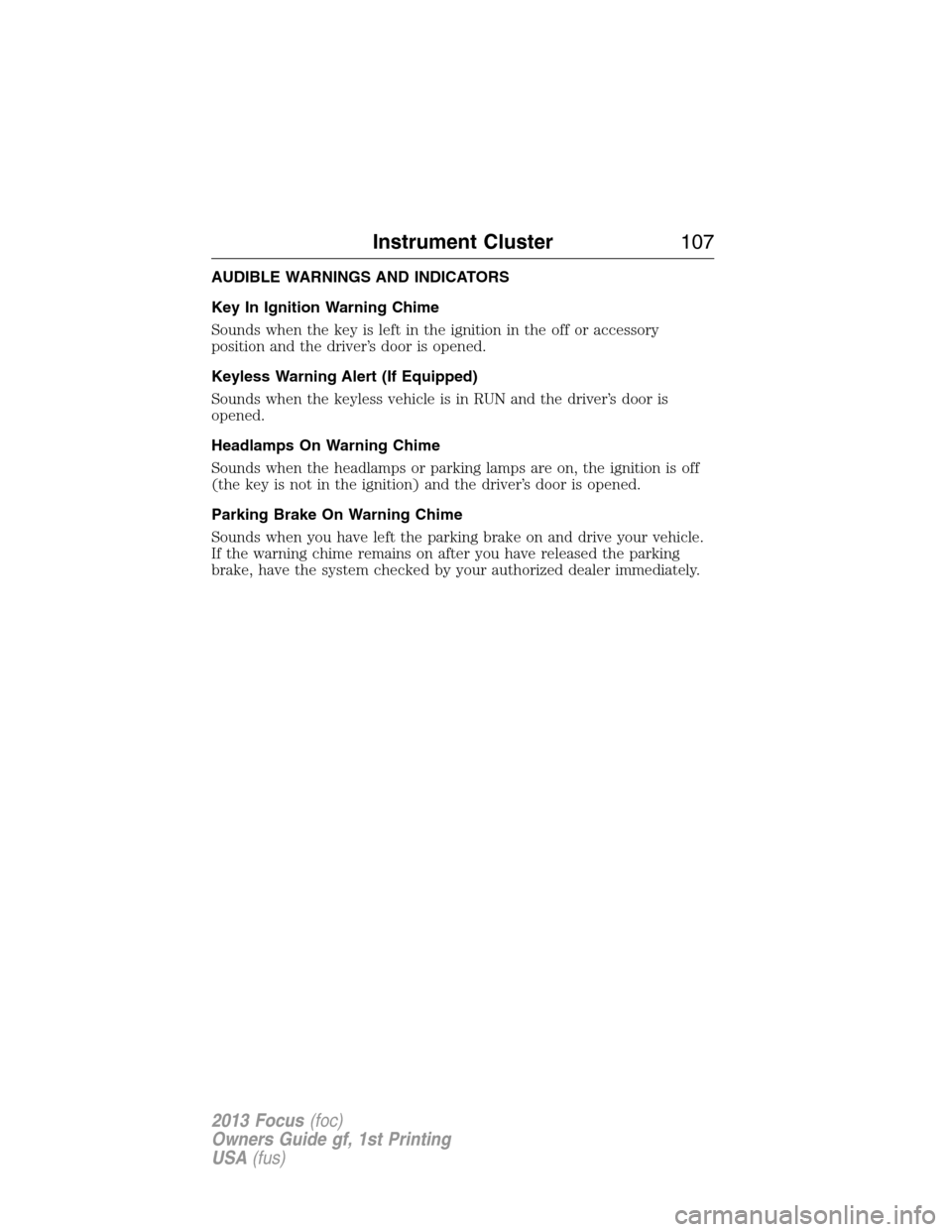
AUDIBLE WARNINGS AND INDICATORS
Key In Ignition Warning Chime
Sounds when the key is left in the ignition in the off or accessory
position and the driver’s door is opened.
Keyless Warning Alert (If Equipped)
Sounds when the keyless vehicle is in RUN and the driver’s door is
opened.
Headlamps On Warning Chime
Sounds when the headlamps or parking lamps are on, the ignition is off
(the key is not in the ignition) and the driver’s door is opened.
Parking Brake On Warning Chime
Sounds when you have left the parking brake on and drive your vehicle.
If the warning chime remains on after you have released the parking
brake, have the system checked by your authorized dealer immediately.
Instrument Cluster107
2013 Focus(foc)
Owners Guide gf, 1st Printing
USA(fus)
Page 115 of 475

Keyless Vehicle MessageAction / Description
Ford KeyFree Key inside
vehicle
AmberDisplays to remind you that
the key is in the trunk. Refer
toPush button start system
in theDrivingchapter for
more information.
Ford KeyFree No key
detected
—Displayed if the key is not
detected by the system. Refer
toPush button start system
in theDrivingchapter for
more information.
Switch ign. off Press ENGINE
Start/Stop RedRefer toPush button start
systemin theDriving
chapter for more information.
Ford KeyFree Key not inside
car RedRefer toPush button start
systemin theDriving
chapter for more information.
Key Battery low Replace soon
—Displays when the key battery
is low. Change the battery as
soon as possible. Refer to he
Locks and Securitychapter
for more information.
Lighting MessageAction / Description
Brake lamp Bulb fault
—Displays when the brake lamp
bulb has burned out. Contact
your authorized dealer.
Dipped beam Bulb fault
—Displays when the low beam
headlamp bulb has burned
out. Contact your authorized
dealer.
Headlamp malfunction Service
req’d
AmberDisplays when an electrical
system problem occurs with
the headlamp system. Contact
your authorized dealer.
Information Displays11 5
2013 Focus(foc)
Owners Guide gf, 1st Printing
USA(fus)
Page 116 of 475

Maintenance MessageAction / Description
Engine oil change due
—Displays when the engine oil
life is depleted and requires a
change. SeeEngine oilin the
Maintenance and
specificationschapter for
more information.
Brake fluid level low Service
now
RedIndicates the brake fluid level
is low and the brake system
should be inspected
immediately. Refer toBrake
fluidin theMaintenance
and Specificationschapter.
Contact your authorized
dealer.
Washer fluid level low
—Displays when the washer
fluid is low and needs to be
refilled. Refer toWindshield
washer fluidin the
Maintenance and
Specificationschapter.
MyKey�MessageAction / Description
MyKey active Drive Safely
—Displays when MyKey�is
active.
MyKey Speed Limited to XX
MPH/km/h
—Displays when starting the
vehicle and MyKey�is in use
and the MyKey speed limit is
on.
MyKey Vehicle Near Top
Speed
AmberDisplays when a MyKey�is in
use and the MyKey speed
limit is on and the vehicle
speed is approaching 80 mph
(130 km/h).
11 6Information Displays
2013 Focus(foc)
Owners Guide gf, 1st Printing
USA(fus)
Page 117 of 475
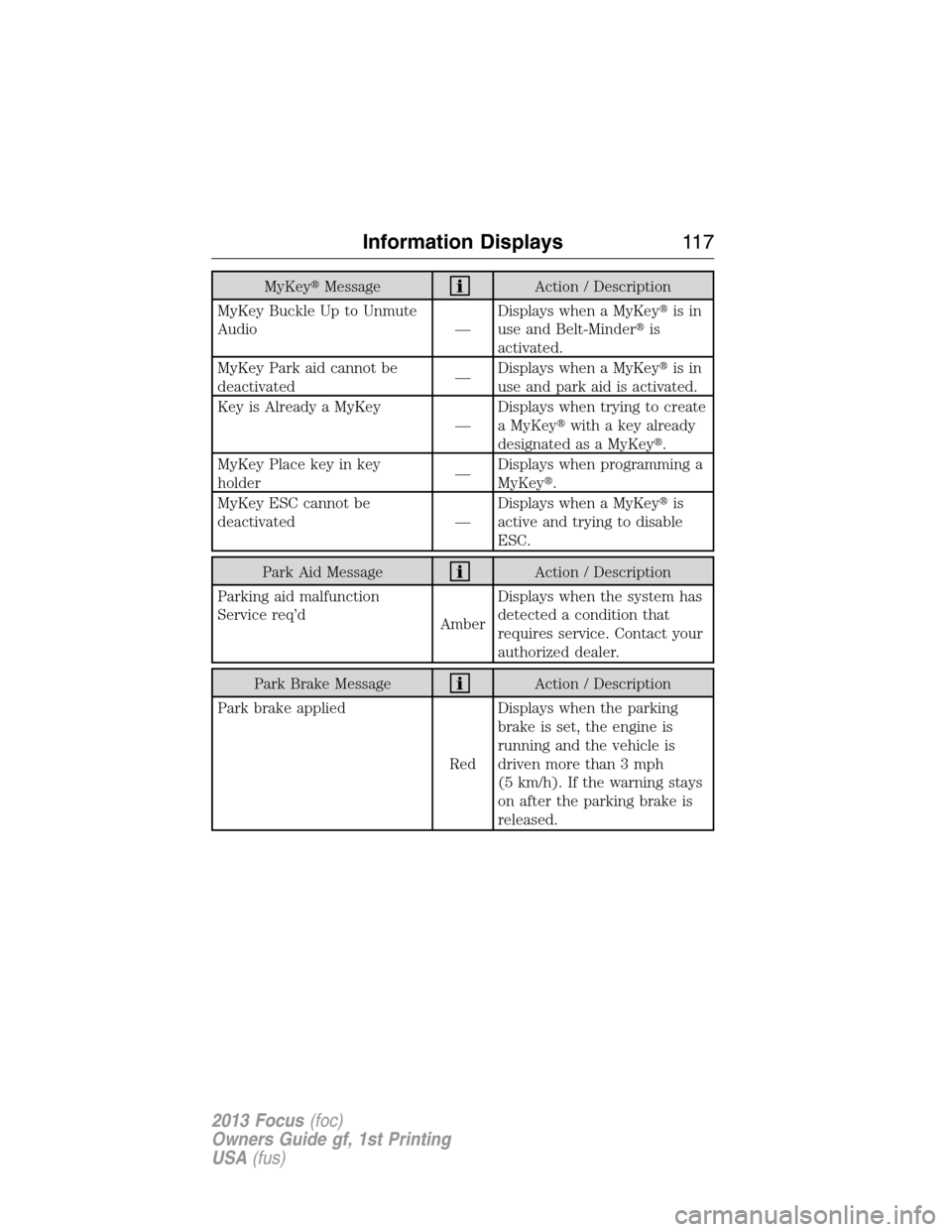
MyKey�MessageAction / Description
MyKey Buckle Up to Unmute
Audio —Displays when a MyKey�is in
use and Belt-Minder�is
activated.
MyKey Park aid cannot be
deactivated—Displays when a MyKey�is in
use and park aid is activated.
Key is Already a MyKey
—Displays when trying to create
a MyKey�with a key already
designated as a MyKey�.
MyKey Place key in key
holder—Displays when programming a
MyKey�.
MyKey ESC cannot be
deactivated —Displays when a MyKey�is
active and trying to disable
ESC.
Park Aid MessageAction / Description
Parking aid malfunction
Service req’d
AmberDisplays when the system has
detected a condition that
requires service. Contact your
authorized dealer.
Park Brake MessageAction / Description
Park brake applied
RedDisplays when the parking
brake is set, the engine is
running and the vehicle is
driven more than 3 mph
(5 km/h). If the warning stays
on after the parking brake is
released.
Information Displays11 7
2013 Focus(foc)
Owners Guide gf, 1st Printing
USA(fus)
Page 118 of 475
Power Steering MessageAction / Description
Steering loss Stop safely
RedThe power steering system is
not working. Stop the vehicle
in a safe place. Contact your
authorized dealer.
Steering assist fault Service
req’d
AmberThe power steering system
required service. Stop the
vehicle in a safe place.
Contact your authorized
dealer.
Steering fault Service now
AmberThe power steering system
has detected a condition
within the power steering
system or passive
entry/passive start system that
requires service. Contact your
authorized dealer.
Starting System MessageAction / Description
Press brake to start
—Displays when starting the
vehicle as a reminder to apply
the brake.
Cranking time exceeded
—Displays when the vehicle fails
to start.
11 8Information Displays
2013 Focus(foc)
Owners Guide gf, 1st Printing
USA(fus)
Page 119 of 475
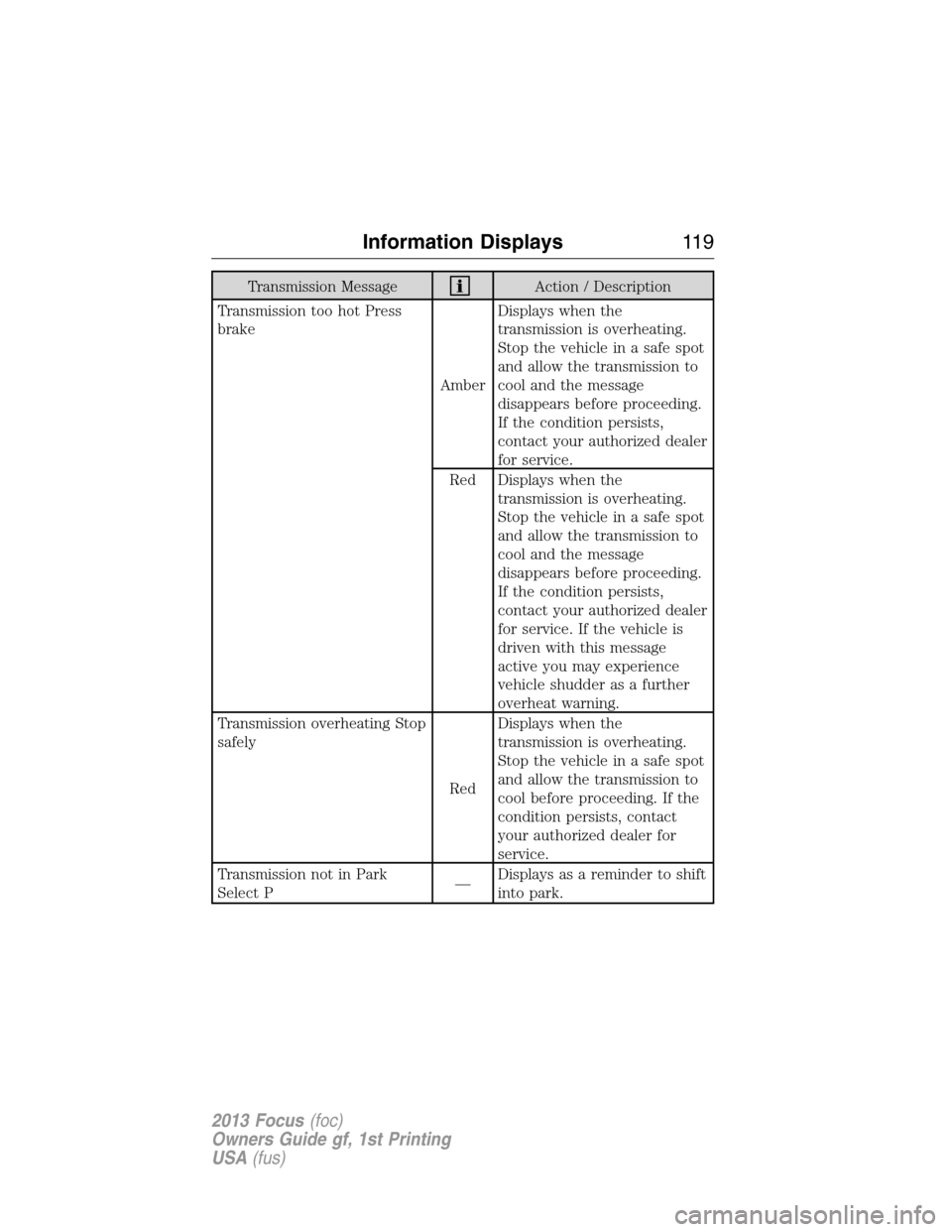
Transmission MessageAction / Description
Transmission too hot Press
brake
AmberDisplays when the
transmission is overheating.
Stop the vehicle in a safe spot
and allow the transmission to
cool and the message
disappears before proceeding.
If the condition persists,
contact your authorized dealer
for service.
Red Displays when the
transmission is overheating.
Stop the vehicle in a safe spot
and allow the transmission to
cool and the message
disappears before proceeding.
If the condition persists,
contact your authorized dealer
for service. If the vehicle is
driven with this message
active you may experience
vehicle shudder as a further
overheat warning.
Transmission overheating Stop
safely
RedDisplays when the
transmission is overheating.
Stop the vehicle in a safe spot
and allow the transmission to
cool before proceeding. If the
condition persists, contact
your authorized dealer for
service.
Transmission not in Park
Select P—Displays as a reminder to shift
into park.
Information Displays11 9
2013 Focus(foc)
Owners Guide gf, 1st Printing
USA(fus)