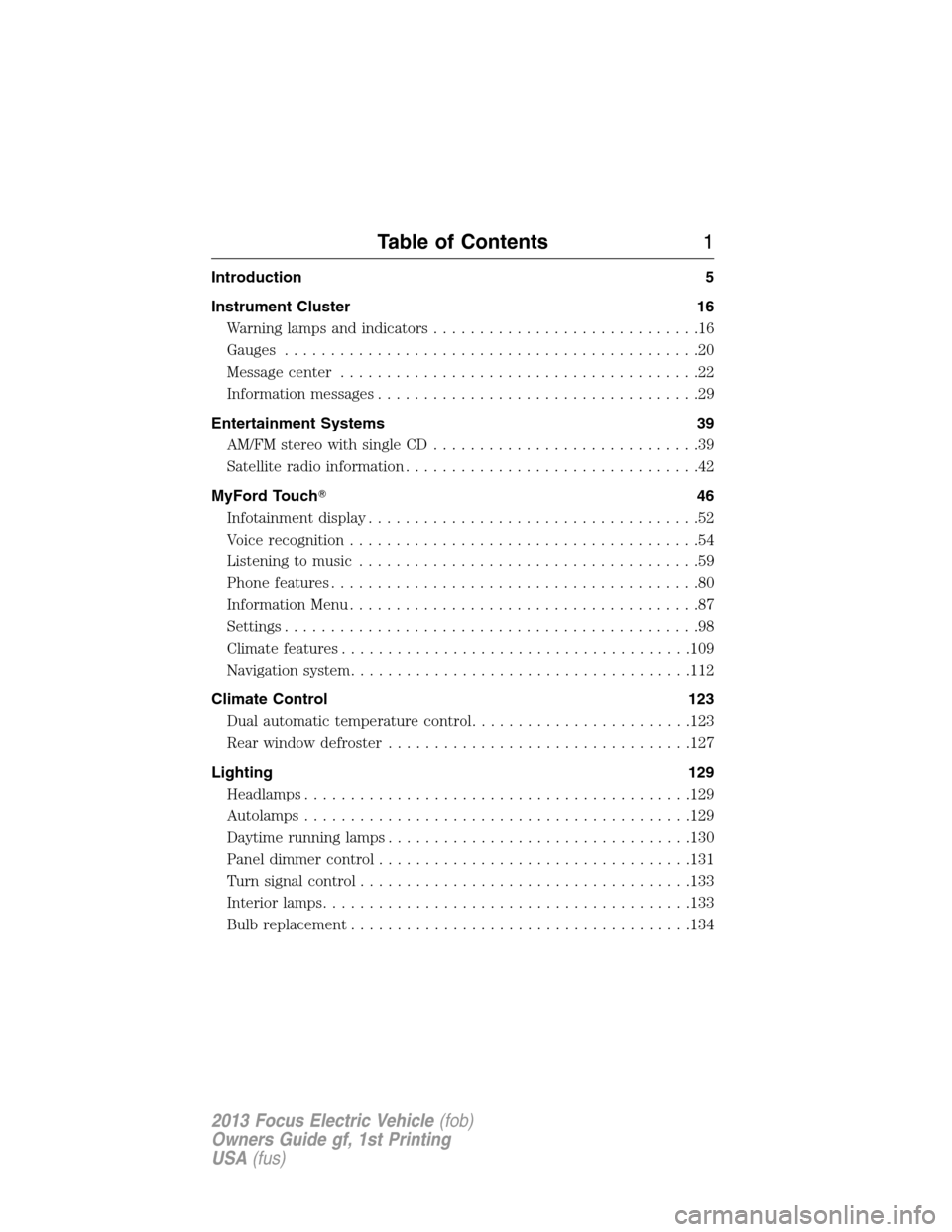
Introduction 5
Instrument Cluster 16
Warning lamps and indicators.............................16
Gauges.............................................20
Message center.......................................22
Information messages...................................29
Entertainment Systems 39
AM/FMstereowithsingleCD .............................39
Satellite radio information................................42
MyFord Touch�46
Infotainment display....................................52
Voice recognition......................................54
Listening to music.....................................59
Phone features........................................80
Information Menu......................................87
Settings.............................................98
Climatefeatures......................................109
Navigation system.....................................112
Climate Control 123
Dual automatic temperature control........................123
Rear window defroster.................................127
Lighting 129
Headlamps..........................................129
Autolamps..........................................129
Daytime running lamps.................................130
Panel dimmer control..................................131
Turn signal control....................................133
Interior lamps........................................133
Bulb replacement.....................................134
Table of Contents1
2013 Focus Electric Vehicle(fob)
Owners Guide gf, 1st Printing
USA(fus)
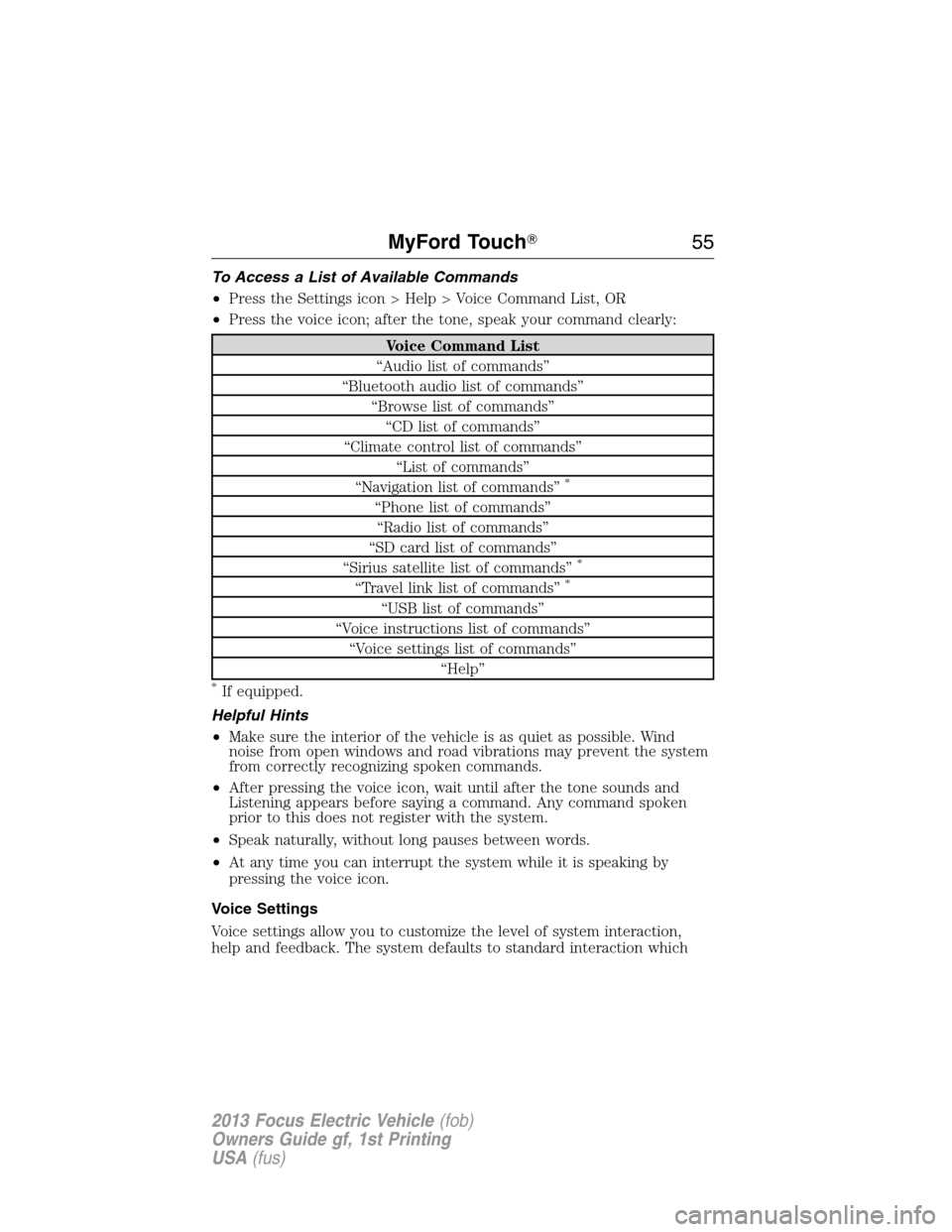
To Access a List of Available Commands
•Press the Settings icon > Help > Voice Command List, OR
•Press the voice icon; after the tone, speak your command clearly:
Voice Command List
“Audio list of commands”
“Bluetooth audio list of commands”
“Browse list of commands”
“CD list of commands”
“Climate control list of commands”
“List of commands”
“Navigation list of commands”
*
“Phone list of commands”
“Radio list of commands”
“SD card list of commands”
“Sirius satellite list of commands”
*
“Travel link list of commands”*
“USB list of commands”
“Voice instructions list of commands”
“Voice settings list of commands”
“Help”
*If equipped.
Helpful Hints
•Make sure the interior of the vehicle is as quiet as possible. Wind
noise from open windows and road vibrations may prevent the system
from correctly recognizing spoken commands.
•After pressing the voice icon, wait until after the tone sounds and
Listening appears before saying a command. Any command spoken
prior to this does not register with the system.
•Speak naturally, without long pauses between words.
•At any time you can interrupt the system while it is speaking by
pressing the voice icon.
Voice Settings
Voice settings allow you to customize the level of system interaction,
help and feedback. The system defaults to standard interaction which
MyFord Touch�55
2013 Focus Electric Vehicle(fob)
Owners Guide gf, 1st Printing
USA(fus)
Prioritize Connection Methods
This screen allows you to choose your connection methods and change
them as needed. You can select to Change Order and have the system
either always attempt to connecting using a USB mobile broadband or
using Wi-Fi.
Bluetooth Settings
Shows you what device is currently paired with the system as well as
giving you your typical Bluetooth options to connect, disconnect, set as
favorite, delete and add device.
Bluetooth is a registered trademark of the Bluetooth SIG.
Help
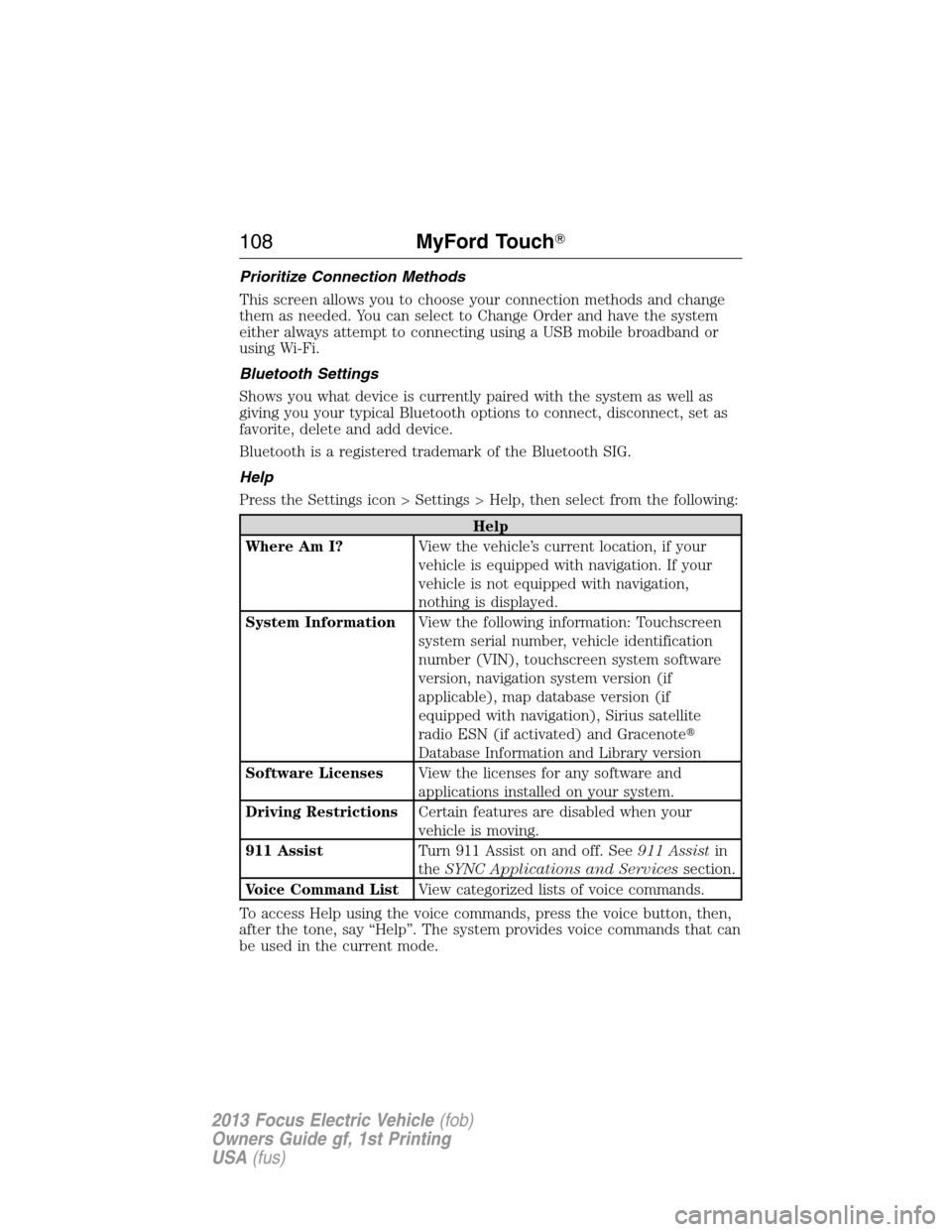
Press the Settings icon > Settings > Help, then select from the following:
Help
Where Am I?View the vehicle’s current location, if your
vehicle is equipped with navigation. If your
vehicle is not equipped with navigation,
nothing is displayed.
System InformationView the following information: Touchscreen
system serial number, vehicle identification
number (VIN), touchscreen system software
version, navigation system version (if
applicable), map database version (if
equipped with navigation), Sirius satellite
radio ESN (if activated) and Gracenote�
Database Information and Library version
Software LicensesView the licenses for any software and
applications installed on your system.
Driving RestrictionsCertain features are disabled when your
vehicle is moving.
911 AssistTurn 911 Assist on and off. See911 Assistin
theSYNC Applications and Servicessection.
Voice Command ListView categorized lists of voice commands.
To access Help using the voice commands, press the voice button, then,
after the tone, say “Help”. The system provides voice commands that can
be used in the current mode.
108MyFord Touch�
2013 Focus Electric Vehicle(fob)
Owners Guide gf, 1st Printing
USA(fus)