2013 AUDI Q5 warning
[x] Cancel search: warningPage 18 of 316

16 Instrum ent s and w arn ing /indic ato r light s
blink, then there is a ma lfunction somewhere
in the system.
If the light does not illuminate
when you switch the ignition on, this also
means there is a malfunction.
A WARNING
If you have a malfunction in the safety sys
tems, contact your author ized Audi dealer
immediately. Otherw ise the safety sys
tems may not work properly in an acci
dent.
U) Tire pressure monitoring system -
telltale indicator lamp
Appl ies to vehicles: with tire pressure monitoring system
The warning/indicator light appears in the
event of a significant loss of tire pressure or if there is a malfunction.
The indicator light IE illuminates to check
the function when you switch on the ignition.
If the
IE symbol remains on or blinks after
you switch on the ignition, the re is a loss of
tire pressure or a system malfunction.
If there
is a system malfunction, see your authorized
Aud i dealer as soon as possible.
Detai led information on the tire pressure
mon itoring system can be fou nd in
¢page 266.
¢ Q Turn signals
The indicator light blinks when you use either
turn signal.
Whenever you use the left B or the right II
turn signal, the ind icator light blinks. When
you use the emergency flashers, both indica tor lights flas h.
If one of the turn s ignal light bulbs burn out,
the turn signa l wi ll blink tw ice as fast as nor
mal.
This does not apply, however, in towing mode.
The indicator light does no t flash if a turn s ig
nal is out on the trailer or the tow ing vehicle.
Addit ional info rmation on the turn sig nals
¢page 52.
~,1 ¢ Trailer turn signal assembly
Applies to vehicles: with towing hitch
The indicator light also blinks if the turn sig
nal is operated when towing a trailer.
The ind icator light. bli nks when the turn
s ignal is used, if a trailer has been properly
con nected to the vehicle .
If one of the turn signa l bulbs on the trailer is
burned out or defective, the ind icator light
will not blink when you use the turn signals.
(D Tips
For vehicles with a factory installed towing
hitch or a trailer hitch that was installed
l ater according to factory spec ificat ions,
the trailer turn signal assembly is actuat
ed.
,(t Safety belts
This warning/indicator light reminds you to
put on your safety belt.
The . warn ing/ indicator light illum inates
when the ignition is switched on to remind
the driver and (o n USA models only) any front
passenger to put on the safety be lt . Addit ion
ally, an audib le warn ing tone w ill also sound .
For more Informat ion
¢ page 149, Safety
belt warning light.
o Malfunction Indicator Lamp (MIL )
The Ma lfunction Indicator Lamp (MIL) is part
of the On-Board Diagnos tic (OBD II) sys tem.
T he symbo l
(4 lights up when the ignition is
tu rned on and will turn off after the eng ine
has started and has settled at a constant idle
speed. This indicates that the MIL is working
properly.
The warning light ill uminates when the re is a
malfunction in the engine electronic system.
Contact your a uthorized Audi dea ler and have
the malfunction corrected. .,..
Page 19 of 316

Instruments and warning/indicator lights 17
An improperly closed fuel filler cap may also
cause the MIL light to illuminate
c::> page231.
F or mo re in forma tion
c::> page 26.
!§:D High beam
The II warning/indicator light illuminates
when the high beams are on o r whe n you use
the head light flasher. For mo re in format ion
about us ing the high beams, see
c:> page 52 .
CRUISE/"(-) Cruise control
The M;\1)~14 (USA models) Iii (Canada models)
war ning/ indica to r li ght illum inates when the
cru ise contro l is act ivated.
ABS/( @) Anti-lock brake system (ABS)
This warning/indicator light monitors the ABS
and th e electronic differ ential lock (EDL).
The
E (USA models) I ii] (Canada models)
warn ing/ indicato r light w ill come on for a few
seconds when the ig nition is swi tc h ed o n. The
light w ill go ou t aft er an au tomatic check se
qu enc e is co mple ted .
There is a malfunction in the ABS when :
-The warni ng/ indicator lig ht d oes not ill umi
nate whe n you switc h on the ignition .
- The warning/ indicator lig ht d oes not go out
after a few seconds .
- The warning/ ind icator lig ht ill uminates
wh ile driving.
The brake system will still respond even
without the assistance of the ABS system.
See your authorized Audi dealer as soon as
possible to restore full braking performance.
For more informat io n regarding the ABS
c:> page 19 7.
The ABS warn ing light and the brake warn
ing light come on together. The ABS will not
work and you will notice a change in braking
re sponse and performance . Malfunction in the brake system
If t
he bra ke w arn in g ligh t c::> page 18 and
t he A BS warning ill uminate together there
may be a malfunction in the ABS, and the re
may also be a malfunction in the brake system
i tse lf
c:> A .
In the even t of a malfunction in the brake
system
the warning/ind icator light 1111
( U SA mode ls)/ . (Canada models) in the in
strument cl uster flashes. By press ing the
jsET I
button , yo u can br ing up a d river message
which expla ins the malfunct io n in more de
t a il. Please no te
c:> pag e 29.
Malfunction in the electronic differential
lock (EDL)
The EDL works together w ith the ABS . The
ABS wa rning lig ht w ill come on if there is a
malfu nction in the EDL sys tem
c:> page 197 .
See your author ized Audi dealer as soo n as
p oss ibl e.
_&. WARNING
- If the li!I (USA m ode ls)/ [I] (Canada
mo dels) warning light does not go ou t,
or if it comes on whi le dr iving , th e ABS
system is not wor king pro per ly . The vehi
cle can then be sto pped on ly w it h the
standa rd b rakes (with out ABS). You w ill
not have the protect io n ABS p rov ides .
C ontact your au thorized A udi dealer as
s oon as p ossibl e.
- USA models: If the
1111 warning light
an d th e
m:SJ war ning light come on to
g eth er, the rear wheel s co u ld loc k up
first under h ard br akin g. Rear w heel lock
u p ca n caus e loss of vehicle control and
a n accident . H ave yo ur vehicle re pa ire d
imme diate ly by yo ur authorize d Au di
dea le r o r a qua lified wor kshop . Drive
slowly and avo id sudden, hard brake ap
plications .
- Canada models: If the brake warning
light . and the ABS warning li ght
ii]
come on togethe r, the rear wheels could
l o ck up first und er hard braking. R ear
-
Page 20 of 316

18 Instrum ent s and w arn ing /indic ato r light s
wheel lock- up can cause loss of vehicle
control and an acc ident. Have your vehi
cle repaired immediately by your author
ized Audi dea ler or a qualified workshop.
Drive slowly and avo id sudden, hard
brake applicat ions .
1:1.\.f(®) Electromechanical parking brake
The warning/indicator light monitors the
electromechanical parking brake.
W ith the parking brake app lied and the igni
tion turned on, the. (USA models)/ . (Can
ada models) warning/ind icator light illumi
nates . After the ignition has been turned off,
the warning/ind icator light continues to i llu
minate for about 30 seconds. If the parking
b rake is applied with the ignition turned off,
the warning/ind icator light illuminates for
about 30 seconds .
The warning/indicator light will go out when
the park ing brake is released.
If the war ning/ indicator light flas hes cont i nu
ously
after appl ying the park ing b rake, brak
ing fo rce is not sufficient to preve nt the vehi
cle from roll ing uninten tionally. Please no te
the following:
- If the slope of the g round is too steep to
par k the vehicle , the add itiona l dr ive mes
sage appea rs
Caution: Vehicl e parked to o
steep.
- In the event of a par king brake malfunct ion,
the ye llow
Ill symbol appears in the inst ru
ment cluster d isplay and the dr iver message
Parking b rake malfunction! is displayed.
Have the malfunction repaired as soon as
possible by an authorized A udi dealer or any
other qualified workshop.
BRAKEl< CD> Brake system
The warning/indicator light flashes if brake
fluid level is low, if there is an ABS system
malfunction or a parking brake malfunction.
The .. (USA mode ls) • (Canada models)
light ill uminates when the ign ition is turned on
. It goes out afte r the engine has been
started. This indicates that the brake warning
li ght is functioning properly.
If the br ake w arning light do es not light up
when the engine i s cranking , there ma y be a
malfunction in the elect rical sy stem . In thi s
ca se , conta ct an authorized Audi dealer .
If the brake sys tem warn ing/in dicator light
flashes, there is a b rake system ma lfunction.
By pressing the
! SET ! button, you can bring up
a driver message wh ich explains the malfunc
t ion in more detail
c> page 29.
If the ABS fai ls, the ABS warning/indicator
li ght
r4:B (USA models)/ 11] (Canada models)
flashes together with the brake system warn
ing/indicator light
c> &. .
(USA mode ls): If the warning light .. and
the warning light
Ei] ill uminate together, im
med iate ly contact your authorized Aud i dea ler
or qualified workshop to have all brake pads
inspected
c> page 33.
When the light comes on, an audible warning
s ignal is also given .
&_ WARNING
--= =
-USA models: If the .. warning light
and the
a warning light come on to
gether, the rear whee ls could lock up
fi rst under hard braking. Rear wheel lock
up can cause loss of vehicl e co ntrol and
an ac cident . Have yo ur vehicle repaired
immed iate ly by yo ur au thori zed Aud i
dealer o r a q ua lified workshop. Drive
slowly and avoid sud den, hard brake ap
plications .
-Canada models: If the brake warning
light . and the ABS warn ing light
[iJ
come on together, the rear wheels could
lock up first under hard braking. Rear
wheel lock-up can cause loss of vehicle
control and an accident . Have your vehi
cle repaired immed iately by your author
ized Audi dealer or a qualified workshop .
Dr ive s low ly and avoid s udden, hard
b rake applications.
~
Page 21 of 316

Instrument s and warnin g/indic ator ligh ts 19
-If the brake warning/indicator light does
not go out after a few seconds and the
park ing brake is released, or lights up
wh ile you are driving, the fluid level in
the brake fluid reservoir is too low . If you
believe that it is safe to do so, proceed
immediately at low speed to the nearest
authorized Audi dealer or qualified repair
facili ty and have the brake system in
spected.
- Always keep in m ind that after several
brake applicat ions, you will need g reater
pressure on the brake peda l to stop your
vehicle. Do not re ly on strained brakes to
respond w ith maxim um stopp ing power
in critical situations. You must allow for
increased braking distances. The extra
distance used up by fad ing brakes could
lead to an acc ident.
Page 22 of 316
20 Driver information display
Driver information
display
Introduction
General notes
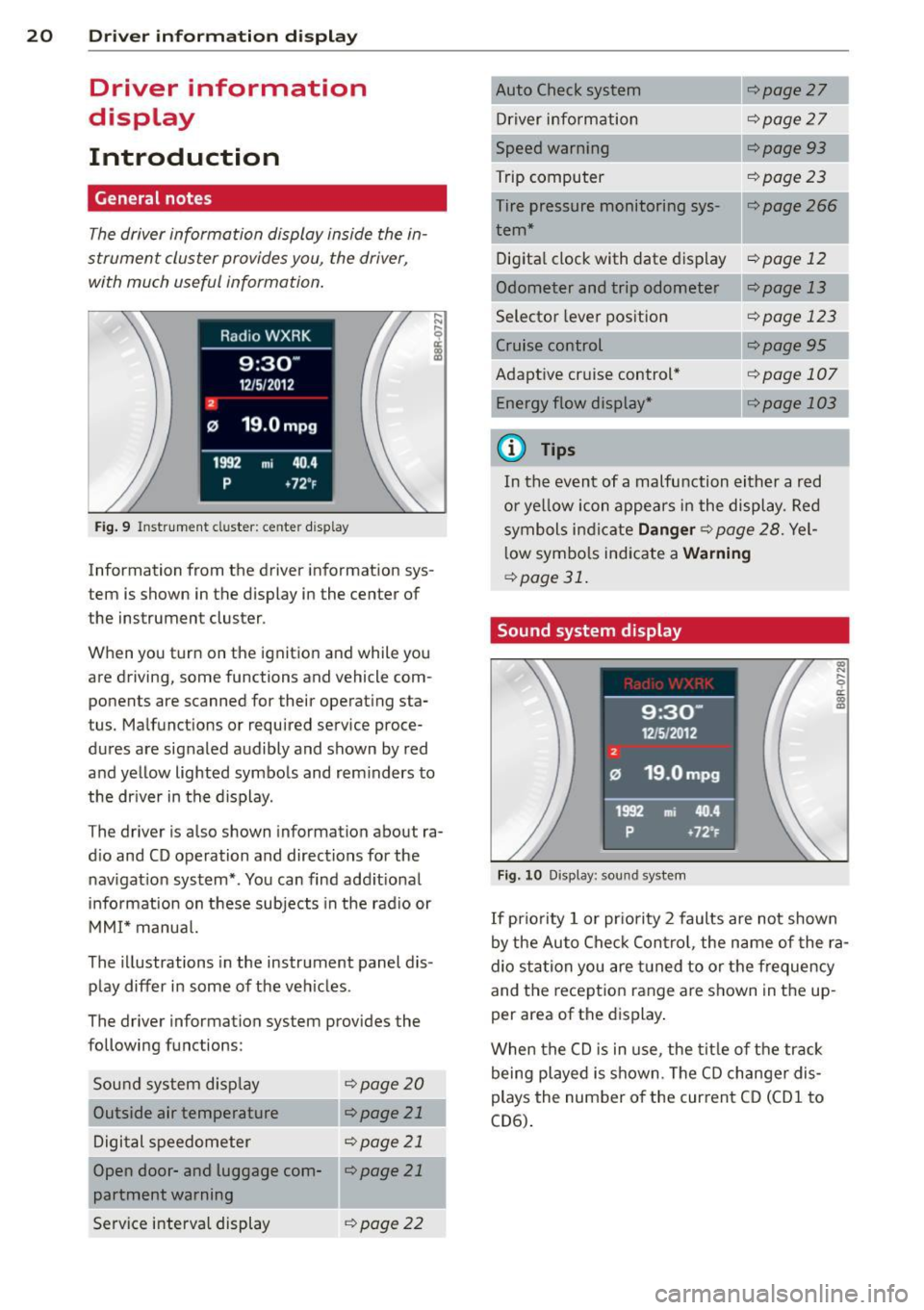
The driver information display inside the in
strument cluster provides you, the driver,
with much useful information.
Fig. 9 Instrument cluster: center display
Information from the driver information sys
tem is shown in the display in the center of
the instrument cluster.
When you turn on the ignition and while you
are driving, some functions and vehicle com
ponents are scanned for their operat ing sta
tus. Malfunctions or required service proce
dures are signaled audibly and shown by red
and yellow lighted symbols and reminders to
the driver in the display.
The driver is also shown information about ra
dio and CD operation and directions for the
navigation system*. You can find additional
information on these subjects in the radio or
MMI* manual.
The illustr ations in the instrument panel dis
play differ in some of the vehicles .
The driver information system provides the
following functions:
Sound system display
¢page20
Outside air temperature r:::;, page 21
Digital speedometer r:::;, page 21
Open door- and luggage com-llr:::;, page 21
partment warning
Service interval display
¢page 22 r:::;,page
27
Driver information r:::;,page 27
Speed warning r:::;,page93
Trip computer r:::;, page 23
Tire pressure monitoring sys-r:::;, page 266 1
tern*
Digital clock with date dis play
r:::;, page 12
Odometer and trip odometer ¢page 13
Selector lever position r:::;, page 123
¢page95
Adaptive cruise control* Energy flow display* ¢page 107
---,.--
r:=;,page 103
¢j) Tips
In the event of a malfunction either a red
or yellow icon appears in the display. Red
symbols indicate
Danger r:::;, page 28. Yel
low symbols indicate a
Warning
¢page 31.
Sound system display
Fig. 10 Display: sound system
(0
"' .... 9 a:
~
If priority 1 or priority 2 faults are not shown
by the Auto Check Control, the name of the ra
dio station you are tuned to or the frequency
and the reception range are shown in the up
per area of the displ ay.
When the CD is in use , the title of the track
being played is shown. The CD changer dis
plays the number of the current CD (CD
1 to
CD6).
Page 23 of 316

Outside temperature display
Fig. 11 D isplay : outside te mpe rature
At temperatures below 39 °F (+4 °C), a snow
f lake symbol appears in front of the tempera
ture display . It is intended to rem ind the driv
er to pay special attent ion to
ice on the roa d.
If the vehicle is stationary, or if you are driving
at a very low speed, the temperature shown in
the display might be slightly higher than the
actual outside temperature . Th is is caused by
the heat being radiated from the engine .
The unit of measurement for the temperature
can be set in either °For in °Con the MMI* or
on the radio control un it . The outside temper
ature display automatical ly shows the unit of
measurement that has been set. For addition
a l information, see the MMI* or the radio in
struction manua l.
A WARNING
- Never use the outside temperature d is
play to determine if a road surface is icy
or not. Keep in mind that road surfaces ,
especially bridges and overpasses, could be ice covered and slippery even at an
outside temperature above 39 °F (+4 °C).
- Always remember, eve n if the "snow
flake" symbol ( ice warn ing) does not ap
pear i n the display, black ice could be on
the road .
-Always reduce your speed and dr ive with
special care in cold weather conditions
when the chance of encounte ring icy
road surfaces increases .
Driver inform ation di spl ay 21
Digital speedometer
Fig. 12 D ispl ay : D ig it a l speedometer
Current speed appears in the disp lay. Speed is
shown in 1 mph increments (USA mode ls) or 1
km/h increments (Canada models) .
You can switch the disp lay from mi les to kilo
meters and vice versa via the radio or MMI* .
Open door or trunk lid warning
The pictogram alerts you when doors or the
trunk lid have been left open .
Fig. 1 3 Disp lay: Open doo r· and tr unk lid wa rnin g
T he Open Door/Trunk L id warn ing displays if
even one door, the hood or the t runk lid is
open . T his symbo l also shows which door or
lid has no t been closed
~ fig. 13 .
As soon as the doo r, the hood and the trunk
lid a re closed proper ly, the door and trunk lid
warning turns off and the selected d river in
format ion sys tem func tion s are d isplayed
again .
Page 28 of 316

26 Driver information d isplay
program. The fuel economy messages turn off
automatically after a certain per iod of t ime .
.,. To turn a fuel economy message off imme-
dia tely after it appears, press the
I RESE T I
button Q page 24 , fig . 17 @, or
.,. Press the funct ion selection switch
~ page 24 , fig. 17@.
(D Tips
-Once you have turned a fuel economy
message off, it will only appear again af
ter you turn the ignition on again.
- The fuel economy messages are not dis
played in every instance, but rather in in
tervals over a period of time.
On-Board Diagnostic
system (OBD)
Malfunction Indicator Lamp (MIL)
T he Malfunction Indicator Lamp (MIL) ¢4 in
the instrument cluster
Q page 14, fig. 8 is
part o f the On-Board Diagnostic (OBD II) sys
tem.
T he warning/indicator light illuminates when
the ignition is switched on and goes out after
the engine starts and the idle has stabilized .
T his indicates that the MIL is working proper
ly .
If the light does not go out after the engine
is started, or illuminates while you are driv
ing, a malfunction may exist in the engine sys
tem. If the light illuminates, the catalytic con
verter could be damaged.
Continue driving
with reduced power (avoid
ing sustained high speeds and/or rapid accel
erat ions) and have the condition corrected .
Contact your author ized A udi dealer.
If the light illuminates, the electronic speed limiter may also be malfunctioning. For more
information
Q page 2 7, Electronic speed
limiter .
An improperly closed fuel filler cap may also
cause the MIL light to illuminate
Qpage231 .
On-Board Diagnostics
Fig. 21 Location of Data Li nk Conn ecto r (DLC)
On-Board Diagnostics monitors the compo
nents of your emission control system . Each
monitored component in your engine system
has been ass igned a code . In case of a mal
function, the component will be identified
and the fault stored as a code in the control
module memo ry.
The MIL light may also illuminate if there is a
leak in the on-board fuel vapor recovery sys
tem .
If the light illuminates after a refueling,
stop the vehicle and make sure the fuel filler
cap is properly closed
Q page 231.
In order to make an accurate diagnosis , the
stored data can only be displayed using spe
cial diagnostic equipment (generic scan tool
f or OBD).
In order to connect the spec ia l diagnostic
equipment , push the plug into the Data Link
Connector (DLC). Th e DLC is located to the
right of the hood release
Qfig. 21.
Your authorized Audi dea ler or qualified work
shop can interpret the code and perform the
necessary repair.
~ ARNING
Do not use the diagnostic connector for
personal use. Incorrect usage can cause
malfunctions, which can increase the risk
of a collision!
-
Page 29 of 316

Electronic speed
limiter
Your vehicle may be factory equipped with
tires that are rated for a maximum speed of
130 mph (210 km/h) . This is less than the
maximum speed of your vehicle . To reduce the
risk of sudden tire failure and loss of control if
the vehicle is ope rated at excessive speeds,
your veh icle also has an elect ronic speed limit
er. The electronic speed limiter prevents your
ve hicle from going faster than the tire speed
rating. For more information
c::> page 259 .
If the engine control unit rece ives fau lty vehi
cle road speed signals, the Malfunction Ind i
cator Lamp (MIU¢• will illuminate . If this
occurs, contact the nearest authorized Audi
dea ler for assistance.
A WARNING
Always observe the posted speed limits
and adjust your speed to suit prevailing
road, traff ic and weather conditions. Never
drive your vehicle faster than the maxi
mum speed ra ting of the tires insta lled.
Auto Check Control
Introduction
The Auto-Check control monitors the function
of certain veh icle features and components. It
simply makes sure these features and compo
nents are work ing properly . The Auto-Check
control wo rks as long as the ignition is on, as
well as whenever the vehicle is driven .
If a component is malfunctioning or if the need for an urgent repair has been detected,
this wi ll appear in the instrument cluster dis
p lay. You will a lso hear a n aud ible warn ing
tone. The d isplays are color coded in either
red or yellow depending on their level of prior
ity.
A red symbo l means
Dang er, a ye llow symbo l
indi cates
W arning . In certain s ituations, in
formation message for the dr iver appear in
additio n to the red and yellow symbols .
Driver inform ation di spl ay 2 7
Note about autom atic transmi ssion
T he Au to-Che ck Con trol wi ll automa tically
perform a test each t ime you sw itch on the ig
nition. With the selecto r lever in P or N, the
following message appears in the display:
When stationar y appl y brake pedal while se
lect ing gear
When you se lect a d iffe ren t gear (for exam
ple: R, D, etc.), t he mes sage will disappea r
and the Auto-Check f unct ion is displayed .
If there is a malfunct ion, then the malfu nc·
tion message will appear about 15 seconds af
te r you start the vehicle. At the same time you
will hear a wa rning tone.
Driver information messages
Driver information messages are shown in the
instrument cluster display in addition to sym
bols .
Fig . 2 2 Instrument cluster: SET b utto n
For example, if the transmission selector lever
is not in the P position when the engine is
turned off, the follow ing message appears :
Shift to P otherwise vehicle can roll away.
Door s do not lock if le ver is not in P .
The ign ition key can only be removed with the
selector in this position. This and other mes
sages are bro ught up if a function cannot be
carr ied out .
Driver messages and red s ymbols
If a red symbol appears in the display, a driver
message is also displayed au toma tically . ..,..