Page 110 of 516
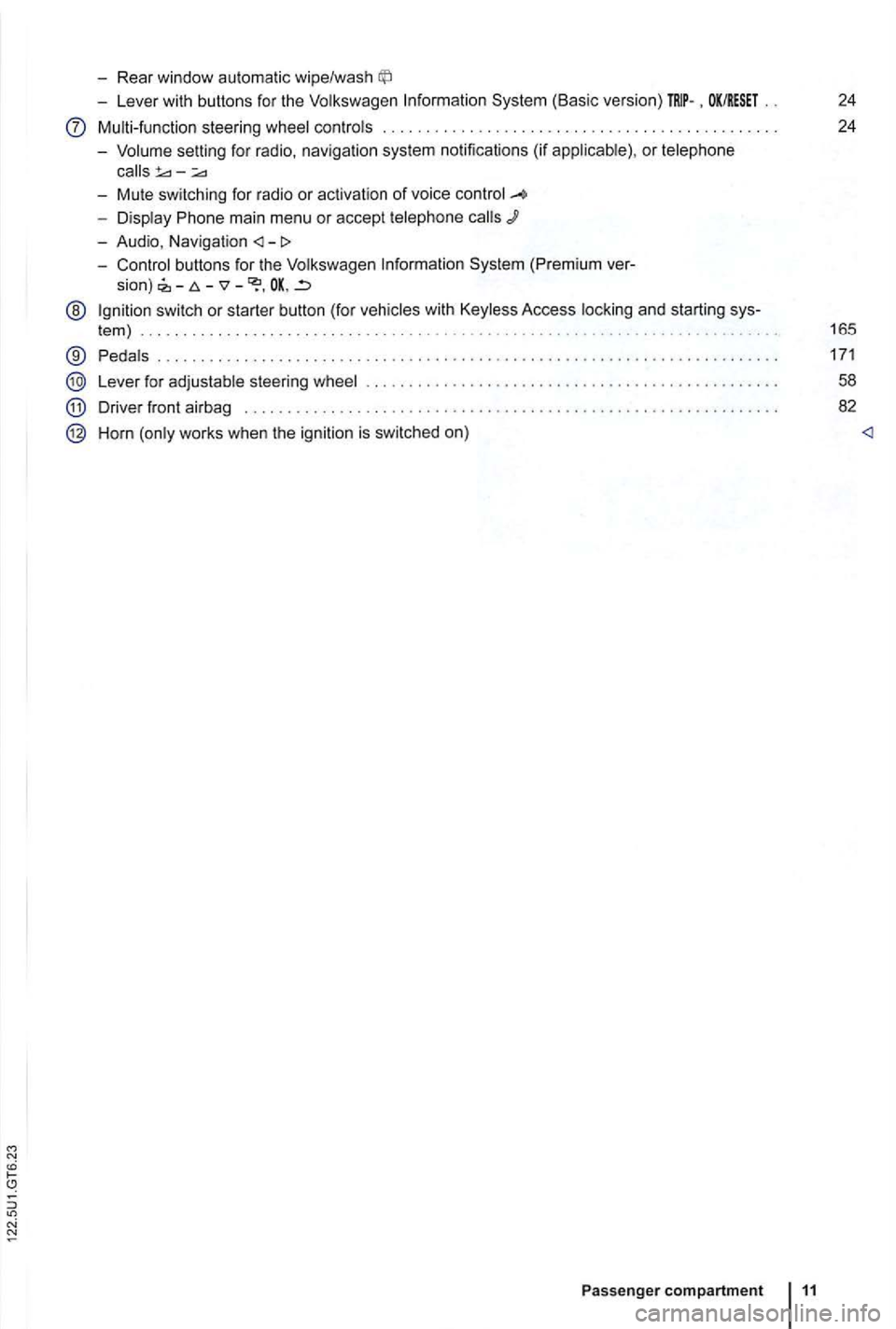
-Rear window automatic wipe/wash
-Lever with buttons for the Volkswagen Information System (Basic version) . OK/RESET 24
Multi-function steering wheel controls . . . . . . . . . . . . . . . . . . . . . . . . . 24
- Volume setting for radio , naviga
tion system notifications (if applicab le) , or telephone
- Display Phone main menu or accept telephone
- Audio, Navigation
System (Premium ver-
sion) -
@ Ign ition switch or starter button (for vehicles with Keyless Access locking and starting sys-
tem ) . . . . . . . . . . . . . . . . . . . . . . . . . . . . . . . . . . . . . . . . . . . . . 165
® Pedals ............ .................................... ....................... .
Lever for adjustable steering wheel
Driver front airbag . . . . . . . . . .
.............................................. .
Horn (only works when the ignition is switched on)
Passenger compartment 11
171
58
82
Page 111 of 516
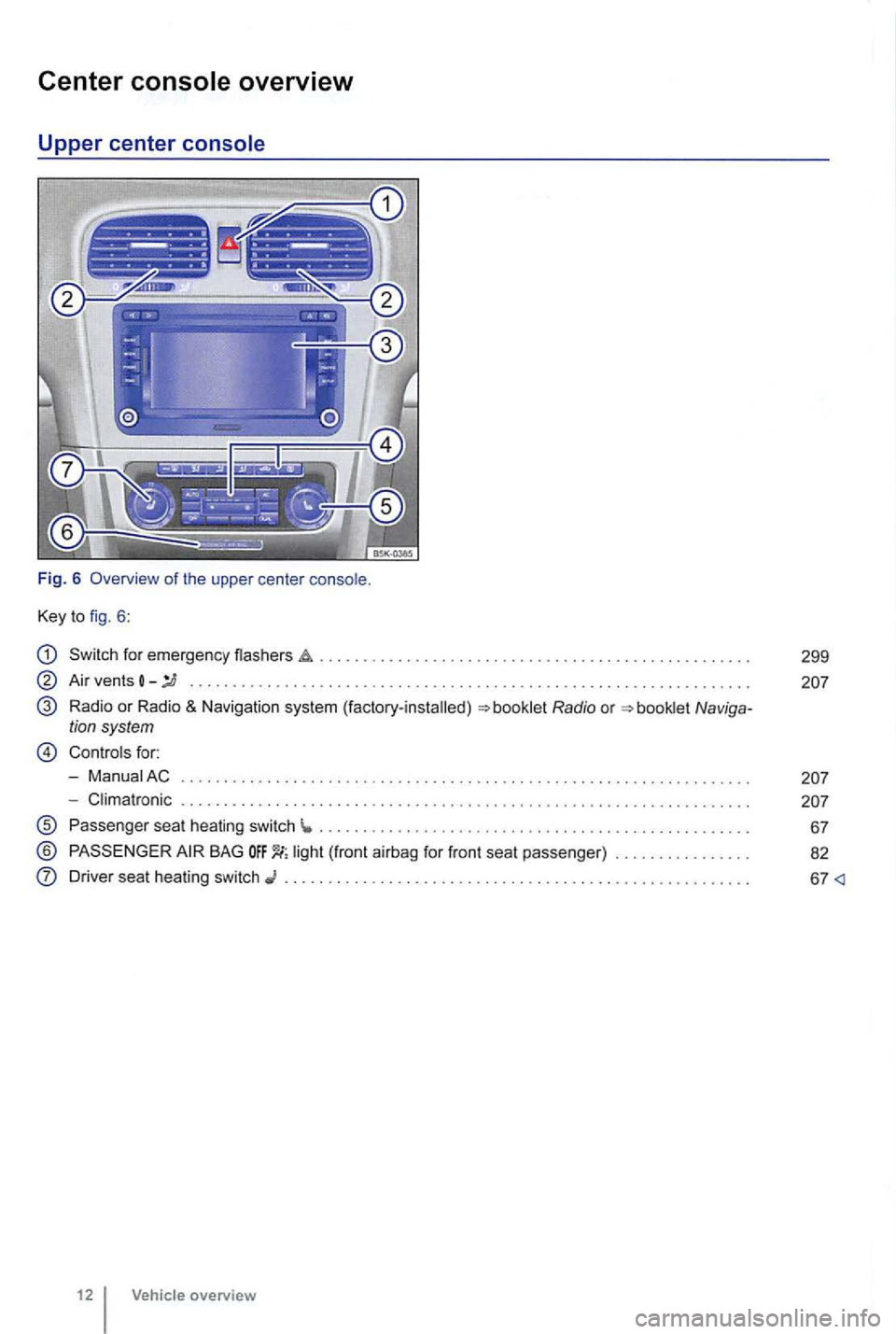
Center
Key to fig. 6 :
Switch for emergency flashers
Air vents -........... ... ..................... .... .. ............ .......... . .
Radio or Radio & Navigation system (factory-installed)
Controls for:
- ManuaiAC
- Climatronic . . . . .
............................................ .
Passenger seat heating switch ...... ........................................ ... .
® BAG
Driver seat heating switch ......................................... .
12 Vehicle overview
299
Page 119 of 516
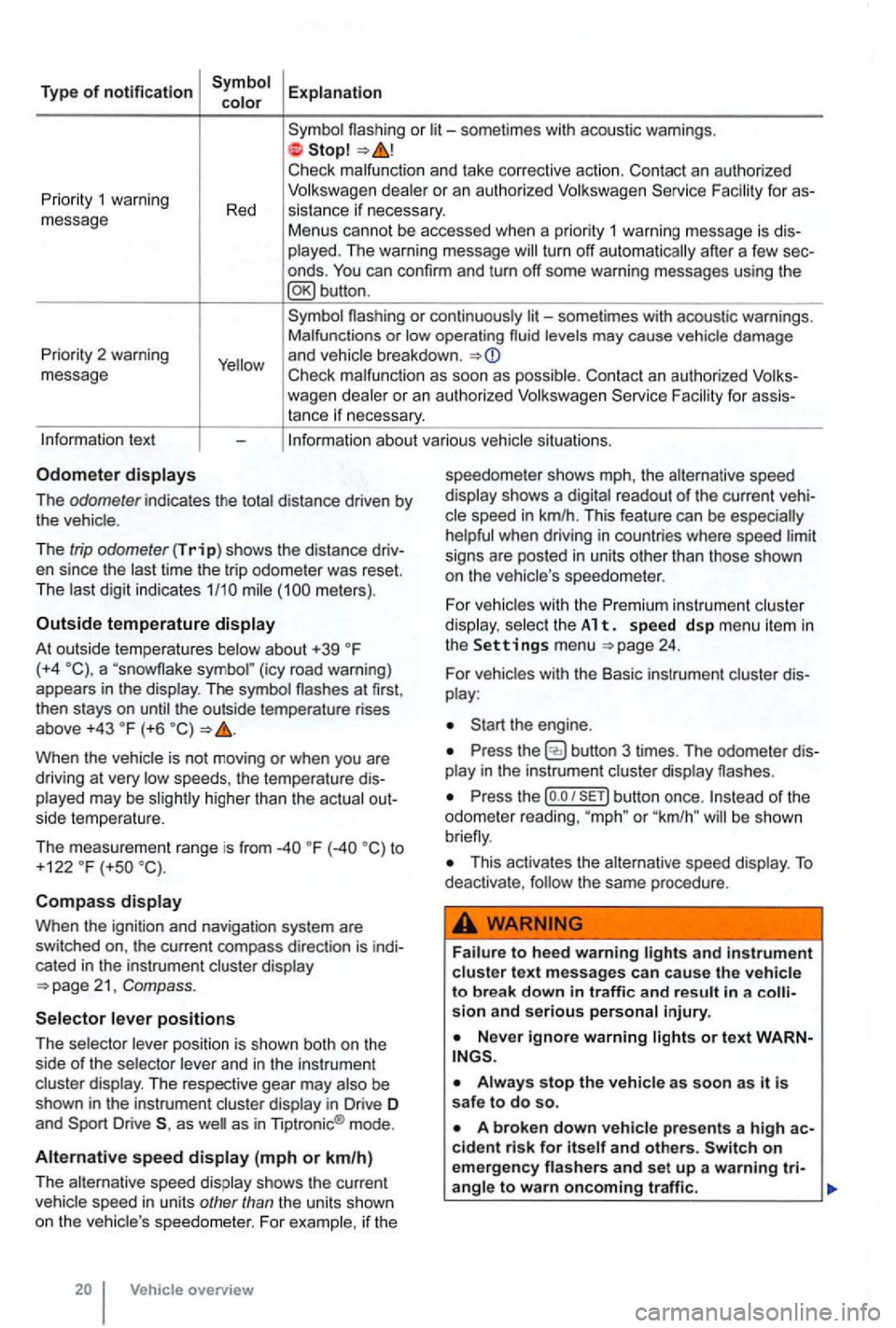
Type of notification
or
deale r o r an autho rized
turn off automatically after a few sec
onds .
Priority 2 warning
message
or continuously levels may cause vehicle damage
and vehicle breakdown .
Check malfunc tion as soon as possib le. Con tact an authorized for assistance if necessary.
tex t
The odometer indicates the distance driven by the vehic le .
The
trip odometer (Trip) shows the distance driv
en since the time the trip odometer was reset.
The meters) .
Outside temperature
At out side temperatures (+4 (icy road warning)
appears in the display . The symbol the outside temperature rises
above +43 (+6
higher than the actual out
side temperature.
The measurement range is from
to
+122 (+so
Compass
Whe n the ignit ion and navigation system are
switched on, the current compass direction is indi
cated
in the instrument cluster display
position is shown both on the
side of the selector and in the instrument
cluster display. The respective gear may
as as in Tiptronic ® mode .
Alternative speed (mph or km/h)
The alternative speed display shows the current
Vehicle overview speedometer
shows mph, the alternative speed
display shows a
readout of the current veh i
signs are posted in units other than those shown
on the vehicle 's speedo meter .
For
vehicles with the Premi um instrument cluster
di splay. select th e A 1 t. s pe ed d sp me nu it em in the Settings menu 24.
For vehicles with the Basic instrument cluster dis
play :
Press the
Press the (o .o button once. or "km /h " be shown
This activates the alternative speed display . To deactivate , the same procedure .
and in strument cluste r text messages can cause the vehicle to break down in traffic and result in a sion and serious personal injury.
on emergency
Page 121 of 516
vehicles with out a factory-installed navigation
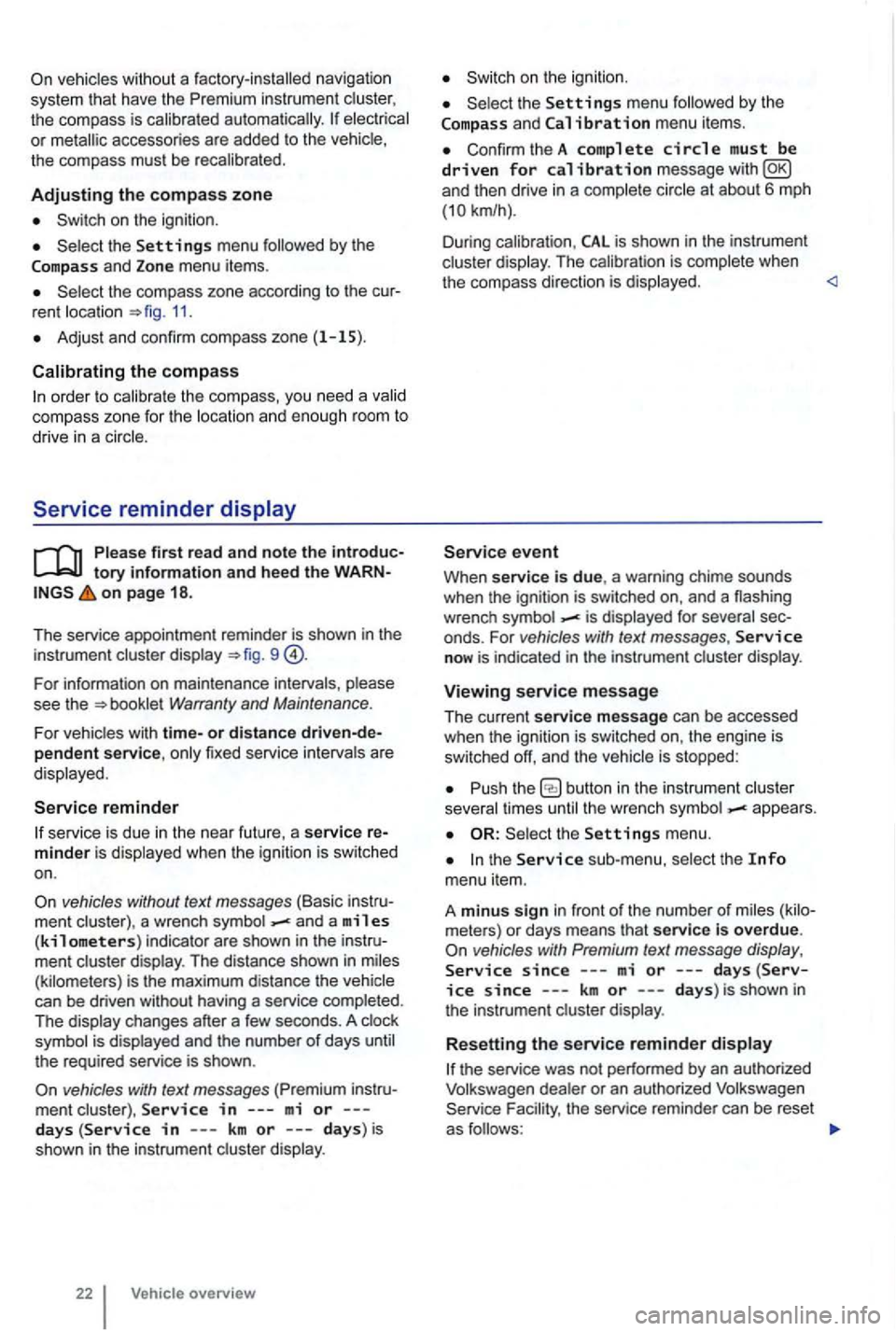
system th at have th e instrument the compass is calibrated automatically. or metallic accessories are added to the the compass must be recal ibrated .
Adjusting the compass zone
on the ignition .
and Zone menu items.
rent location =>fig. 11.
Adjust and confirm compass zone (1 -15).
order to cal ib rate the compass, you need a
Serv ice reminder
on page 18 .
The service appointment reminder is shown in the
instrument =>fig . 9
For information on maintenance intervals, Warranty and Maintenance.
For vehicles with time-or distance fixed service intervals a re
displayed .
Service reminder
service is due in the near future, a service
vehicles without text messages (Basic a wrench and a miles (kilometers) indicator are shown in the display . The distance shown in (kilometers) is the maximum distance the
the required service is shown .
vehicles with text messages
and Calibration menu items .
ConfirmtheA complete circle must be driven for calibration message
is complete when
the compass direction is displayed.
Service event
When service is due, a warning chime sounds
when the ignition is sw itched on, and a flashing
wrench
- is displayed for
now is indicated in the instrument display.
Viewing service message
The current service message can be accessed
when the ignition is switched on, the engine is
switched off, and the
times -appea rs .
the sub-menu,
since---mi or---days(Service since ---km or ---days) is shown in
the instrument
or an authorized Volkswagen the service reminder can be reset
as
Page 123 of 516
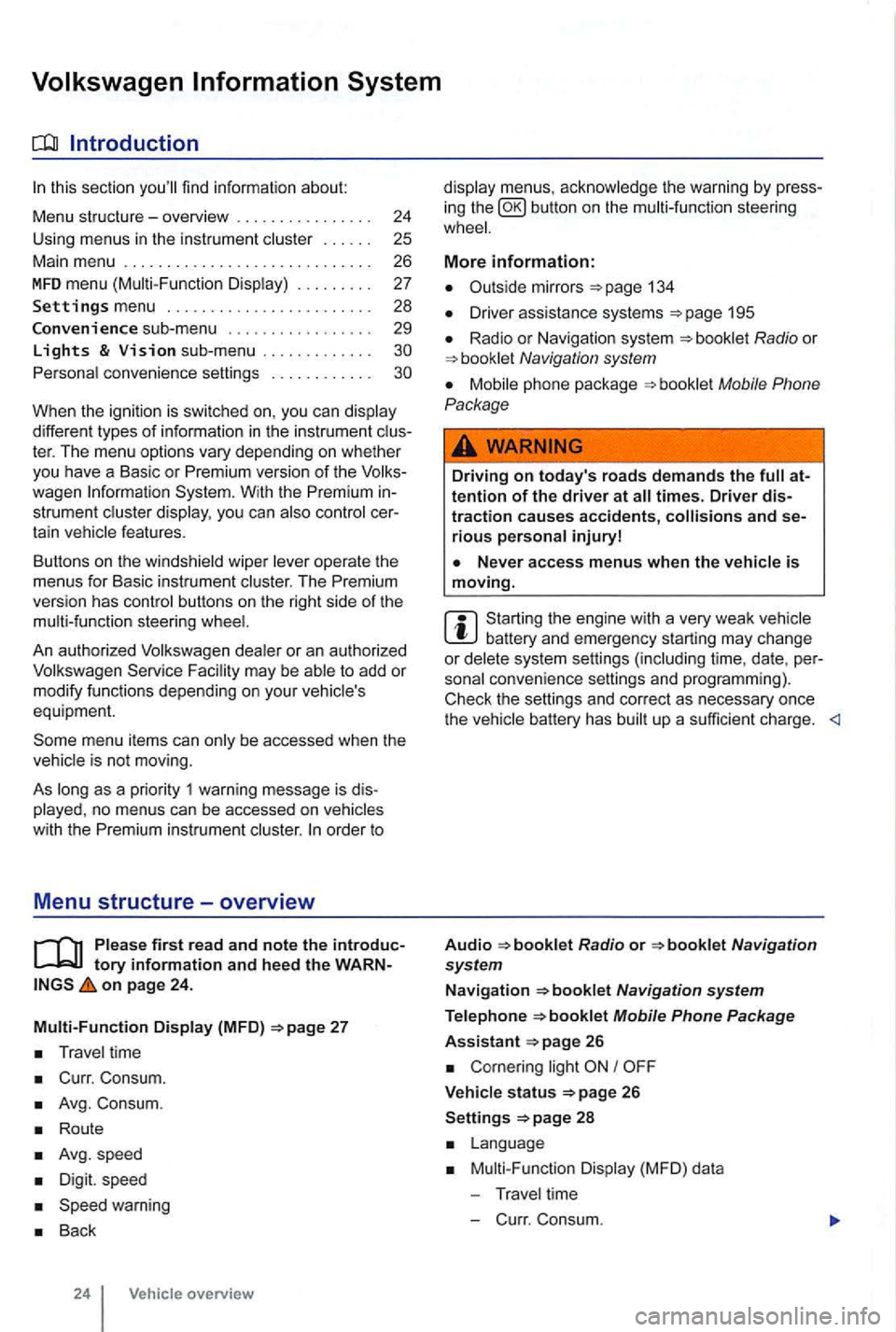
sectio n find informat ion about:
Menu structure-overv iew .......... .
U sing
menus in the instrument
..
Settings menu ................ .
Convenience sub-menu
Lights & Vision sub-menu ............ . convenience settings .. .
24
25 26
27
28
29
different types of information in the instrument ter. The menu options vary depending on whether you h ave a Basic or Premium version of th e
you can
operate the menus for Basic instrument The Premium version has con tro l buttons on the right side of the
An authorized to add or modify functio ns depending on you r vehicle's
equ ipment.
on page 24.
Multi-Function Display (MFD)
Travel time
Curr. Consum.
Avg. Consum.
Route
Avg.speed
Digit. speed
Back
24 Vehicle overview
menus, the warning by press
in g the button on the steeri ng
134
D river assistance systems 195
Radio or Navigation system
Mobile Phone
Package
Driving on today's roads demands the attention of the driver at times. Driver distraction causes accidents, and serious persona l injuryl
is moving.
Start ing the engine with a very weak battery and emergency starting may change or delete system settings (including time, date , per
sonal convenience settings and programming) .
Check the settings and correct as necessary once the
Radio or
26
Corn ering light I
V ehicle s tatus 26
Settings 2 8
Mult i-Functi on Displa y (MFD) da ta
T ravel time
- C urr. Consum.
Page 127 of 516
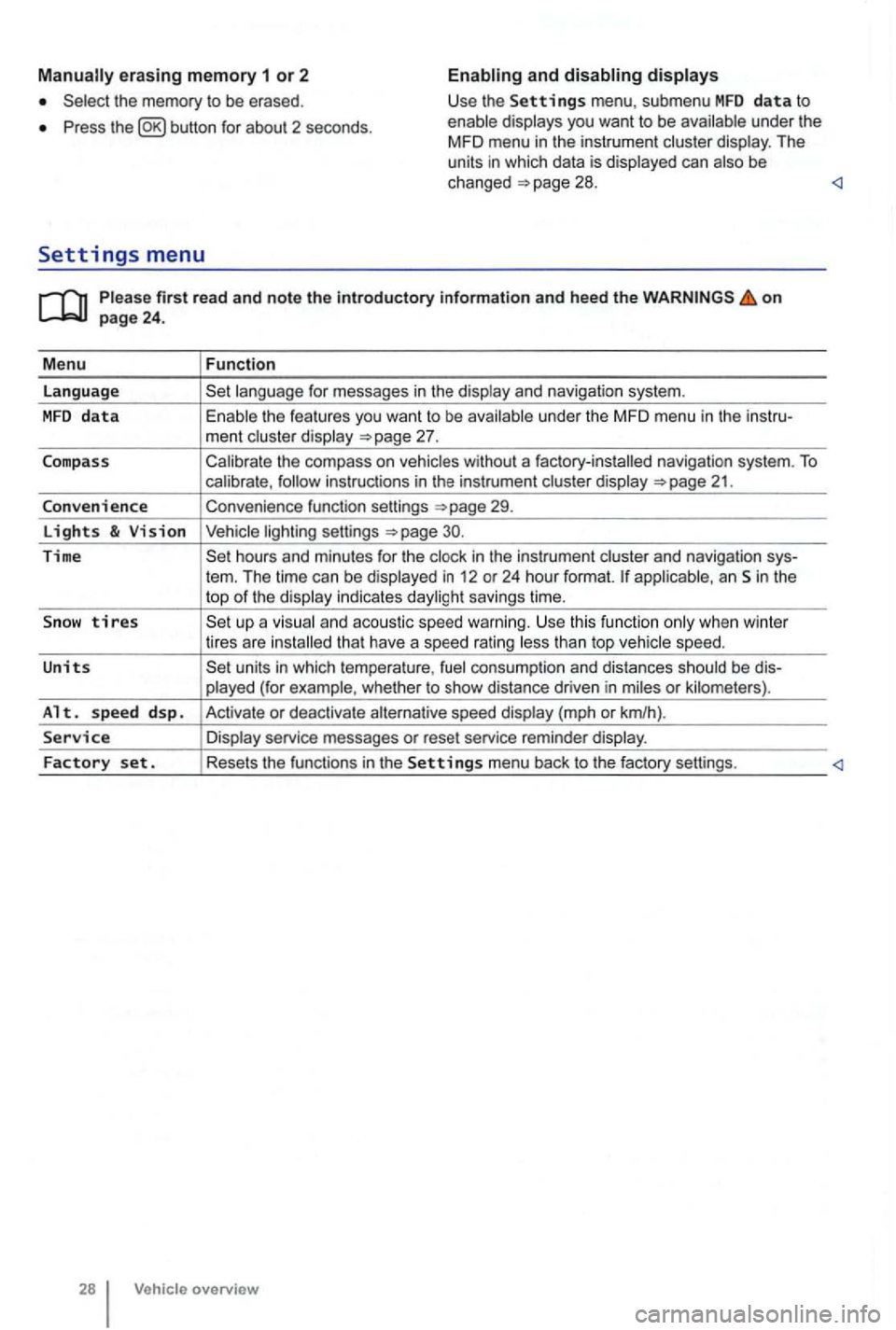
erasing memory 1 or 2
Press button for about 2 seconds.
and
Please firs t r ead and note t he i ntrodu ctory infor ma tion an d heed th e o n page 24 .
M enu
Function
language
unde r the MFD menu in the instru-
ment cluste r display
Calibrate the compass on vehicles without a factory-installed navigation system. To calibrate ,
Convenience function settings
30.
Time hours and minutes for the and navigation sys-
tern. The time can be displayed in 12 or 24 hour format. applicab le, an Sin the
top of the disp lay indicates daylight savings time.
S
now tires t han top vehicle speed.
Units units in which tempera ture , consumption and distances should be dis-
p layed (for example , whet her to show distance driven in miles or kilomete rs).
Alt. s p ee d d sp. Activate or deactiva te speed display (mph or km/h).
Service Display service messages or reset service reminder display.
Factory set . Resets the functions in the Se tting s menu back to the factory settings.
Vehicle overv ie w
Page 131 of 516
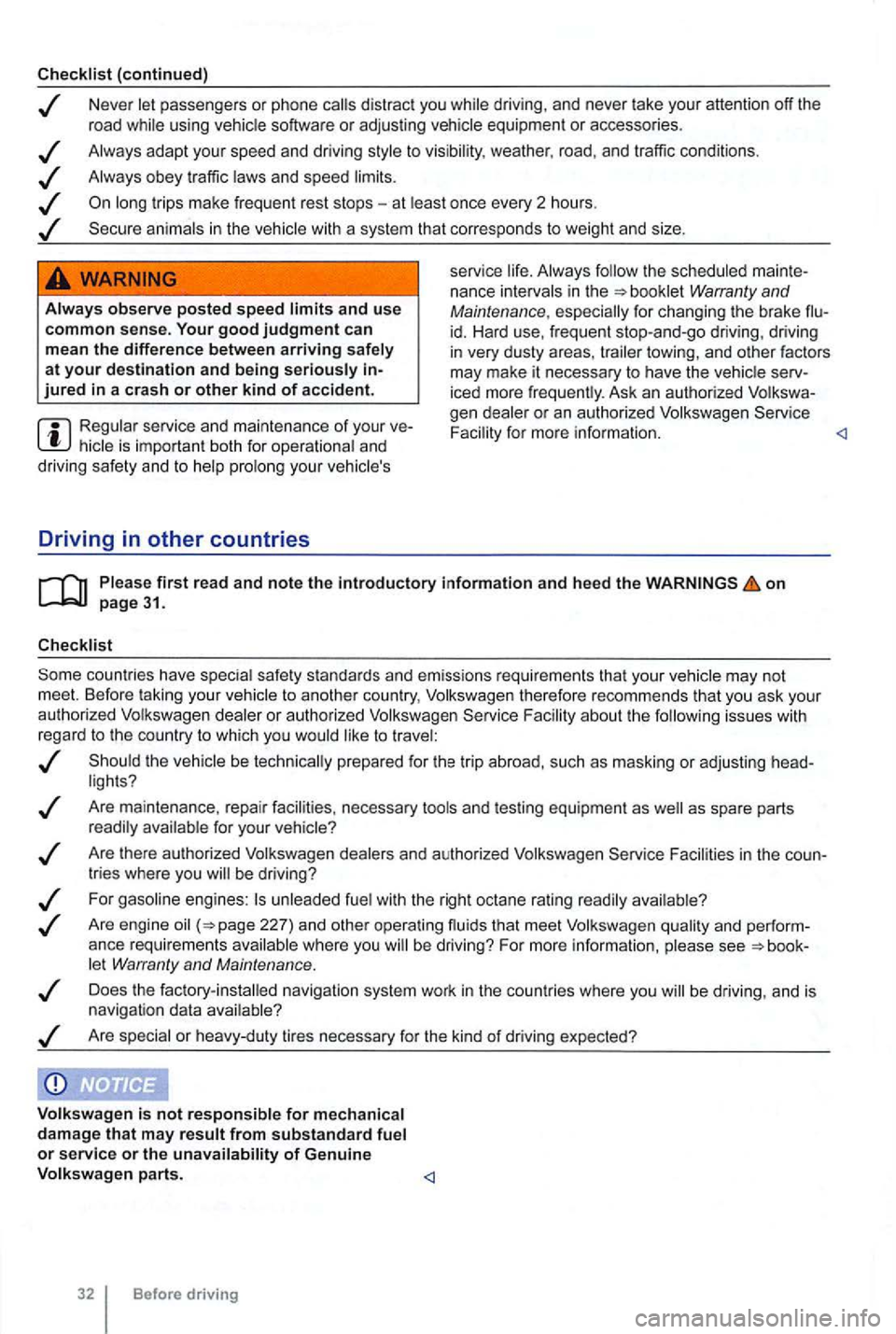
Checklist (continued)
Neve r let passe ngers or phone calls dist ract you while driving , and neve r take your attention off the
r oad while using vehicle software or adjusting vehicle equipment or accessories .
Always adapt your speed and driving style
to visibility , weather, road, and traffic conditions .
Always obey tr affic laws and speed limits .
WARNING
Alway s observe posted speed limits and use common sense. Your good judgment can
m ean the difference between arriving safely at your destination and being seriously jured in a cras h or other kind of accide nt.
Regular service and main te na n ce of you r hic le is important bot h f or ope rational and
driving safe ty and to help prolo ng yo ur veh icle's
Driving in other countries
service lif e . Always follow the sched uled mainte
nance intervals in the
iced more frequently . Ask an authori zed Volkswa
gen dealer or an author ized Volkswagen Faci lity for more info rmation.
on
F acil ity about th e fo llowing issues with
r ega rd to the country to which you would like to t rave l:
Are mainte nance , repa ir facilities , necessary tools and testing equipme nt as
Facilities in the
let Warran ty and Maintenance .
Does the factory -ins ta lled navigation system work in the countries where you
Page 192 of 516
on page 82.
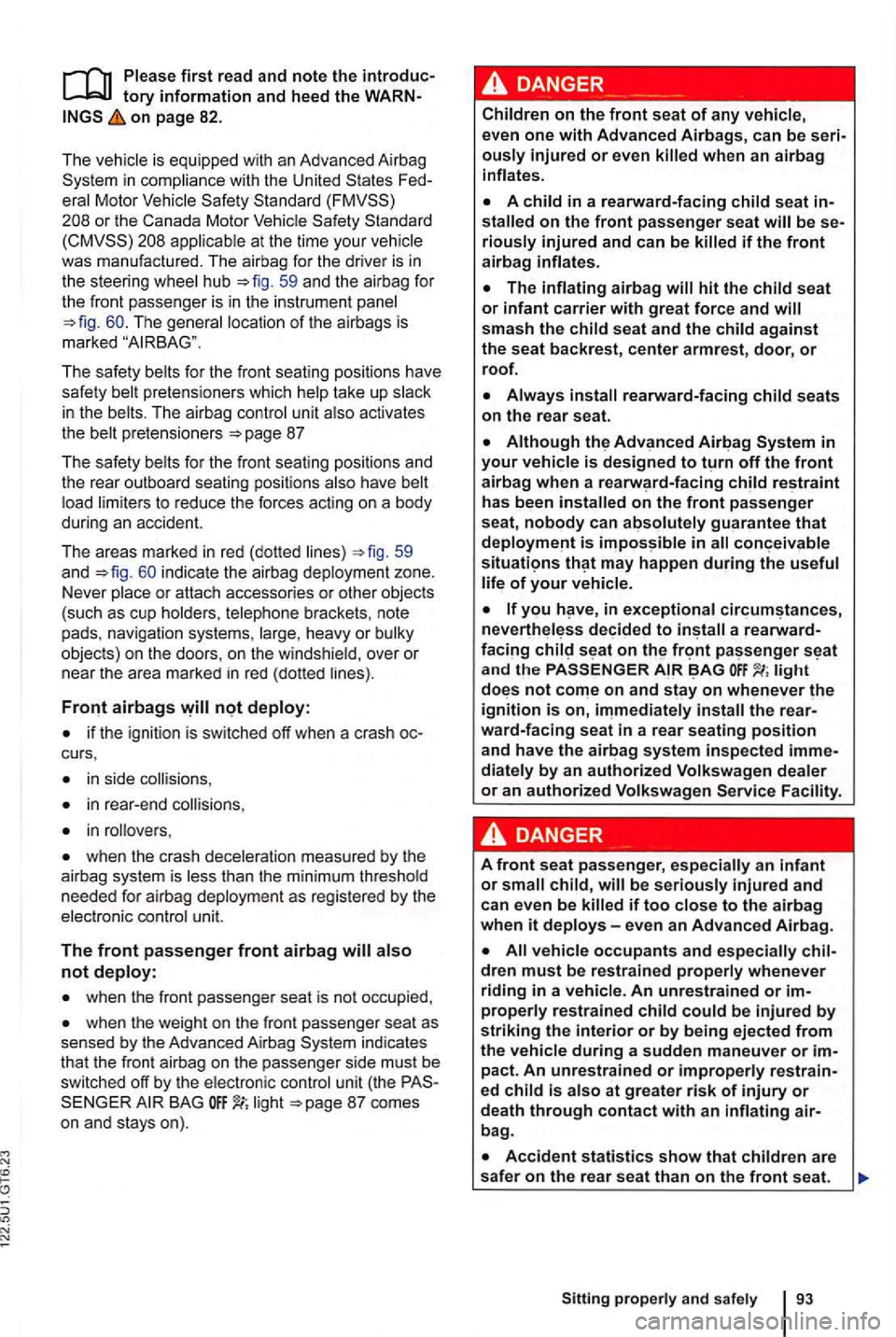
The is equipped with an Advanced Airbag
Standard
appl icable at the time your
The safe ty belts for the front seating positions have
safety belt pretensioners which help take up slack
i n the belts. The airbag contro l u nit also activates
the belt pretensioners
59
and i ndicate the airbag deployment zone.
Never place or attach accessories or other objects (such as cup holders , telephone brackets, note
pads, navigation systems, large , heavy or bu lky
objects) on the doors , on the windshie ld, over or
near the area
marked in red (dotted lines).
if the ignition is switched off when a crash
in side collisions ,
in rear -end
in rollovers ,
when the crash deceleration measured by the
ai rb ag system is less than the minimum threshold
needed for airbag deployment as regis te red by the
elec tronic cont
rol unit.
The front passenger front airbag
when the front passenger seat is not occupied ,
when the weight on the front passenger seat as sensed by the Advanced Airbag indicates
that the front airb ag on the passenger side must be
s witched o ff by the electronic control unit (the BAG li g ht
ously injured or even
stalled on the front passenger seat will be riously injured and can be killed if the front airbag inflates.
has been installed on the front passenger
seat, nobody can absolutely guarant ee that
you in exceptional a
light not on and stay on whenever the ignition is on,
dren must be restrained properly whenever
riding in a vehicle. An unrestrain ed or
bag .