2012 VOLKSWAGEN GOLF lights
[x] Cancel search: lightsPage 129 of 516
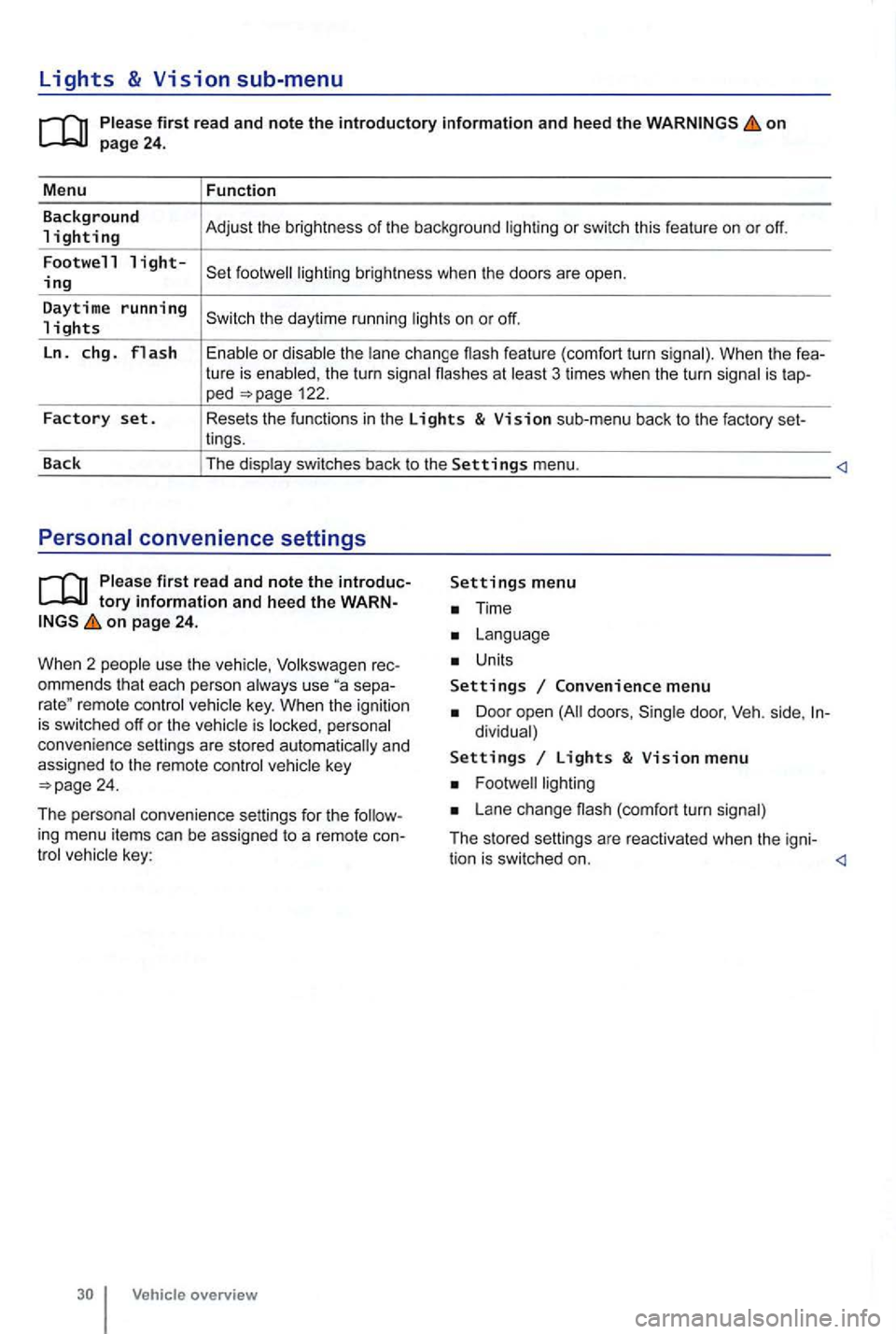
Lights & Vision sub-menu
on
the turn signa l flashes at 3 times when the turn signal is tap-ped 122.
Factory set. Resets the functions in the Lights & Vision sub-menu back to the factory set-
lings.
Back The display switches back to the
Settings menu.
tory information and heed the WARNon page 24.
W hen 2 people use th e
Volksw agen rec
ommends that each person always use separemote control veh icle key. When the ignition is switched off or the vehicle is personal
convenience settings are stored automatically and
assigned
to the remote control
Time
Units
Settings Convenience menu
Door open doors , dividual)
Settings Lights & Vision menu
Lane change (com fort turn signal)
The stored settings are reac tivated when the igni-
tion is switched on.
Page 130 of 516
Before driving
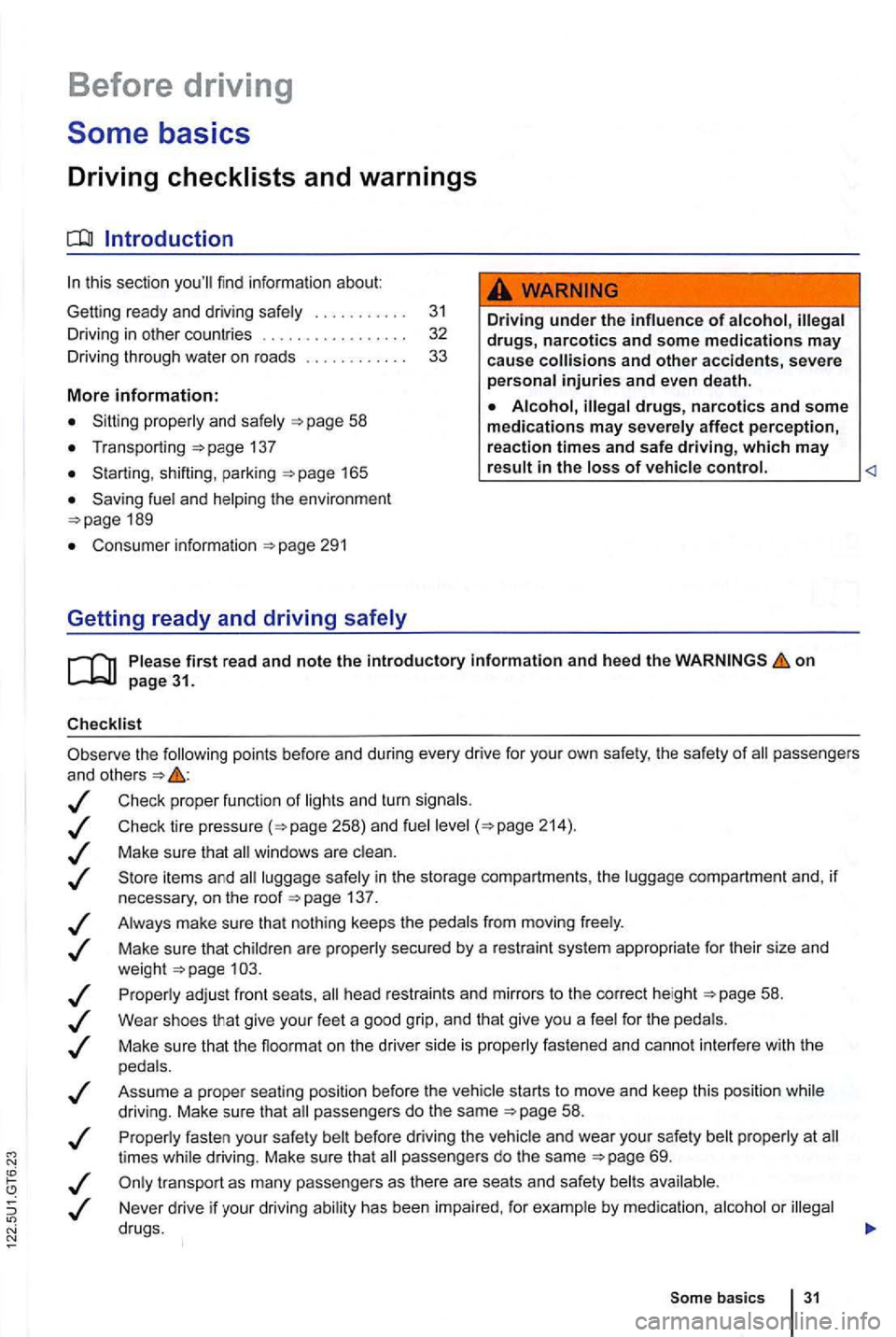
this sectio n yo u'll find infor ma tion about
Gett ing ready and driving safely . . . . . . . . . . . 3 1
Driving in other countr ies . . . . . . . . . . . . . . . 32
Driving through
water on ro ads . . . . . . . . . . 33
More information:
S tarting , shift ing, pa rking 1 65
189
Consumer information
Driving under the influence of alcohol,
on
the following points be fore and during every drive for you r own safe ty, the safety of passengers
and other s
Check proper functio n of lights and turn signa ls .
Check tire pressu re
258) and fuel 214) .
Make su re that win dows are .
137 .
Always make sure tha t nothing keeps th e pedals from moving freely .
Make sure that children are properly sec
ured by a rest raint sys tem appropriate for their size and
weigh t .
Proper ly ad just front seats , head restraints and mirrors to the correct height
give your feet a good grip, and that give you a feel for the peda ls .
M ake sure that the floormat on the drive r side is properly fastened and canno t interfere with the
peda ls .
Assume a prope r sea ti
ng posi tion before the vehicle starts to move and keep this positio n whil e
driving. Make sure that passe ngers do the same 58 .
P roper ly fasten your safe ty bel t before
driving the vehic le and wear you r safety belt properly at times while driving. Make sure that passe ngers do the same
or
Som e basics 31
Page 149 of 516
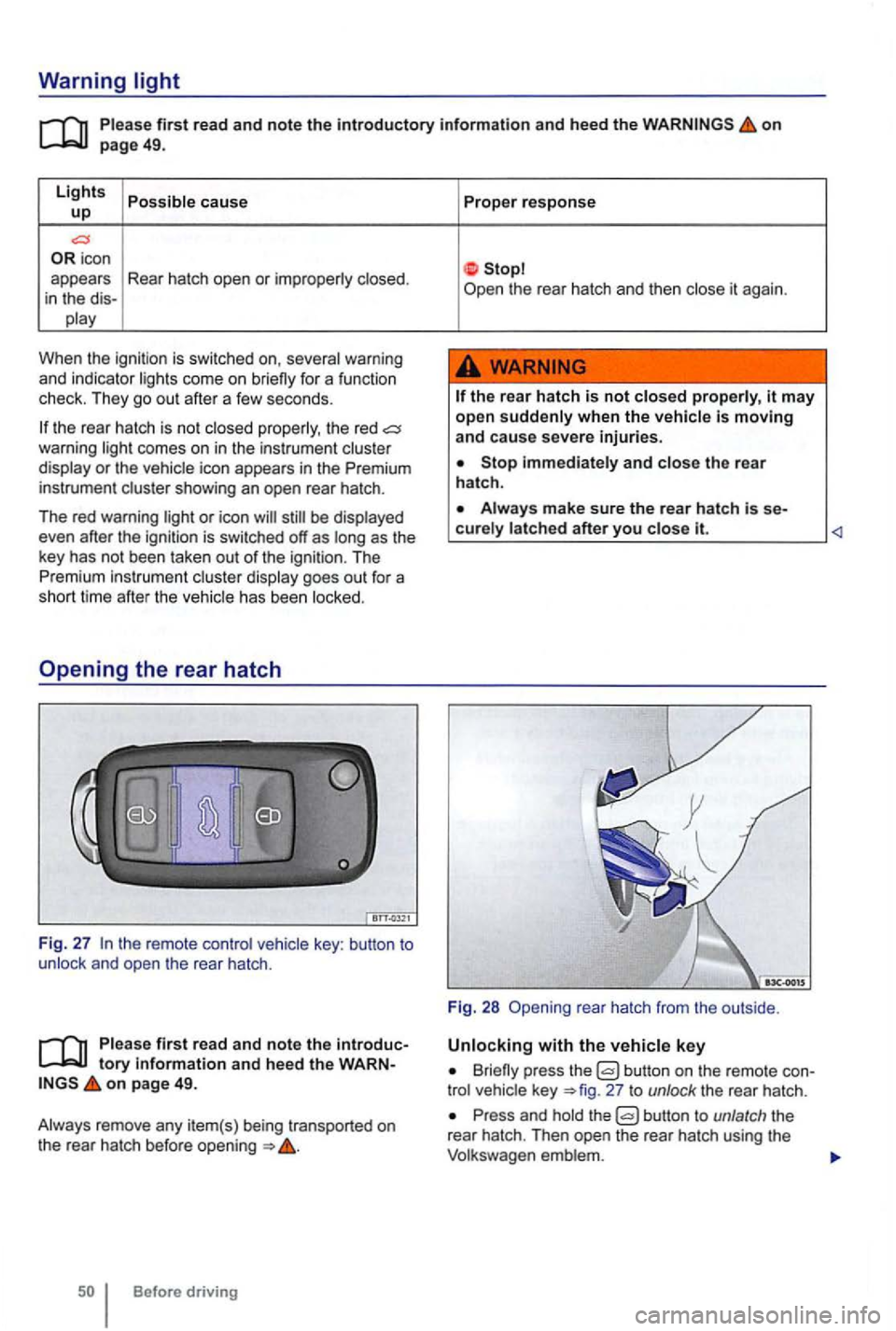
Warning light
first read and note the introductory information and heed the on page 49.
Lights cause up
icon
appears Rear hatch open or
When the ignitio n is swi tc hed on,
the rear hatch is no t the red comes on in the instrum ent or the icon appears in the Premium
instrument
be
has been
key : button to and open the rear hatch .
first read and note the tory informa tion and heed the on page 49.
Before driving Proper
response
the
rear hatch is not it may
open when the
Stop and the rear
hatch .
it.
Fig. 28 rea r hatch from the outside .
Briefly press the button on the remote 27 to unlock the rear hatch .
Press and the
Page 169 of 516
Damage to safety belts re duces their effective ne ss and increa ses the risk of serious personal injury and death whenever the
v ehicle is being used.
Torn or frayed safety belts can te ar, and
damag ed safety belt hardware can break
web
bing, bindings, buc kles, or retractors are damaged , hav e the belts replaced immediate
ly with the correct replacement belts proved by Volkswagen for your vehicle, model , and model yea r.
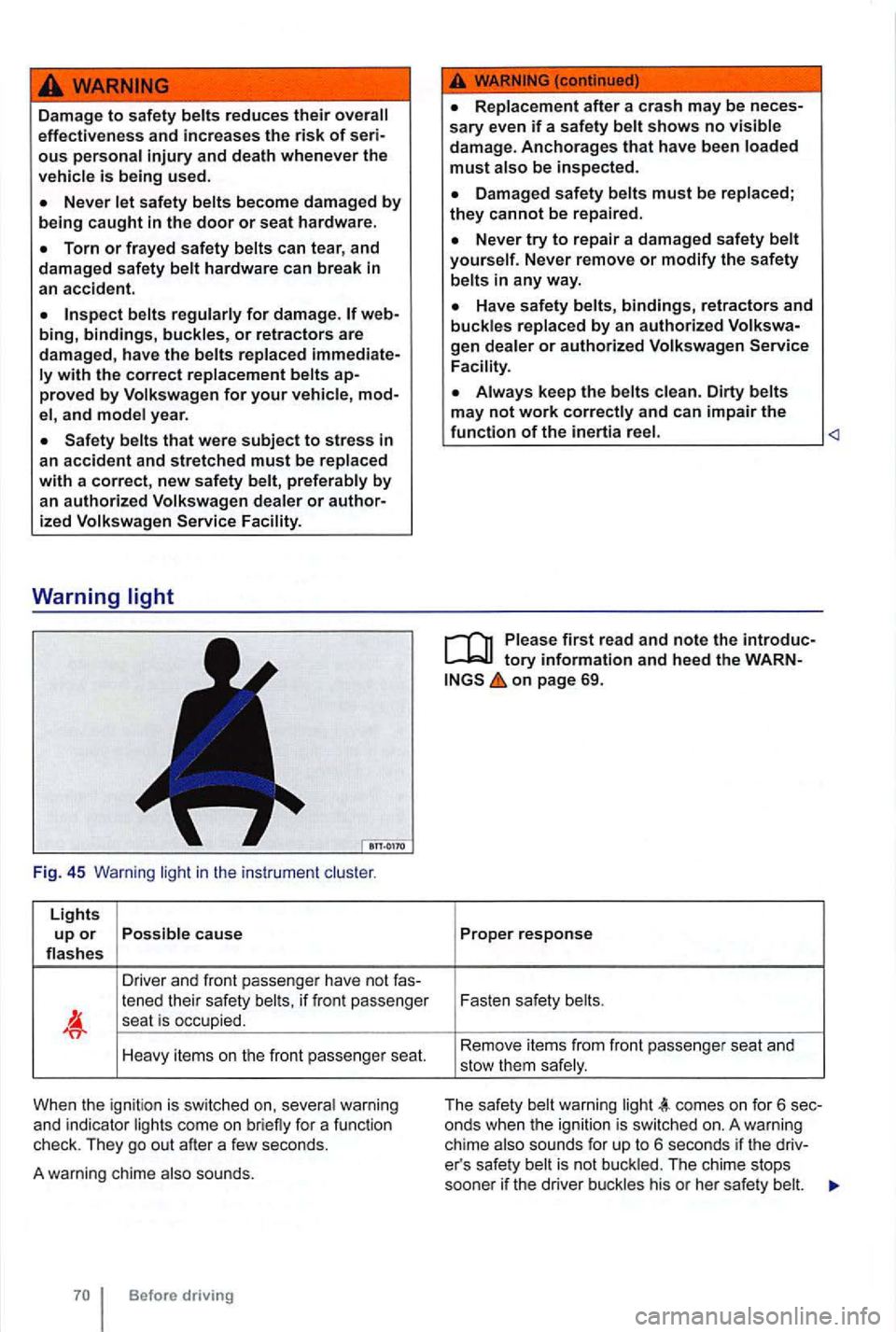
Fig . 45 Warning light in the instrume nt
Lights up or Possible caus e flas hes
Driver and front p asse nge r have not
tened their safety belts, if fr o nt passenger sea t is occup ied.
Heavy items on the front passe nge r seat.
Whe n the ign itio n is switched on, seve ra l warni ng
and indica tor lights come on brie fly for a func tion
check. They go out after a few seconds.
A warning chime also sounds.
Replacement after a crash may be neces
s ary even if a sa fety belt shows no visible damag e. Anchorages that have been loaded must also be inspect ed .
D amaged safety belts must be replaced ; they cannot be repaired .
Never try to repair a dam ag ed s afety belt yourself. Never remove or modify the safety
belts in any way.
Have safety belts, bindings, retractors and buckles replaced by an authorized
Always keep the belts clean . Dirty belts
may not work
tory information and heed the WARNon page 69.
Proper response
Fasten safety belts .
Re move it e m s f
rom fr ont passe nger seat and
stow them safe ly .
T
he safety belt wa rnin g light comes on f or 6 sec
onds when the ignition is sw itched on. A warning
ch ime also sounds for up to 6 seco nds if the driver's safe ty belt is not bu ckl ed . Th e c hime stops
soone r if the driver buckles his or her safe ty be lt.
Page 221 of 516
Lights and vision
Lights
lights . . . . . . . . . . . . . . . . . . . . . . . . . . 122
Turn signal lever and high beam switch . . . . . 123
Switching li ghts on and off . . . . . . . . . . . . . . . . 124
lights and Vision functions . . . . . . . . . . . . . . . . 125
and reading lights . . . . . . . . . . . . . . . . . 127
A lways obey loca l ve
hicle lighting laws.
The drive r is always responsible for the correct
headlight settings.
More information:
Exterior views
Volkswagen
Changing a light bulb
Headlights that are aimed too high and
an d distract other drive rs. This can lea d to a crash and serious personal injuri es .
Always make sure that are properly adjusted .
or distrac t other drive rs .
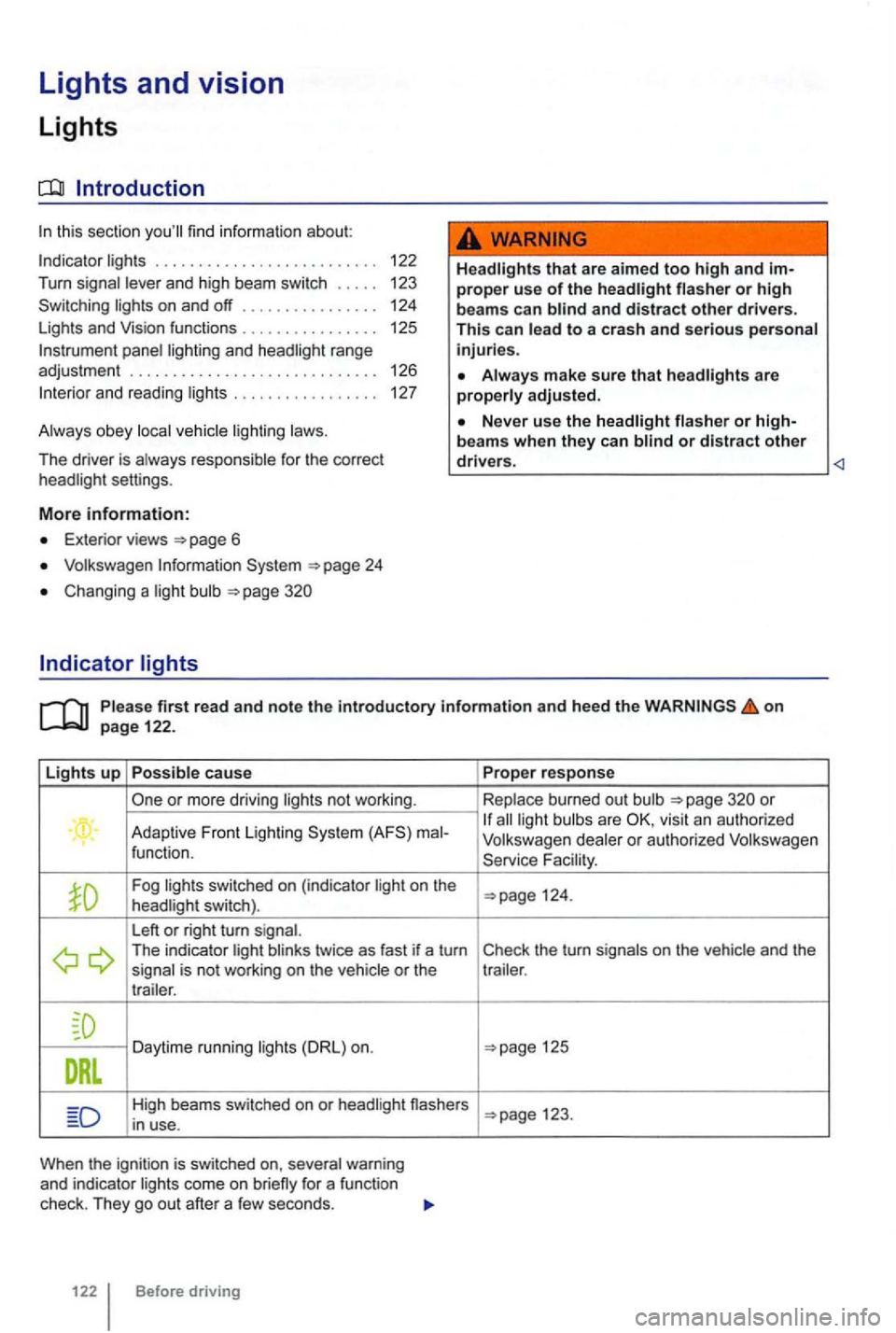
Lights up Possible cause
or more driving lights not wor king .
. Adaptive Front lighting ma l-
function.
Fog lig hts switched on (ind icator light on the
headlight switch).
L eft
or right turn signal. The indicator light blinks twice as fast if a turn
signal is not working on the vehicle or the
t r a iler .
Daytime running lights
High beams switched on or headl ight nashers
i n u se.
When the ignit io n is sw itched on, several warning
and indicator lights come on
122 Before driving Prope
r response
Replace burn ed out bulb
all light bulb s are
Fa cility .
125
123.
Page 222 of 516
sion and serious personal injury.
on emergency flashers and set up a warning
can result in vehicle damage.
Discharge head lig ht s provide bright, uniform lightin g to help you
see and be seen. The light comes from an electric
arc between 2 electrodes in the gas-filled bulb.
lamp's
contro l un it then inc reases th e vo ltage to keep th e
arc 's bright ness consta nt. However , the commo nly
called bulb s will also ultimately burn out. Before they burn o ut, lamps can flicker . A
message will then appear in the MFD. This is your
r emi nder to see an aut ho rized Volkswagen dealer or an authorized Volkswage n
Turn
tory information and heed the on page 122.
Move
the l ever to the des ired position.
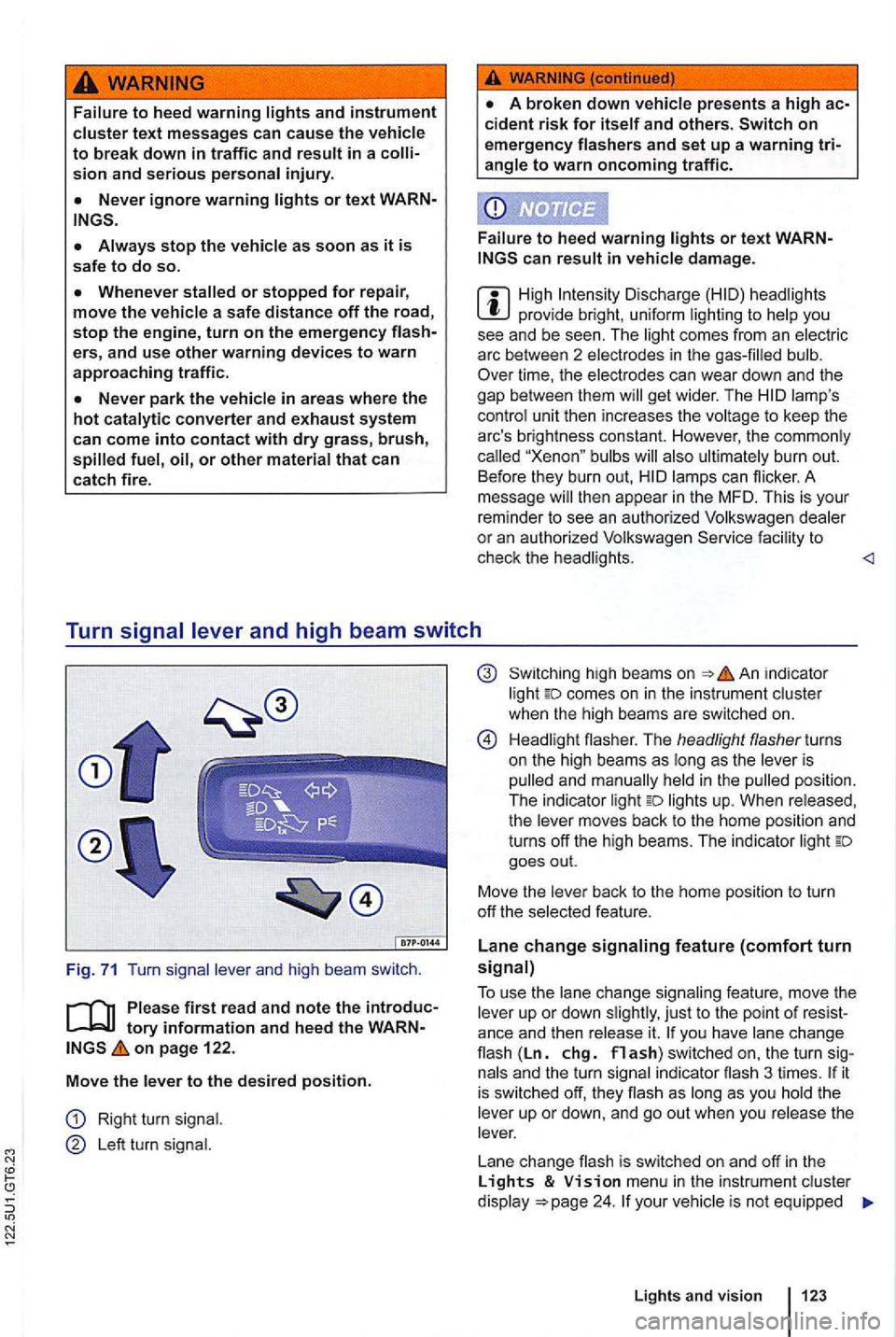
Right turn signal .
Le ft turn signal.
high bea ms on in dicator
light comes on in the instrument cluster
when the hig h beams are switc hed on.
H ead li gh t flasher. The headlight flasher turns
on the high beams as long as the leve r is
p ulled and man ually held
in the pulled position .
The indica tor light lights up. When released,
the lever moves back to the home position and
turns off the high beams. The indic ator light goes out.
Move the lever back to t
he home posit io n to turn
off th e se lected feature.
Lane change signaling feature (comfort turn signal)
T o use
the lane change sig n aling feature , move the
lever up or down slightly , just to th e point of you have lane cha n ge flash (Ln. chg. flash) switched on, the turn si gnals and the turn sign al in dicator flash 3 ti mes . it is sw itched off, they flash as long as you hold th e
leve r up or down, and go out when you release the
lever.
L ane change flash is switched on and off
in the Lights & menu in the instr ument cluster
d isplay your vehic le is not equipped
Lights and vision 123
Page 223 of 516
with the Lights & Vision menu, the feature can
be deactivated by an authorized Volkswagen deal
er or authorized Volkswagen Service Facility.
use of high beams can distract and blind others, causing accidents and serious injuries.
299.
Switching
The indicator twice as fast if a turn signa l bulb is burned out.
High beams can only be switched on when low beams are on.
Turn
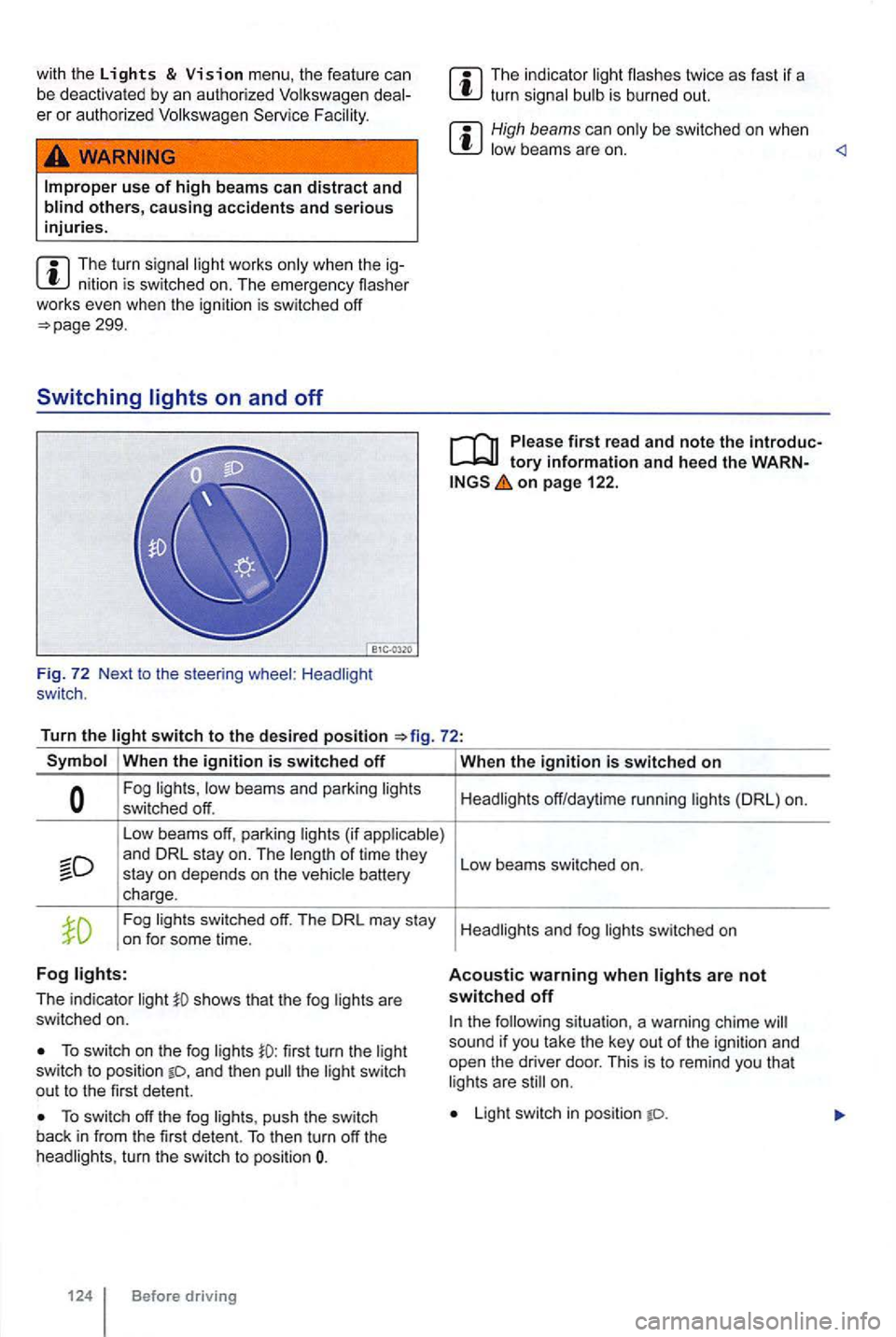
the switch to the desired position
Symbol When the ignition is switched off
Fog lights, low beams and parking lights
switched off.
Low beams off, parking lights (if applicable)
Fog lights switched off. The DRL may stay
on for some time.
Fog lights:
The indicator li ght shows that the fog lights are
switched on.
To switch on the fog lights first turn the light
switch to posi tion and then the li ght switch
out to the first detent.
To switch off the fog lights , push the switch
back in from the first detent. To then turn off the
headlights , turn the switch to position
124 Before driving When
the ig
nition is switched on
Headlights off/daytime running lights (DRL) on.
L
ow beams switched on.
H eadlights and fog
switched on
Acoustic warning when lights are not switched off
the following situation, a warning chime sound if yo u tak e th e ke y out of the ignition and
open the driver door. This is to remind you that
l ig hts are still on.
Light switch in position
Page 224 of 516
are not bright enough to le t you see ahead or be see n by others when it is dark.
not let you see far enough
Lights and
tory information and the WARNon page 122.
Daytime running
lamps are or in the front bumper fo r t he daytime running lights
( DRL ).
Turning on DRL
ahead for safety,
at dusk or when it i s dark .
are on, a vehicle cannot be seen by others
cool or humid weathe r, th e insides of the
lighting system.
When the dayt ime running are switched on,
only these separa te lamps com e on =>
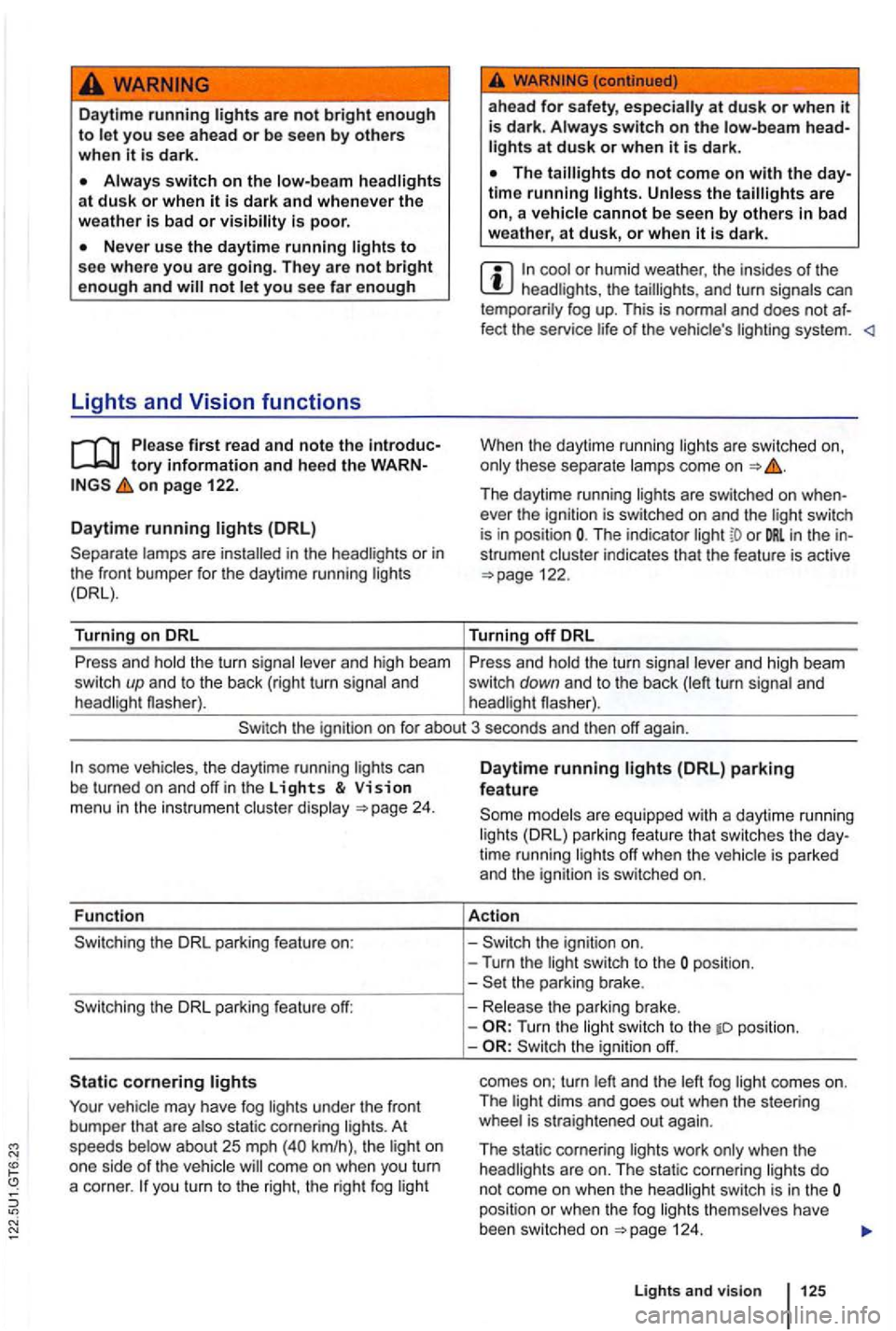
Th e daytime running lights are switched on when
ever the ign itio n is swi tched on and the ligh t sw itch is in position The indicator or in th e instrument cluster indicates that the feature is active =>page 122.
Turning
off DRL
P ress and ho
ld the turn signa l leve r and high beam Press and hold the turn signa l lever and high beam
switc h up and to the back (right turn sign al and switch down and to the back (left turn signa l and
headlight flasher). headlight flasher).
the ignit ion on f or about 3 seconds and then off again .
th e ignition on.
- Turn the ligh t swi tch to the posi tion.
the parki ng brake.
vehicl e may have fog lights under the front
bumpe r that are also static corneri ng l ight s. A t
speeds below about 25 mp h km/h ), th e l igh t on
one side of t he
yo u turn to the right , the righ t fog light -
Release the parking brake.
-
Turn the light swit ch to the tD pos ition.
-the igni tio n off.
comes on; turn left and the left fog l
ight comes on .
T he light dims and goes out when the steering
whee l is st
raig ht ened out again.
T he static cornering lights work only when the
are on. The static corneri ng lights do not come on when the switch is in the position or when the fog lights themselves have
been switched on =>page 124.
Light s and vision