Page 559 of 860
559
3-5. Using the hand
s-free phone system (for cellular phone)
3
Interior features
SIENNA_U (OM45477U)■
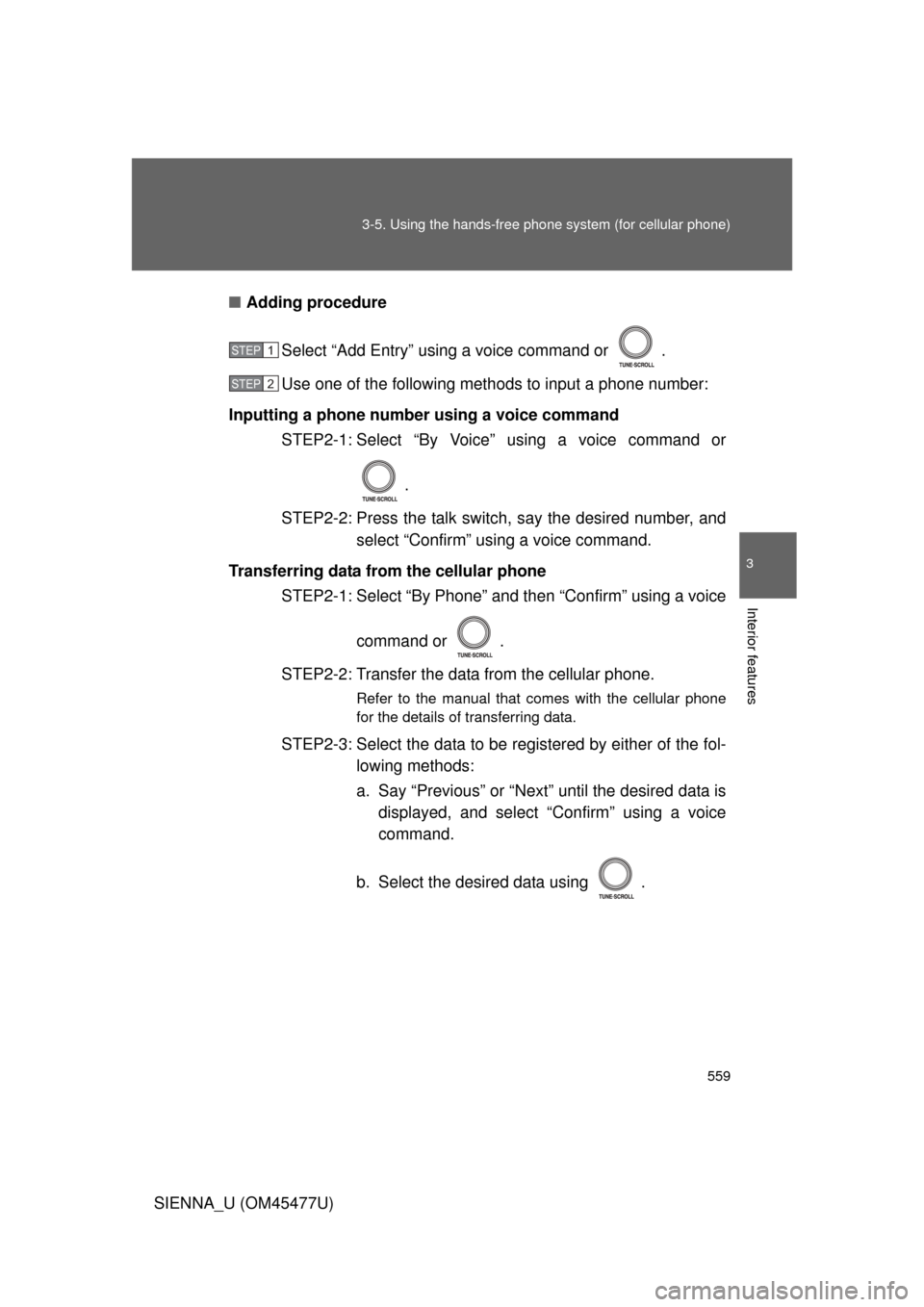
Adding procedure
Select “Add Entry” using a voice command or .
Use one of the following methods to input a phone number:
Inputting a phone number using a voice command STEP2-1: Select “By Voice” using a voice command or
.
STEP2-2: Press the talk switch, say the desired number, and select “Confirm” using a voice command.
Transferring data from the cellular phone STEP2-1: Select “By Phone” and then “Confirm” using a voice
command or .
STEP2-2: Transfer the data from the cellular phone.
Refer to the manual that comes with the cellular phone
for the details of transferring data.
STEP2-3: Select the data to be re gistered by either of the fol-
lowing methods:
a. Say “Previous” or “Next” until the desired data is displayed, and select “Confirm” using a voice
command.
b. Select the desired data using .
STEP1
STEP2
Page 560 of 860
560 3-5. Using the hands-free phone system (for cellular phone)
SIENNA_U (OM45477U)Inputting a phone number using
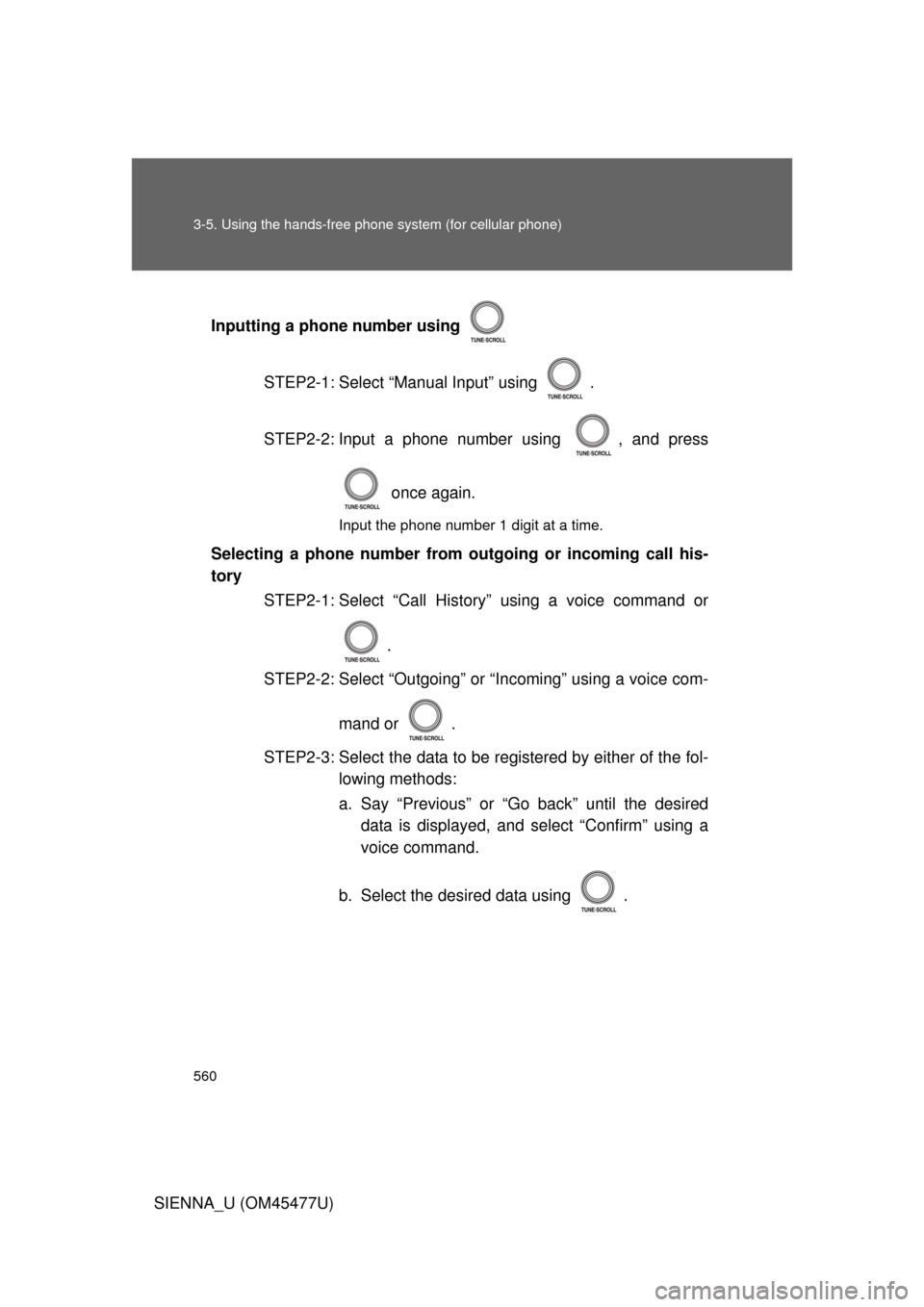
STEP2-1: Select “Manual Input” using .
STEP2-2: Input a phone number using , and press once again.
Input the phone number 1 digit at a time.
Selecting a phone number from outgoing or incoming call his-
torySTEP2-1: Select “Call History” using a voice command or
.
STEP2-2: Select “Outgoing” or “Incoming” using a voice com-
mand or .
STEP2-3: Select the data to be re gistered by either of the fol-
lowing methods:
a. Say “Previous” or “Go back” until the desired data is displayed, and select “Confirm” using a
voice command.
b. Select the desired data using .
Page 561 of 860
561
3-5. Using the hand
s-free phone system (for cellular phone)
3
Interior features
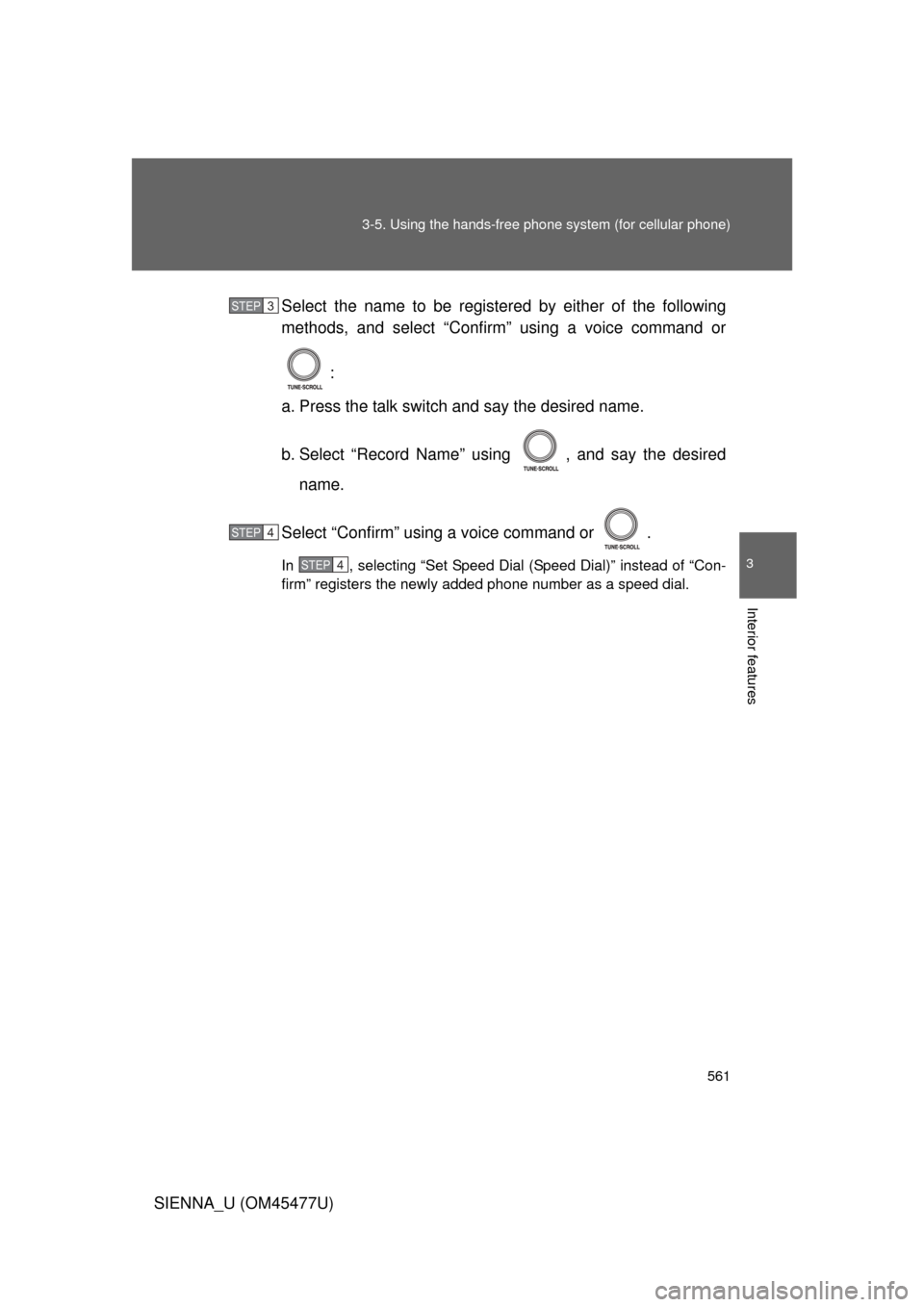
SIENNA_U (OM45477U)Select the name to be registered by either of the following
methods, and select “Confirm” using a voice command or
:
a. Press the talk switch and say the desired name.
b. Select “Record Name” using , and say the desired name.
Select “Confirm” using a voice command or .
In , selecting “Set Speed Dial (Speed Dial)” instead of “Con-
firm” registers the newly added phone number as a speed dial.
STEP3
STEP4
STEP4
Page 562 of 860
562 3-5. Using the hands-free phone system (for cellular phone)
SIENNA_U (OM45477U)
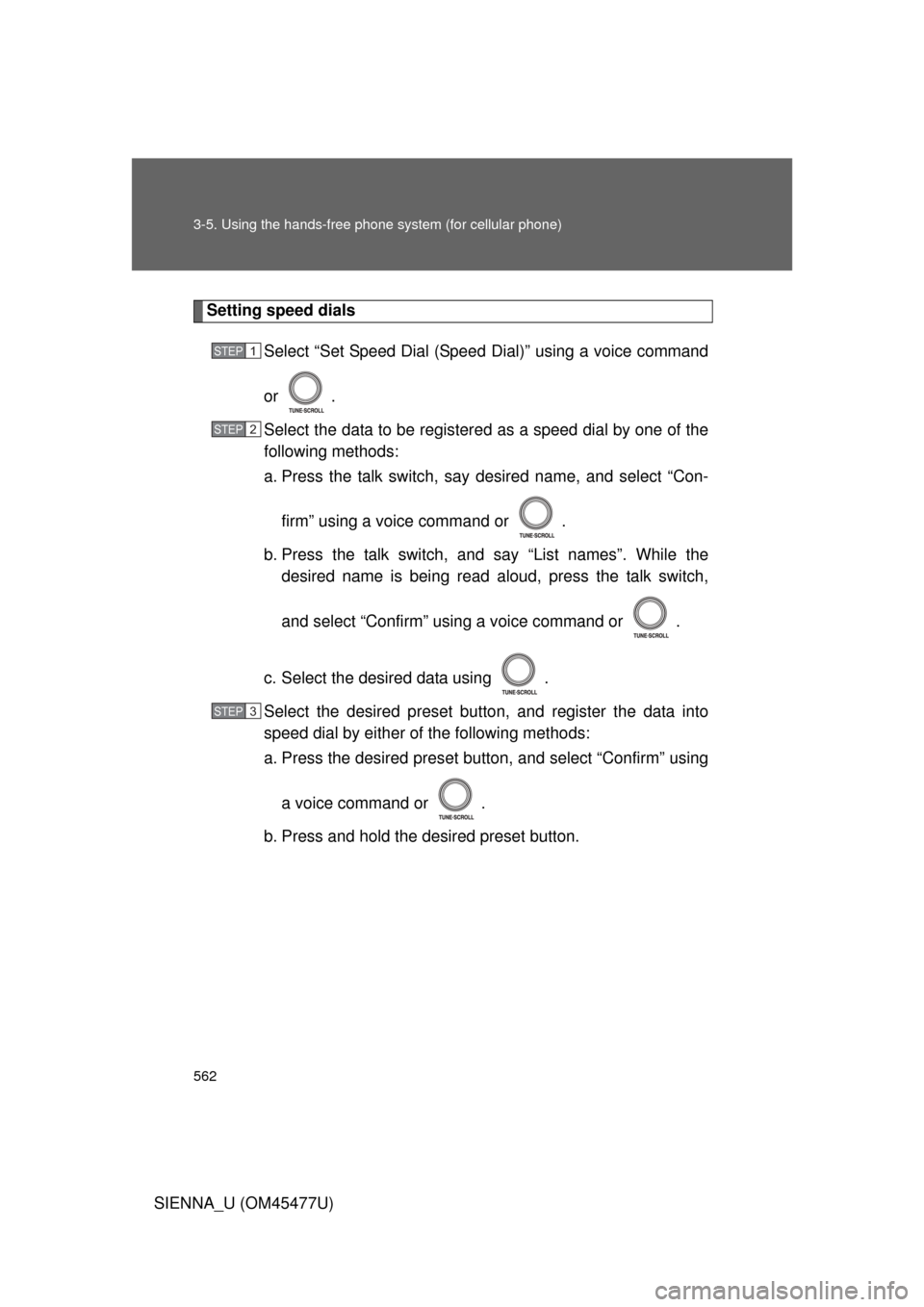
Setting speed dials
Select “Set Speed Dial (Spee d Dial)” using a voice command
or .
Select the data to be registered as a speed dial by one of the
following methods:
a. Press the talk switch, say desired name, and select “Con-
firm” using a voice command or .
b. Press the talk switch, and say “List names”. While the desired name is being read aloud, press the talk switch,
and select “Confirm” using a voice command or .
c. Select the desired data using .
Select the desired preset butt on, and register the data into
speed dial by either of the following methods:
a. Press the desired pres et button, and select “Confirm” using
a voice command or .
b. Press and hold the desired preset button.
STEP1
STEP2
STEP3
Page 563 of 860
563
3-5. Using the hand
s-free phone system (for cellular phone)
3
Interior features
SIENNA_U (OM45477U)
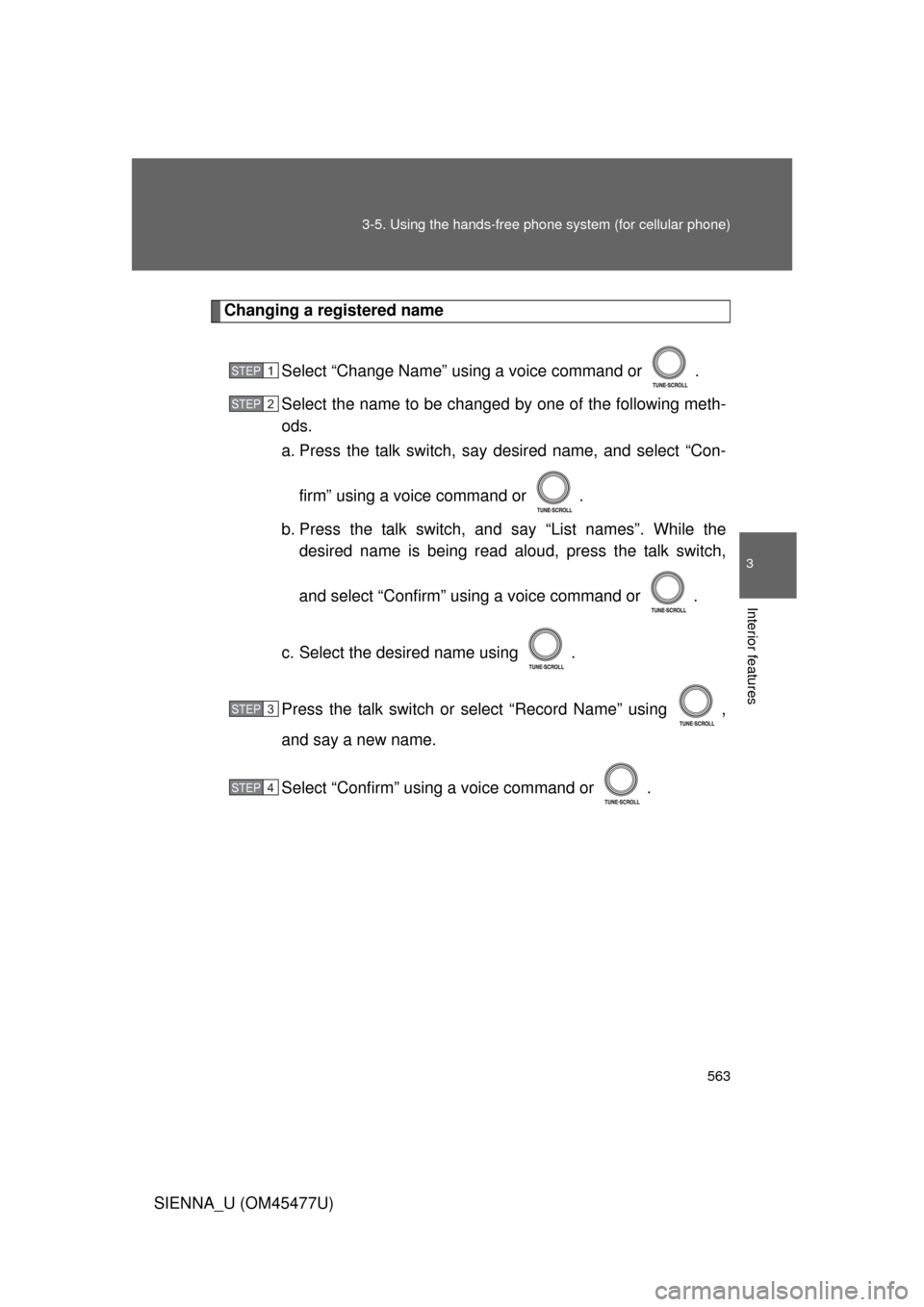
Changing a registered name
Select “Change Name” using a voice command or .
Select the name to be changed by one of the following meth-
ods.
a. Press the talk switch, say desired name, and select “Con-firm” using a voice command or .
b. Press the talk switch, and say “List names”. While the desired name is being read aloud, press the talk switch,
and select “Confirm” using a voice command or .
c. Select the desired name using .
Press the talk switch or select “Record Name” using ,
and say a new name.
Select “Confirm” using a voice command or .
STEP1
STEP2
STEP3
STEP4
Page 564 of 860
564 3-5. Using the hands-free phone system (for cellular phone)
SIENNA_U (OM45477U)
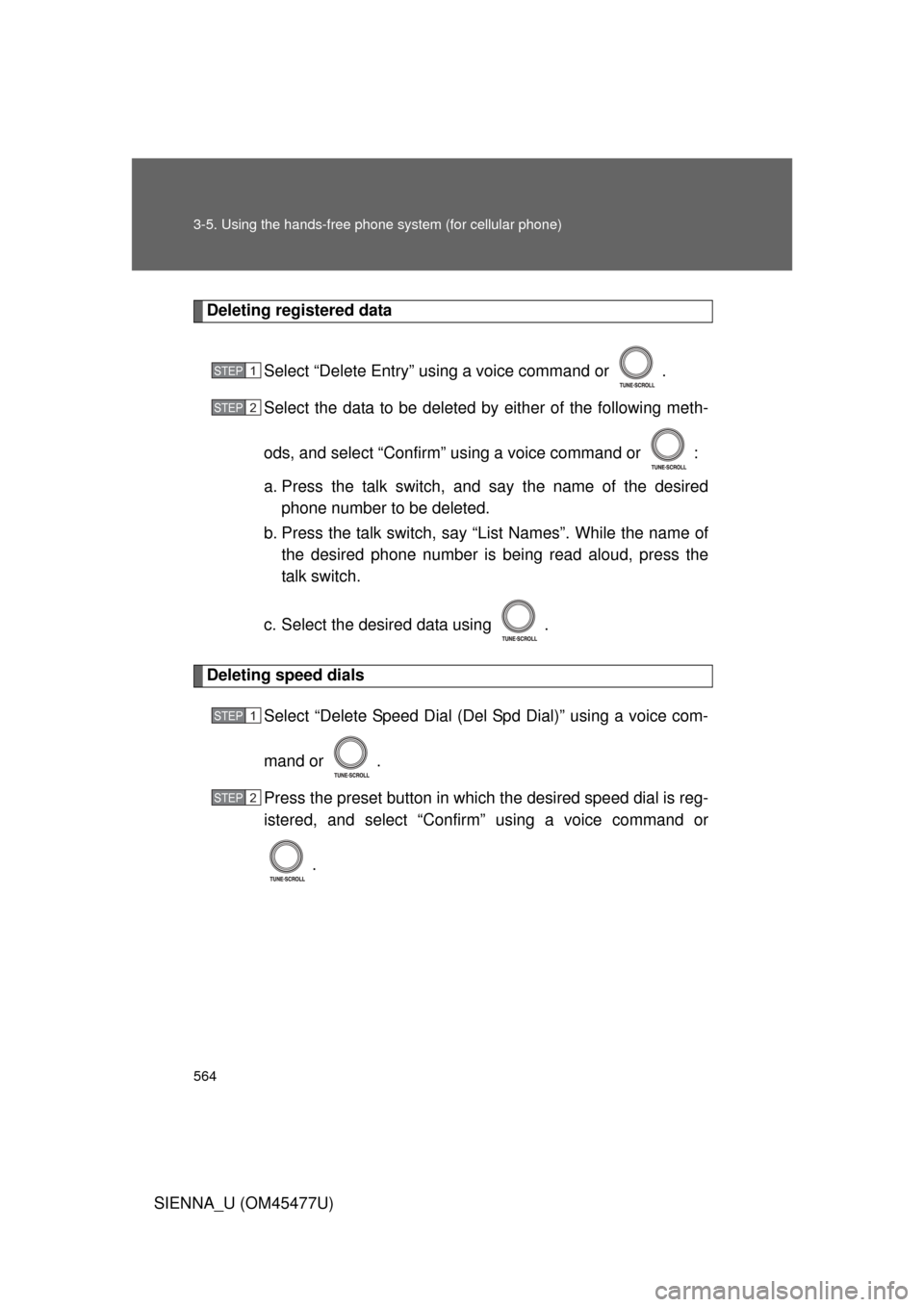
Deleting registered data
Select “Delete Entry” using a voice command or .
Select the data to be deleted by either of the following meth-
ods, and select “Confirm” us ing a voice command or :
a. Press the talk switch, and say the name of the desired phone number to be deleted.
b. Press the talk switch, say “List Names”. While the name of the desired phone number is bei ng read aloud, press the
talk switch.
c. Select the desired data using .
Deleting speed dials Select “Delete Speed Dial (Del Spd Dial)” using a voice com-
mand or .
Press the preset button in which the desired speed dial is reg-
istered, and select “Confirm” using a voice command or
.
STEP1
STEP2
STEP1
STEP2
Page 565 of 860
565
3-5. Using the hand
s-free phone system (for cellular phone)
3
Interior features
SIENNA_U (OM45477U)
Listing the registered data
Selecting “List names” using a voice command causes a list of the
registered data to be read aloud.
When listing is complete, the system returns to “Phonebook”.
Pressing the talk switch while the desired data is being read aloud
selects the data, and the following functions will be available.
• Dialing: “Dial”
• Changing a registered name: “Change Name”
• Deleting an entry: “Delete Entry”
• Setting a speed dial: “Set Speed Dial (Speed Dial)”
■Limitation of number of digits
A phone number that exceeds 24 digits cannot be registered.
Page 622 of 860
622
3-8. Other interior features
SIENNA_U (OM45477U)
Safety Connect
: If equipped
Safety Connect is a subscription-based telematics service that uses
Global Positioning System (GPS) data and embedded cellular tech-
nology to provide safety and security features to subscribers. Safety
Connect is supported by Toyota ’s designated response center,
which operates 24 hours per day, 7 days per week.
Safety Connect service is available by subscription on select,
telematics hardware-equipped vehicles.
By using the Safety Connect servi ce, you are agreeing to be bound
by the Telematics Subscription Serv ice Agreement and its Terms and
Conditions, as in effect and amende d from time to time, a current
copy of which is available at Toyota.com. All use of the Safety Con-
nect service is subject to such then-applicable Terms and Condi-
tions.
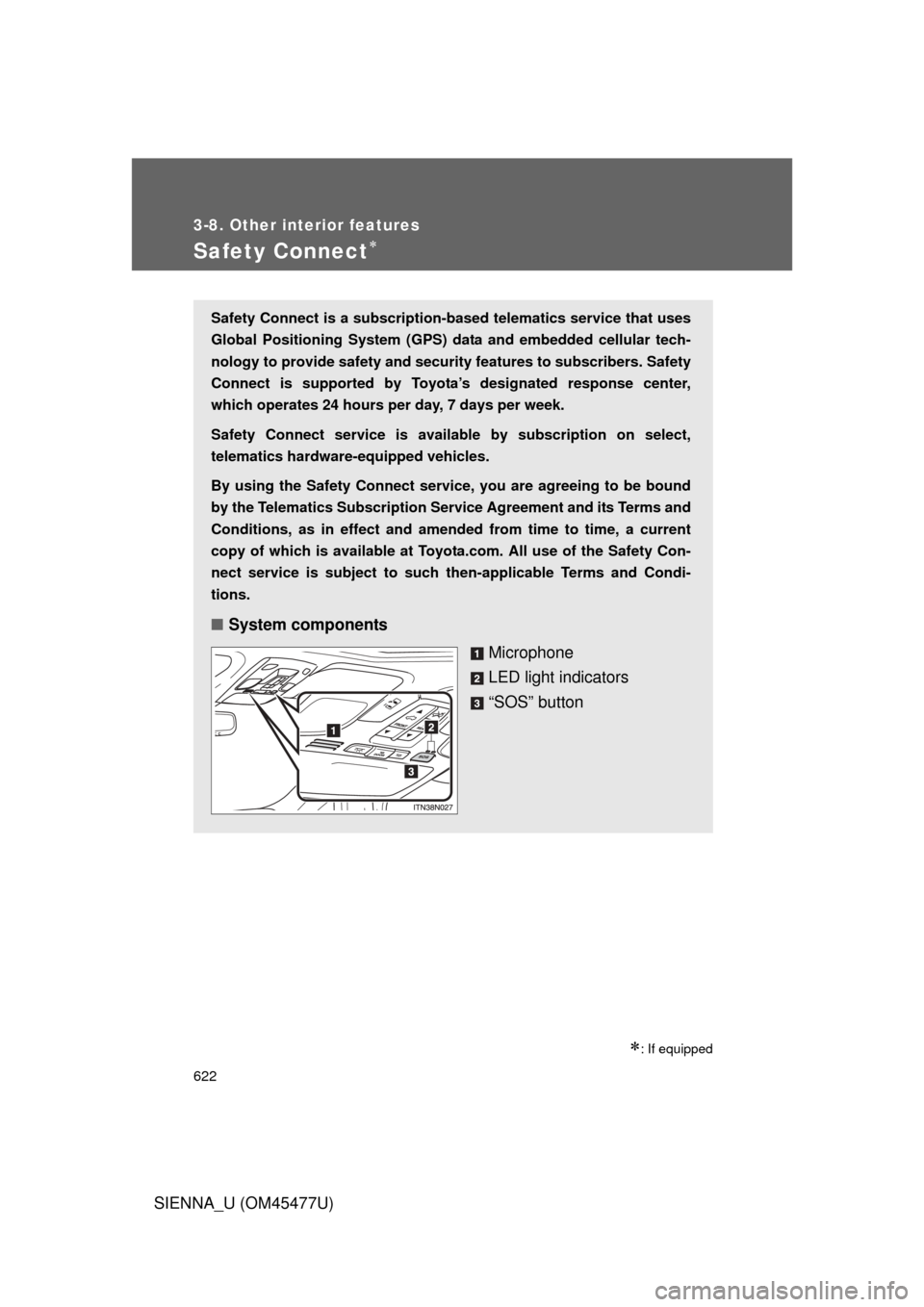
■ System components
Microphone
LED light indicators
“SOS” button