2012 TOYOTA SIENNA ECU
[x] Cancel search: ECUPage 5 of 860
1
2
3
4
5
6
7
5
SIENNA_U (OM45477U)
3-5. Using the hands-free phone system (for cellular phone)
Hands-free phone system (for cellular phone)
features ............................. 529
Using the hands-free phone system
(for cellular phone) ............ 534
Making a phone call ............ 543
Setting a cellular phone ...... 548
Security and system setup ................................. 553
Using the phone book ......... 558
3-6. Using the interior lights Interior lights list .................. 566
• Personal/interior light main switch ....................... 567
• Personal/interior lights ...... 568
• Personal lights .................. 570
• Rear ceiling lights ............. 570 3-7. Using the storage features
List of storage features ....... 572
• Glove boxes ..................... 573
• Console box ..................... 575
• Overhead console ............ 578
• Cup holders ...................... 579
• Bottle holders ................... 582
• Door pockets .................... 584
• Auxiliary boxes ................. 585
3-8. Other interior features Sun visors........................... 590
Vanity mirrors ..................... 591
Clock .................................. 592
Conversation mirror ............ 593
Power outlets...................... 594
Seat heaters ....................... 598
Armrests ............................. 600
Rear side sunshades.......... 602
Grocery bag hooks ............. 603
Floor mat ............................ 605
Luggage compartment features ............................ 607
Garage door opener ........... 609
Compass ............................ 617
Safety Connect ................... 622
Page 43 of 860

43
1-2. Opening, closing and locking the doors
1
Before driving
SIENNA_U (OM45477U)
*1: A message will be shown on the multi-information display in the instru-
ment cluster.
*2: If the engine does not start when the electronic key is inside the vehicle,the electronic key battery may be depleted or there may be difficulties
receiving signal from the key. ( P. 693)
■ Security feature
If a door is not opened within approximately 60 seconds after the vehicle is
unlocked, the security feature automatically locks the vehicle again.
AlarmSituationCorrection procedure
Interior alarm
pings once
*1
The electronic key has a
low battery Replace the electronic
key battery
An attempt was made to
start the engine without the
electronic key being
present, or the electronic
key was not functioning
normally Start the engine with
the electronic key
present
*2
Interior alarm
pings once and
exterior alarm
sounds 3 times
*1
The driver’s door was
closed after the key was
carried outside the vehicle,
and the “ENGINE START
STOP” switch was not
turned offTurn the “ENGINE
START STOP” switch
OFF and close the
driver’s door again
An occupant carried the
electronic key outside the
vehicle and closed the
door while the “ENGINE
START STOP” switch was
not off Bring the electronic
key back into the vehi-
cle
Page 48 of 860

48 1-2. Opening, closing and locking the doors
SIENNA_U (OM45477U)
■Note for locking the doors
● Touching the door lock sensor while wearing gloves may delay or prevent
lock operation. Remove the gloves and touch the lock sensor again.
● When the lock operation is performed using the lock sensor, recognition
signals will be shown up to two consecutive times. After this, no recogni-
tion signals will be given.
● If the door handle becomes wet while the electronic key is within the
effective range, the door may lock and unlock repeatedly. Place the key
in a position 6 ft. (2 m) or more separate from the vehicle while the vehi-
cle is being washed. (Take care to ensure that the key is not stolen.)
● If the electronic key is inside the vehicle and a door handle becomes wet
during a car wash, a message may be shown on the multi-information
display and a buzzer will sound outside the vehicle. To turn off the alarm,
lock all the doors.
● The lock sensor may not work properly if it comes into contact with ice,
snow, mud, etc. Clean the lock sensor and attempt to operate it again, or
use the lock sensor on the lower part of the door handle.
● Fingernails may scrape against the door during operation of the door
handle. Be careful not to injure fingernails or damage the surface of the
door.
Page 57 of 860
57
1-2. Opening, closing and locking the doors
1
Before driving
SIENNA_U (OM45477U)
■
Security feature
If a door is not opened within approximately 60 seconds after the vehicle is
unlocked, the security feature automatically locks the vehicle again.
■ Power sliding door operation (vehicles with power sliding door)
Even if the door is locked, pressing and holding the sliding door buttons will
unlock all doors and start open operation.
■ Alarm (if equipped)
Using the wireless remote control to lock the doors will set the alarm system.
(P. 162)
■ Reversing the operation of the po wer sliding door and power back
door (if equipped)
Pressing the wireless remote control switch again while the door is operating
will cause the operation to reverse. However, the reverse operation cannot
be performed for the first second after automatic operation starts, even if the
wireless remote control switch is pressed again.
Page 73 of 860
73
1-2. Opening, closing and locking the doors
1
Before driving
SIENNA_U (OM45477U)
■
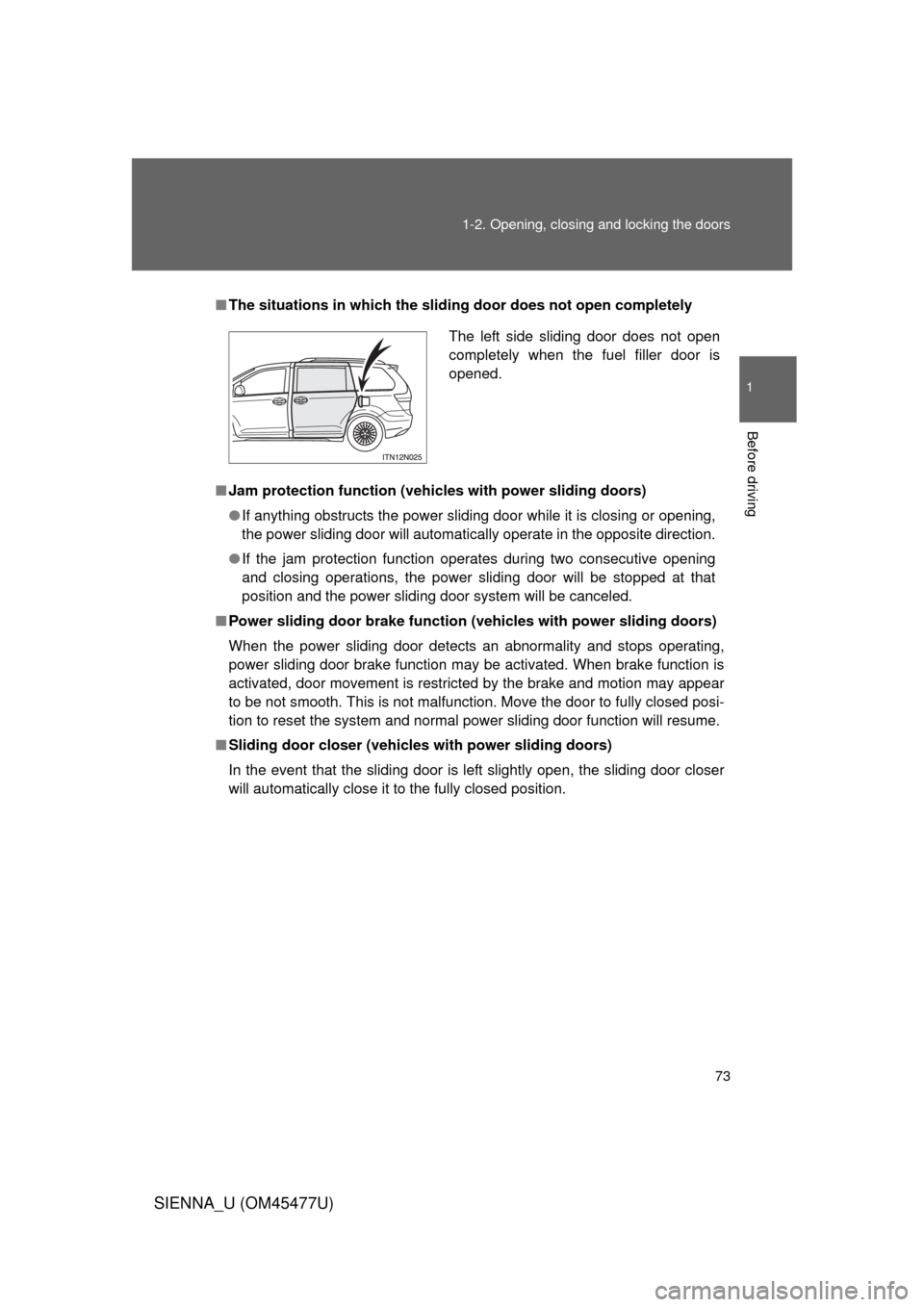
The situations in which the slid ing door does not open completely
■ Jam protection function (vehicles with power sliding doors)
● If anything obstructs the power sliding door while it is closing or opening,
the power sliding door will automatically operate in the opposite direction.
● If the jam protection function operates during two consecutive opening
and closing operations, the power sliding door will be stopped at that
position and the power sliding door system will be canceled.
■ Power sliding door brake function (v ehicles with power sliding doors)
When the power sliding door detects an abnormality and stops operating,
power sliding door brake function may be activated. When brake function is
activated, door movement is restricted by the brake and motion may appear
to be not smooth. This is not malfunction. Move the door to fully closed posi-
tion to reset the system and normal power sliding door function will resume.
■ Sliding door closer (vehicl es with power sliding doors)
In the event that the sliding door is left slightly open, the sliding door closer
will automatically close it to the fully closed position.
The left side sliding door does not open
completely when the fuel filler door is
opened.
Page 79 of 860
79
1-2. Opening, closing and locking the doors
1
Before driving
SIENNA_U (OM45477U)
CAUTION
●
If the power sliding door system is turned off with the main switch while the
sliding door is operating automatically, the automatic operation is stopped.
The sliding door then has to be operated manually. Take extra care when
on an incline, as the sliding door may open or close unexpectedly.
● On an incline, a sliding door may close by itself after it opens automati-
cally. Make sure the sliding door is fully open and secure.
● If the operating conditions of the power sliding door are no longer met, a
buzzer may sound and the sliding door may stop opening or closing. The
sliding door then has to be operated manually. Take extra care when on an
incline, as the sliding door may open or close abruptly.
● In the following situations, the power sliding door may detect an abnormal-
ity and automatic operation may be stopped. In this case, the sliding door
has to be operated manually. Take extra care when on an incline, as the
sliding door may open or close abruptly.
• When the sliding door contacts an obstacle
• Vehicles without a smart key system:
When the battery voltage suddenly drops, such as when the engine
switch is turned to the “ON” position or the engine is started during
automatic operation
Vehicles with a smart key system:
When the battery voltage suddenly drops, such as when the “ENGINE
START STOP” switch is turned to IGNITION ON mode or the engine is
started during automatic operation
Page 87 of 860

87
1-2. Opening, closing and locking the doors
1
Before driving
SIENNA_U (OM45477U)
■
The power back door can be operated when
● The shift lever is in P.
● The back door is unlocked.
■ Jam protection function (vehicles with power back door)
● If anything obstructs the power back door while it is closing or opening,
the back door will automatically operate in the opposite direction.
● If the jam protection function operates during two consecutive closing
operations, the back door will be stopped at that position.
■ Back door closer (vehicl es with power back door)
In the event that the back door is left slightly open, the back door closer will
automatically close it to the fully closed position.
■ When the battery is disconnected
● The back door will be automatically locked after the battery is recon-
nected.
● The power back door (if equipped) must be initialized in order to ensure
proper operation.
Unlock the back door with the wireless remote control or door lock
switch.
Close the back door completely by hand.
STEP1
STEP2
Page 89 of 860
89
1-2. Opening, closing and locking the doors
1
Before driving
SIENNA_U (OM45477U)
CAUTION
■
Operating the back door
Observe the following precautions.
Failure to do so may cause parts of the body to be caught, resulting in death
or serious injury.
● Remove any heavy loads, such as snow and ice, from the back door
before opening it. Failure to do so may cause the back door to fall closed
again after it is opened.
● When opening or closing the back door, thoroughly check to make sure
the surrounding area is safe.
● If anyone is in the vicinity, make sure they are safe and let them know that
the back door is about to open or close.
● Use caution when opening or closing the back door in windy weather as it
may move abruptly in strong wind.
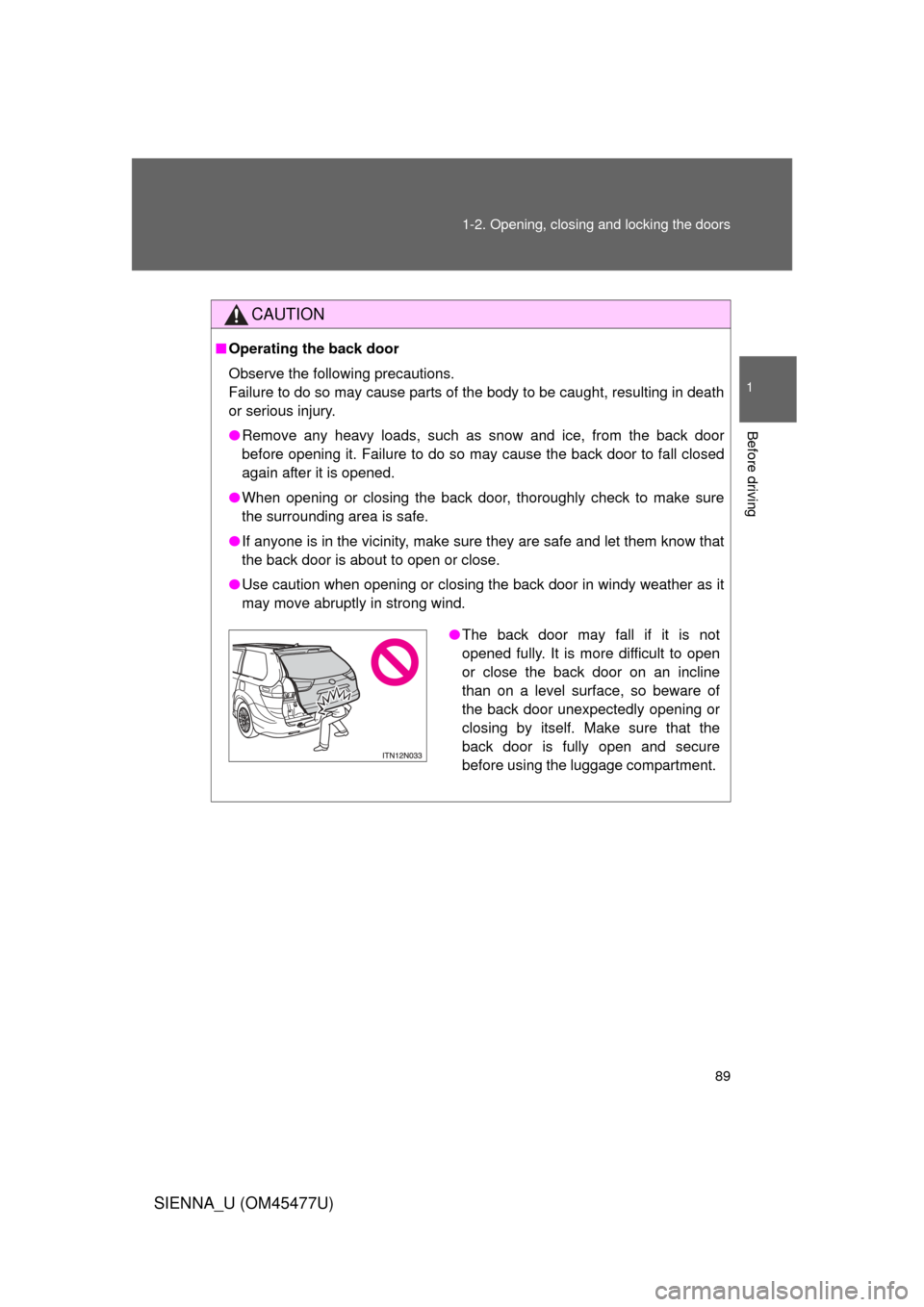
●The back door may fall if it is not
opened fully. It is more difficult to open
or close the back door on an incline
than on a level surface, so beware of
the back door unexpectedly opening or
closing by itself. Make sure that the
back door is fully open and secure
before using the luggage compartment.