Page 393 of 700
393
3-3. Using the Bluetooth
® audio system
3
Interior features
4RUNNER_U
Using the Bluetooth® audio system for the first time
Before using the Bluetooth
® audio system, it is necessary to register
a Bluetooth® enabled portable player in the system. Follow the proce-
dure below to register (pair) a portable player:
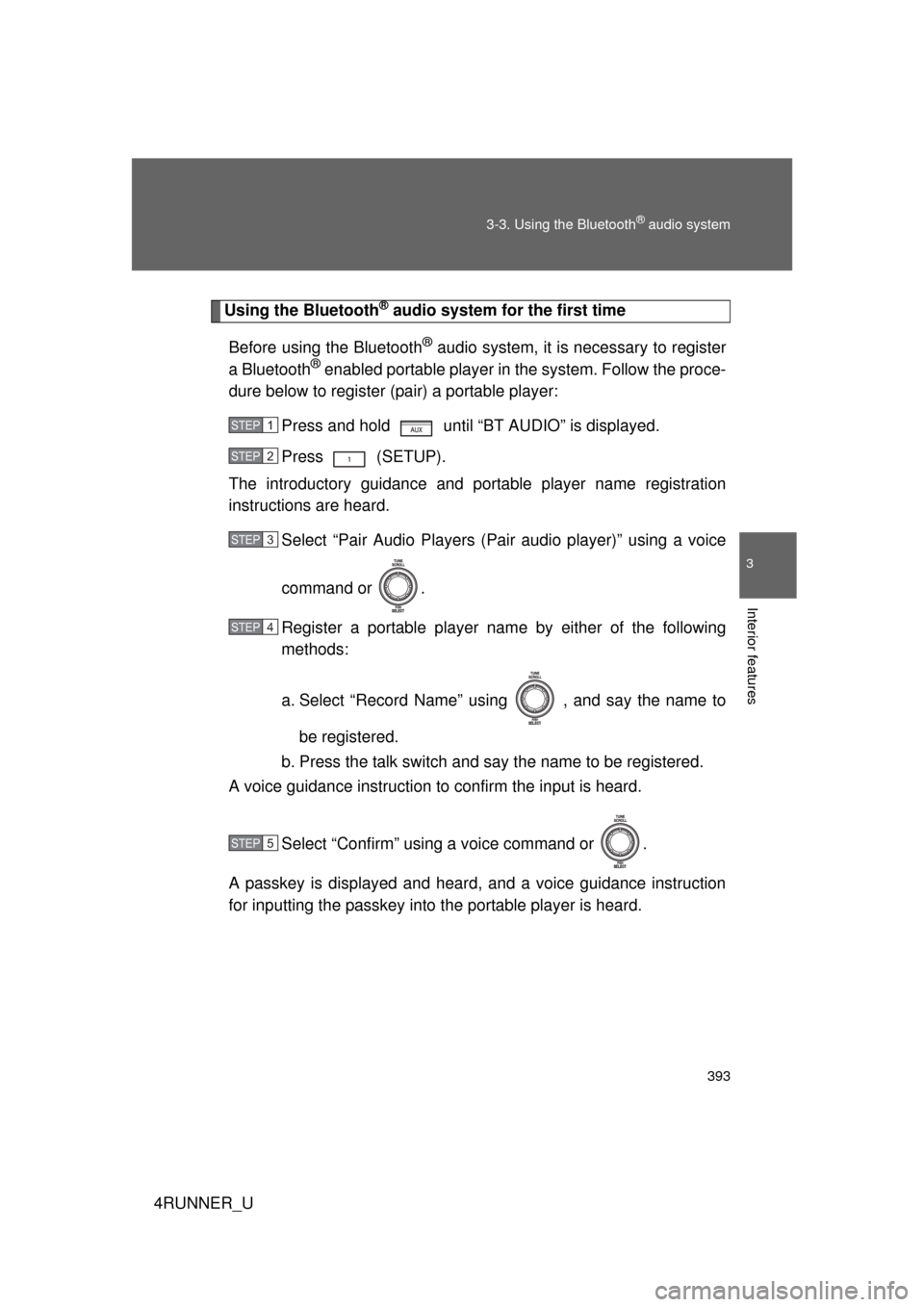
Press and hold until “BT AUDIO” is displayed.
Press (SETUP).
The introductory guidance and port able player name registration
instructions are heard.
Select “Pair Audio Players (Pai r audio player)” using a voice
command or .
Register a portable player nam e by either of the following
methods:
a. Select “Record Name” using , and say the name to
be registered.
b. Press the talk switch and say the name to be registered.
A voice guidance instruction to confirm the input is heard.
Select “Confirm” using a voice command or .
A passkey is displayed and heard, and a voice guidance instruction
for inputting the passkey into the portable player is heard.
STEP 1
STEP 2
STEP 3
STEP 4
STEP 5
Page 394 of 700
394 3-3. Using the Bluetooth
® audio system
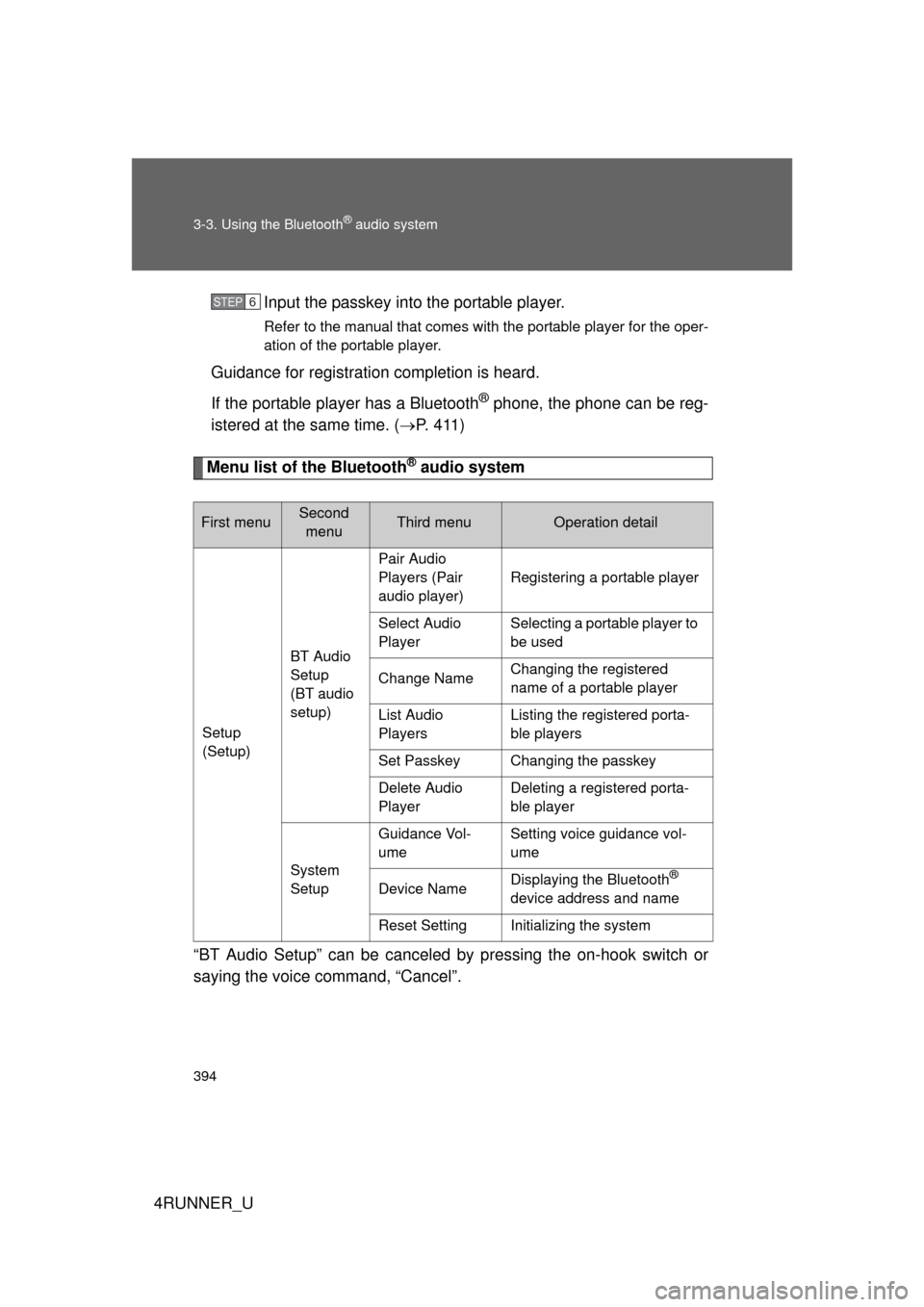
4RUNNER_UInput the passkey into the portable player.
Refer to the manual that comes with the portable player for the oper-
ation of the portable player.
Guidance for registration completion is heard.
If the portable player has a Bluetooth
® phone, the phone can be reg-
istered at the same time. ( P. 4 1 1 )
Menu list of the Bluetooth® audio system
“BT Audio Setup” can be canceled by pressing the on-hook switch or
saying the voice command, “Cancel”.
First menuSecond menuThird menuOperation detail
Setup
(Setup) BT Audio
Setup
(BT audio
setup)Pair Audio
Players (Pair
audio player)
Registering a portable player
Select Audio
Player Selecting a portable player to
be used
Change Name Changing the registered
name of a portable player
List Audio
Players Listing the registered porta-
ble players
Set Passkey Changing the passkey
Delete Audio
Player Deleting a registered porta-
ble player
System
Setup Guidance Vol-
ume
Setting voice guidance vol-
ume
Device Name Displaying the Bluetooth
®
device address and name
Reset Setting Initializing the system
STEP 6
Page 396 of 700
396
3-3. Using the Bluetooth® audio system
4RUNNER_U
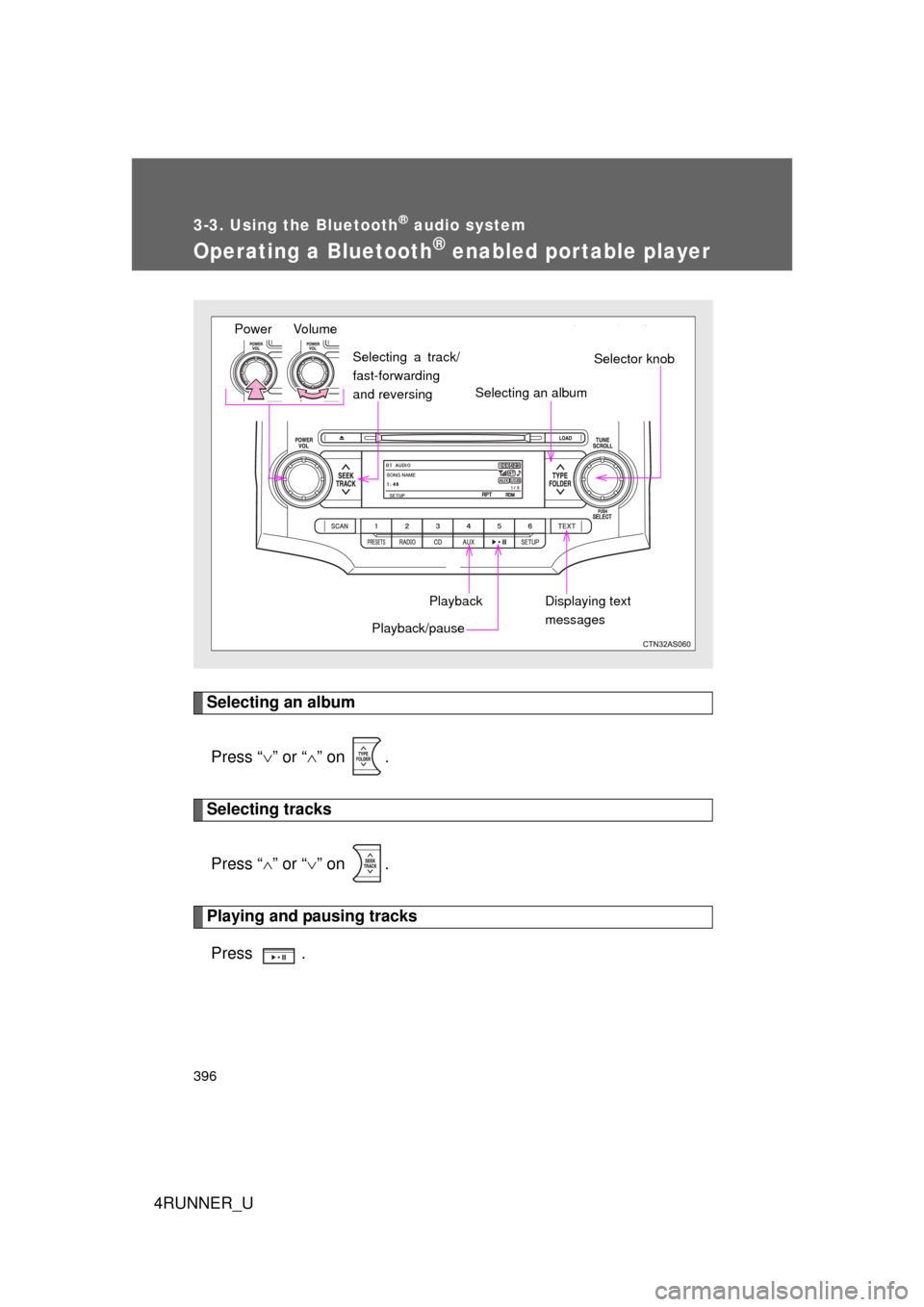
Operating a Bluetooth® enabled portable player
Selecting an albumPress “ ” or “ ” on .
Selecting tracks
Press “ ” or “ ” on .
Playing and pausing tracks
Press .
Vo lu m e
Power
Playback/pause
Displaying text
messages Selector knob
Selecting an album
Selecting a track/
fast-forwarding
and reversing
Playback
Page 397 of 700
397
3-3. Using the Bluetooth
® audio system
3
Interior features
4RUNNER_U
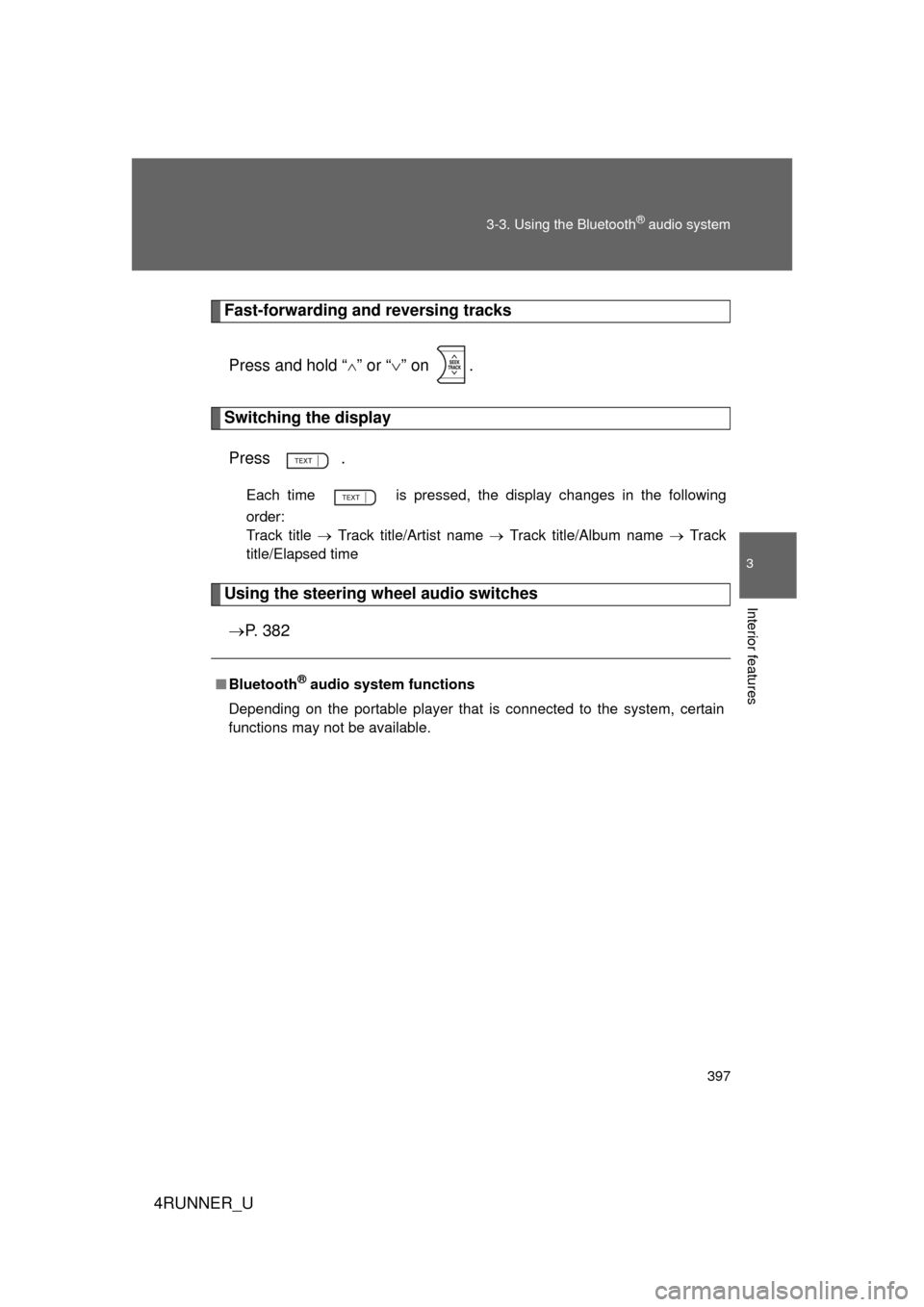
Fast-forwarding and reversing tracks
Press and hold “
” or “ ” on .
Switching the display
Press .
Each time is pressed, the display changes in the following
order:
Track title Track title/Artist name Track title/Album name Track
title/Elapsed time
Using the steering wheel audio switches
P. 3 8 2
■Bluetooth® audio system functions
Depending on the portable player that is connected to the system, certain
functions may not be available.
Page 398 of 700
398
3-3. Using the Bluetooth® audio system
4RUNNER_U
Setting up a Bluetooth® enabled por table player
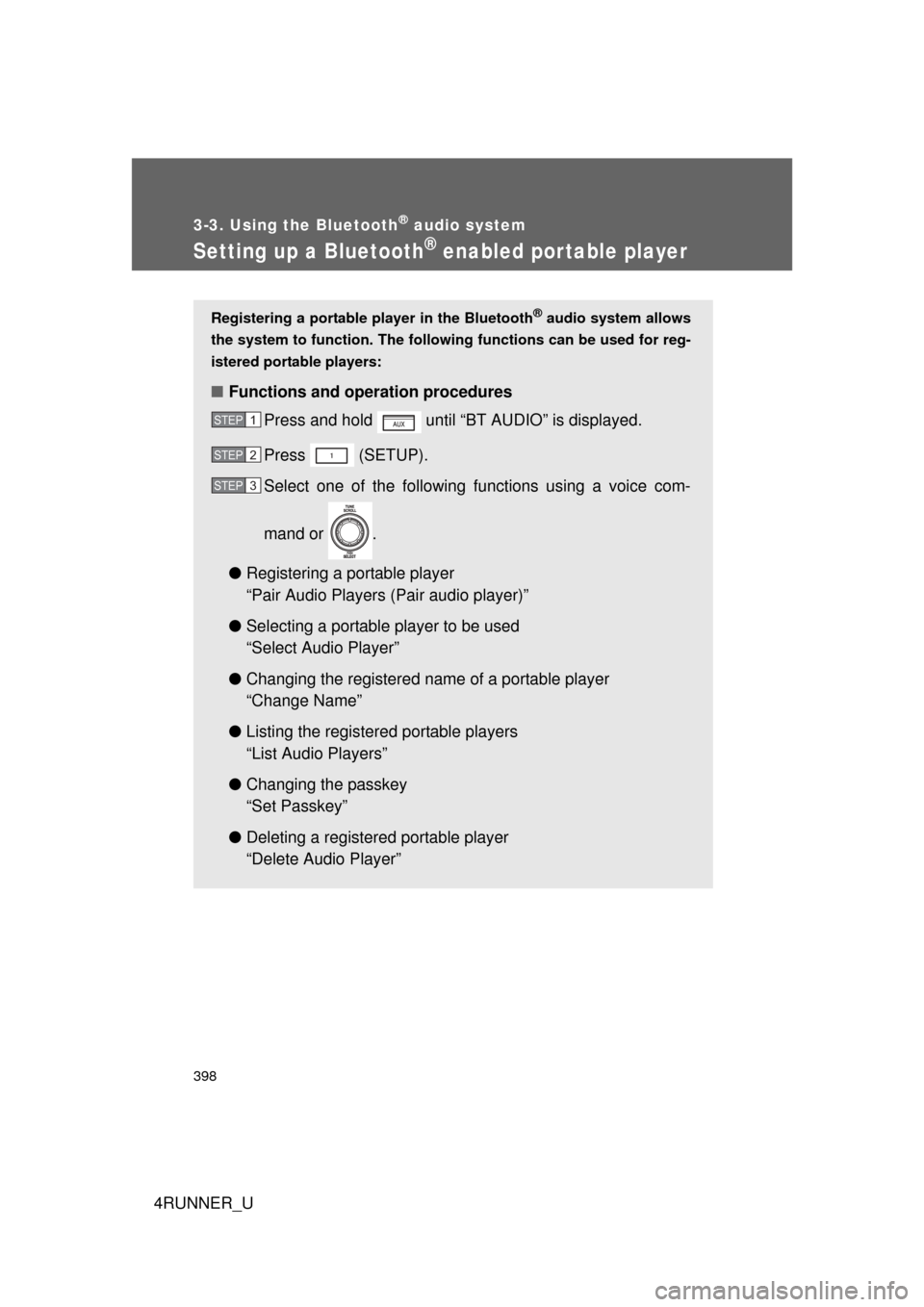
Registering a portable player in the Bluetooth® audio system allows
the system to function. The followin g functions can be used for reg-
istered portable players:
■ Functions and operation procedures
Press and hold until “BT AUDIO” is displayed.
Press (SETUP).
Select one of the following functions using a voice com-
mand or .
● Registering a portable player
“Pair Audio Players (Pair audio player)”
● Selecting a portable player to be used
“Select Audio Player”
● Changing the registered name of a portable player
“Change Name”
● Listing the registered portable players
“List Audio Players”
● Changing the passkey
“Set Passkey”
● Deleting a registered portable player
“Delete Audio Player”
STEP 1
STEP 2
STEP 3
Page 404 of 700
404
4RUNNER_U
3-4. Using the hands-free phone system (for cellular phone)
Hands-free phone system (for cellular phone) features
This system supports Bluetooth®, which allows you to make or
receive calls without using cables to connect a cellular phone and
the system, and without operat ing the cellular phone.
Owners of models equipped with a Display Audio system should
refer to the “Display Audio System Owner's Manual”.
Owners of models equipped with a navigation system should refer to
the “Navigation System Owner's Manual”.
■ Hands-free system quick guide
Setting a cellular phone. ( P. 409)
Adding an entry to the phonebook (Up to 20 names can be
stored). ( P. 430)
Dialing by inputting a name. ( P. 418)
STEP 1
STEP 2
STEP 3
: If equipped
Page 409 of 700
409
3-4. Using the hands-free phone system (for cellular phone)
3
Interior features
4RUNNER_U
Using the hands-free phone system (for cellular phone)
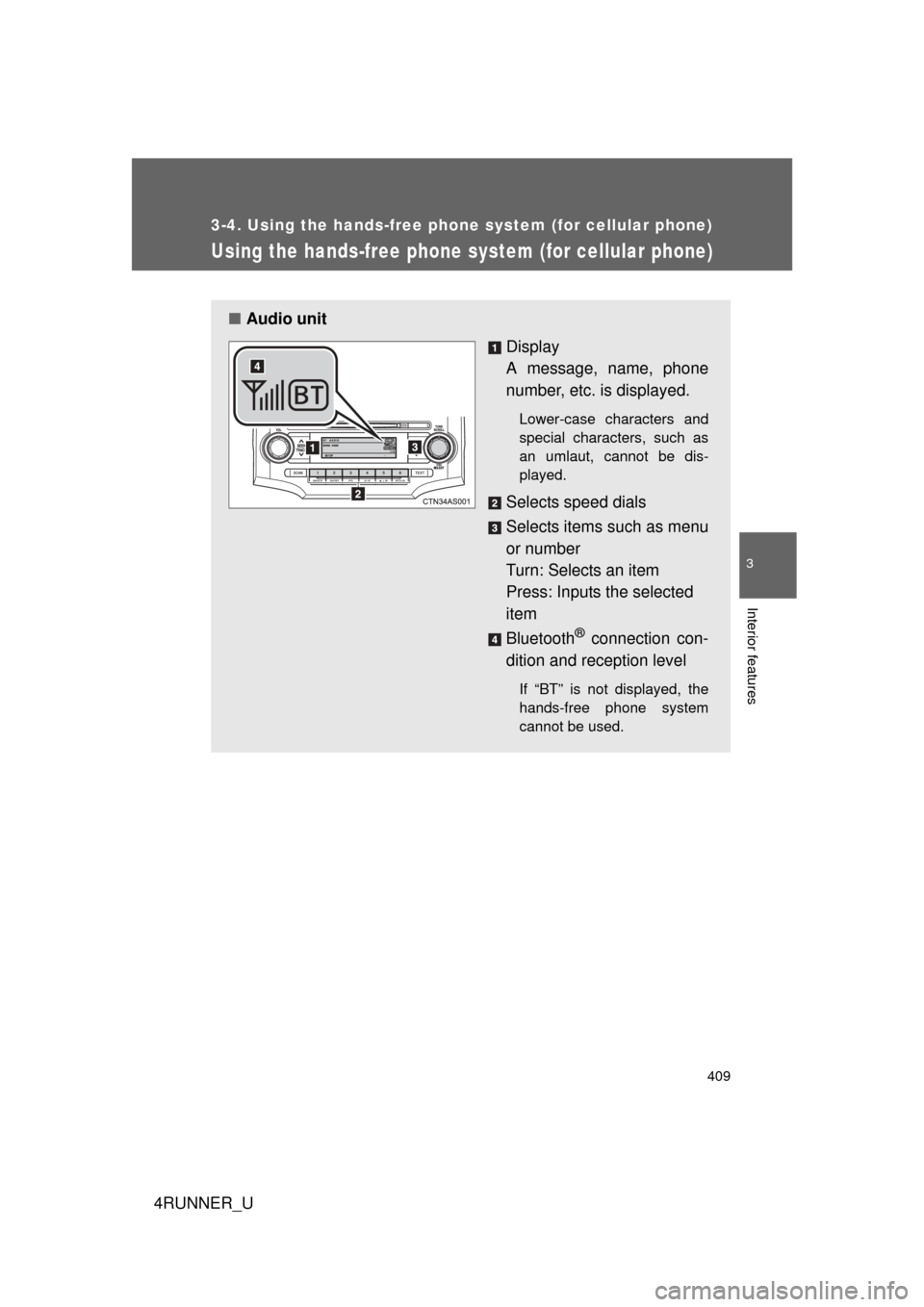
■Audio unit
Display
A message, name, phone
number, etc. is displayed.
Lower-case characters and
special characters, such as
an umlaut, cannot be dis-
played.
Selects speed dials
Selects items such as menu
or number
Turn: Selects an item
Press: Inputs the selected
item
Bluetooth
® connection con-
dition and reception level
If “BT” is not displayed, the
hands-free phone system
cannot be used.
Page 411 of 700
411
3-4. Using the hand
s-free phone system (for cellular phone)
3
Interior features
4RUNNER_U
Operating the system using a voice command
By following voice guidance inst ructions output from the speaker,
voice commands enable the operat ion of the hands-free phone sys-
tem without the need to check the display or operate .
■ Operation procedure when using a voice command
Press the talk switch and follo w voice guidance instructions.
■ Auxiliary commands when using a voice command
The following auxiliary commands can be used when operating the
system using a voice command:
“Cancel”: Exits the hands-free phone system
“Repeat”: Repeats the previous voice guidance instruction
“Go back”: Returns to the previous procedure
“Help”: Reads aloud the function summary if a help comment is
registered for the selected function
Using the hands-free phone system for the first time
Before using the hands-free phone system, it is necessary to register
a cellular phone in the system. Th e phone registration mode will be
entered automatically when starting the system with no cellular
phone registered. Follow the procedure below to register a cellular
phone:
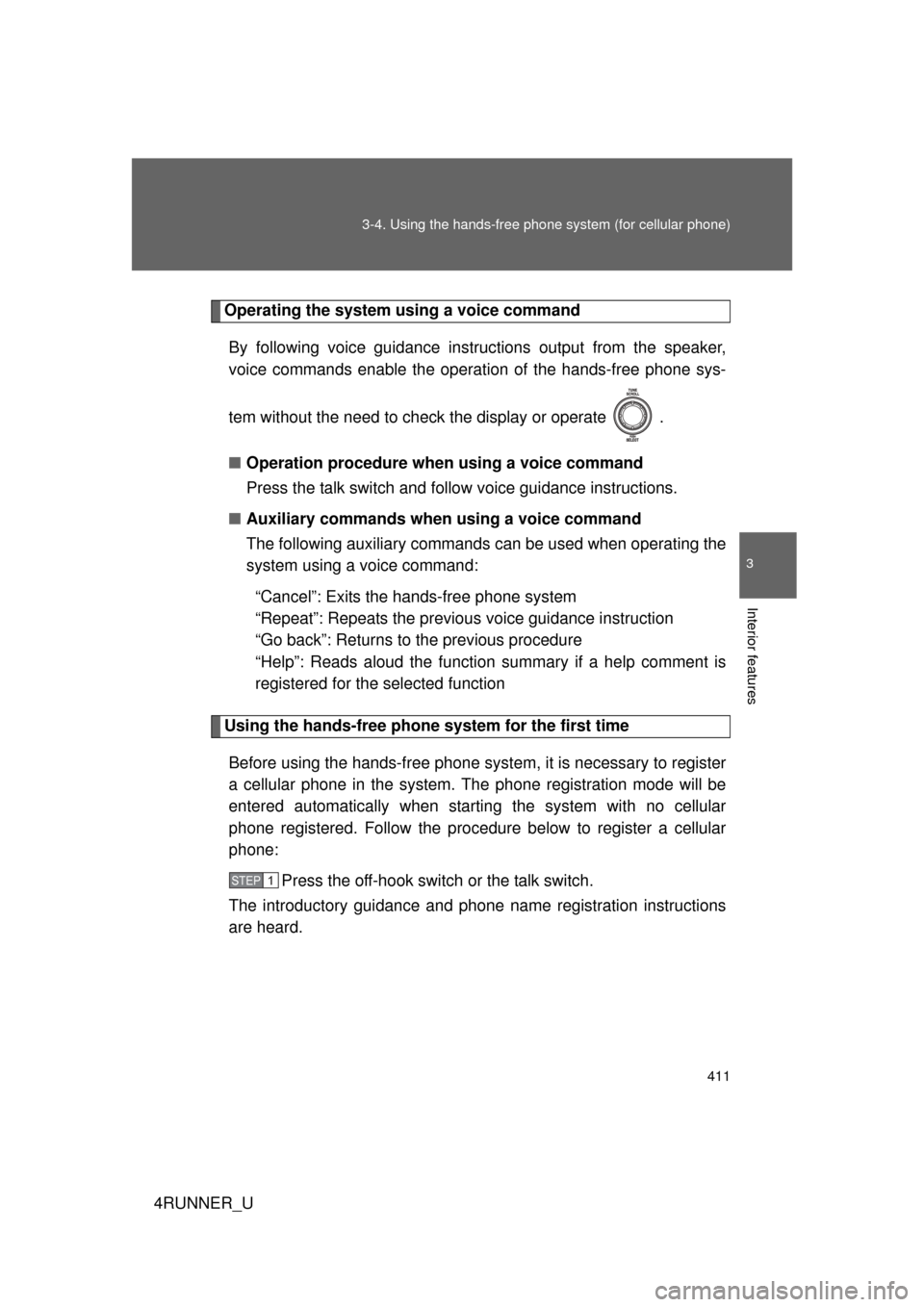
Press the off-hook switch or the talk switch.
The introductory guidance and phone name registration instructions
are heard.
STEP 1