Page 8 of 429
(f luid capacities and tire pressures)
(seat belts, SRS, and child protection)
(main controls)
(indicators, gauges, multi-inf ormation display, dashboard, and steering column)
(fuel, vehicle break-in, and cargo loading)
(
)
(engine and transmission operation) (minder, f luid checking, minor services, and vehicle storage)
(f lat tire, jump starting, overheating, and f uses)
(vehicle specif ications, tires, and emissions controls)
(warranty and contact inf ormation)
(how to order)
climate control, audio, steering wheel, security, cruise control, HomeLink, and other convenience items
Contents
................................................................................................................................................
Index .I
..................................................
Service Inf ormation Summary . last page
............................................................
Driver and Passenger Saf ety .5
...............................................................................................
Your Vehicle at a Glance .3
.......
Instruments and Controls .59
.......................................................................
Bef ore Driving .247
..............
Features .145
.........................................................................................
Driving .269
.................................................
Maintenance .313
........................................
T aking Care of the Unexpected .361
..............................................
T echnical Inf ormation .387
..................
Warranty and Customer Relations (U.S. and Canada only) . 405
..................................................................................
A uthorized Manuals (U.S. only) .409INDEX
1
Note: All page numbers referenced in this document are hyperlinked.
2012 Pilot Online Reference Owner's Manual
Page 9 of 429
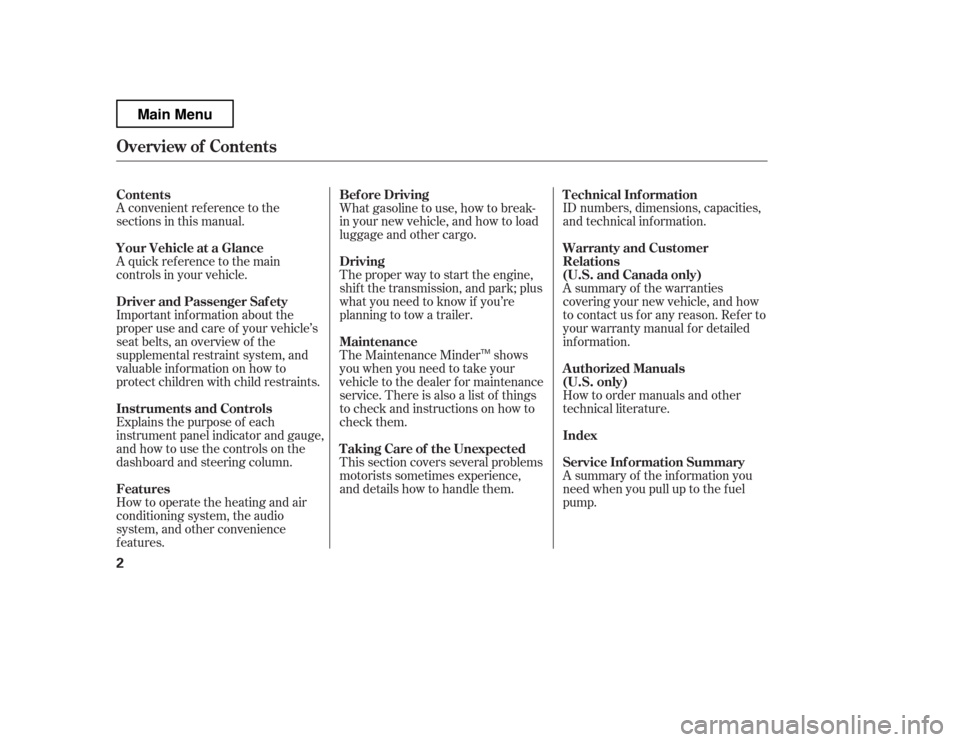
How to operate the heating and air
conditioning system, the audio
system, and other convenience
f eatures.
A convenient ref erence to the
sections in this manual.
A quick ref erence to the main
controls in your vehicle.
Explains the purpose of each
instrument panel indicator and gauge,
and how to use the controls on the
dashboard and steering column.
The proper way to start the engine,
shif t the transmission, and park; plus
what you need to know if you
Page 10 of 429
�Î
�Î
�Î
CONT INUED: If equipped
Your Vehicle at a Glance
Your Vehicle at a Glance
3
POWER WINDOW
SWITCHES
HOOD RELEASE
HANDLE
MIRROR CONTROLS
ACCESSORY POWER SOCKETS
FUEL FILL DOOR
RELEASE HANDLE
POWER DOOR LOCK
MASTER SWITCH
(P.134)
(P.103)
(P.128)
INSTRUMENT PANEL INDICATORS
GAUGES
(P.62)
(P.76)
PARKING BRAKE
RELEASE HANDLE
(P.132)
(P.139)
Vehicle with navigation system is shown. PARKING BRAKE PEDAL
(P.132) (P.136)
CENTER CONSOLE AUXILIARY INPUT JACK
AUDIO SYSTEM
(P.159)
PASSENGER’S FRONT
AIRBAG
HEATING/COOLING
CONTROLS
CLIMATE CONTROL
SYSTEM
GLOVE BOX
(P.138) (P.9, 25)
(P.146)
(P.152)
(P.205)
DRIVER’S FRONT
AIRBAG
(P.9, 25)
(P.213)
(P.254)
(P.250) REARVIEW MIRROR WITH
COMPASS
Main Menu
Page 67 of 429
�Î
�Î
�Î
: If equipped
Control L ocations
60
Vehicle with navigation system is shown. (P.103)
POWER DOOR LOCK
MASTER SWITCH
MIRROR CONTROLS
ACCESSORY POWER SOCKETS
(P.134)
(P.139)
(P.132)
PARKING BRAKE
RELEASE HANDLE
INSTRUMENT PANEL INDICATORS
GAUGES (P.76)
(P.62)
POWER WINDOW
SWITCHES
(P.128) PARKING BRAKE PEDAL
(P.132) (P.136) CENTER CONSOLE
HOOD RELEASE HANDLE
FUEL FILL DOOR RELEASE
HANDLE AUXILIARY INPUT JACK
(P.205)
AUDIO SYSTEM
HEATING/COOLING
CONTROLS
CLIMATE CONTROL
SYSTEM
GLOVE BOX
(P.138) (P.146)
(P.152)
(P.159)
(P.254)
(P.250) REARVIEW MIRROR WITH COMPASS
(P.213)
Main MenuTable of Contents
Page 102 of 429
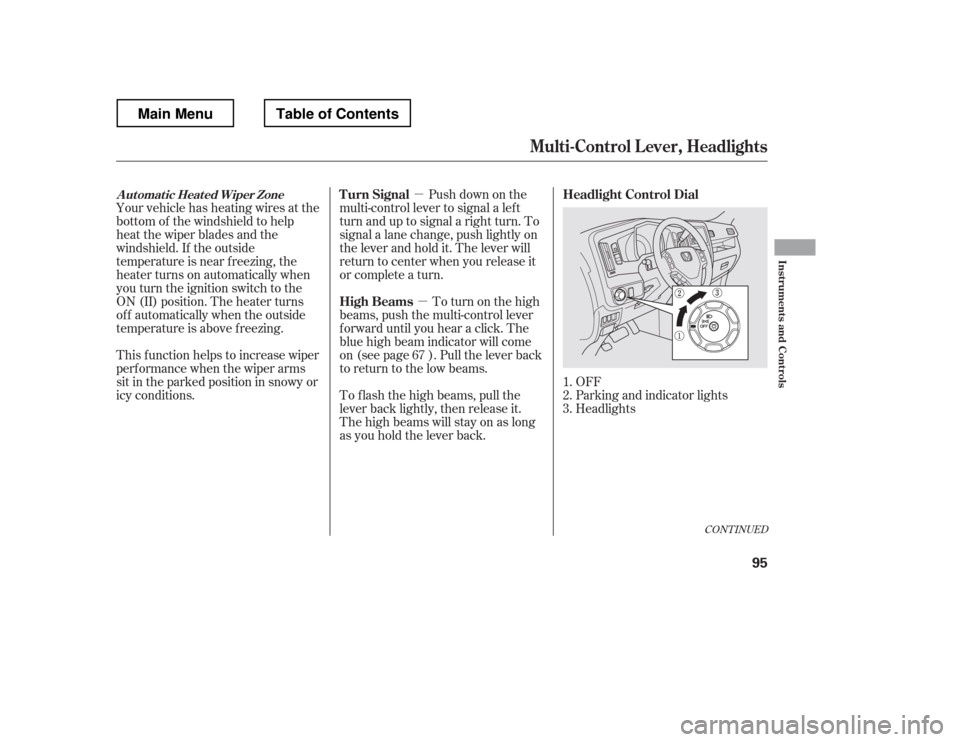
�µ�µ
OFF
Parking and indicator lights
Headlights
Push down on the
multi-control lever to signal a lef t
turn and up to signal a right turn. To
signal a lane change, push lightly on
the lever and hold it. The lever will
return to center when you release it
or complete a turn.
To turn on the high
beams, push the multi-control lever
f orward until you hear a click. The
blue high beam indicator will come
on (see page ). Pull the lever back
to return to the low beams.
To f lash the high beams, pull the
lever back lightly, then release it.
The high beams will stay on as long
as you hold the lever back.
Your vehicle has heating wires at the
bottom of the windshield to help
heat the wiper blades and the
windshield. If the outside
temperature is near f reezing, the
heater turns on automatically when
you turn the ignition switch to the
ON (II) position. The heater turns
of f automatically when the outside
temperature is above f reezing.
This f unction helps to increase wiper
perf ormance when the wiper arms
sit in the parked position in snowy or
icy conditions.
1.2.3.
67
CONT INUED
Headlight Control Dial
Turn Signal
High BeamsAutomatic Heated Wiper Zone
Multi-Control L ever, Headlights
Inst rument s and Cont rols
95
Main MenuTable of Contents
Page 152 of 429

The heating and air conditioning
system in your vehicle provides a
comf ortable driving environment in
all weather conditions.
The standard audio system has
many f eatures. This section
describes those f eatures and how to
use them.
Your vehicle has an anti-theft audio
system that requires a code number
to enable it.
The security system helps to dis-
courage vandalism and thef t of your
vehicle.
Theclimatecontrolsystemandthe
audio system have a voice control
feature. Refer to the navigation
system manual f or more inf ormation..............
Vents, Heating, and A/C . 146
...............
Climate Control System . 152
..........
Playing the AM/FM Radio . 159
............
AM/FM Radio Reception . 165
................
Playing the XM
Radio . 167
...................................
Playing CDs . 174
.......................................
CD Player . 175
CD Changer
(Models without navigation
..................................
system) . 181
CD Changer (Models with navigation
..................................
system) . 189
....................
Protecting Your CDs . 198
CD Player/Changer Error
...................................
Messages . 202
................
Remote Audio Controls . 203
......................
Auxiliary Input Jack . 205
.................
Radio Thef t Protection . 205
..........................
Setting the Clock . 207
............................
Security System . 208
...............................
Cruise Control . 210
.........................................
Compass . 213
HomeLink
Universal
................................
Transceiver . 217
........
HandsFreeLink. 221 ...
Rearview Camera and Monitor . 246Bluetooth
On models with navigation system
On RTS, RTL, and Touring models
Features
Features
145
Main MenuINDEX
Page 153 of 429
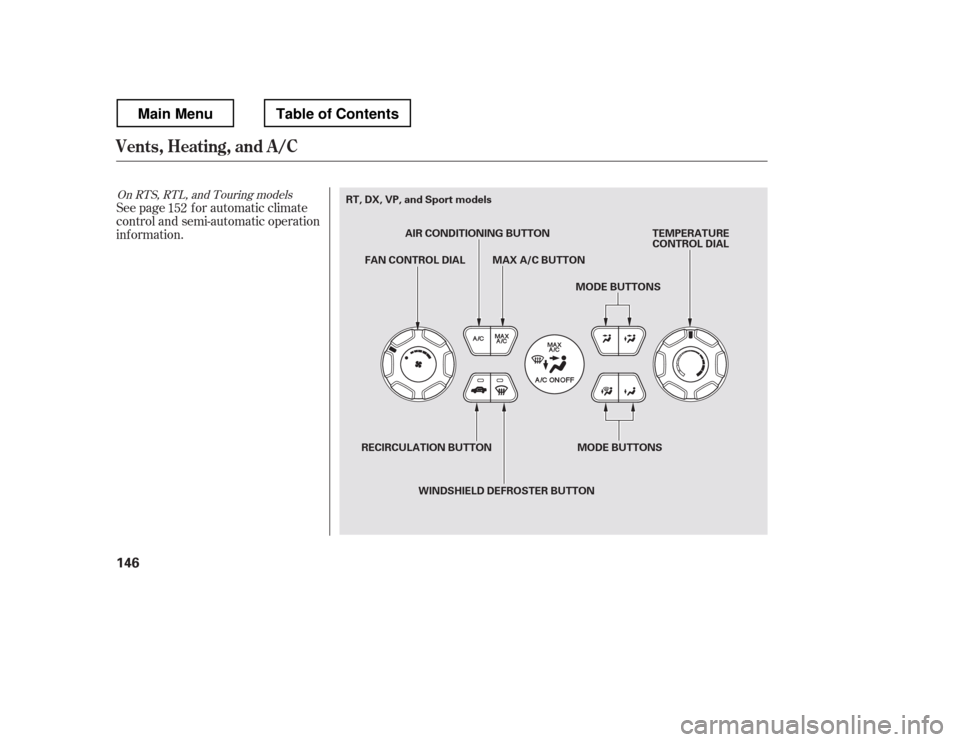
See page for automatic climate
control and semi-automatic operation
inf ormation.152
On RTS, RTL, and Touring models
Vents, Heating, and A/C
146
FAN CONTROL DIAL MAX A/C BUTTON
RECIRCULATION BUTTON WINDSHIELD DEFROSTER BUTTON TEMPERATURE
CONTROL DIAL
MODE BUTTONS
MODE BUTTONS
AIR CONDITIONING BUTTON
RT, DX, VP, and Sport models
Main MenuTable of Contents
Page 155 of 429
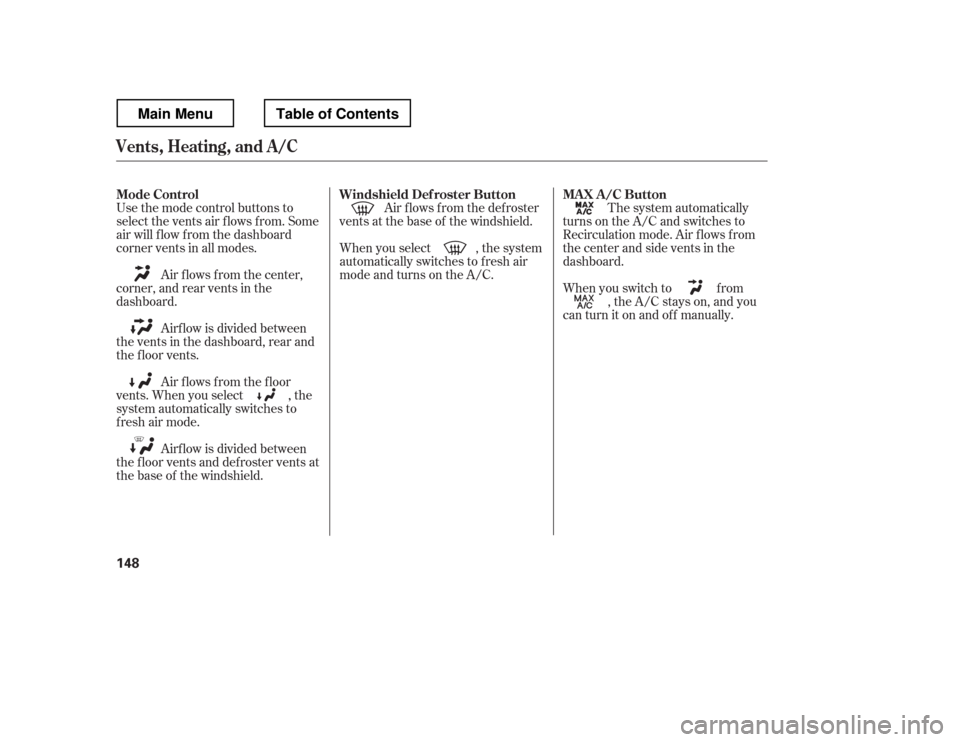
Use the mode control buttons to
select the vents air flows from. Some
air will f low f rom the dashboard
corner vents in all modes.Air flows from the center,
corner, and rear vents in the
dashboard.
Airf low is divided between
the vents in the dashboard, rear and
the f loor vents.
Air f lows f rom the f loor
vents. When you select , the
system automatically switches to
f resh air mode.
Airf low is divided between
the f loor vents and def roster vents at
the base of the windshield. Air f lows f rom the def roster
vents at the base of the windshield.
When you select , the system
automatically switches to f resh air
mode and turns on the A/C.
When you switch to f rom, the A/C stays on, and you
canturnitonandoff manually. The system automatically
turns on the A/C and switches to
Recirculation mode. Air f lows f rom
the center and side vents in the
dashboard.
Vents, Heating, and A/C
Mode Control Windshield Def roster Button MA X A /C Button 148
Main MenuTable of Contents