Page 235 of 429
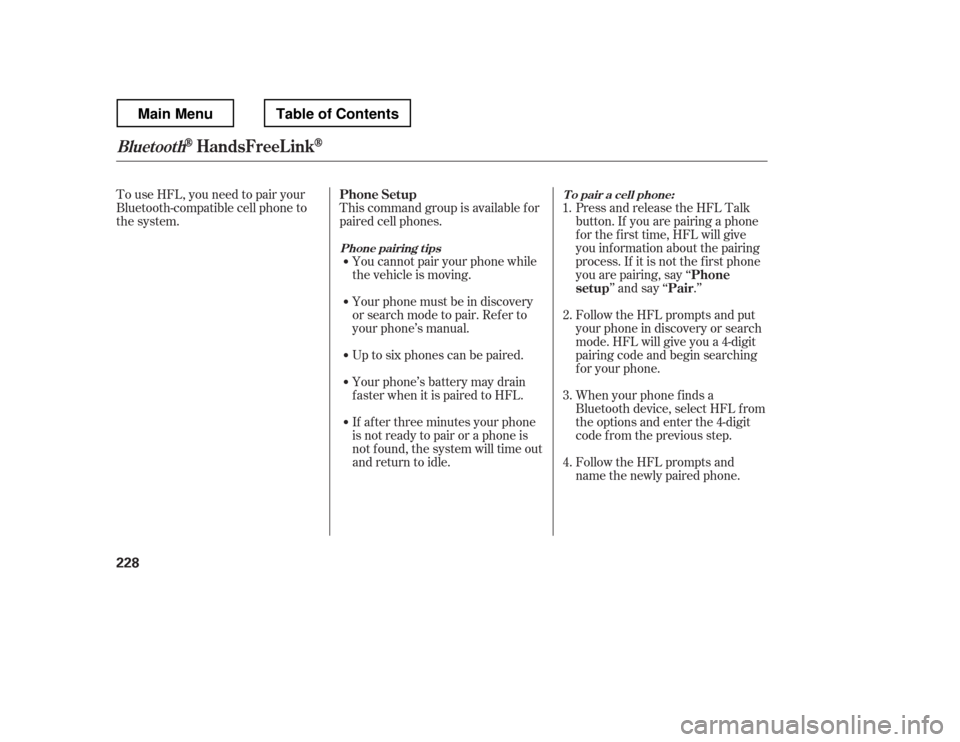
To use HFL, you need to pair your
Bluetooth-compatible cell phone to
the system.This command group is available f or
paired cell phones.
You cannot pair your phone while
the vehicle is moving.
Your phone must be in discovery
or search mode to pair. Ref er to
your phone
Page 238 of 429
CONT INUED
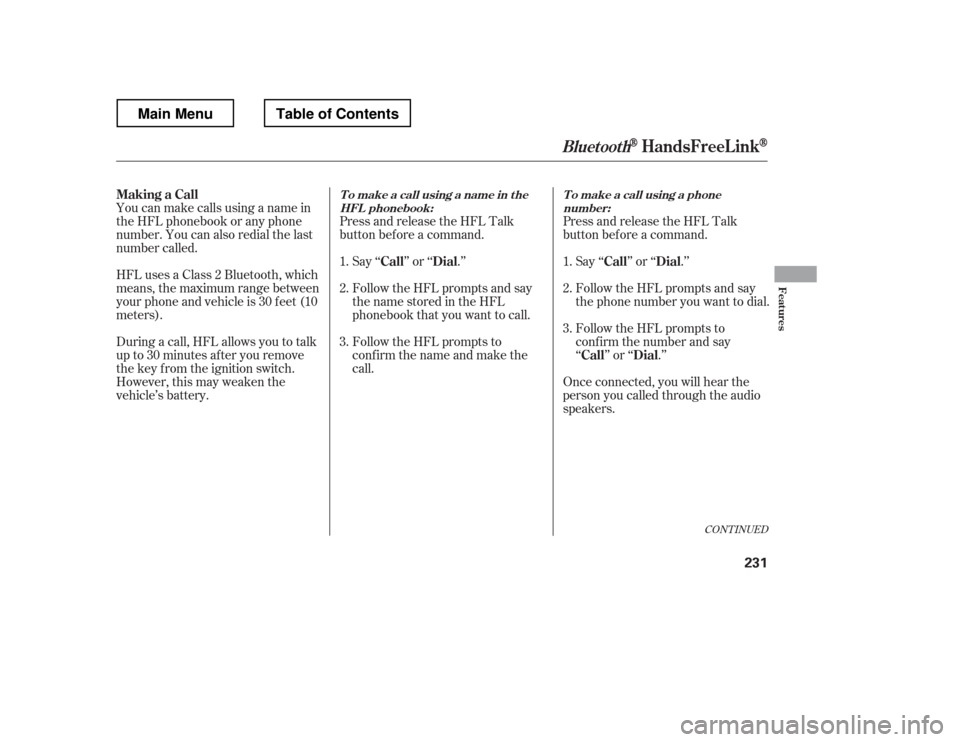
HFLusesaClass2Bluetooth,which
means, the maximum range between
yourphoneandvehicleis30feet(10
meters).
During a call, HFL allows you to talk
up to 30 minutes af ter you remove
the key from the ignition switch.
However, this may weaken the
vehicle
Page 240 of 429
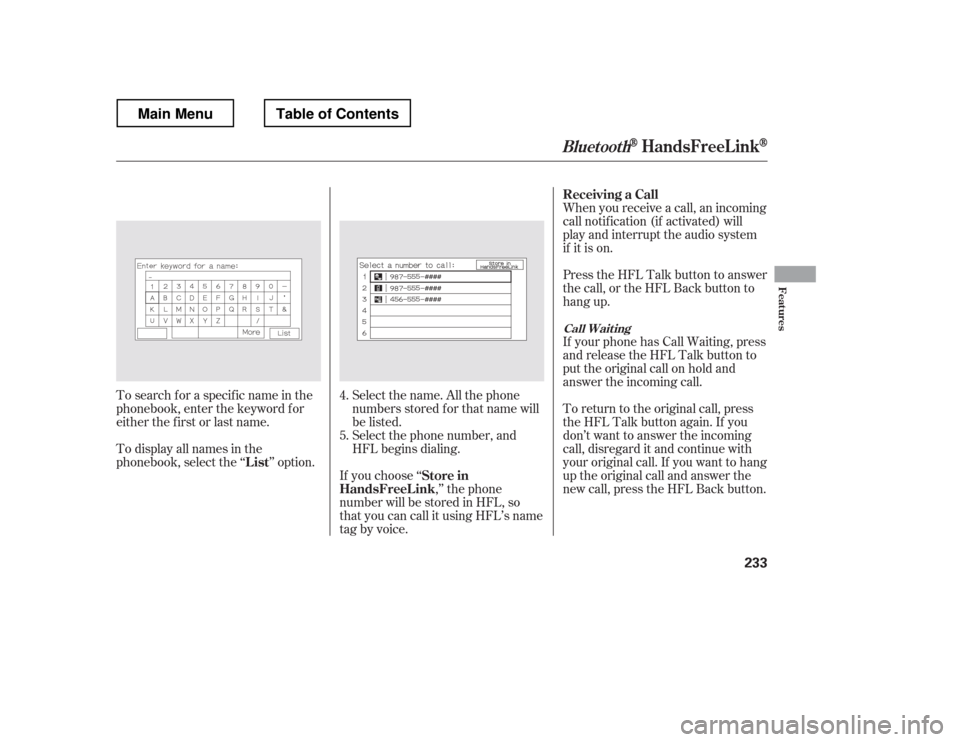
Select the name. All the phone
numbers stored f or that name will
be listed.When you receive a call, an incoming
call notif ication (if activated) will
play and interrupt the audio system
if it is on.
Press the HFL Talk button to answer
the call, or the HFL Back button to
hang up.
If your phone has Call Waiting, press
and release the HFL Talk button to
put the original call on hold and
answer the incoming call.
To return to the original call, press
the HFL Talk button again. If you
don
Page 241 of 429
�Ì
You can transfer a call from HFL to
your phone, or f rom your phone to
HFL.
Press and release the HFL Talk
button and say ‘‘ .
Page 242 of 429
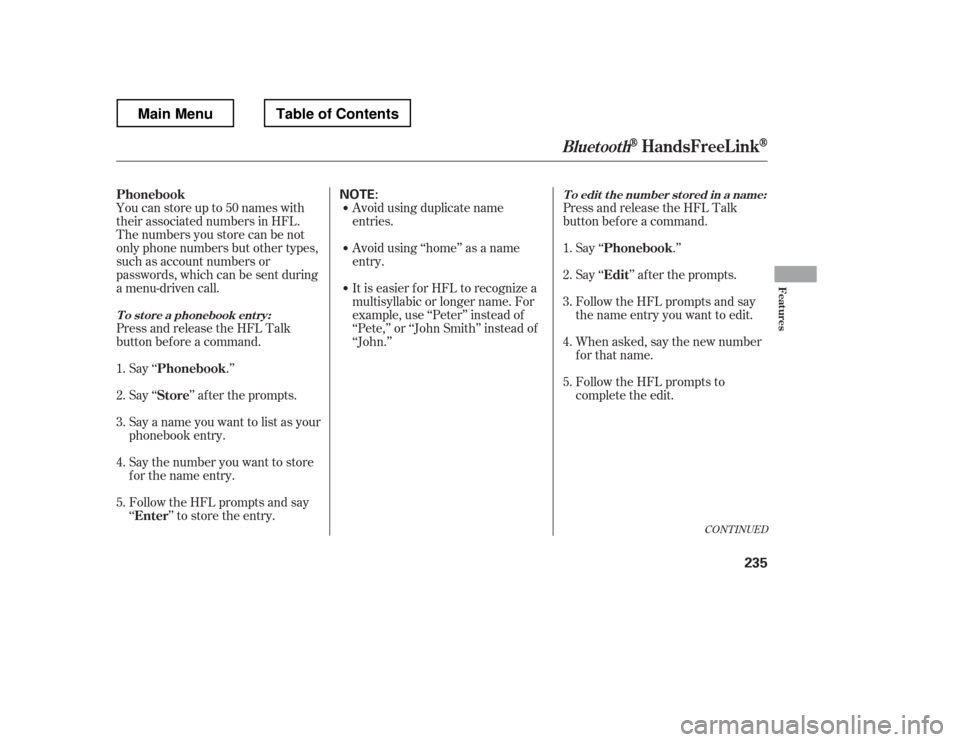
Youcanstoreupto50nameswith
their associated numbers in HFL.
The numbers you store can be not
only phone numbers but other types,
such as account numbers or
passwords, which can be sent during
a menu-driven call.
Press and release the HFL Talk
button bef ore a command.Say ‘‘ .
Page 244 of 429
(available on some phones)handsf reelink.honda.
com
www.handsfreelink.ca,
If you select
f rom the Inf ormation screen menu,
you will see f our HFL options.
In the U.S., visit
or call (888) 528-7876. The entire phonebook data of the
cell phone that is linked to HFL can
be imported to the navigation system.
Select ‘‘
,
Page 249 of 429
�Î
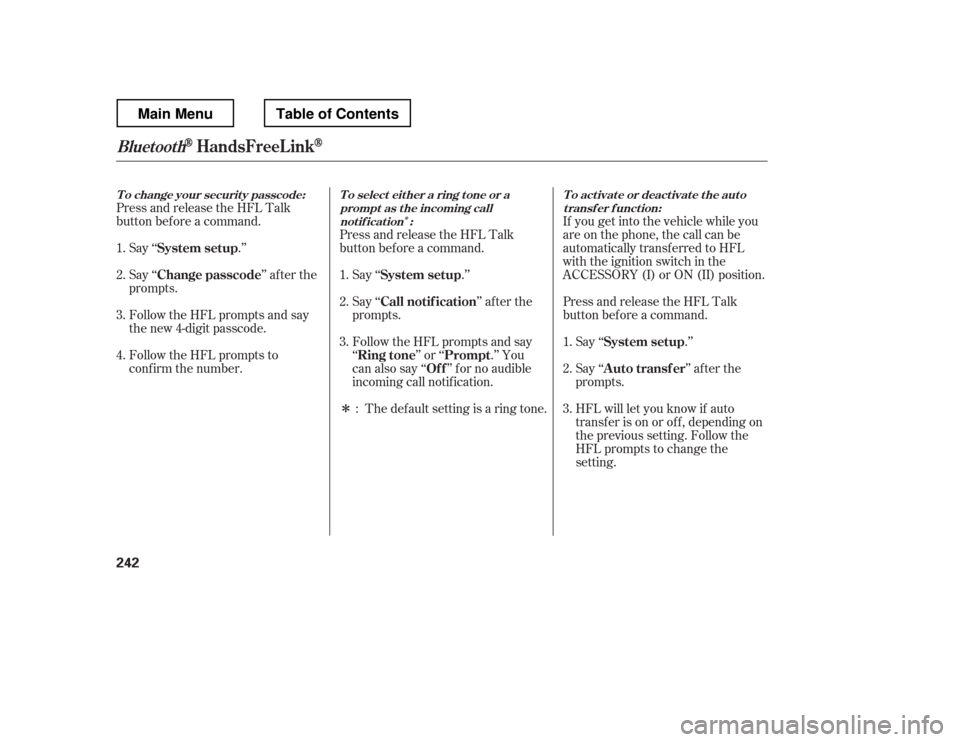
�ÎIf you get into the vehicle while you
are on the phone, the call can be
automatically transferred to HFL
with the ignition switch in the
ACCESSORY (I) or ON (II) position.
Press and release the HFL Talk
button bef ore a command.
Say ‘‘ .
Page 250 of 429
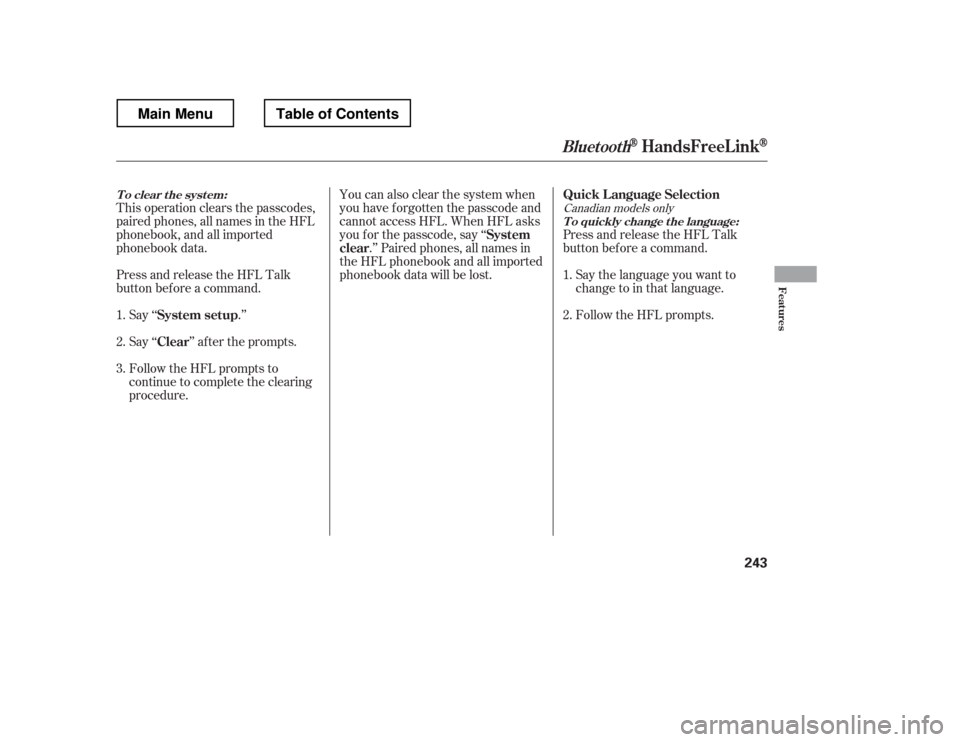
This operation clears the passcodes,
paired phones, all names in the HFL
phonebook, and all imported
phonebook data.
Press and release the HFL Talk
button bef ore a command.Say ‘‘ .