Page 77 of 429
This indicator normally comes on f or
a f ew seconds when you turn the
ignition switch to the ON (II)
position.You will also see a ‘‘CHECK VSA
SYSTEM
Page 78 of 429
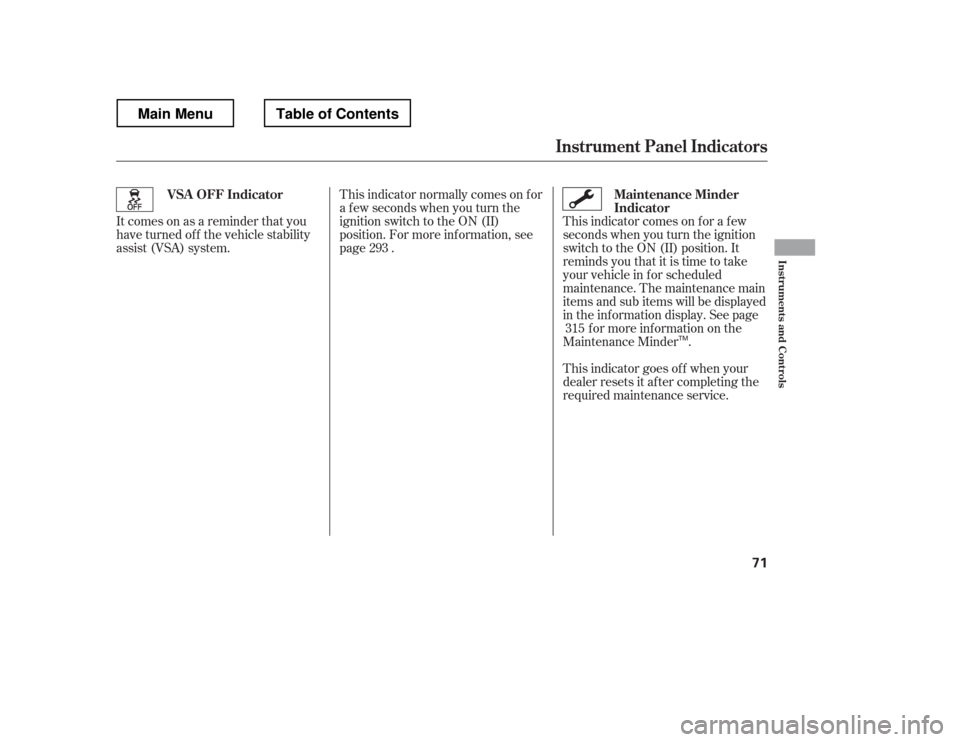
This indicator comes on f or a f ew
seconds when you turn the ignition
switch to the ON (II) position. It
remindsyouthatitistimetotake
your vehicle in f or scheduled
maintenance. The maintenance main
items and sub items will be displayed
in the information display. See pagef or more inf ormation on the
Maintenance Minder .
This indicator goes of f when your
dealer resets it after completing the
required maintenance service.
This indicator normally comes on f or
a f ew seconds when you turn the
ignition switch to the ON (II)
position. For more inf ormation, see
page .
Itcomesonasareminderthatyou
have turned of f the vehicle stability
assist (VSA) system.
315
293
Maintenance Minder
Indicator
VSA OFF Indicator
Instrument Panel Indicators
Inst rument s and Cont rols
71
TM
Main MenuTable of Contents
Page 80 of 429
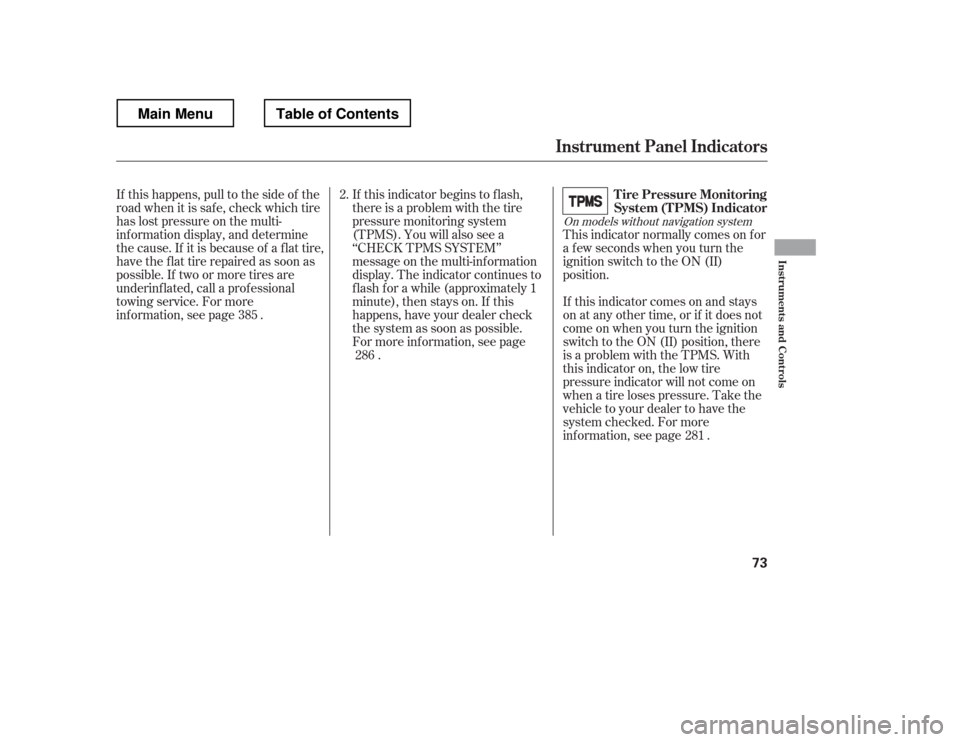
This indicator normally comes on f or
a f ew seconds when you turn the
ignition switch to the ON (II)
position.
If this happens, pull to the side of the
road when it is saf e, check which tire
has lost pressure on the multi-
inf ormation display, and determine
the cause. If it is because of a flat tire,
have the flat tire repaired as soon as
possible. If two or more tires are
underinf lated, call a prof essional
towing service. For more
inf ormation, see page . If this indicator begins to f lash,
there is a problem with the tire
pressure monitoring system
(TPMS). You will also see a
‘‘CHECK TPMS SYSTEM
Page 81 of 429
This indicator reminds you that the
bed lights are on. With the shif t lever
in the Park position, they come on
when you push the light switch on
the dashboard, swing open the
tailgate, or open the In-Bed Trunk.If you turn the ignition switch to the
ACCESSORY (I) or LOCK (0)
position without turning of f the bed
lights, this indicator will remain on,
andthengooff after20minutes.See
page f or more inf ormation.
Most of the time, this indicator
comes on along with other indicators
in the instrument panel such as the
seat belt reminder indicator, SRS
indicator, VSA system indicator, etc.
This indicator comes on when there
is a system message on the multi-
inf ormation display. Press the INFO
button on the dashboard (see page
) to see the message (see page).
82
90 144On models with navigation system
Bed L ights On Indicator
Message Indicator
Instrument Panel Indicators
74
Main MenuTable of Contents
Page 82 of 429
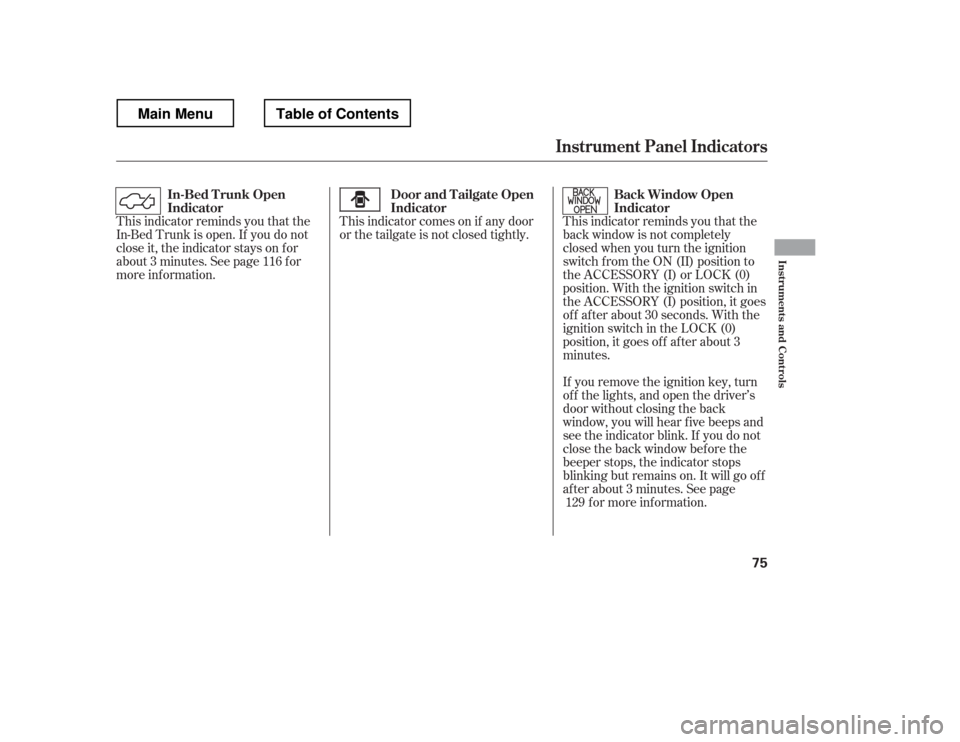
This indicator reminds you that the
back window is not completely
closed when you turn the ignition
switch f rom the ON (II) position to
the ACCESSORY (I) or LOCK (0)
position. With the ignition switch in
the ACCESSORY (I) position, it goes
of f af ter about 30 seconds. With the
ignition switch in the LOCK (0)
position, it goes of f af ter about 3
minutes.
If you remove the ignition key, turn
of f the lights, and open the driver
Page 84 of 429
With the ignition switch in the ON
(II) position, the inf ormation display
changesasshownonthenextpage
each time you press the SELECT
button or TRIP/RESET button.
The inf ormation display shows the
odometer, trip meter, engine oil lif e,
outside temperature (if equipped),
instant f uel economy, average f uel
economy, range (estimated distance),
and maintenance item code(s).
For inf ormation about the multi-
inf ormation display, see page .
When you turn the ignition switch to
the ON (II) position, your last
selection is displayed. 82
CONT INUED
On models without navigation system
On models with navigation system
Gauges
Inf ormation Display
Inst rument s and Cont rols
77
TRIP/RESET BUTTONSELECT BUTTON
Main MenuTable of Contents
Page 88 of 429
The inf ormation display in the
instrument panel shows you the
engine oil lif e and maintenance
service items when the ignition
switch is in the ON (II) position. This
inf ormation helps to keep you aware
of the periodic maintenance your
vehicle needs f or continued trouble-
f ree driving. Ref er to page f or
more inf ormation.Your vehicle
Page 89 of 429
�Û�Ý
�Û�Ý
�Û
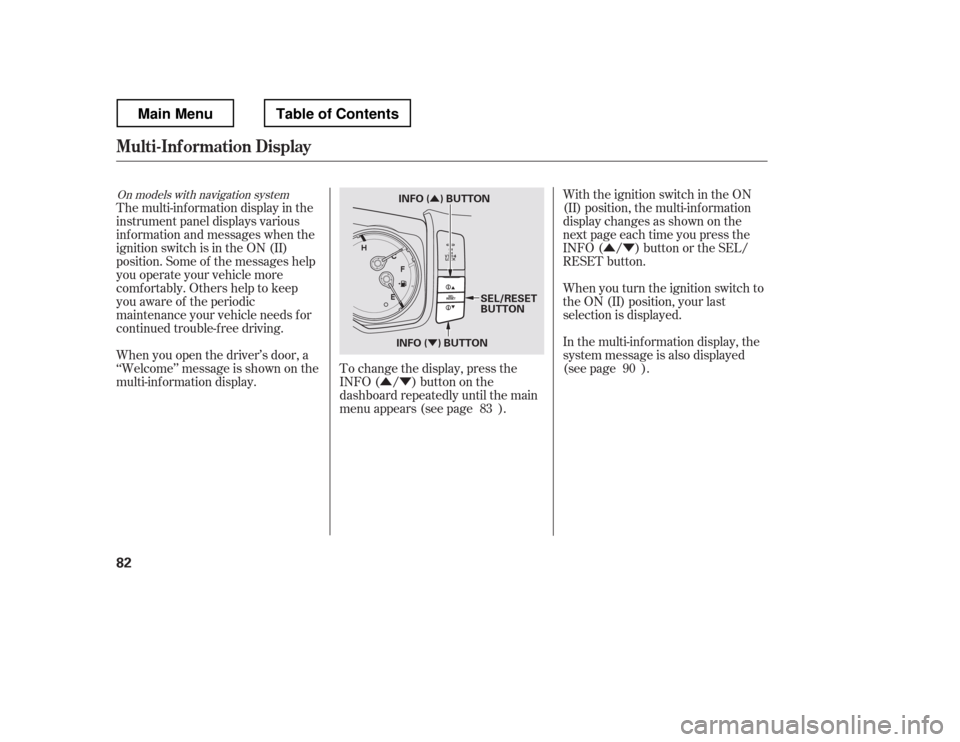
�ÝWith the ignition switch in the ON
(II) position, the multi-inf ormation
display changes as shown on the
next page each time you press the
INFO ( / ) button or the SEL/
RESET button.
When you turn the ignition switch to
the ON (II) position, your last
selection is displayed.
The multi-inf ormation display in the
instrument panel displays various
inf ormation and messages when the
ignition switch is in the ON (II)
position. Some of the messages help
you operate your vehicle more
comf ortably. Others help to keep
you aware of the periodic
maintenance your vehicle needs f or
continued trouble-f ree driving.
To change the display, press the
INFO( / )buttononthe
dashboard repeatedly until the main
menu appears (see page ).
When you open the driver