Page 84 of 429
With the ignition switch in the ON
(II) position, the inf ormation display
changesasshownonthenextpage
each time you press the SELECT
button or TRIP/RESET button.
The inf ormation display shows the
odometer, trip meter, engine oil lif e,
outside temperature (if equipped),
instant f uel economy, average f uel
economy, range (estimated distance),
and maintenance item code(s).
For inf ormation about the multi-
inf ormation display, see page .
When you turn the ignition switch to
the ON (II) position, your last
selection is displayed. 82
CONT INUED
On models without navigation system
On models with navigation system
Gauges
Inf ormation Display
Inst rument s and Cont rols
77
TRIP/RESET BUTTONSELECT BUTTON
Main MenuTable of Contents
Page 85 of 429
Gauges
78
U.S. model is shown.
INFORMATION DISPLAY
OUTSIDE TEMPERATURE INDICATOR
ODOMETER
ODOMETER
RANGE ENGINE OIL LIFE
TRIP METER A TRIP METER B
RANGE
TRIP METER B
TRIP METER A TRIP METER A
AVERAGE FUEL
ECONOMY A AVERAGE FUEL
ECONOMY B
INSTANT FUEL
ECONOMY INSTANT FUEL
ECONOMY TRIP/RESET button
SELECT button
TRIP METER B
Main MenuTable of Contents
Page 88 of 429
The inf ormation display in the
instrument panel shows you the
engine oil lif e and maintenance
service items when the ignition
switch is in the ON (II) position. This
inf ormation helps to keep you aware
of the periodic maintenance your
vehicle needs f or continued trouble-
f ree driving. Ref er to page f or
more inf ormation.Your vehicle
Page 93 of 429
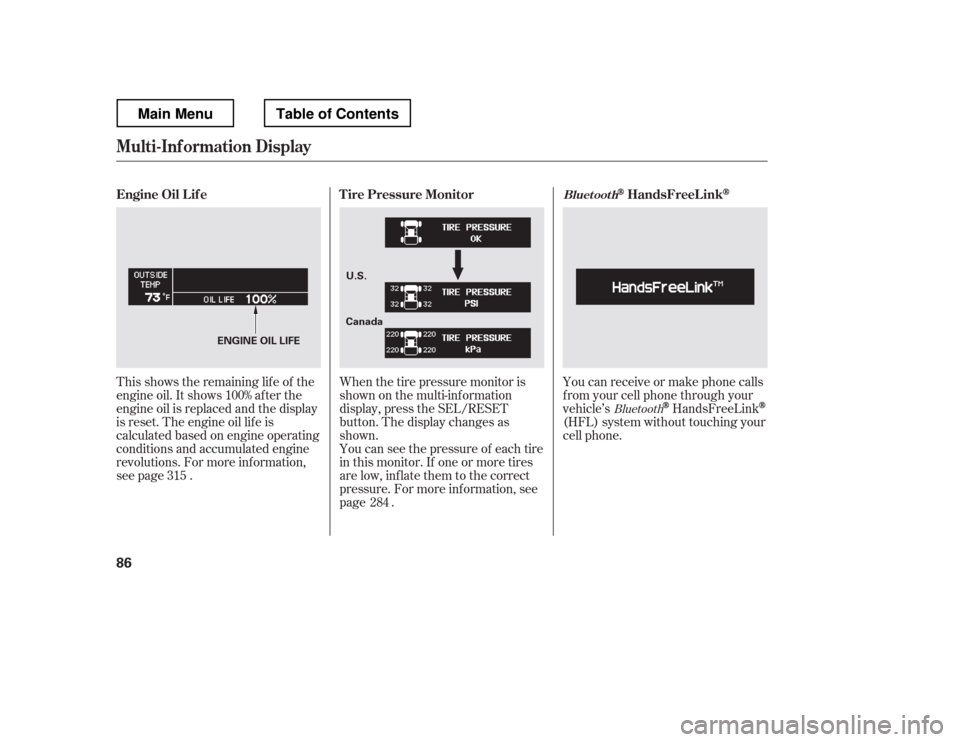
This shows the remaining lif e of the
engine oil. It shows 100% af ter the
engine oil is replaced and the display
is reset. The engine oil lif e is
calculated based on engine operating
conditions and accumulated engine
revolutions. For more inf ormation,
see page .Whenthetirepressuremonitoris
shown on the multi-inf ormation
display, press the SEL/RESET
button. The display changes as
shown.
You can see the pressure of each tire
in this monitor. If one or more tires
are low, inflate them to the correct
pressure. For more inf ormation, see
page . You can receive or make phone calls
f rom your cell phone through your
vehicle
Page 96 of 429
�Û�Ý
�Û�Ý
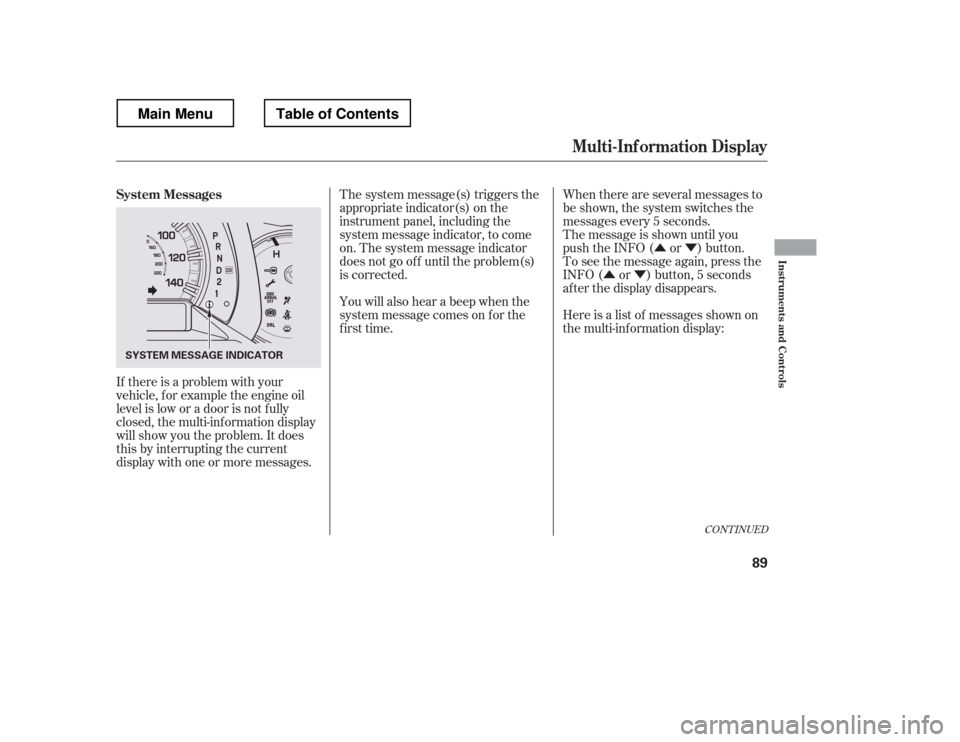
If there is a problem with your
vehicle, f or example the engine oil
level is low or a door is not f ully
closed, the multi-inf ormation display
will show you the problem. It does
this by interrupting the current
display with one or more messages. The system message(s) triggers the
appropriate indicator(s) on the
instrument panel, including the
system message indicator, to come
on. The system message indicator
does not go of f until the problem(s)
is corrected.
You will also hear a beep when the
system message comes on f or the
first time.
When there are several messages to
be shown, the system switches the
messages every 5 seconds.
The message is shown until you
push the INFO ( or ) button.
To see the message again, press the
INFO ( or ) button, 5 seconds
after the display disappears.
Here is a list of messages shown on
the multi-information display:
CONT INUED
System Messages
Mult i-Inf ormation Display
Inst rument s and Cont rols
89
SYSTEM MESSAGE INDICATOR
Main MenuTable of Contents
Page 107 of 429
These keys contain electronic
circuits that are activated by the
immobilizer system. They will not
work to start the engine if the
circuits are damaged.Protect the keys f rom direct
sunlight, high temperature, and
high humidity.
Donotdropthekeysorsetheavy
objects on them.
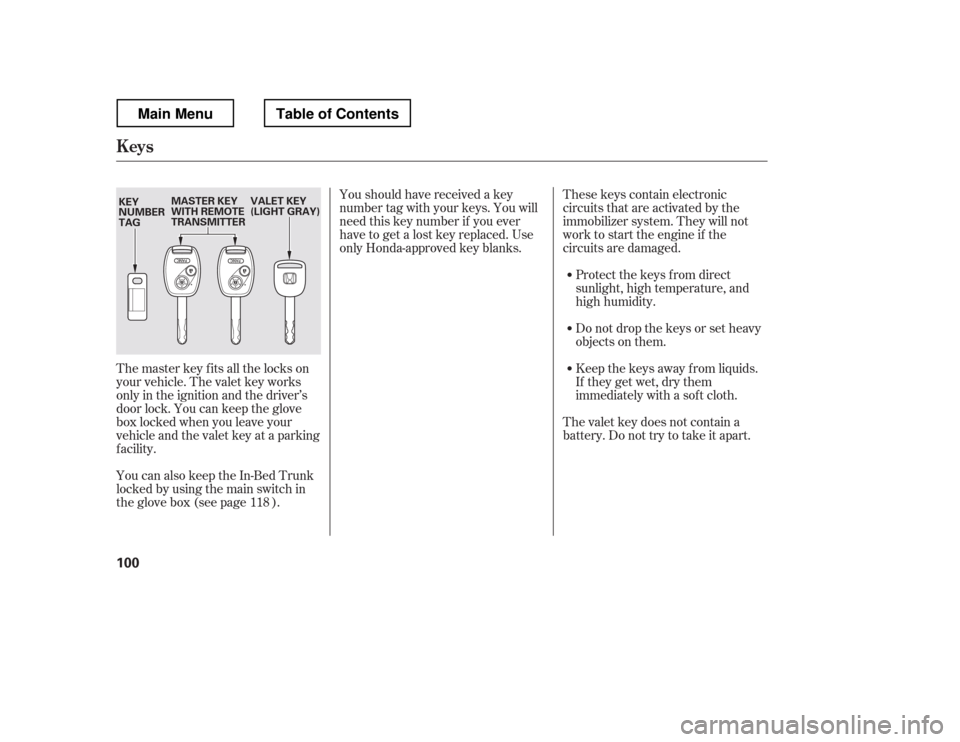
The master key fits all the locks on
your vehicle. The valet key works
only in the ignition and the driver
Page 108 of 429
When you turn the ignition switch to
the ON (II) position, the immobilizer
system indicator should come on f or
a f ew seconds, then go of f . If the
indicator starts to blink, it means the
system does not recognize the
coding of the key. Turn the ignition
switch to the LOCK (0) position,
remove the key, reinsert it, and turn
the ignition switch to the ON (II)
position again.Do not attempt to alter this system
or add other devices to it. Electrical
problems could result that may make
your vehicle inoperable.
If the system repeatedly does not
recognize the coding of your key,
contact your dealer.
The immobilizer system protects
your vehicle f rom thef t. If an
improperly coded key (or other
device) is used, the engine
Page 109 of 429
�µ�µ
�µ �µ
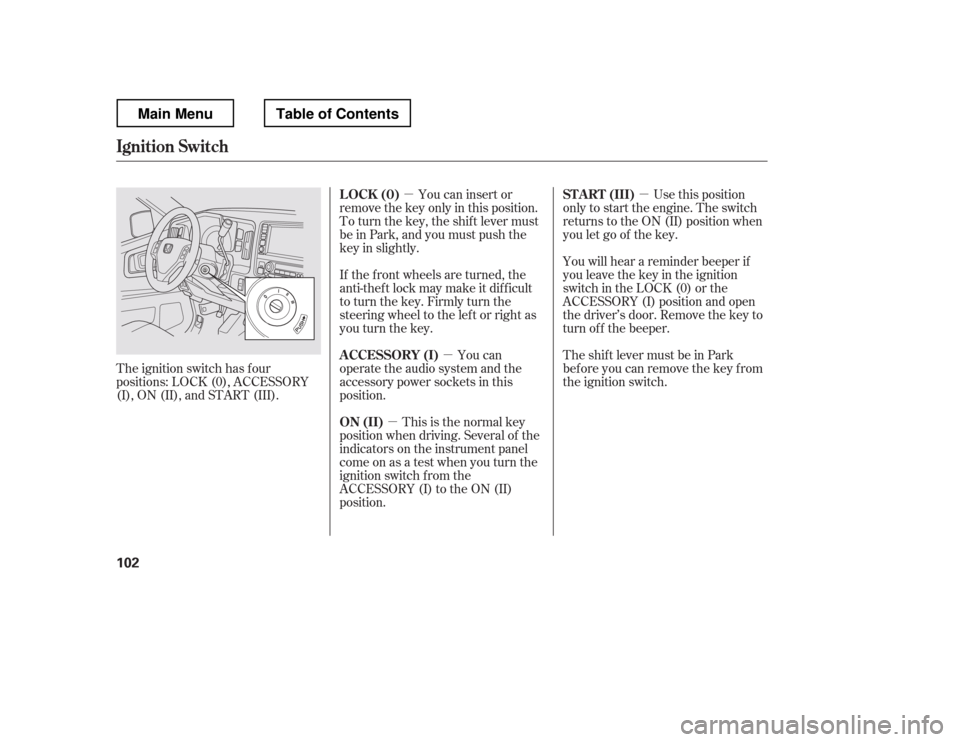
The ignition switch has f our
positions: LOCK (0), ACCESSORY
(I), ON (II), and START (III). You can insert or
remove the key only in this position.
To turn the key, the shift lever must
be in Park, and you must push the
key in slightly.
If the f ront wheels are turned, the
anti-theft lock may make it difficult
to turn the key. Firmly turn the
steering wheel to the lef t or right as
you turn the key.
You can
operate the audio system and the
accessory power sockets in this
position.
This is the normal key
position when driving. Several of the
indicators on the instrument panel
come on as a test when you turn the
ignition switch f rom the
ACCESSORY (I) to the ON (II)
position. Use this position
only to start the engine. The switch
returns to the ON (II) position when
you let go of the key.
You will hear a reminder beeper if
you leave the key in the ignition
switch in the LOCK (0) or the
ACCESSORY (I) position and open
the driver