Page 68 of 429

�Î �Î�Î
�Î
�Î �Î
�Î �Î
On models without navigation system.
On models with navigation system.
The U.S. instrument panel is shown. Dif f erences f or the Canadian models are noted in the tex
t.
1:2:3: On RTS, RTL, and Touring models.
Instrument Panel
Inst rument s and Cont rols
61
CRUISE CONTROL
INDICATOR
(P.72)
(P.70)
(P.75)
(P.65)
(P.63) (P.63)
(P.63)
(P.69)(P.75) (P.82)/
INFORMATION
DISPLAY
MULTI-INFORMATION
DISPLAY
(P.77)
(P.67) (P.62)
SIDE AIRBAG OFF INDICATOR
(P.74)
(P.67)(P.66)
SECURITY SYSTEM INDICATOR (P.68)
HIGH BEAM
INDICATOR
(P.73)
(P.68)
ANTI-LOCK BRAKE SYSTEM
(ABS) INDICATOR
DAYTIME RUNNING LIGHTS
INDICATOR
WASHER LEVEL INDICATOR
(P.67) SEAT BELT REMINDER
INDICATOR
LOW FUEL INDICATOR (P.71)
(P.69)
DOOR AND TAILGATE OPEN INDICATOR
IN-BED TRUNK OPEN INDICATOR
A/T TEMPERATURE INDICATOR
BED LIGHTS ON INDICATOR
(P.74)
MALFUNCTION INDICATOR
LAMP
LOW OIL PRESSURE
INDICATOR
CHARGING SYSTEM
INDICATOR
PARKING BRAKE AND BRAKE
SYSTEM INDICATOR
BACK WINDOW OPEN
INDICATOR
VTM-4 INDICATOR
LOW TIRE PRESSURE INDICATOR/
TPMS INDICATOR
TIRE PRESSURE MONITORING SYSTEM
(TPMS) INDICATOR
LIGHTS ON INDICATOR
(P.75)
VEHICLE STABILITY ASSIST (VSA)
SYSTEM INDICATOR (P.70)
IMMOBILIZER SYSTEM
INDICATOR(P.66)
MESSAGE INDICATOR
(P.64)
CRUISE MAIN
INDICATOR
(P.67)
(P.67)
MAINTENANCE MINDER INDICATOR
VSA OFF INDICATOR (P.71) SUPPLEMENTAL RESTRAINT
SYSTEM (SRS) INDICATOR
(P.64)
2
1 3
2 1
Main MenuTable of Contents
Page 84 of 429
With the ignition switch in the ON
(II) position, the inf ormation display
changesasshownonthenextpage
each time you press the SELECT
button or TRIP/RESET button.
The inf ormation display shows the
odometer, trip meter, engine oil lif e,
outside temperature (if equipped),
instant f uel economy, average f uel
economy, range (estimated distance),
and maintenance item code(s).
For inf ormation about the multi-
inf ormation display, see page .
When you turn the ignition switch to
the ON (II) position, your last
selection is displayed. 82
CONT INUED
On models without navigation system
On models with navigation system
Gauges
Inf ormation Display
Inst rument s and Cont rols
77
TRIP/RESET BUTTONSELECT BUTTON
Main MenuTable of Contents
Page 85 of 429
Gauges
78
U.S. model is shown.
INFORMATION DISPLAY
OUTSIDE TEMPERATURE INDICATOR
ODOMETER
ODOMETER
RANGE ENGINE OIL LIFE
TRIP METER A TRIP METER B
RANGE
TRIP METER B
TRIP METER A TRIP METER A
AVERAGE FUEL
ECONOMY A AVERAGE FUEL
ECONOMY B
INSTANT FUEL
ECONOMY INSTANT FUEL
ECONOMY TRIP/RESET button
SELECT button
TRIP METER B
Main MenuTable of Contents
Page 88 of 429
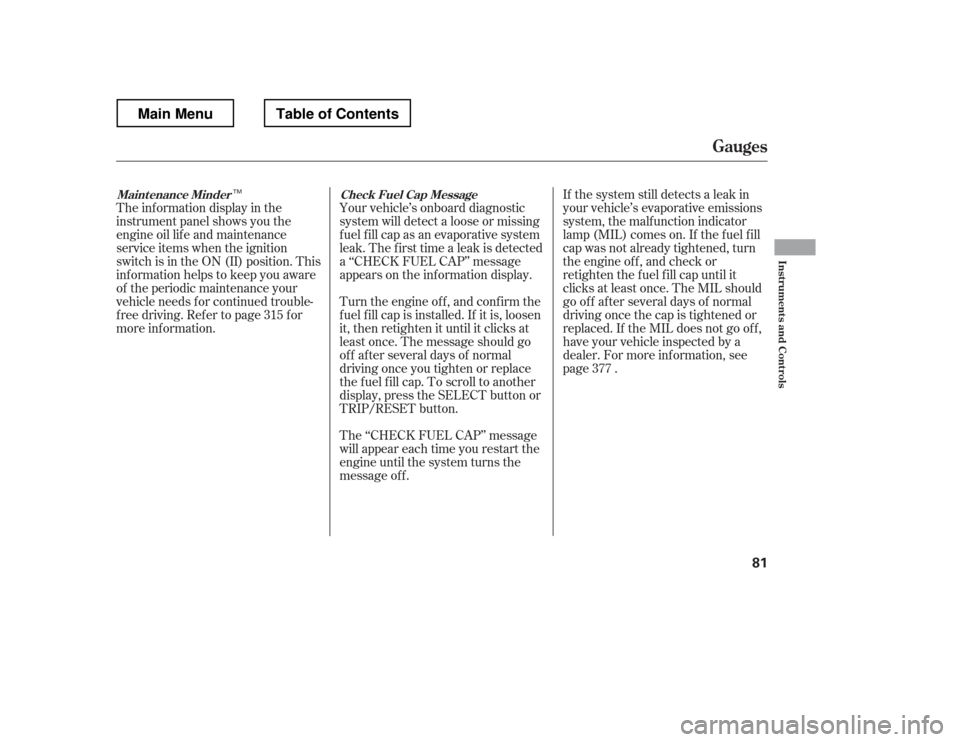
The inf ormation display in the
instrument panel shows you the
engine oil lif e and maintenance
service items when the ignition
switch is in the ON (II) position. This
inf ormation helps to keep you aware
of the periodic maintenance your
vehicle needs f or continued trouble-
f ree driving. Ref er to page f or
more inf ormation.Your vehicle
Page 93 of 429
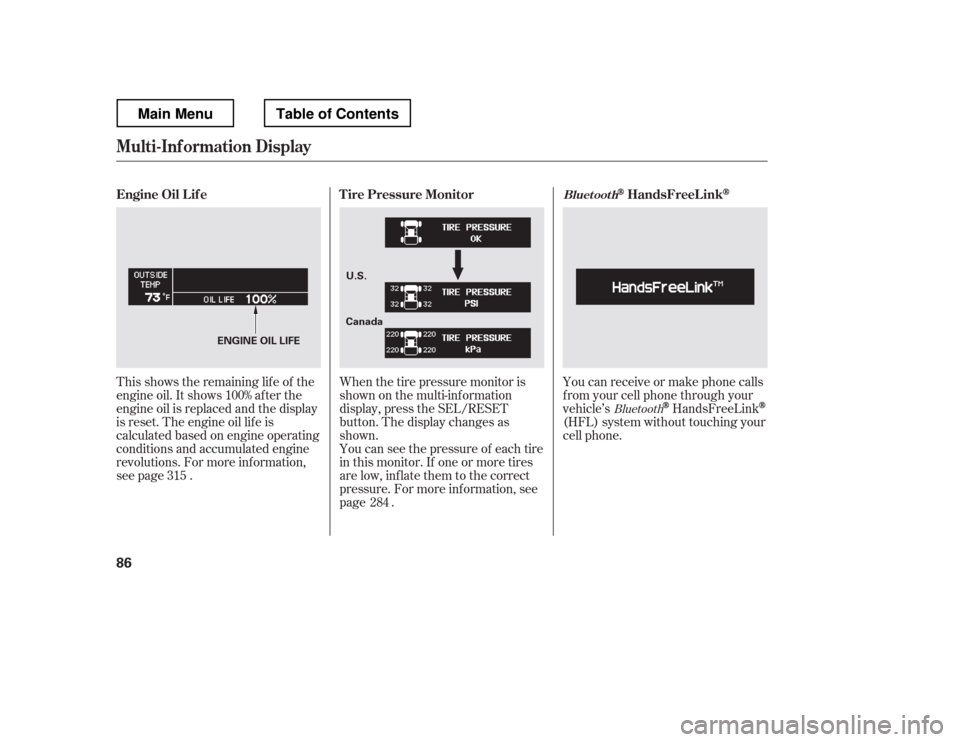
This shows the remaining lif e of the
engine oil. It shows 100% af ter the
engine oil is replaced and the display
is reset. The engine oil lif e is
calculated based on engine operating
conditions and accumulated engine
revolutions. For more inf ormation,
see page .Whenthetirepressuremonitoris
shown on the multi-inf ormation
display, press the SEL/RESET
button. The display changes as
shown.
You can see the pressure of each tire
in this monitor. If one or more tires
are low, inflate them to the correct
pressure. For more inf ormation, see
page . You can receive or make phone calls
f rom your cell phone through your
vehicle
Page 96 of 429
�Û�Ý
�Û�Ý
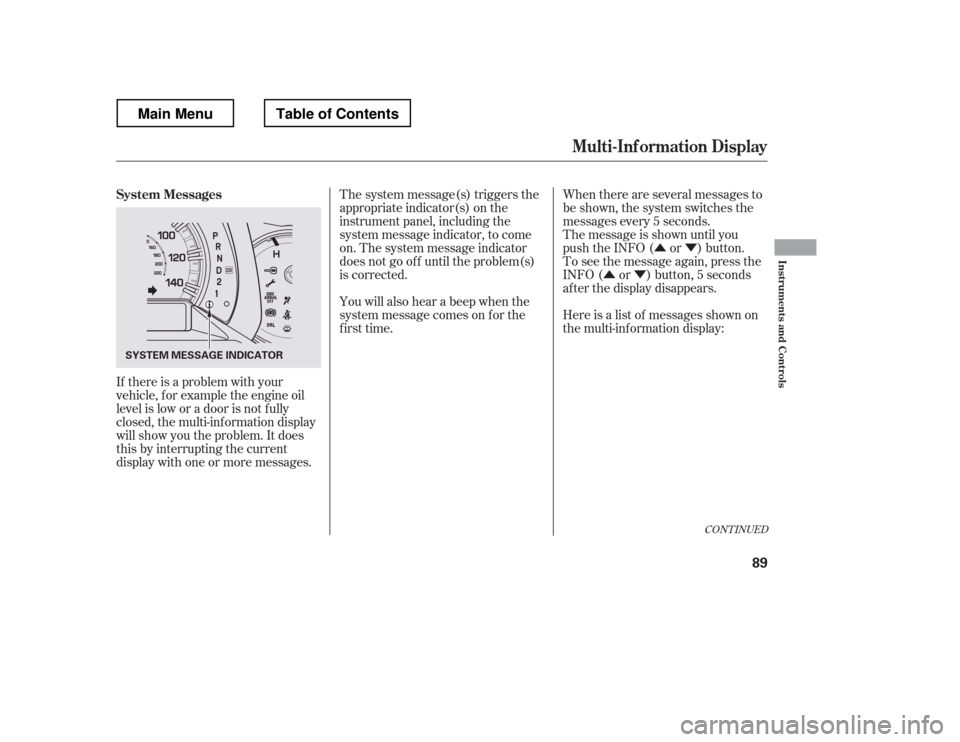
If there is a problem with your
vehicle, f or example the engine oil
level is low or a door is not f ully
closed, the multi-inf ormation display
will show you the problem. It does
this by interrupting the current
display with one or more messages. The system message(s) triggers the
appropriate indicator(s) on the
instrument panel, including the
system message indicator, to come
on. The system message indicator
does not go of f until the problem(s)
is corrected.
You will also hear a beep when the
system message comes on f or the
first time.
When there are several messages to
be shown, the system switches the
messages every 5 seconds.
The message is shown until you
push the INFO ( or ) button.
To see the message again, press the
INFO ( or ) button, 5 seconds
after the display disappears.
Here is a list of messages shown on
the multi-information display:
CONT INUED
System Messages
Mult i-Inf ormation Display
Inst rument s and Cont rols
89
SYSTEM MESSAGE INDICATOR
Main MenuTable of Contents
Page 254 of 429
Bef ore you begin driving your
vehicle, you should know what
gasoline to use and how to check the
levels of important f luids. You also
need to know how to properly store
luggage or packages. The
inf ormation in this section will help
you. If you plan to add any
accessories to your vehicle, please
read the information in this section
first..............................
Break-in Period . 248
.................
Fuel Recommendation . 248
.........
Service Station Procedures . 250
....................................
Ref ueling . 250
Opening and Closing the
.......................................
Hood . 254
...................................
Oil Check . 255
.............
Engine Coolant Check . 255
...............................
Fuel Economy . 256
...
Accessories and Modif ications . 259
.............................
Carrying Cargo . 261
Bef ore Driving
Bef ore Driving
247
Main MenuINDEX
Page 262 of 429
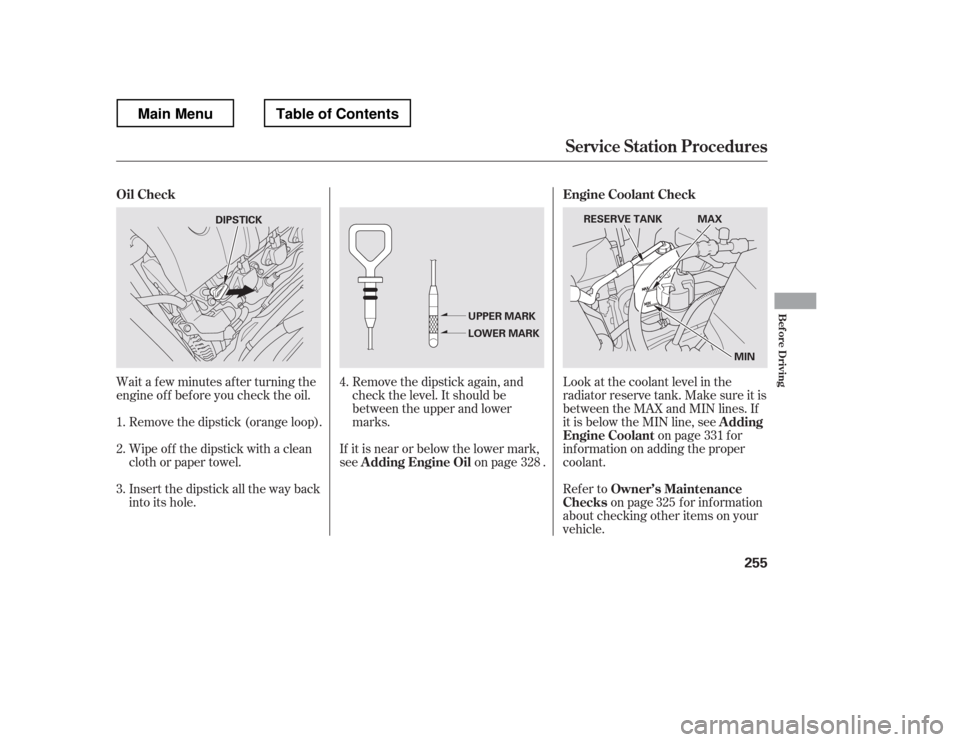
Wait a f ew minutes af ter turning the
engine of f bef ore you check the oil.Remove the dipstick (orange loop).
Wipe of f the dipstick with a clean
cloth or paper towel.
Insert the dipstick all the way back
into its hole. Remove the dipstick again, and
check the level. It should be
between the upper and lower
marks.
If it is near or below the lower mark,
see on page . Look at the coolant level in the
radiator reserve tank. Make sure it is
between the MAX and MIN lines. If
it is below the MIN line, see
on page f or
inf ormation on adding the proper
coolant.
Refer to
on page f or inf ormation
about checking other items on your
vehicle.
1. 2. 3.
4.
328 331
325
A dding Engine Oil Engine Coolant Check
Oil Check
A dding
Engine Coolant
Owner