Page 216 of 557
Pressing the SET-button once will result ina1mph
(1.6 km/h) decrease in set speed. Each subsequent tap of
the button results in a decrease of 1 mph (1.6 km/h).
NOTE:
•When you use the SET -button to decelerate, if the
engine’s braking power does not slow the vehicle
sufficiently to reach the set speed, the brake system
will automatically slow the vehicle.
•The ACC system can only apply a maximum of 25% of
the vehicle’s braking capability and will not bring the
vehicle to a complete stop.
•The ACC system maintains set speed when driving up
hill and down hill. However, a slight speed change on
moderate hills is normal. In addition, downshifting
may occur while climbing uphill or descending down-
hill. This is normal operation and necessary to main-
tain set speed.
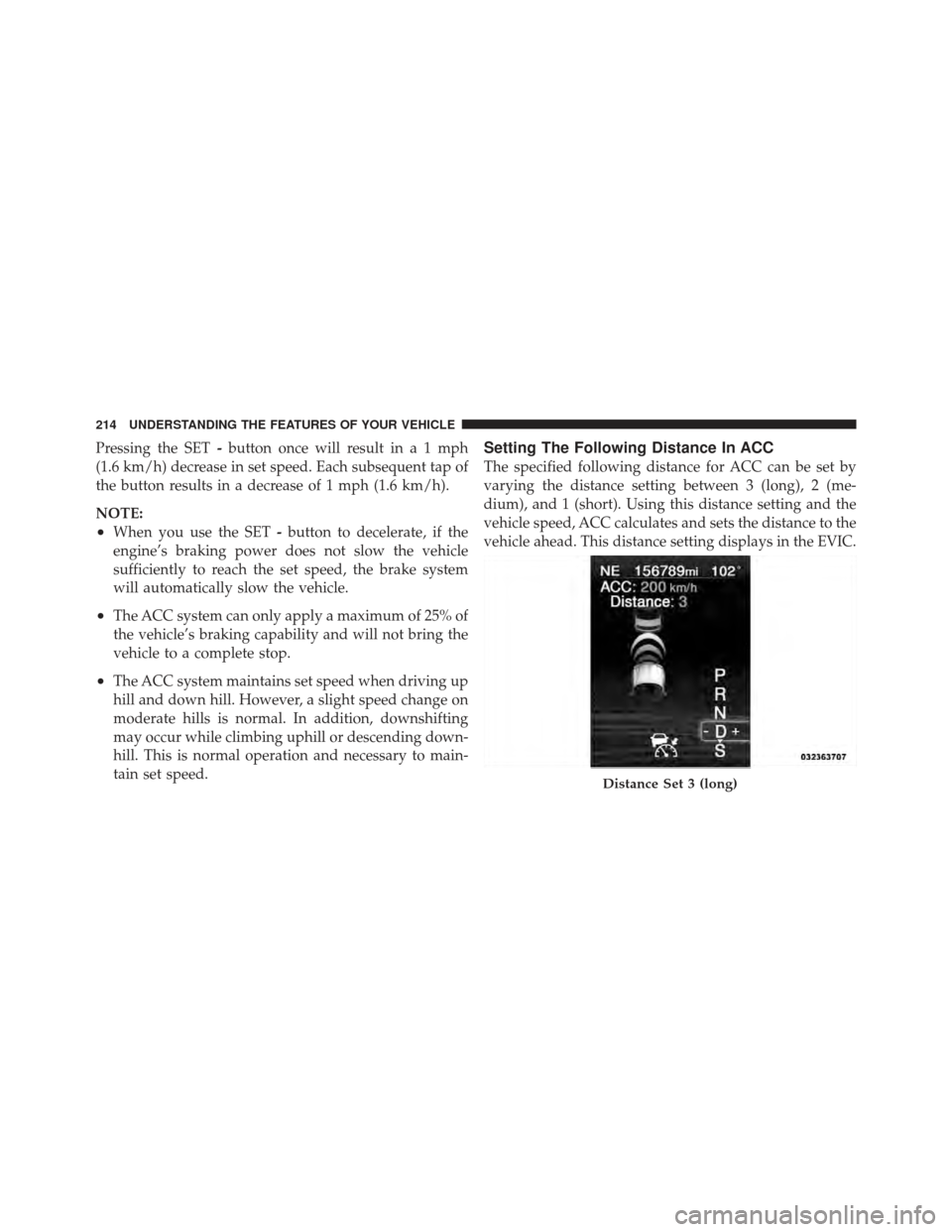
Setting The Following Distance In ACC
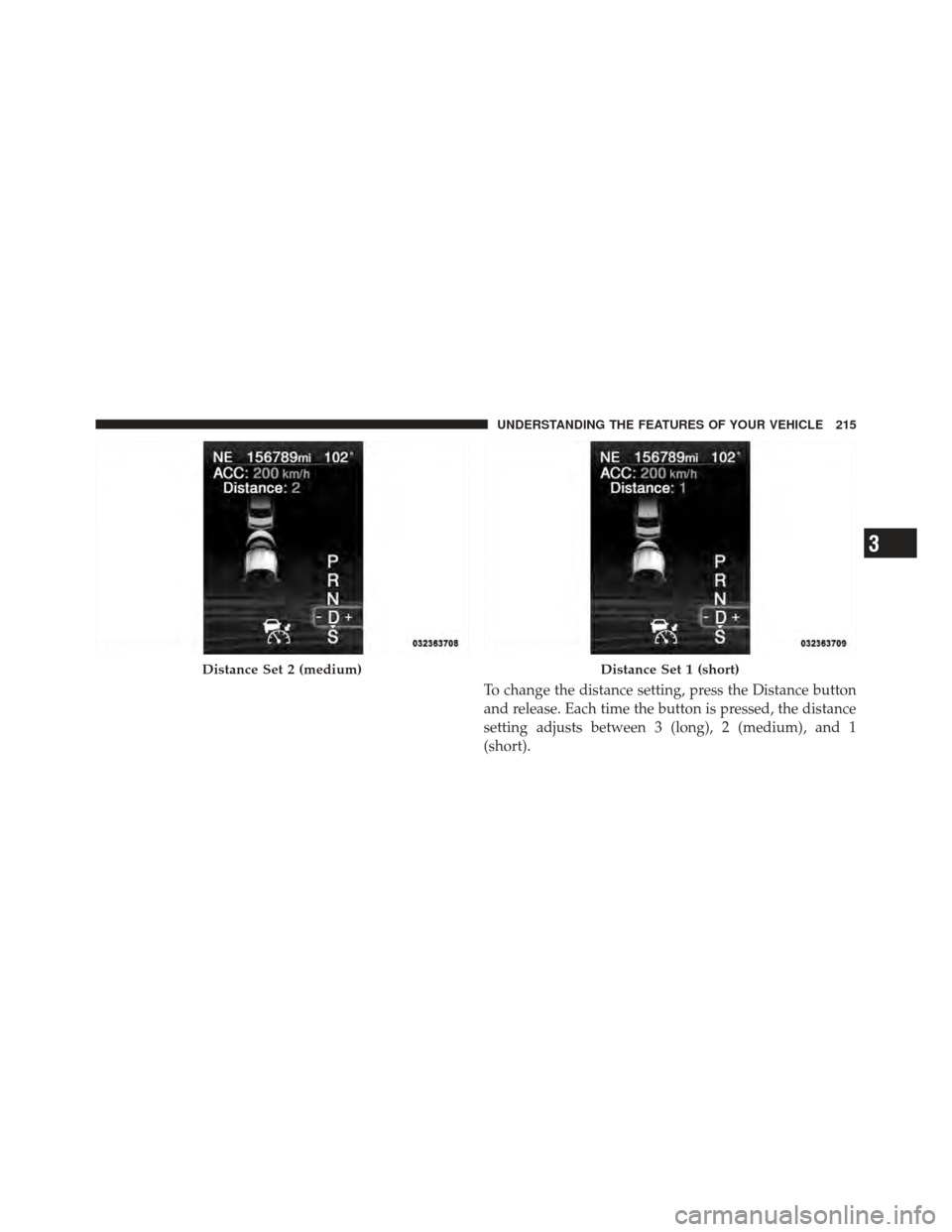
The specified following distance for ACC can be set by
varying the distance setting between 3 (long), 2 (me-
dium), and 1 (short). Using this distance setting and the
vehicle speed, ACC calculates and sets the distance to the
vehicle ahead. This distance setting displays in the EVIC.
Distance Set 3 (long)
214 UNDERSTANDING THE FEATURES OF YOUR VEHICLE
Page 217 of 557
To change the distance setting, press the Distance button
and release. Each time the button is pressed, the distance
setting adjusts between 3 (long), 2 (medium), and 1
(short).
Distance Set 2 (medium)Distance Set 1 (short)
3
UNDERSTANDING THE FEATURES OF YOUR VEHICLE 215
Page 220 of 557
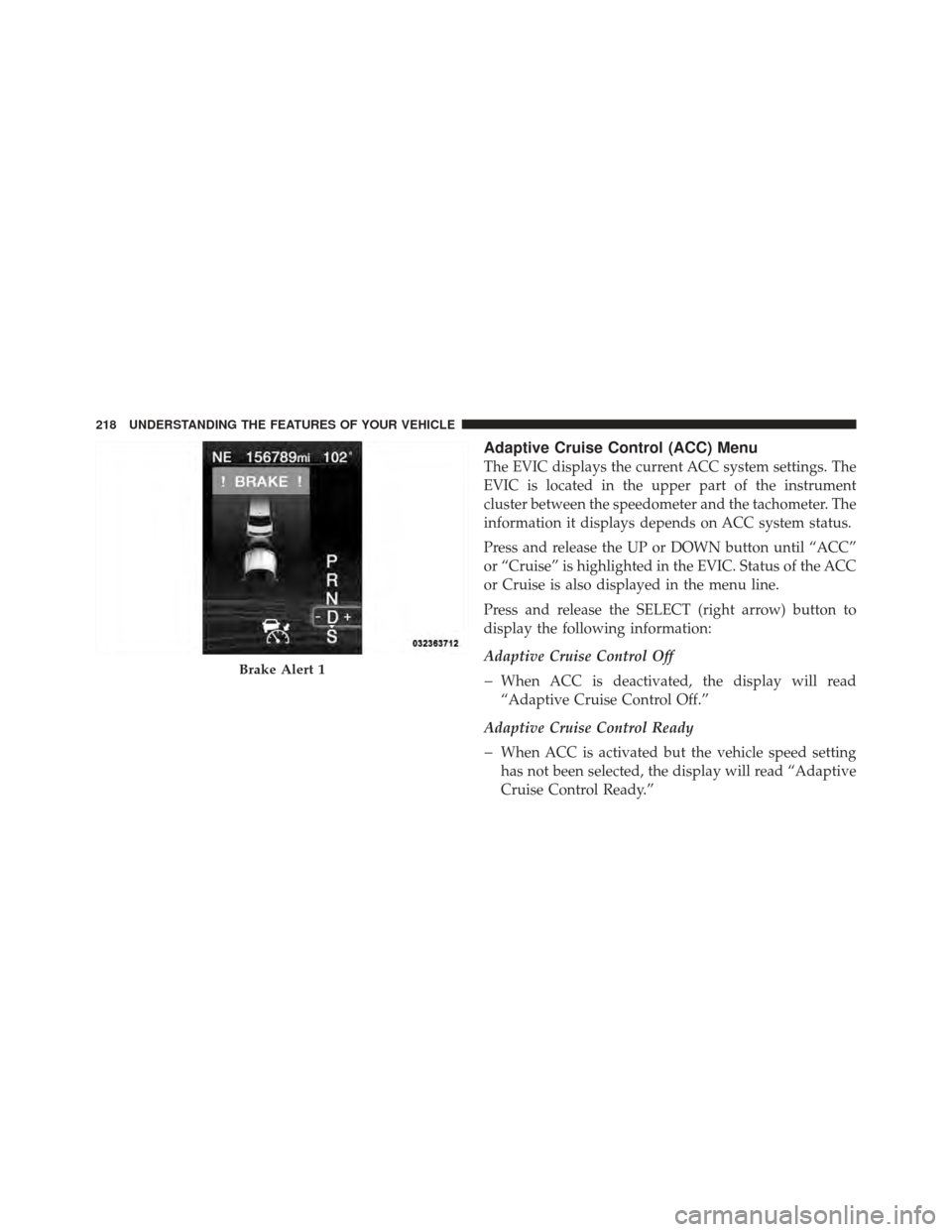
Adaptive Cruise Control (ACC) Menu
The EVIC displays the current ACC system settings. The
EVIC is located in the upper part of the instrument
cluster between the speedometer and the tachometer. The
information it displays depends on ACC system status.
Press and release the UP or DOWN button until “ACC”
or “Cruise” is highlighted in the EVIC. Status of the ACC
or Cruise is also displayed in the menu line.
Press and release the SELECT (right arrow) button to
display the following information:
Adaptive Cruise Control Off
When ACC is deactivated, the display will read
“Adaptive Cruise Control Off.”
Adaptive Cruise Control Ready
When ACC is activated but the vehicle speed setting
has not been selected, the display will read “Adaptive
Cruise Control Ready.”
Brake Alert 1
218 UNDERSTANDING THE FEATURES OF YOUR VEHICLE
Page 229 of 557
To change modes, press the MODE button when the
system is in either the OFF, READY, or SET position.
“Cruise Ready” will be displayed if the system was in
ACC READY or ACC SET position. “Cruise Off” will be
displayed if the system was in the ACC OFF position. To
switch back to Adaptive Cruise Control mode, press the
MODE button a second time.
WARNING!
In the normal Cruise Control mode, the system will
not react to vehicles ahead. In addition, the proximity
warning does not activate and no alarm will sound
even if you are too close to the vehicle ahead since
neither the presence of the vehicle ahead nor the
vehicle-to vehicle distance is detected. Be sure to
maintain a safe distance between your vehicle and
the vehicle ahead. Always be aware which mode is
selected.
To Set A Desired Speed
When the vehicle reaches the speed desired, press the
SET-button and release. The EVIC will display the set
speed.
NOTE: You must observe the display when setting or
changing speed, not the speedometer.
To Vary The Speed Setting
There are two ways to change the set speed:
•Use the accelerator pedal to adjust the vehicle to the
desired speed and press the SET -button.
•Tap the RES +or SET -button to increase or decrease
the set speed in 1 mph (1.6 km/h) increments respec-
tively. Hold the RES +or SET -button for 5 mph
(8 km/h) increments.
3
UNDERSTANDING THE FEATURES OF YOUR VEHICLE 227
Page 230 of 557

To Cancel
The system will disable normal Cruise Control without
erasing the memory if:
•You softly tap or depress the brake pedal.
•You press the CANCEL button.
•The Electronic Stability Control/Traction Control Sys-
tem (ESC/TCS) activates.
To Resume
Press the RES+button and then remove your foot from
the accelerator pedal. The EVIC will display the last set
speed.
To Turn Off
The system will turn off and erase the set speed in
memory if:
•You push and release the ON/OFF button.
•You turn off the ignition.
•You switch off ESC. If the Cruise Control system is turned off and reactivated,
the system will return to the last driver setting (ACC or
Normal Cruise Control).
Forward Collision Warning — If Equipped
Forward Collision Warning (FCW) warns the driver of a
potential collision with the vehicle in front of you and
prompts the driver to take action in order to avoid the
collision.
FCW monitors the information from the forward looking
sensor as well as the Electronic Brake Controller (EBC),
wheel speed sensors, i.e., to calculate a probable rear-end
collision. When the system determines that a rear-end
collision is probable a warning message (both audible
and visual) will be displayed on the EVIC. When the
system determines a collision with the vehicle in front of
you is no longer probable, the warning message will be
deactivated.
228 UNDERSTANDING THE FEATURES OF YOUR VEHICLE
Page 246 of 557
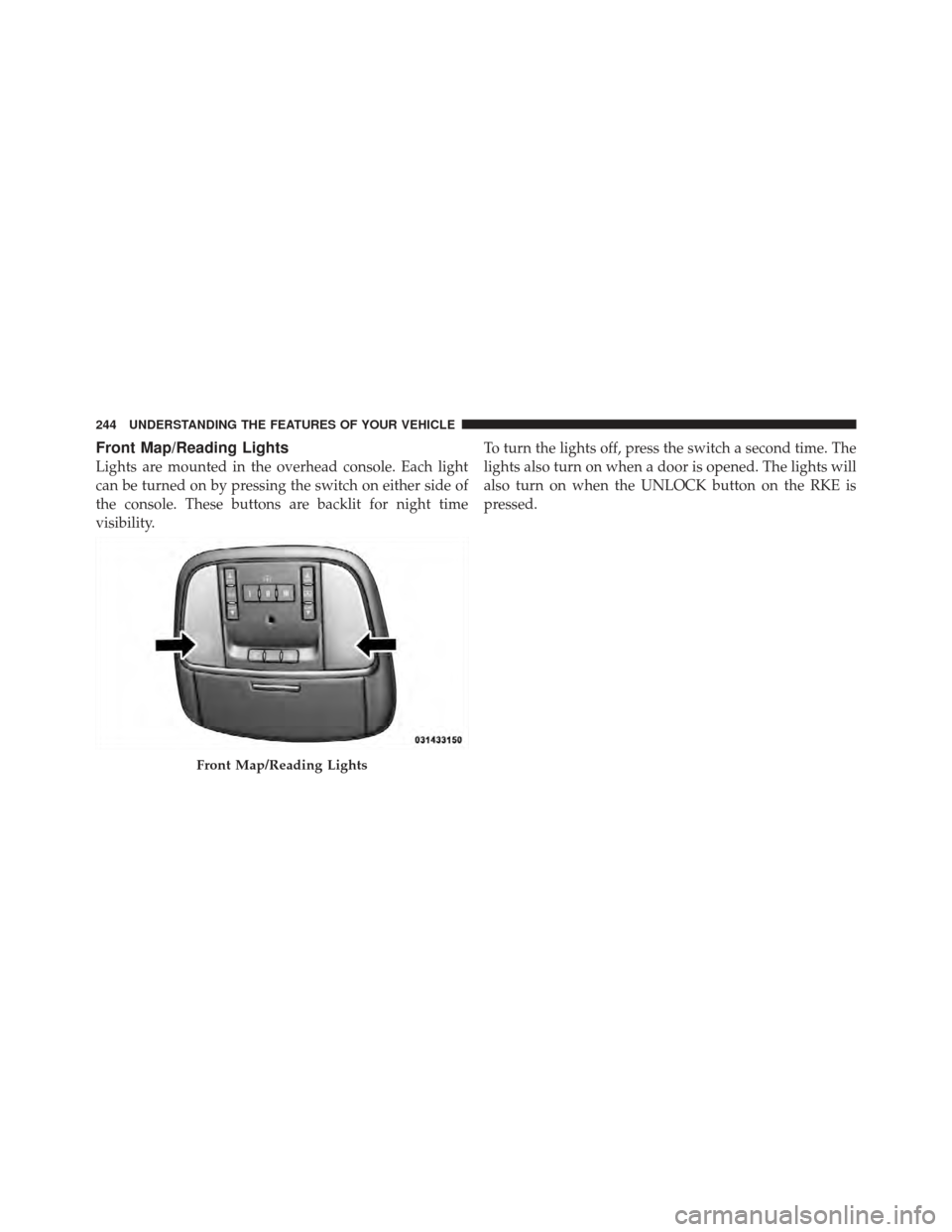
Front Map/Reading Lights
Lights are mounted in the overhead console. Each light
can be turned on by pressing the switch on either side of
the console. These buttons are backlit for night time
visibility.To turn the lights off, press the switch a second time. The
lights also turn on when a door is opened. The lights will
also turn on when the UNLOCK button on the RKE is
pressed.
Front Map/Reading Lights
244 UNDERSTANDING THE FEATURES OF YOUR VEHICLE
Page 248 of 557
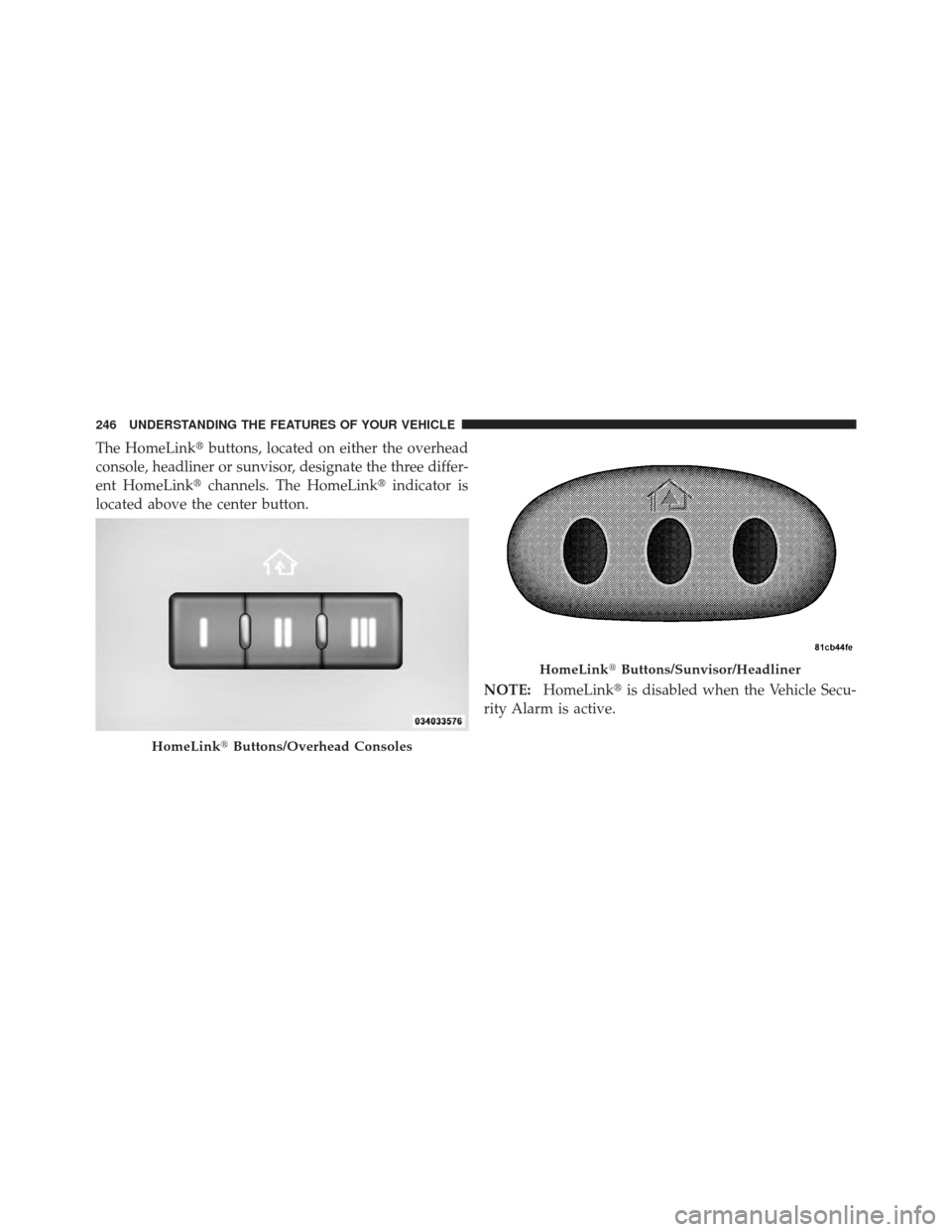
The HomeLink�buttons, located on either the overhead
console, headliner or sunvisor, designate the three differ-
ent HomeLink� channels. The HomeLink� indicator is
located above the center button.
NOTE:HomeLink� is disabled when the Vehicle Secu-
rity Alarm is active.
HomeLink� Buttons/Overhead Consoles
HomeLink�Buttons/Sunvisor/Headliner
246 UNDERSTANDING THE FEATURES OF YOUR VEHICLE
Page 249 of 557
Before You Begin Programming HomeLink�
Be sure that your vehicle is parked outside of the garage
before you begin programming.
For more efficient programming and accurate transmis-
sion of the radio-frequency signal it is recommended that
a new battery be placed in the hand-held transmitter of
the device that is being programmed to the HomeLink �
system.
Erase all channels before you begin programming. To
erase the channels place the ignition in the ON/RUN
position and press and hold the two outside HomeLink �
buttons (I and III) for up 20 seconds or until the red
indicator flashes. NOTE:•Erasing all channels should only be performed when
programming HomeLink�
for the first time. Do not
erase channels when programming additional buttons.
•If you have any problems, or require assistance, please
call toll-free 1–800–355–3515 or, on the Internet at
www.HomeLink.com for information or assistance.3
UNDERSTANDING THE FEATURES OF YOUR VEHICLE 247