2011 TOYOTA VERSO S warning
[x] Cancel search: warningPage 422 of 664
4225-5. Using the driving support systems
If the hybrid system output restric-
tion control or brake control oper-
ates, a buzzer will sound and a
message will be displayed on the
multi-information display, head-up
display (if equipped) navigation
system (if equipped) or multimedia
system (if equipped) screen, to
alert the driver.
Depending on the situation, hybrid sys-
tem output restriction control will oper-
ate to either limit acceleration or restrict
output as much as possible.
Hybrid system output restriction
control is operating (accelera-
tion restriction)
Acceleration greater than a certain
amount is restricted by the system.
Multi-information display and head-up
display: “Object Detected Acceleration
Reduced” (no warning displayed on the
head-up display)
Navigation system or multimedia sys-
tem screen: No warning displayed
PKSB OFF indicator: Not illuminated
Buzzer: Does not sound
Hybrid system output restriction
control is operating (output
restricted as much as possible)
The system has determined that stron-
ger-than-normal brake operation is nec-
essary.
Multi-information display and head-up
display: “BRAKE!”Navigation system or multimedia sys-
tem screen: “BRAKE!”
PKSB OFF indicator: Not illuminated
Buzzer: Short beep
Brake control is operating
The system determined that emer-
gency braking is necessary.
Multi-information display and head-up
display: “BRAKE!”
Navigation system or multimedia sys-
tem screen: “BRAKE!”
PKSB OFF indicator: Illuminated
Buzzer: Short beep
Vehicle stopped by system oper-
ation
The vehicle has been stopped by brake
control operation.
Multi-information display and head-up
display: “Switch to Brake” (If the accel-
erator pedal is not depressed, “Press
Brake Pedal” will be displayed.)
Navigation system or multimedia sys-
tem screen: “Press Brake Pedal”
PKSB OFF indicator: Illuminated (If the
accelerator pedal is not depressed, the
indicator is not illuminated.)
Buzzer: Short beep
If the Parking Support Brake deter-
mines that a collision with a
detected object is possible, the
hybrid system output will be
restricted to restrain any increase in
the vehicle speed. (Hybrid system
output restriction control: See figure
2.)
Additionally, if the accelerator pedal
Display and buzzer for
hybrid system output
restriction control and brake
control
System overview
Page 425 of 664

425
5
5-5. Using the driving support systems
Driving
■When traveling at a low speed
and the brake pedal is not
depressed, or is depressed
late
■When the accelerator pedal is
depressed excessively
■When the vehicle moves in the
unintended direction due to
the wrong shift position being
selected
P.414
Types of sensors
WARNING
■To ensure the Parking Support
Brake can operate properly
Observe the following precautions regarding the sensors ( P.414). Fail-
ure to do so may cause a sensor to not operate properly, and may cause an accident.
●Do not modify, disassemble or paint the sensors.
●Do not replace a sensor with a part other than a genuine part.
●Do not subject a sensor or its sur-rounding area to a strong impact.
●Do not damage the sensors, and always keep them clean.
Page 426 of 664
4265-5. Using the driving support systems
■The Parking Support Brake func- tion (static object) will operate
when
The function will operate when the PKSB OFF indicator is not illuminated
( P.170, 171) and all of the following conditions are met:
●Hybrid system output restriction con-trol
• The Parking Support Brake is enabled.• The vehicle speed is approximately 15
km/h (9 mph) or less. • There is a static object in the traveling direction of the vehicle and approxi-
mately 2 to 4 m (6 to 13 ft.) away. • The Parking Support Brake deter-mines that a stronger-than-normal
brake operation is necessary to avoid a collision.
●Brake control• Hybrid system output restriction con-
WARNING
●If the area around a radar sensor is subjected to an impact, the system
may not operate properly due to a sensor malfunction. Have the vehi-cle inspected by any authorized
Toyota retailer or Toyota authorized repairer, or any reliable repairer.
■Handling the suspension
Do not modify the suspension, as changes to the height or inclination of
the vehicle may prevent the sensors from detecting objects correctly or cause the system to not operate or
operate unnecessarily.
■If the Parking Support Brake
function (static objects) operates unnecessarily, such as at a rail-road crossing
In the event that the Parking Support Brake function (static objects) oper-ates unnecessarily, such as at a rail-
road crossing, brake control will be canceled after approximately 2 sec-onds, allowing you to proceed forward
and leave the area, brake control can also be canceled by depressing the brake pedal. Depressing the acceler-
ator pedal after brake control is can- celed will allow you to proceed forward and leave the area.
■Notes when washing the vehicle
Do not apply intensive bursts of water
or steam to the sensor area.
Doing so may result in the sensor malfunctioning.
●When using a high pressure washer to wash the vehicle, do not
spray the sensors directly, as doing so may cause a sensor to malfunc-tion.
●When using steam to clean the vehicle, do not direct steam too
close to the sensors as doing so may cause a sensor to malfunction.
■When to disable the Parking Sup-port Brake
In the following situations, disable the
Parking Support Brake as the system may operate even though there is no possibility of a collision.
●When inspecting the vehicle using a chassis roller, chassis dynamo or
free roller
●When loading the vehicle onto a
boat, truck or other transport vessel
●If the suspension has been modi-
fied or tires of a size other than specified are installed
●If the front of the vehicle is raised or lowered due to the carried load
●When equipment that may obstruct a sensor is installed, such as a tow-ing eyelet, bumper protector (an
additional trim strip, etc.), bicycle carrier, or snow plow
●When using an automatic car wash
Page 427 of 664
427
5 5-5. Using the driving support systems
Driving
trol is operating
• The Parking Support Brake deter-
mines that an immediate brake opera-
tion is necessary to avoid a collision.
■The Parking Support Brake func-
tion (static objects) will stop oper-
ating when
The function will stop operating if any of
the following conditions are met:
●Hybrid system output restriction con-
trol
• The Parking Support Brake is dis-
abled.
• The system determines that the colli-
sion has become avoidable with nor-
mal brake operation.
• The static object is no longer approxi-
mately 2 to 4 m (6 to 13 ft.) away from
the vehicle or in the traveling direction
of the vehicle.
●Brake control
• The Parking Support Brake is dis-
abled.
• Approximately 2 seconds have
elapsed since the vehicle was
stopped by brake control.
• The brake pedal is depressed after
the vehicle is stopped by brake con-
trol.
• The static object is no longer approxi-
mately 2 to 4 m (6 to 13 ft.) away from
the vehicle or in the traveling direction
of the vehicle.
■Detection range of the Parking Sup-
port Brake function (static objects)
The detection range of the Parking Sup-
port Brake function (static objects) dif-
fers from the detection range of the
Toyota parking assist-sensor. (P.418)
Therefore, even if the Toyota parking
assist-sensor detects an object and pro-
vides a warning, the Parking Support
Brake function (static objects) may not
start operating.
■Objects that the Parking Support
Brake function (static objects) may
not detect
The sensors may not be able to detect
certain objects, such as the following:
●Pedestrian
●Cotton, snow, and other materials that
are poor reflectors of sonic waves
●Objects which are not perpendicular
to the ground, are not perpendicular to
the traveling direction of the vehicle,
are uneven or are waving
●Low objects
●Thin objects such as wires, fences,
ropes and signposts
●Objects that are extremely close to
the bumper
●Sharply-angled objects
●Tall objects with upper sections pro-
jecting outwards in the direction of
your vehicle
■Situations in which the Parking
Support Brake function (static
objects) may not operate
When the shift lever is in N
■Toyota parking assist-sensor
buzzer
Regardless of whether the Toyota park-
ing assist-sensor function is enabled or
not (P.415), if the Parking Support
Brake function (static objects) is enabled
(P.421), the front or rear sensors
detect an object and brake control and
hybrid system output restriction control
are performed, the Toyota parking
assist-sensor buzzer will sound to notify
the driver of the approximate distance to
the object.
■Situations in which the Parking
Support Brake function (static
objects) may operate even if there
is no possibility of a collision
In some situations, such as the follow-
ing, the Parking Support Brake function
(static objects) may operate even
though there is no possibility of a colli-
sion.
●Vehicle surroundings
• When driving on a narrow road
Page 430 of 664
4305-5. Using the driving support systems
*: If equipped
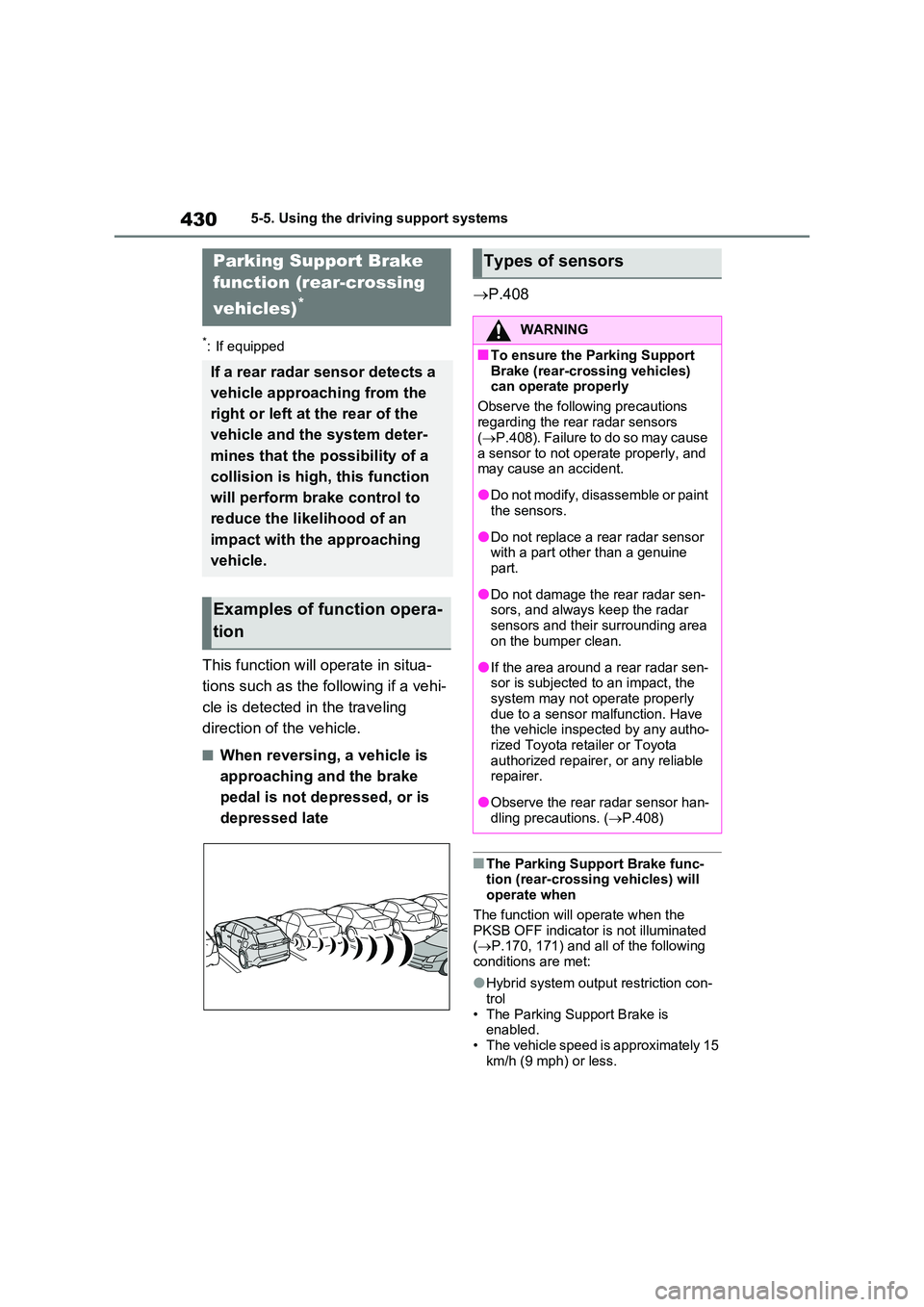
This function will operate in situa-
tions such as the following if a vehi-
cle is detected in the traveling
direction of the vehicle.
■When reversing, a vehicle is
approaching and the brake
pedal is not depressed, or is
depressed late
P.408
■The Parking Support Brake func- tion (rear-crossing vehicles) will operate when
The function will operate when the PKSB OFF indicator is not illuminated ( P.170, 171) and all of the following
conditions are met:
●Hybrid system output restriction con-
trol • The Parking Support Brake is enabled.
• The vehicle speed is approximately 15 km/h (9 mph) or less.
Parking Support Brake
function (rear-crossing
vehicles)*
If a rear radar sensor detects a
vehicle approaching from the
right or left at the rear of the
vehicle and the system deter-
mines that the possibility of a
collision is high, this function
will perform brake control to
reduce the likelihood of an
impact with the approaching
vehicle.
Examples of function opera-
tion
Types of sensors
WARNING
■To ensure the Parking Support
Brake (rear-crossing vehicles) can operate properly
Observe the following precautions
regarding the rear radar sensors ( P.408). Failure to do so may cause
a sensor to not operate properly, and may cause an accident.
●Do not modify, disassemble or paint the sensors.
●Do not replace a rear radar sensor with a part other than a genuine part.
●Do not damage the rear radar sen-sors, and always keep the radar
sensors and their surrounding area on the bumper clean.
●If the area around a rear radar sen-sor is subjected to an impact, the system may not operate properly
due to a sensor malfunction. Have the vehicle inspected by any autho-rized Toyota retailer or Toyota
authorized repairer, or any reliable repairer.
●Observe the rear radar sensor han-dling precautions. ( P.408)
Page 435 of 664
435
5
5-5. Using the driving support systems
Driving
switch is turned off, normal mode and
Eco drive mode will not be automati- cally canceled.)
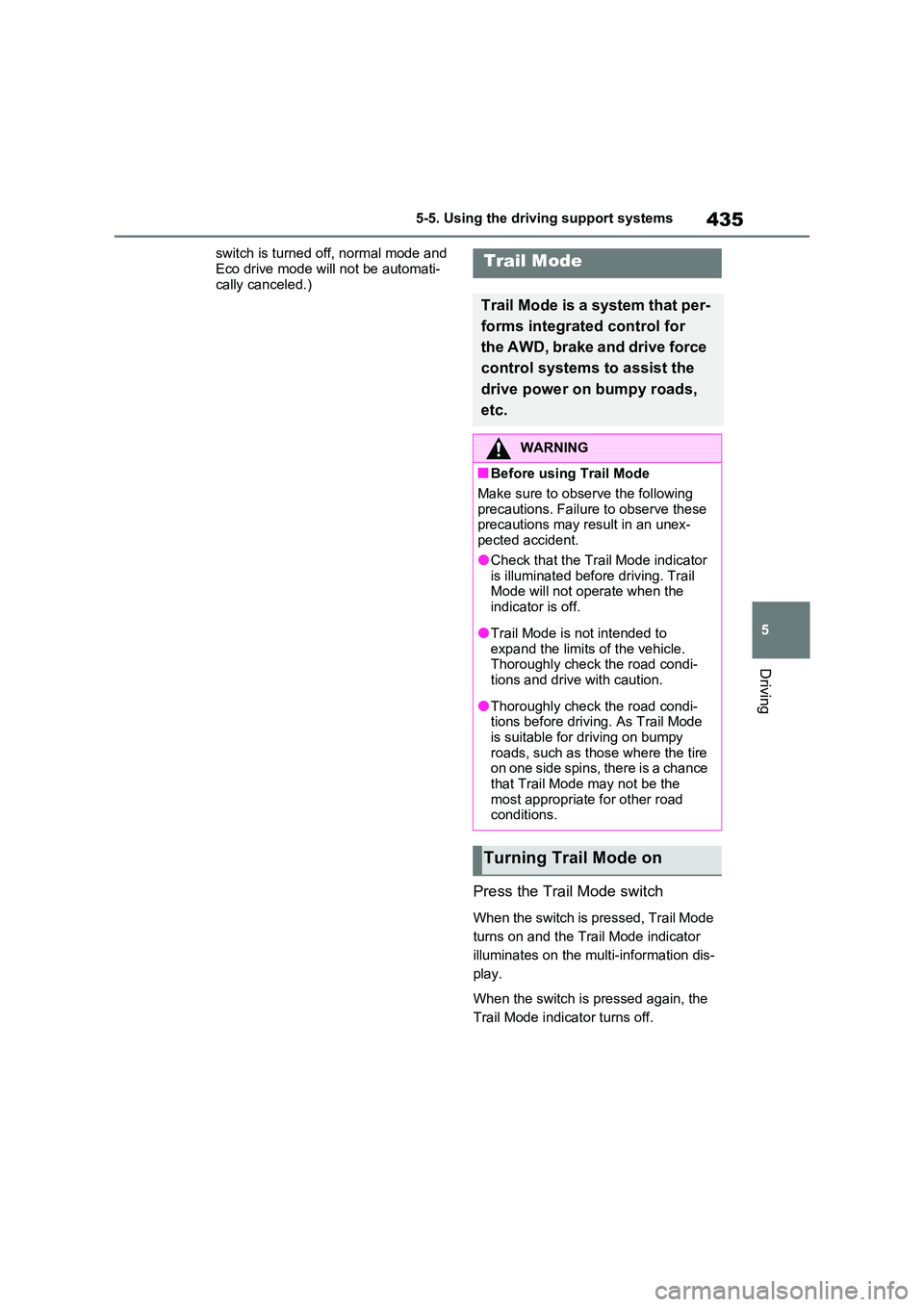
Press the Trail Mode switch
When the switch is pressed, Trail Mode
turns on and the Trail Mode indicator
illuminates on the multi-information dis-
play.
When the switch is pressed again, the
Trail Mode indicator turns off.
Trail Mode
Trail Mode is a system that per-
forms integrated control for
the AWD, brake and drive force
control systems to assist the
drive power on bumpy roads,
etc.
WARNING
■Before using Trail Mode
Make sure to observe the following
precautions. Failure to observe these precautions may result in an unex-pected accident.
●Check that the Trail Mode indicator is illuminated before driving. Trail Mode will not operate when the
indicator is off.
●Trail Mode is not intended to
expand the limits of the vehicle. Thoroughly check the road condi-tions and drive with caution.
●Thoroughly check the road condi-tions before driving. As Trail Mode
is suitable for driving on bumpy roads, such as those where the tire on one side spins, there is a chance
that Trail Mode may not be the most appropriate for other road conditions.
Turning Trail Mode on
Page 440 of 664
4405-5. Using the driving support systems
System), PCS will also be disabled
(only Pre-Collision warning is avail-
able). The PCS warning light will
come on and a message will be dis-
played on the multi-information dis-
play. (P.361)
■When the message is displayed on
the multi-information display show-
ing that TRC has been disabled
even if has not been pressed
TRC is temporary deactivated. If the
information continues to show, contact
any authorized Toyota retailer or Toyota
authorized repairer, or any reliable
repairer.
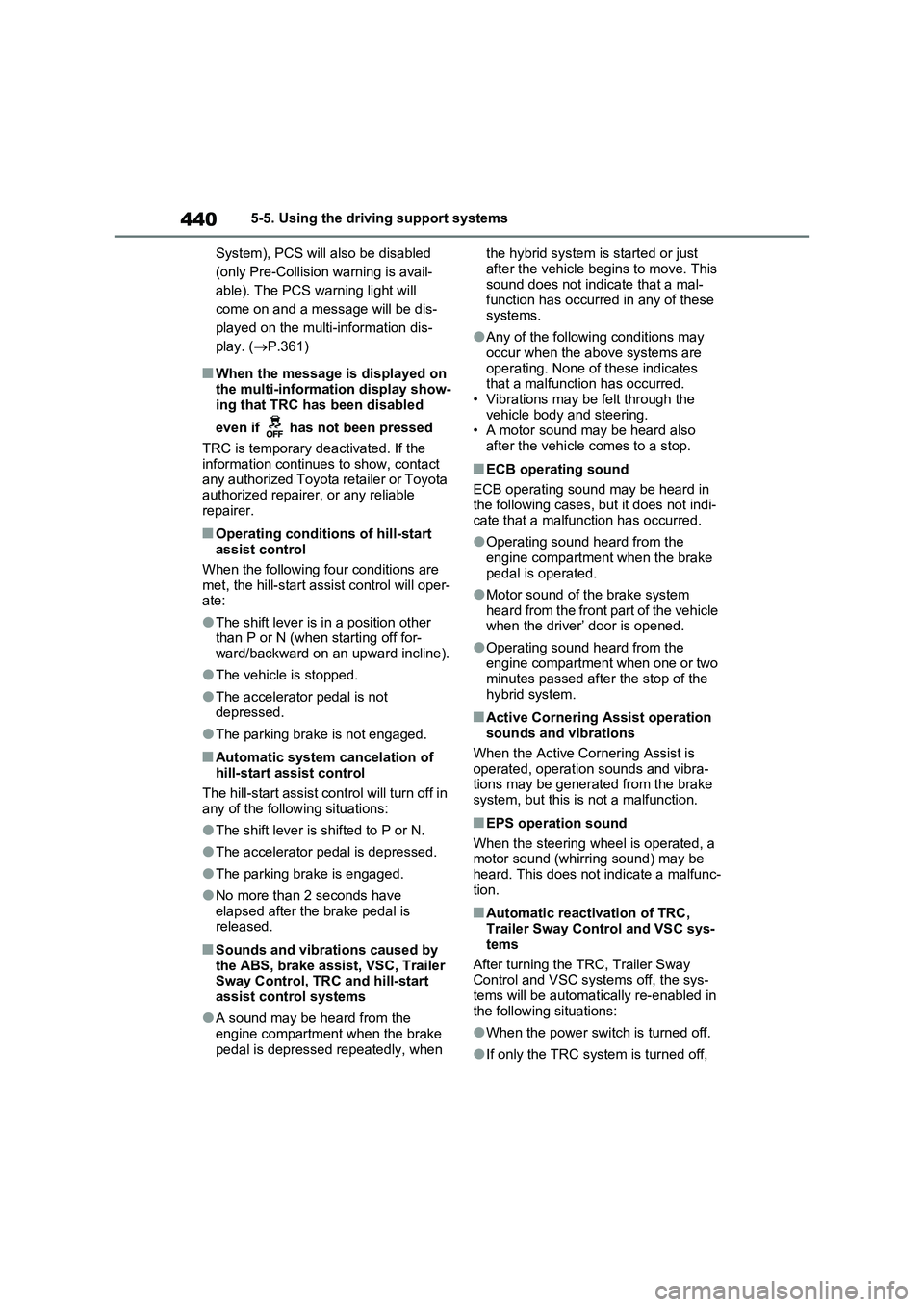
■Operating conditions of hill-start
assist control
When the following four conditions are
met, the hill-start assist control will oper-
ate:
●The shift lever is in a position other
than P or N (when starting off for-
ward/backward on an upward incline).
●The vehicle is stopped.
●The accelerator pedal is not
depressed.
●The parking brake is not engaged.
■Automatic system cancelation of
hill-start assist control
The hill-start assist control will turn off in
any of the following situations:
●The shift lever is shifted to P or N.
●The accelerator pedal is depressed.
●The parking brake is engaged.
●No more than 2 seconds have
elapsed after the brake pedal is
released.
■Sounds and vibrations caused by
the ABS, brake assist, VSC, Trailer
Sway Control, TRC and hill-start
assist control systems
●A sound may be heard from the
engine compartment when the brake
pedal is depressed repeatedly, when the hybrid system is started or just
after the vehicle begins to move. This
sound does not indicate that a mal-
function has occurred in any of these
systems.
●Any of the following conditions may
occur when the above systems are
operating. None of these indicates
that a malfunction has occurred.
• Vibrations may be felt through the
vehicle body and steering.
• A motor sound may be heard also
after the vehicle comes to a stop.
■ECB operating sound
ECB operating sound may be heard in
the following cases, but it does not indi-
cate that a malfunction has occurred.
●Operating sound heard from the
engine compartment when the brake
pedal is operated.
●Motor sound of the brake system
heard from the front part of the vehicle
when the driver’ door is opened.
●Operating sound heard from the
engine compartment when one or two
minutes passed after the stop of the
hybrid system.
■Active Cornering Assist operation
sounds and vibrations
When the Active Cornering Assist is
operated, operation sounds and vibra-
tions may be generated from the brake
system, but this is not a malfunction.
■EPS operation sound
When the steering wheel is operated, a
motor sound (whirring sound) may be
heard. This does not indicate a malfunc-
tion.
■Automatic reactivation of TRC,
Trailer Sway Control and VSC sys-
tems
After turning the TRC, Trailer Sway
Control and VSC systems off, the sys-
tems will be automatically re-enabled in
the following situations:
●When the power switch is turned off.
●If only the TRC system is turned off,
Page 442 of 664
4425-5. Using the driving support systems
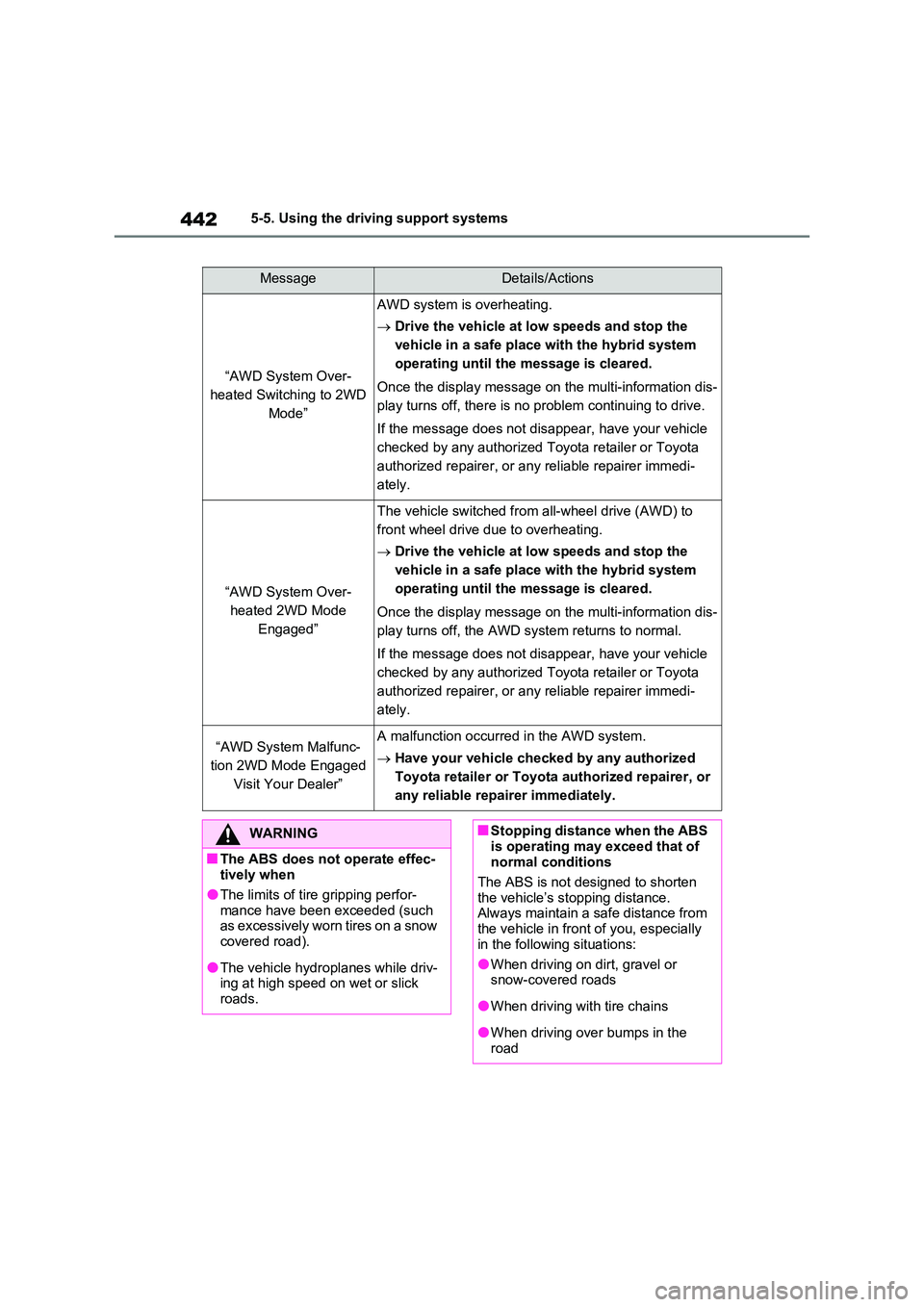
MessageDetails/Actions
“AWD System Over-
heated Switching to 2WD
Mode”
AWD system is overheating.
Drive the vehicle at low speeds and stop the
vehicle in a safe place with the hybrid system
operating until the message is cleared.
Once the display message on the multi-information dis-
play turns off, there is no problem continuing to drive.
If the message does not disappear, have your vehicle
checked by any authorized Toyota retailer or Toyota
authorized repairer, or any reliable repairer immedi-
ately.
“AWD System Over-
heated 2WD Mode
Engaged”
The vehicle switched from all-wheel drive (AWD) to
front wheel drive due to overheating.
Drive the vehicle at low speeds and stop the
vehicle in a safe place with the hybrid system
operating until the message is cleared.
Once the display message on the multi-information dis-
play turns off, the AWD system returns to normal.
If the message does not disappear, have your vehicle
checked by any authorized Toyota retailer or Toyota
authorized repairer, or any reliable repairer immedi-
ately.
“AWD System Malfunc-
tion 2WD Mode Engaged
Visit Your Dealer”
A malfunction occurred in the AWD system.
Have your vehicle checked by any authorized
Toyota retailer or Toyota authorized repairer, or
any reliable repairer immediately.
WARNING
■The ABS does not operate effec- tively when
●The limits of tire gripping perfor-
mance have been exceeded (such as excessively worn tires on a snow covered road).
●The vehicle hydroplanes while driv-ing at high speed on wet or slick
roads.
■Stopping distance when the ABS
is operating may exceed that of normal conditions
The ABS is not designed to shorten
the vehicle’s stopping distance. Always maintain a safe distance from the vehicle in front of you, especially
in the following situations:
●When driving on dirt, gravel or snow-covered roads
●When driving with tire chains
●When driving over bumps in the road