2011 Peugeot Partner ECO mode
[x] Cancel search: ECO modePage 49 of 200
47
Steering mounted controls
EASE OF USE and COMFOR
T
3
Daytime lights
Depending on the country in which
the vehicle is sold, the vehicle may
be equipped with daytime lights. The
dipped headlamps come on when the
vehicle is started.
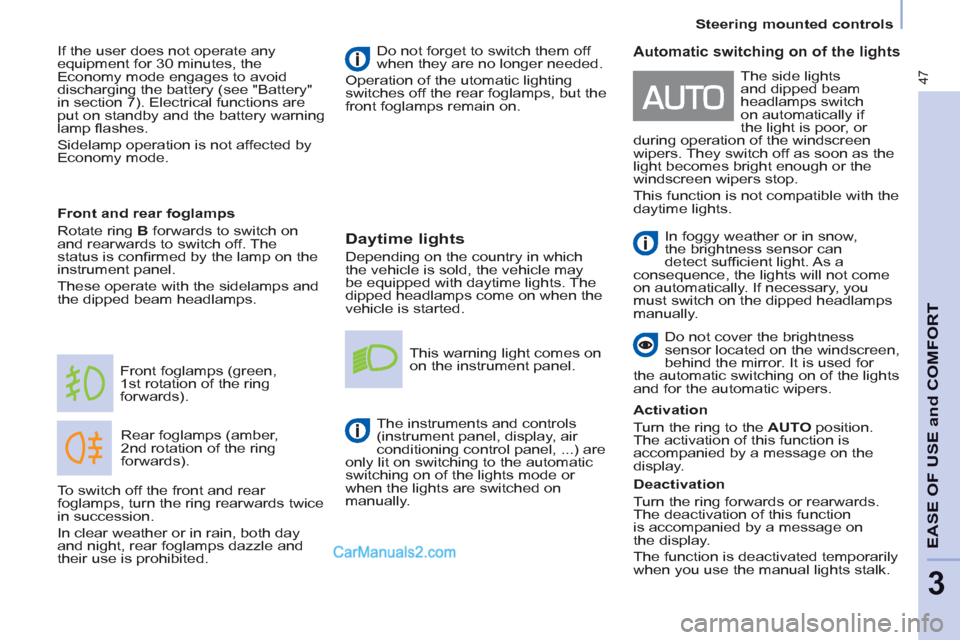
Rear foglamps (amber,
2nd rotation of the ring
forwards). Front foglamps (green,
1st rotation of the ring
forwards).
Front and rear foglamps
Rotate ring B
forwards to switch on
and rearwards to switch off. The
status is confi rmed by the lamp on the
instrument panel.
These operate with the sidelamps and
the dipped beam headlamps. Do not forget to switch them off
when they are no longer needed.
Operation of the utomatic lighting
switches off the rear foglamps, but the
front foglamps remain on.
This warning light comes on
on the instrument panel.
The instruments and controls
(instrument panel, display, air
conditioning control panel, ...) are
only lit on switching to the automatic
switching on of the lights mode or
when the lights are switched on
manually.
To switch off the front and rear
foglamps, turn the ring rearwards twice
in succession.
In clear weather or in rain, both day
and night, rear foglamps dazzle and
their use is prohibited.
Automatic switching on of the lights
In foggy weather or in snow,
the brightness sensor can
detect suffi cient light. As a
consequence, the lights will not come
on automatically. If necessary, you
must switch on the dipped headlamps
manually.
Do not cover the brightness
sensor located on the windscreen,
behind the mirror. It is used for
the automatic switching on of the lights
and for the automatic wipers.
Activation
Turn the ring to the AUTO
position.
The activation of this function is
accompanied by a message on the
display.
Deactivation
Turn the ring forwards or rearwards.
The deactivation of this function
is accompanied by a message on
the display.
The function is deactivated temporarily
when you use the manual lights stalk. The side lights
and dipped beam
headlamps switch
on automatically if
the light is poor, or
during operation of the windscreen
wipers. They switch off as soon as the
light becomes bright enough or the
windscreen wipers stop.
This function is not compatible with the
daytime lights. If the user does not operate any
equipment for 30 minutes, the
Economy mode engages to avoid
discharging the battery (see "Battery"
in section 7). Electrical functions are
put on standby and the battery warning
lamp fl ashes.
Sidelamp operation is not affected by
Economy mode.
Page 81 of 200
79
EASE OF USE and COMFOR
T
33
Mirrors and windows
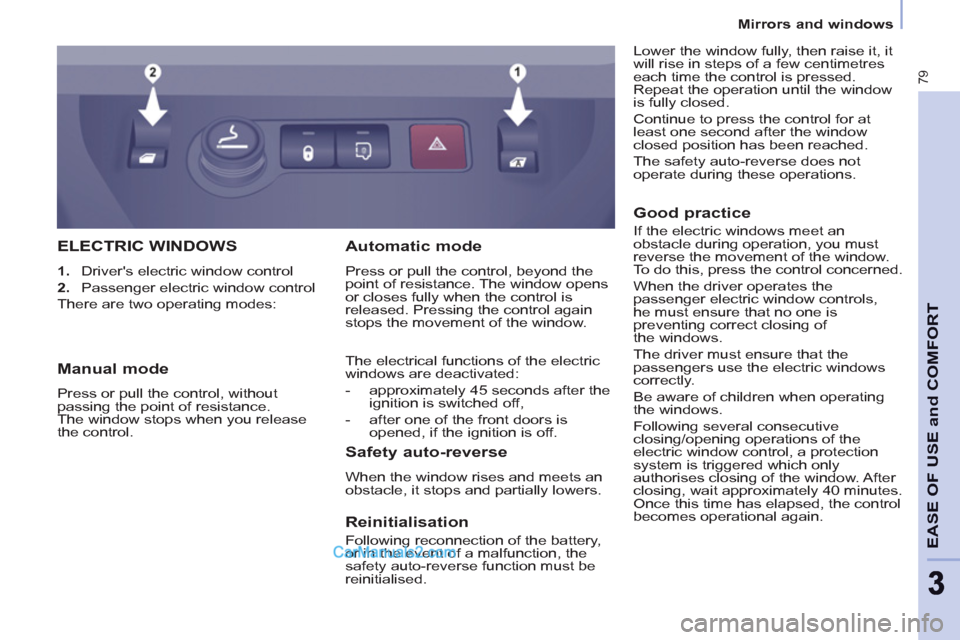
ELECTRIC WINDOWS
1.
Driver's electric window control
2.
Passenger electric window control
There are two operating modes:
Safety auto-reverse
When the window rises and meets an
obstacle, it stops and partially lowers.
Automatic mode
Press or pull the control, beyond the
point of resistance. The window opens
or closes fully when the control is
released. Pressing the control again
stops the movement of the window.
The electrical functions of the electric
windows are deactivated:
- approximately 45 seconds after the
ignition is switched off,
- after one of the front doors is
opened, if the ignition is off.
Manual mode
Press or pull the control, without
passing the point of resistance.
The window stops when you release
the control.
Reinitialisation
Following reconnection of the battery,
or in the event of a malfunction, the
safety auto-reverse function must be
reinitialised.
Good practice
If the electric windows meet an
obstacle during operation, you must
reverse the movement of the window.
To do this, press the control concerned.
When the driver operates the
passenger electric window controls,
he must ensure that no one is
preventing correct closing of
the windows.
The driver must ensure that the
passengers use the electric windows
correctly.
Be aware of children when operating
the windows.
Following several consecutive
closing/opening operations of the
electric window control, a protection
system is triggered which only
authorises closing of the window. After
closing, wait approximately 40 minutes.
Once this time has elapsed, the control
becomes operational again. Lower the window fully, then raise it, it
will rise in steps of a few centimetres
each time the control is pressed.
Repeat the operation until the window
is fully closed.
Continue to press the control for at
least one second after the window
closed position has been reached.
The safety auto-reverse does not
operate during these operations.
Page 86 of 200
ESP OFF
84
Driving safely
TRACTION CONTROL (ASR)
AND DYNAMIC STABILITY
CONTROL
(ESP)
These systems are linked and
complement the ABS.
The ASR system is very useful for
maintaining optimum drive and
avoiding losses of control of the vehicle
on acceleration.
The system optimises drive to prevent
the wheels skidding, by acting on the
brakes of the drive wheels and on the
engine. It also allows the directional
stability of the vehicle to be improved
on acceleration.
Use the ESP to hold your course
without attempting to countersteer.
If there is a variation between the
trajectory followed by the vehicle and
that required by the driver, the ESP
system automatically acts on the
engine and the brake of one or more
wheels, in order to put the vehicle back
on course.
Disarming the ASR/ESP
systems
In certain exceptional conditions
(starting the vehicle when stuck in mud
or snow, or on loose ground...), it could
prove useful to disarm the ASR and
ESP systems to make the wheels spin
and regain grip.
Operating check
Good practice
The ASR/ESP systems offer increased
safety during normal driving, but
should not incite the driver to take risks
or to drive at high speed.
The operation of these systems is
ensured if the recommendations
of the manufacturer regarding
the wheels (tyres and rims), the
braking components, the electronic
components and the fi tting and repair
procedures within the PEUGEOT
network are observed.
After an impact, have these systems
checked by a PEUGEOT dealer.
Operation of the ASR and ESP
systems
The LED fl ashes when the
ASR or ESP is triggered.
They engage again:
- automatically above 30 mph
(50 km/h), When a malfunction of the
systems occurs, the indicator
light comes on, accompanied
by an audible signal and a
message on the display.
Contact a PEUGEOT dealer to have
the system checked.
The warning light may also come on if
the tyres are under-infl ated. Check the
pressure of each tyre.
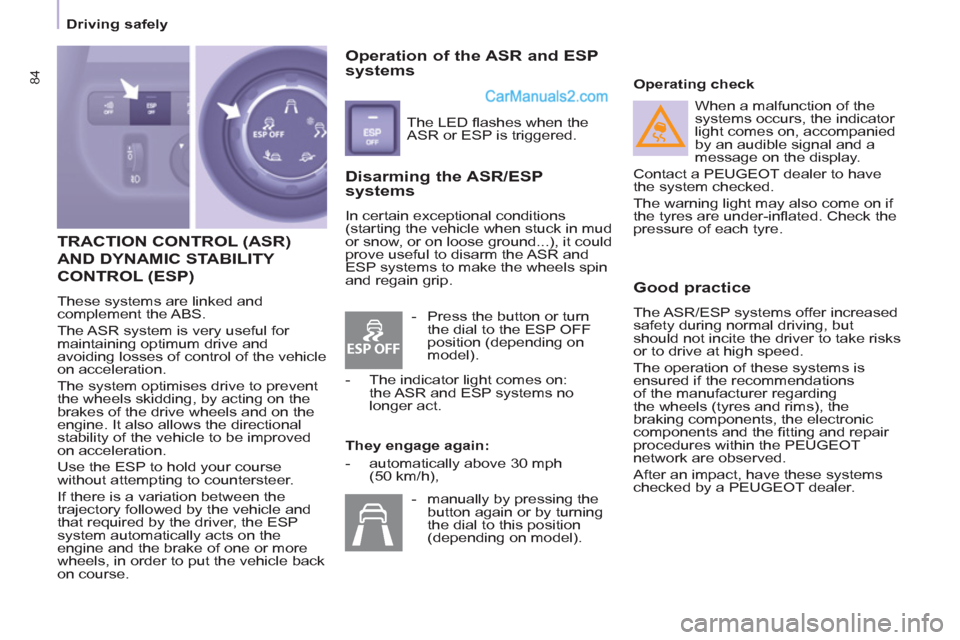
- Press the button or turn
the dial to the ESP OFF
position (depending on
model).
- The indicator light comes on:
the ASR and ESP systems no
longer act.
- manually by pressing the
button again or by turning
the dial to this position
(depending on model).
Page 88 of 200
ESP OFF
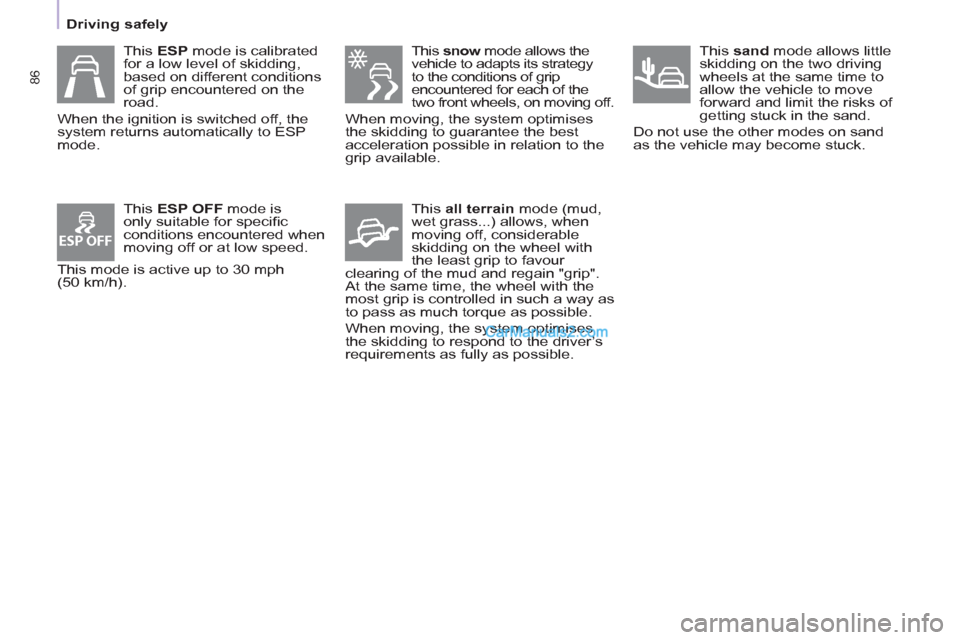
This snow
mode allows the
vehicle to adapts its strategy
to the conditions of grip
encountered for each of the
two front wheels, on moving off.
When moving, the system optimises
the skidding to guarantee the best
acceleration possible in relation to the
grip available.
This all terrain
mode (mud,
wet grass...) allows, when
moving off, considerable
skidding on the wheel with
the least grip to favour
clearing of the mud and regain "grip".
At the same time, the wheel with the
most grip is controlled in such a way as
to pass as much torque as possible.
When moving, the system optimises
the skidding to respond to the driver’s
requirements as fully as possible.
This sand
mode allows little
skidding on the two driving
wheels at the same time to
allow the vehicle to move
forward and limit the risks of
getting stuck in the sand.
Do not use the other modes on sand
as the vehicle may become stuck.
This ESP mode is calibrated
for a low level of skidding,
based on different conditions
of grip encountered on the
road.
When the ignition is switched off, the
system returns automatically to ESP
mode.
This ESP OFF
mode is
only suitable for specifi c
conditions encountered when
moving off or at low speed.
This mode is active up to 30 mph
(50 km/h).
86
Driving safely
Page 101 of 200
99
Towing a trailer
ACCESSORIE
S
5
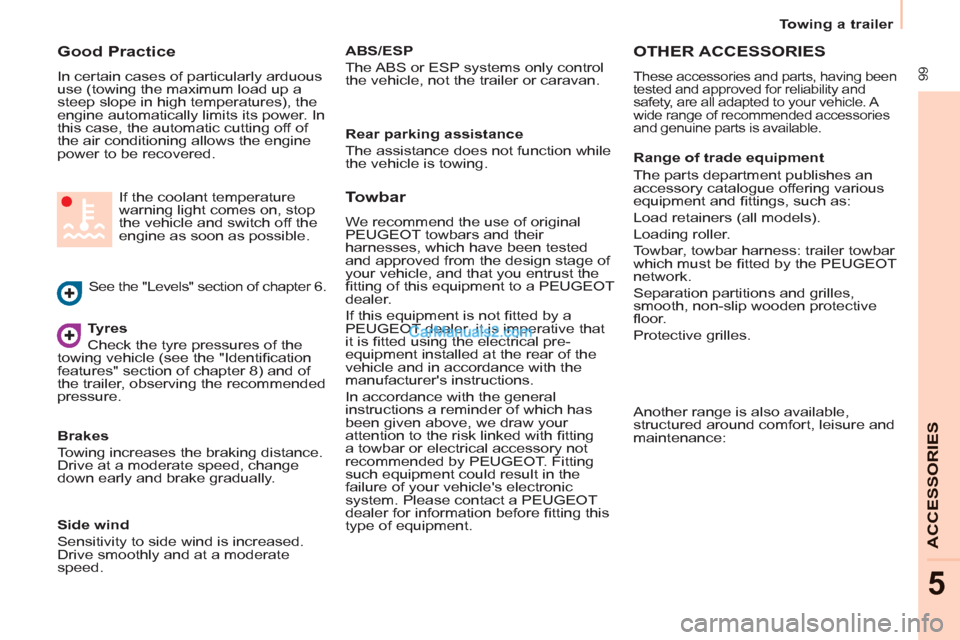
Good Practice
In certain cases of particularly arduous
use (towing the maximum load up a
steep slope in high temperatures), the
engine automatically limits its power. In
this case, the automatic cutting off of
the air conditioning allows the engine
power to be recovered.
Tyres
Check the tyre pressures of the
towing vehicle (see the "Identifi cation
features" section of chapter 8) and of
the trailer, observing the recommended
pressure.
See the "Levels" section of chapter 6. If the coolant temperature
warning light comes on, stop
the vehicle and switch off the
engine as soon as possible.
Brakes
Towing increases the braking distance.
Drive at a moderate speed, change
down early and brake gradually.
Towbar
We recommend the use of original
PEUGEOT towbars and their
harnesses, which have been tested
and approved from the design stage of
your vehicle, and that you entrust the
fi tting of this equipment to a PEUGEOT
dealer.
If this equipment is not fi tted by a
PEUGEOT dealer, it is imperative that
it is fi tted using the electrical pre-
equipment installed at the rear of the
vehicle and in accordance with the
manufacturer's instructions.
In accordance with the general
instructions a reminder of which has
been given above, we draw your
attention to the risk linked with fi tting
a towbar or electrical accessory not
recommended by PEUGEOT. Fitting
such equipment could result in the
failure of your vehicle's electronic
system. Please contact a PEUGEOT
dealer for information before fi tting this
type of equipment.
OTHER ACCESSORIES
These accessories and parts, having been
tested and approved for reliability and
safety, are all adapted to your vehicle. A
wide range of recommended accessories
and genuine parts is available.
Range of trade equipment
The parts department publishes an
accessory catalogue offering various
equipment and fi ttings, such as:
Load retainers (all models).
Loading roller.
Towbar, towbar harness: trailer towbar
which must be fi tted by the PEUGEOT
network.
Separation partitions and grilles,
smooth, non-slip wooden protective
fl oor.
Protective grilles.
Side wind
Sensitivity to side wind is increased.
Drive smoothly and at a moderate
speed.
ABS/ESP
The ABS or ESP systems only control
the vehicle, not the trailer or caravan.
Rear parking assistance
The assistance does not function while
the vehicle is towing.
Another range is also available,
structured around comfort, leisure and
maintenance:
Page 139 of 200
9.3
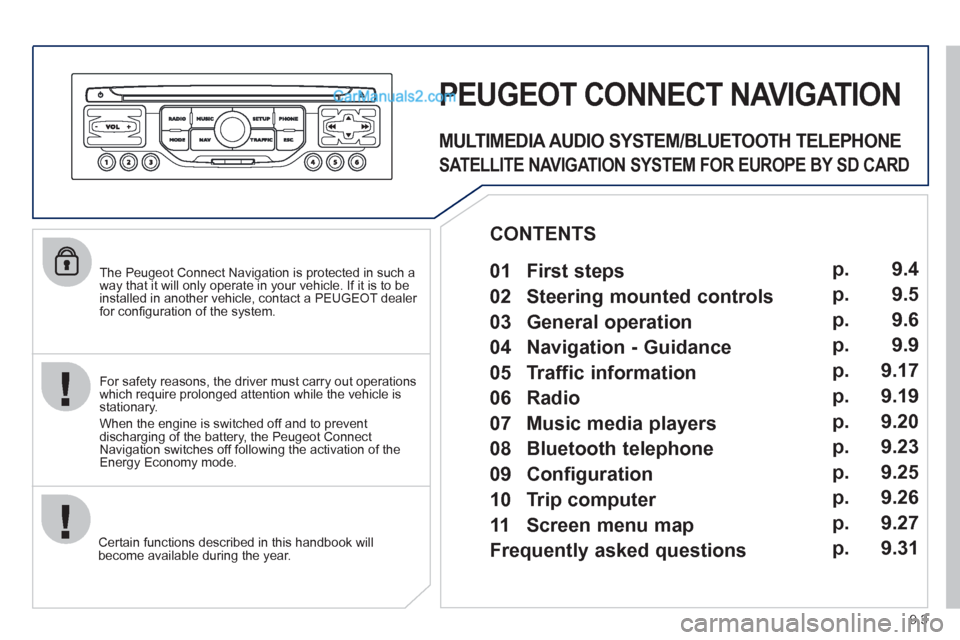
The Peugeot Connect Navigation is protected in such away that it will only operate in your vehicle. If it is to be
installed in another vehicle, contact a PEUGEOT dealer for confi guration of the system.
Certain functions described in this handbook will
become available during the year.
PEUGEOT CONNECT NAVIGATION
For safety reasons, the driver must carry out operations which require prolonged attention while the vehicle is stationary.
When the en
gine is switched off and to prevent
discharging of the battery, the Peugeot Connect
Navigation switches off following the activation of the Energy Economy mode.
MULTIMEDIA AUDIO SYSTEM/BLUETOOTH TELEPHONE
SATELLITE NAVIGATION SYSTEM FOR EUROPE BY SD CARD
01 First steps
CONTENTS
02 Steering mounted controls
03 General operation
04 Navigation - Guidance
05 Traffic information
06 Radio
07 Music media players
08 Bluetooth telephone
09 Configuration
10 Trip computer p.
p.
p.
p.
p.
p.
p.
p.
p.
p.
11 Screen menu map
Frequently asked questions p.
p. 9.4
9.5
9.6
9.9
9.17
9.19
9.20
9.23
9.25
9.26
9.27
9.31
Page 142 of 200
03
9.6
GENERAL OPERATION
For a detailed global view of the menus available, refer to the"Screen menu map" section.
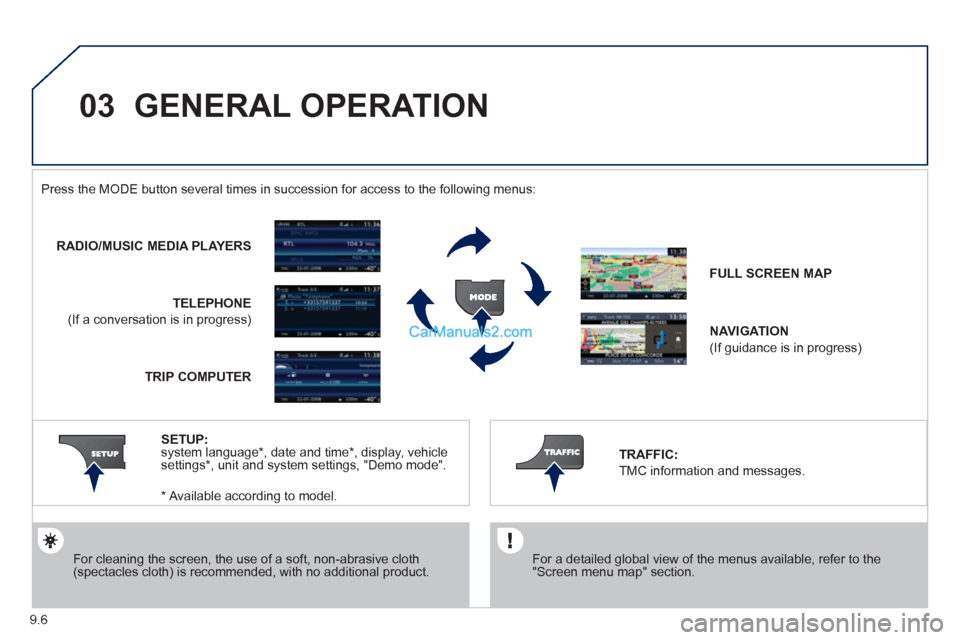
Press the M
ODE button several times in succession for access to the following menus:
For cleaning the screen, the use of a soft, non-abrasive cloth (spectacles cloth) is recommended, with no additional product.
RADIO/MUSIC MEDIA PLAYERS
TELEPHONE
(If a conversation is in progress)
FULL SCREEN MA
P
NAVIGATION
(If guidance is in progress)
SETUP
: system language * , date and time * , display, vehiclesettings * , unit and system settings, "Demo mode". TRAFFIC:
TMC information and messages.
* Available accordin
g to model. TRIP COMPUTE
R
Page 155 of 200
06
3 2 1 1
9.19
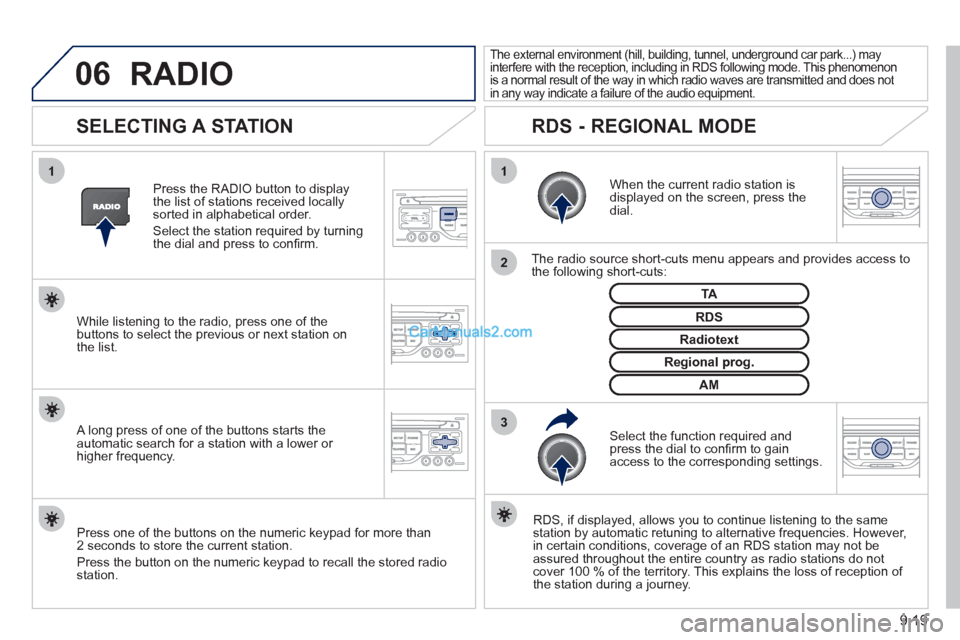
SELECTING A STATION
When the current radio station isdisplayed on the screen, press thedial.
The radio source short-cuts menu appears and provides access to
the following short-cuts:
Select the function re
quired and press the dial to confi rm to gain
access to the corresponding settings.
TA
RDS, if displayed, allows you to continue listening to the same station by automatic retuning to alternative frequencies. However,
in certain conditions, coverage of an RDS station may not be
assured throughout the entire country as radio stations do notcover 100 % of the territory. This explains the loss of reception of
the station during a journey.
The external environment (hill, building, tunnel, underground car park...) may
interfere with the reception, including in RDS following mode. This phenomenon
is a normal result of the way in which radio waves are transmitted and does not
in any way indicate a failure of the audio equipment.
RDS - REGIONAL MODE
Press the RADIO button to display
the list of stations received locally sorted in alphabetical order.
Select the station required by turningthe dial and press to confi rm.
Re
gional prog.
Radiotext
RDSWhile listening to the radio, press one of the
buttons to select the previous or next station on
the list.
Press one o
f the buttons on the numeric keypad for more than
2 seconds to store the current station.
Press the button on the numeric keypad to recall the stored radio
station.
AM
A long press of one of the buttons starts theautomatic search for a station with a lower or
higher frequency.
RADIO