Page 333 of 490
CAUTION!
•Damage to the fuel system or emissions control
system could result from using an improper fuel
tank filler tube cap (gas cap).
•A poorly fitting gas cap could let impurities into
the fuel system.
•A poorly fitting gas cap may cause the “Malfunc-
tion Indicator Light (MIL)” to turn on.
•To avoid fuel spillage and overfilling, do not “top
off” the fuel tank after filling. When the fuel
nozzle “clicks” or shuts off, the fuel tank is full.
WARNING!
•Never have any smoking materials lit in or near
the vehicle when the gas cap is removed or the
tank is being filled.
•Never add fuel to the vehicle when the engine is
running.
•A fire may result if gasoline is pumped into a
portable container that is inside of a vehicle. You
could be burned. Always place gas containers on
the ground while filling.
NOTE:
•Tighten the gas cap until you hear a “clicking” sound.
This is an indication that the gas cap is tightened
properly. The MIL in the instrument cluster may turn
on if the gas cap is not secured properly. Make sure
that the gas cap is tightened each time the vehicle is
refueled.
5
STARTING AND OPERATING 331
Page 334 of 490
•When the fuel nozzle “clicks” or shuts off, the fuel
tank is full.
Loose Fuel Filler Cap Message
If the vehicle diagnostic system determines that the fuel
filler cap is loose, improperly installed, or damaged, a
”gASCAP” message will display in the odometer or a
“Check Gascap” message will display in the Electronic
Vehicle Information Center (EVIC) (if equipped). If this
occurs, tighten the fuel filler cap properly and press the
TRIP ODOMETER button to turn off the message. If the
problem continues, the message will appear the next time
the vehicle is started.
A loose, improperly installed, or damaged fuel filler cap
may also turn on the MIL. Refer to “Onboard Diagnostic
System” in “Maintaining Your Vehicle” for further
information.
VEHICLE LOADING
The load carrying capacity of your vehicle is shown on
the “Vehicle Certification Label.” This information
should be used for passenger and luggage loading as
indicated.
Do not exceed the specified Gross Vehicle Weight Rating
(GVWR) or the Gross Axle Weight Rating (GAWR).
Vehicle Certification Label
Your vehicle has a Vehicle Certification Label affixed to
the rear of the driver’s door.
The label contains the following information:
•Name of manufacturer
•Month and year of manufacture
•Gross Vehicle Weight Rating (GVWR)
•Gross Axle Weight Rating (GAWR) front
332 STARTING AND OPERATING
Page 347 of 490

specified for “police, taxi, fleet, or frequent trailer tow-
ing.” Refer to “Maintenance Schedule” for the proper
maintenance intervals.
Electronic Speed Control – If Equipped
Do not use in hilly terrain or with heavy loads.
When using the speed control, if you experience speed
drops greater than 10 mph (16 km/h), disengage until
you can get back to cruising speed.
Use speed control in flat terrain and with light loads to
maximize fuel efficiency.
AutoStick�
By using the AutoStick�mode and selecting a specific
gear range, frequent shifting can be avoided. The
highest gear range should be selected that allows for adequate performance. For example, choose “4” if the
desired speed can be maintained. Choose “3” or “2” if
needed to maintain the desired speed.
Extended driving at high RPM should be avoided to
prevent excess heat generation. A reduction in vehicle
speed may be required to avoid extended driving at
high RPM. Return to a higher gear range or vehicle
speed when road conditions and RPM level allows.
Cooling System
To reduce potential for engine and transmission over-
heating, take the following actions:
City Driving
When stopped for short periods, shift the transmission
into NEUTRAL and increase engine idle speed.
Highway Driving
Reduce speed.
5
STARTING AND OPERATING 345
Page 383 of 490
MAINTAINING YOUR VEHICLE
CONTENTS
�Engine Compartment — 3.6L ............. 384
� Engine Compartment — 5.7L ............. 385
� Onboard Diagnostic System — OBD II ...... 386
▫ Loose Fuel Filler Cap ................. 386
� Emissions Inspection And Maintenance
Programs ............................ 387
� Replacement Parts ..................... 388
� Dealer Service ........................ 388 �
Maintenance Procedures ................. 389
▫ Engine Oil ......................... 390
▫ Engine Oil Filter ..................... 393
▫ Engine Air Cleaner Filter ............... 393
▫ Maintenance-Free Battery .............. 394
▫ Air Conditioner Maintenance ............ 396
▫ Body Lubrication .................... 397
▫ Windshield Wiper Blades ............... 398
▫ Adding Washer Fluid ................. 398
7
Page 388 of 490

ONBOARD DIAGNOSTIC SYSTEM — OBD II
Your vehicle is equipped with a sophisticated onboard
diagnostic system called OBD II. This system monitors
the performance of the emissions, engine, and automatic
transmission control systems. When these systems are
operating properly, your vehicle will provide excellent
performance and fuel economy, as well as engine emis-
sions well within current government regulations.
If any of these systems require service, the OBD II system
will turn on the “Malfunction Indicator Light” (MIL). It
will also store diagnostic codes and other information to
assist your service technician in making repairs. Al-
though your vehicle will usually be drivable and not
need towing, see your authorized dealer for service as
soon as possible.CAUTION!
•Prolonged driving with the MIL on could cause
further damage to the emission control system. It
could also affect fuel economy and drivability. The
vehicle must be serviced before any emissions
tests can be performed.
•If the MIL is flashing while the engine is running,
severe catalytic converter damage and power loss
will soon occur. Immediate service is required.
Loose Fuel Filler Cap
If the vehicle diagnostic system determines that the fuel
filler cap is loose, improperly installed, or damaged, a
”gASCAP” message will display in the odometer or a
“Check Gascap” message will display in the Electronic
Vehicle Information Center (EVIC) (if equipped). If this
occurs, tighten the fuel filler cap properly and press the
386 MAINTAINING YOUR VEHICLE
Page 389 of 490

Trip Odometer button to turn off the message. If the
problem continues, the message will appear the next time
the vehicle is started.
A loose, improperly installed, or damaged fuel filler cap
may also turn on the MIL.
EMISSIONS INSPECTION AND MAINTENANCE
PROGRAMS
In some localities, it may be a legal requirement to pass
an inspection of your vehicle’s emissions control system.
Failure to pass could prevent vehicle registration.For states that require an Inspection and Mainte-
nance (I/M), this check verifies the “Malfunction
Indicator Light (MIL)” is functioning and is not
on when the engine is running, and that the OBD II
system is ready for testing. Normally, the OBD II system will be ready. The OBD II
system may
notbe ready if your vehicle was recently
serviced, recently had a dead battery or a battery replace-
ment. If the OBD II system should be determined not
ready for the I/M test, your vehicle may fail the test.
Your vehicle has a simple ignition key-actuated test,
which you can use prior to going to the test station. To
check if your vehicle’s OBD II system is ready, you must
do the following:
1. Turn the ignition switch to the ON position, but do not
crank or start the engine.
2. If you crank or start the engine, you will have to start
this test over.
3. As soon as you turn the ignition switch to the ON
position, you will see the MIL symbol come on as part of
a normal bulb check.
7
MAINTAINING YOUR VEHICLE 387
Page 392 of 490
CAUTION! (Continued)
•Your vehicle has been built with improved fluids
that protect the performance and durability of
your vehicle and also allow extended maintenance
intervals. Do not use chemical flushes in these
components as the chemicals can damage your
engine, transmission, power steering or air condi-
tioning. Such damage is not covered by the New
Vehicle Limited Warranty. If a flush is needed
because of component malfunction, use only the
specified fluid for the flushing procedure.
Engine Oil
Checking Oil Level – 3.6L Engine
To assure proper engine lubrication, the engine oil must
be maintained at the correct level. Check the oil level atregular intervals, such as every fuel stop. The best time to
check the engine oil level is about five minutes after a
fully warmed engine is shut off.
Checking the oil while the vehicle is on level ground will
improve the accuracy of the oil level readings. Maintain
the oil level between the MIN and MAX markings on the
dipstick. Adding 1.0 qt (1.0 L) of oil when the reading is
at the MIN mark will result in a MAX reading on these
engines.
CAUTION!
Overfilling or underfilling will cause oil aeration or
loss of oil pressure. This could damage your engine.
Checking Oil Level – 5.7L Engine
To assure proper engine lubrication, the engine oil must
be maintained at the correct level. Check the oil level at
390 MAINTAINING YOUR VEHICLE
Page 393 of 490
regular intervals, such as every fuel stop. The best time to
check the engine oil level is about five minutes after a
fully warmed engine is shut off.
Checking the oil while the vehicle is on level ground will
improve the accuracy of the oil level readings. Maintain
the oil level in the “SAFE” range. Adding 1.0 qt (1.0 L) of
oil when the reading is at the bottom of the “SAFE” range
will result in an oil level at the top of the “SAFE” range
on these engines.
CAUTION!
Overfilling or underfilling will cause oil aeration or
loss of oil pressure. This could damage your engine.
Change Engine Oil
The oil change indicator system will remind you that it is
time to take your vehicle in for scheduled maintenance.
Refer to “Maintenance Schedule” for further information.NOTE: Under no circumstances should oil change
intervals exceed 8,000 miles (13 000 km) or six months,
whichever occurs first.
Engine Oil Selection
For best performance and maximum protection under all
types of operating conditions, the manufacturer only
recommends engine oils that are API Certified and meet
the requirements of Chrysler Material Standard MS-6395.
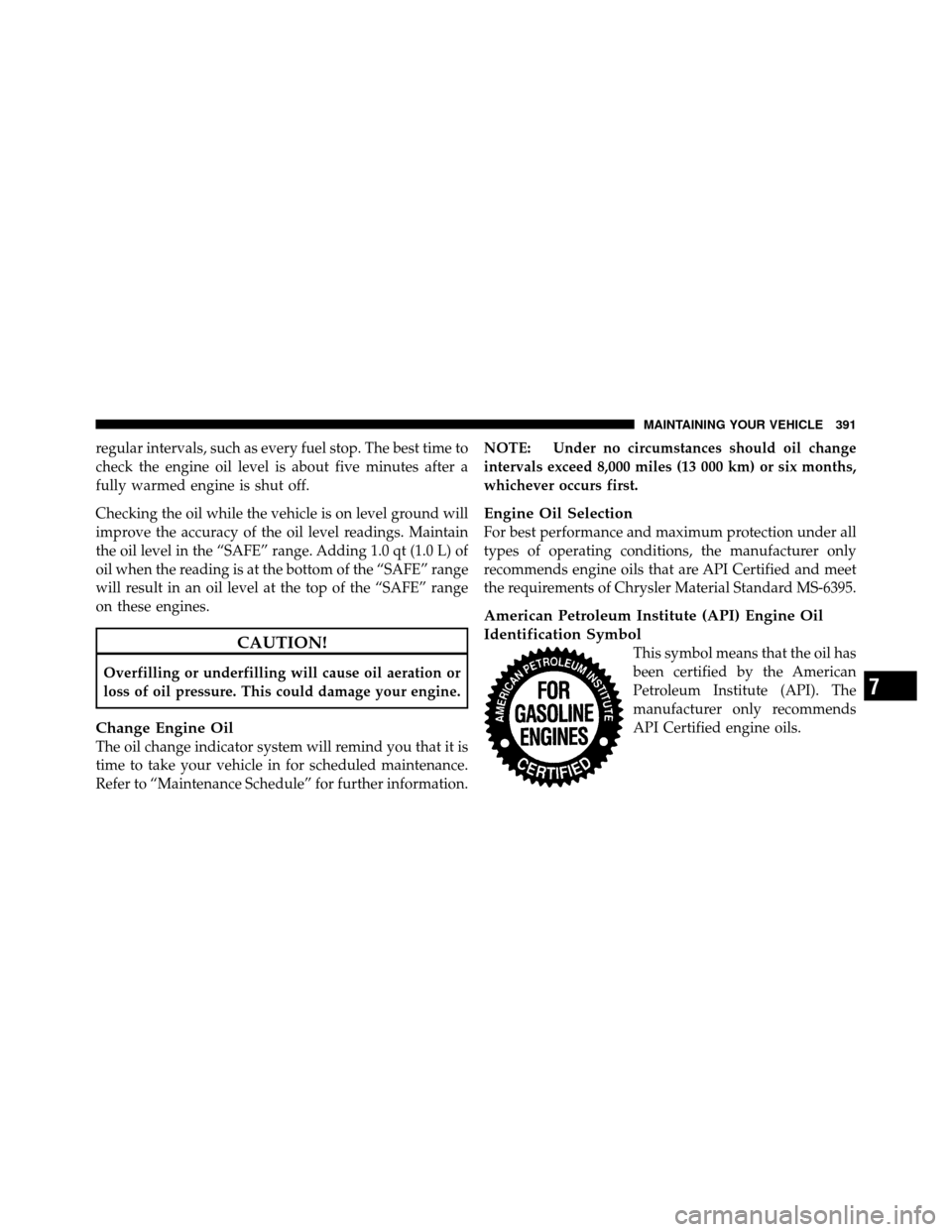
American Petroleum Institute (API) Engine Oil
Identification Symbol
This symbol means that the oil has
been certified by the American
Petroleum Institute (API). The
manufacturer only recommends
API Certified engine oils.
7
MAINTAINING YOUR VEHICLE 391