2011 CHEVROLET SUBURBAN buttons
[x] Cancel search: buttonsPage 261 of 542

Black plate (41,1)Chevrolet Tahoe/Suburban Owner Manual - 2011
Infotainment System 7-41
Objects blocking the line of sight
could also affect the function of the
remote control.
If a CD or DVD is in the Radio DVD
slot, the remote control
O(power)
button can be used to turn on the
video screen display and start the
disc. The radio can also turn on the
video screen display. See CD/DVD
Player on page 7‑20 for more
information.
Notice: Storing the remote
control in a hot area or in direct
sunlight can damage it, and the
repairs will not be covered by the
warranty. Storage in extreme cold
can weaken the batteries. Keep
the remote control stored in a
cool, dry place.
If the remote control becomes lost
or damaged, a new universal
remote control can be purchased.
If this happens, make sure the
universal remote control uses a
code set of Toshiba
®. Remote Control Buttons
O(Power):
Press this button to
turn the video screen on and off.
P(Illumination): Press this button
to turn the remote control backlight
on. The backlight automatically
times out after 7 to 10 seconds if no
other button is pressed while the
backlight is on.
v(Title): Press this button to
return the DVD to the main menu of
the DVD. This function could vary
for each disc.
y(Main Menu): Press this button
to access the DVD menu. The DVD
menu is different on every DVD.
Use the navigation arrows to move
the cursor around the DVD menu.
After making a selection press the
enter button. This button only
operates when using a DVD.
n,q,p,o(Menu Navigation
Arrows): Use the arrow buttons to
navigate through a menu.
r(Enter): Press this button to
select the choice that is highlighted
in any menu.
z(Display Menu): Press this
button to adjust the brightness,
screen display mode (normal, full,
or zoom), and display the
language menu.
q(Return): Press this button to
exit the current active menu and
return to the previous menu. This
button operates only when the
display menu or a DVD menu is
active.
c(Stop): Press this button to stop
playing, fast reversing, or fast
forwarding a DVD. Press this button
twice to return to the beginning of
the DVD.
Page 267 of 542

Black plate (47,1)Chevrolet Tahoe/Suburban Owner Manual - 2011
Infotainment System 7-47
SRCE (Source):Press this button
to switch between the radio (AM/
FM), XM™ (if equipped), CD, and if
the vehicle has these features,
DVD, front auxiliary, and rear
auxiliary.
© ¨(Seek): When listening to FM,
AM, or XM™ (if equipped), press
the left
©or right¨seek arrow to go
to the previous or to the next station
or channel and stay there. This
function is inactive, with some
radios, if the front seat passengers
are listening to the radio.
Press and hold the left
©or right¨
seek arrow until the display flashes,
to tune to an individual station. The
display stops flashing after the
buttons have not been pushed for
more than two seconds. This
function is inactive, with some
radios, if the front seat passengers
are listening to the radio. While listening to a disc, press the
left
©seek arrow to go back to the
start of the current track or chapter
(if more than ten seconds have
played). Press the right
¨seek
arrow to go to the next track or
chapter on the disc. This function is
inactive, with some radios, if the
front seat passengers are listening
to the disc.
When a DVD video menu is being
displayed, press the left
©or
right
¨seek arrow to perform a
cursor up or down on the menu.
Hold the left
©or right¨arrow to
perform a cursor left or right on
the menu.
PROG (Program): Press this
button to go to the next preset radio
station or channel set on the main
radio. This function is inactive, with
some radios, if the front seat
passengers are listening to the
radio. When a CD or DVD audio disc is
playing, press this button to go to
the beginning of the CD or DVD
audio. This function is inactive, with
some radios, if the front seat
passengers are listening to the disc.
When a disc is playing in the CD or
DVD changer, press this button to
select the next disc, if multiple discs
are loaded. This function is inactive,
with some radios, if the front seat
passengers are listening to the disc.
When a DVD video menu is being
displayed, press the PROG button
to perform the menu function, enter.
Page 268 of 542

Black plate (48,1)Chevrolet Tahoe/Suburban Owner Manual - 2011
7-48 Infotainment System
Phone
Bluetooth
Vehicles with a Bluetooth system
can use a Bluetooth‐capable cell
phone with a Hands‐Free Profile to
make and receive phone calls.
The system can be used while the
key is in the ON/RUN or ACC/
ACCESSORY position. The range of
the Bluetooth system can be up to
9.1 m (30 ft). Not all phones support
all functions, and not all phones are
guaranteed to work with the
in-vehicle Bluetooth system. See
www.gm.com/bluetooth for more
information on compatible phones.
Voice Recognition
The Bluetooth system uses voice
recognition to interpret voice
commands to dial phone numbers
and name tags.
For additional information, say
“Help”while you are in a voice
recognition menu. Noise:
Keep interior noise levels to
a minimum. The system may not
recognize voice commands if there
is too much background noise.
When to Speak: A short tone
sounds after the system responds
indicating when it is waiting for a
voice command. Wait until the tone
and then speak.
How to Speak: Speak clearly in a
calm and natural voice.
Audio System
When using the in‐vehicle Bluetooth
system, sound comes through the
vehicle's front audio system
speakers and overrides the audio
system. Use the audio system
volume knob, during a call, to
change the volume level. The
adjusted volume level remains in
memory for later calls. To prevent
missed calls, a minimum volume
level is used if the volume is turned
down too low.
Bluetooth Controls
Use the buttons located on the
steering wheel to operate the in‐
vehicle Bluetooth system. See
Steering Wheel Controls on
page 5‑3 for more information.
bg(Push To Talk): Press to
answer incoming calls, confirm
system information, and start
speech recognition.
c x(Phone On Hook): Press to
end a call, reject a call, or cancel an
operation.
Page 279 of 542
Black plate (5,1)Chevrolet Tahoe/Suburban Owner Manual - 2011
Climate Controls 8-5
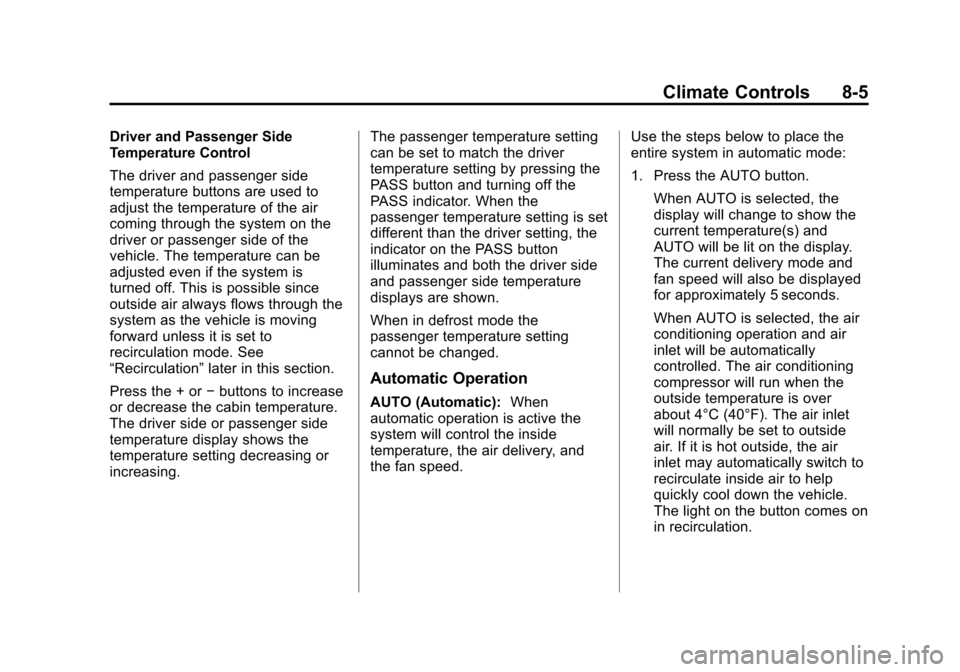
Driver and Passenger Side
Temperature Control
The driver and passenger side
temperature buttons are used to
adjust the temperature of the air
coming through the system on the
driver or passenger side of the
vehicle. The temperature can be
adjusted even if the system is
turned off. This is possible since
outside air always flows through the
system as the vehicle is moving
forward unless it is set to
recirculation mode. See
“Recirculation”later in this section.
Press the + or −buttons to increase
or decrease the cabin temperature.
The driver side or passenger side
temperature display shows the
temperature setting decreasing or
increasing. The passenger temperature setting
can be set to match the driver
temperature setting by pressing the
PASS button and turning off the
PASS indicator. When the
passenger temperature setting is set
different than the driver setting, the
indicator on the PASS button
illuminates and both the driver side
and passenger side temperature
displays are shown.
When in defrost mode the
passenger temperature setting
cannot be changed.
Automatic Operation
AUTO (Automatic):
When
automatic operation is active the
system will control the inside
temperature, the air delivery, and
the fan speed. Use the steps below to place the
entire system in automatic mode:
1. Press the AUTO button.
When AUTO is selected, the
display will change to show the
current temperature(s) and
AUTO will be lit on the display.
The current delivery mode and
fan speed will also be displayed
for approximately 5 seconds.
When AUTO is selected, the air
conditioning operation and air
inlet will be automatically
controlled. The air conditioning
compressor will run when the
outside temperature is over
about 4°C (40°F). The air inlet
will normally be set to outside
air. If it is hot outside, the air
inlet may automatically switch to
recirculate inside air to help
quickly cool down the vehicle.
The light on the button comes on
in recirculation.
Page 280 of 542
Black plate (6,1)Chevrolet Tahoe/Suburban Owner Manual - 2011
8-6 Climate Controls
2. Set the driver and passengertemperature.
To find your comfort setting, start
with a 23°C (74°F) temperature
setting and allow about
20 minutes for the system to
regulate. Use the driver or
passenger temperature buttons
to adjust the temperature setting
as necessary. If a temperature
setting of 15°C (60°F) is chosen,
the system remains at the
maximum cooling setting. If a
temperature setting of 32°C
(90°F) is chosen, the system
remains at the maximum heat
setting. Choosing either
maximum setting will not cause
the vehicle to heat or cool any
faster.
Do not to cover the solar sensor
located on the top of the instrument
panel near the windshield. This
sensor regulates air temperature
based on sun load and also turns on the headlamps. For more
information on the solar sensor, see
“Sensors”
later in this section.
To avoid blowing cold air in cold
weather, the system will delay
turning on the fan until warm air is
available. The length of delay
depends on the engine coolant
temperature. Pressing the fan
switch will override this delay and
change the fan to a selected speed.
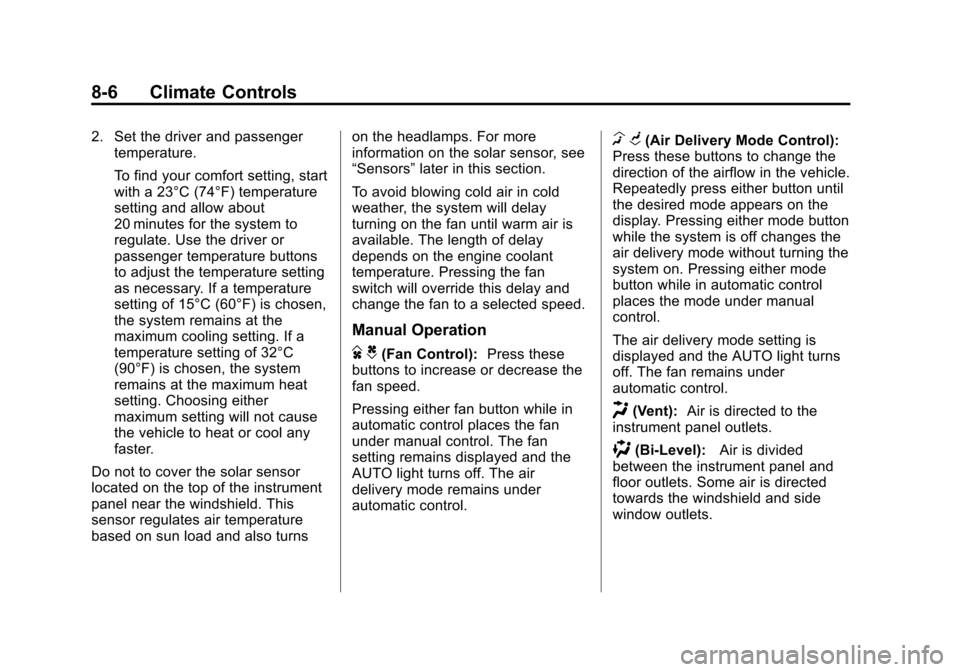
Manual Operation
D C(Fan Control): Press these
buttons to increase or decrease the
fan speed.
Pressing either fan button while in
automatic control places the fan
under manual control. The fan
setting remains displayed and the
AUTO light turns off. The air
delivery mode remains under
automatic control.
H G(Air Delivery Mode Control):
Press these buttons to change the
direction of the airflow in the vehicle.
Repeatedly press either button until
the desired mode appears on the
display. Pressing either mode button
while the system is off changes the
air delivery mode without turning the
system on. Pressing either mode
button while in automatic control
places the mode under manual
control.
The air delivery mode setting is
displayed and the AUTO light turns
off. The fan remains under
automatic control.
H(Vent): Air is directed to the
instrument panel outlets.
)(Bi-Level): Air is divided
between the instrument panel and
floor outlets. Some air is directed
towards the windshield and side
window outlets.
Page 281 of 542

Black plate (7,1)Chevrolet Tahoe/Suburban Owner Manual - 2011
Climate Controls 8-7
6(Floor):Air is directed to the
floor outlets, with some to the
windshield, side window outlets, and
second row floor outlets. In this
mode, the system automatically
selects outside air.
-(Defog): This mode clears the
windows of fog or moisture. Air is
directed to the windshield, floor
outlets, and side window vents. In
this mode, the system turns off
recirculation and runs the air
conditioning compressor unless the
outside temperature is close to
freezing. The recirculation mode
cannot be selected while in the
defog mode.
0(Defrost): This mode removes
fog or frost from the windshield
more quickly. Air is directed to the
windshield and side window vents,
with some directed to the floor
vents. In this mode, the system
automatically forces outside air into
the vehicle and runs the air
conditioning compressor unless the
outside temperature is close to freezing. The recirculation mode
cannot be selected while in the
defrost mode.
The passenger temperature control
cannot be activated while in defrost
mode. If the PASS button is
pressed, the button indicator flashes
three times and will not work. If the
passenger temperature buttons are
adjusted, the driver temperature
indicator changes. The passenger
temperature will not be displayed.
If vent, bi-level, or floor mode is
selected again, the climate control
system displays the previous
temperature settings.
Do not drive the vehicle until all the
windows are clear.
#(Air Conditioning):
Press to
turn the air conditioning (A/C)
compressor on and off. An indicator
light comes on to show that the air
conditioning is on.
If this button is pressed when the air
conditioning compressor is
unavailable, the indicator flashes
three times and then turns off. If the
air conditioning is on and the
outside temperature drops below a
temperature which is too cool for air
conditioning to be effective, the air
conditioning light turns off to show
that the air conditioning mode has
been canceled.
On hot days, open the windows long
enough to let hot inside air escape.
This helps to reduce the time it
takes for the vehicle to cool down.
It also helps the system to operate
more efficiently.
Page 286 of 542
Black plate (12,1)Chevrolet Tahoe/Suburban Owner Manual - 2011
8-12 Climate Controls
The rear climate control system can
also be turned off by pressing and
holding the
Cbutton. To turn the
system on from the rear seats,
press any rear climate control
button, except the
Cbutton.
Mimic Mode: This mode matches
the rear climate control to the front
climate control airflow settings.
It comes on when REAR is pressed
the first time.
Independent Mode: This mode
directs rear seating airflow
according to the settings of the rear
controls.
To turn the system on from the rear,
press any rear climate control
button, except the
Cbutton.
Automatic Operation, If
Equipped
AUTO: Press the air delivery mode
button until this setting is selected to
control the inside temperature, air
delivery, and fan speed. AUTO
appears in the display when
automatic operation is active.
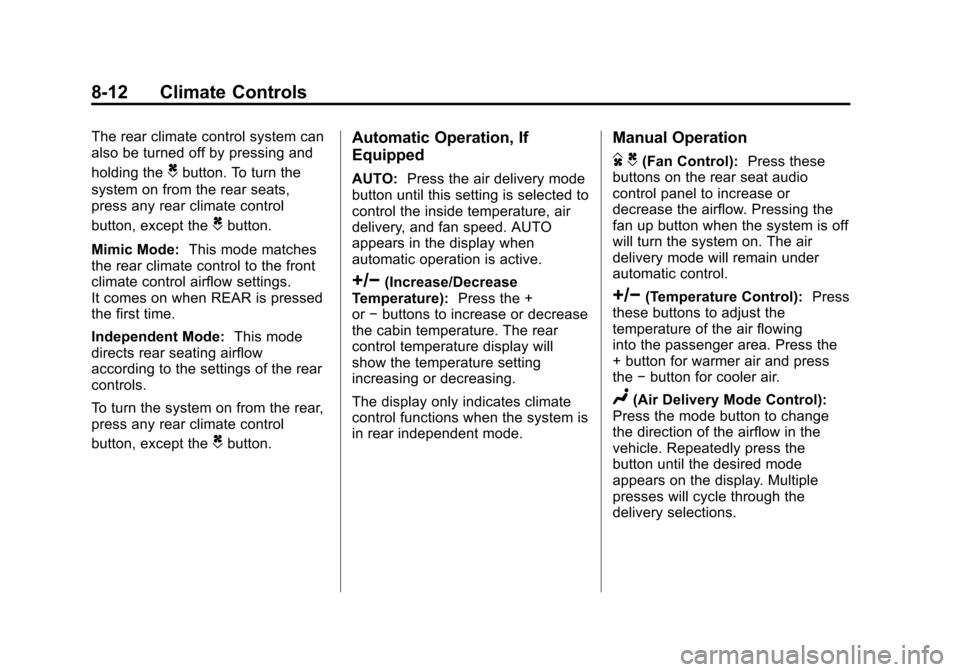
+/−(Increase/Decrease
Temperature): Press the +
or −buttons to increase or decrease
the cabin temperature. The rear
control temperature display will
show the temperature setting
increasing or decreasing.
The display only indicates climate
control functions when the system is
in rear independent mode.
Manual Operation
D C(Fan Control): Press these
buttons on the rear seat audio
control panel to increase or
decrease the airflow. Pressing the
fan up button when the system is off
will turn the system on. The air
delivery mode will remain under
automatic control.
+/−(Temperature Control): Press
these buttons to adjust the
temperature of the air flowing
into the passenger area. Press the
+ button for warmer air and press
the −button for cooler air.
N(Air Delivery Mode Control):
Press the mode button to change
the direction of the airflow in the
vehicle. Repeatedly press the
button until the desired mode
appears on the display. Multiple
presses will cycle through the
delivery selections.
Page 331 of 542
Black plate (43,1)Chevrolet Tahoe/Suburban Owner Manual - 2011
Driving and Operating 9-43
Manual Mode
Range Selection Mode
(Hydra-Matic®6-Speed
Transmission)
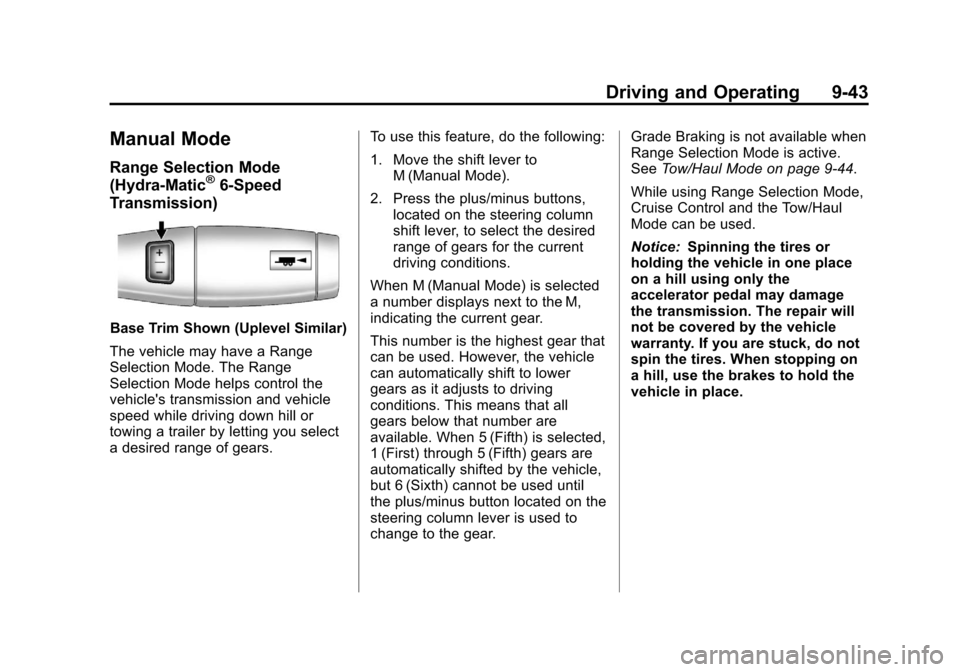
Base Trim Shown (Uplevel Similar)
The vehicle may have a Range
Selection Mode. The Range
Selection Mode helps control the
vehicle's transmission and vehicle
speed while driving down hill or
towing a trailer by letting you select
a desired range of gears. To use this feature, do the following:
1. Move the shift lever to
M (Manual Mode).
2. Press the plus/minus buttons, located on the steering column
shift lever, to select the desired
range of gears for the current
driving conditions.
When M (Manual Mode) is selected
a number displays next to the M,
indicating the current gear.
This number is the highest gear that
can be used. However, the vehicle
can automatically shift to lower
gears as it adjusts to driving
conditions. This means that all
gears below that number are
available. When 5 (Fifth) is selected,
1 (First) through 5 (Fifth) gears are
automatically shifted by the vehicle,
but 6 (Sixth) cannot be used until
the plus/minus button located on the
steering column lever is used to
change to the gear. Grade Braking is not available when
Range Selection Mode is active.
See
Tow/Haul Mode on page 9‑44.
While using Range Selection Mode,
Cruise Control and the Tow/Haul
Mode can be used.
Notice: Spinning the tires or
holding the vehicle in one place
on a hill using only the
accelerator pedal may damage
the transmission. The repair will
not be covered by the vehicle
warranty. If you are stuck, do not
spin the tires. When stopping on
a hill, use the brakes to hold the
vehicle in place.